searxng
SearXNG is a free internet metasearch engine which aggregates results from various search services and databases. Users are neither tracked nor profiled.
- 40k
- Python
- AGPL-3.0
- 2 d ago
A tool to scrape Bing search results with a simple API. Get organic results, ads, knowledge graph, related searches, and more.
Repo serpapi/bing-scraper, read from GitHub 9 h ago. serpapi has not joined Take My Repo.
serpapi/bing-scraper is a public repo on GitHub by serpapi. A tool to scrape Bing search results with a simple API. Get organic results, ads, knowledge graph, related searches, and more. It declares no license on GitHub. Public does not mean open source: without a license, nobody is granted the right to reuse it. It has 0 stars and last changed on 2026-09-17. Nobody has reviewed it on Take My Repo yet, which says nothing about its quality. Read from GitHub on 2026-11-24.
SearXNG is a free internet metasearch engine which aggregates results from various search services and databases. Users are neither tracked nor profiled.
Bing Search Scraper - A tool to scrape Bing search results with a simple API. Get organic results, ads, knowledge graph, related searches, and more.
Get results as structured JSON for applications or Markdown for LLMs and AI agents, without managing HTML parsing or proxies.
Using a simple GET request, you can retrieve Bing search results:
https://serpapi.com/search?engine=bing&q=coffee&mkt=en-US&api_key=YOUR_SERPAPI_API_KEY
q parameter: defines the search query you want to search on Bing.mkt parameter (optional): defines the market code (e.g., en-US). Specifying a known market is recommended. Do not combine it with cc.JSON is the default output and is useful when you need individual result fields. Add output=md to receive Markdown for text-based workflows, LLMs, and AI agents.
curl --get https://serpapi.com/search \
 --data-urlencode engine="bing" \
 --data-urlencode q="coffee" \
 --data-urlencode mkt="en-US" \
 --data-urlencode output="md" \
 --data-urlencode api_key="YOUR_SERPAPI_API_KEY"
Markdown is returned as text, not a JSON object. Use a text response reader instead of a JSON parser. The JSON field names below do not define a guaranteed Markdown structure.
Here are some code examples based on your favorite programming languages.
curl --get https://serpapi.com/search \
 --data-urlencode engine="bing" \
 --data-urlencode q="coffee" \
 --data-urlencode mkt="en-US" \
 --data-urlencode output="json" \
 --data-urlencode api_key="YOUR_SERPAPI_API_KEY"
Step 1:
Create a new main.py file.
Step 2: Install requests package with:
pip install requests
Step 3: Add this code to your file:
import requests

SERPAPI_API_KEY = "YOUR_SERPAPI_API_KEY"

params = {
    "api_key": SERPAPI_API_KEY,
    "engine": "bing",
    "q": "coffee",
    "mkt": "en-US",
    "output": "json"
}

search = requests.get("https://serpapi.com/search", params=params, timeout=60)
search.raise_for_status()
response = search.json()
if "error" in response:
    raise RuntimeError(response["error"])
print(response)
If you're only interested in the organic_results, you can print them from the response directly:
print(response["organic_results"])
To request Markdown instead, keep the parameter definitions above and replace the request and response-handling lines with:
params["output"] = "md"
search = requests.get("https://serpapi.com/search", params=params, timeout=60)
search.raise_for_status()
print(search.text)
Step 1: Install the SerpApi JavaScript package:
npm install serpapi
Step 2:
Create a new index.js file.
Step 3: Add this to your file:
const { getJson } = require("serpapi");
const API_KEY = "YOUR_SERPAPI_API_KEY";

getJson({
  api_key: API_KEY,
  engine: "bing",
  q: "coffee",
  mkt: "en-US"
}, (json) => {
  if (json.error) {
    throw new Error(json.error);
  }
  console.log(json);
});
For Markdown, use a text-capable HTTP client rather than getJson. This standalone alternative uses built-in fetch in Node.js 18 or later:
async function main() {
  const params = new URLSearchParams({
    api_key: "YOUR_SERPAPI_API_KEY",
    engine: "bing",
    q: "coffee",
    mkt: "en-US",
    output: "md"
  });

  const response = await fetch(`https://serpapi.com/search?${params}`, {
    signal: AbortSignal.timeout(60000)
  });
  const text = await response.text();
  if (!response.ok) {
    throw new Error(`SerpApi HTTP ${response.status}: ${text}`);
  }
  console.log(text);
}

main().catch((error) => {
  console.error(error);
  process.exitCode = 1;
});
While you can use our APIs using a simple GET request with any programming language, you can also see our ready-to-use libraries here: SerpApi Integrations.
Please find the main parameters for the Bing Search API below:
| Name | Description | Requirement |
|---|---|---|
| engine | Must be set to bing. |
Required |
| api_key | Your SerpApi private API key. | Required |
| q | Search query. Supports Bing operators such as NOT, OR, site:, and filetype:. |
Required |
| Location and Market | ||
| location | Search origin, preferably at city level. If omitted, results may use the proxy's location. Cannot be combined with uule. See the Locations API. |
Optional |
| lat | Latitude for the search origin. | Optional |
| lon | Longitude for the search origin. | Optional |
| mkt | Market in language-country format, such as en-US. Recommended when known. Cannot be combined with cc. |
Optional |
| cc | Two-character country code, such as us, de, or gb. Cannot be combined with mkt. |
Optional |
| Filtering and Pagination | ||
| safeSearch | Off, Moderate, or Strict. Moderate excludes adult images and videos; Strict also excludes adult text. |
Optional |
| filters | Advanced filter expression, including date ranges. Obtain the value from a Bing search URL rather than inventing filter identifiers. | Optional |
| first | Organic result offset, defaulting to 1. For example, first=10 moves the tenth organic result to the first position. |
Optional |
| SerpApi Parameters | ||
| device | desktop (default), tablet, or mobile. |
Optional |
| no_cache | Set to true for fresh results instead of the one-hour cache. Cannot be combined with async. |
Optional |
| async | Set to true for later retrieval through the Searches Archive API. Cannot be combined with no_cache or used with Ludicrous Speed enabled. |
Optional |
| output | json (default) for structured results, md for Markdown, or html for raw HTML. |
Optional |
Visit our documentation for more information on all available parameters.
Repeat the search with first set to the desired organic-result offset, retaining your query, market, and filters. first is an offset, not a page number; do not assume each page has a fixed number of results. Stop if no further organic results are returned, and set a page or result limit when automating collection.
Bing Search can return different information depending on the query. The following is a field guide, not a literal API response:
{
  "organic_results": [
    {
      "position": "Integer - Position of the result",
      "title": "String - Title of the search result",
      "link": "String - URL to the page",
      "tracking_link": "String - Bing tracking URL",
      "displayed_link": "String - Displayed URL",
      "snippet": "String - Brief excerpt from the page"
    }
  ],
  "related_searches": [
    {
      "query": "String - Related search query",
      "link": "String - Bing search URL"
    }
  ]
}
Other sections can include ads, knowledge_graph, inline_videos, and search_information. News, local results, images, and other search features may also appear depending on the page. Do not assume every response includes every section or field.
For Markdown output, use output=md and read the response as text as shown above.
Here are some use cases for the Bing Search API:
Feel free to reach out via contact@serpapi.com.
serpapi/bing-scraper is a public repo on GitHub by serpapi. A tool to scrape Bing search results with a simple API. Get organic results, ads, knowledge graph, related searches, and more.
It declares no license on GitHub. Public does not mean open source: without a license, nobody is granted the right to reuse it.
Its maker has not tagged a system, so it is unknown here. Its README says what it needs.
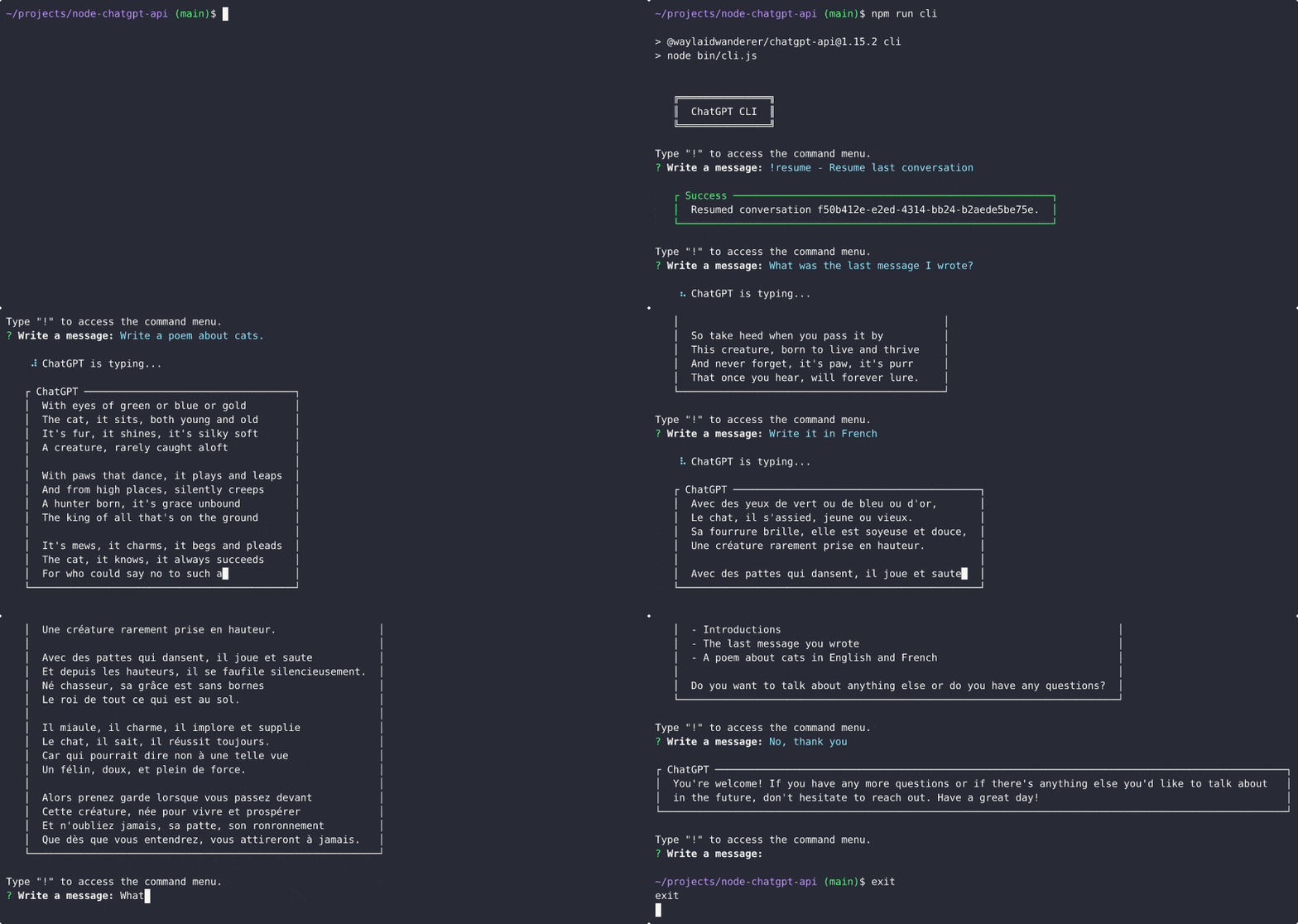
A client implementation for ChatGPT and Bing AI. Available as a Node.js module, REST API server, and CLI app.
一个简洁优雅的词典翻译 macOS App。开箱即用,支持离线 OCR 识别,支持有道词典,🍎 苹果系统词典,🍎 苹果系统翻译,OpenAI,Gemini,DeepL,Google,Bing,腾讯,百度,阿里,小牛,彩云和火山翻译。A concise and elegant Dictionary and Translator macOS App for looking up words and translating text.
Face Mask Detection system based on computer vision and deep learning using OpenCV and Tensorflow/Keras
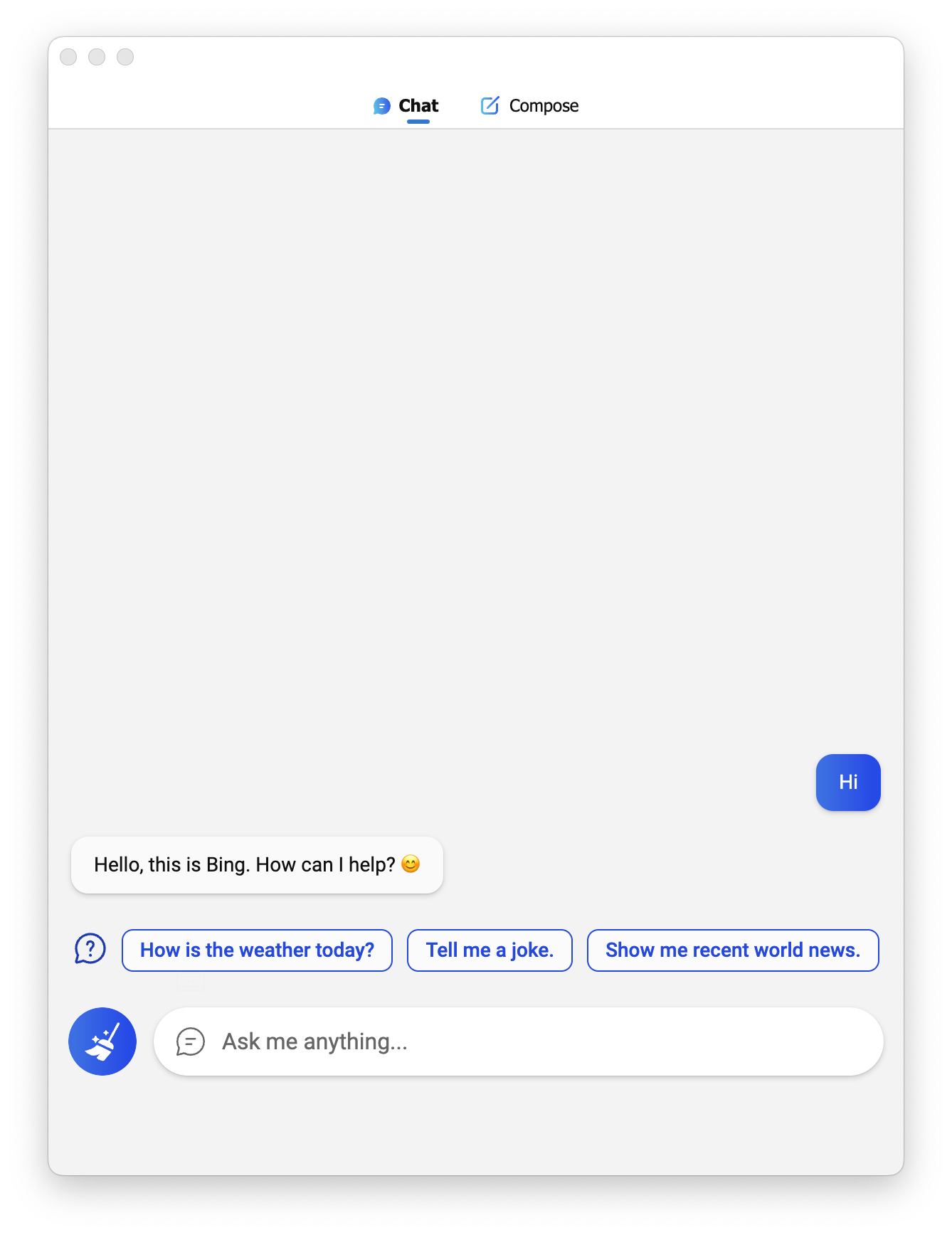
Desktop application of new Bing's AI-powered chat (Windows, macOS and Linux)
Open "Take it" on its page: Take My Repo writes an install plan for your machine and hands it to your AI agent (Claude Code, Codex or Cursor), which asks you before each step. Take My Repo has not tested it on any machine.
Its last change on GitHub was on 2026-09-17. GitHub counts 0 open issues and pull requests. Take My Repo does not judge from that whether it is maintained.
Nobody has reviewed it on Take My Repo yet, which says nothing about its quality.
Take My Repo cannot say: it does not audit code and has not run bing-scraper. What is known comes from GitHub. It declares no license on GitHub. Public does not mean open source: without a license, nobody is granted the right to reuse it. Its last change was on 2026-09-17. It has 0 stars, which measure popularity, not safety. Nobody has reviewed it on Take My Repo yet, which says nothing about its quality. Read the source before you run it. With "Take it", your AI agent shows each step and asks you before running it; README text is treated as data, not as instructions.