dify
Build Agentic workflows, RAG pipelines, with rich AI model and tool support on one collaborative workspace. Deploy on cloud, VPC, or self-hosted, so teams move from prototype to production without rebuilding the stack.
- 162k
- Python
- 10 h ago
serverosd, the daemon behind ServerOS: one panel for the Linux servers you already own. Connect any VPS with one command.
Repo serveroshq/daemon, read from GitHub 1 min ago. serveroshq has not joined Take My Repo.
serveroshq/daemon is a public repo on GitHub by serveroshq. serverosd, the daemon behind ServerOS: one panel for the Linux servers you already own. Connect any VPS with one command. It declares the AGPL-3.0 license on GitHub. It is written mainly in Rust, has 20 stars and last changed on 2026-11-21. Nobody has reviewed it on Take My Repo yet, which says nothing about its quality. Read from GitHub on 2026-11-23.

The small agent that connects your servers to ServerOS.
serverosd is the one thing ServerOS installs on a machine: a single static
binary that connects out to the panel, discovers what is already running,
adopts it without a restart, and does the deploying, backing up, and
watching on the panel's behalf.
It runs as root, because installing and updating packages, editing firewall rules, and
driving systemd and Docker need root. It is not a remote shell: everything
it can do is a fixed, reviewed list in crates/daemon-capability, every
privileged action is written to /var/log/serveros/actions.log in plain
English before it happens, and the things it will never do (read
/etc/shadow, read SSH private keys, leave permitted directories, phone
anywhere but the panel and configured storage) are tests, not prose.
curl -fsSL https://serveros.com/install.sh | sudo bash -s -- --token=ENROL_TOKEN
The script downloads the binary, verifies its checksum, and runs
serverosd enrol, which prints every step. There is no inbound port: the
daemon dials the panel over TLS 1.3 on 443 with a certificate issued at
enrolment, and reconnects on its own.
A self-hosted panel on its own certificate (a home network with no public
domain) gives a longer command. It checks the panel's CA against the
SHA-256 in the command first, then serverosd enrol --panel-ca trusts only
that CA for the panel and keeps it in /etc/serveros/panel-ca.crt.
serverosd status        what the daemon is doing
serverosd inventory     a read-only scan of what is running here
serverosd doctor        checks, each with a fix
serverosd update        check for a release, or --to X to install one
serverosd disconnect    stop management; leave every service running
serverosd uninstall     remove ServerOS and print what went and what stayed
One Cargo workspace, one crate per concern. Each crate's lib.rs says what
it is for; parsers are pure functions tested against fixtures so the suite
runs on any platform, and only the thin readers touch /proc, systemd, or
the Docker socket.
| Crate | What it owns |
|---|---|
daemon-core |
Paths, daemon.toml, build info, secret redaction, error reports |
daemon-protocol |
The versioned wire protocol; one driver per major |
daemon-audit |
actions.log |
daemon-capability |
The privileged operation set and the broker that gates it |
daemon-http |
The small HTTPS client for enrolment and release downloads |
daemon-state |
state.db: job ledger, telemetry ring buffer, outbox |
daemon-identity |
Keypair, CSR, client certificate, enrolment |
daemon-transport |
The outbound mTLS control channel, heartbeat, reconnect |
daemon-telemetry |
Machine facts, procfs samples, derived signals |
daemon-inventory |
Discovery: listeners, systemd, Docker, web servers, cron, TLS |
daemon-import |
Enrichment, honest previews, adoption, un-adoption |
daemon-services |
The adoption ledger and the systemd and Docker adapters |
daemon-jobs |
Durable, idempotent jobs with timeouts and streamed output |
daemon-files |
Symlink-safe file operations inside permitted roots |
daemon-streams |
Log tails and PTY sessions |
daemon-deploy |
Fetch by commit, build, health, Caddy swap, rollback |
daemon-backup |
Native dumps and tar, retention, pre-restore snapshots, S3 |
daemon-supervisor |
Self-health and the resource budget |
daemon-selfupdate |
Signed, policy-gated updates with automatic rollback |
daemon-uninstall |
The manifest of what ServerOS created, and its removal |
daemon-network |
Project networks: WireGuard interfaces, their firewall rules, forwarders |
serverosd |
The binary: CLI, control loop, job handler, workers |
release-tool |
Key generation, signing, and manifests for CI |
make build          # debug build
make test           # the whole suite
make clippy         # lints, warnings denied
make linux-check    # type-check for Linux from macOS via Docker
make e2e-networks   # project networks and data copies on real WireGuard, in Docker
make release        # static musl binaries in dist/ (needs cargo-zigbuild on macOS)
Release builds stamp the version, commit, channel, and the release public
key through environment variables (SERVEROS_VERSION, SERVEROS_COMMIT,
SERVEROS_CHANNEL, SERVEROS_RELEASE_PUBKEY). A binary built without a
public key cannot install updates, which is the safe failure.
serveros-gateway (crates/serveros-gateway) is the panel-side end of the
control channel. It terminates each daemon's mutual-TLS WebSocket, reads
the certificate serial, asks the panel (POST /api/gateway/hello) which
machine that is, and then relays: daemon envelopes are batched to
/api/gateway/machines/{uid}/ingest, and the panel pushes commands
through the gateway's loopback API (POST /machines/{uid}/commands).
Browser terminals and log tails attach to /streams/{session} with a
ticket the panel signed, so PTY bytes never pass through PHP.
php artisan daemon:ca init                      # once, in the panel
php artisan daemon:ca issue-server --host gateway.example.com --out /etc/serveros/gateway
make gateway && cp target/release/serveros-gateway /usr/local/bin/
cp deploy/gateway.env.example /etc/serveros/gateway.env   # fill in GATEWAY_SECRET
cp deploy/serveros-gateway.service /etc/systemd/system/ && systemctl enable --now serveros-gateway
It keeps no state: restart it and daemons reconnect with backoff.
The daemon drives host tools it does not replace. The defaults are what
the installer would pick on a fresh Ubuntu box; an existing server keeps
what it has by changing [integrations] in /etc/serveros/daemon.toml:
[integrations]
proxy = "caddy"      # caddy | nginx | none
firewall = "ufw"     # ufw | nftables | iptables | none
/etc/caddy/serveros.d or /etc/nginx/serveros.d), validated
before reload, reverted if validation fails. Caddy handles TLS itself;
with nginx, TLS stays whatever certbot or the operator set up.*.example.com gets a Caddy site
with on-demand TLS, so each subdomain gets its own certificate the first
time it's visited, over the usual HTTP challenge, with no DNS provider.
The daemon adds on_demand_tls { ask … } to the Caddyfile's global
options and answers Caddy's question on 127.0.0.1:47019, saying yes
only for a name one label under a wildcard in its own site files. A
Caddyfile that already sets on_demand_tls is left alone.tunnel job (action: up with the
tunnel's token, or down) runs cloudflared as the
serveros-tunnel systemd unit, installed from Cloudflare's package
repository (apt, dnf or yum) if it's missing. The token is kept
root-only in /etc/serveros/tunnel.env and read by the unit, so it's
never on a command line, in a log or in the job ledger. While the tunnel
is up, Caddy serves every app domain over plain HTTP on port 80 (the
tunnel's edge does HTTPS; apps get X-Forwarded-Proto: https), marked
by .plain-http in serveros.d; down puts HTTPS back. A failed up
leaves the machine as it was. Point the tunnel's routes (published
applications, *.example.com say) at http://localhost:80.
Visitors' addresses arrive in Cloudflare's
CF-Connecting-IP header. Gated as tunnel.write and refused in
read-only mode.22/tcp, from 10.0.0.0/8 to any port 5432);
nftables rules live in a table ServerOS owns (inet serveros).network job gives a project its own
WireGuard network across machines. Each machine gets an interface named
sos{network} (sosp7k2q9; network ids are at most 12 characters, so
the name fits the kernel's 15), one address on it, and exactly the peers
the panel lists. Services are offered on that address by small TCP
forwarders that only point at loopback or the Docker bridge. The
firewall lets in the UDP port, the network on its interface, and local
containers reaching an offered port, only over Docker's bridges
(docker*, br-*: a provider network in 172.16.0.0/12 isn't let in); nftables and
iptables keep these in a chain of the network's own (net_{id},
SOS-{id}). With nftables they also go, tagged serveros:net_{id}, at
the top of every other inet table's input chain, since a policy drop
there would otherwise win. The private key is made on the machine, kept root-only in
/var/lib/serveros/networks, and never sent; networks come back up when
the daemon starts. wireguard-tools is installed if wg is missing.
The job's fields, checks and results, and how the panel copies a
database between machines over the network, are in
docs/project-networks.md.SERVEROS_PANEL_URL) and the docs base
(SERVEROS_DOCS_URL) are build-time environment variables, and the
release download allowlist is [updates] allowed_hosts.When the daemon crashes or logs an error, it sends a short report to
ServerOS (we use Sentry) so we can find and fix the bug. Reports are
scrubbed on the machine before they go: no hostname, IP addresses, users or
request data, and anything that looks like a token, key, password or env
value is replaced with [redacted]. No file contents are ever attached.
Each report carries the daemon's version and the machine id the panel gave
it at enrolment, nothing else that identifies the box.
Only our release builds report; a build from source sends nothing unless you give it an address. To turn reports off, either:
[error_reports]
enabled = false
in /etc/serveros/daemon.toml, or SERVEROS_ERROR_REPORTS=0 in the
service's environment (systemctl edit serverosd). You can also switch
them on or off for a machine from its machine policy in the panel. That
writes the same enabled setting and takes effect straight away, no
restart. SERVEROS_ERROR_REPORTS=0 always wins: with it set, the reporting
code is never started and the panel can't turn it back on. To send reports to your own Sentry instead, set
dsn = "https://..." in the same section, or SERVEROS_SENTRY_DSN.
serverosd debug sentry-test sends one test report and tells you whether
it arrived. The gateway follows the same two environment variables.
make messy-check builds the daemon for Linux in Docker and runs its
discovery scan against tests/fixtures/messy-server: nginx in front of a
pm2 app, postgres and redis started by hand, a game server in screen, a
nohup'd script, a cron job, and a letsencrypt-style certificate. The
checks assert each is found, classified, and attributed to the right
manager. Two things still need a real VM rather than a container: systemd
unit discovery (containers have no systemd, so only the honest "not
reachable" path runs) and the Docker socket.
Automatic updates follow daemon.toml: they can be turned off, pinned to a
version, restricted to a channel, or limited to a maintenance window. A
major version change always waits for a person to approve it. Releases
carry min_from, so a daemon too far behind is told to step through an
intermediate release. The old binary stays beside the new one, and a new
binary that fails to reconnect three times is rolled back automatically.
Every message is an envelope with a protocol major, a monotonic sequence
number, an id, and a typed payload. Changes within a major are additive;
a breaking change is a new driver in daemon-protocol, and the old driver
keeps shipping until no supported daemon speaks it. The panel side needs:
POST /api/daemon/enrol — token + CSR → machine id, certificate, CAwss://<host>/daemon/control — the mTLS control channelGET /api/daemon/releases/latest?channel=&arch= — the release manifestBug reports, fixes and ideas are welcome. Read CONTRIBUTING.md first: the daemon runs as root, so changes to what it's allowed to do get an issue and a maintainer's agreement before any code. Security problems go to security@serveros.com, never a public issue.
GNU Affero General Public License v3.0. Copyright © 2026 ServerOS Cloud Ltd. You can run it, read it, change it and share it. If you run a changed version for other people over a network, you have to offer them the source of your changes under the AGPL too.
Releases published before the switch to the AGPL were under the Business Source License 1.1; they're available under the AGPL-3.0 as well.
The ServerOS name and logo aren't covered by the licence; see the trademark policy. For a commercial licence, email liam@serveros.com.
serveroshq/daemon is a public repo on GitHub by serveroshq. serverosd, the daemon behind ServerOS: one panel for the Linux servers you already own. Connect any VPS with one command.
It declares the AGPL-3.0 license on GitHub.
Its maker tagged it for macOS, Windows and Linux, or as Docker or cross-platform. That is declared by the maker; Take My Repo has not tested it.
Open "Take it" on its page: Take My Repo writes an install plan for your machine and hands it to your AI agent (Claude Code, Codex or Cursor), which asks you before each step. Take My Repo has not tested it on any machine.
Its last change on GitHub was on 2026-11-21. GitHub counts 9 open issues and pull requests. Take My Repo does not judge from that whether it is maintained.
Nobody has reviewed it on Take My Repo yet, which says nothing about its quality.
Build Agentic workflows, RAG pipelines, with rich AI model and tool support on one collaborative workspace. Deploy on cloud, VPC, or self-hosted, so teams move from prototype to production without rebuilding the stack.
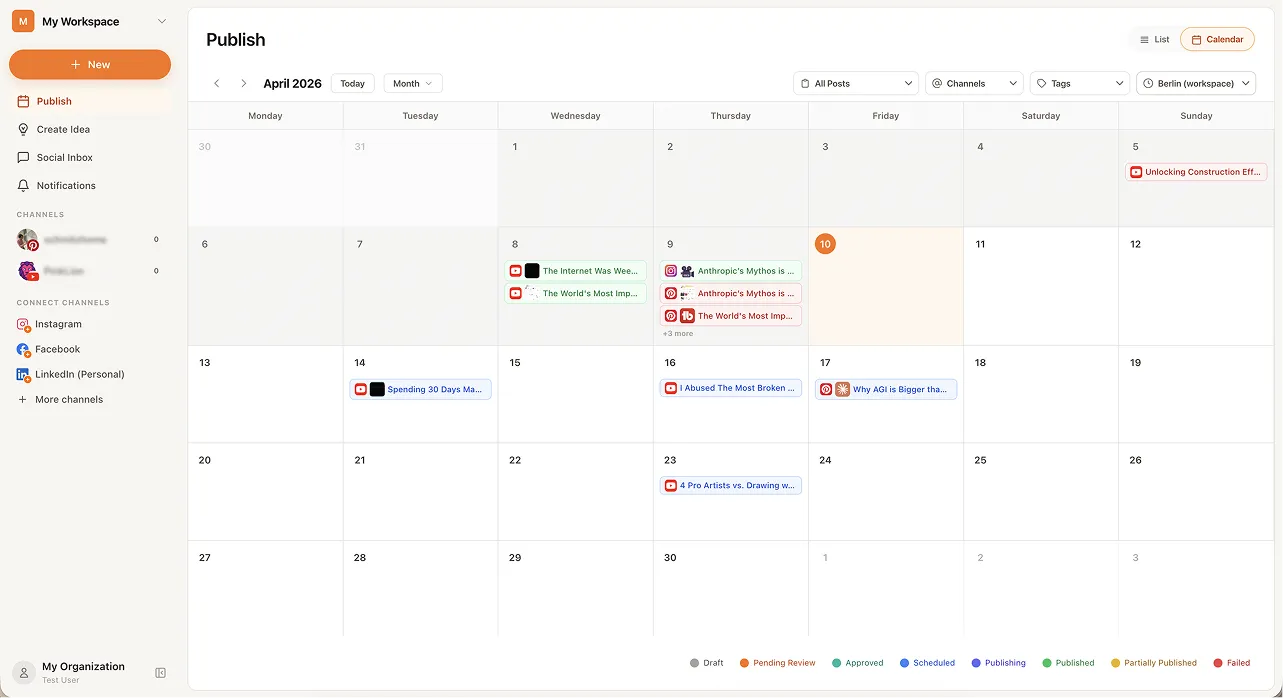
Open-source, self-hostable social media management platform. Schedule, publish, and manage content across 10+ platforms from a single dashboard. Free alternative to Buffer, Sendible, and SocialPilot.
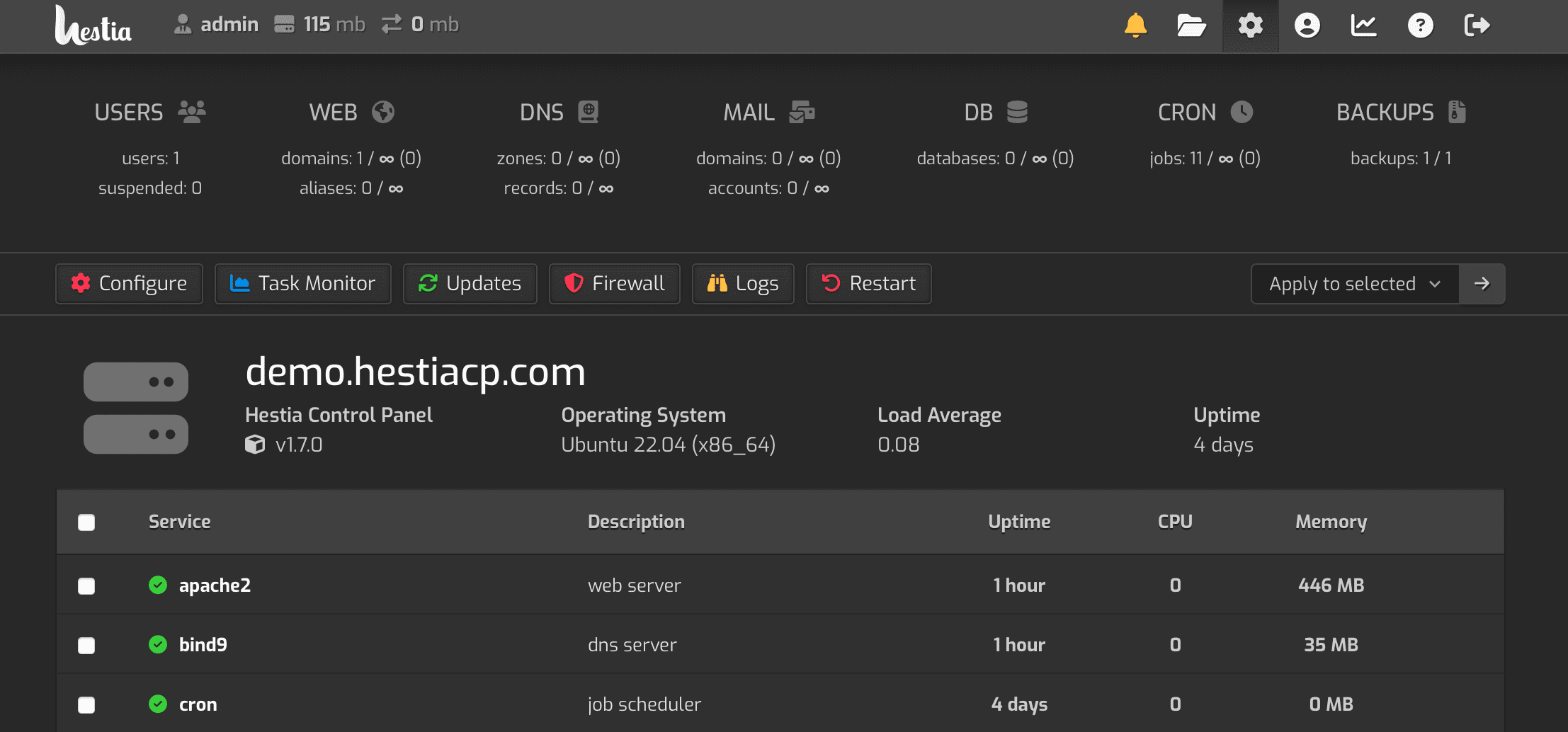
Hestia Control Panel | A lightweight and powerful control panel for the modern web.
An open-source, self-hostable PaaS alternative to Vercel, Heroku & Netlify that lets you easily deploy static sites, databases, full-stack applications and 360+ one-click services on your own servers.
The agent harness performance optimization system. Skills, instincts, memory, security, and research-first development for Claude Code, Codex, Opencode, Cursor and beyond.
Reverse engineer anything with agents, from app behavior down to native binaries.
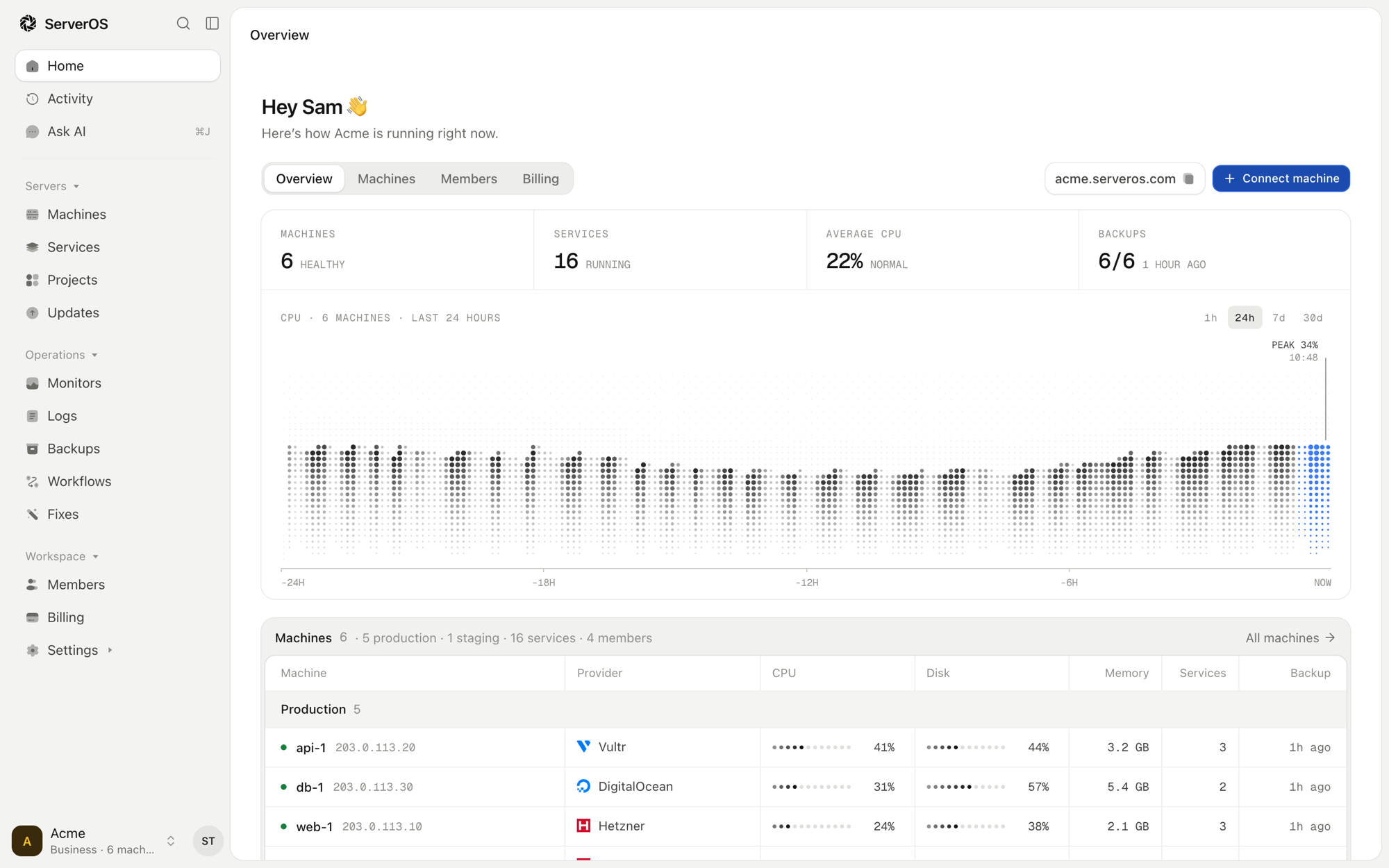
The open source ServerOS panel: one place to run the Linux servers you already own.