Proxy Tools
IPv6-to-IPv4 proxy generator with USB tethering auto-detection. Routes traffic through Android USB tethering using NAT64/DNS64, making IPv4 traffic appear as IPv6 to the ISP.
Features
- SOCKS5 Proxy (RFC 1928) with username/password authentication
- HTTP/HTTPS Proxy with Basic auth and CONNECT tunneling
- USB Tethering Auto-Detection — detects phone connection on Linux, Windows, macOS
- NAT64/DNS64 Routing — IPv4 traffic routed through IPv6 via ISP's NAT64 gateway
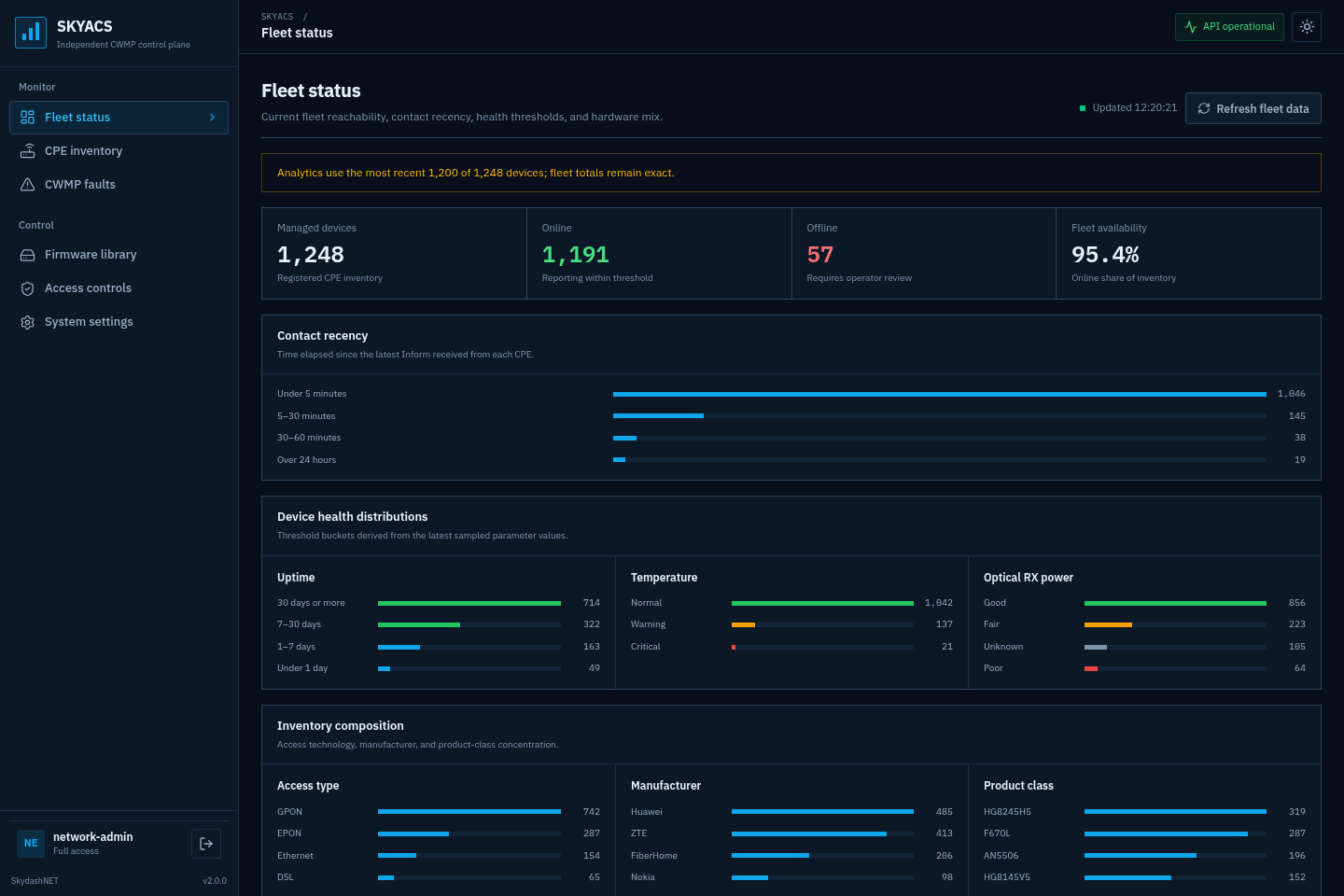
- Web Dashboard — real-time monitoring, account generation, settings management
- Account Generation — CLI and dashboard-based, exports to TXT/CSV
- IPv6 Address Rotation — random, round-robin, or sticky strategies
Quick Start
# Build
cargo build --release

# Generate 20 proxy accounts
./target/release/proxy-tools --generate 20

# Run
./target/release/proxy-tools
Dashboard: http://localhost:8080
Usage
proxy-tools [OPTIONS]

Options:
  -c, --config <FILE>          Config file [default: config.toml]
  -s, --socks5-port <PORT>     SOCKS5 proxy port
  -p, --http-port <PORT>       HTTP proxy port
      --dashboard-port <PORT>  Dashboard port
  -g, --generate <N>           Generate N proxy accounts
  -h, --help                   Print help
Proxy Configuration
| Protocol |
Default Port |
Auth |
| SOCKS5 |
1080 |
username/password |
| HTTP |
8888 |
Basic auth |
Browser Setup
Firefox:
Settings > Network Settings > Manual Proxy Configuration
- SOCKS5 Host:
localhost Port: 1080
- Check "Proxy DNS when using SOCKS v5"
Chrome/Edge:
Use a proxy extension or launch with:
google-chrome --proxy-server="socks5://localhost:1080"
curl:
curl -x socks5://user001:password@localhost:1080 http://httpbin.org/ip
curl -x http://user001:password@localhost:8888 http://httpbin.org/ip
Account Generation
CLI
# Generate 20 accounts
./proxy-tools --generate 20

# Output: accounts.txt + config.toml updated
Dashboard
Open http://localhost:8080 > Accounts > Enter count > Generate
Exports: Copy All, TXT download, CSV download
How It Works
- Connect Android phone via USB, enable USB tethering
- Proxy Tools detects the USB network interface (e.g.,
enp0s20u7)
- Extracts IPv6 address from the interface
- Starts SOCKS5 and HTTP proxy servers
- When a client connects, DNS resolves domains via DNS64 (synthesized AAAA records)
- Traffic routes through ISP's NAT64 gateway — ISP sees it as IPv6 traffic
Client -> Proxy (port 1080/8888) -> DNS64 Resolve -> NAT64 Gateway -> IPv4 Internet
                      |
               USB Tethering
               (IPv6 from ISP)
Configuration
[proxy]
socks5_port = 1080
http_port = 8888
bind_address = "::"

[usb]
poll_interval_secs = 2
interface_names = ["usb0", "rndis0", "cdc_eth", "enp0s20u7"]

[rotation]
enabled = true
strategy = "random"    # random | round-robin | sticky
pool_size = 10

[auth]
enabled = false

[dashboard]
enabled = true
port = 8080
host = "0.0.0.0"
Dashboard
Dark-themed web interface for managing the proxy:
- Dashboard — proxy status, USB connection, traffic stats, quick config
- Connections — live list of active proxy connections
- Accounts — generate and export proxy accounts
- Settings — ports, auth, rotation strategy, pool size
Mobile-responsive with sidebar navigation on desktop, hamburger menu on mobile.
Tech Stack
- Rust + Tokio (async runtime)
- Axum (web framework + WebSocket)
- socket2 (source-bound TCP connections)
- tower-http (static files, CORS)
Platform Support
| Platform |
USB Detection |
Proxy |
| Linux |
ip command, sysfs |
Full |
| Windows |
PowerShell Get-NetAdapter |
Full |
| macOS |
ifconfig, networksetup |
Full |
License
MIT
Author
SkydashNET