ai-website-cloner-template
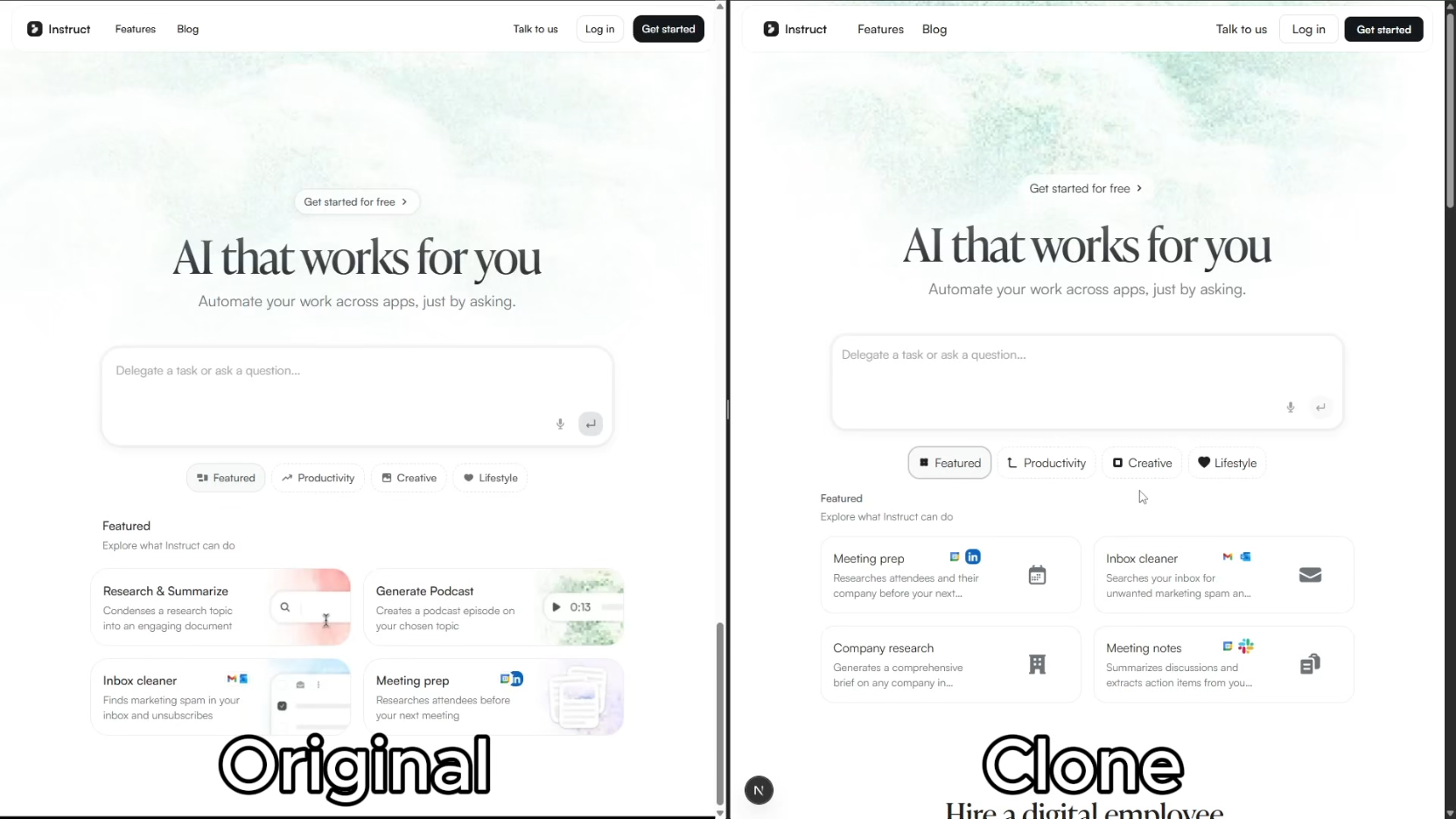
Clone any website with one command using AI coding agents
- 40k
- TypeScript
- MIT
- 13 d ago

Production-ready React boilerplate and Super Admin Control Plane for scalable multi-tenant SaaS applications. Features comprehensive tenant management, flexible authentication integration, subscription plans, billing controls. Built with TypeScript, Material-UI, and Vite.
Repo sourcefuse/arc-react-sass-ui, read from GitHub 1 min ago. sourcefuse has not joined Take My Repo.
sourcefuse/arc-react-sass-ui is a public repo on GitHub by sourcefuse. Production-ready React boilerplate and Super Admin Control Plane for scalable multi-tenant SaaS applications. Features comprehensive tenant management, flexible authentication integration, subscription plans, billing controls. Built with TypeScript, Material-UI, and Vite. It declares the MIT license on GitHub. It is written mainly in TypeScript, has 6 stars and last changed on 2026-11-20. Nobody has reviewed it on Take My Repo yet, which says nothing about its quality. Read from GitHub on 2026-11-23.

A comprehensive, production-ready React SaaS UI boilerplate and Super Admin Control Plane for building and managing scalable multi-tenant SaaS applications
Built by SourceFuse as a complete solution for SaaS platforms, this project combines a rich component with powerful administrative capabilities. It serves as both a UI boilerplate for building modern SaaS interfaces and a fully functional control plane for managing tenants, subscriptions, billing, and system operations.
⚠️ Important: This is a frontend-only application that requires specific backend APIs to function. See API Dependencies section for required services.
Whether you're building a new SaaS platform or need administrative tools for an existing one, this boilerplate provides enterprise-grade components and management features out of the box.
Here's what the dashboard looks like:


⚠️ Critical: This application cannot function without the following backend APIs and services. Ensure all required services are properly configured before deployment.
| Service | Environment Variable | Purpose | Required |
|---|---|---|---|
| Authentication API | AUTH_API_BASE_URL |
OAuth2/OpenID Connect authentication server Connect | ✅ Required |
| Main Application API | APP_API_BASE_URL |
Core business logic, CRUD operations | ✅ Required |
| Tenant Management API | TENANT_API_BASE_URL |
Tenant lifecycle, provisioning, management | ✅ Required |
| Audit API | AUDIT_API_BASE_URL |
Audit logging, activity tracking | ✅ Required |
| Observability Dashboard | GRAFANA_URL |
Monitoring, metrics, system health | ❌ Optional |
The application expects the following API endpoints to be available:
POST /auth/login - User authenticationPOST /auth/refresh - Token refreshPOST /auth/logout - User logoutGET /tenants - List tenantsPOST /tenants - Create tenantPUT /tenants/:id - Update tenantDELETE /tenants/:id - Delete tenantGET /plans - List subscription plansPOST /plans - Create planPUT /plans/:id - Update planGET /plan-items - List plan itemsPOST /plan-items - Create plan itemGET /features - List featuresPOST /features - Upload features via CSVPUT /features/:id - Update featureGET /invoices - List invoicesPOST /invoices - Generate invoiceGET /payments - List paymentsPOST /payments - Process paymentGET /settings - Get system settingsPUT /settings - Update system settingsGET /clusters - List clustersPOST /clusters - Create clusterAll APIs should return responses in the following format:
// Success Response
{
  "data": any,
  "message": string,
  "status": "success"
}

// Error Response
{
  "error": string,
  "message": string,
  "status": "error"
}
All API requests require the following headers:
Authorization: Bearer <access_token>
Content-Type: application/json
src/
├── Components/           # Reusable UI components
│   ├── AppBar/          # Application header
│   ├── Button/          # Button variants
│   ├── Table/           # Data tables with advanced features
│   ├── Forms/           # Form components and validation
│   ├── SideNav/         # Navigation components
│   └── ...              # 40+ more components
├── Pages/               # Application pages
│   ├── Dashboard/       # Analytics dashboard
│   ├── Tenants/         # Tenant management
│   ├── Configuration/   # Super Admin Control Plane
│   │   ├── Plans/       # Plan management
│   │   ├── PlanItems/   # Plan items configuration
│   │   ├── Features/    # Feature management
│   │   ├── Clusters/    # Cluster management
│   │   ├── Billing/     # Billing configuration
│   │   ├── Settings/    # System settings
│   │   └── Terms/       # Terms & conditions
│   ├── Leads/           # Lead management
│   ├── Payments/        # Billing & invoicing
│   └── ...              # Feature-specific pages
├── Providers/           # React context providers
│   ├── theme/           # Theme configuration
│   └── ...              # Global state providers
├── Hooks/               # Custom React hooks
├── redux/               # State management
├── Constants/           # Application constants
└── Helpers/             # Utility functions
git clone https://github.com/<your-username>/arc-react-sass-ui.git
cd arc-react-sass-ui
npm install
cp .env.example .env
npm start
Visit http://localhost:3000 to see the application in action.
Create a .env file in the root directory with the following variables:
# Core Configuration
CLIENT_ID=your-oauth-client-id
APP_API_BASE_URL=https://api.yourdomain.com
AUTH_API_BASE_URL=https://auth.yourdomain.com
TENANT_API_BASE_URL=https://tenant-api.yourdomain.com
AUDIT_API_BASE_URL=https://audit-api.yourdomain.com

# Session Management
ENABLE_SESSION_TIMEOUT=true
EXPIRY_TIME_IN_MINUTE=30
PROMPT_TIME_BEFORE_IDLE_IN_MINUTE=5
STORAGE_SESSION_TIME_KEY=sessionExpiry

# Observability
GRAFANA_URL=https://grafana.yourdomain.com
OBSERVABILITY_DOMAIN=your-app-domain

# UI & Branding
APP_NAME=Your SaaS Application
APP_DESCRIPTION=Your application description

# Optional Configuration
DEFAULT_TIER_ID=default-tier
HASH_SECRET_KEY=your-secret-key
ENABLE_HASH_SECRET=true
| Variable | Description | Type | Required | Default |
|---|---|---|---|---|
CLIENT_ID |
OAuth client identifier | string |
✅ | - |
AUTH_API_BASE_URL |
OAuth authentication server URL | string |
✅ | - |
APP_API_BASE_URL |
Main backend API URL | string |
✅ | - |
TENANT_API_BASE_URL |
Tenant management API URL | string |
✅ | - |
AUDIT_API_BASE_URL |
Audit logging API URL | string |
✅ | - |
ENABLE_SESSION_TIMEOUT |
Enable session timeout management | boolean |
❌ | false |
EXPIRY_TIME_IN_MINUTE |
Session expiry time in minutes | number |
❌ | 15 |
PROMPT_TIME_BEFORE_IDLE_IN_MINUTE |
Idle warning time in minutes | number |
❌ | 1 |
APP_NAME |
Application name for branding | string |
✅ | - |
APP_DESCRIPTION |
Application description | string |
✅ | - |
This application serves as a Super Admin Control Plane for managing multi-tenant SaaS operations:
import React from "react";
import { BrowserRouter } from "react-router-dom";
import { Provider } from "react-redux";
import { ThemeProvider } from "@mui/material/styles";
import App from "./App";
import { store } from "./redux/store";
import { theme } from "./Providers/theme";

function AppWrapper() {
  return (
    <Provider store={store}>
      <ThemeProvider theme={theme}>
        <BrowserRouter>
          <App />
        </BrowserRouter>
      </ThemeProvider>
    </Provider>
  );
}

export default AppWrapper;
import { Button, Table, PageHeader } from "Components";
import { PermissionsEnum } from "Constants/enums";
import { PermissionWrapper } from "Components/PermissionWrapper";

function MyPage() {
  return (
    <>
      <PageHeader pageName="My Page" />
      <PermissionWrapper requiredPermissions={[PermissionsEnum.ViewTenant]}>
        <Button variant="contained" color="primary">
          Add Tenant
        </Button>
      </PermissionWrapper>
      <Table
        columns={columns}
        data={data}
        enableFiltering
        enableSorting
        enablePagination
      />
    </>
  );
}
All theming is centralized in src/Providers/theme/colors.ts:
export const colors = {
  // Primary brand colors
  primary: "#ff0000",
  primary200: "#f15e5eff",
  primary100: "#f9b9b9ff",
  primary50: "#fce2e2ff",

  // Secondary colors
  secondary: "#5c0000",

  // Status colors
  success: "#00C851",
  warning: "#FAC353",
  destructive: "#ED4337",

  // Surface colors
  surfaceLight: "#FFFFFF",
  surfaceDark: "#f4f2f2ff",

  // Background colors
  backgroundLight: "#fcfafaff",
  backgroundDark: "#E2E2E2",

  // ... more color definitions
} as const;
import { createTheme } from "@mui/material/styles";
import { colors } from "./colors";

export const theme = createTheme({
  palette: {
    primary: {
      main: colors.primary,
      light: colors.primary100,
      dark: colors.secondary,
    },
    secondary: {
      main: colors.secondary,
    },
    success: {
      main: colors.success,
    },
    warning: {
      main: colors.warning,
    },
    error: {
      main: colors.destructive,
    },
  },
  // ... additional theme configuration
});
src/Assets/colors.ts fileAPP_NAME environment variableBefore proceeding, ensure you have the following:
name, loginPath, etc.)src/Constants/enums/AuthProvider.enum.tssrc/Constants/AuthProviders.config.tsAuthProvider.enum.tsIn the src/Constants/enums/AuthProvider.enum.ts file, add the new OAuth provider to the AuthProvider enum.
Example:
export enum AuthProvider {
  KEYCLOAK = "keycloak",
  COGNITO = "cognito",
  // Add the new provider here
  GOOGLE = "google", // New provider example
  GITHUB = "github", // New provider example
}
AuthProviders.config.tsThe AuthProviderConfig object in src/Constants/AuthProviders.config.ts stores configuration for each OAuth provider, including the display name and login path.
To add your new provider, add an entry for it in this file:
import { AuthProvider } from "./enums/AuthProvider.enum";

export const AuthProviderConfig: Record<
  AuthProvider,
  { name: string; loginPath: string }
> = {
  [AuthProvider.KEYCLOAK]: {
    name: "Sign in with Keycloak",
    loginPath: "/auth/login",
  },
  [AuthProvider.COGNITO]: {
    name: "Sign in with Cognito",
    loginPath: "/auth/cognito/login",
  },
  // Add your new provider configuration here
  [AuthProvider.GOOGLE]: {
    name: "Sign in with Google",
    loginPath: "/auth/google/login", // Update this with your provider's login URL
  },
  [AuthProvider.GITHUB]: {
    name: "Sign in with GitHub",
    loginPath: "/auth/github/login", // Update this with your provider's login URL
  },
};
Make sure the loginPath is set to the correct URL for your OAuth provider’s login endpoint.
Login.tsx UIThe login page will automatically render buttons for the new providers because the AuthProviders.getProviders() function dynamically generates them from the AuthProviderConfig.
Ensure that your src/Pages/Login/Login.tsx is correctly rendering all the providers. It should look like this:
The application supports OAuth2/OpenID Connect authentication with various providers:
// Authentication configuration
const authConfig = {
  url: process.env.AUTH_API_BASE_URL,
  realm: "your-realm",
  clientId: process.env.CLIENT_ID,
  redirectUri: process.env.REDIRECT_URI,
  postLogoutRedirectUri: process.env.POST_LOGOUT_REDIRECT_URI,
  onLoad: "login-required",
  checkLoginIframe: false,
};
// Session timeout configuration
const sessionConfig = {
  enabled: process.env.ENABLE_SESSION_TIMEOUT === "true",
  expiryTime: parseInt(process.env.EXPIRY_TIME_IN_MINUTE || "15"),
  promptTime: parseInt(process.env.PROMPT_TIME_BEFORE_IDLE_IN_MINUTE || "1"),
  storageKey: process.env.STORAGE_SESSION_TIME_KEY || "sessionExpiry",
};
import { PermissionWrapper } from "Components/PermissionWrapper";
import { PermissionsEnum } from "Constants/enums";

// Protect components with permissions
<PermissionWrapper requiredPermissions={[PermissionsEnum.ViewTenant]}>
  <TenantManagementComponent />
</PermissionWrapper>;
The application uses RTK Query for API management:
// API slice example
export const tenantApiSlice = createApi({
  reducerPath: "tenantApi",
  baseQuery: fetchBaseQuery({
    baseUrl: process.env.TENANT_API_BASE_URL,
    prepareHeaders: (headers, { getState }) => {
      const token = selectAuthToken(getState());
      if (token) {
        headers.set("authorization", `Bearer ${token}`);
      }
      return headers;
    },
  }),
  tagTypes: ["Tenant", "Plan", "Subscription"],
  endpoints: (builder) => ({
    getTenants: builder.query<TenantResponse, TenantParams>({
      query: (params) => ({
        url: "/tenants",
        params,
      }),
      providesTags: ["Tenant"],
    }),
    // ... more endpoints
  }),
});
// Permission-aware query hook
export const useQueryHookWithPermission = (
  permissions: PermissionsEnum[],
  queryHook: any,
  params: any,
  options: any = {}
) => {
  const hasPermission = usePermission(permissions);

  return queryHook(params, {
    ...options,
    skip: !hasPermission || options.skip,
  });
};
# Run all tests
npm test

# Run tests without watch mode
npm run test:no-watch

# Run tests with coverage
npm run test:coverage

# Run E2E tests
npm run cypress
// Component testing example
import { render, screen } from "@testing-library/react";
import { Provider } from "react-redux";
import { store } from "../redux/store";
import Button from "./Button";

const renderWithProviders = (component: React.ReactElement) => {
  return render(<Provider store={store}>{component}</Provider>);
};

test("renders button with correct text", () => {
  renderWithProviders(<Button>Click me</Button>);
  expect(screen.getByText("Click me")).toBeInTheDocument();
});
# Generate configuration
npm run config

# Build the application
npm run build

# Preview production build
npm run preview
# Development
npm run config -- --env=development

# Staging
npm run config -- --env=staging

# Production
npm run config -- --env=production
| Script | Description |
|---|---|
npm start |
Start development server with hot reload |
npm run build |
Build production bundle |
npm run config |
Generate runtime configuration from environment variables |
npm test |
Run tests in watch mode |
npm run test:no-watch |
Run tests once |
npm run test:coverage |
Run tests with coverage report |
npm run lint |
Check code for linting errors |
npm run lint:fix |
Fix auto-fixable linting errors |
npm run format |
Format code with Prettier |
npm run cypress |
Open Cypress E2E testing interface |
npm run analyze |
Analyze bundle size |
We welcome contributions! Please see our Contributing Guidelines for details.
git clone https://github.com/sourcefuse/arc-react-sass-ui.git
cd arc-react-sass-uigit checkout -b feature/amazing-feature
Make your changes
Run tests:
npm testgit commit -m 'Add amazing feature'git push origin feature/amazing-feature
This project is licensed under the MIT License - see the LICENSE file for details.
Built by SourceFuse
sourcefuse/arc-react-sass-ui is a public repo on GitHub by sourcefuse. Production-ready React boilerplate and Super Admin Control Plane for scalable multi-tenant SaaS applications. Features comprehensive tenant management, flexible authentication integration, subscription plans, billing controls. Built with TypeScript, Material-UI, and Vite.
It declares the MIT license on GitHub.
Its maker has not tagged a system, so it is unknown here. Its README says what it needs.
Open "Take it" on its page: Take My Repo writes an install plan for your machine and hands it to your AI agent (Claude Code, Codex or Cursor), which asks you before each step. Take My Repo has not tested it on any machine.
Clone any website with one command using AI coding agents
Its last change on GitHub was on 2026-11-20. GitHub counts 2 open issues and pull requests. Take My Repo does not judge from that whether it is maintained.
Nobody has reviewed it on Take My Repo yet, which says nothing about its quality.
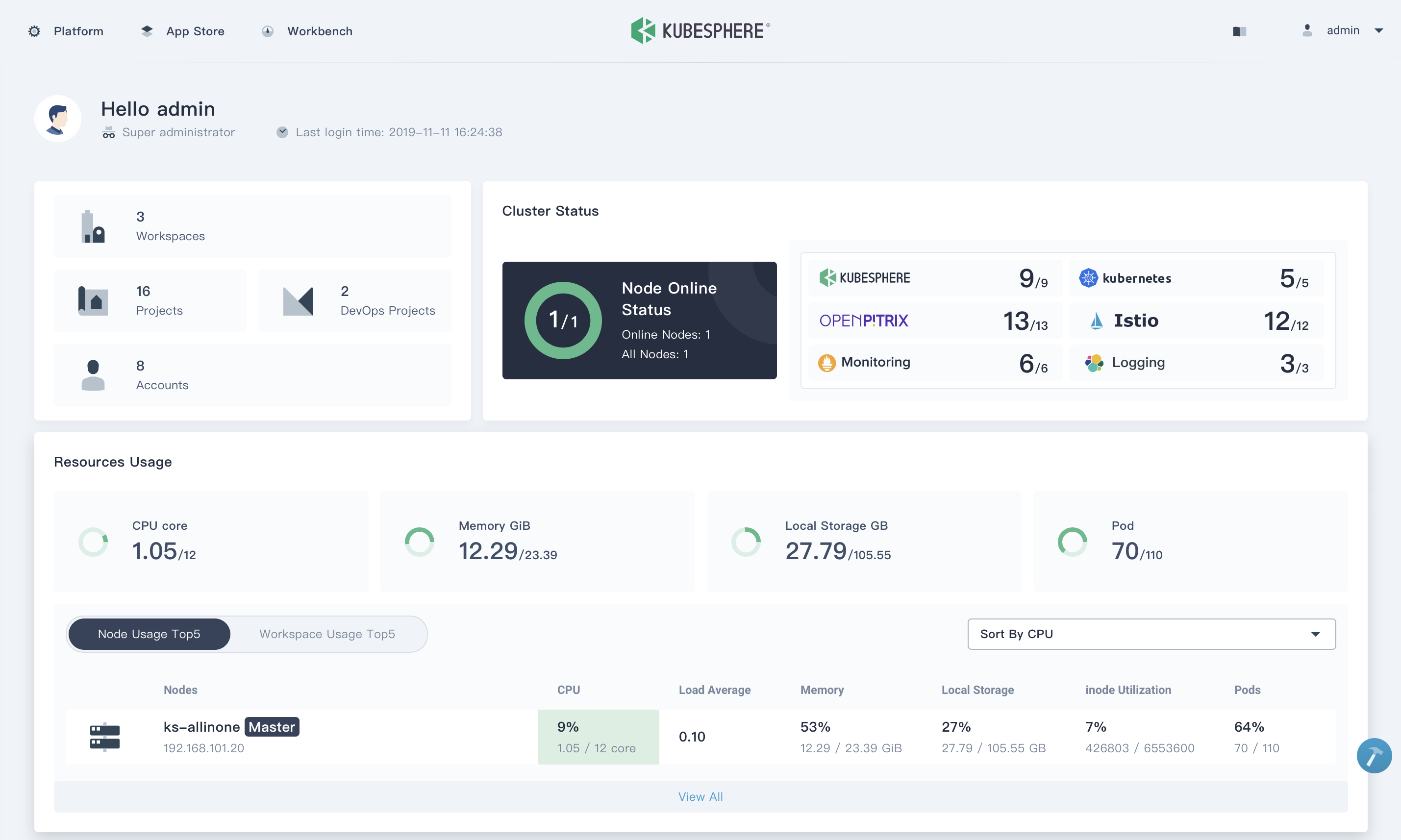
The container platform tailored for Kubernetes multi-cloud, datacenter, and edge management ⎈ 🖥 ☁️
Open-source LLM knowledge platform: turn raw documents into a queryable RAG, an autonomous reasoning agent, and a self-maintaining Wiki.
Flutter makes it easy and fast to build beautiful apps for mobile and beyond
f.k.a. Awesome ChatGPT Prompts. Share, discover, and collect prompts from the community. Free and open source — self-host for your organization with complete privacy.
A Catalog of Microservices Created by SourceFuse for the Community
Loopback 4 starter application. Multi-tenant architecture supported. Authentication, Authorization, Soft deletes, environment vars, Audit logs, included.
A loopback-next extension for authentication feature. Oauth strategies supported.