ezbookkeeping
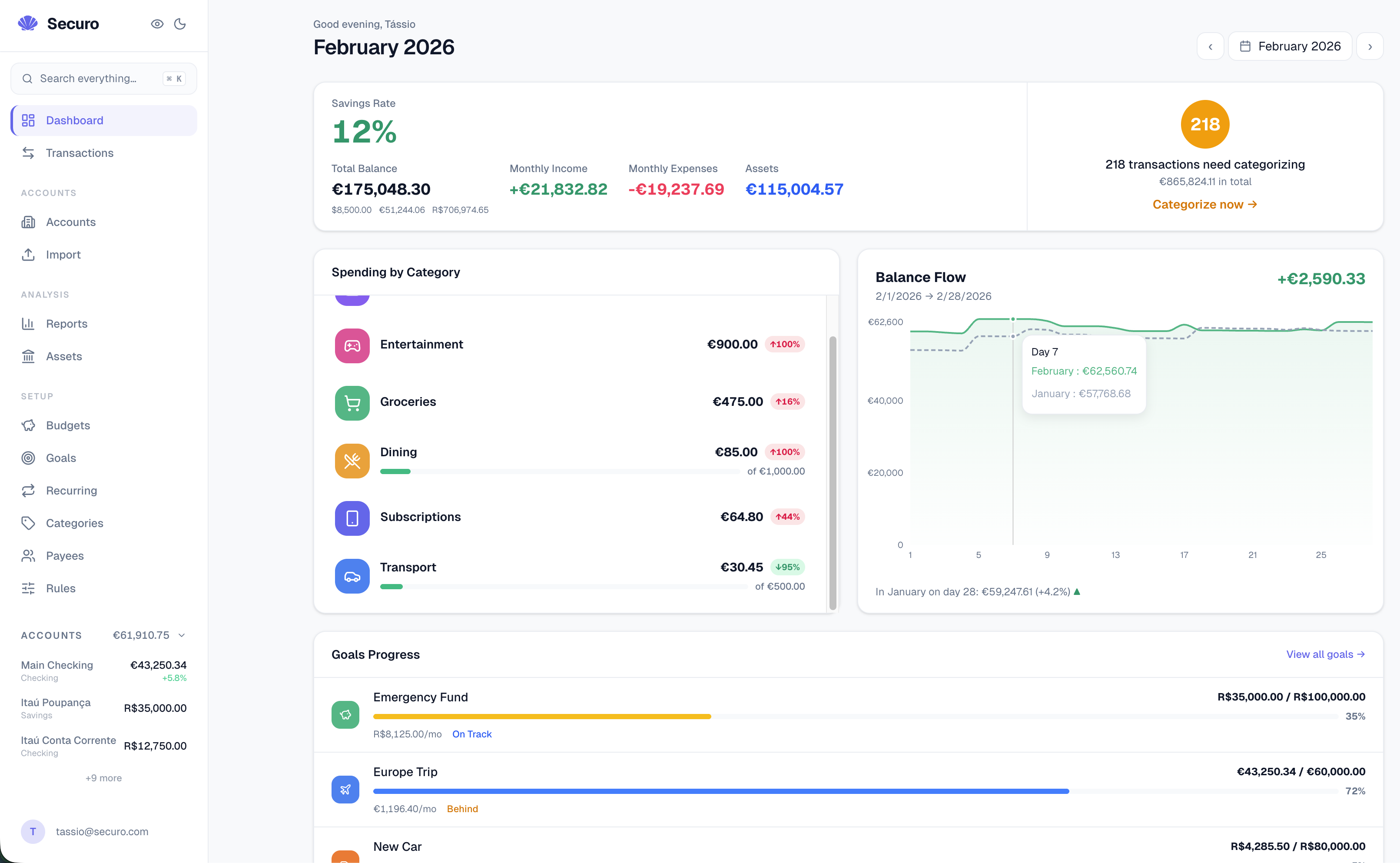
ezBookkeeping is an open source, powerful, self-hosted personal finance app that is easy to use.
- 6.1k
- Go
- MIT
- 19 h ago
Self-hosted opensource alternative to splitwise. Split your expenses with friends and keep track who paid for what and who owes money to whom.
Repo steve192/splex, read from GitHub 8 h ago. steve192 has not joined Take My Repo.
steve192/splex is a public repo on GitHub by steve192. Self-hosted opensource alternative to splitwise. Split your expenses with friends and keep track who paid for what and who owes money to whom. It declares no license on GitHub. Public does not mean open source: without a license, nobody is granted the right to reuse it. It is written mainly in TypeScript, has 0 stars and last changed on 2026-11-24. Nobody has reviewed it on Take My Repo yet, which says nothing about its quality. Read from GitHub on 2026-11-25.
ezBookkeeping is an open source, powerful, self-hosted personal finance app that is easy to use.
Self-hosted opensource alternative to splitwise.
Split your expenses with friends and keep track who paid for what and who owes money to whom.


Available as Web App (PWA) that allows installation on mobile devices without downloading an app, but also as Android App.
A public instance is available at https://splex.sterul.com/
You can try Splex without creating an account using the anonymous demo mode
More detail:
Splitwise is a strong product for tracking shared expenses, whether you are traveling with friends or managing day-to-day costs in a shared household.
Over time, some features I considered essential became restricted behind a paywall, including limits around adding expenses.
I started looking for an open source alternative that matched my needs. I found SplitPro, but it did not fully cover the workflows I wanted, so I built Splex.
Expense tracking
Accounts and sharing
Privacy and data retention
Notifications
Apps and platforms
Self-hosting
DATABASE_URL.envSQLite is the simplest choice for a small single-host install because it keeps everything in one mounted volume with no extra service to operate. PostgreSQL is the better choice when you want stronger concurrency, easier external backups, or a database service managed separately from the app container.
A single container serves three things under one domain:
/ — a static marketing landing page (set SERVE_LANDING=false to instead redirect / to the app)./app — the app itself (installable PWA). All app deep links live here, e.g. /app/invite/<token> and /app/login/magic./api — the JSON API.FRONTEND_PUBLIC_URL is the bare public origin (the landing root); the app is reached at <origin>/app. If you enable Google login, the Authorized redirect URI in the Google Cloud console must be <origin>/app/login (see .env.example). In the Android app's backend-URL field you can enter either mydomain.com or mydomain.com/app — both work.
Create a directory for Splex on your server and place a docker-compose.yml there.
Decide if you want to use sqlite or postgres as your database.
services:
  app:
    image: ghcr.io/steve192/splex:latest
    env_file:
      - .env
    ports:
      - "8000:8000"
    volumes:
      - ./data:/app/data
    restart: unless-stopped
The ./data directory is created automatically by Docker on first start and holds
the SQLite database and uploaded media files. Back this directory up regularly.
Use PostgreSQL when you want the app container and database in separate services.
services:
   postgres:
      image: postgres:17
      environment:
         POSTGRES_DB: splex
         POSTGRES_USER: splex
         POSTGRES_PASSWORD: change-me
      volumes:
         - ./postgres-data:/var/lib/postgresql/data
      restart: unless-stopped

   splex:
      image: ghcr.io/steve192/splex:latest
      depends_on:
         - postgres
      env_file:
         - .env
      environment:
         DATABASE_URL: postgres://splex:change-me@postgres:5432/splex
      ports:
         - "8000:8000"
      volumes:
         - ./data:/app/data
      restart: unless-stopped
The ./data mount is still needed with PostgreSQL because it holds uploaded
media files and the legal document files; only the database itself moves into ./postgres-data .
Copy the environment template and fill it in:
curl -o .env https://raw.githubusercontent.com/steve192/splex/main/.env.example
# Edit .env - at minimum set SECRET_KEY, FRONTEND_PUBLIC_URL, BACKEND_PUBLIC_URL,
# and the email settings.
Pull the image and start:
docker compose pull
docker compose up -d
Database migrations are applied automatically on every container start.
Check for new settings - compare your .env against the latest template.
New variables are occasionally added; the app will log errors or behave
incorrectly if a required one is missing.
curl -s https://raw.githubusercontent.com/steve192/splex/main/.env.example | diff - .envAdd any missing variables and set sensible values before restarting.
Pull the new image and restart:
docker compose pull
docker compose up -d
Migrations are applied automatically during startup - no manual migrate step needed.
What you should back up depends on the database you use.
If you use SQLite, back up the ./data directory. It contains the SQLite database,
uploaded media files, and the legal document files.
If you use PostgreSQL, back up both ./postgres-data and ./data. The PostgreSQL
volume contains the database itself, while ./data still contains uploaded media
files and the legal document files.
For most self-hosted setups, regular filesystem snapshots or periodic backups of those directories are sufficient.
⚠️ Security warning - the Django admin UI provides full read/write access to all data in the database. Never expose
/admin/to the public internet without additional protection such as a firewall rule, VPN, or a reverse-proxy IP allowlist. A compromised admin account is a full database compromise.
To enable the admin UI:
Add ENABLE_ADMIN_UI=true to your .env and restart the container:
docker compose up -d
Create a superuser account (run once):
docker compose exec app python manage.py createsuperuserFollow the prompts to set an email address and password.
Open http://your-server:8000/admin/ in your browser and sign in with those credentials.
The simple deployment target is one app container with SQLite in a mounted volume.
cp .env.example .env
docker compose up --build
The app listens on http://localhost:8000.
Magic login challenges expire after 15 minutes. Invitation links expire after 30 days unless they are accepted or revoked earlier. The app container prunes expired or already-used link records on startup. To run the cleanup manually, use:
docker compose exec app python manage.py cleanup_linksBy default the app needs a working SMTP server to deliver magic login links and codes. For local development you can skip that entirely by switching to Django's console email backend - it writes every email to stdout so the login code and link show up directly in the container logs:
.env file.EMAIL_BACKEND line (and optionally remove the EMAIL_HOST /
EMAIL_PORT / EMAIL_USE_TLS / EMAIL_HOST_USER / EMAIL_HOST_PASSWORD
lines - they are ignored by the console backend):
EMAIL_BACKEND=django.core.mail.backends.console.EmailBackend
docker compose logs -f app
For local backend development without Docker:
cd backend
python3 -m venv .venv
. .venv/bin/activate
pip install -e ".[dev]"
python manage.py migrate
python manage.py runserver
Yes.
My friends and I use this app every day. If something breaks, it affects our daily workflow directly.
Yes.
If you self-host Splex, it will remain free to use.
Running a public instance is different, because public hosting can create real operating costs.
Right now, most of those services are covered by free tiers or open source friendly plans, but that may change if usage grows significantly.
The main cost factors for a public instance are server hosting itself (CPU, memory, storage, and bandwidth), email delivery, backups, and any monitoring or logging infrastructure needed to keep the service reliable.
Push notifications are not a direct cost today in the current setup: web push is self-hosted with VAPID keys, and Expo's push notification service is documented as free at the moment. That said, provider limits or pricing can always change.
Google login is also not a direct billed feature in the current setup. Splex uses Google OAuth client IDs and token verification, not Google Identity Platform's paid sign-in tiers. Still, external platform rules and quotas can change over time.
If the public instance ever becomes expensive to operate at scale, I may add ads or another way to offset those hosting costs for the public service.
That would only apply to the public instance, never to self-hosted deployments.
Not at the moment.
The current architecture could theoretically support an iPhone app, but I do not own an iPhone and do not have an Apple Developer license.
If you use an iPhone, you can still install the PWA and get nearly the same experience as with a native app.
Native iPhone support may happen in the future, but it is not on the near-term roadmap.
If you use SQLite, back up ./data.
If you use PostgreSQL, back up both ./postgres-data and ./data.
./data is always important because it stores uploaded media files and the legal
document files, even when PostgreSQL is used for the database.
steve192/splex is a public repo on GitHub by steve192. Self-hosted opensource alternative to splitwise. Split your expenses with friends and keep track who paid for what and who owes money to whom.
It declares no license on GitHub. Public does not mean open source: without a license, nobody is granted the right to reuse it.
Its maker tagged it for macOS, Windows and Linux, or as Docker or cross-platform. That is declared by the maker; Take My Repo has not tested it.
TradingAgents: Towards Agentic Finance Research
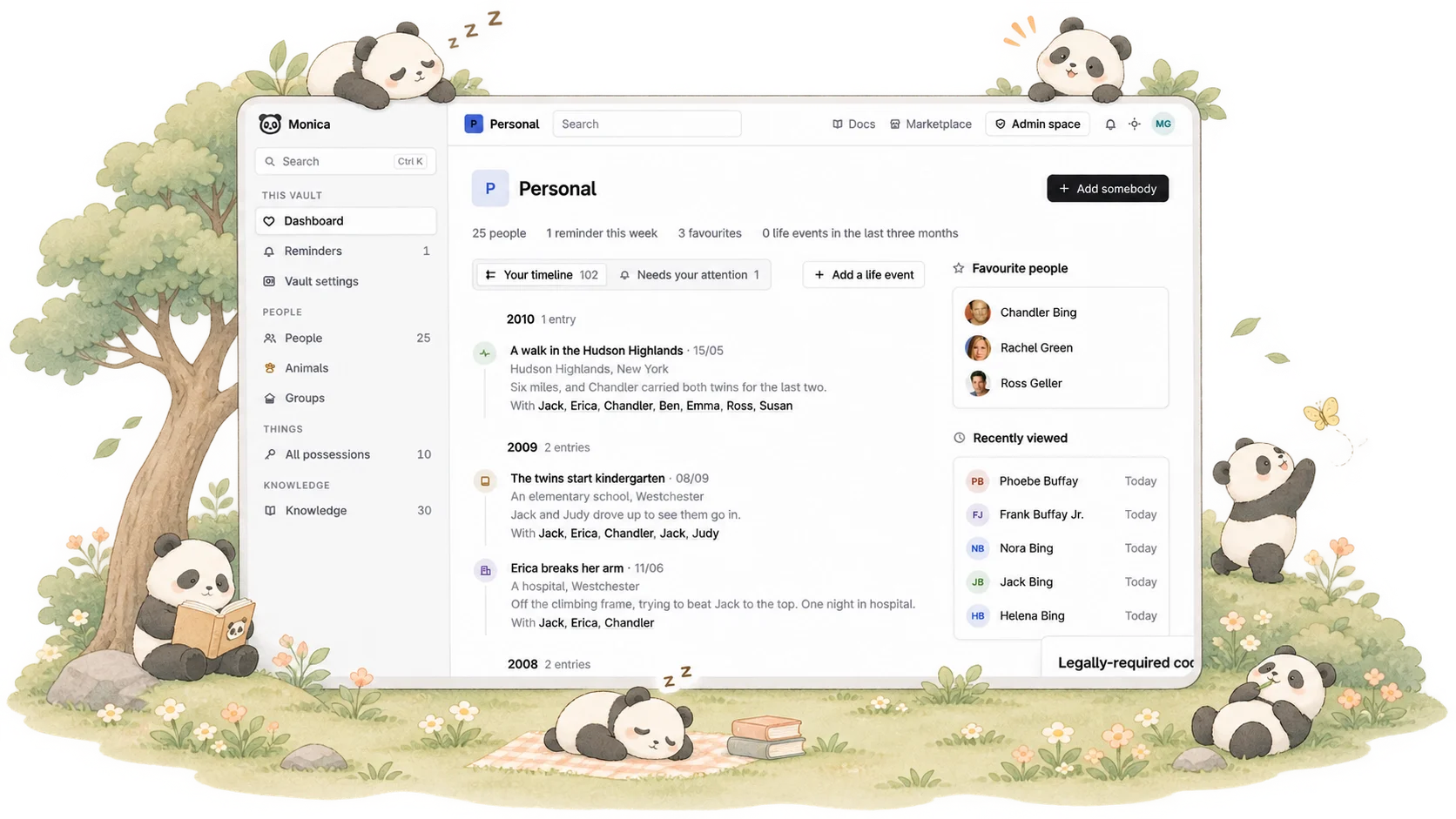
Personal CRM and backend for your agents. Remember everything about your friends, family and business relationships.
The most complete open-source travel planner: real-time collaboration, bookings, budgets, packing lists, journals, offline PWA, SSO and an AI-ready MCP server, with planet-wide place search and routing built in.
Open "Take it" on its page: Take My Repo writes an install plan for your machine and hands it to your AI agent (Claude Code, Codex or Cursor), which asks you before each step. Take My Repo has not tested it on any machine.
Its last change on GitHub was on 2026-11-24. GitHub counts 4 open issues and pull requests. Take My Repo does not judge from that whether it is maintained.
Nobody has reviewed it on Take My Repo yet, which says nothing about its quality.
Take My Repo cannot say: it does not audit code and has not run splex. What is known comes from GitHub. It declares no license on GitHub. Public does not mean open source: without a license, nobody is granted the right to reuse it. Its last change was on 2026-11-24. It has 0 stars, which measure popularity, not safety. Nobody has reviewed it on Take My Repo yet, which says nothing about its quality. Read the source before you run it. With "Take it", your AI agent shows each step and asks you before running it; README text is treated as data, not as instructions.