cc-switch
A cross-platform desktop All-in-One assistant for Claude Code, Codex, OpenCode,DeepSeek Harness and more. Only official website: ccswitch.io
- 156k
- Rust
- MIT
- 1 h ago
Repo Explainer — turn any GitHub repo into a visual explainer page. Pipeline + 5 live examples.
Repo stuinfla/Repo-Explainer, read from GitHub 1 min ago. stuinfla has not joined Take My Repo.
stuinfla/Repo-Explainer is a public repo on GitHub by stuinfla. Repo Explainer — turn any GitHub repo into a visual explainer page. Pipeline + 5 live examples. It declares no license on GitHub. Public does not mean open source: without a license, nobody is granted the right to reuse it. It is written mainly in JavaScript, has 68 stars and last changed on 2026-11-09. Nobody has reviewed it on Take My Repo yet, which says nothing about its quality. Read from GitHub on 2026-11-20.
This is the live site: the concept, the full process, and all six example explainers on one page.
Heads up: the old
repo-explainer-website.vercel.appwas an earlier draft that told people to run a command (npx repo-explainer) that was never published. It now redirects here. If you ever land on anything other than explainmyrepo.isovision.ai, you're on the wrong (old) page.
Complex repos deserve clear introductions. This builds them, then refuses to ship until they're good.
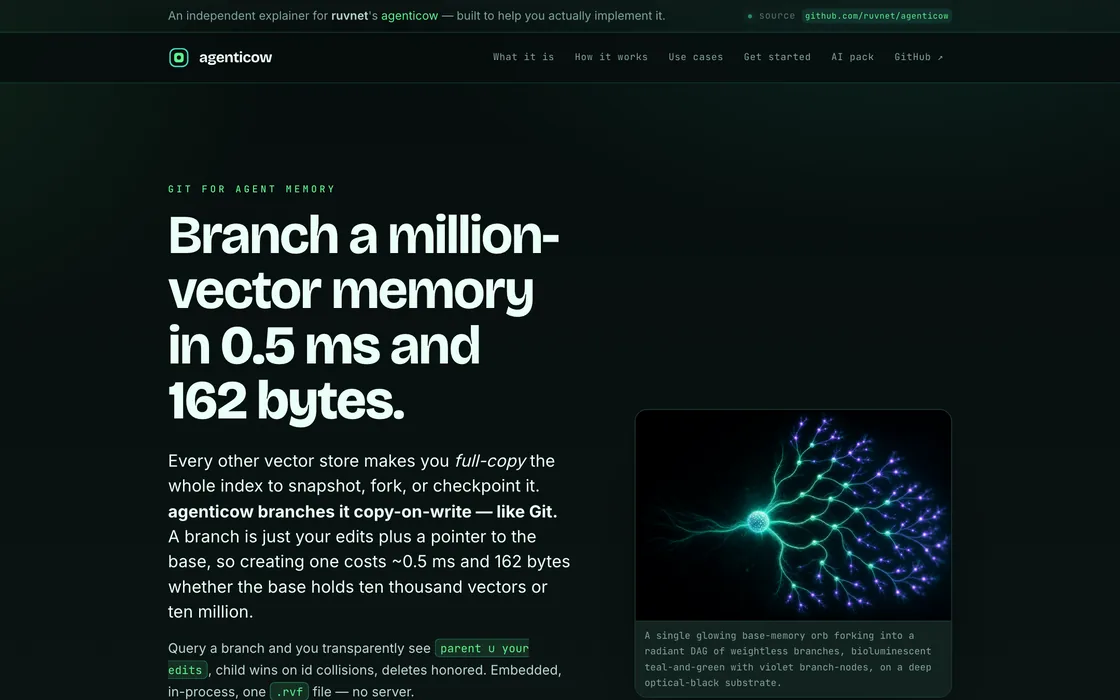
↑ a real one — generated end to end from ruvnet/agenticow, no human design pass. Open it live.
Most repositories are opaque. Open one cold and you can't quickly tell what it is, why it matters, how it's built, or how to use it. The README is usually a wall of text written by someone who already knows the answer — so it assumes you do too.
That hurts twice over now:
A longer README doesn't fix opacity. The goal is bigger than documentation:
Take someone from "I've never seen this before" to "Oh, I get why this was created, the problem it solves, what it does, why it's elegant, how it works — and I'm ready to go implement it."
That's the bar. explainmyrepo exists to clear it, on every build.
One command reads a repo and produces three things, each quality-gated:

.zip containing a vector knowledge base of the repo, a search CLI, and an MCP server, so Claude Code or Cursor answer from the real source instead of guessing.explainmyrepo is not a template filler and not a doc scraper. It's a single Claude Code skill that holds the judgment (the brain) plus small, pure tools that do the mechanics — with one data contract flowing between them. No brittle multi-phase pipeline.
The brain runs the repo through an ordered sequence. Each step has one job:

bge-small-en-v1.5), plus an extracted symbol index, dependency graph, and entrypoints. Then author a plain-language primer. Everything downstream is grounded in this KB — no invented capabilities.gpt-image-2/Grok; bespoke animated SVG diagrams hand-authored per an archetype menu (journey · containment · field · fan · tree · exchange — no two diagrams on one page may share a form), with every label width-budgeted so text can never collide. The flow diagram must perform the repo's thesis in motion, not name stages. Architecture and data-flow diagrams are mandatory and drawn from the repo's real dependency graph — never invented.llms.txt for AI crawlers).This is the part that makes the difference. A generic generator emits something and stops. explainmyrepo does not ship until an independent critic and a set of operator questions both pass.

The gate renders the live page in a real browser at 390px (mobile) and 1440px (desktop), takes full-page screenshots, and scores them on two independent rubrics:
The bar has two tiers, both enforced in code: the exemplar bar (mean ≥ 90, minimum axis ≥ 85, both devices) is what the refine loop climbs toward, and the ship floor (mean ≥ 82, minimum axis ≥ 70, all operator questions YES) is a hard rail at the deploy boundary — deploy recomputes it from the scorecard and refuses anything below it, no matter what any agent believes. The minimum-axis floor is the anti-slop catch: one weak axis (a raw ASCII diagram, a mood image that fails the swap test, an animation whose worst sampled frame has colliding text) fails the whole build. Every image is individually interrogated — what does a stranger learn from its pixels alone, and could it ship unchanged on a different repo?
On top of the numbers, the operator must answer YES to all six questions — a separate, independent gate:
A single axis below the bar, or a single NO, names the exact weakness, reopens just that slot, re-renders, and re-grades. Iterating over a few revisions is expected by design — it's how the build climbs to genuinely high quality. Three sets of eyes see the same pixels: the vision-model critic, the operator, and finally you (the owner) on delivery. If a repo genuinely can't reach the bar, the build says so honestly rather than shipping slop and calling it done — and the honest refusal is preserved (site + scorecard + the grader's reasons) so a ten-minute cure beats a rebuild.
Most generators are amnesiac: build #100 is exactly as naive as build #1. This one closes the loop:

The receipts are in the git log: the first fully-autonomous build after this week's lessons went first-try exemplary — one grade pass, 37 minutes, zero human minutes.
The judgment lives in one place — a Claude Code skill. The same core is exposed through three thin adapters that each run the identical skill; none of them contains explainer logic of its own. Improve the brain once, and it improves everywhere.

Pick your door with one question — is the repo public, and whose keys should do the work?
Public repo and you just want the page: use the website, done. Private repo, or you want it on
your own accounts: use the CLI — and run it inside a VS Code / Claude Code session, in a
project whose .env already holds your keys, so everything is picked up automatically.
Each page ends with an Ask box: type a question in plain words and get a short written answer, with
numbered links to the exact files it came from. It searches the page and the repo's own files in the reader's
browser, then a small model writes the answer through one central service (ask-service/) — the explainer stays
a plain static site. If the service is down it shows the closest passages instead, and says so. Set
ASK_SIGNING_SECRET (same value on the service and your build machine) to turn on written answers;
ASK_DISABLE=1 leaves the box off. Deploy also now refuses a page that links a file it does not ship.
See docs/adr/0016-ask-this-project.md.
# Point it at any GitHub repo. Walk away. Get back a live page, a repo you own, and an AI pack.
npx explainmyrepo https://github.com/owner/repo
What you need (the command checks all of this up front and tells you exactly what's missing):
| For | What | Notes |
|---|---|---|
| The brain | OPENROUTER_API_KEY, or ANTHROPIC_API_KEY, or nothing if you're logged into Claude Code |
any one of the three is enough. With an OpenRouter key the authoring runs on z-ai/glm-5.2 — measured 15× cheaper than Sonnet 5 and higher-scoring on a blind art-direction A/B. Pin the old model with EXPLAINMYREPO_AUTHORING=anthropic |
| Art + quality gate | OPENAI_API_KEY in .env |
hero imagery and the vision grader |
| ImageMagick | magick (v7) or convert (v6) on your PATH |
required — the favicon station shells out to it and fails loudly without it. brew install imagemagick on macOS, apt install imagemagick on Debian/Ubuntu |
| The live URL | NETLIFY_AUTH_TOKEN in .env — optional |
skip with --no-deploy and you still get the complete page locally |
| Private repos | gh auth login |
public repos need nothing |
The count, plainly: website — zero keys. npx inside Claude Code (recommended) —
one key (OpenAI); add a Netlify token only if you want the live URL. npx in a bare
terminal — two keys (add Anthropic). Private repo — no extra key, just gh auth login once.
Recommended: run it inside a VS Code / Claude Code session in a project whose .env
already has these — nothing to export, nothing to paste, and Claude Code itself carries the
brain on your existing subscription. In a bare terminal it works too; you'll just be told up
front which keys to add.
What happens: it reads the repo, understands it, art-directs and writes the page, generates the imagery and the real architecture + data-flow diagrams, grades the result on mobile and desktop until it clears the bar, then deploys it.
What you get back: a live URL (in your terminal and by email), a GitHub repo you're a collaborator on, and the downloadable AI knowledge pack — plus the scorecard and both screenshots, so you're the final set of eyes.
Status:
npx explainmyrepois live on npm (v0.2+). The hosted website is live at explainmyrepo.isovision.ai. Found it valuable? A star on this repo genuinely helps. Hit a problem? Open an issue — happy to help fix it and make it better.
Don't want to pay per token for the authoring brain? The same skill runs through a Codex session signed in with a ChatGPT subscription, which drops the text-model cost to $0 (only gpt-image-2 imagery stays metered, at cents per build). It also builds straight from a local checkout, so private source never leaves the machine. See docs/prompts/codex-explainer-build.md for the setup and a copy-paste prompt template.
The agenticow explainer below was generated end to end from ruvnet/agenticow: a captivating hero, a plain-language walkthrough, a real architecture diagram and data-flow diagram drawn from agenticow's own code, concrete use-cases, and a one-click AI knowledge pack.
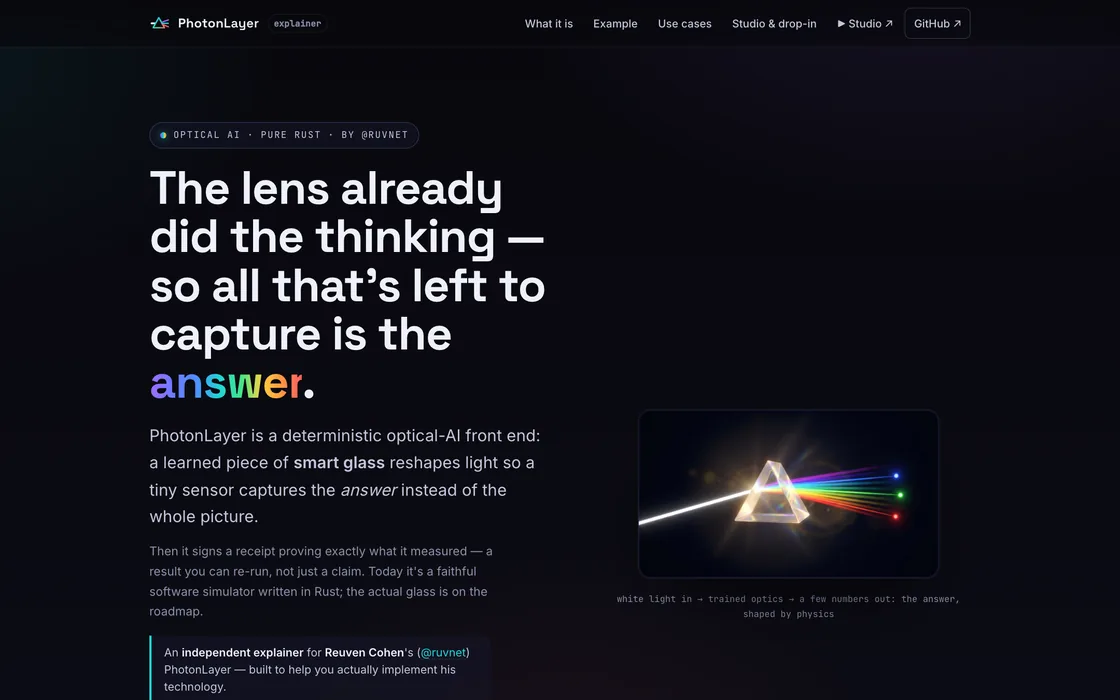
The bar these are calibrated against — five hand-built explainers, five completely different looks, same engine, same gate:
 |
 |
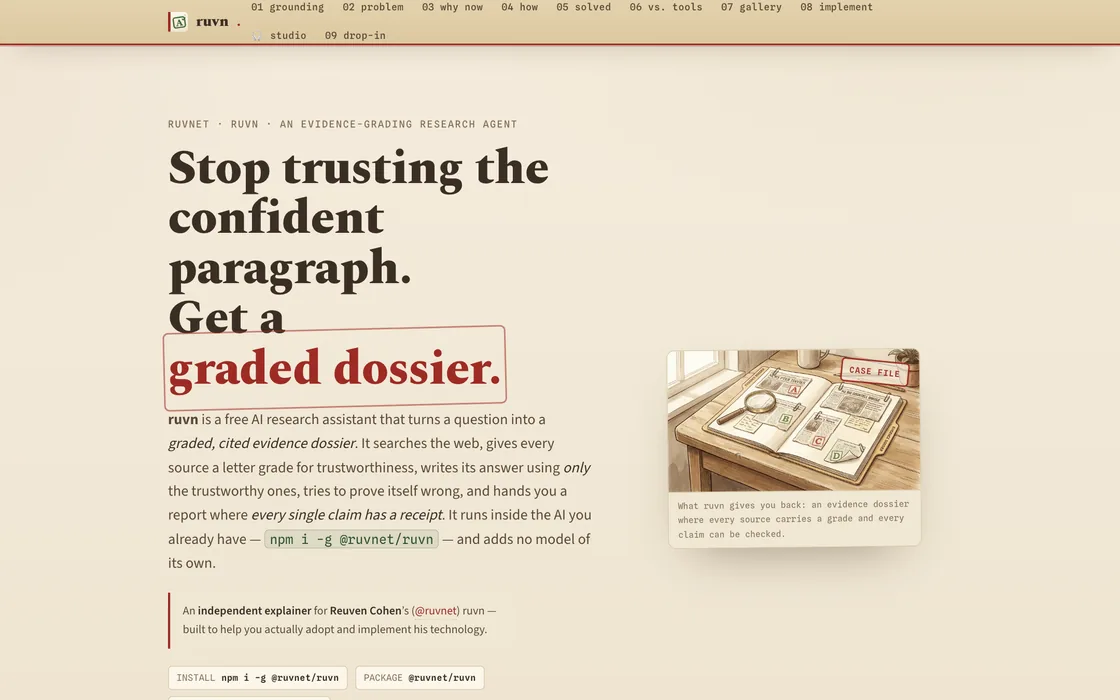 |
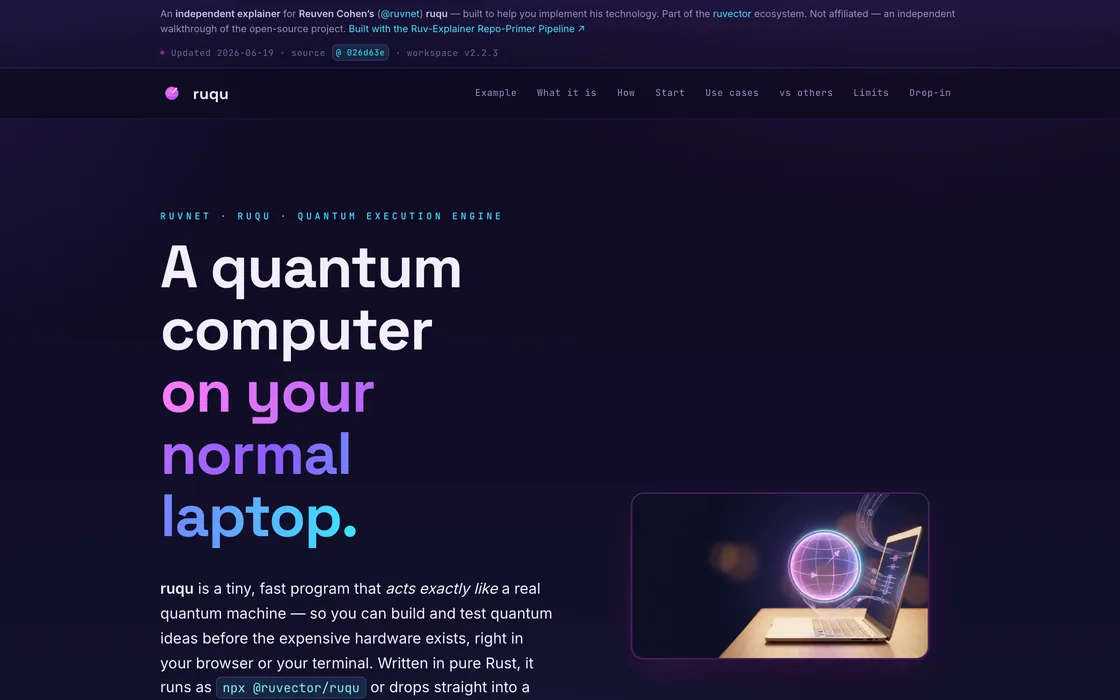
| PhotonLayer — optical-AI: light computes the answer before any chip wakes up. | ruqu — a quantum-computing simulator in your browser (Rust + WASM). | ruvn — turns a question into a graded, cited evidence dossier. |
 |
 |
|
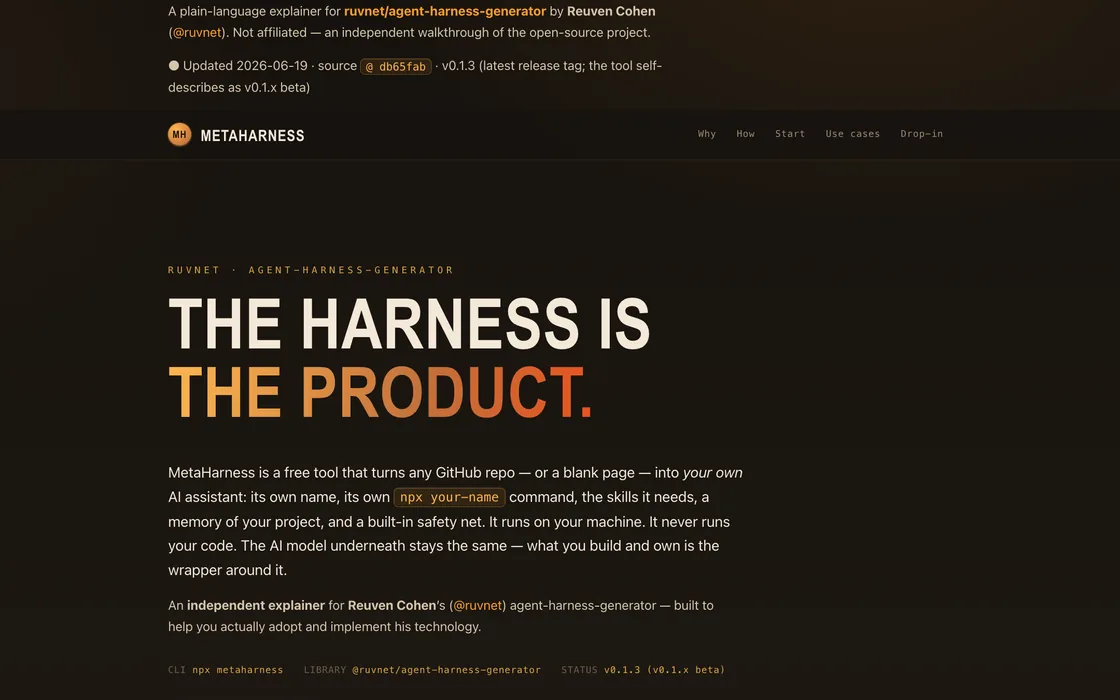
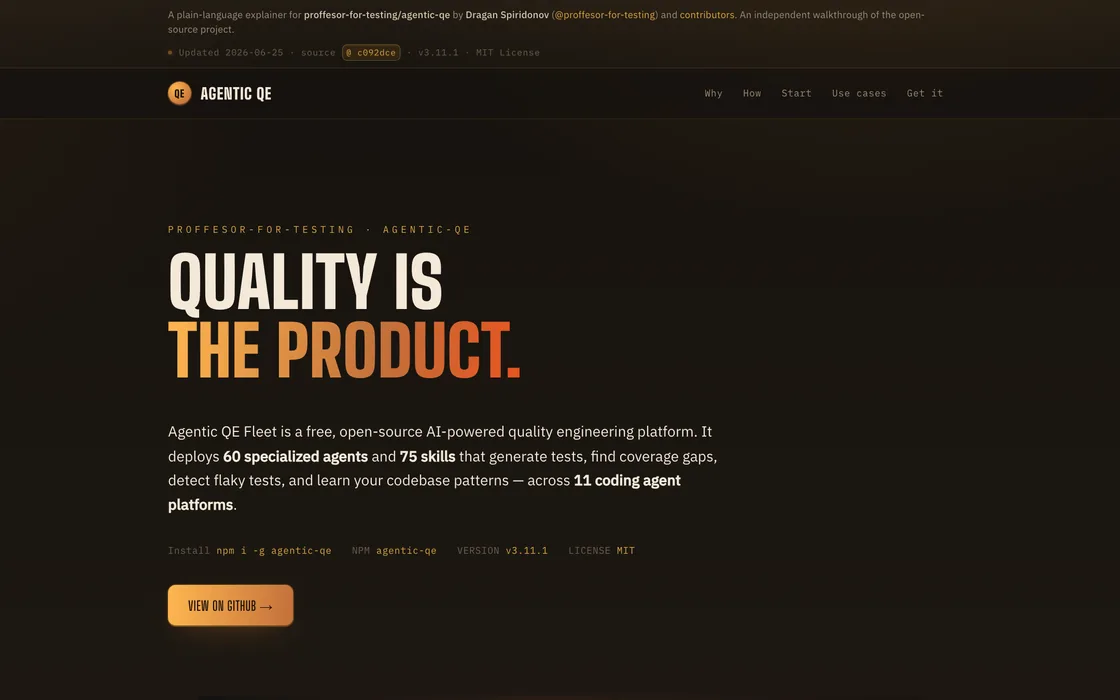
| MetaHarness — gives any project its own AI assistant that knows that project. | Agentic QE — replaces manual testing with a fleet of specialist AI agents. | agenticow — git for agent memory: copy-on-write vector branching. |
| Layer | Tool |
|---|---|
| Concept tournament | Claude Sonnet 5 · Claude Fable 5 · GPT-5.6 competing in text; GPT-5.6 judging |
| Knowledge base | RVF single-file vector DB (@ruvector/rvf) + bge-small-en-v1.5 (local, 384-dim) |
| Imagery | gpt-image-2 / Grok (labeled, mechanism-bearing illustration) + bespoke hand-authored animated SVG diagrams (archetype-diverse, width-budgeted) |
| Quality gate | Playwright dual-viewport render + GPT-5.6 vision grading (configurable) — every diagram at full size, animations at their worst sampled frame, ship floor enforced as a deploy rail |
| Feedback + learning | A soft, optional one-tap ask in the delivery email (rate.html); reader comments are recalled into every later build's brief as untrusted data and mirrored to RuVector (ADR-0017); the admin's "Is this helping people?" view shows a 14-day funnel, our grader's score beside each reader's verdict, and the exact complaints every new build is told (owner test builds are tagged and hidden by default) |
| Companions (local) | HyperFrames — the page's own gated assets re-rendered into a 30–40s trailer and a 10s social loop (16:9 + 9:16), locally, for ~$0 |
| Hosting | Netlify by default (provider-agnostic adapter) |
The full recipe lives in docs/adr/0005-skill-based-explainer-recipe.md; the domain model in docs/ddd/explainmyrepo-recipe-domain.md.
A gated build's assets are reusable creative truth, so this repo can turn a finished explainer into companion artifacts — but only when you clone it and run them yourself, and only for capabilities that have actually been proven:
npx explainmyrepo capabilities
That command renders the verified-capability registry (capabilities.json) — the only
source of what's enabled, so it can never overstate. Today it shows two ✓ (a shareable
trailer and a 16:9 + 9:16 social loop, each verified end-to-end with recorded
receipts, ~$0 to render) and two ○ that are specified but honestly not enabled until
they pass their own supervised verification runs. Companions never run on the hosted door,
never touch a build's artifacts, and can never block a page from shipping. Governance:
docs/adr/0009-alive-kit-local-companions.md.
The tools in the examples above belong to Reuven Cohen / @ruvnet. explainmyrepo is an independent project that exists to help more people — and their AIs — discover, understand, and adopt great work.
Built by Stuart Kerr at ISOvision.ai.
Complex repos deserve clear introductions.
stuinfla/Repo-Explainer is a public repo on GitHub by stuinfla. Repo Explainer — turn any GitHub repo into a visual explainer page. Pipeline + 5 live examples.
It declares no license on GitHub. Public does not mean open source: without a license, nobody is granted the right to reuse it.
Its maker has not tagged a system, so it is unknown here. Its README says what it needs.
Open "Take it" on its page: Take My Repo writes an install plan for your machine and hands it to your AI agent (Claude Code, Codex or Cursor), which asks you before each step. Take My Repo has not tested it on any machine.
Its last change on GitHub was on 2026-11-09. Take My Repo does not judge from that whether it is maintained.
Nobody has reviewed it on Take My Repo yet, which says nothing about its quality.
A cross-platform desktop All-in-One assistant for Claude Code, Codex, OpenCode,DeepSeek Harness and more. Only official website: ccswitch.io

The agent harness performance optimization system. Skills, instincts, memory, security, and research-first development for Claude Code, Codex, Opencode, Cursor and beyond.
Answer me with HTML — an agent skill that answers hard questions with a one-page HTML you can actually read. 让 AI Agent 用一页 HTML 回答复杂问题。
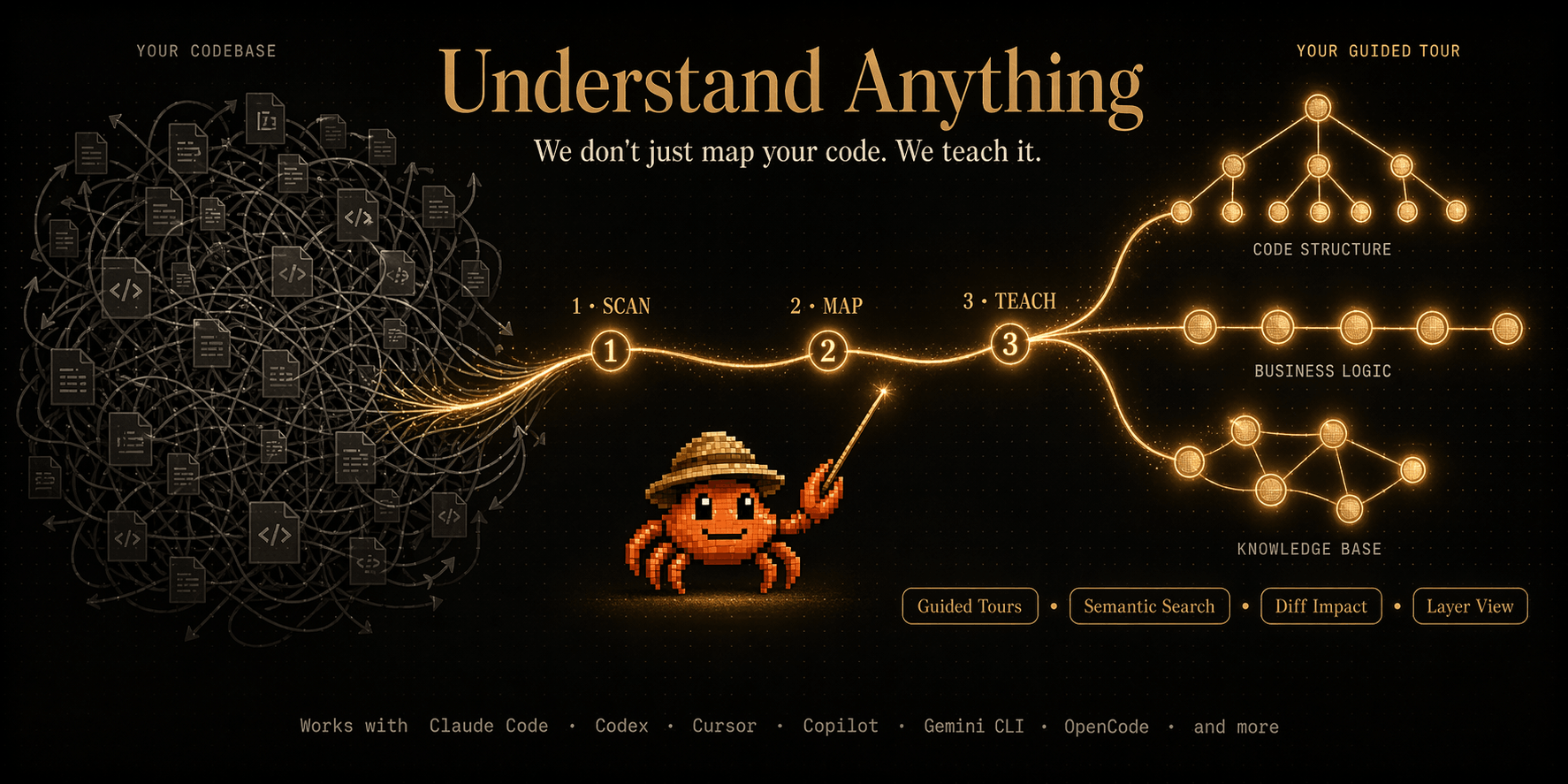
Graphs that teach > graphs that impress. Turn any code into an interactive knowledge graph you can explore, search, and ask questions about. Works with Claude Code, Codex, Cursor, Copilot, Gemini CLI, and more.
Reverse engineer anything with agents, from app behavior down to native binaries.
Open-source Python library for AI browser agents, plus Browser Use Cloud: stealth browsers and a hosted agent API.
RuvNet Brain — a downloadable, source-grounded brain for Claude Code over Reuven Cohen's (rUv's) RuvNet stack: RuVector/RVF, Ruflo, AgentDB, RuLake, SPARC + 21 building blocks. Grounds Claude in real source via one MCP tool (search_ruvnet), so it builds with the stack instead of drifting off it.