artcraft
ArtCraft is an intentional crafting engine for artists, designers, and filmmakers
- 42k
- Rust
- Apache-2.0
- 17 h ago
Sync screenplays with video. Evaluate AI-generated footage. Analyze script-to-screen fidelity.
Repo taruma/SceneFlow, read from GitHub 5 h ago. taruma has not joined Take My Repo.
taruma/SceneFlow is a public repo on GitHub by taruma. Sync screenplays with video. Evaluate AI-generated footage. Analyze script-to-screen fidelity. It declares the MIT license on GitHub. It is written mainly in TypeScript, has 408 stars and last changed on 2026-11-14. Nobody has reviewed it on Take My Repo yet, which says nothing about its quality. Read from GitHub on 2026-11-23.
ArtCraft is an intentional crafting engine for artists, designers, and filmmakers
simple web-based, free and open-source visual novel editor that can be used in a web browser. It is written in JavaScript without using any third party libraries and thus does not require additional software installation. The engine uses standard HTML document elements such as div and img.

Script-to-screen synchronization for AI filmmakers.
Sync scripts and screenplays with video. Evaluate AI-generated footage. Analyze script-to-screen fidelity.
https://github.com/user-attachments/assets/e2469136-4224-4192-affc-d19d7e403f74
SceneFlow is a tool that syncs scripts and screenplays with video content, letting you see which parts of your prompt appear on screen in real-time.
Built for evaluating how AI video models visualize prompt instructions, it supports both traditional Screenplay formatting and high-precision, state-driven Auteur Script formatting with 5-part staging metadata. SceneFlow helps you compare instructions against what was actually generated — essential for assessing prompt adherence and iterating on AI cinema projects.
Note on Cue Creation: SceneFlow does not automatically extract video sync cues in the background. Cues can be authored manually in the dedicated 3-Panel Edit Workstation or generated externally using multimodal AI models (such as Google Gemini). SceneFlow includes a built-in Cues JSON Editor & LLM Sync Setup with a ready-to-copy Gemini Sync Prompt and minimal JSON Schema for fast 1-click structured cue generation.
±0.1s, ±0.5s), interactive loop previews, and adjustable per-category buffers| Feature | Description |
|---|---|
| Cue-Based Sync | Link specific script segments to video timestamps |
| 8 Cue Types | Dialogue, Action, Camera, Shot, Audio, VFX, Transition, Environment |
| Auto-Scroll | Script automatically follows dialogue during playback |
| Auto-Alignment | Re-match cues when script text changes |
| Timing Buffers | Adjustable before/after timing for each cue type |
| Type | Color | Standard Hue | Protanopia Profile | Purpose |
|---|---|---|---|---|
| 🟡 Dialogue | Amber | Sunlight Amber | Sunlight Amber | Character speech and conversations |
| 🔵 Action | Blue | Royal Cobalt Blue | Royal Cobalt Blue | Physical actions and movements |
| 🟢 Camera | Green | Emerald Green | Mint Emerald | Camera movements and angles |
| 🟣 Shot | Indigo / Wine | Deep Iris | Deep Wine / Burgundy | Shot descriptions, framing, and camera scale |
| 🟠 Audio | Orange | Vivid Tangerine | Vivid Tangerine | Sound effects and music cues |
| 🔷 VFX | Cyan / Aqua | Electric Aqua | Radiant Ice Aqua | Visual effects descriptions |
| 🩷 Transition | Rose / Coral | Crimson Rose | Vermilion Coral | Scene transitions and editorial cuts |
| ⚪ Environment | Slate | Balanced Slate | Balanced Slate | Setting and atmosphere descriptions |
Accessibility Profile: SceneFlow includes an opt-in Protanopia / Deuteranopia Safe Mode in theme settings that remaps Shot to Deep Wine ($L^* \approx 25$) to eliminate blue-indigo ambiguity, paired with high-luminance Ice Aqua VFX ($L^* \approx 85$) and Vermilion Coral transitions.
https://github.com/user-attachments/assets/cf3a7fec-2a4b-48d8-9028-245eba49934c
useSmoothTimelineTime) running via requestAnimationFrame and performance.now(), eliminating jittery ~100ms API polling delays and fixed-step CSS transition stutter[ ↕ Fixed ] / [ ↕ Flex ] track height toggleMM:SS.s precision timecode and media duration indicator active in both modes[ 🟢 {videoId} ✏️ ] pill, saving vertical spaceV)Shift+Rtype === 'dialogue') and longer text are guaranteed at least 2 columnsMM:SS.s), micro-nudge steppers (-0.5s, -0.1s, +0.1s, +0.5s), clock capture, live duration chips (⏱ 1.6s), and interactive Play Cue [▶] preview with a dynamic Loop [🔁] controllerPREV) and following (NEXT) the selected text for instant narrative orientationStart Index, End Index), live span counter, and cue ID badgeUpdate Cue (Ctrl+Enter), Cancel (Esc), and Delete permanently to the inspector bottomdismissIfClean), with reactive Saved vs Unsaved status badgingRawCuesModal)JSON Data Tab — Live non-blocking syntax validation pill ({ cues } detected, N cues ready), error diagnostics without browser alerts, and [ ✨ Format JSON ] 2-space indentation standardizer with automatic { cues: [...] } unwrappingSync Prompt & Schema Tab — Integrated 3-step Gemini setup guide with standalone public asset links (/sync-prompt.txt, /schema.json)[ 📄 Sync Prompt ], [ 🤖 Gemini Schema ]) eliminating horizontal scrollbars, and [ ◫ Split ] side-by-side modeApply Cues (N) vs Go to JSON Data →) with wrap-resistant Title Case stylingRawScriptModal)PART, Roman numeral acts (I. ...), scene headings (INT./EXT.), staging containers, brief execution blocks, and directive tags with section item counters, expand/collapse all, and auto-unfold caret tracking[ Wrap ] or Alt+Z, utilizing an off-screen measurement mirror container computing rendered line heights for exact 1:1 line number gutter alignment without vertical driftStructure, Directives, Dialogue, Effects), 1-click Insert and Copy snippets, and live visual preview badges[[STAGING]], [<BRIEF>]), core directive presets (INTENT, LOGIC, AESTHETIC, OPENING), persistent custom directive tags with removal pips, and right-aligned history/document utilitieslocalStorage persistence for user-defined directive tagscontent-visibility: auto CSS virtualizationSync Cues (JSON)... and Source Script... across both Playback and Edit modes without mode switchingblank.json) for starting fresh, alongside dedicated 1,200+ line interactive tutorial script (guide.json)[ File ▾ ] dropdown (Project I/O, Blank Canvas, Starter Guide, Library), Center Stage segmented mode switcher ([ ▶ Playback | ✏️ Edit ]), and Right Wing Studio Preferences[ ⚙️ Settings ▾ ]) — 4-theme quick selector grid (Auto, Light, Warm, Dark), dedicated "Reading Canvas & Viewport" section with 5-segment Script Width row and 3-segment Focus Line row, <kbd> shortcut badges, dynamic Custom layout badge, and 1-click [ ↺ Reset All ] actiontaruma/SceneFlow is a public repo on GitHub by taruma. Sync screenplays with video. Evaluate AI-generated footage. Analyze script-to-screen fidelity.
It declares the MIT license on GitHub.
Its maker has not tagged a system, so it is unknown here. Its README says what it needs.
Open "Take it" on its page: Take My Repo writes an install plan for your machine and hands it to your AI agent (Claude Code, Codex or Cursor), which asks you before each step. Take My Repo has not tested it on any machine.
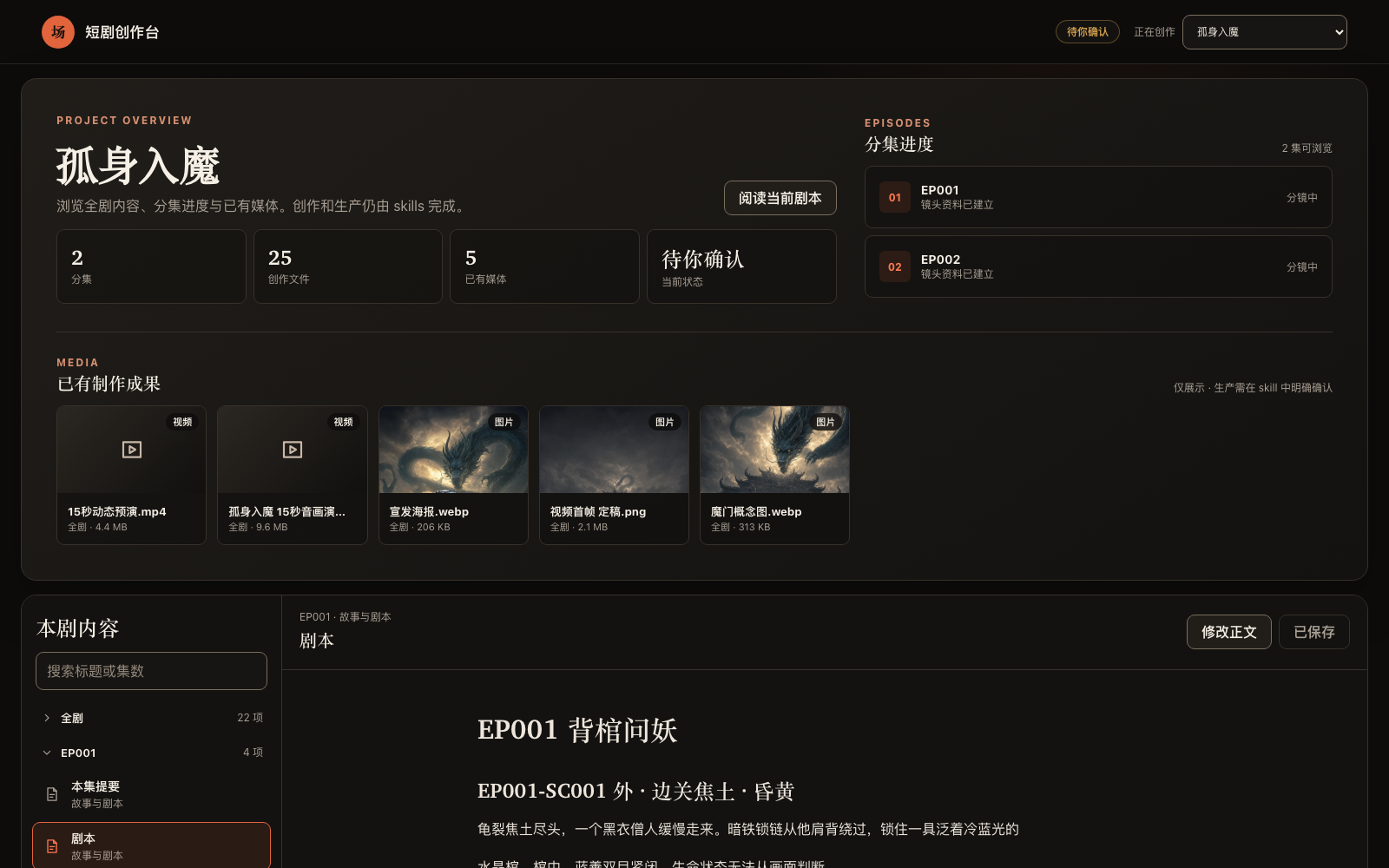
AI 短剧与漫剧制作 Agent 技能包:小说改剧本、视觉设定、分镜、生图/生视频提示词与剪辑成片,适配 Claude Code / Codex 等 | Agent skills for AI short dramas & motion comics
A toolbox of film styles made in code for Claude Code: 99 ready to use, and your own. Each style is a style prompt plus a demo film made entirely in code by Claude Opus 5.5, with no video model. By Lemomo. · 一套用代码做片的风格工具箱:99 种现成风格,也能做出你自己的
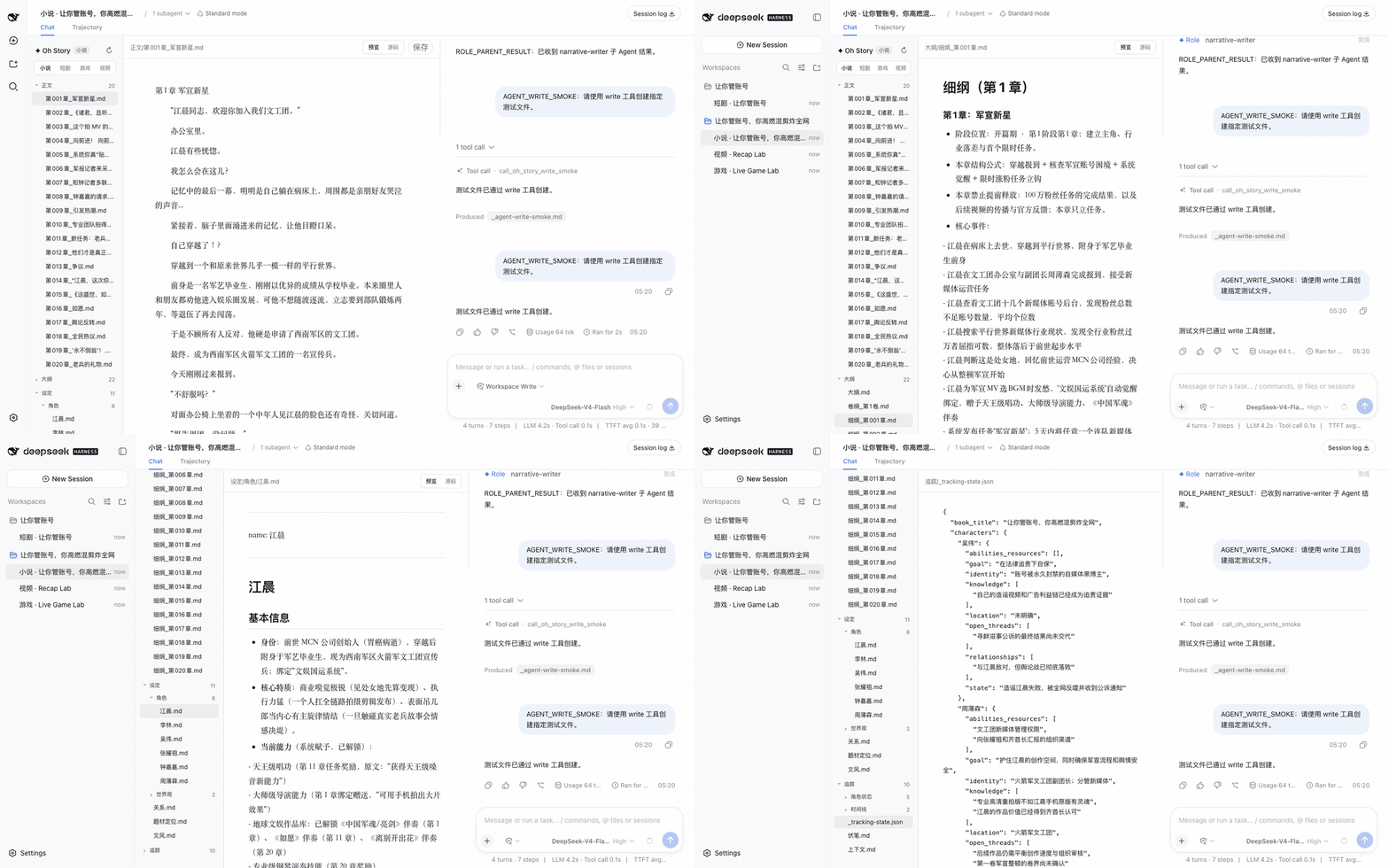
DeepSeek Harness 故事创作插件:集成网文写作、短剧漫剧、小说改游戏与视频解说四个可视化工作台 | DeepSeek Harness plugin for novels, short dramas, games & video recaps
🚀 AI 全自动化视频生成员工 | Your First AIGC Coworker. Chat an Idea. Get a Film. 🦞
Its last change on GitHub was on 2026-11-14. Take My Repo does not judge from that whether it is maintained.
Nobody has reviewed it on Take My Repo yet, which says nothing about its quality.
Take My Repo cannot say: it does not audit code and has not run SceneFlow. What is known comes from GitHub. It declares the MIT license on GitHub. Its last change was on 2026-11-14. It has 408 stars, which measure popularity, not safety. Nobody has reviewed it on Take My Repo yet, which says nothing about its quality. Read the source before you run it. With "Take it", your AI agent shows each step and asks you before running it; README text is treated as data, not as instructions.