
serviette
A no-code RAG server that keeps answers in sync with your documents. Works with 8 vector databases. Built on Pathway.
- 59k
- Python
- MIT
- 13 d ago
Lightweight JavaScript library that transforms static SQL code blocks into interactive, browser-based SQL execution environments using DuckDB WASM
Repo tobilg/sql-workbench-embedded, read from GitHub 22 h ago. tobilg has not joined Take My Repo.
tobilg/sql-workbench-embedded is a public repo on GitHub by tobilg. Lightweight JavaScript library that transforms static SQL code blocks into interactive, browser-based SQL execution environments using DuckDB WASM. It declares the MIT license on GitHub. It is written mainly in TypeScript, has 47 stars and last changed on 2026-09-22. Nobody has reviewed it on Take My Repo yet, which says nothing about its quality. Read from GitHub on 2026-11-22.
In the maintainer's words. Shown from GitHub; Take My Repo does not keep a copy.
A lightweight JavaScript library that transforms static SQL code blocks into interactive, browser-based SQL execution environments using DuckDB WASM.
Repository: https://github.com/tobilg/sql-workbench-embedded
<!DOCTYPE html>
<html>
<head>
  <title>SQL Workbench Example</title>
</head>
<body>
  <pre class="sql-workbench-embedded">
    <code>SELECT 'Hello, World!' AS greeting;</code>
  </pre>

  <!-- Latest version -->
  <script src="https://unpkg.com/sql-workbench-embedded@latest"></script>

  <!-- Specific version (recommended for production) -->
  <script src="https://unpkg.com/sql-workbench-embedded@0.1.4"></script>
</body>
</html>
<!DOCTYPE html>
<html>
<head>
  <title>SQL Workbench Example</title>
</head>
<body>
  <pre class="sql-workbench-embedded">
    <code>SELECT 'Hello, World!' AS greeting;</code>
  </pre>

  <!-- Latest version -->
  <script src="https://cdn.jsdelivr.net/npm/sql-workbench-embedded@latest"></script>

  <!-- Specific version (recommended for production) -->
  <script src="https://cdn.jsdelivr.net/npm/sql-workbench-embedded@0.1.4"></script>
</body>
</html>
Vite bundles the JavaScript, and TypeScript 7 checks the source and generates declaration files with npm run build:types. The build generates declarations after Vite finishes, so Vite's output cleanup cannot remove them. The package includes all generated dist/*.d.ts files, with dist/index.d.ts as the public type entry point.
# Install dependencies
npm install

# Start development server (http://localhost:5173/examples/index.html)
npm run dev

# Build for production
npm run build

# Preview production build (http://localhost:4173/examples/index.html)
npm run preview:prod
.github/workflows/release.yml follows the Valhalla release workflow: pushing a stable vMAJOR.MINOR.PATCH tag validates the version, installs from the lockfile, runs type checking and unit tests, builds, and verifies a packed release. The publish job downloads that exact tarball and publishes it with npm trusted publishing and provenance. The tag, package.json, and package-lock.json must agree. Prerelease tags are rejected.
Manual runs through Actions → Release npm package → Run workflow perform the same verification and upload the npm-release artifact, but do not publish. The verification includes TypeScript consumers using both NodeNext and Bundler resolution without the optional DuckDB dependency installed.
Before the first automated publication, configure the sql-workbench-embedded package on npm under Settings → Trusted publishing → GitHub Actions:
| Setting | Value |
|---|---|
| Organization or user | tobilg |
| Repository | sql-workbench-embedded |
| Workflow filename | release.yml |
| Environment | Leave empty |
| Allowed actions | Enable direct npm publish |
The workflow uses Node from .nvmrc and invokes npm 12.0.2 through npm exec for publishing. This runs the pinned CLI from an isolated cache installation and avoids replacing the running global npm. Authentication uses GitHub's OIDC grant (id-token: write on the publish job); an NPM_TOKEN secret is not needed. See npm's trusted publishing documentation.
After committing your changes, create the next release with:
npm version patch  # Or minor/major; updates package files and creates a commit and tag
git push origin main
git push origin v0.2.1  # Use the exact tag printed by npm version
If the version is already set to the intended release (currently 0.2.0), commit the changes and create its tag directly with git tag -a v0.2.0 -m "Release 0.2.0", then push that tag. Push the workflow to main before using manual runs. A rerun skips publication only if npm already contains the same version with an identical tarball integrity hash; conflicting bytes or registry errors fail the job.
By default, the library automatically scans for elements with the class sql-workbench-embedded and transforms them:
<pre class="sql-workbench-embedded">
  <code>
    SELECT * FROM generate_series(1, 10);
  </code>
</pre>

<!-- You can also set the theme directly on the element -->
<pre class="sql-workbench-embedded" data-theme="dark">
  <code>
    SELECT * FROM users WHERE active = true;
  </code>
</pre>
import { SQLWorkbench } from 'sql-workbench-embedded';

// Configure globally
SQLWorkbench.config({
  selector: '.my-sql-code',
  theme: 'dark',
  baseUrl: 'https://my-data-server.com',
});

// Initialize all embeds
SQLWorkbench.init();

// Or create a single embed programmatically
const embed = new SQLWorkbench.Embedded(element, {
  editable: true,
  theme: 'light',
});
<!-- Using unpkg -->
<script src="https://unpkg.com/sql-workbench-embedded@0.1.4"></script>

<!-- Or using jsDelivr -->
<script src="https://cdn.jsdelivr.net/npm/sql-workbench-embedded@0.1.4"></script>

<script>
  // Configure globally
  SQLWorkbench.config({
    selector: '.my-sql-code',
    theme: 'dark',
    baseUrl: 'https://my-data-server.com',
  });

  // Initialize all embeds
  SQLWorkbench.init();

  // Or create a single embed programmatically
  const embed = new SQLWorkbench.Embedded(element, {
    editable: true,
    theme: 'light',
  });
</script>
SQLWorkbench.config({
  selector: 'pre.sql-workbench-embedded, .sql-workbench-embedded pre',  // CSS selector for auto-discovery
  baseUrl: 'https://data.sql-workbench.com',  // Base URL for file paths
  theme: 'auto',  // 'light', 'dark', or 'auto'
  autoInit: true,  // Auto-initialize on DOMContentLoaded
  duckdbVersion: '1.31.1-dev1.0',  // DuckDB version
  duckdbCDN: 'https://cdn.jsdelivr.net/npm/@duckdb/duckdb-wasm',
  editable: true,  // Allow code editing
  showOpenButton: true,  // Show "Open in SQL Workbench" button
  initQueries: [],  // Initialization queries to execute once before first user query
});
Programmatic embeds inherit the global configuration set with SQLWorkbench.config() at creation time. Per-instance options override those settings; omitted settings use the global value or built-in default. Later global configuration changes do not update existing embeds.
Configuration is copied, including initialization query arrays and custom theme definitions. Mutating an options object or a value returned by SQLWorkbench.getConfig() does not change existing configuration or embeds.
duckdbCDN is the versionless DuckDB package root. The loader requests workers and WASM from ${duckdbCDN}@${duckdbVersion}/dist/ and, when needed, the JavaScript module from ${duckdbCDN}@${duckdbVersion}/+esm. A matching-version window.duckdb module takes precedence, followed by a matching installed package; otherwise the configured module URL is used. A custom host must serve these paths, including a browser-compatible ESM module when no matching module is available locally.
All embeds share one database. The first embed to start a query selects its DuckDB settings and initialization queries for that database session. To change them, await SQLWorkbench.destroy() before configuring and creating new embeds.
const embed = new SQLWorkbench.Embedded(element, {
  initialCode: 'SELECT 1;',
  theme: 'dark',
  editable: false,
  showOpenButton: false,  // Hide "Open in SQL Workbench" button for this instance
});
The initQueries configuration allows you to execute SQL queries once before any user query runs. This is perfect for installing and loading DuckDB extensions, setting configuration options, or creating user-defined functions.
SQLWorkbench.config({
  initQueries: [
    "INSTALL spatial",
    "LOAD spatial",
    "INSTALL a5 FROM community",
    "LOAD a5"
  ]
});
Now all embeds can use spatial functions and community extensions:
<pre class="sql-workbench-embedded">
  SELECT ST_Distance(
    ST_Point(-74.0060, 40.7128),
    ST_Point(-118.2437, 34.0522)
  ) / 1000 AS distance_km;
</pre>

<pre class="sql-workbench-embedded">
  -- Generate GeoJSON for A5 cell
  SELECT ST_AsGeoJSON(
    ST_MakePolygon(
      ST_MakeLine(
        list_transform(
          a5_cell_to_boundary(a5_lonlat_to_cell(-3.7037, 40.41677, 10)),
          x -> ST_Point(x[1], x[2])
        )
      )
    )
  ) as geojson;
</pre>
SQLWorkbench.config({
  initQueries: [
    "SET memory_limit='2GB'",
    "SET threads=4"
  ]
});
SQLWorkbench.config({
  initQueries: [
    "CREATE MACRO add_tax(price, rate) AS price * (1 + rate)",
    "CREATE MACRO full_name(first, last) AS first || ' ' || last"
  ]
});
If an initialization query fails:
See examples/init-queries.html for a complete working example with the spatial and a5 community extensions.
Themes are resolved in the following priority order (highest to lowest):
data-theme attribute - <pre data-theme="ocean"> (highest)new Embedded(element, { theme: 'dark' })SQLWorkbench.config({ theme: 'dark' })'auto', which follows the system preferenceYou can define custom themes that either extend existing light/dark themes or define completely new color schemes.
Custom themes are automatically inherited by programmatic embeds, so you only need to define them once globally.
SQLWorkbench.config({
  customThemes: {
    // Extend existing theme with custom colors
    ocean: {
      extends: 'dark',
      config: {
        primaryBg: '#0ea5e9',
        primaryHover: '#0284c7',
        editorBg: '#1e3a5f',
        // Optionally customize syntax highlighting
        syntaxKeyword: '#4fc3f7',
        syntaxString: '#80cbc4'
      }
    },
    // Standalone theme with all colors defined
    sunset: {
      config: {
        bgColor: '#fef3c7',
        textColor: '#92400e',
        borderColor: '#f59e0b',
        editorBg: '#fef7cd',
        editorText: '#92400e',
        editorFocusBg: '#fef3c7',
        controlsBg: '#fef7cd',
        primaryBg: '#f97316',
        primaryText: '#ffffff',
        primaryHover: '#ea580c',
        secondaryBg: '#f59e0b',
        secondaryText: '#92400e',
        secondaryHover: '#d97706',
        mutedText: '#a16207',
        errorText: '#dc2626',
        errorBg: '#fef2f2',
        errorBorder: '#f87171',
        tableHeaderBg: '#fef3c7',
        tableHeaderText: '#92400e',
        tableHover: '#fef7cd'
      }
    }
  },
  theme: 'ocean'  // Global default theme
});

// Use via data-attribute (highest priority)
// <pre class="sql-workbench-embedded" data-theme="sunset">

// Or programmatically (inherits customThemes automatically)
new SQLWorkbench.Embedded(element, {
  theme: 'ocean'  // Overrides global default
});
When defining custom themes, you can override any of these properties:
Color Properties:
bgColor - Main background colortextColor - Primary text colorborderColor - Border coloreditorBg - Editor backgroundeditorText - Editor text coloreditorFocusBg - Editor focus backgroundcontrolsBg - Controls backgroundprimaryBg - Primary button backgroundprimaryText - Primary button textprimaryHover - Primary button hoversecondaryBg - Secondary button backgroundsecondaryText - Secondary button textsecondaryHover - Secondary button hovermutedText - Muted text colorerrorText - Error text colorerrorBg - Error backgrounderrorBorder - Error border colortableHeaderBg - Table header backgroundtableHeaderText - Table header texttableHover - Table row hover backgroundSyntax Highlighting Colors (Optional):
syntaxKeyword - SQL keywords (SELECT, FROM, WHERE, etc.)syntaxString - String literalssyntaxNumber - Numeric valuessyntaxComment - SQL commentssyntaxFunction - Function namessyntaxOperator - Operators (+, -, =, etc.)Typography Properties (Optional):
fontFamily - Font family for container and UI elementseditorFontFamily - Font family for the SQL editorfontSize - Base font size (e.g., '14px', '1rem')editorFontSize - Font size for the SQL editorbuttonFontSize - Font size for buttonsmetadataFontSize - Font size for metadata textYou can customize font families and sizes in your themes:
SQLWorkbench.config({
  customThemes: {
    // Large accessible theme for better readability
    'large-accessible': {
      extends: 'light',
      config: {
        fontSize: '18px',
        editorFontSize: '16px',
        buttonFontSize: '16px',
        metadataFontSize: '14px',
      }
    },
    // Custom editor font with ligatures
    'fira-code': {
      extends: 'dark',
      config: {
        editorFontFamily: '"Fira Code", "JetBrains Mono", monospace',
        editorFontSize: '15px',
      }
    },
    // Compact theme for dense displays
    'compact': {
      extends: 'dark',
      config: {
        fontSize: '12px',
        editorFontSize: '12px',
        buttonFontSize: '12px',
        metadataFontSize: '10px',
      }
    }
  }
});
See examples/typography.html for a complete demonstration of typography customization.
extends: Only define the properties you want to override. The base theme provides defaults for all others.extends: You must define all required color properties. The library will throw an error if any are missing.The sql-workbench-embedded-themes package provides 66 ready-to-use themes converted from popular CodeMirror 5 themes (50 dark + 16 light themes).
npm install sql-workbench-embedded-themes
import { SQLWorkbench } from 'sql-workbench-embedded';
import { dracula, monokai, elegant } from 'sql-workbench-embedded-themes';

// Configure with pre-built themes
SQLWorkbench.config({
  customThemes: {
    dracula: {
      config: dracula.config
    },
    monokai: {
      config: monokai.config
    }
  },
  theme: 'dracula'
});
For browser usage without a bundler, load individual theme bundles (~1.4KB each):
<!DOCTYPE html>
<html>
<head>
  <title>SQL Workbench with Themes</title>
</head>
<body>
  <pre class="sql-workbench-embedded">
    <code>SELECT * FROM generate_series(1, 10);</code>
  </pre>

  <!-- Load SQL Workbench -->
  <script src="https://unpkg.com/sql-workbench-embedded@latest"></script>

  <!-- Load specific themes from CDN -->
  <script src="https://unpkg.com/sql-workbench-embedded-themes/dist/umd/themes/dracula.js"></script>
  <script src="https://unpkg.com/sql-workbench-embedded-themes/dist/umd/themes/monokai.js"></script>

  <script>
    // Themes are available on window.SQLWorkbenchThemes
    SQLWorkbench.config({
      customThemes: {
        dracula: {
          config: window.SQLWorkbenchThemes.dracula.config
        },
        monokai: {
          config: window.SQLWorkbenchThemes.monokai.config
        }
      },
      theme: 'dracula'
    });
  </script>
</body>
</html>
The package includes 66 themes categorized as:
For a complete list of available themes, visit the sql-workbench-embedded-themes repository.
The library automatically resolves relative file paths in SQL queries:
-- Relative path
SELECT * FROM 'data.parquet';
-- Resolves to: https://data.sql-workbench.com/data.parquet

-- Dot-relative path
SELECT * FROM './path/to/data.parquet';
-- Resolves to: https://data.sql-workbench.com/path/to/data.parquet

-- Absolute path
SELECT * FROM '/data.parquet';
-- Resolves to: https://your-domain.com/data.parquet

-- Already absolute URL (unchanged)
SELECT * FROM 'https://example.com/data.parquet';
Configure the base URL:
SQLWorkbench.config({
  baseUrl: 'https://my-data-cdn.com',
});
Supported literal file references in FROM/JOIN clauses and file-reader calls are registered and executed using their full resolved URLs. Embeds can read identically named files from different base URLs without collisions. The displayed SQL stays unchanged; ordinary string values and comments are preserved. Queries opened in SQL Workbench also carry these resolved URLs.
Each embed includes an "Open in SQL Workbench" button (enabled by default) that opens the current query in the full SQL Workbench web application. The query is encoded in the URL hash using URL-safe Base64 encoding for sharing and persistence.
To disable this button globally:
SQLWorkbench.config({
  showOpenButton: false,
});
Or for a specific instance:
const embed = new SQLWorkbench.Embedded(element, {
  showOpenButton: false,
});
Initialize all embeds matching the configured selector.
Destroy all embeds, including directly constructed instances, and disconnect automatic cleanup. UI removal is immediate. The returned promise waits for active database operations and releases the connection and worker; shutdown errors reject the promise.
await SQLWorkbench.destroy();
Moving an embed between connected parents preserves it. Removing its container or an ancestor automatically destroys the instance. Destroying a single embed leaves the shared database available to other embeds.
Set global configuration options.
Class for creating individual embeds.
const embed = new SQLWorkbench.Embedded(element, options);

// Methods
embed.run();  // Execute query
embed.destroy();  // Cleanup
embed.isDestroyed();  // Check if destroyed
embed.getContainer();  // Get container element
Option 1: CDN (Recommended for quick setup)
<!-- Add to your HTML head -->
<script type="module" src="https://unpkg.com/sql-workbench-embedded@0.1.4/dist/sql-workbench-embedded.esm.js"></script>
Option 2: npm
npm install sql-workbench-embedded
The following component uses the npm import. For CDN usage, omit the package import and use window.SQLWorkbench after the library script has loaded.
import { useRef, useEffect } from 'react';
import { SQLWorkbench } from 'sql-workbench-embedded';

function SQLWorkbenchEmbedded({ code, options }) {
  const containerRef = useRef(null);
  const embedRef = useRef(null);

  useEffect(() => {
    if (containerRef.current) {
      // Create a pre element with the SQL code
      const preElement = document.createElement('pre');
      preElement.className = 'sql-workbench-embedded';
      preElement.textContent = code;
      containerRef.current.appendChild(preElement);

      // Initialize the embed
      embedRef.current = new SQLWorkbench.Embedded(preElement, options);
    }

    return () => {
      embedRef.current?.destroy();
    };
  }, [code, options]);

  return <div ref={containerRef} />;
}

// Usage in your app
function App() {
  return (
    <SQLWorkbenchEmbedded
      code="SELECT 'Hello, World!' AS greeting;"
      options={{ editable: true, theme: 'light' }}
    />
  );
}
<template>
  <div ref="containerRef"></div>
</template>

<script>
import { ref, shallowRef, onMounted, onUnmounted } from 'vue';
import { SQLWorkbench } from 'sql-workbench-embedded';

export default {
  props: {
    code: String,
    options: Object
  },
  setup(props) {
    const containerRef = ref(null);
    const embedRef = shallowRef(null);

    onMounted(() => {
      if (containerRef.value) {
        // Create a pre element with the SQL code
        const preElement = document.createElement('pre');
        preElement.className = 'sql-workbench-embedded';
        preElement.textContent = props.code;
        containerRef.value.appendChild(preElement);

        // Initialize the embed
        embedRef.value = new SQLWorkbench.Embedded(preElement, props.options);
      }
    });

    onUnmounted(() => {
      embedRef.value?.destroy();
    });

    return {
      containerRef
    };
  }
};
</script>
<template>
  <div ref="container"></div>
</template>

<script>
import { SQLWorkbench } from 'sql-workbench-embedded';

export default {
  props: ['code', 'options'],
  mounted() {
    if (this.$refs.container) {
      const element = document.createElement('pre');
      element.className = 'sql-workbench-embedded';
      element.textContent = this.code;
      this.$refs.container.appendChild(element);

      this.embed = new SQLWorkbench.Embedded(element, this.options);
    }
  },
  beforeDestroy() {
    this.embed?.destroy();
  },
};
</script>
The library is optimized for production with minimal bundle size:
The production build maintains a compact size while providing full functionality including flexible theming and typography customization.
Requires: WebAssembly, Web Workers, ES2018+
src/
├── index.ts              # Main entry point
├── embedded.ts           # Core Embedded class
├── types.ts              # TypeScript definitions
├── duckdb-manager.ts     # DuckDB connection management
├── path-resolver.ts      # File path resolution
├── syntax-highlight.ts   # SQL syntax highlighting
└── styles.ts             # CSS injection

examples/
├── index.html            # Basic vanilla JS example
├── init-queries.html     # Init queries / extension management example
├── unpkg.html            # unpkg CDN example (UMD)
├── unpkg-esm.html        # unpkg CDN example (ESM)
├── typography.html       # Typography customization examples
├── react.html            # React integration example
└── vue.html              # Vue 3 integration example
MIT License - see LICENSE file for details.
tobilg/sql-workbench-embedded is a public repo on GitHub by tobilg. Lightweight JavaScript library that transforms static SQL code blocks into interactive, browser-based SQL execution environments using DuckDB WASM.
It declares the MIT license on GitHub.
Its maker has not tagged a system, so it is unknown here. Its README says what it needs.
Open "Take it" on its page: Take My Repo writes an install plan for your machine and hands it to your AI agent (Claude Code, Codex or Cursor), which asks you before each step. Take My Repo has not tested it on any machine.
Its last change on GitHub was on 2026-09-22. Take My Repo does not judge from that whether it is maintained.
A no-code RAG server that keeps answers in sync with your documents. Works with 8 vector databases. Built on Pathway.
Nobody has reviewed it on Take My Repo yet, which says nothing about its quality.
Browser-based data analytics & BI with DuckDB-WASM. Privacy-first: your data stays local; no server required.
Linux, Jenkins, AWS, SRE, Prometheus, Docker, Python, Ansible, Git, Kubernetes, Terraform, OpenStack, SQL, NoSQL, Azure, GCP, DNS, Elastic, Network, Virtualization. DevOps Interview Questions
The Postgres development platform. Supabase gives you a dedicated Postgres database to build your web, mobile, and AI applications.
Stop renting your intelligence. Own it with AnythingLLM. Everything you need for a powerful local-first agent experience
Rust/Wasm-powered SQL transpiler for more than 30 SQL dialects
[DEPRECATED] A Express.js-based webservice to get public Facebook events by location
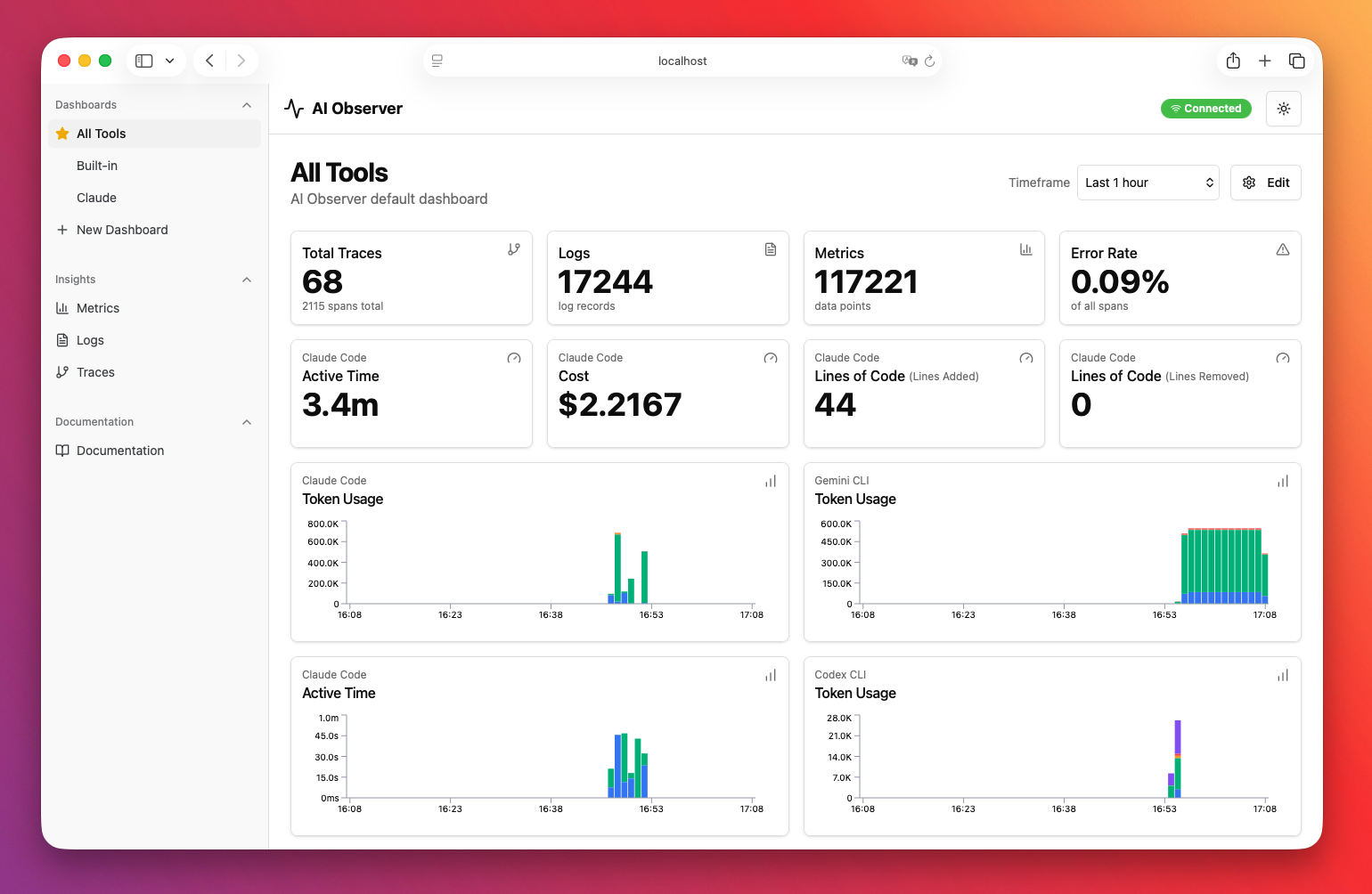
A minimal DuckDB Wasm build for browsers and serverless environments like Cloudflare Workers
An example of how to run DuckDB on AWS Lambda & API Gateway.
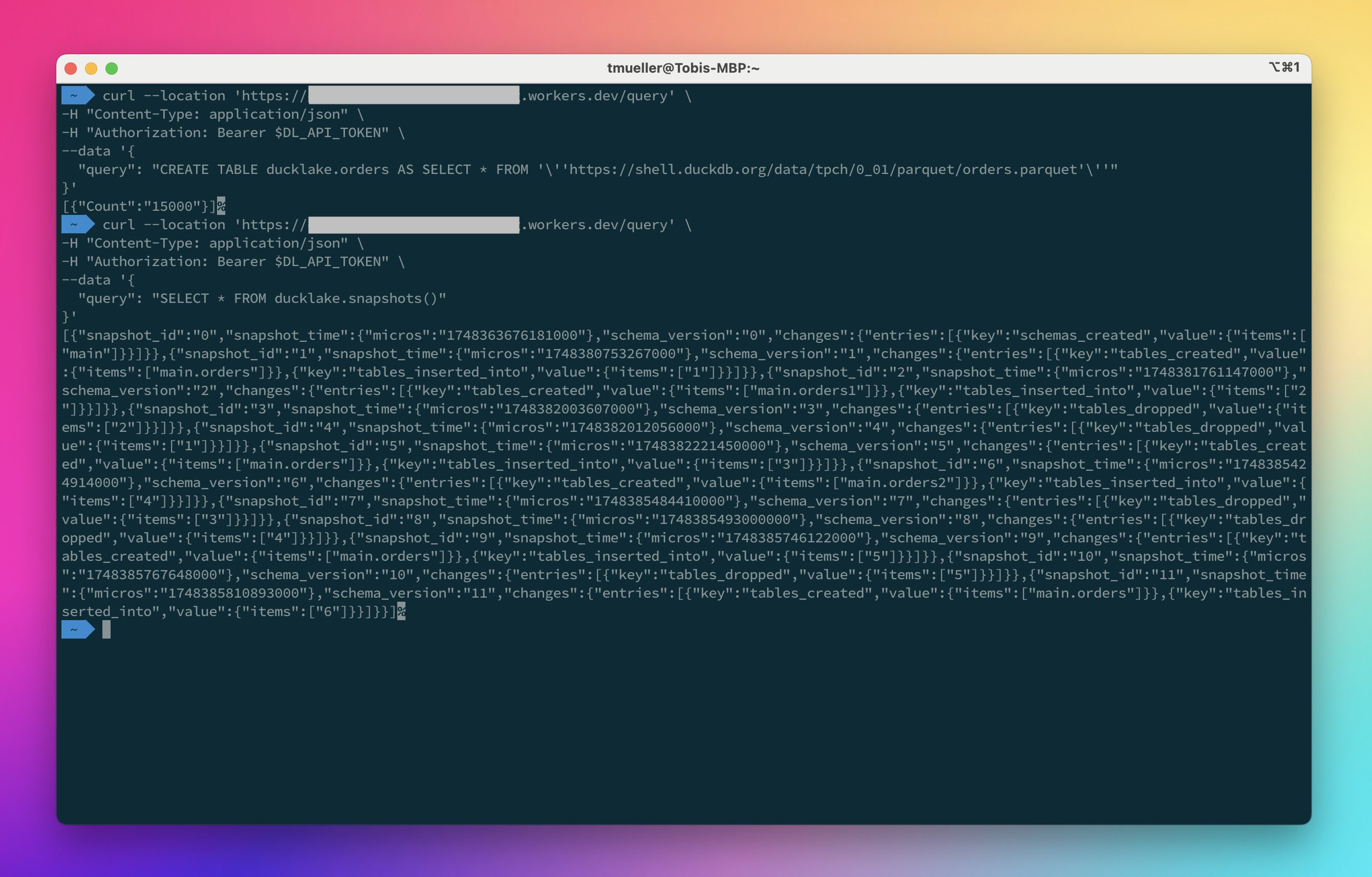
DuckLake running on top of Cloudflare Containers & R2


