
rea
Reverse engineer anything with agents, from app behavior down to native binaries.
- 469k
- TypeScript
- MIT
- 2 h ago
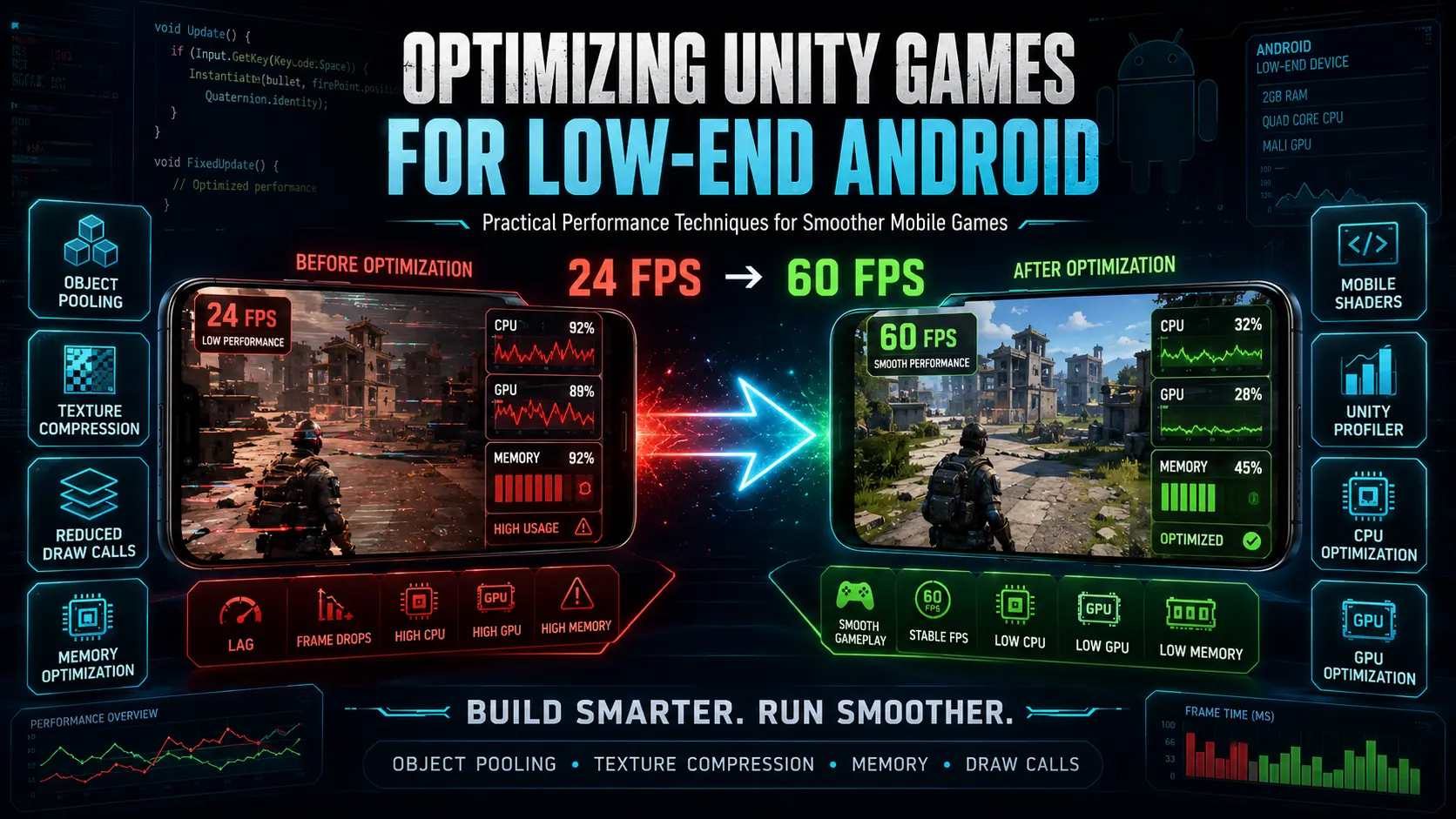
A practical Unity optimization guide with C# examples, performance techniques, object pooling, memory optimization, draw call reduction, texture compression, mobile shaders, and profiling tips for low-end Android devices.
Repo unitysourcecode2026/unity-low-end-android-optimization-guide, read from GitHub 1 min ago. unitysourcecode2026 has not joined Take My Repo.
unitysourcecode2026/unity-low-end-android-optimization-guide is a public repo on GitHub by unitysourcecode2026. A practical Unity optimization guide with C# examples, performance techniques, object pooling, memory optimization, draw call reduction, texture compression, mobile shaders, and profiling tips for low-end Android devices. It declares the MIT license on GitHub. It is written mainly in C#, has 2 stars and last changed on 2026-08-17. Nobody has reviewed it on Take My Repo yet, which says nothing about its quality. Read from GitHub on 2026-11-19.
A practical collection of Unity optimization techniques, C# examples, and performance guides designed to help developers improve mobile game performance on low-end Android devices.
This repository focuses on common performance bottlenecks such as memory usage, draw calls, garbage collection, object pooling, texture optimization, mobile shaders, frame rate management, and profiling.

This repository covers practical techniques for:
object-pooling/
└── ObjectPoolExample.cs

performance/
├── FPSCounter.cs
└── PerformanceSettings.cs

optimization-guides/
├── texture-compression.md
├── reduce-draw-calls.md
├── memory-optimization.md
└── mobile-shaders.md

profiling/
└── unity-profiler-guide.md
Frequently creating and destroying GameObjects can create unnecessary CPU work and garbage collection.
Object pooling allows reusable objects such as bullets, enemies, particles, collectibles, UI elements, and visual effects to be reused instead of constantly instantiated and destroyed.
Read the example:
This repository includes simple scripts for monitoring FPS and applying mobile-friendly performance settings.
These examples can help when testing Unity games on devices with limited CPU, GPU, and memory resources.
Learn about texture resolution, compression, sprite atlases, mipmaps, Read/Write settings, and memory management.
Read the Texture Compression Guide
Learn about batching, material reuse, sprite atlases, UI optimization, transparent objects, and rendering performance.
Read the Draw Call Optimization Guide
Learn practical techniques for reducing memory usage, avoiding unnecessary allocations, caching references, and managing assets.
Read the Memory Optimization Guide
Learn how to reduce shader complexity, overdraw, shadows, transparency, and unnecessary GPU work.
Read the Mobile Shader Optimization Guide
Optimization should be based on actual performance data.
The profiling guide covers CPU usage, GPU usage, memory consumption, garbage collection, rendering statistics, and real-device testing.
This repository provides practical examples and optimization documentation.
For a complete step-by-step guide covering Unity quality settings, textures, meshes, audio, scripting, physics, UI, shaders, memory management, and real-device testing, read:
A Unity puzzle game project that can be useful for experimenting with asset optimization, texture compression, memory usage, and mobile performance.
View Screw Puzzle 3D Game Source Code
A Unity 3D game project that can be useful for testing rendering, object management, physics, assets, and mobile performance optimization.
View War of Rafts: Sea Battle 3D Unity Game
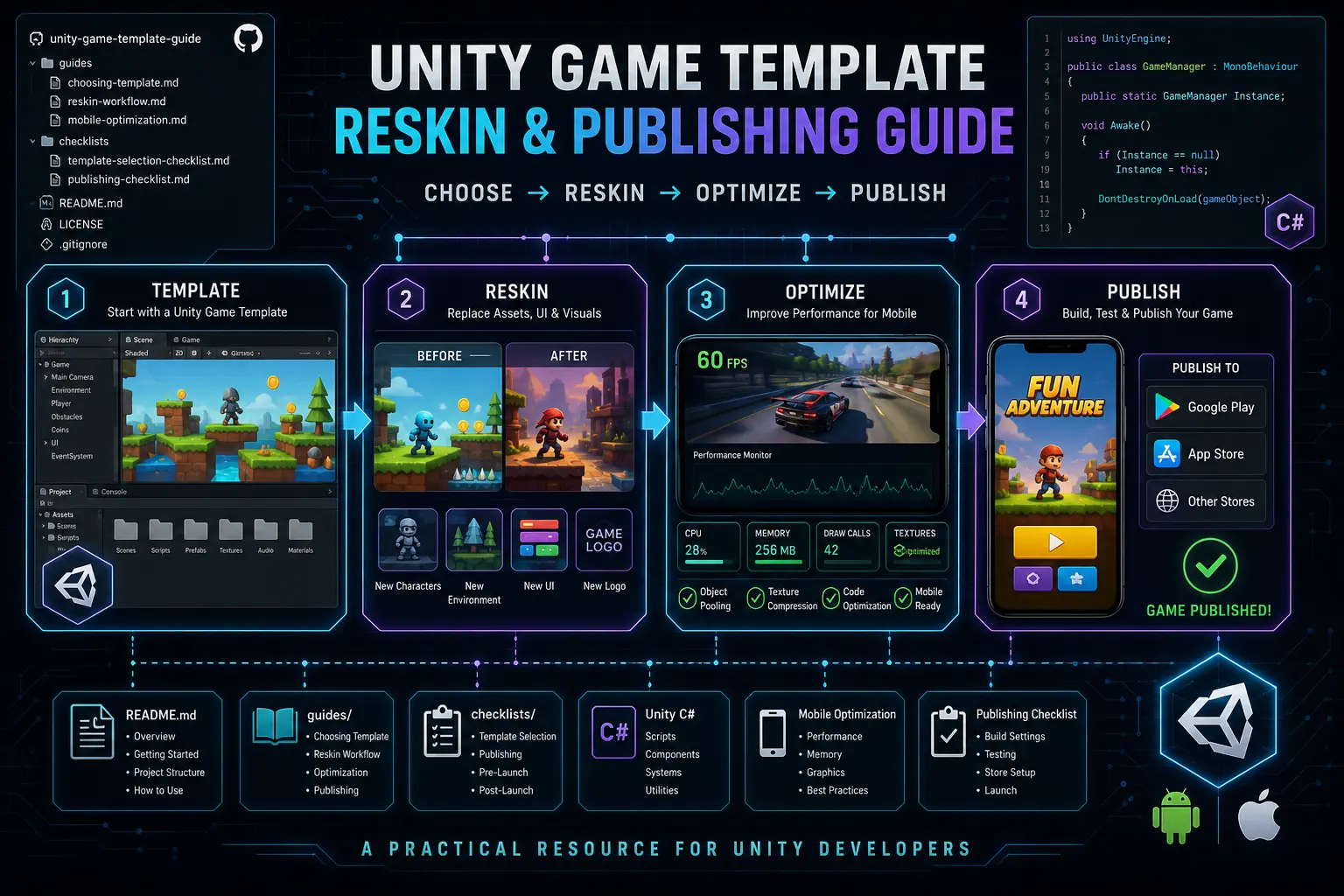
Explore Unity game template selection, reskinning workflows, mobile optimization, and publishing preparation.
Explore the Unity Game Template Reskin Guide
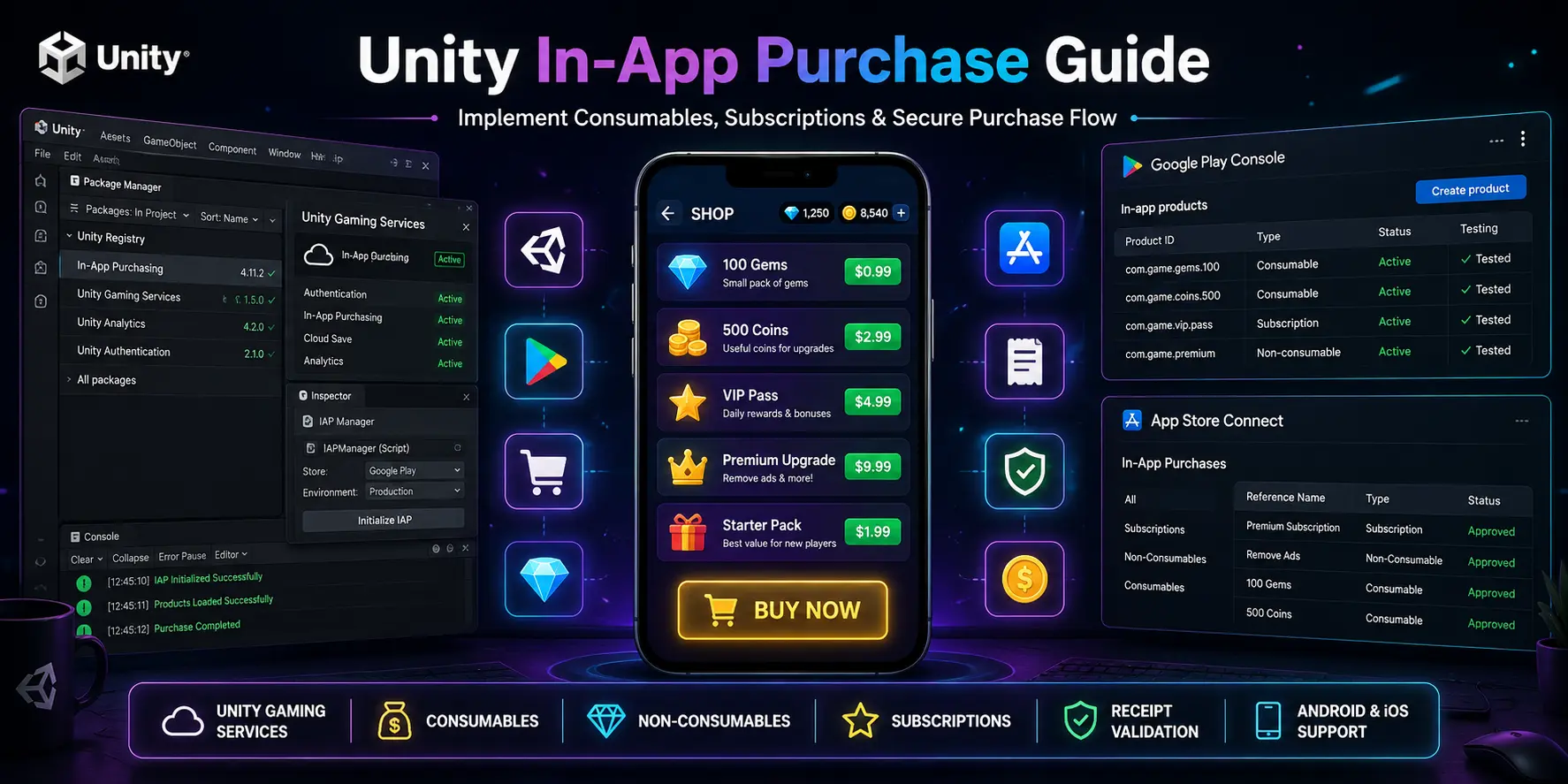
If you are building a mobile game and planning to add monetization, this repository covers Unity In-App Purchases for Android and iOS.
Topics include:
Explore the Unity In-App Purchase Guide
For more Unity game development resources, source code projects, game templates, and practical development guides:
This repository is useful for:
Suggestions, corrections, and additional optimization examples are welcome.
If you find an issue or have a useful improvement, feel free to open an issue or submit a pull request.
For detailed contribution guidelines, please read:
This project is licensed under the MIT License.
unitysourcecode2026/unity-low-end-android-optimization-guide is a public repo on GitHub by unitysourcecode2026. A practical Unity optimization guide with C# examples, performance techniques, object pooling, memory optimization, draw call reduction, texture compression, mobile shaders, and profiling tips for low-end Android devices.
It declares the MIT license on GitHub.
Its maker has not tagged a system, so it is unknown here. Its README says what it needs.
Open "Take it" on its page: Take My Repo writes an install plan for your machine and hands it to your AI agent (Claude Code, Codex or Cursor), which asks you before each step. Take My Repo has not tested it on any machine.
Reverse engineer anything with agents, from app behavior down to native binaries.
Its last change on GitHub was on 2026-08-17. Take My Repo does not judge from that whether it is maintained.
Nobody has reviewed it on Take My Repo yet, which says nothing about its quality.
The Free Software Media System - Server Backend & API
Community-built comprehensive 2D content creation appplication for graphic design, digital art, and interactive real-time motion graphics powered by a node-based procedural graphics engine
Flutter makes it easy and fast to build beautiful apps for mobile and beyond
A practical resource for Unity developers covering game template selection, reskinning workflows, mobile optimization, and publishing checklists for Android and iOS games.
A complete guide to implementing Unity In-App Purchases (IAP) for Android and iOS using Unity Gaming Services. Includes setup, product configuration, testing, best practices, and troubleshooting.
Complete Unity AdMob Integration Guide with Google Mobile Ads SDK. Learn Banner, Interstitial, Rewarded, and App Open Ads for Android & iOS using production-ready Unity practices.
Unity game development resources, complete projects, source code, and tutorials.
A practical guide to using ScriptableObjects in Unity for clean, scalable, and reusable game architecture. Includes documentation, diagrams, example structures, and best practices for player data, inventory systems, shops, weapons, character stats, and save data.
Unity mobile optimization tips, performance techniques, and C# examples for Android and iOS games.