
rea
Reverse engineer anything with agents, from app behavior down to native binaries.
- 477k
- TypeScript
- MIT
- 3 h ago
Android N multi-window support
Repo venshine/MultiWindow, read from GitHub 15 min ago. venshine has not joined Take My Repo.
venshine/MultiWindow is a public repo on GitHub by venshine. Android N multi-window support. It declares the Apache-2.0 license on GitHub. It is written mainly in Kotlin, has 51 stars and last changed on 2026-11-16. Nobody has reviewed it on Take My Repo yet, which says nothing about its quality. Read from GitHub on 2026-11-24.
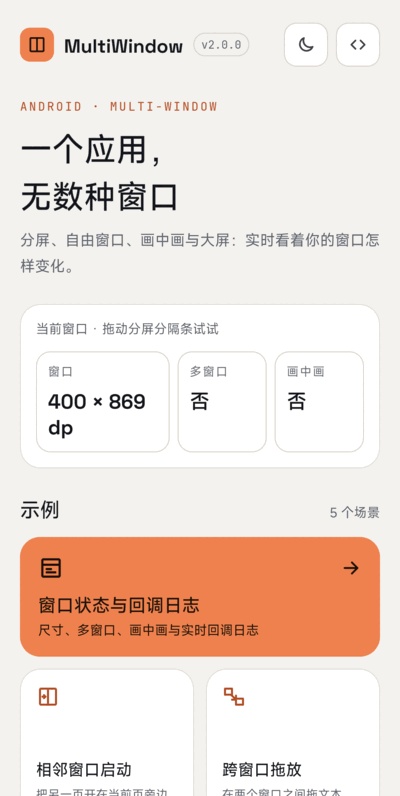
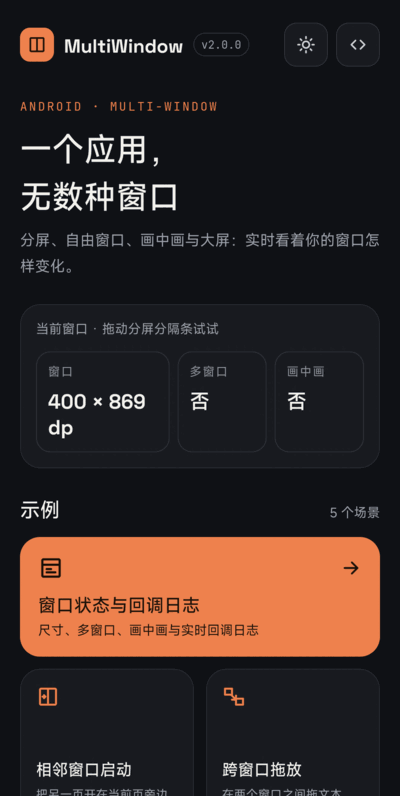
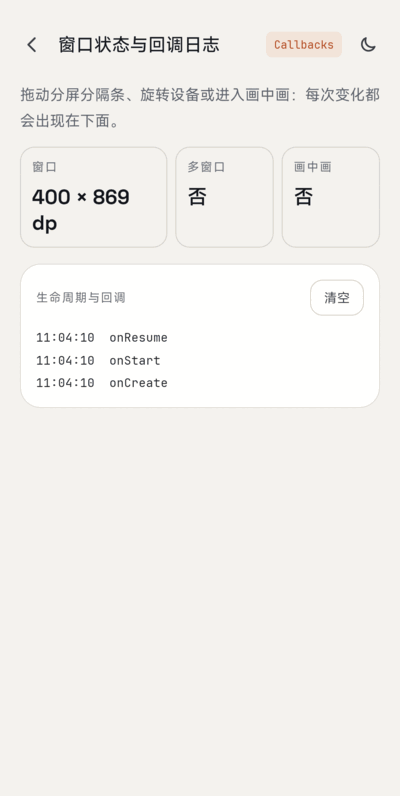
A Kotlin demo app for multi-window and large-screen behavior on Android: it shows the window size, multi-window and picture-in-picture state live, launches a page in the adjacent window, drags text across windows, and keeps its log across configuration changes. It is a demo app, not a library (no Maven coordinate).
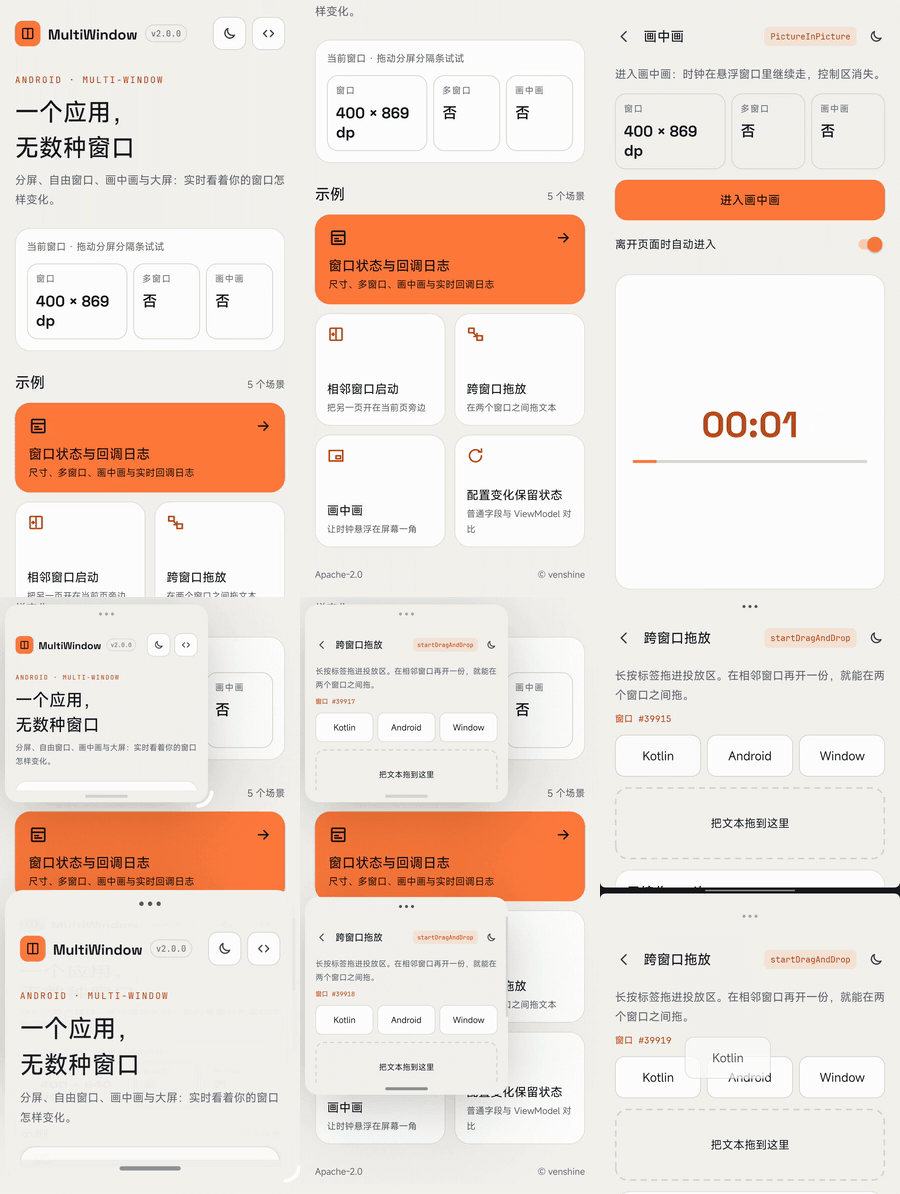
| Home | Dark mode | Status & callbacks | Adjacent launch |
|---|---|---|---|
 |
 |
 |
 |
| Split-screen drag | Freeform drag | Picture-in-picture | ViewModel |
|---|---|---|---|
 |
 |
 |
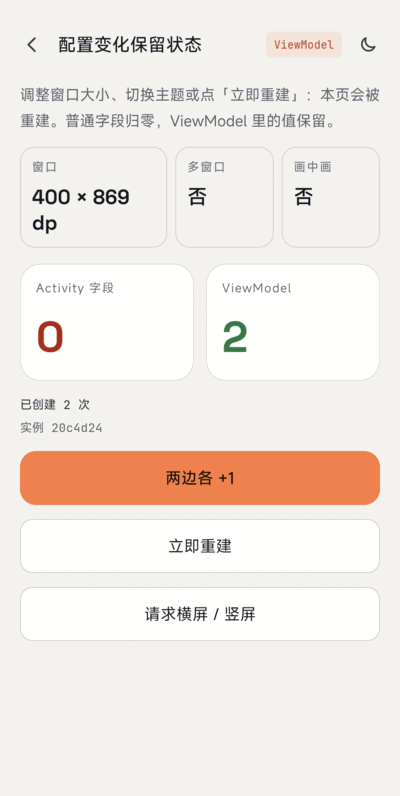 |
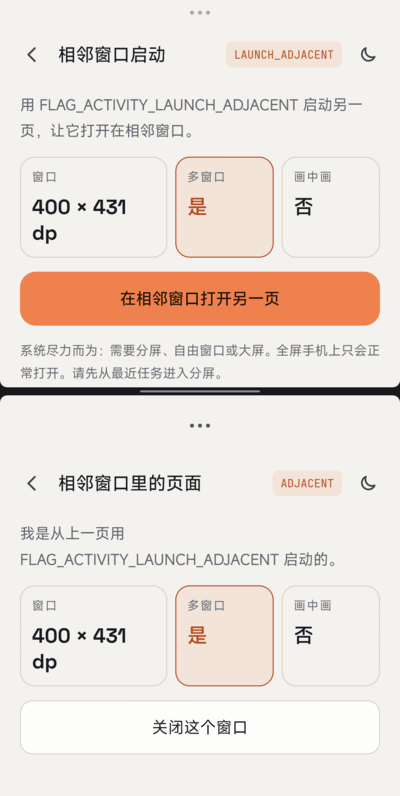
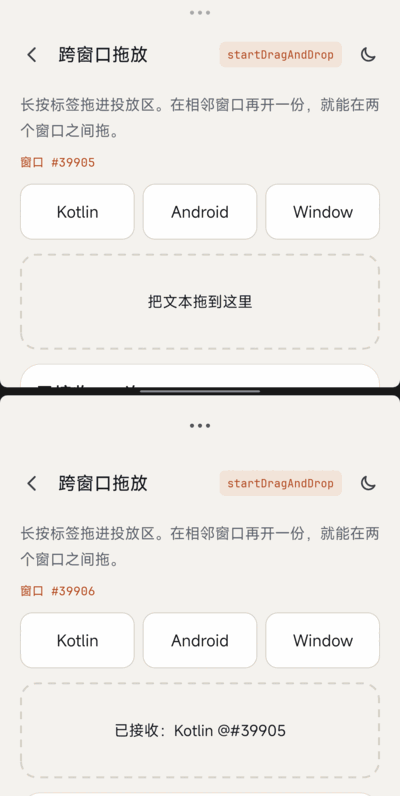
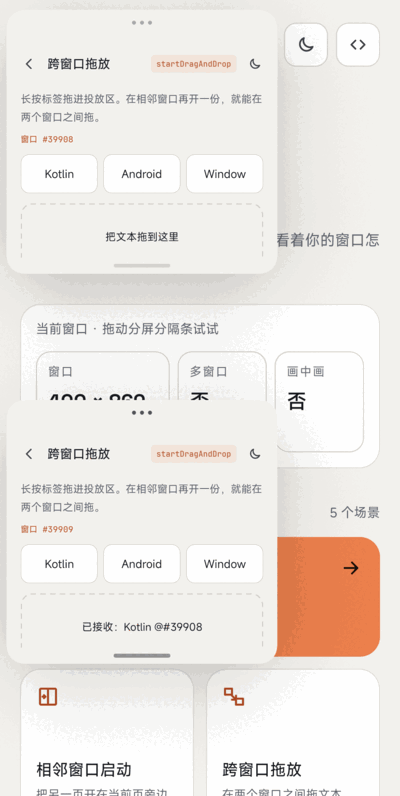
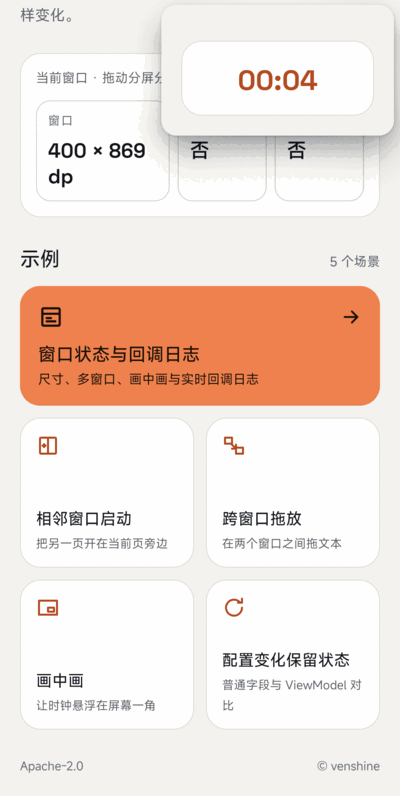
Captured on a real device running Android 17. Split screen comes from the adjacent-launch button, freeform windows from adb shell am start --windowingMode 5.
| Feature | Where |
|---|---|
Live window size (Configuration.screenWidthDp/HeightDp), multi-window and PiP state |
BaseActivity, StatusActivity |
Callbacks: onMultiWindowModeChanged(Boolean, Configuration), onPictureInPictureModeChanged(Boolean, Configuration) |
BaseActivity.onWindowEvent() |
Launch in the adjacent window: FLAG_ACTIVITY_LAUNCH_ADJACENT or FLAG_ACTIVITY_NEW_TASK |
AdjacentActivity |
Cross-window text drag and drop (startDragAndDrop + DRAG_FLAG_GLOBAL, OnDragListener) |
DragActivity, DropParser |
Keep state across recreation with ViewModel |
ConfigActivity, ConfigViewModel, WindowViewModel |
Handle configuration changes yourself (configChanges) + PiP |
PipActivity (and configChanges in the manifest) |
// Query and callback (the single-argument overload is deprecated since API 26)
val inMultiWindow = isInMultiWindowMode
override fun onMultiWindowModeChanged(isInMultiWindowMode: Boolean, newConfig: Configuration) { ... }

// Open another activity in the adjacent window (best effort, not guaranteed)
startActivity(
    Intent(this, PeerActivity::class.java)
        .addFlags(Intent.FLAG_ACTIVITY_LAUNCH_ADJACENT or Intent.FLAG_ACTIVITY_NEW_TASK)
)
All statements below were checked against the page quoted in the link.
resizeableActivity="false" puts the app in compatibility mode when needed. On small screens the system checks minWidth / minHeight, and resizeableActivity="false" still blocks multi-window. Support multi-window modeFLAG_ACTIVITY_LAUNCH_ADJACENT can make a full-screen app enter split-screen and open the target in the adjacent window (same page, "Programmatic split-screen"). OEMs can enable this behavior on older versions.RESUMED in multi-window; use onTopResumedActivityChanged() for exclusive resources such as camera / microphone. Before Android 10 only the most recently used one is resumed. Same page.screenOrientation, resizeableActivity, minAspectRatio, maxAspectRatio, setRequestedOrientation() and getRequestedOrientation() are ignored (the app is resizable and fills the window, no pillarboxing). Exceptions: games (android:appCategory), users who opt in to the app's default behavior in the aspect-ratio settings, and displays smaller than sw600dp. A temporary opt-out is PROPERTY_COMPAT_ALLOW_RESTRICTED_RESIZABILITY, and it will not work for apps targeting API 37. Behavior changes: Android 16, App orientation, aspect ratio, and resizabilityresizeableActivity="true" in AndroidManifest.xml only matters below sw600dp or below targetSdk 36; on large screens it is ignored. Rotation and window resizing recreate activities more often, so state must be preserved (Save UI states).settings put global enable_freeform_support 1 is no longer the documented path. Tested on a real device running Android 17: pm has-feature android.software.freeform_window_management returns true, the enable_freeform_support global setting is unset, and adb shell am start --windowingMode 5 -n <activity> opens the activity as a freeform window (two such windows can be resized with am task resize and dragged between).compileSdk / targetSdk 36, minSdk 24 (unchanged).com.wx.android.common dependency and the old support library; the old log buffer (a static StringBuilder) is replaced by a ViewModel.For apps with multiple panes use Activity embedding (Jetpack WindowManager); for adaptive layouts use window size classes. Google's old MultiWindowPlayground sample is the official reference for Android N.
Maintained as a small demo. Adjacent launch (it produces a real top/bottom split screen), cross-window drag, PiP and freeform windows have been checked by hand on a real device running Android 17.
The sample app bundles these fonts, both licensed under the SIL Open Font License 1.1 (license texts in app/licenses/):
Apache License 2.0, see LICENSE.
venshine/MultiWindow is a public repo on GitHub by venshine. Android N multi-window support.
It declares the Apache-2.0 license on GitHub.
Its maker has not tagged a system, so it is unknown here. Its README says what it needs.
Open "Take it" on its page: Take My Repo writes an install plan for your machine and hands it to your AI agent (Claude Code, Codex or Cursor), which asks you before each step. Take My Repo has not tested it on any machine.
Its last change on GitHub was on 2026-11-16. Take My Repo does not judge from that whether it is maintained.
f.k.a. Awesome ChatGPT Prompts. Share, discover, and collect prompts from the community. Free and open source — self-host for your organization with complete privacy.
Multipurpose Converter Application (MCA) - it's a modern web application, which resolve different problems relation with simultaneous conversion of different mathematical, physical and other measurements for fast and comfortable getting result.
Build Agentic workflows, RAG pipelines, with rich AI model and tool support on one collaborative workspace. Deploy on cloud, VPC, or self-hosted, so teams move from prototype to production without rebuilding the stack.
Nobody has reviewed it on Take My Repo yet, which says nothing about its quality.
Take My Repo cannot say: it does not audit code and has not run MultiWindow. What is known comes from GitHub. It declares the Apache-2.0 license on GitHub. Its last change was on 2026-11-16. It has 51 stars, which measure popularity, not safety. Nobody has reviewed it on Take My Repo yet, which says nothing about its quality. Read the source before you run it. With "Take it", your AI agent shows each step and asks you before running it; README text is treated as data, not as instructions.


