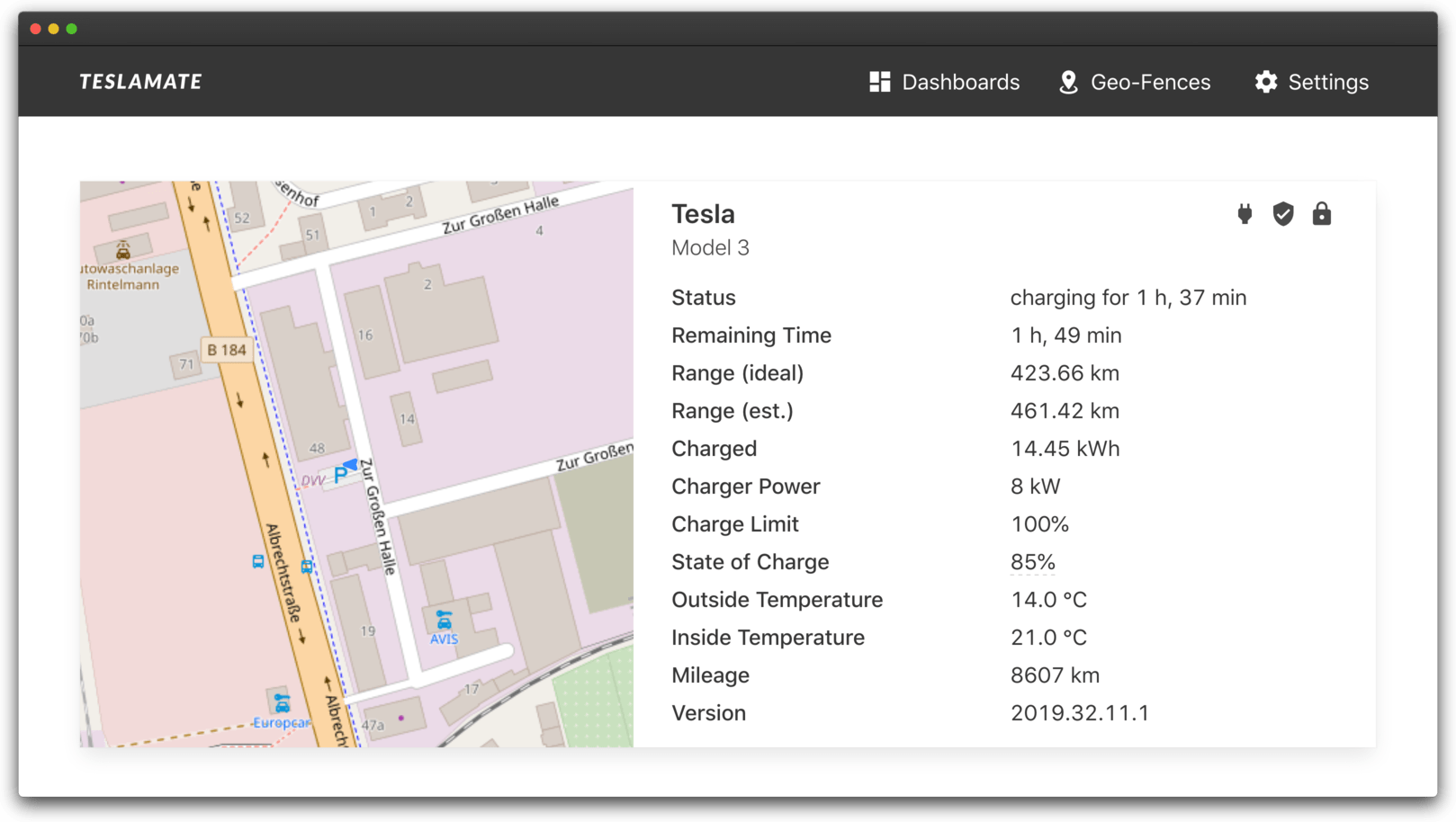
teslamate
A self-hosted data logger for your Tesla 🚘 [main maintainer=@JakobLichterfeld]
- 9.3k
- Elixir
- AGPL-3.0
- 22 h ago
Elixir vfox plugin. Use the vfox to manage multiple Elixir versions in Linux/Darwin MacOS/Windows. all platform~
Repo version-fox/vfox-elixir, read from GitHub 5 h ago. version-fox has not joined Take My Repo.
version-fox/vfox-elixir is a public repo on GitHub by version-fox. Elixir vfox plugin. Use the vfox to manage multiple Elixir versions in Linux/Darwin MacOS/Windows. all platform~. It declares the Apache-2.0 license on GitHub. It is written mainly in Lua, has 8 stars and last changed on 2026-11-22. Nobody has reviewed it on Take My Repo yet, which says nothing about its quality. Read from GitHub on 2026-11-22.
A vfox plugin for Elixir. It installs and switches between Elixir versions on Linux, macOS and Windows. The plugin does not install Erlang/OTP, which Elixir needs; see Before you install.
Elixir runs on Erlang/OTP, which the plugin does not install for you. Install an Erlang/OTP version that Elixir supports first, see Erlang/OTP.
vfox add erlang
vfox install erlang@26.2.3
vfox use -g erlang@26.2.3
# install the plugin
vfox add elixir

# list the versions you can install
vfox search elixir

# install and select a version
vfox install elixir@1.16.2
vfox use -g elixir@1.16.2
elixir --version
Linux and macOS build Elixir from source with make. On Windows, the plugin runs the official installer, and the names end in the OTP version, such as 1.16.2-elixir-otp-26. See platforms.md for the requirements of each platform, and versions.md for the names.
vfox add erlang
vfox install erlang@26.2.3
vfox use -g erlang@26.2.3
vfox add elixir
vfox install elixir@1.16.2-elixir-otp-26
vfox use -g elixir@1.16.2-elixir-otp-26
Windows needs vfox 0.5.3 or later. Versions before 1.15 are not listed for Windows. See platforms.md.
With VFOX_ELIXIR_MIRROR=hex, Linux and macOS install prebuilt Elixir from builds.hex.pm instead of compiling it. vfox search elixir hex lists those builds. Windows does not support them. See mirror.md.
vfox search elixir hex
VFOX_ELIXIR_MIRROR=hex vfox install elixir@1.16.2-otp-26
vfox link --detect elixir links an Elixir that is already installed, from asdf, mise, Homebrew, Scoop, the system or the official installer, instead of installing another copy. It needs vfox 1.1.0 or later. See link.md.
The plugin can also be used with mise, a development tool manager:
# Elixir need Erlang/OTP, so install Erlang/OTP first
mise install vfox:version-fox/vfox-erlang@26.2.3
mise use -g vfox:version-fox/vfox-erlang@26.2.3

# Install an available version
mise install vfox:version-fox/vfox-elixir@1.16.2
Using the plugin
erlc, and installing Erlang/OTP with vfox-erlangVFOX_ELIXIR_MIRROR=hexvfox link --detect elixirWorking on the plugin
main before the next releaseMaintainers can publish from Actions → Plugin → Run workflow on the default
branch by entering a stable plugin version without the v prefix. The shared
workflow updates metadata.lua, creates the version commit and tag, and publishes
the ZIP and manifest in this repository. No local tag or extra release token is
needed. Pull requests run checks only.
Existing version-tag pushes are supported when PLUGIN.version already matches
the tag. If publication fails, re-run the original failed job to resume it.
The workflow follows the shared @v1 release-tool version. Updating the tool does
not release this plugin. See the shared workflow documentation
for the package contract and first-rollout requirements.
The bilingual site is maintained under website/. See website/README.md for local build and deployment instructions.
Apache 2.0. See LICENSE.
version-fox/vfox-elixir is a public repo on GitHub by version-fox. Elixir vfox plugin. Use the vfox to manage multiple Elixir versions in Linux/Darwin MacOS/Windows. all platform~.
It declares the Apache-2.0 license on GitHub.
Its maker has not tagged a system, so it is unknown here. Its README says what it needs.
Open "Take it" on its page: Take My Repo writes an install plan for your machine and hands it to your AI agent (Claude Code, Codex or Cursor), which asks you before each step. Take My Repo has not tested it on any machine.
Its last change on GitHub was on 2026-11-22. Take My Repo does not judge from that whether it is maintained.
Nobody has reviewed it on Take My Repo yet, which says nothing about its quality.
A self-hosted data logger for your Tesla 🚘 [main maintainer=@JakobLichterfeld]
A cross-platform and extendable version manager with support for Java, Node.js, Golang, Python, Flutter, .NET & more