

flexmark-java
CommonMark/Markdown Java parser with source level AST. CommonMark 0.28, emulation of: pegdown, kramdown, markdown.pl, MultiMarkdown. With HTML to MD, MD to PDF, MD to DOCX conversion modules.
- 2.6k
- Java
- BSD-2-Clause
- 20 mo ago
Collection of useful extensions for plugin developers
Repo vsch/PluginDevelopersToolbox, read from GitHub 1 min ago. vsch has not joined Take My Repo.
vsch/PluginDevelopersToolbox is a public repo on GitHub by vsch. Collection of useful extensions for plugin developers. It declares the Apache-2.0 license on GitHub. It is written mainly in Kotlin, has 7 stars and last changed on 2023-04-20. Nobody has reviewed it on Take My Repo yet, which says nothing about its quality. Read from GitHub on 2026-11-23.
A collection of useful functions for plugin developers. I use it in the development of the idea-multimarkdown plugin.
Adobe PhotoShop, Illustrator and now discontinued Slicy post processor, generate @2x
resolution files suffixed with _dark as _dark@2x suffixed, while the IDE expects @2x_dark
suffix for dark, high resolution files.
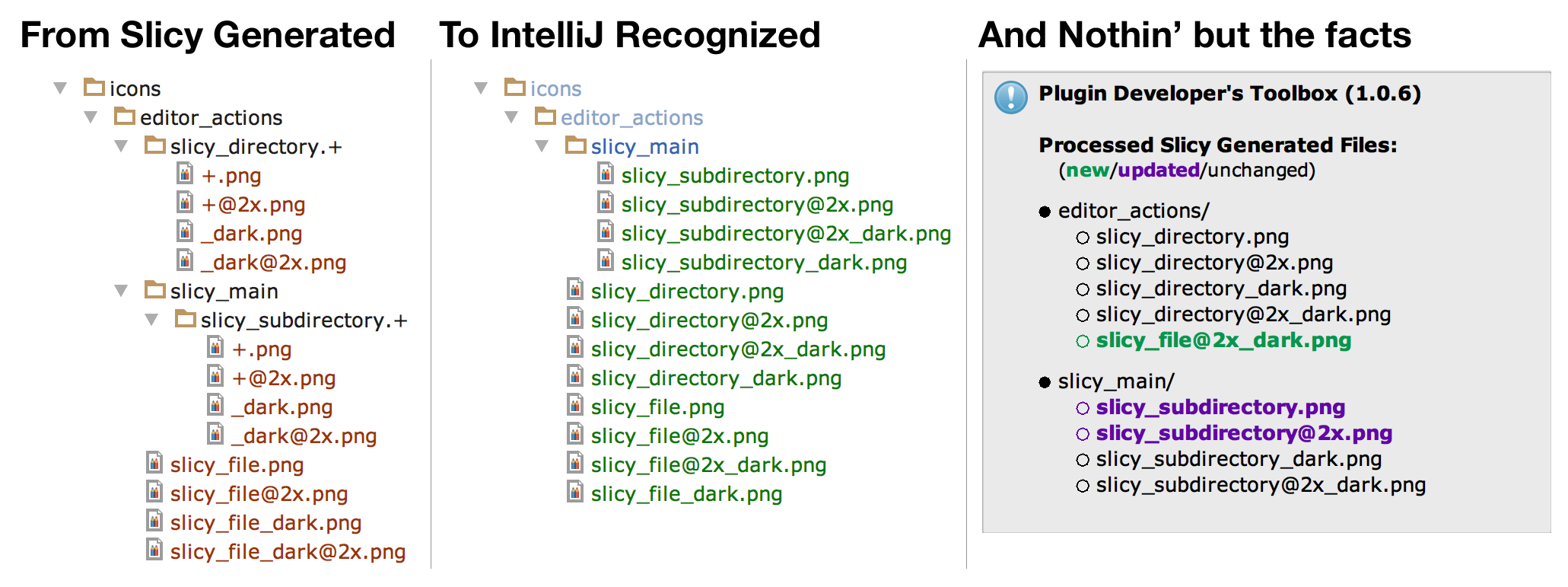
This plugin detects when such files are created and changes their name to what the IDE expects.
It also handles Slicy quirk of using groups to create sub-directories to allow some groups to be converted to concatenation of file name, reducing the amount of group renaming when copying icons in PhotoShop.
Version 1.2 adds option to remove plugin id from plugin.xml editor tab title to reduce the editor tab real-estate used. The IDE always adds plugin id to the editor tab, which makes sense for projects which contain multiple plugin.xml files. On a single plugin project makes such tab title expansion a waste of valuable editor tab space.
Disable Editor Tab Title Expansion for plugin.xml files to remove the plugin id from
editor tab of plugin.xml files.Only when single plugin.xml is open to allow expansion of title when more than one
plugin.xml file is open⚠️ The plugin now has a project setting to enable its operation under settings (Preferences) > Tools > Plugin Developer's Toolbox. It is disabled by default not to interfere with projects that do not need its functionality.
For now it is just one extremely useful function if you use Slicy for extracting icon images from PSD files.

Slicy from macrabbit extracts individual icons from PSD files containing layer groups with specific names. It will also create @1x icons from @2x icons for file names that end in @2x.ext and will put extracted icons in subdirectories if the parent layer group ends in /.
Why bother? If you maintain a plugin, then you will need to create 4x icons for every icon used in the IDEA: @1x light, @1x dark, @2x light, @2x dark. Each with a proper naming convention, so the IDEA recognizes them as retina and scheme type.
Slicy is an awesome tool that will let you create a single PSD file with multiple icon images and monitor the file to automatically export the icons when the file changes. It will also generate @1x images from @2x images if a @1x image was not provided in the file. This cuts the number of images to maintain in half.
The plugin augments this in the following way:
The slicy naming convention does not match IDEA for darcula @2x icons. So the plugin will
rename any newly created image files matching fileName_dark@2x.ext to
fileName@2x_dark.ext, where ext is .png, .jpg, .jpeg or .gif.
For each icon you need to create 2 layer groups: fileName@2x.ext and
fileName_dark@2x.ext. This may not seem like much but when you add a new icon you need to
copy and rename 2 layer groups, and make sure you match the naming convention for each layer.
This plugin will let you just create a template of layer groups to be reused for each icon:
iconName.+/ +@2x.png icon layers go here _dark@2x.png icon layers go here
To create a new icon, you only have to duplicate the iconName.+/ group and rename it to newIconName.+/ group. When you save the file Slicy will do its thing and create the following files, in whatever directory you originally told it to save the icons:
 directory/
     iconName.+/
         +@2x.png
         +.png
         _dark@2x.png
         _dark.png
     newIconName.+/
         +@2x.png
         +.png
         _dark@2x.png
         _dark.png
Now the plugin will come into action and transpose the above into what the IDEA will recognize as a set of 2 icons with normal, retina, default and darcula scheme variations:
 directory/
     iconName@2x.png
     iconName.png
     iconName@2x_dark.png
     iconName_dark.png
     newIconName@2x.png
     newIconName.png
     newIconName@2x_dark.png
     newIconName_dark.png
vsch/PluginDevelopersToolbox is a public repo on GitHub by vsch. Collection of useful extensions for plugin developers.
It declares the Apache-2.0 license on GitHub.
Its maker has not tagged a system, so it is unknown here. Its README says what it needs.
Open "Take it" on its page: Take My Repo writes an install plan for your machine and hands it to your AI agent (Claude Code, Codex or Cursor), which asks you before each step. Take My Repo has not tested it on any machine.
Its last change on GitHub was on 2023-04-20. GitHub counts 0 open issues and pull requests. Take My Repo does not judge from that whether it is maintained.
Nobody has reviewed it on Take My Repo yet, which says nothing about its quality.
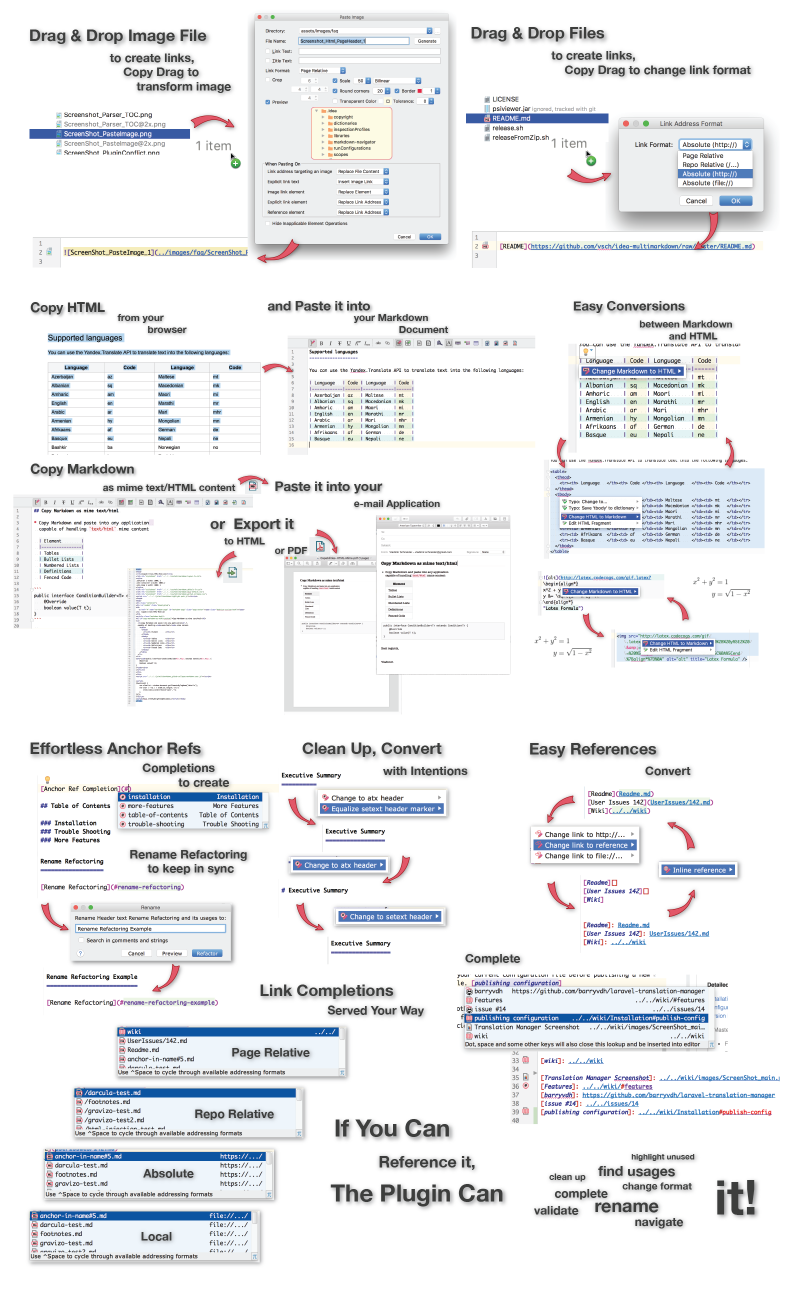
CommonMark/Markdown Java parser with source level AST. CommonMark 0.28, emulation of: pegdown, kramdown, markdown.pl, MultiMarkdown. With HTML to MD, MD to PDF, MD to DOCX conversion modules.
Enhanced Management of Laravel 4 & 5 Translations, with Yandex Translation API assisted translations.
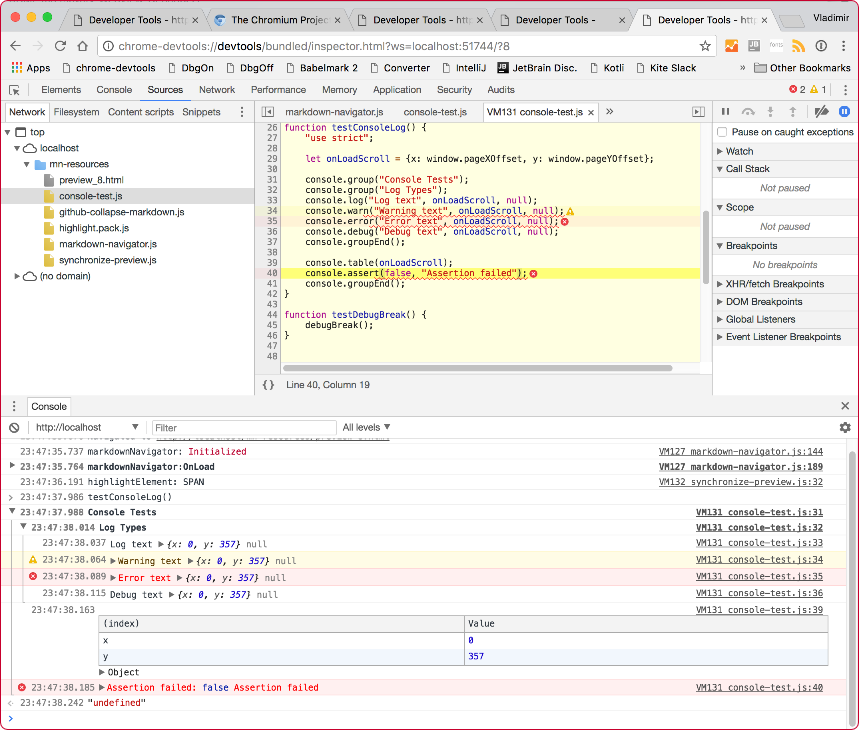
Full Featured Google Chrome Dev Tools to JavaFX WebView browser debugging.
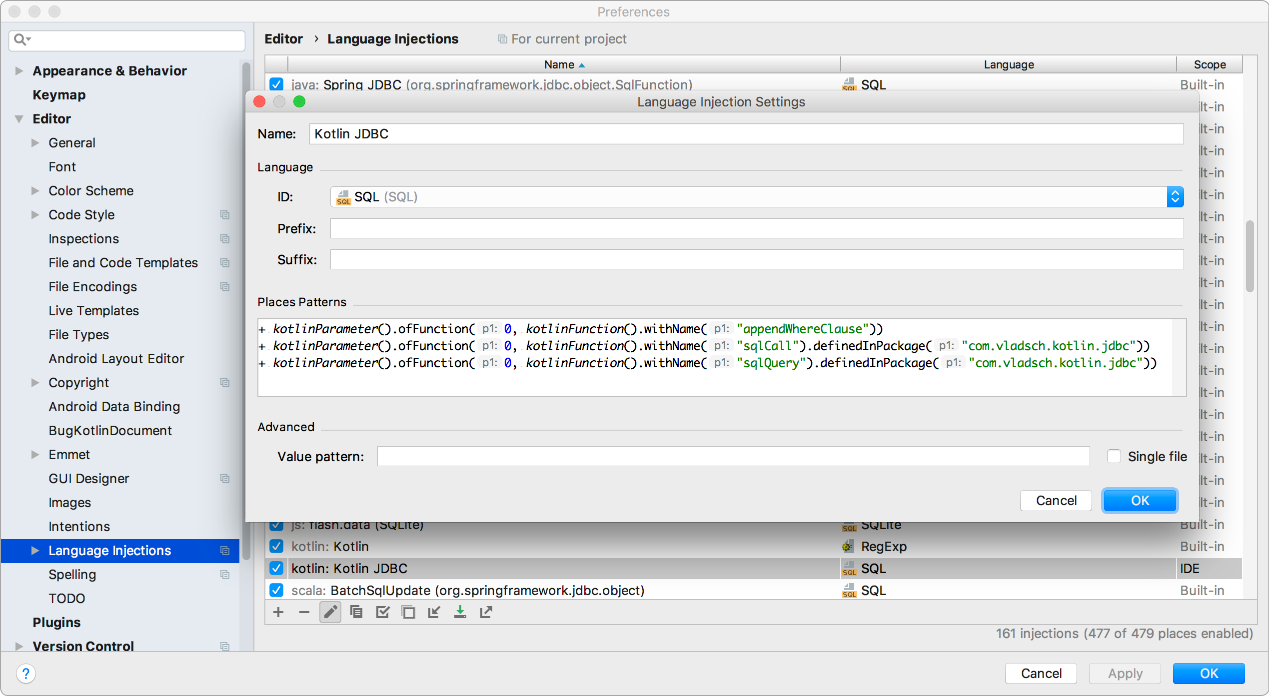
A thin library that exposes JDBC API with the convenience of Kotlin and gets out of the way when not needed
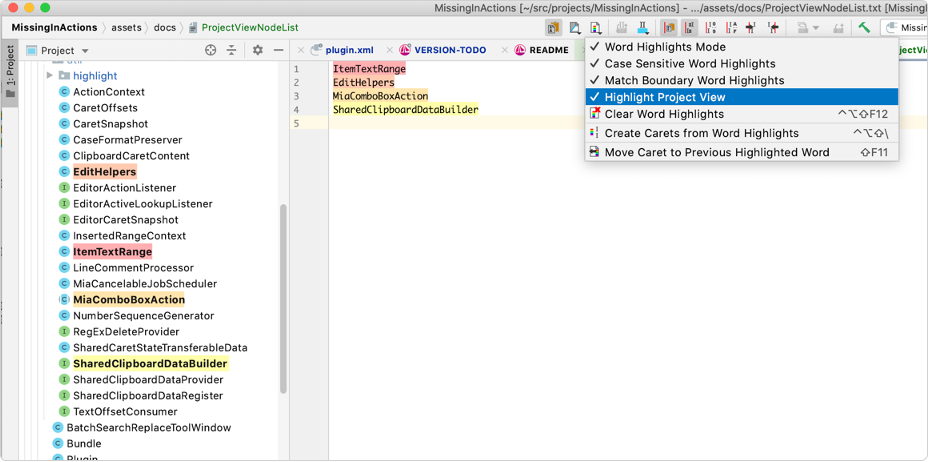
Adds new editing capability to JetBrains IDEs like auto-line selections, multi-caret manipulation and move to next/previous end of word.