screenshot-tool

Open repos and models their makers tagged screenshot-tool, most starred first. The same for everyone.

Language and translationRepo

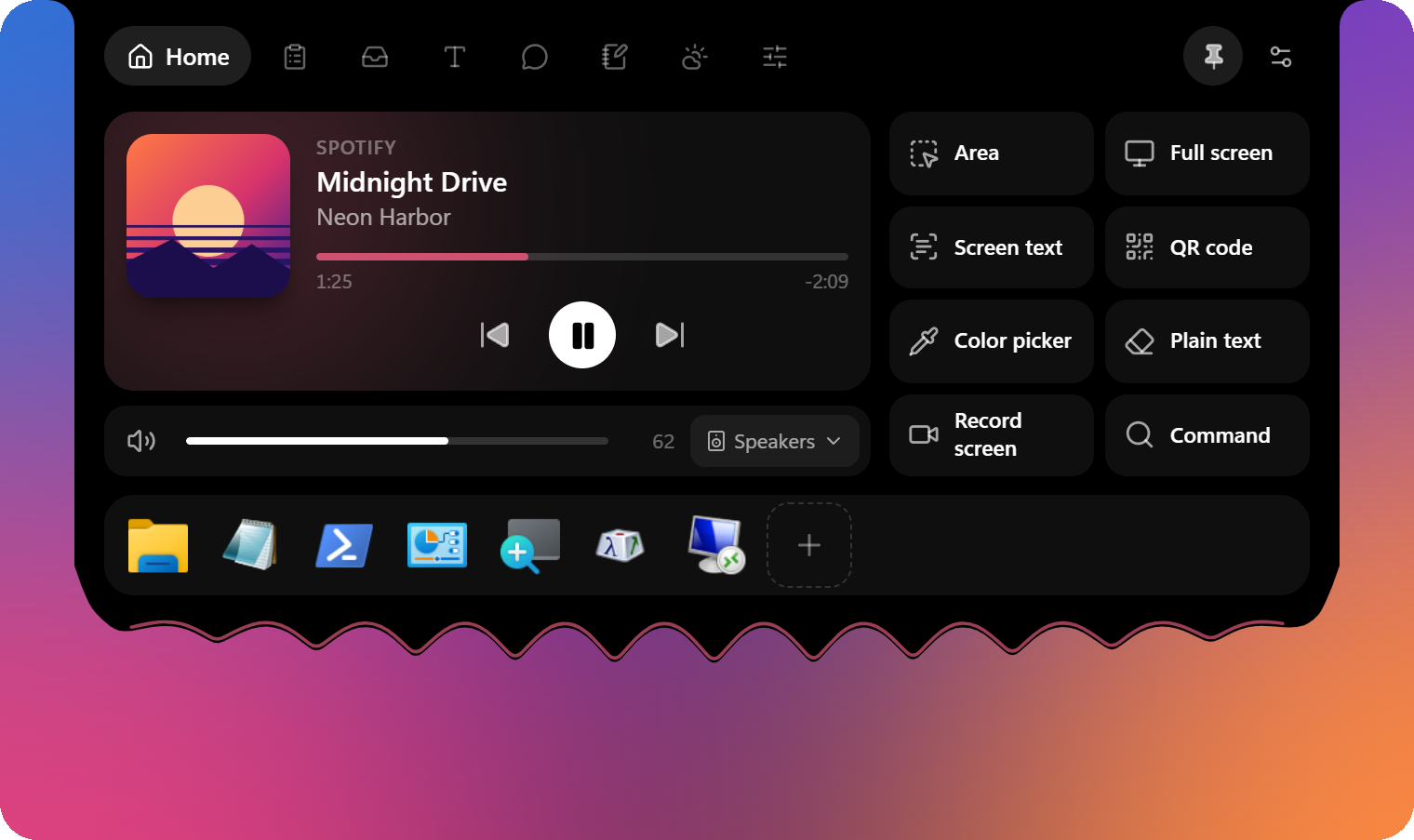
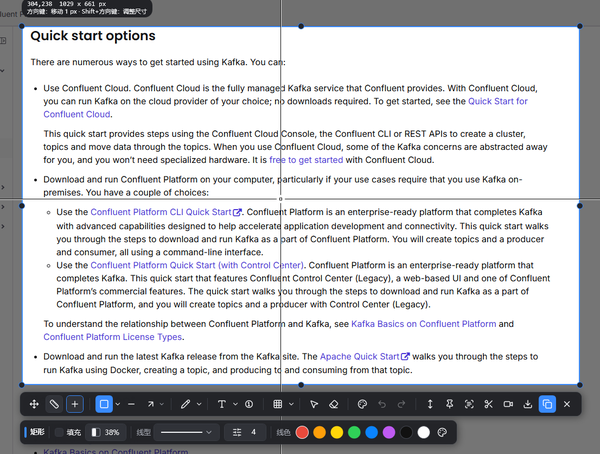
snow-shot

Snow Shot is free, open-source screenshot software and a screen recording tool for Windows and macOS, with annotation, scrolling screenshots, offline OCR and image pinning. 免费开源截图软件,支持截图标注、滚动长截图、离线 OCR、贴图与录屏。

  • 7.4k
  • C++
  • 4 h ago
mg-chaoTake it
Language and translationRepo

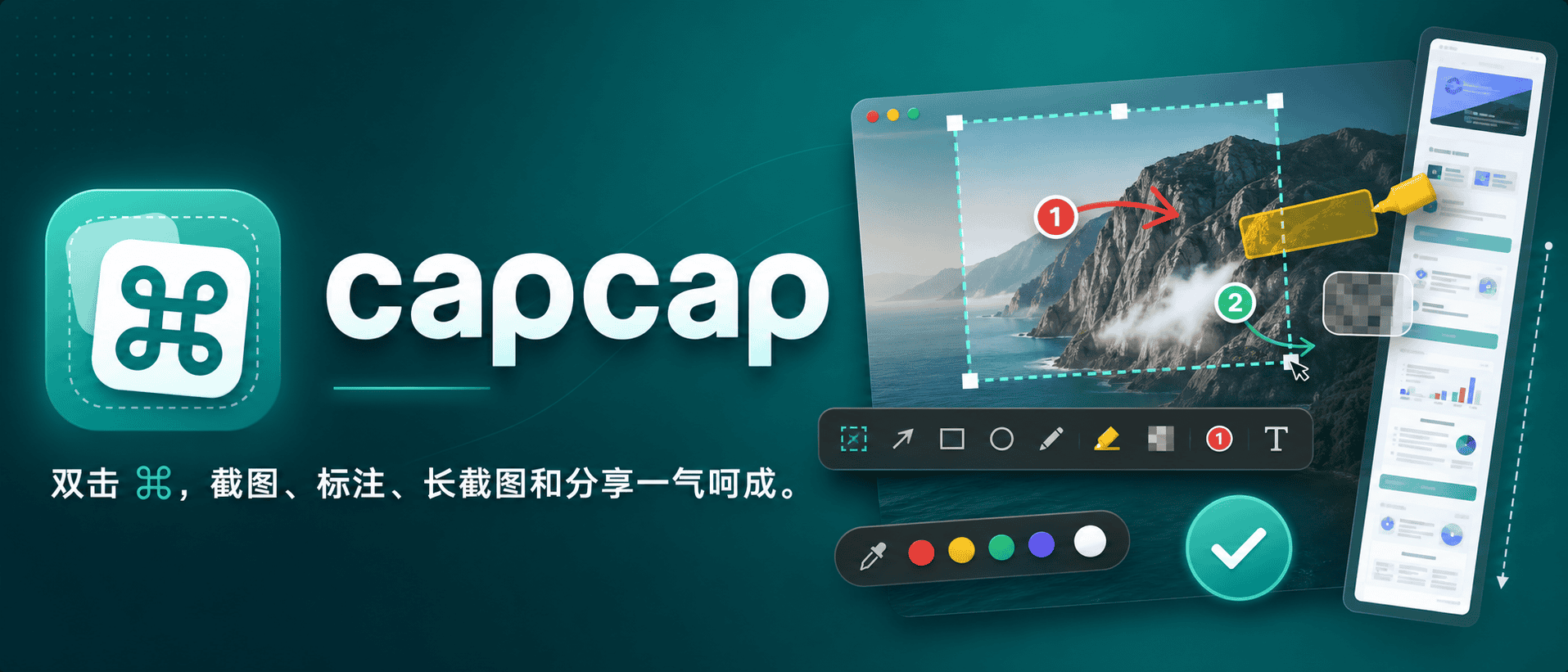
capcap

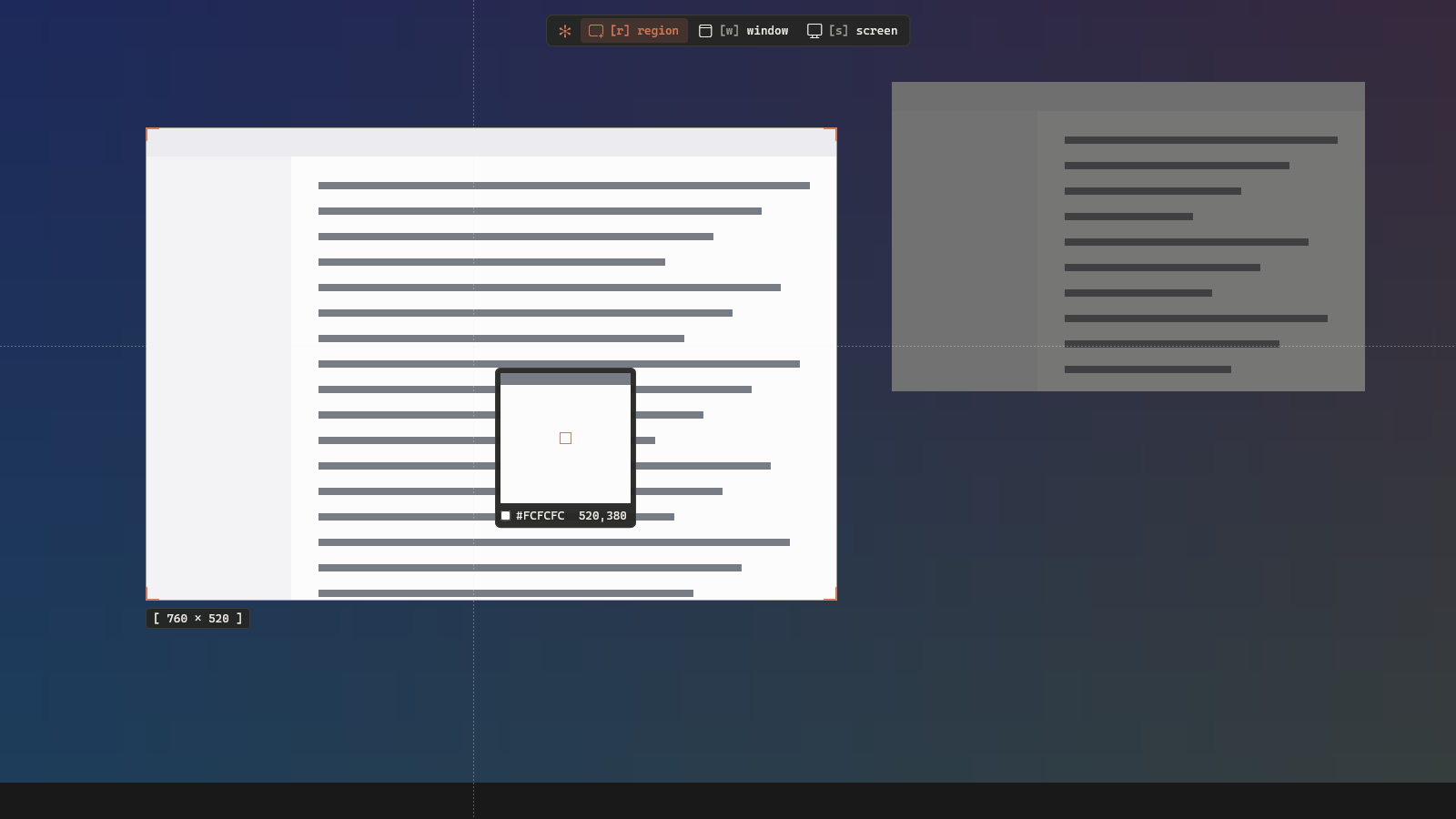
⌘⌘ - A lightweight, native macOS screenshot tool that lives in your menu bar. Double-tap ⌘ Command to capture any region of your screen — instantly copied to clipboard, or annotate first with pen and mosaic tools.

  • 1.1k
  • Swift
  • MIT
  • 2 d ago
realskyrinTake it
Language and translationRepo

jietuba

Open-source Windows screenshot tool with scrolling capture, annotation, OCR, translation, pinned-image editing, GIF recording and clipboard history. 开源 Windows 截图工具:长截图、标注、OCR、翻译、钉图编辑、GIF 录制与剪贴板历史。

  • 574
  • C++
  • MIT
  • 4 h ago
1003129155Take it
Websites and appsRepo

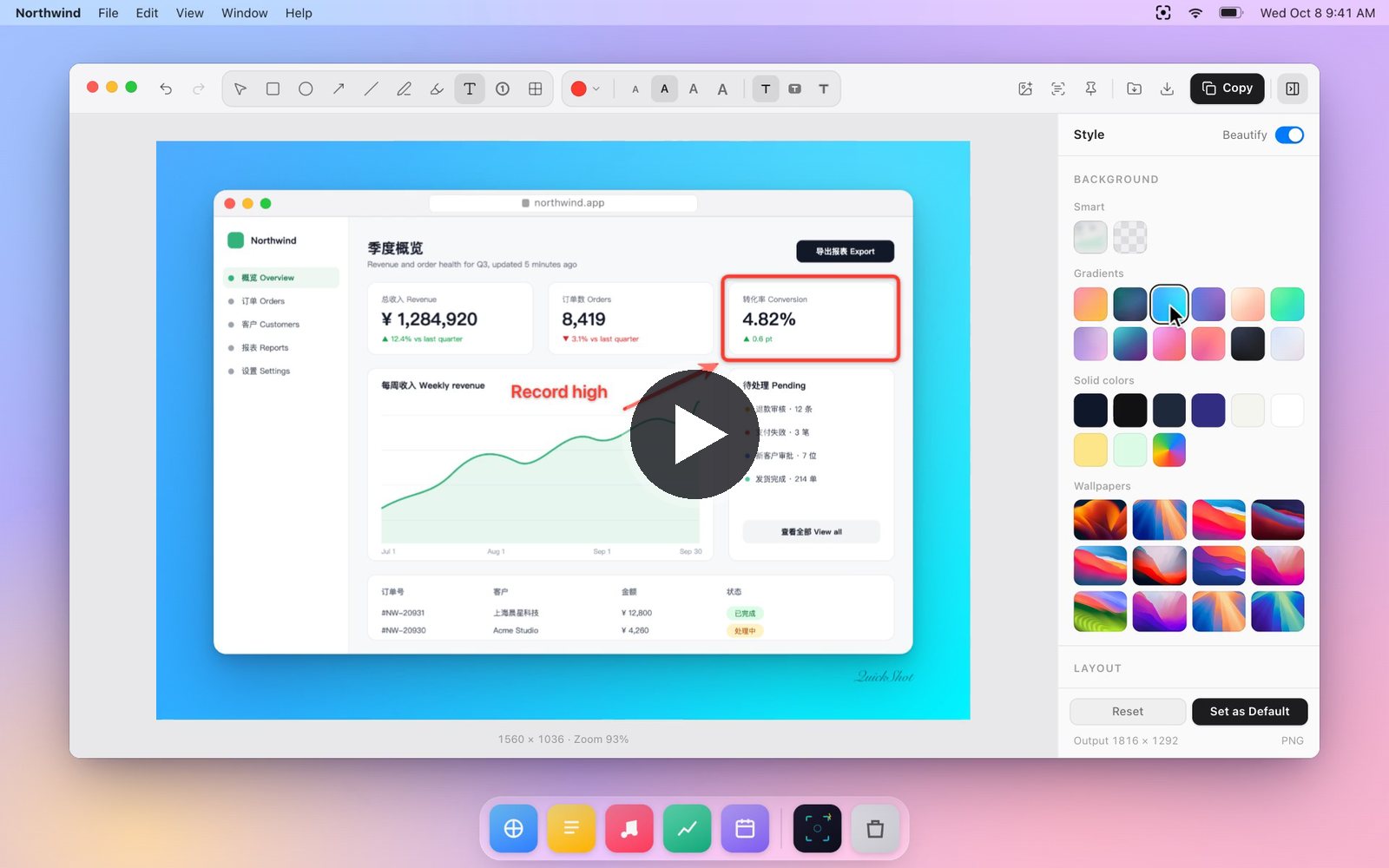
quickshot

Screenshots, beautifully simple. A fast, local-first screenshot tool for macOS and Windows: hover to capture windows, annotate, beautify and stitch.

  • 183
  • TypeScript
  • GPL-3.0
  • 6 wk ago
cclankTake it
Language and translationRepo

Shotnix

Free, open-source screenshot tool, screen recorder, and video editor for Mac. Auto-zoom, smooth cursor, captions, OCR, scrolling capture, and annotations. Native, private, no account.

  • 156
  • Swift
  • MIT
  • 1 d ago
OMARVIITake it
Language and translationRepo

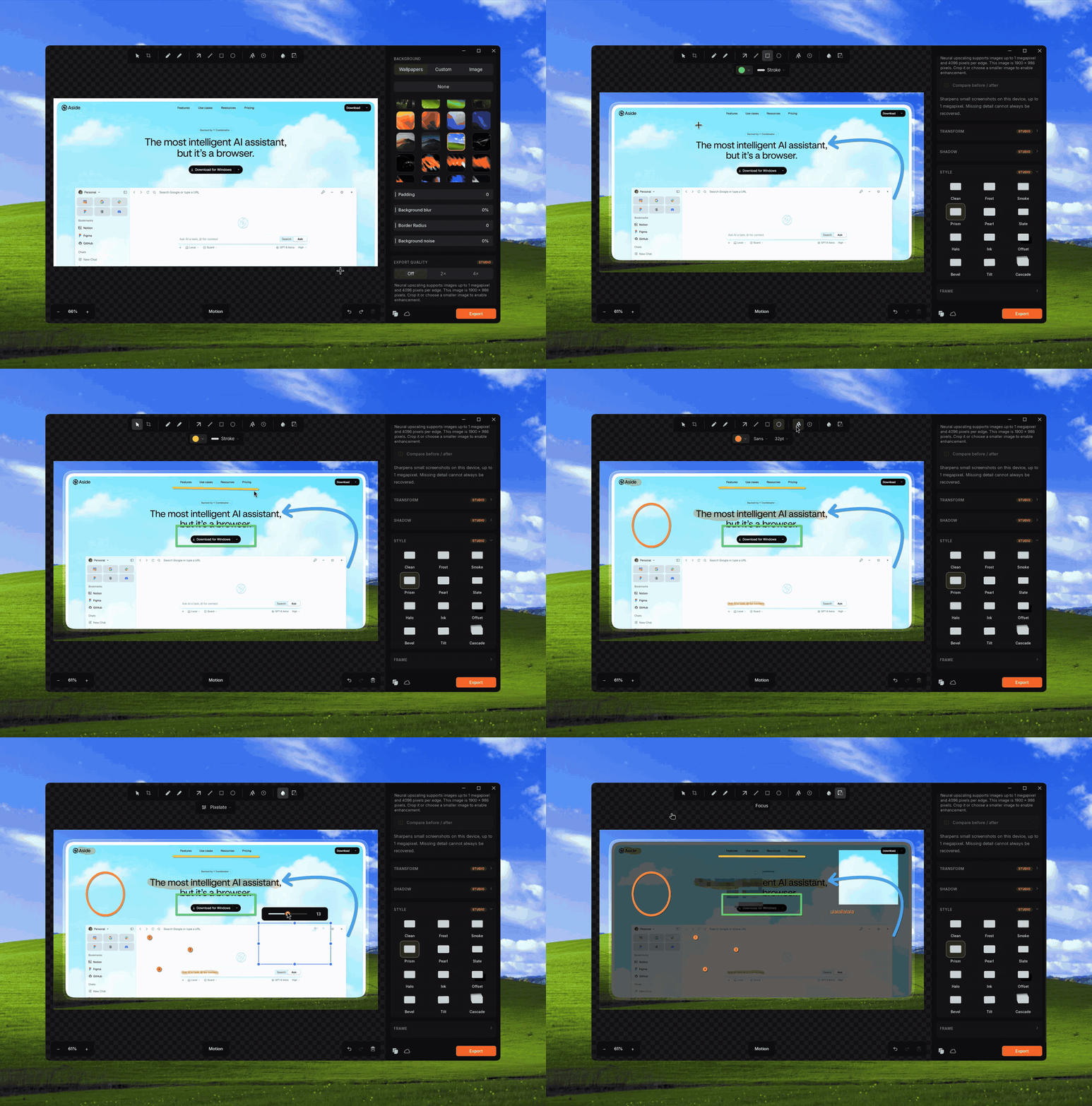
apexshot

Open-source screenshot and screen recording app for Windows and Linux: annotation, OCR, QR detection, video and Motion editing, and Wayland support.

  • 109
  • Rust
  • GPL-3.0
  • 4 h ago
apex-shotTake it
Language and translationRepo

mewu_ai

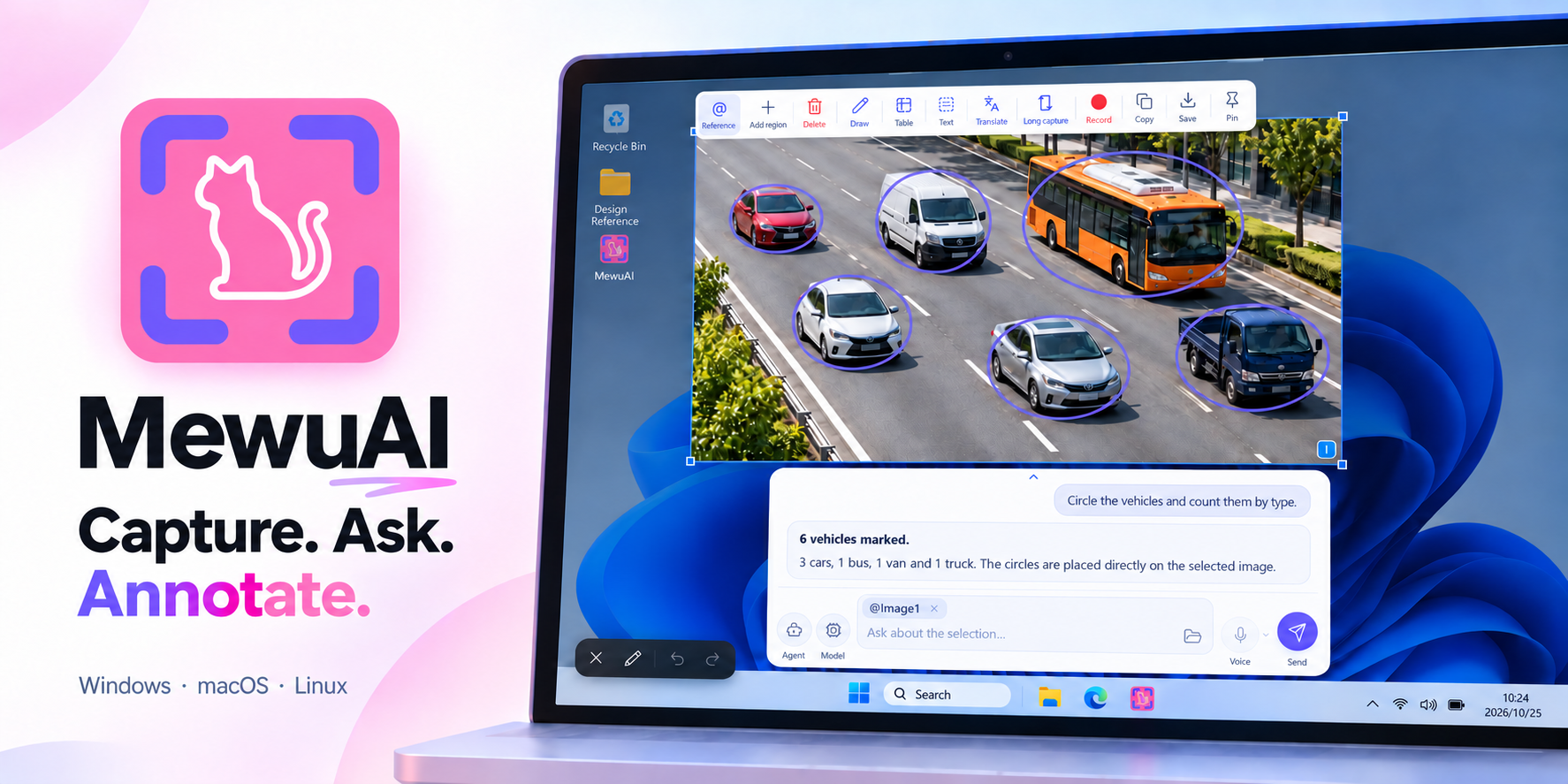
MewuAI 喵呜AI | 跨平台开源 AI 屏幕协作软件:AI 圈选重点、截图问答、离线 OCR、原位翻译、录屏与视频标注。Cross-platform open-source AI screen collaboration software: AI key point selection, screenshot Q&A, offline OCR, in-place translation, screen recording, and video annotation

  • 104
  • Rust
  • MPL-2.0
  • 13 d ago
abnsteTake it
Language and translationRepo

screenit

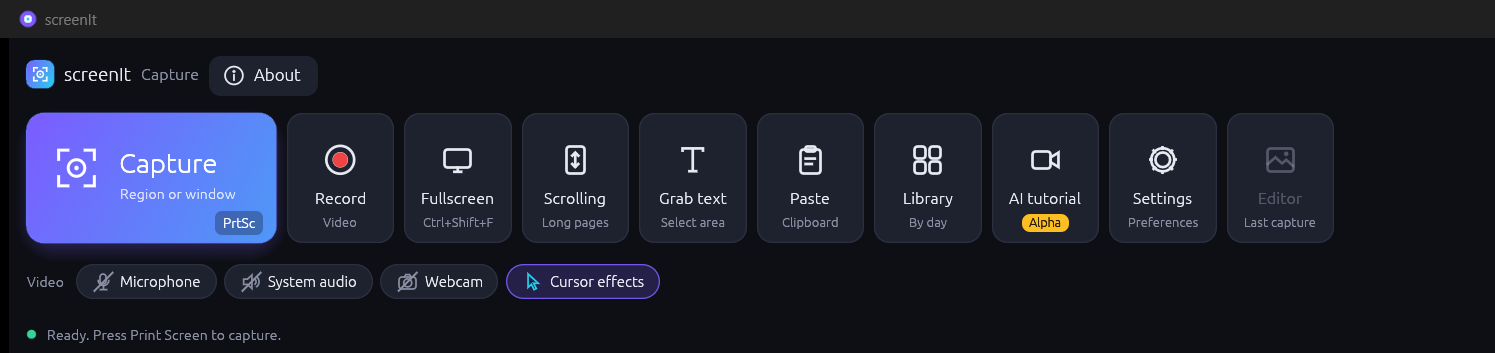
Native Windows screen recorder and screenshot tool, written in Rust. Capture a region, window, or scrolling page, annotate it, grab text with offline OCR, and record MP4 with microphone, system audio, and webcam. Open-source Snagit alternative. No Electron, no ffmpeg.

  • 62
  • Rust
  • Apache-2.0
  • 4 d ago
Busbar2297Take it
Language and translationRepo

menew

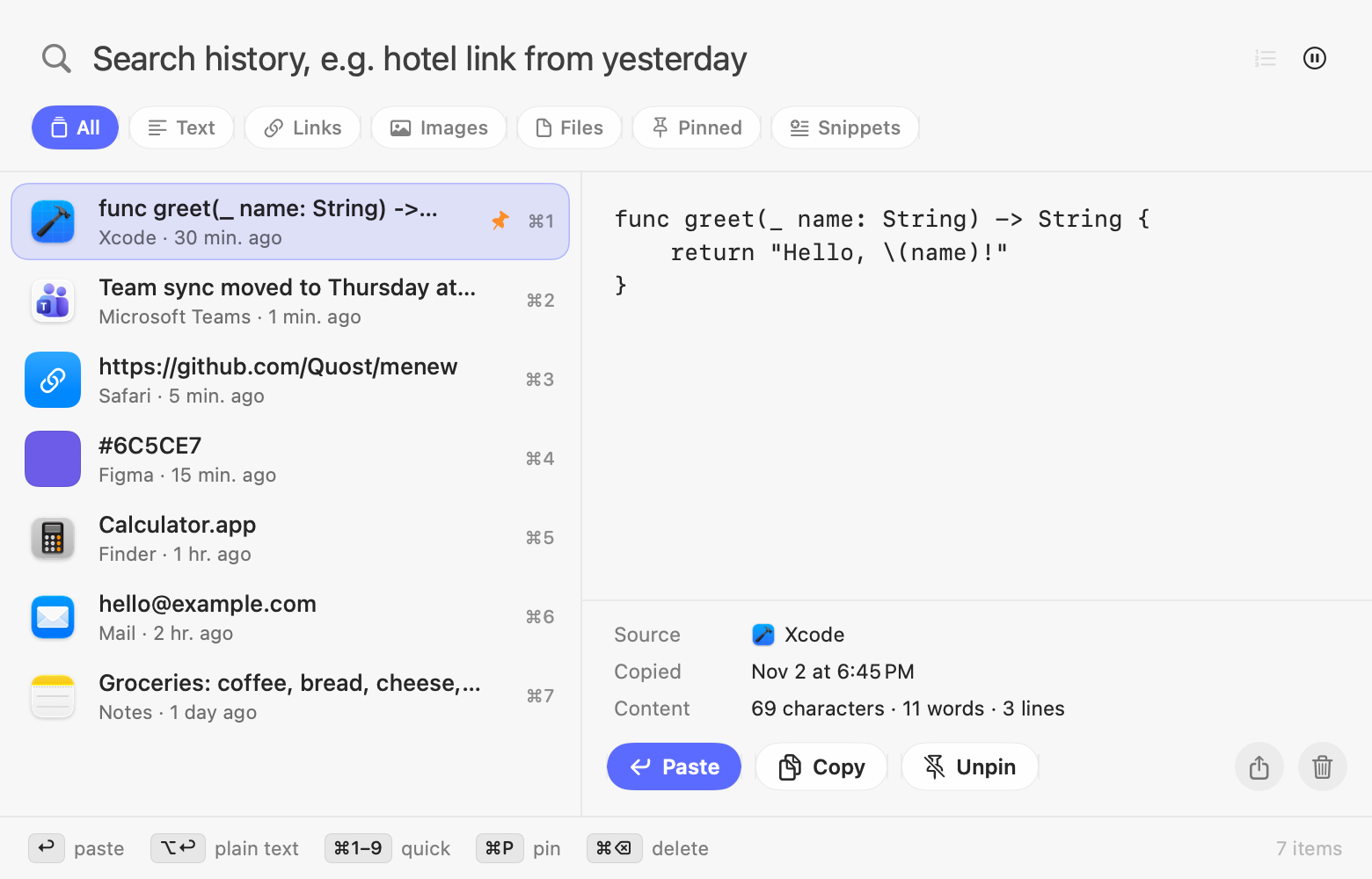
Free, open source Mac menu bar app: command palette, clipboard history (⌘⇧V), window manager, screenshots, system monitor, meeting recordings with AI minutes and a searchable screen memory, all with on-device AI. One native app instead of Raycast, Maccy, Rectangle and iStat Menus.

  • 38
  • Swift
  • GPL-3.0
  • 10 h ago
QuostTake it
Language and translationRepo

MacPilot

All-in-one macOS menu-bar toolbox: smart screenshots & OCR, screen recording with GIF export, clipboard history, PiP, window switcher, input-source automation, BLE proximity lock — native Swift, free, notarized.

  • 40
  • Swift
  • 2 d ago
misswellTake it
Language and translationRepo

nimcap-screenshot

NimCap截图工具是一款 Windows 截图与图像处理工具:区域/长截图、标注、贴图、本地 OCR、翻译、AI 抠图与录屏,一站式搞定。NimCap is a Windows screenshot & image toolkit: capture, annotate, long-shot, pin, local OCR, translate, AI matting and screen recording.

  • 33
  • C#
  • Apache-2.0
  • 2 d ago
nimcapTake it
Websites and appsRepo

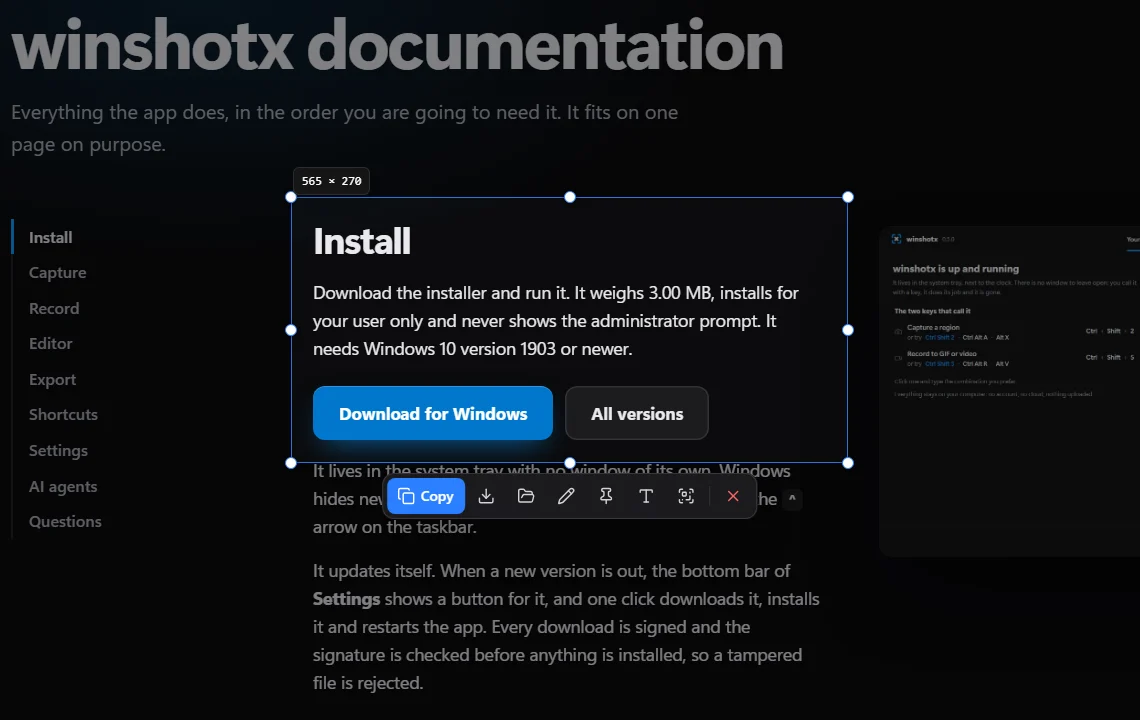
winshotx

Free, open source Snipping Tool alternative for Windows: region screenshots, GIF and MP4 screen recording and a frame-by-frame editor. Opens the selection in 28 ms, uses 33 MB of RAM, 2.2 MB installer. No account, no cloud, no bundled FFmpeg. Rust + Tauri 2.

  • 23
  • Rust
  • MIT
  • 1 d ago
Mun1toTake it
Language and translationRepo

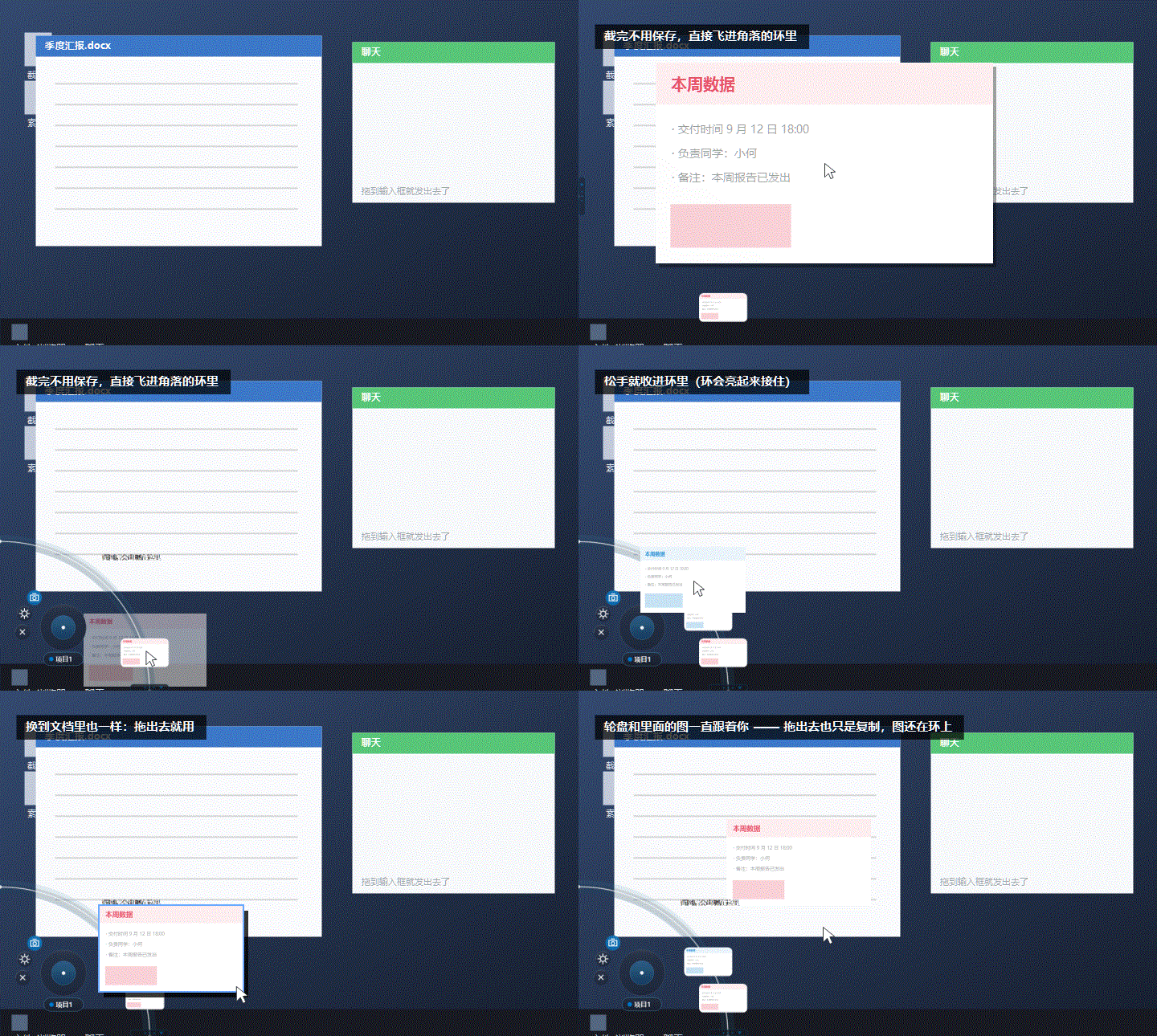
SnapWheel

SnapWheel 快照轮环 — screenshots that never become files. Frame a region on Windows and the shot lands in a ring in the screen corner; drag it straight into any app. Scrolling capture, OCR + translation, pin to screen. One portable exe, zero dependencies, MIT.

  • 12
  • C#
  • MIT
  • 7 wk ago
ExpertKTTake it
Security and privacyRepo

web-shot

📸 | Takes a screenshot of every domain/link provided and saves it in /screenshots Options to choose full page picture with highly customizable options

  • 6
  • Python
  • MIT
  • 22 mo ago
zebbernTake it
Language and translationRepo

screenhere

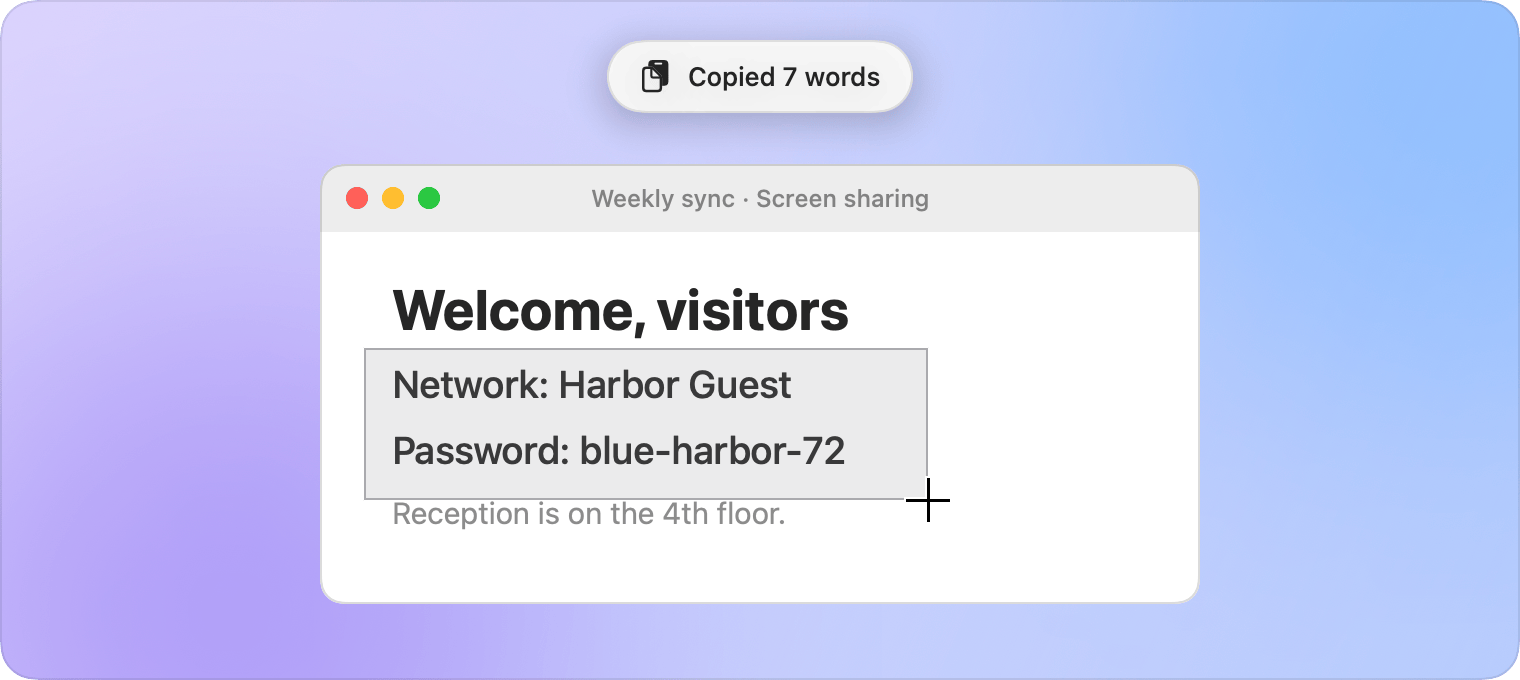
⇧⌘7 copies text off your screen, ⇧⌘3 captures the display under your pointer, ⇧⌘8 brings back what you copied. A free macOS menu-bar app.

  • 3
  • Swift
  • MIT
  • 4 wk ago
adrbnTake it
GitHubRepo

linshot

A screenshot and annotation tool for Linux, written in Rust + GTK 4. Works on X11 and Wayland (GNOME, KDE Plasma, Cinnamon, and wlroots compositors such as Wayfire, Sway, Hyprland, labwc).

  • 2
  • Rust
  • GPL-3.0
  • 1 d ago
Websites and appsRepo

shotscreen

Frameless browser for taking clean website screenshots on Mac, with viewport presets, full-page capture, rounded corners and dark mode. Built with Electron.

  • 1
  • Vue
  • MIT
  • 5 d ago
halitseverTake it
Developer toolsRepo

KillerShot

Fast screenshot and screen recording tool for Windows. Region, window, monitor and all-monitor capture from a frozen desktop, an editor with arrows, text, highlight, redaction and crop, MP4 and GIF recording, and a command line that works with KillerMCP.

  • 1
  • C#
  • GPL-3.0
  • 2 wk ago
Security and privacyRepo

cropmark

开源跨平台截图套件:截图/贴图/长截图/录屏/离线中英 OCR,Win+macOS+Linux,无账号无云端 | Offline open-source screenshot suite: capture, pin, scroll, record & OCR

  • 1
  • Rust
  • GPL-3.0
  • 9 d ago
sakulllaTake it
GitHubRepo

pinch

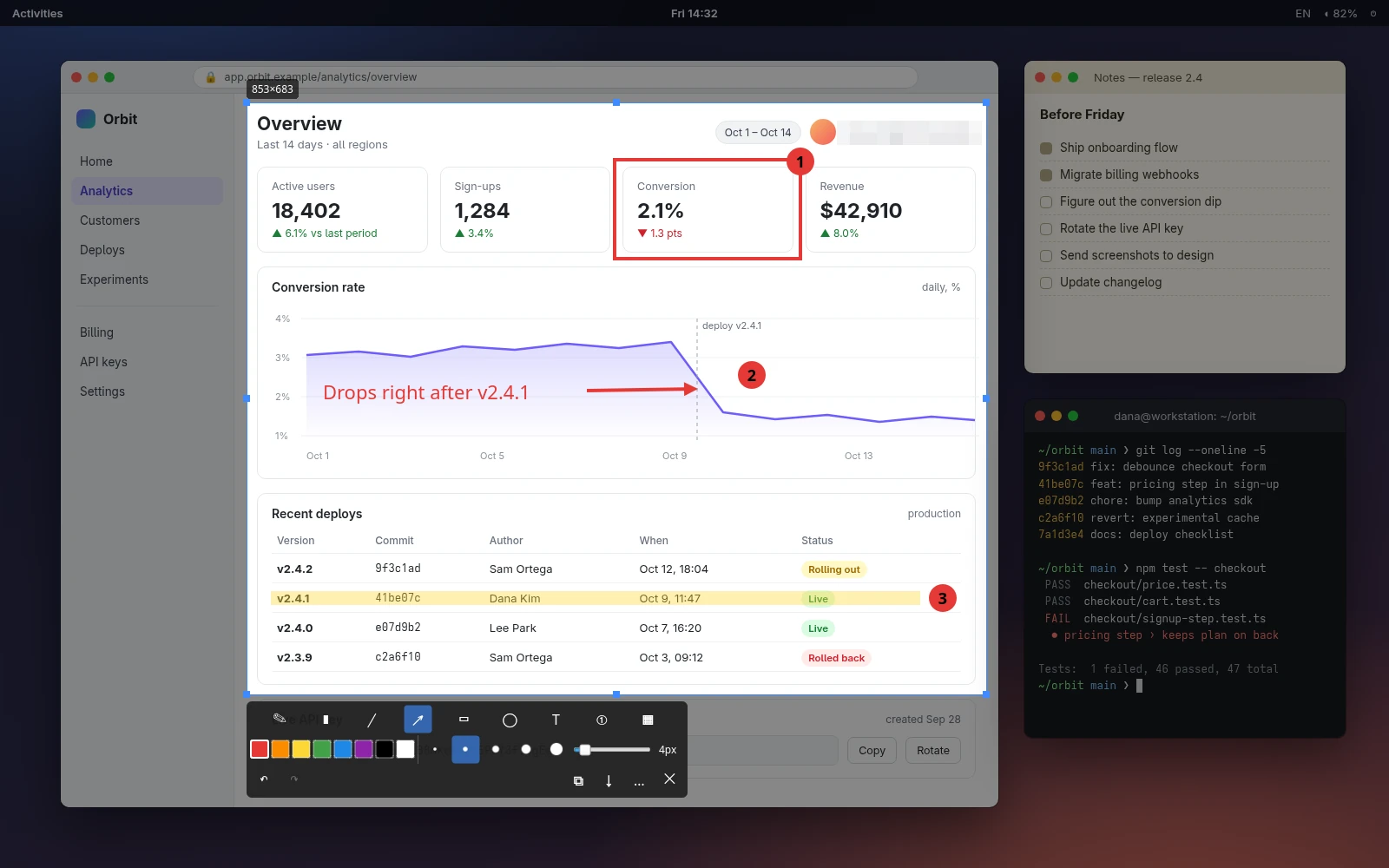
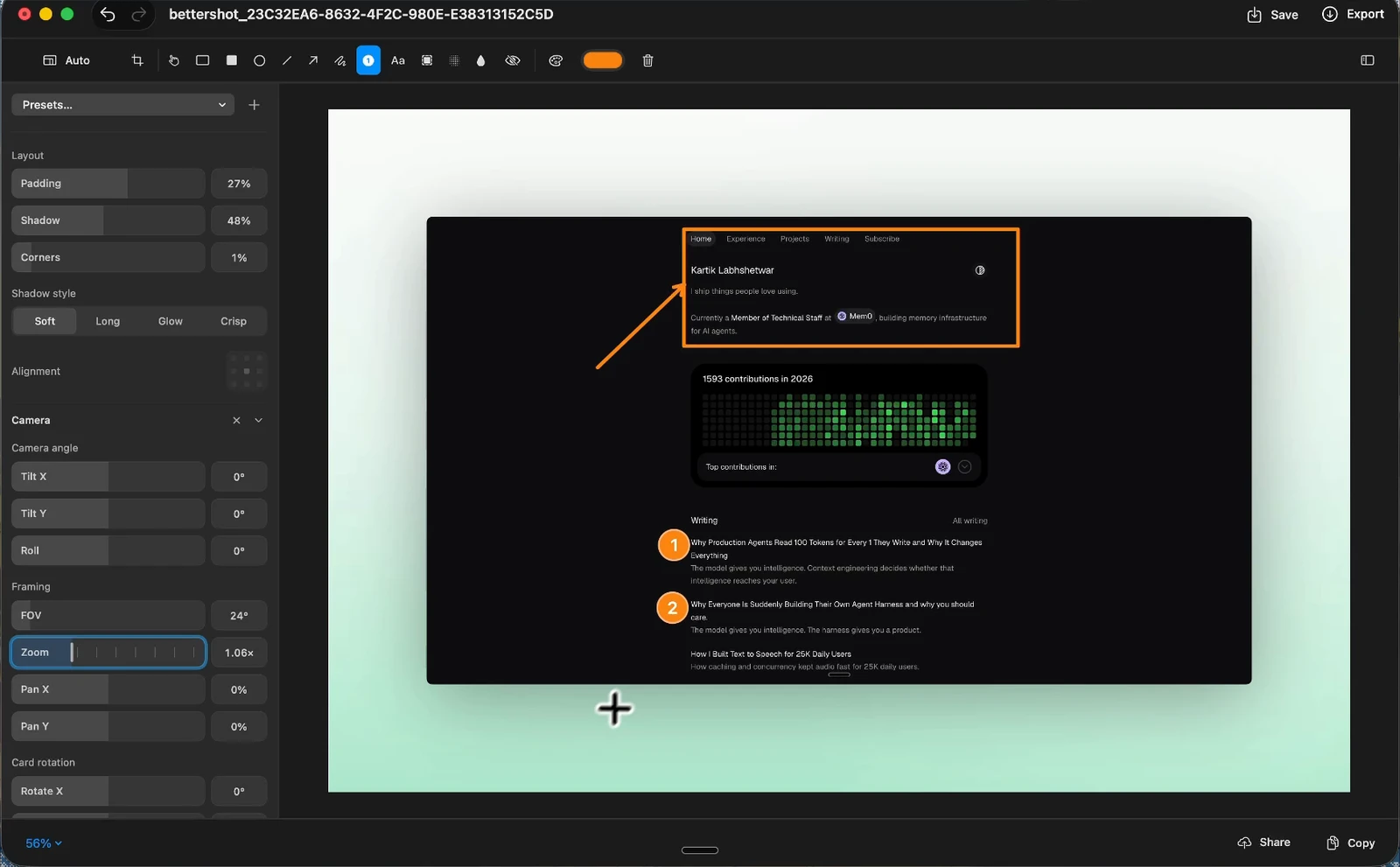
A small, fast screenshot tool for Linux. Select an area, mark it up with arrows, boxes, numbered steps and pixelation, then copy or save. Works on X11 and Wayland: GNOME, KDE Plasma, Hyprland and Sway.

  • 1
  • C++
  • MIT
  • 3 wk ago
ufnaTake it
Language and translationRepo

snapapp

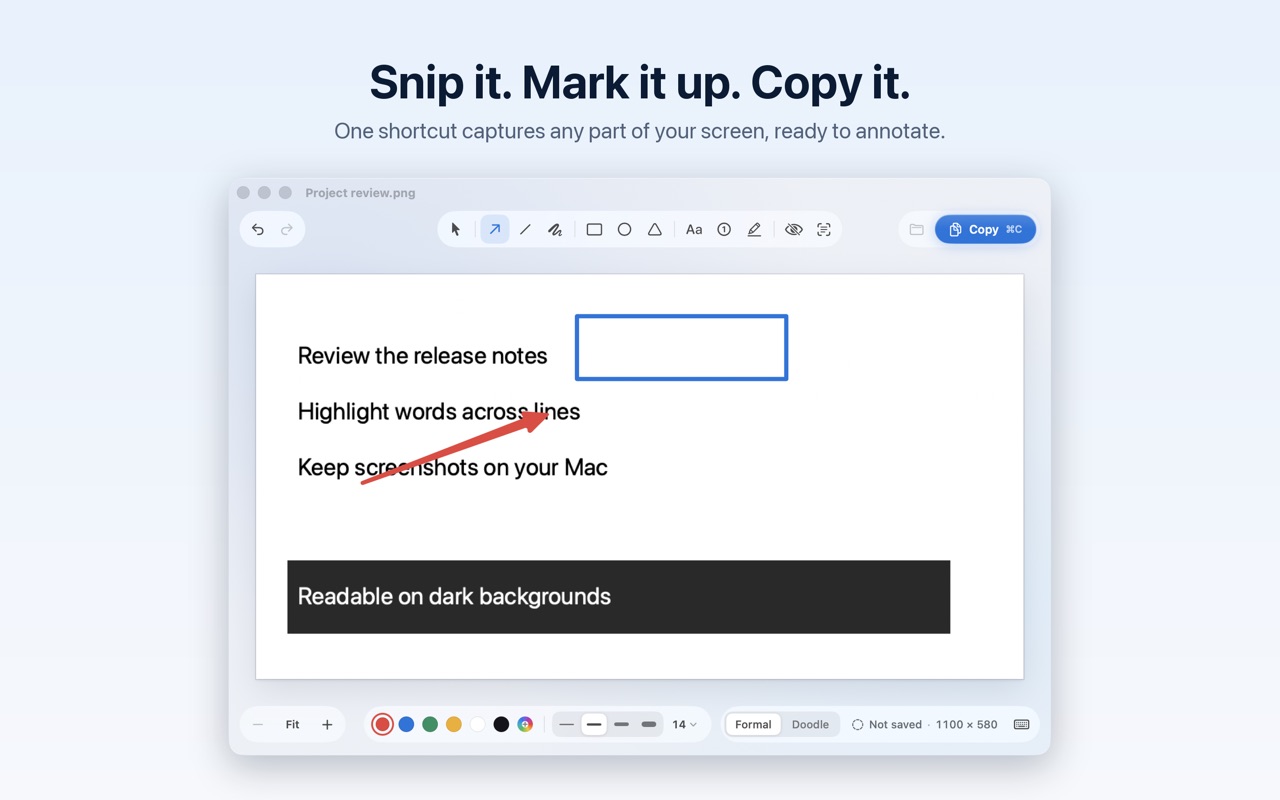
SnapApp: a free Snipping Tool for Mac. Snip any area, mark it up with arrows, text and highlights, and copy it. Releases and notes.

  • 0
  • 3 d ago
founden-botTake it
Search GitHub and Hugging Face for screenshot-tool

Get , open it once and sign in. Then come back here and press the button again.