
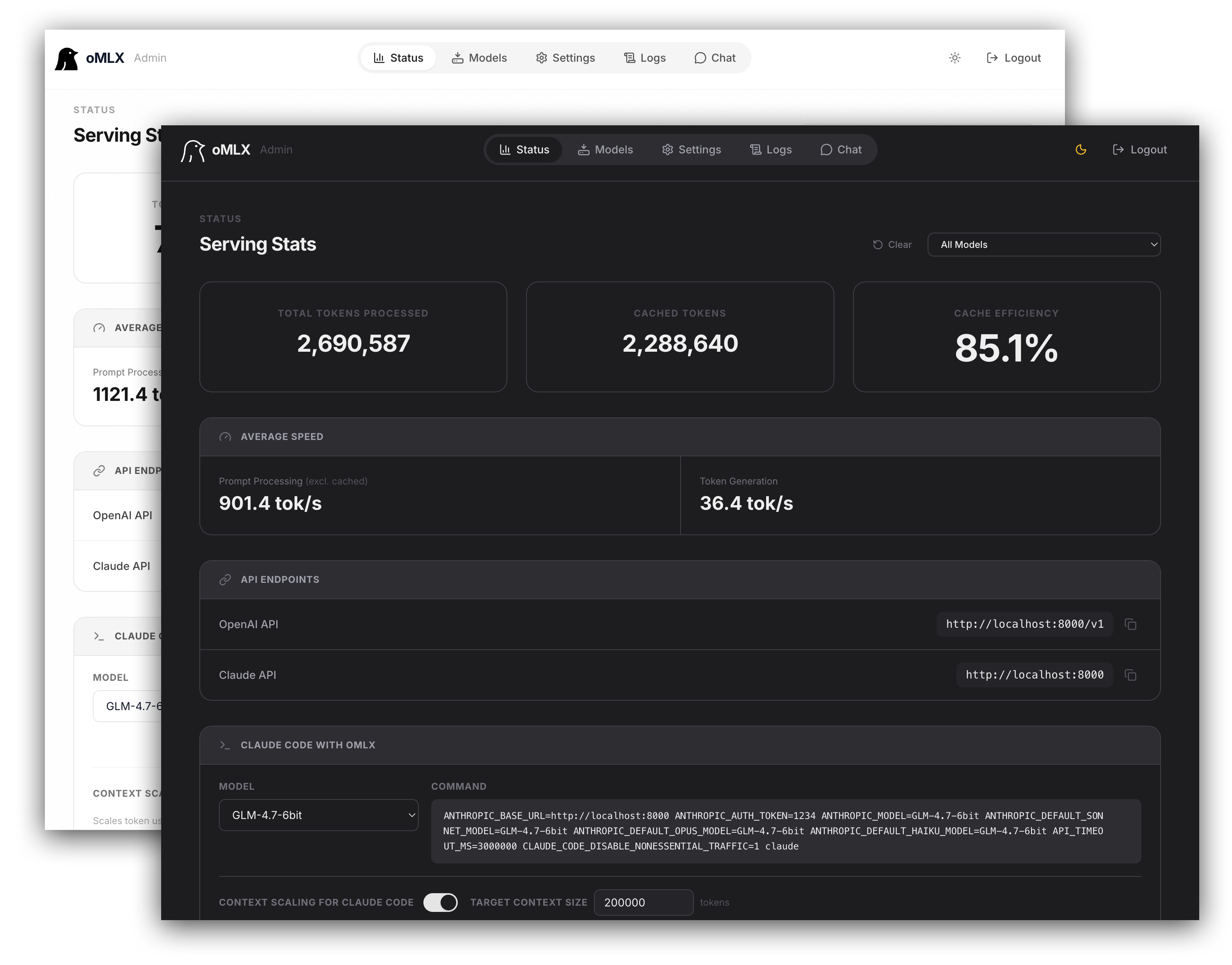
omlx
LLM inference server with continuous batching & SSD caching for Apple Silicon — managed from the macOS menu bar
- 24k
- Python
- Apache-2.0
- 8 h ago
The first bite for a ready-to-use Apple Silicon Mac development environment.
Repo 1set/1bite, read from GitHub 15 h ago. 1set has not joined Take My Repo.
1set/1bite is a public repo on GitHub by 1set. The first bite for a ready-to-use Apple Silicon Mac development environment. It declares the MIT license on GitHub. It is written mainly in Python, has 1 stars and last changed on 2026-11-11. Nobody has reviewed it on Take My Repo yet, which says nothing about its quality. Read from GitHub on 2026-11-20.
GitHub is limiting requests or did not answer. The facts on this page still come from the last successful read.
Open on GitHub1set/1bite is a public repo on GitHub by 1set. The first bite for a ready-to-use Apple Silicon Mac development environment.
It declares the MIT license on GitHub.
Its maker tagged it for macOS, Windows and Linux, or as Docker or cross-platform. That is declared by the maker; Take My Repo has not tested it.
Open "Take it" on its page: Take My Repo writes an install plan for your machine and hands it to your AI agent (Claude Code, Codex or Cursor), which asks you before each step. Take My Repo has not tested it on any machine.
Its last change on GitHub was on 2026-11-11. Take My Repo does not judge from that whether it is maintained.
Nobody has reviewed it on Take My Repo yet, which says nothing about its quality.
LLM inference server with continuous batching & SSD caching for Apple Silicon — managed from the macOS menu bar
Fair-code workflow automation platform with native AI capabilities. Combine visual building with custom code, self-host or cloud, 400+ integrations.
The most popular HTML, CSS, and JavaScript framework for developing responsive, mobile first projects on the web.
Reverse engineer anything with agents, from app behavior down to native binaries.
The agent harness performance optimization system. Skills, instincts, memory, security, and research-first development for Claude Code, Codex, Opencode, Cursor and beyond.
macOS menu bar app that tells you, in plain English, what each USB-C cable plugged into your Mac can actually do





