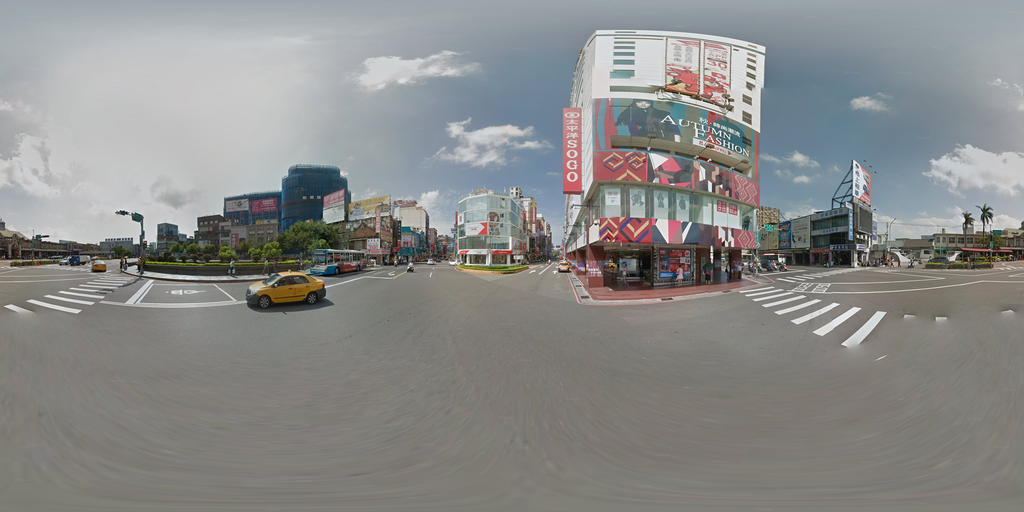
photosphere-android
An Android app that stitches 360° photo spheres and includes a built-in camera.
- 15
- Kotlin
- MIT
- 12 d ago
360° skyboxes from a prompt, on your own GPU: Krea 2 Turbo + a 360 panorama LoRA through ComfyUI, seam repair, 8K upscale, cube map export and a 360 viewer that opens on your phone.
Repo CursedPrograms/Firmament, read from GitHub 3 h ago. CursedPrograms has not joined Take My Repo.
CursedPrograms/Firmament is a public repo on GitHub by CursedPrograms. 360° skyboxes from a prompt, on your own GPU: Krea 2 Turbo + a 360 panorama LoRA through ComfyUI, seam repair, 8K upscale, cube map export and a 360 viewer that opens on your phone. It declares the MIT license on GitHub. It is written mainly in C++, has 0 stars and last changed on 2026-11-17. Nobody has reviewed it on Take My Repo yet, which says nothing about its quality. Read from GitHub on 2026-11-25.
An Android app that stitches 360° photo spheres and includes a built-in camera.


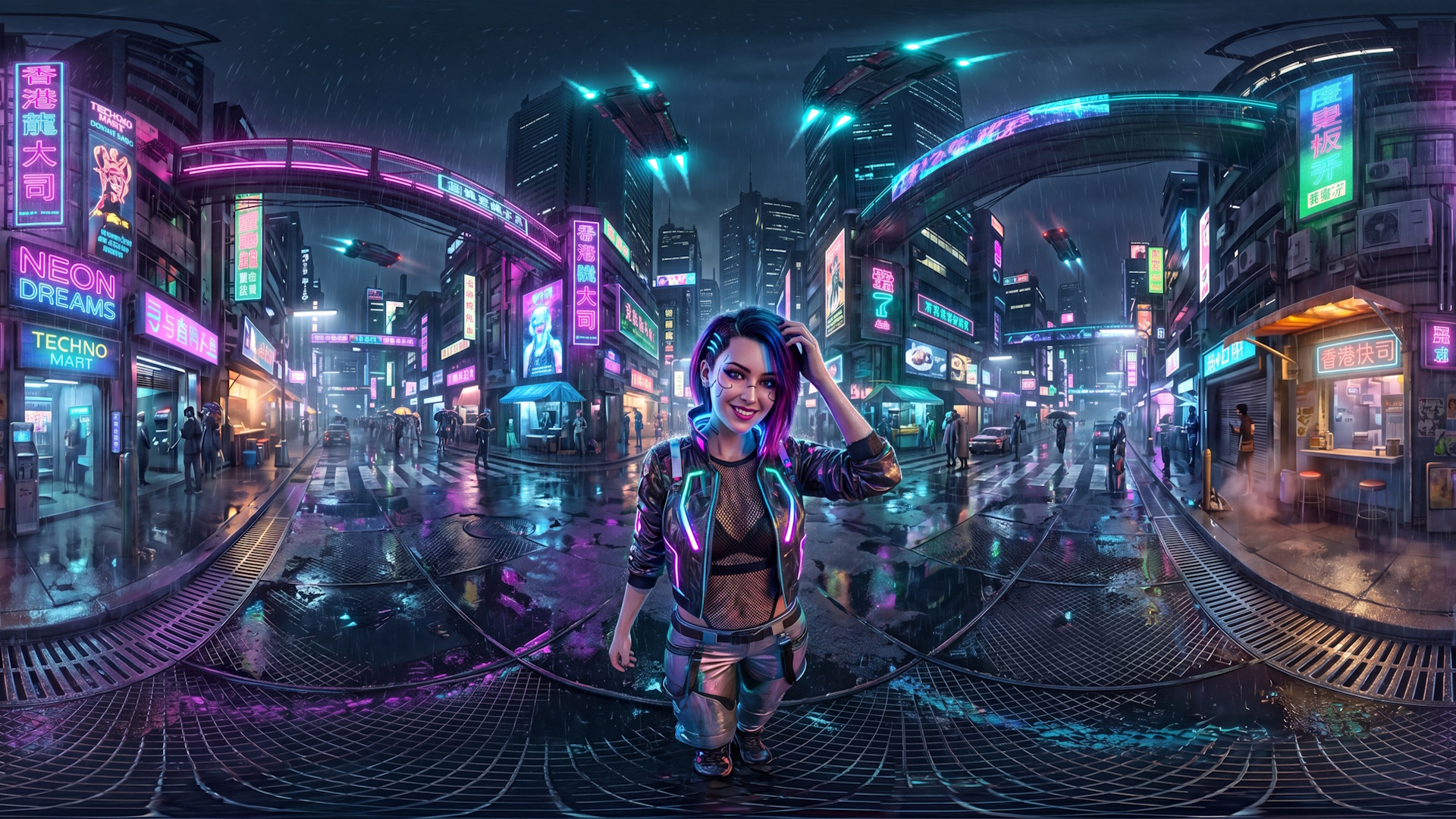
360° skyboxes from a prompt, made on your own GPU. Describe a sky and the world under it, and Firmament paints the whole sphere round you as an equirectangular panorama, shows it in a 360° view you drag to look round, repairs the seam, upscales it to 8K and exports it for game engines. It runs Krea 2 Turbo with a 360° panorama LoRA through ComfyUI, and opens on your phone too. It comes two ways: a desktop app for Windows in C++ (no Python, no ComfyUI: download, unzip, describe a sky) and the original web app on ComfyUI that opens on your phone too. Part of Atelier. Website
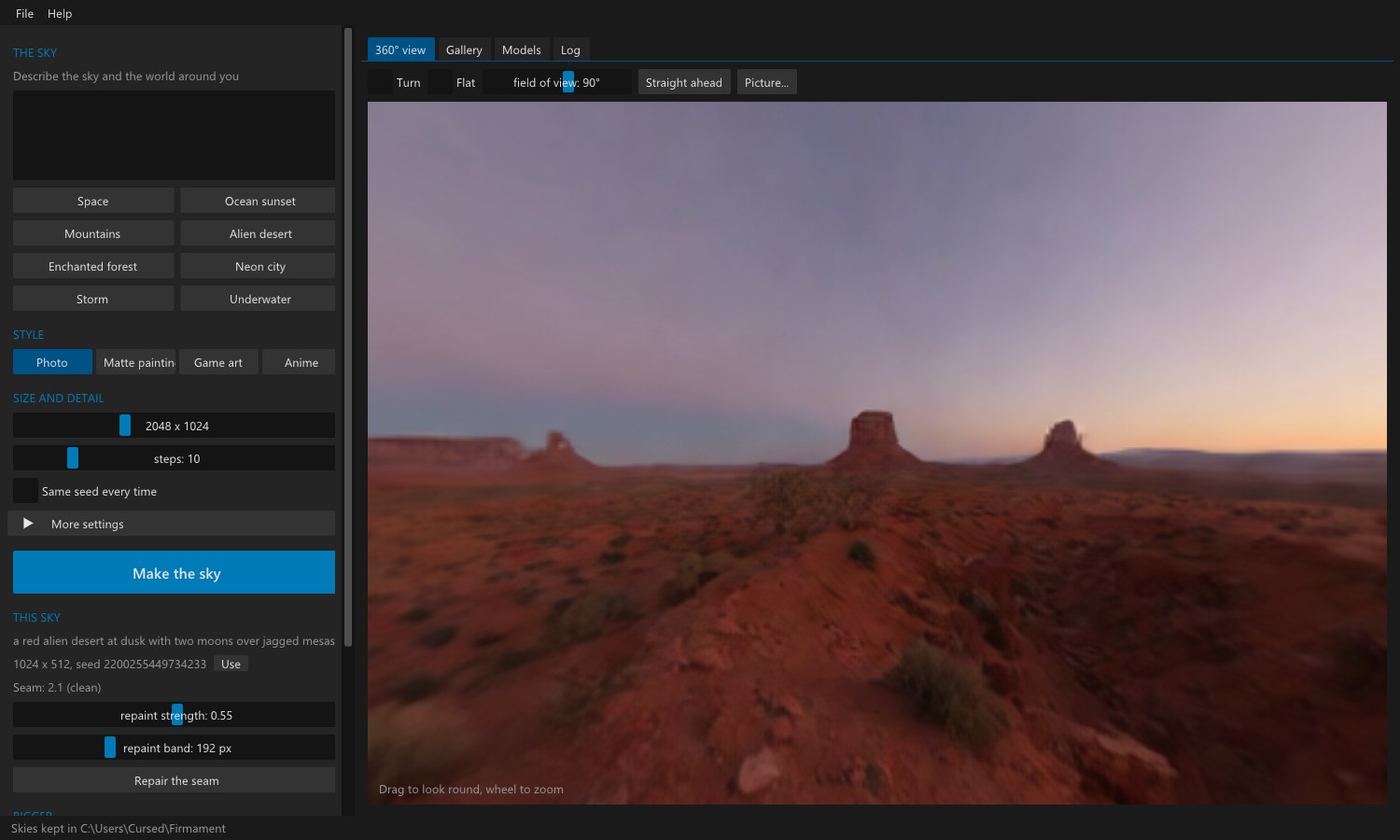
output/.| System | Windows 10 or 11, 64-bit |
| Processor | any 64-bit processor |
| Memory | 16 GB RAM (32 GB recommended), with a page file of 16 GB or more |
| Graphics | an NVIDIA card with 6 GB or more (CUDA), e.g. an RTX 2060 |
| Disk | about 13 GB: 1 GB for the app and 12 GB for the models |
| Web app | the same card, plus Python 3.12 and ComfyUI (set up for you) |
Download Firmament-win64.zip from Releases, unzip it anywhere
and run Firmament.exe (or install.bat for Start menu and Desktop shortcuts), or get it through the
Atelier launcher. The first time, open the Models tab and press
Get the models (about 12 GB; downloads carry on where they stopped). It needs an NVIDIA graphics card; on an
RTX 2060 (6 GB) a 1024 x 512 draft takes one to five minutes.
Pictures\Firmament (or Firmament in your user folder when Windows guards Pictures), each with
a text file of how it was made.Build it: Visual Studio 2022, CMake, the CUDA 12 toolkit, and stable-diffusion.cpp built as a shared library with CUDA
(cmake -DSD_CUDA=ON -DSD_BUILD_SHARED_LIBS=ON -DCMAKE_CUDA_RUNTIME_LIBRARY=Shared), then cpp\build.bat with SDCPP
pointing at it. The code is in cpp/src/: engine.cpp (stable-diffusion.cpp), pano.cpp (the panorama maths, ported
from firmament/skybox.py), viewer.cpp (the 360° view), gui.cpp (the window), splash.cpp.
ComfyUI with ComfyUI-GGUF (for the GGUF model). Firmament looks
for it in C:\cc\ComfyUI (set COMFYUI_DIR for another folder) and starts it when it isn't running.
The models, where ComfyUI finds them (its models/ folders, or extra_model_paths.yaml):
| File | ComfyUI folder | From |
|---|---|---|
krea2_turbo_bf16-Q4_0.gguf |
diffusion_models |
Krea 2 Turbo GGUF |
qwen3vl_4b_fp8_scaled.safetensors |
text_encoders |
Comfy-Org/Krea-2 |
wan_2.1_vae.safetensors |
vae |
Comfy-Org/Krea-2 |
krea2_t2i_360_erp_lora_v1.safetensors |
loras |
mickmumpitz/Krea2-360-ERP-LoRAs |
4x-UltraSharpV2_Lite.safetensors |
upscale_models |
4x-UltraSharp V2 (for Upscale) |
Run run.bat (or run.ps1, or ./run.sh on Linux). The first time it sets up Firmament's Python (3.12,
in venv/). Then open http://127.0.0.1:7880, or scan the QR code it prints with your phone.
The top bar says ComfyUI ready when everything is there, or names what's missing.
Speed: on an RTX 2060 (6 GB), sampling runs at about 16 seconds a step: the first 2048 × 1024 skybox took 4.5 minutes, models loading included. Fix seam took a minute and a half.
Settings (environment variables): FIRMAMENT_PORT (7880), FIRMAMENT_HOST (0.0.0.0, so phones on the WiFi can
open it; 127.0.0.1 keeps it on this PC), COMFY_SERVER (http://127.0.0.1:8188).
| File | What it does |
|---|---|
app.py |
The server: the page, the job queue, the gallery and the exports |
firmament/pipeline.py |
The ComfyUI jobs: generate, fix seam, upscale; the LoRA's prompt template |
firmament/comfy.py |
Queues workflows on ComfyUI, follows their progress, fetches the images |
firmament/skybox.py |
The panorama maths: the seam strip and blend, wrap padding, cube faces, the cross |
firmament/lan.py |
The PC's address on the network and the QR code |
workflows/*.json |
The ComfyUI graphs (API format) |
ui/ |
The page: viewer.js (the WebGL 360 view), app.js, style.css, lang/ |
The panorama's convention: its centre looks along −Z, so the cube map's nz face is the middle of the picture.

Firmament's code is under the MIT License. The models it runs are not part of it: Krea 2 and the 360° LoRA are under the Krea 2 Community License. See NOTICE.


CursedPrograms/Firmament is a public repo on GitHub by CursedPrograms. 360° skyboxes from a prompt, on your own GPU: Krea 2 Turbo + a 360 panorama LoRA through ComfyUI, seam repair, 8K upscale, cube map export and a 360 viewer that opens on your phone.
It declares the MIT license on GitHub.
Its maker has not tagged a system, so it is unknown here. Its README says what it needs.
Open "Take it" on its page: Take My Repo writes an install plan for your machine and hands it to your AI agent (Claude Code, Codex or Cursor), which asks you before each step. Take My Repo has not tested it on any machine.
The most powerful and modular diffusion model GUI, api and backend with a graph/nodes interface. The fastest local inference engine in the world.
image_projection is a ROS package to create various projections from multiple calibrated cameras.
AI Panoramist is a Python CLI tool designed to generate seamless, equirectangular 360-degree panoramas using Google Gemini's advanced multimodal generation and prompt-enhancement capabilities.
Its last change on GitHub was on 2026-11-17. Take My Repo does not judge from that whether it is maintained.
Nobody has reviewed it on Take My Repo yet, which says nothing about its quality.
Take My Repo cannot say: it does not audit code and has not run Firmament. What is known comes from GitHub. It declares the MIT license on GitHub. Its last change was on 2026-11-17. It has 0 stars, which measure popularity, not safety. Nobody has reviewed it on Take My Repo yet, which says nothing about its quality. Read the source before you run it. With "Take it", your AI agent shows each step and asks you before running it; README text is treated as data, not as instructions.