🖍️ Colorín Colorado
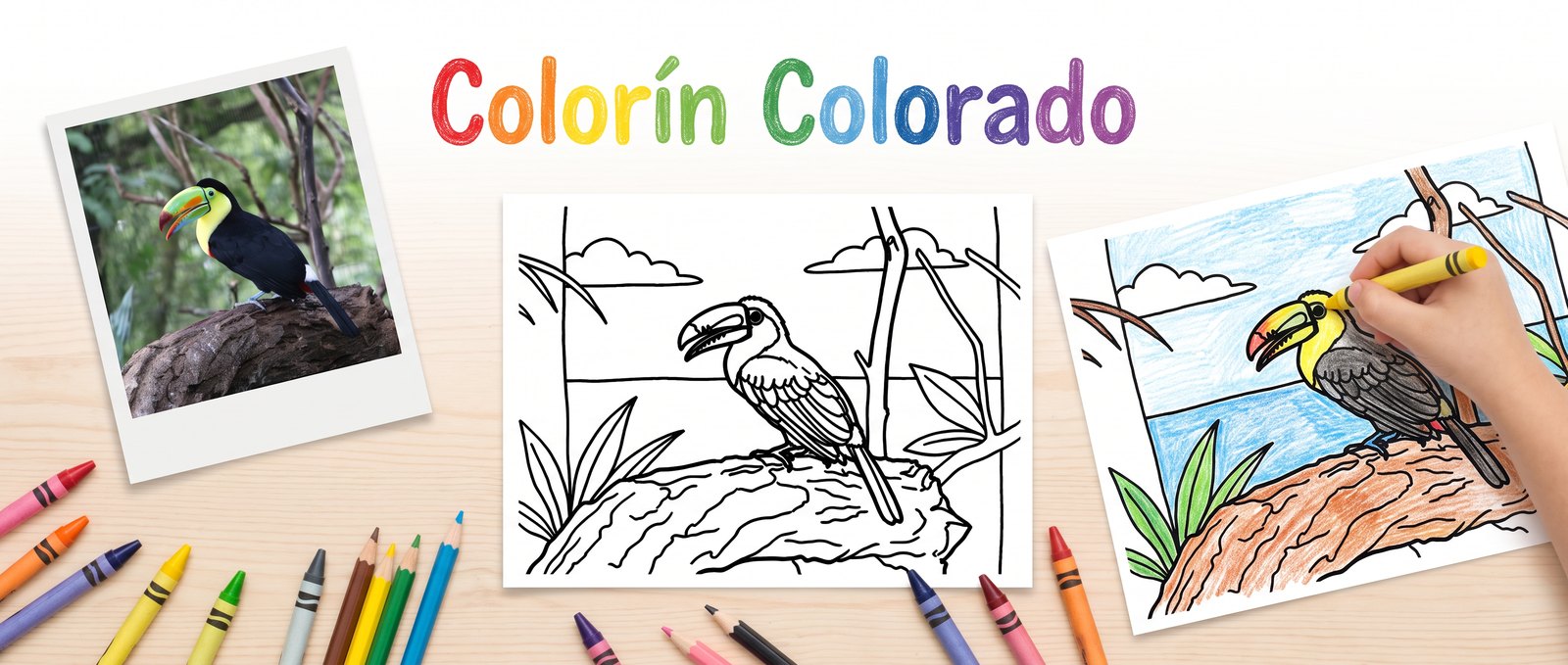
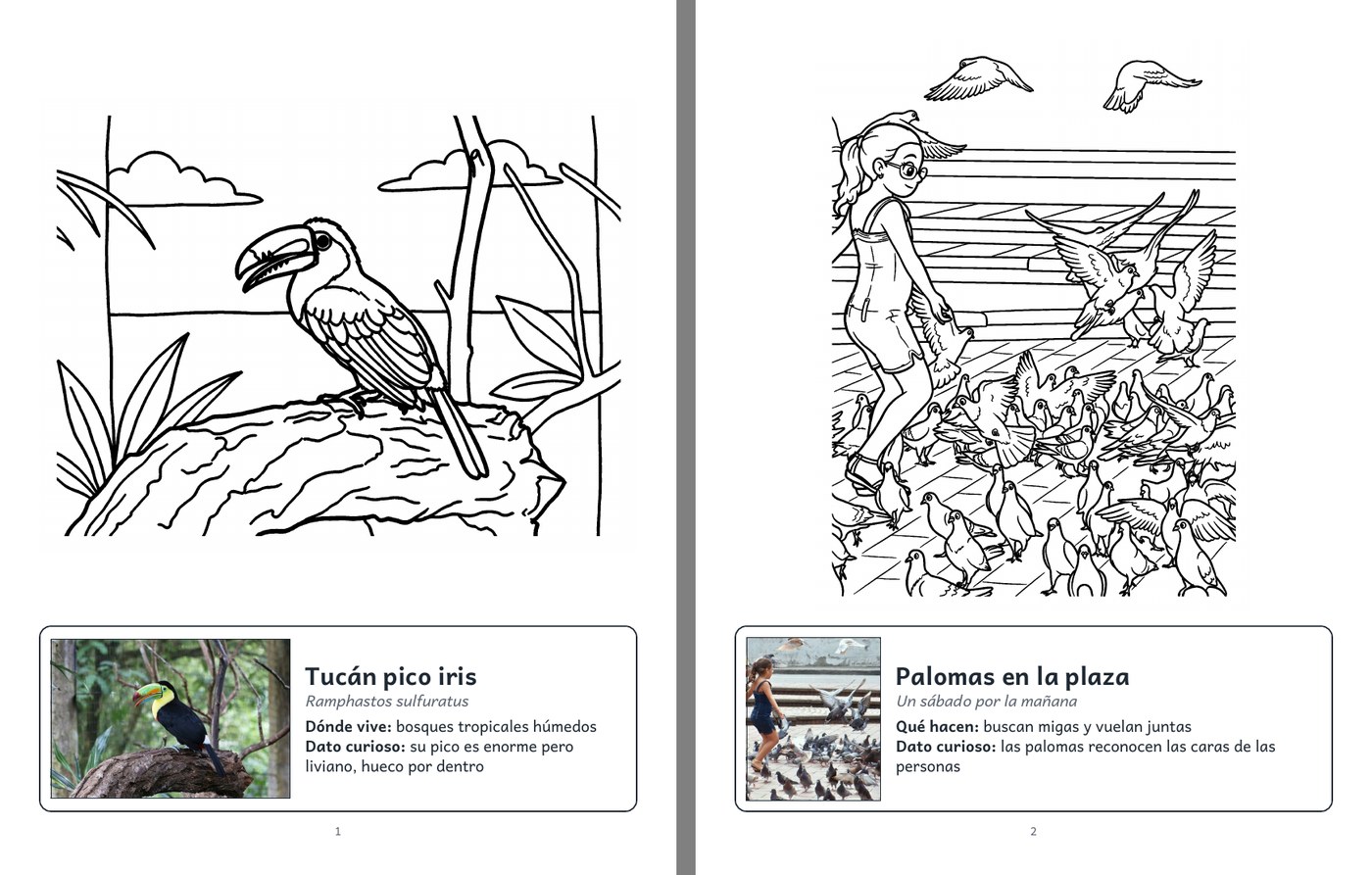
Turn your own photos into a coloring book for kids.
Upload photos, convert them one by one into black-and-white line art, write a line about what
each page shows, and export a PDF where every coloring page carries the real photo and an info
box. A bird book shows the real bird and where it lives; a book of landmarks shows a small photo
of the place; a family album shows the day the photo was taken.
Colorín colorado, este cuento se ha acabado. The Spanish line that closes a children's story,
the way Once Upon a Time opens one.
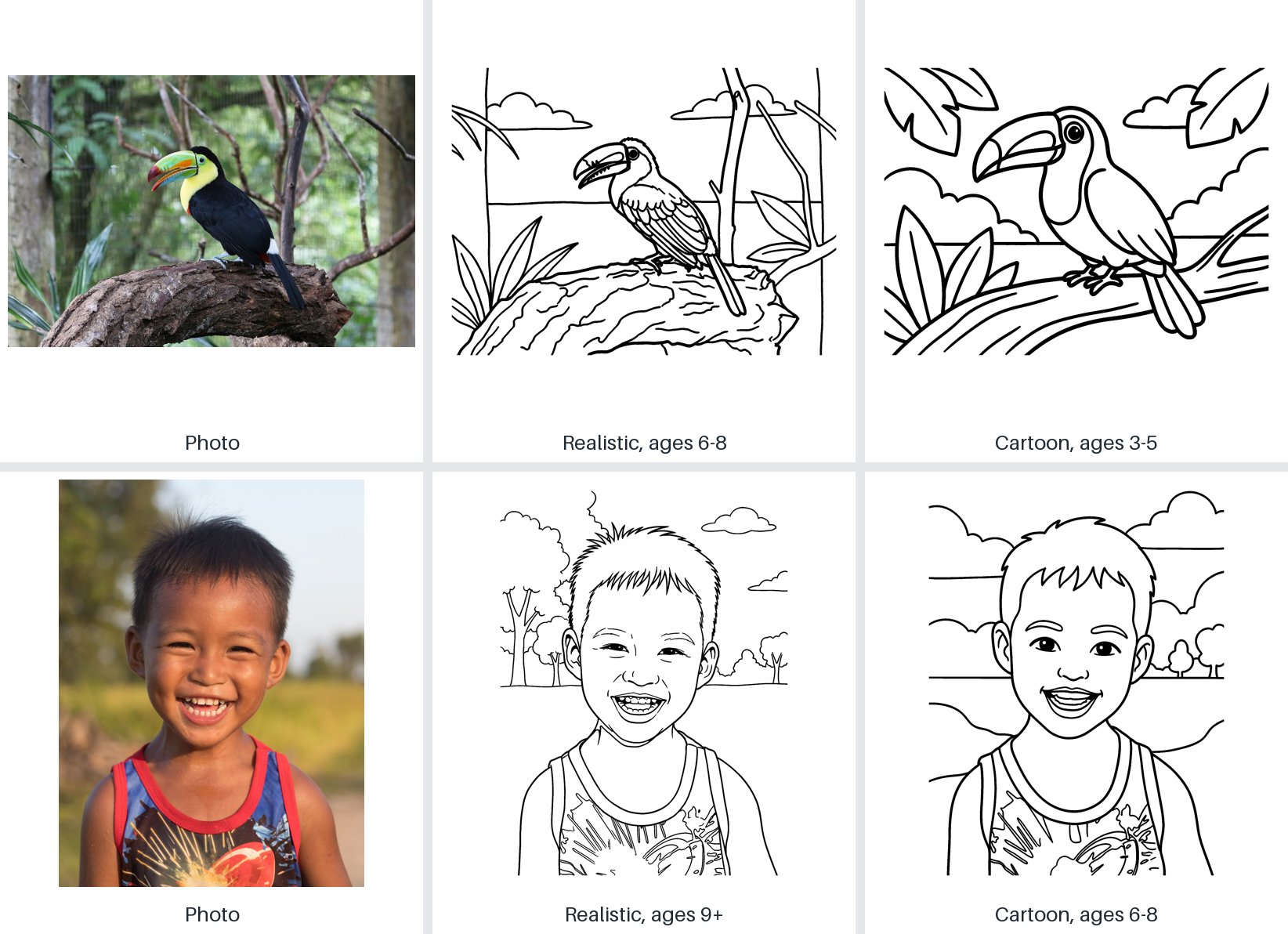
From photo to coloring page
Pick a style (realistic, cartoon, kawaii or mandala) and an age group (3–5, 6–8, 9+, adults). The
photo is always the reference, so the toucan stays a keel-billed toucan and the boy stays the same
boy.
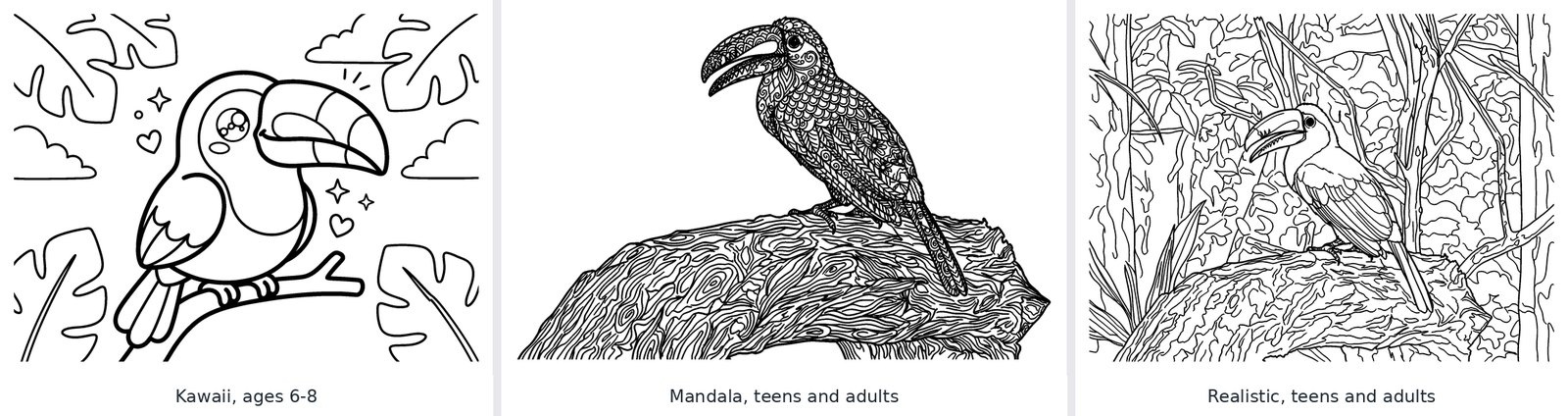
Two more styles, kawaii and mandala, and a level with fine lines for teens and adults:
Whatever the model returns, the page that reaches the PDF is pure black and white: copied colors
are dropped, solid black areas become outlines, lines are thickened for small hands, and a
"photo of a printed page" is cut down to the drawing. See the spike for what
the model gets wrong and how each case is handled.
The pages are drawn by Gemini; by your own NVIDIA GPU with an open model (Qwen-Image-2.1), for
no cost per image, when the computer has one with 24 GB or more; or by your own Stable
Diffusion server (FLUX.1 Kontext). All of them go through the same cleanup. The local model is
licensed for research, so its pages are for trying things out, not for selling.
Without the AI, a photo can also become a mystery mosaic: a faint grid with a number in every
cell and a legend that says how to fill each one. Color it in and the picture appears; the
solutions are at the end of the book. In the one-pen version every cell gets one of six marks
(■ ✳ ✕ \ / or nothing) that blend into the photo from a distance, and a small model that runs on
your computer can remove the background so only the subject is left.
Every coloring page can also go inside a page template: a frame of stars, clouds, flowers or
waves that can be colored too, or a design of your own.
The workbench
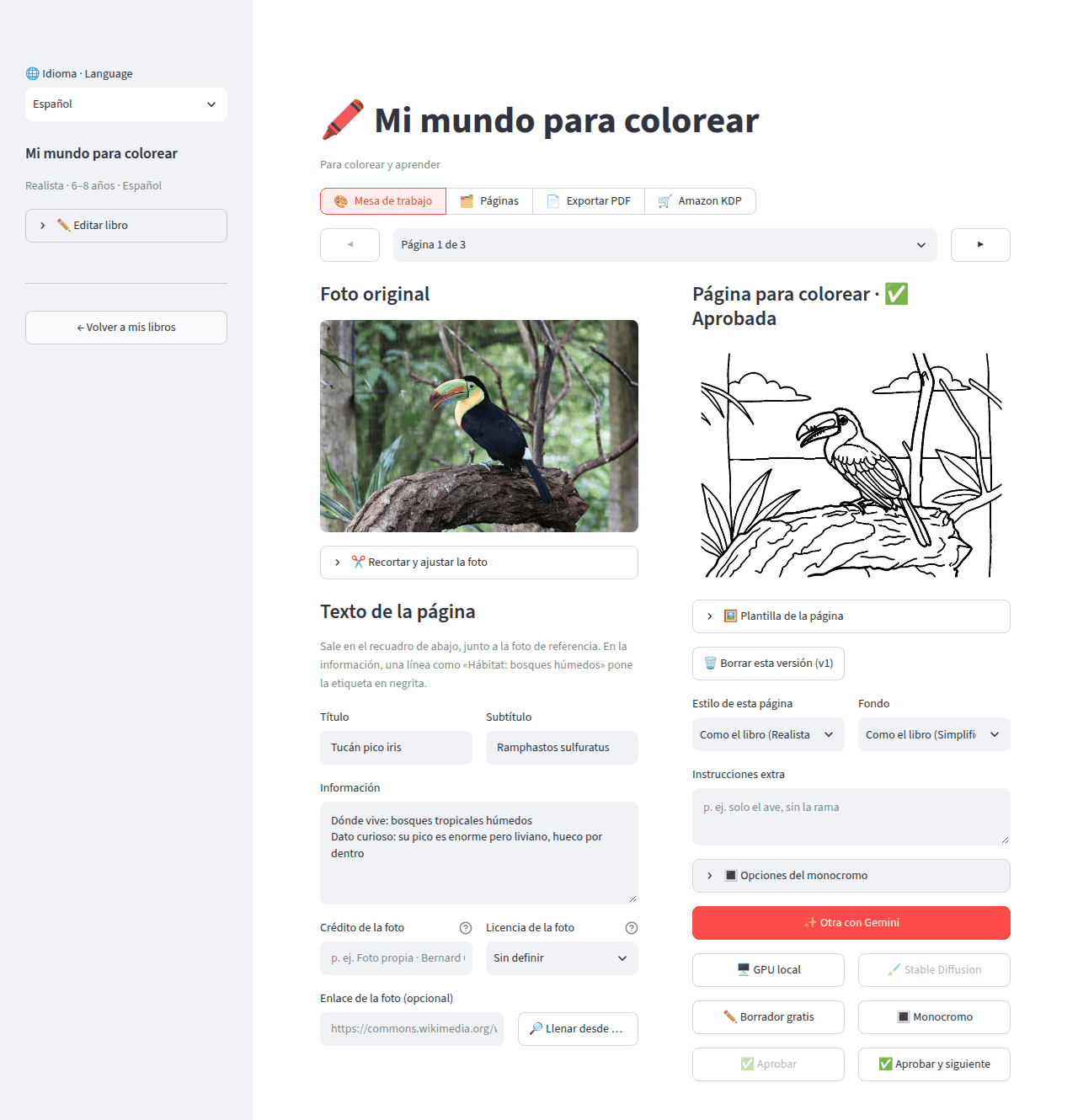
One page at a time: the photo and its caption on the left, the coloring page and its versions on
the right. Crop, convert, regenerate with instructions, approve, next.
Try it
The setup guide gets it running with one command, ./launch.sh, which also
starts the local GPU engine when your computer can run it. Then open http://localhost:8502 and
create your first book.
The SAM branch removes backgrounds with SAM2 instead, where you click the subject on the photo;
see branches.
Learn more
- Features: everything the app does, and what building it cost.
- Setup: requirements, running, configuration, tests, troubleshooting.
- User guide: a book from start to finish, captions, export options, costs.
- Architecture: modules, data layout, pipelines, design decisions.
- Plan and line-art spike.
Contributing
Bug reports, ideas and pull requests are welcome. CONTRIBUTING.md explains how to
set up the project, run the tests and the conventions the code follows.
License
The code is released under the MIT License.
The sample photos come from Wikimedia Commons: toucan by Bernard Gagnon (CC0), laughing boy by
Basile Morin (CC BY-SA 4.0), girl with pigeons by Ken Ketch (CC BY 2.0). The images in
docs/images made from them keep those licenses, so the ones made from the laughing boy are
CC BY-SA 4.0. The banner was drawn by Gemini from the toucan. The PDF typeface, Andika, is by SIL
under the SIL Open Font License; it is installed in the Docker image, not stored in this repository.
The background-removal model, IS-Net (isnet-general-use, Apache-2.0), downloads the first time
it is used and is not stored here either.