coolify
An open-source, self-hostable PaaS alternative to Vercel, Heroku & Netlify that lets you easily deploy static sites, databases, full-stack applications and 360+ one-click services on your own servers.
- 66k
- PHP
- Apache-2.0
- 12 h ago
Self-hosted, multi-tenant PaaS in a single Go binary. Harden a server and deploy any container app — Dockerfile, Compose, or Nixpacks (Laravel/Django/Rails/Node) — with automatic HTTPS and a zero-config fast path for Grit apps.
Repo MUKE-coder/orbita, read from GitHub 4 d ago. MUKE-coder has not joined Take My Repo.
MUKE-coder/orbita is a public repo on GitHub by MUKE-coder. Self-hosted, multi-tenant PaaS in a single Go binary. Harden a server and deploy any container app — Dockerfile, Compose, or Nixpacks (Laravel/Django/Rails/Node) — with automatic HTTPS and a zero-config fast path for Grit apps. It declares no license on GitHub. Public does not mean open source: without a license, nobody is granted the right to reuse it. It is written mainly in Go, has 2 stars and last changed on 2026-07-19. Nobody has reviewed it on Take My Repo yet, which says nothing about its quality. Read from GitHub on 2026-11-20.
An open-source, self-hostable PaaS alternative to Vercel, Heroku & Netlify that lets you easily deploy static sites, databases, full-stack applications and 360+ one-click services on your own servers.

Self-hosted, multi-tenant PaaS — and the control plane for Grit Cloud.
One VPS. Many clients. Full isolation. Secure a server and deploy a full Grit app in two commands.
What · Why · Architecture · Setup · Manual install · Troubleshooting
Orbita is an open-source, self-hosted Platform-as-a-Service (PaaS) written in Go. It turns a single VPS into a fully isolated hosting environment for many client organizations — each with their own dashboard, projects, environment variables, secrets, logs, domains, databases, and resource quotas. Clients never see each other; you, the super-admin, see everything.
It ships as a single ~30 MB binary with the React dashboard embedded, and idles under 50 MB of RAM — leaving nearly all of your server for the apps you actually run.
Orbita is also the control plane for Grit Cloud: because a Grit app has a known shape, Orbita can build, route, migrate, and observe it with zero hand-configuration. Two commands take you from a bare, unsecured server to a hardened box running a live, migrated, HTTPS app:
orbita init      # interactive: secures the server + installs Orbita on a subdomain
orbita deploy          # build → migrate (advisory lock) → route → live
After the first deploy, every git push auto-deploys via webhook.
Freelancers and agencies — Orbita's core audience — run many clients on one cheap box. The existing self-hosted PaaS tools don't fit that, and managed platforms are expensive and opaque:
| Problem | How Orbita solves it |
|---|---|
| Dokploy / Coolify have no multi-tenancy | True tenant isolation: per-org Docker networks, per-org encryption keys, cgroup v2 quotas, 4-role RBAC |
| No resource caps per client | cgroup v2 slices enforce CPU/memory limits per organization |
| Heavy runtimes (PHP/Node control planes) | A single Go binary, <50 MB idle |
| Generic, opaque deploys — you still hand-write Dockerfiles, ports, env, migrations | Grit-awareness: Orbita reads the app's shape and wires the build, addons, domains, and migrations itself |
| Fiddly, many-command server setup | One interactive command hardens the server and installs Orbita |
| Orbita | Dokploy | Coolify | |
|---|---|---|---|
| Multi-tenancy | ✅ | ❌ | ❌ |
| Resource quotas (cgroups) | ✅ | ❌ | ❌ |
| RBAC (4 roles) + invites | ✅ | ❌ | Partial |
| Grit-aware zero-config deploys | ✅ | ❌ | ❌ |
| One-command secure + install | ✅ | Partial | ❌ |
| Single-binary control plane | ✅ | ❌ | ❌ |
| Idle memory | <50 MB | ~200 MB | ~500 MB |
| Written in | Go | Node.js | PHP/Laravel |
Orbita is a strictly layered Go service with an embedded SPA, orchestrating Docker Swarm and Traefik on the host.
                              ┌──────────────────────────────────────────┐
   grit CLI  ───HTTPS/orb_──▶ │             Orbita binary (~30 MB)         │
   (laptop)                   │                                            │
   browser   ───HTTPS──────▶  │   Gin router → Handlers → Services         │
                              │        │            │                      │
                              │   Middleware   Orchestrator (Docker SDK)    │
                              │   (auth/RBAC)       │        │             │
                              │        │       Traefik writer  cgroup mgr   │
                              │   Repositories (GORM, org-scoped)           │
                              │   Embedded React SPA (//go:embed)           │
                              └──────┬───────────────┬───────────┬─────────┘
                                     │               │           │
                              ┌──────▼─────┐  ┌───────▼────┐  ┌───▼────────────┐
                              │ PostgreSQL │  │   Redis    │  │  Docker Engine  │
                              │ (metadata) │  │ (cache/RL) │  │  + Swarm        │
                              └────────────┘  └────────────┘  └───┬────────────┘
                                                                  │
                                                           ┌──────▼──────┐
                                                           │   Traefik   │
                                                           │  TLS + proxy │
                                                           └─────────────┘
Layers (never skipped): Gin router → handlers → services → repositories → PostgreSQL.
Handlers only validate and call services; business logic lives in services; repositories run
org-scoped GORM queries. The orchestrator wraps the Docker SDK (build, deploy, provision,
cgroup slicing); the Traefik writer emits dynamic routing config.
Multi-tenancy invariants: every tenant query is scoped by organization_id; each org gets
its own Docker network, cgroup slice, and AES-256 key (HKDF-derived from a master key + org ID);
volumes, container names, and Traefik routers are prefixed with the org slug.
Grit-awareness: internal/grit detects a Grit app from grit.json, derives its services and
build recipe (reusing the Dockerfiles Grit ships), and the GritService reconciles addons + env +
domains and runs migrations under a Postgres advisory lock before cutover.
Tech stack: Go 1.25 · Gin · GORM · PostgreSQL 16 · Redis 7 · Docker SDK + Swarm · Traefik v3 · JWT · Resend · React 19 + Vite + Tailwind v4 + shadcn/ui · xterm.js.
The whole point: a beginner shouldn't run a dozen commands. Install the grit CLI on your
laptop, then:
orbita init (interactive)orbita init
It asks you a few questions and does everything else:
▸ Grit Cloud — set up Orbita on your server
? Do you already have a server (a fresh Ubuntu 24.04 VPS)?  [Y/n] y
? Server IP address  203.0.113.10
  ✔ Server is reachable
? How do you log into the server right now?
  › 1) I have a root password (from my hosting provider)
    2) I added an SSH key when I created the VPS
? Root password:  ••••••••
? Create a secure deploy user named  [deploy]
? SSH key for the deploy user:
  › 1) Generate a new key for me (recommended)
    2) Paste an existing public key
? Domain for the Orbita dashboard (blank = use the server IP)  orbita.example.com
  ✔ DNS points here — we'll set up HTTPS at https://orbita.example.com
? Email for Let's Encrypt (TLS certificates)  [admin@orbita.example.com]
? Your email for the Orbita admin login  you@example.com
? Proceed?  [Y/n] y
Under the hood it: updates the server → hardens it (new sudo deploy user, generates an SSH
key, disables root + password login, UFW, Fail2ban, prints a security score) → installs Docker +
Orbita + Traefik on your HTTPS subdomain (or the server IP if DNS isn't pointed yet) →
creates your admin login + an orb_ deploy token → registers the host in ~/.orbita/hosts.yaml.
When it finishes it prints your dashboard URL, login, and the deploy key path.
Automate it with flags +
--yes(for CI/scripts):orbita init --server root@IP --domain orbita.example.com --acme-email you@example.com --admin-email admin@example.com --yes.
orbita deployFrom your Grit project directory (it has a grit.json):
orbita github-auth      # once: store a GitHub token (repo + admin:repo_hook)
orbita deploy --host prod
If there's no orbita.yaml, a first-run wizard creates one. Then orbita deploy ensures the repo,
reconciles infrastructure (org/project/env, Postgres/Redis/MinIO addons, env + secrets,
domains), builds each service from the Dockerfiles Grit ships, runs migrations under a Postgres
advisory lock (aborting if they fail), and cuts over:
✔ Live
  App:       https://rental.example.com
  API:       https://api.rental.example.com
  Pulse:     https://api.rental.example.com/pulse/ui
  Sentinel:  https://api.rental.example.com/sentinel/ui
  Auto-deploy is on: future `git push` to main redeploys via webhook.
Supporting commands: orbita deploy --plan (dry run), orbita logs -f, orbita rollback,
orbita status, orbita dashboard (private SSH tunnel).
orbita.yaml — the deploy manifestYou write this once; everything else is inferred from grit.json + the repo.
app: rental
repo: MUKE-coder/rental
addons: [postgres, redis]
domains:
  web: rental.example.com
  api: api.rental.example.com
migrate: true
env:
  from: .env.production   # values encrypted into Orbita, never committed
Prefer to do it by hand (no CLI)? This is the step-by-step for a fresh Ubuntu 24.04 VPS.
A record pointed at the server IP.Verify DNS first:
dig orbita.example.com +shortmust return your server IP — Let's Encrypt can't issue a certificate until it does.
ssh root@YOUR_SERVER_IP
apt update && apt install -y git
git clone https://github.com/MUKE-coder/vps-harden.git && cd vps-harden
sudo ./vps-harden.sh --no-dokploy      # new user + SSH keys, UFW, Fail2ban, score/100
curl -fsSL https://get.docker.com | sh
docker swarm init
curl -sSL https://raw.githubusercontent.com/MUKE-coder/orbita/main/install.sh \
  | sudo ORBITA_DOMAIN=orbita.example.com ORBITA_ACME_EMAIL=you@example.com bash -s -- --yes
curl -s http://localhost:8080/health          # {"status":"ok","version":"0.1.0"}
curl -I https://orbita.example.com            # 200 from the outside world
Open https://orbita.example.com, register the first user (they become super-admin), and
create your first organization.
denied pulling ghcr.io/muke-coder/orbitaThe image is private/unpublished for your fork. Build locally and point the installer at it:
cd /opt && git clone https://github.com/MUKE-coder/orbita.git orbita-src
cd orbita-src && docker build -t orbita:local .
ORBITA_IMAGE=orbita:local bash <(curl -sSL https://raw.githubusercontent.com/MUKE-coder/orbita/main/install.sh)
address already in use on port 80 / 443Usually Apache2 (Contabo/DO images) or nginx holds the port:
systemctl stop apache2 && systemctl disable apache2
apt purge -y apache2 apache2-utils apache2-bin apache2-data && apt autoremove -y
cd /opt/orbita && docker compose up -d
cd /opt/orbita && docker compose logs traefik --tail 50 | grep -iE "acme|certificate|error"
| Log symptom | Cause → Fix |
|---|---|
DNS problem / NXDOMAIN |
DNS not propagated. dig orbita.example.com +short must return the server IP. |
HTTP 404 from challenge |
Cloudflare orange cloud. Set the record to DNS only (gray) until the cert issues. |
connection refused on :80 |
Firewall. ufw allow 80/tcp && ufw allow 443/tcp && ufw reload |
rate limit exceeded |
Let's Encrypt 5 certs/week/domain. Wait; avoid delete/re-add loops. |
orbita init: can't connect / hardening locked me outssh -i ~/.ssh/orbita_deploy deploy@YOUR_SERVER_IP. To re-run install only,
add --skip-harden.password authentication failedA managed DB was deleted and re-created with the same name, reusing a stale volume. Current
Orbita removes the volume on delete. For an old orphan:
docker volume rm <orgslug>_<dbname>_data after removing the DB service.
By design — Orbita won't cut over to a schema-mismatched image. orbita logs -f --host prod to
see the migrator; fix and redeploy. Common cause: the app's go.sum isn't committed.
MUKE-coder/orbita is a public repo on GitHub by MUKE-coder. Self-hosted, multi-tenant PaaS in a single Go binary. Harden a server and deploy any container app — Dockerfile, Compose, or Nixpacks (Laravel/Django/Rails/Node) — with automatic HTTPS and a zero-config fast path for Grit apps.
It declares no license on GitHub. Public does not mean open source: without a license, nobody is granted the right to reuse it.
Making Docker and Kubernetes management easy.
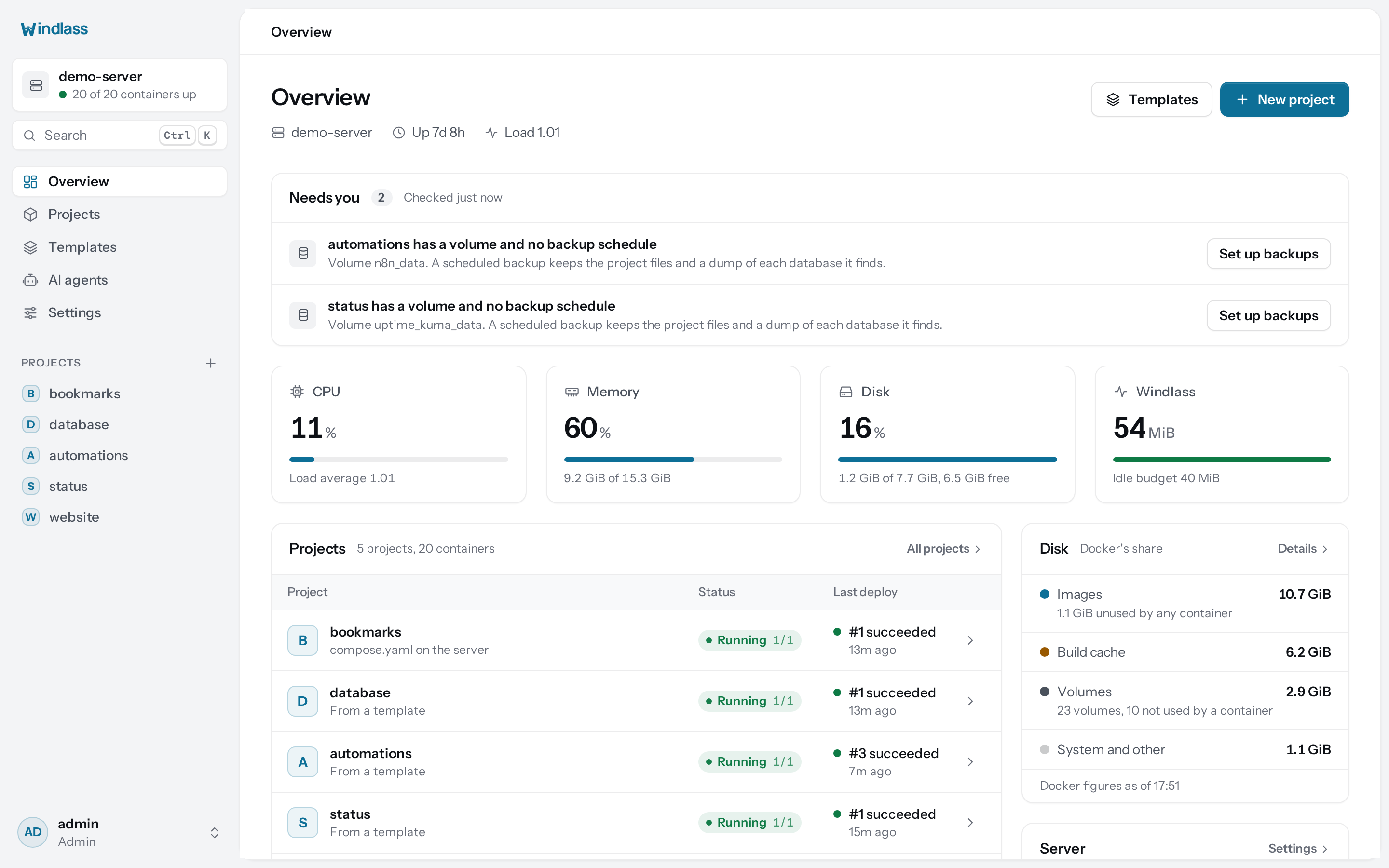
Lightweight self-hosted Docker Compose panel, a Coolify, Dokploy and Portainer alternative. Git deploys, HTTPS domains, logs, backups and an MCP server so AI agents deploy with scoped tokens. Runs the real docker compose, so containers keep running if Windlass stops.
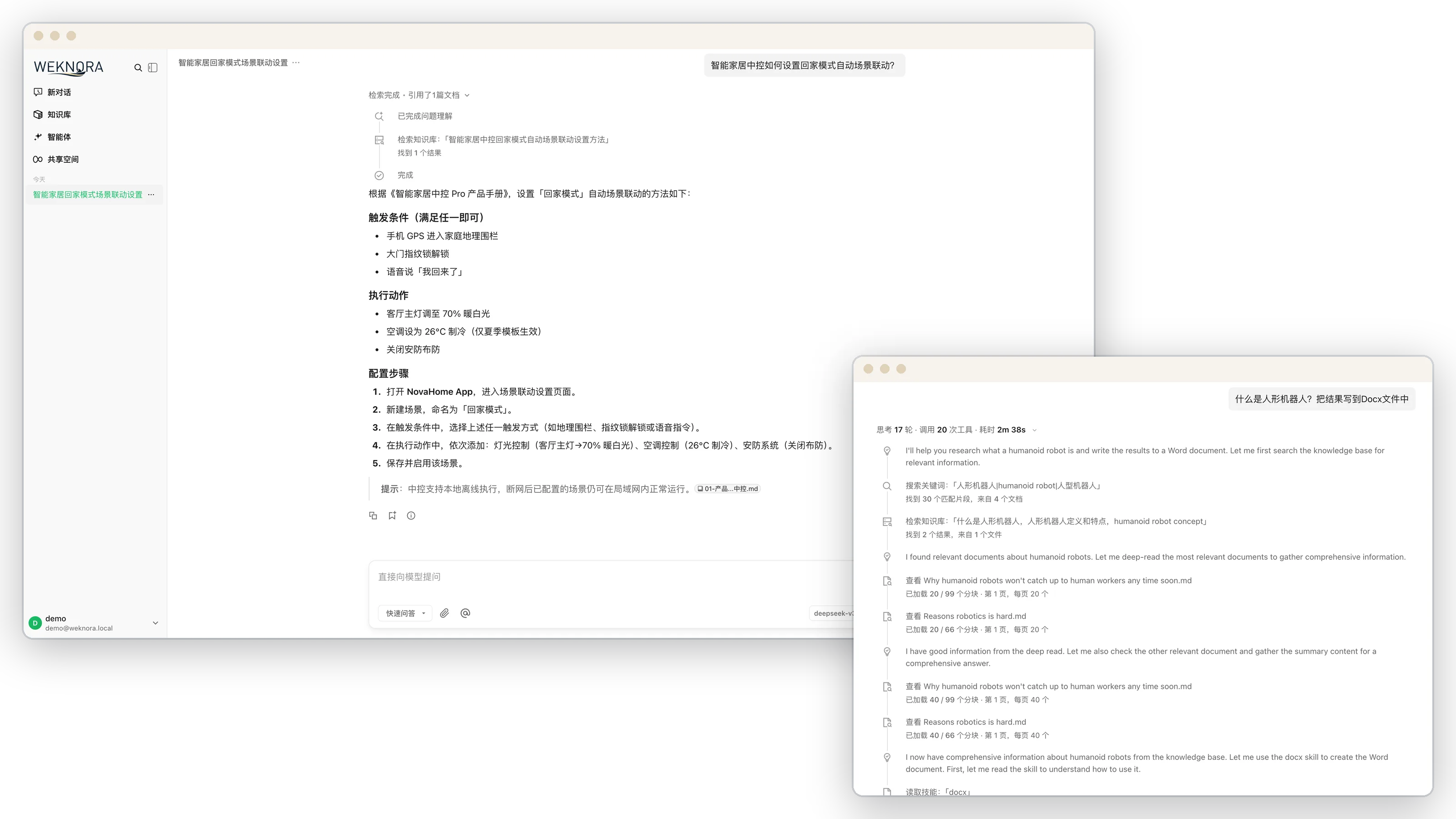
Open-source LLM knowledge platform: turn raw documents into a queryable RAG, an autonomous reasoning agent, and a self-maintaining Wiki.
A list of Free Software network services and web applications which can be hosted on your own servers
Ray is an AI compute engine. Ray consists of a core distributed runtime and a set of AI Libraries for accelerating ML workloads.
Its maker tagged it for macOS, Windows and Linux, or as Docker or cross-platform. That is declared by the maker; Take My Repo has not tested it.
Open "Take it" on its page: Take My Repo writes an install plan for your machine and hands it to your AI agent (Claude Code, Codex or Cursor), which asks you before each step. Take My Repo has not tested it on any machine.
Its last change on GitHub was on 2026-07-19. Take My Repo does not judge from that whether it is maintained.
Nobody has reviewed it on Take My Repo yet, which says nothing about its quality.
Take My Repo cannot say: it does not audit code and has not run orbita. What is known comes from GitHub. It declares no license on GitHub. Public does not mean open source: without a license, nobody is granted the right to reuse it. Its last change was on 2026-07-19. It has 2 stars, which measure popularity, not safety. Nobody has reviewed it on Take My Repo yet, which says nothing about its quality. Read the source before you run it. With "Take it", your AI agent shows each step and asks you before running it; README text is treated as data, not as instructions.