
zenith
Privacy-first, multi-site web analytics & SEO auditing you self-host once and share with clients on their own domains. Cookieless, no consent banner. Go + DuckDB/SQLite, React, headless-Chromium audits.
- 5
- 4 mo ago
Repo MUKE-coder/zenith, read from GitHub 5 d ago. MUKE-coder has not joined Take My Repo.
In short
MUKE-coder/zenith is a public repo on GitHub by MUKE-coder. Privacy-first, multi-site web analytics & SEO auditing you self-host once and share with clients on their own domains. Cookieless, no consent banner. Go + DuckDB/SQLite, React, headless-Chromium audits. It declares no license on GitHub. Public does not mean open source: without a license, nobody is granted the right to reuse it. It is written mainly in Go, has 5 stars and last changed on 2026-07-29. Nobody has reviewed it on Take My Repo yet, which says nothing about its quality. Read from GitHub on 2026-11-20.
Zenith
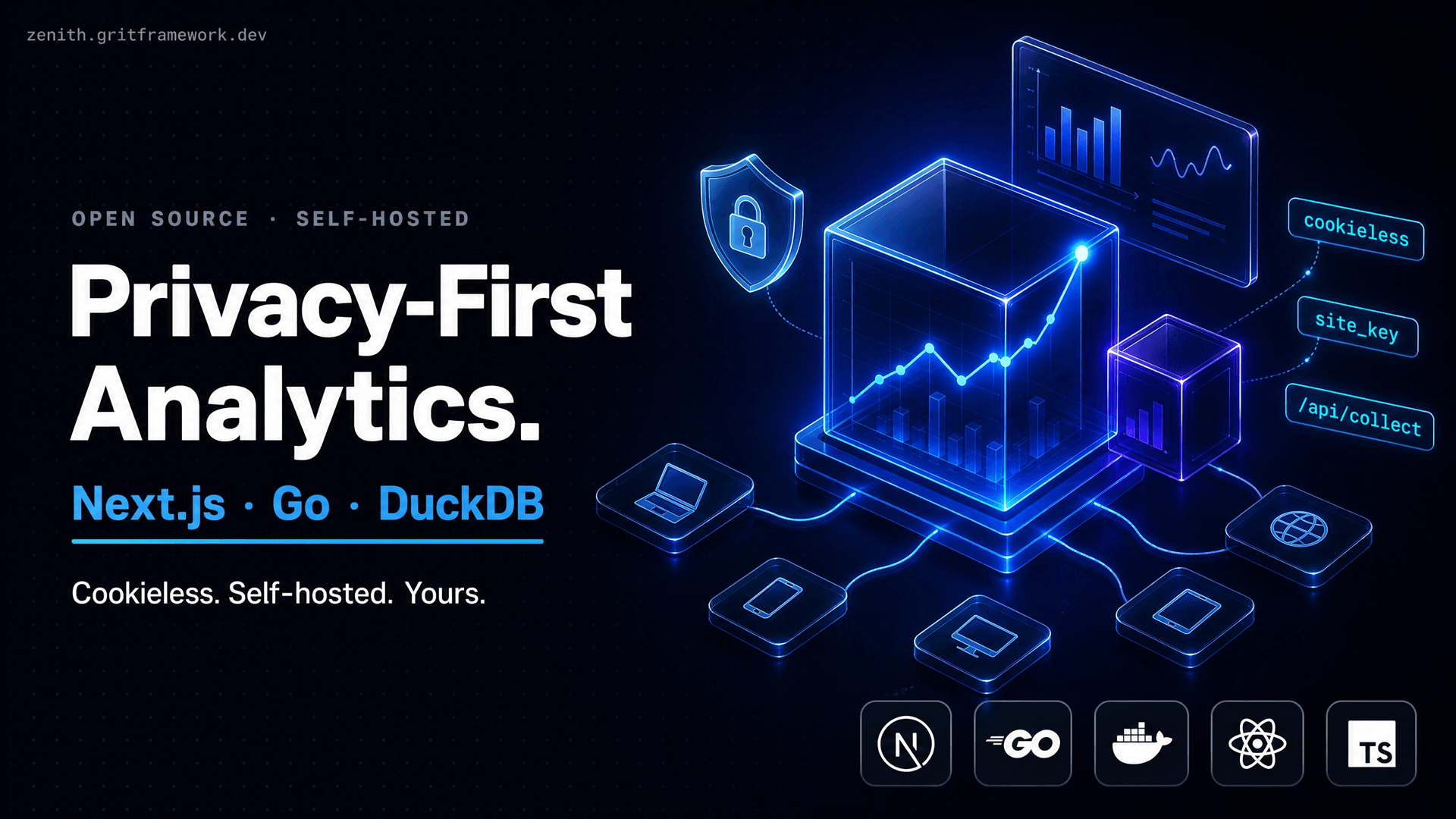
The vantage point over all your sites. Privacy-first, multi-site web analytics and SEO auditing that you self-host once and share with clients — where each client's dashboard lives natively on their own domain.
- Cookieless. A daily-rotating visitor hash, no cookies, no fingerprinting, no consent banner.
- Multi-site. Deploy once; every site you manage reports into it.
- Domain-native. Your client reads their analytics at
theirsite.com/analytics-dashboard, not a foreign subdomain. - SEO audits. On-demand, headless-Chromium audits in a worker that can't take ingestion down.
Status: v1 done. Every clause of the definition of done is verified end-to-end against a live
docker compose up: deploy, add a site, install the npm package and see live pageviews, switch between sites, hand a client a password-protected dashboard on their own domain, run an on-demand SEO audit, and have each owner emailed a monthly report. 314 tests across the two Go services, the npm package, and the dashboard.
Quickstart
From nothing to live analytics on a client's site.
1. Deploy
cp .env.example .env
Fill in two things — a signing secret and your admin password:
# .env
ZENITH_JWT_SECRET=      # openssl rand -base64 32
ZENITH_ADMIN_EMAIL=you@example.com
ZENITH_ADMIN_PASSWORD=  # 12+ characters
There's no default secret. Zenith refuses to start without one, because a fallback would be the key signing every token in every deployment that forgot to change it. Keep it stable — changing it signs everyone out, which is also how you sign everyone out if it ever leaks.
cd deploy
docker compose --env-file ../.env up          # core only
docker compose --env-file ../.env --profile seo up   # with SEO audits
curl http://localhost:8080/health
# {"status":"ok"}
The console is at http://localhost:8080/dashboard/. Sign in with the admin credentials above.
2. Add the client's site
Add site in the console, or:
curl -X POST http://localhost:8080/api/sites \
  -H "Authorization: Bearer $TOKEN" -H 'Content-Type: application/json' \
  -d '{"name":"Client Site","domain":"client.com","owner_email":"owner@client.com"}'
You get back two keys. Keep both — the next step needs them.
3. Install it in their project
cd their-nextjs-project
npm install zenith-analytics
npx zenith init      # writes zenith.config.js, scaffolds the dashboard route
npx zenith hash      # prints a bcrypt hash for the dashboard password
Paste the keys and the hash into zenith.config.js, then drop the component into your layout:
import { Analytics } from 'zenith-analytics/next'
import config from '../zenith.config.js'

export default function RootLayout({ children }: { children: React.ReactNode }) {
  return (
    <html lang="en">
      <body>
        {children}
        <Analytics config={config} />
      </body>
    </html>
  )
}
4. See the data
Load a page of their site, then open the console. Pageviews appear immediately — the live counter updates every 15 seconds.
That's the whole loop. Hand the dashboard to your client next, or set up monthly reports.
Everything stateful lives in the zenith-data volume — DuckDB (events) and SQLite (app data).
That volume is the thing to back up. docker compose down keeps it; down -v destroys it.
Accounts
Core provisions the developer account from ZENITH_ADMIN_EMAIL and ZENITH_ADMIN_PASSWORD on
boot. To add one to a running deployment instead:
cd core
ZENITH_ADMIN_EMAIL=you@example.com \
ZENITH_ADMIN_PASSWORD='a long passphrase' \
  go run ./cmd/seed
Passwords are read from the environment, never a flag — a password in -password lands in your
shell history and in the process list. Both paths refuse to overwrite an existing account, so
leaving the variables set can't silently reset your password on the next restart.
Sign in
curl -X POST http://localhost:8080/api/auth/login \
  -H 'Content-Type: application/json' \
  -d '{"email":"you@example.com","password":"a long passphrase"}'
# {"token":"eyJ...","expires_at":"...","role":"developer","email":"you@example.com"}
Send the token as Authorization: Bearer <token>. POST /api/auth/logout ends the session
immediately rather than waiting for the token to expire.
Add a site
curl -X POST http://localhost:8080/api/sites \
  -H "Authorization: Bearer $TOKEN" \
  -H 'Content-Type: application/json' \
  -d '{"name":"Client Site","domain":"client.com","owner_email":"owner@client.com"}'
You get back both keys (see Two keys per site). GET /api/sites lists
them all. Domains are normalized, so https://www.Client.com/ and client.com are the same
site — which is what keeps the self-referral filter working.
Open the console
cd dashboard
npm install
npm run dev
Sign in at localhost:5173 to switch between sites and read their analytics.
Send an event
curl -X POST http://localhost:8080/api/collect \
  -H 'Content-Type: application/json' \
  -d '{"site_key":"zk_...","url":"https://example.com/pricing","referrer":"https://news.ycombinator.com/"}'
# 204 No Content
name defaults to pageview; any other name is a custom event and may carry props:
-d '{"site_key":"zk_...","url":"https://example.com/signup","name":"signup","props":{"plan":"pro"}}'
The server derives the path and UTM parameters from url, so the snippet stays tiny and the
parsing rules live in one place. Bots are answered 204 and never recorded.
Read the stats
Every endpoint needs Authorization: Bearer <token>.
| Endpoint | Answers |
|---|---|
GET /api/stats/summary |
Pageviews, unique visitors, sessions |
GET /api/stats/timeseries |
Traffic over time, bucketed |
GET /api/stats/pages |
Top pages, plus entry and exit pages |
GET /api/stats/referrers |
Referral sources and the UTM breakdown |
GET /api/stats/geo |
Countries |
GET /api/stats/tech |
Devices, browsers, operating systems |
GET /api/stats/events |
Custom events; ?name= adds its properties |
GET /api/stats/realtime |
Visitors active in the last 5 minutes |
curl -H "Authorization: Bearer $TOKEN" \
  "http://localhost:8080/api/stats/summary?site=<id>&from=2026-07-01&to=2026-07-31&compare=true"
Common parameters:
site— which site. A developer must name one; an owner's token names their own, and asking for a different site is a 403.from/to— a date (2026-07-01) or a timestamp. Omit both for the last 30 days. A baretodate covers that whole day, sofrom=2026-07-01&to=2026-07-31means all of July.compare=true— adds the equal-length period immediately before, and the percent change. Change isnullwhen the previous period was zero: growth from nothing has no percentage.granularity—hour,day,week, ormonth. Defaults to fit the range.limit— rows per breakdown, 1 to 500.
Sessions aren't stored, they're derived: a run of one visitor's events with no gap longer than 30 minutes. Empty timeseries buckets come back as zeroes, so a quiet day shows as a dip rather than vanishing from the chart.
Two keys per site
A site has two keys, because writing events and reading analytics have different threat models.
| Key | Visibility | Authorizes |
|---|---|---|
site_key |
Public — ships in the snippet | Writing events only |
api_key |
Secret — server-side only | Reading that site's analytics |
Treat site_key as readable by anyone: it's in your page source. A leaked one lets someone send
junk events to that site; it can never read a client's traffic. api_key belongs in
zenith.config.js on the server and must never reach a browser.
Layout
| Path | What it is |
|---|---|
core/ |
Go service: ingestion, stats API, auth, scheduler, console |
audit-worker/ |
Go service: headless-Chromium SEO audits, separate image |
dashboard/ |
React + Vite SPA: the console and the owner's dashboard |
npm/ |
TypeScript package: tracking snippet, zenith init CLI, proxy |
deploy/ |
Dockerfiles and Compose |
Two services, not one: Chromium is ~1GB, and an out-of-memory audit must never be able to take analytics ingestion down with it.
Two stores, not one: DuckDB is columnar and answers GROUP BY over large event volumes; SQLite is
transactional and holds users, sites, and settings. Events never go in SQLite; app data never goes
in DuckDB. Both sit behind the EventStore / AppStore interfaces in
core/internal/storage, so a hosted tier can later swap in
ClickHouse and Postgres without business logic changing.
Local dev
Prerequisites: Go 1.26+, Node 20+, a C toolchain (DuckDB is a C++ library, so core
needs CGO), and Docker for the Compose path.
core
cd core
go run ./cmd/core
Listens on :8080 and writes to ./data by default.
| Variable | Default | What it does |
|---|---|---|
ZENITH_JWT_SECRET |
— | Required. Signs session tokens, 32+ chars |
ZENITH_PORT |
8080 |
HTTP listen port |
ZENITH_DATA_DIR |
./data |
Where both databases live |
ZENITH_EVENTS_DB |
$DATA_DIR/events.duckdb |
DuckDB event store |
ZENITH_APP_DB |
$DATA_DIR/zenith.sqlite |
SQLite app store |
ZENITH_TOKEN_TTL |
24h |
How long a session lasts |
ZENITH_ADMIN_EMAIL |
— | Developer account to provision on boot |
ZENITH_ADMIN_PASSWORD |
— | Its password, 6+ characters |
ZENITH_GEOIP_DB |
— | Country .mmdb; without it, country is unknown. See Country data |
ZENITH_DASHBOARD_DIR |
./dashboard |
Built SPA; the Docker image sets this. Missing means API-only |
ZENITH_RESEND_ENDPOINT |
Resend | Point email at a mock to verify a deploy |
ZENITH_ENV |
production |
development relaxes the secret requirement |
The audit worker reads ZENITH_DATA_DIR and ZENITH_APP_DB (both must point at the same
volume as core — the audit queue is a table in the shared SQLite database), plus
ZENITH_AUDIT_CONCURRENCY (default 1, the knob that bounds Chromium memory) and
ZENITH_CHROME_PATH (default /usr/bin/chromium).
The Resend API key and MAIL FROM are not environment variables — they're set in the console and stored in the database, because they're configuration a developer changes, not deployment plumbing.
In development, ZENITH_ENV=development lets core generate a throwaway signing secret so
go run ./cmd/core works with no setup. It says so loudly on boot, and every restart signs
everyone out. Never use it in a deployment.
Country data (GeoIP)
Country comes from a local IP lookup database. It can't ship inside Zenith — the licences don't allow redistribution — so the compose files fetch one for you.
This is automatic. docker compose up runs a small geoip service that downloads a current
DB-IP Lite country database into the data volume and exits; core waits for
it and opens it on boot. It re-downloads only once the file is over 30 days old, and it never
fails a deployment — a failed download just means country reads Unknown. Set ZENITH_GEOIP_DB
to an empty value to turn country lookup off.
DB-IP Lite is CC BY 4.0: attribute DB-IP if you publish country figures.
Supplying it yourself
Only needed to pin a particular database, prefer MaxMind's, or run without the geoip service.
Zenith reads any MaxMind-format country .mmdb. Two free sources:
- DB-IP Lite Country — no account, direct download, refreshed monthly. The easiest path.
- MaxMind GeoLite2 Country — free, but needs a signup and a licence key.
Both arrive gzipped:
curl -L -o country.mmdb.gz https://download.db-ip.com/free/dbip-country-lite-2026-07.mmdb.gz
gunzip country.mmdb.gz
Questions
What is zenith?
MUKE-coder/zenith is a public repo on GitHub by MUKE-coder. Privacy-first, multi-site web analytics & SEO auditing you self-host once and share with clients on their own domains. Cookieless, no consent banner. Go + DuckDB/SQLite, React, headless-Chromium audits.
Is zenith open source?
It declares no license on GitHub. Public does not mean open source: without a license, nobody is granted the right to reuse it.
Does zenith run on macOS, Windows or Linux?
Its maker has not tagged a system, so it is unknown here. Its README says what it needs.