agent-sessions
Local-first macOS app to browse, search, analyze, and resume supported AI coding-agent session history across Codex, Claude Code, OpenCode, Cursor Agent, Antigravity, Hermes, OpenClaw, Copilot CLI, and more.
- 952
- Swift
- MIT
- 22 h ago
Correct bpy for AI agents: Blender Python skills, rules and smoke-tested examples for Blender 5.2 LTS and 4.5 LTS, installable as a Claude Code and Cursor plugin.
Repo TMHSDigital/Blender-Developer-Tools, read from GitHub 7 min ago. TMHSDigital has not joined Take My Repo.
TMHSDigital/Blender-Developer-Tools is a public repo on GitHub by TMHSDigital. Correct bpy for AI agents: Blender Python skills, rules and smoke-tested examples for Blender 5.2 LTS and 4.5 LTS, installable as a Claude Code and Cursor plugin. It declares no license on GitHub. Public does not mean open source: without a license, nobody is granted the right to reuse it. It is written mainly in Python, has 21 stars and last changed on 2026-11-03. Nobody has reviewed it on Take My Repo yet, which says nothing about its quality. Read from GitHub on 2026-11-20.
Teach Cursor and Claude Code the Blender Python that actually runs on Blender 5.2 LTS and 4.5 LTS.
Skills and rules that stop AI agents writing the bpy that breaks: bpy.context.copy() operator overrides (removed in 4.0), action.fcurves on 5.x Slotted Actions, glTF exports that land on their back in every engine. Each contract is backed by a headless example that is smoke-tested on both LTS versions.
/plugin marketplace add TMHSDigital/Blender-Developer-Tools@plugin-dist
/plugin install blender-developer-tools@blender-developer-tools
Claude Code. Cursor and other agents: Quick start.
26 skills • 16 rules • 3 templates • 31 snippets • 69 examples • 80 showcase pieces
Examples Gallery • Quick start • Examples • Showcase • Skills • Rules • Templates • Snippets • Roadmap
This repository ships 26 skills, 16 rules, 3 templates, 31 snippets, 69 examples, and 80 showcase pieces for Blender Python development targeting Blender 5.2 LTS (current stable) with Blender 4.5 LTS fallback support. Blender 5.1 is prior stable.
The content is consumed by AI coding agents, installed as a plugin or read from a checkout. An optional second plugin registers the official Blender Lab MCP server for live sessions (see Live Blender session); the server is referenced from upstream, not part of this repository, and nothing else depends on it. Cursor and Claude Code both install it as a plugin (see Quick start): Cursor loads the skills and applies rules/*.mdc wherever their scope globs match; Claude Code loads the skills and gets the rules through a generated blender-rules skill, since it does not read Cursor .mdc files. An agent picks a skill up when its description matches the task. Any agent that can read files in a workspace can use it the same way. There is no build step for the content — edit the Markdown and Python files directly.
| Layer | Role |
|---|---|
| Skills | Guided workflows: scaffolding, operators, panels, properties, mesh and bmesh, headless batch, slotted actions, geometry nodes, procedural materials, depsgraph queries, drivers and handlers, bl_info migration, video sequencer, imported-mesh cleanup, high-to-low baking, engine export presets, extension runtime and packaging, timers, modal operators and threading, GPU drawing and viewport overlays, porting add-ons to Blender 5, Grease Pencil v3, constraints and parenting, images and pixels, curves and text, compositor nodes, UV layers and mesh attributes |
| Rules | Guardrails for the most common AI mistakes: ops-in-loops, bmesh leaks, legacy bl_info only, prop assignments, deprecated context-copy override, per-element loops over bulk mesh data, import without scale check, export without evaluated geometry, mixed glTF/FBX axis RNA, and the 5.x breaks: bgl, the pre-4.1 normals API, sequence_editor.sequences, action.fcurves, 3.x Principled socket names, NodesModifier ID-property inputs, the EEVEE engine id |
| Templates | A working Extensions Platform add-on starter, a headless batch script starter, and a GLB-in engine-ready asset pipeline |
| Snippets | 31 small standalone Python files demonstrating canonical patterns, 5 to 75 lines each |
| Examples | Runnable headless scripts under examples/. Each asserts an API contract and exits non-zero on failure. |
| Showcase | Proof that the skills compose: each piece under showcase/ is one headless Python script that builds a game prop and runs the whole asset pipeline (cleanup, high-to-low bake, LODs, convex collider, engine export), asserting measured budgets on every LTS. Not API examples. Conventions: showcase/README.md |
Neither agent needs a clone of main: both install the slim plugin-dist build. Clone the full repository only to run the examples or contribute.
Cursor — install it as a local plugin from the slim plugin-dist branch, then run Developer: Reload Window. Customize lists the 26 skills and 16 rules; the rules apply by glob scope and the agent loads a skill when its description matches the task.
git clone --branch plugin-dist --single-branch https://github.com/TMHSDigital/Blender-Developer-Tools.git ~/.cursor/plugins/local/blender-developer-tools(On Windows the folder is %USERPROFILE%\.cursor\plugins\local\. Cursor skips symlinks that point outside that folder, so clone or copy rather than link.) Teams can import the repository as a team marketplace instead; it carries .cursor-plugin/marketplace.json. The plugin already applies the rules, so there is nothing to copy. Only to scope the pack to one project without the plugin, copy skills/* into that project's .cursor/skills/ and rules/*.mdc into .cursor/rules/ from a checkout; copying only the rules gives you no skills.
Claude Code — install as a plugin, then run /skills to see all 26 skills plus blender-rules:
/plugin marketplace add TMHSDigital/Blender-Developer-Tools@plugin-dist
/plugin install blender-developer-tools@blender-developer-tools
@plugin-dist is a generated branch holding only what the plugin loads (about 0.3 MB, rebuilt on every release), so the add does not clone the gallery renders, showcase props and history on main. Adding the repo without @plugin-dist still works; the plugin itself installs from plugin-dist either way.
Claude Code does not read Cursor .mdc rules, so the plugin ships them as the blender-rules skill (generated from rules/), which Claude loads when it writes or reviews bpy code. No second clone is needed. To keep the rules in context all the time instead, add @/path/to/Blender-Developer-Tools/claude/blender-rules.md to your project's CLAUDE.md from a checkout. Without the plugin, copy skills/* and claude/skills/* into your project's .claude/skills/.
Other agents (Codex, GitHub Copilot, Windsurf, Gemini CLI) — clone the same slim build once, then copy into each project:
git clone --branch plugin-dist --single-branch https://github.com/TMHSDigital/Blender-Developer-Tools.git bdt
# Skills: agents that read .agents/skills/ (Codex, Cursor project skills)
mkdir -p .agents/skills && cp -r bdt/skills/* .agents/skills/
# Rules: agents that read AGENTS.md (Codex, Windsurf, Gemini CLI, Copilot's coding agent)
cat bdt/exports/AGENTS.md >> AGENTS.md
# Rules: GitHub Copilot path-scoped instructions (applies to **/*.py)
mkdir -p .github/instructions && cp bdt/exports/copilot/blender-python.instructions.md .github/instructions/
exports/AGENTS.md and the Copilot file are generated from rules/ by scripts/build_claude_rules.py, and CI fails if they fall out of date. The plugin-dist build fails if either file is missing. The layouts follow each agent's documented conventions; CI does not run the agents themselves.
A second, opt-in plugin in the same marketplace, blender-live-session (live-session/), registers the official Blender Lab MCP server as blender, so the agent can inspect and drive a running Blender: scene and object summaries, screenshots, viewport renders, bpy execution and bundled API docs. It also adds the live-blender-session skill, which has the agent read the scene before mutating it, save first, and hand back a script proven with blender --background. The core plugin starts no server, so installing it needs neither uv nor a running Blender.
The plugin launches the server with uvx from projects.blender.org/lab/blender_mcp, pinned to a reviewed commit, and passes --exclude-newer so the server's dependencies resolve to the versions reviewed with that pin. A weekly CI job installs that exact command and checks that it answers tools/list. The server is GPL-licensed and is not copied into this repository. To use it:
uvx is on PATH. The first launch fetches and builds the server.addon/blender_mcp_addon/ from the upstream repository and use Edit → Preferences → Get Extensions → Install from Disk. Start its server from the add-on preferences, or turn on auto-start. It listens on localhost:9876./plugin install blender-live-session@blender-developer-toolslive-session/ folder of your plugin-dist clone to ~/.cursor/plugins/local/blender-live-session and reload the window.BLENDER_PATH if blender is not on PATH (the *_for_cli tools use it to run background Blender), and BLENDER_MCP_HOST/BLENDER_MCP_PORT to move the socket.The server runs whatever code the agent sends inside your Blender session, without guards, so attach it only to scenes you can afford to lose. Without the add-on running, the blender tools just report that they cannot connect. If you already registered the server yourself, install either that or this plugin, not both, so the tools are not listed twice.
The examples, the showcase and the gallery live on main (about 30 MB with the renders), so clone it only to run them or to send a change:
git clone https://github.com/TMHSDigital/Blender-Developer-Tools.git
blender command below is that binary — on macOS it is inside the app bundle at /Applications/Blender.app/Contents/MacOS/Blender.blender --background --python examples/bmesh-gear/bmesh_gear.py --
Releases ship often; CHANGELOG.md lists what each one changed.
Claude Code plugin — /plugin marketplace update blender-developer-tools refreshes the marketplace and its plugins (from a shell: claude plugin update blender-developer-tools@blender-developer-tools). Remove it with /plugin uninstall blender-developer-tools, then /plugin marketplace remove blender-developer-tools.
Cursor local plugin and the other-agents bdt clone — plugin-dist is rebuilt as a single new commit and force-pushed on every release, so git pull refuses it ("unrelated histories"). Reset to the new build instead, then reload the Cursor window (for the bdt clone, re-run the copy commands above):
git -C ~/.cursor/plugins/local/blender-developer-tools fetch origin plugin-dist
git -C ~/.cursor/plugins/local/blender-developer-tools reset --hard FETCH_HEAD
Deleting the folder and cloning again does the same. Remove the folder to uninstall.
Checkout (per-project Cursor copies, the optional always-on Claude rules import, examples) — git pull in the clone. Copied .mdc files do not update themselves: symlink rules/*.mdc into .cursor/rules/ instead of copying, or re-copy after each pull. To uninstall, delete the copied or linked rules and the @.../blender-rules.md line from your CLAUDE.md.
| Version | Status |
|---|---|
| Blender 5.2 LTS | Primary target (current stable; all examples assume 5.2 unless a 4.5 path is shown) |
| Blender 5.1 | Prior stable (weekly cron; PR via needs-5.1 or manual dispatch) |
| Blender 4.5 LTS | Fallback supported (skills show both code paths where 4.x and 5.x APIs diverge) |
Support policy. The current LTS and the previous LTS are smoke-tested on every pull request and every push to main; the newest non-LTS stable runs on the weekly cron. When a new LTS ships, it becomes the primary target and the older of the two supported LTS lines leaves support in a release whose notes say so. Its code paths stay in the skills for that release, then go. CI follows the highest point release of each series, so a fix in a point release reaches the checks without a change here. Every week the examples also run against Blender's in-development daily builds (beta and alpha), and a failure there updates a "Blender X.Y compatibility" issue without blocking anything, so an upcoming API break is tracked before that version ships.
Every one of the 69 examples carries a falsifier: a flag that changes the input so a real assertion fails. It never disables the assertion, skips the check, or short-circuits to an error — it feeds the script something the contract says must not pass, and the same check that guards the happy path catches it.
# The contract holds: exit 0
blender --background --python examples/bmesh-gear/bmesh_gear.py --

# The falsifier: skip the extrude, so the topology no longer matches the
# closed form. The topology check fires and the script exits 3.
blender --background --python examples/bmesh-gear/bmesh_gear.py -- --no-extrude
This is what makes a green run mean something. An assertion that has only ever passed witnesses nothing — it could be comparing a constant to itself. Proving each one fails once, on demand, is the difference between a test suite and a set of scripts that print "OK". Shipping an example requires demonstrating the falsifier's non-zero exit and reporting the measured error.
--check-pixels and --output are not falsifiers; they select a code path
rather than break a contract. --api usually selects a path too, but forcing
the wrong era's path can be a version-gated falsifier: gn-modifier-inputs
registers --api dict (exit 5 on 5.2+) in its catalog row. Full conventions, including the
per-script exit-code model, are in
CONTRIBUTING.md.
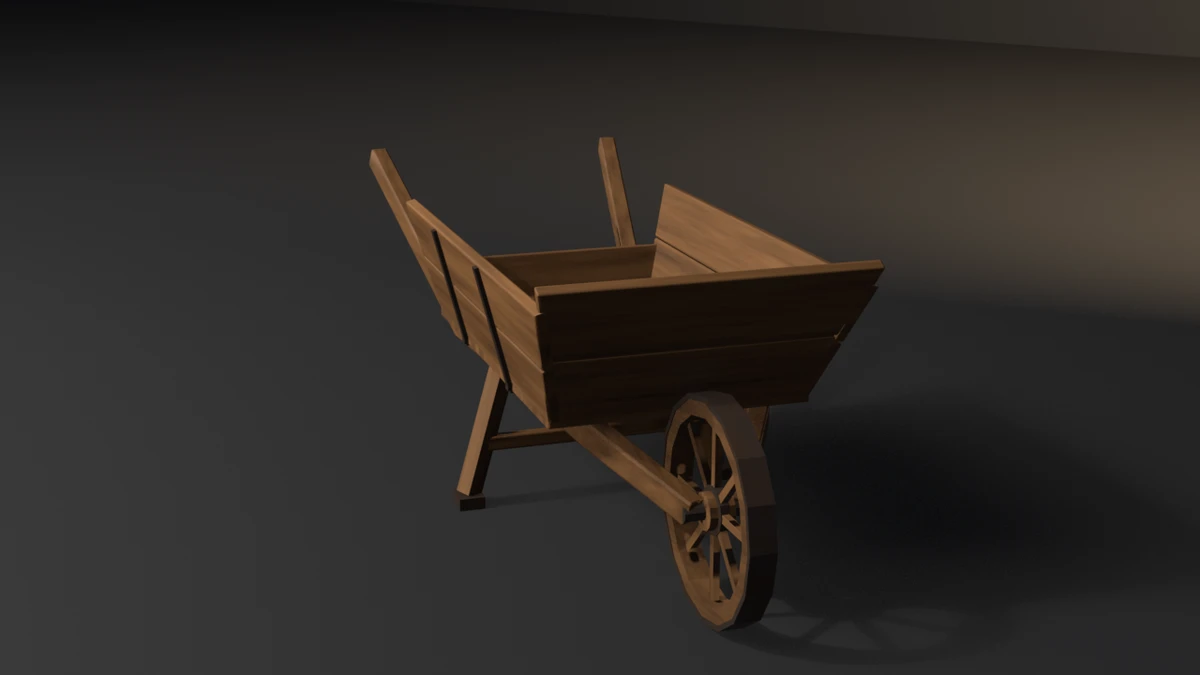
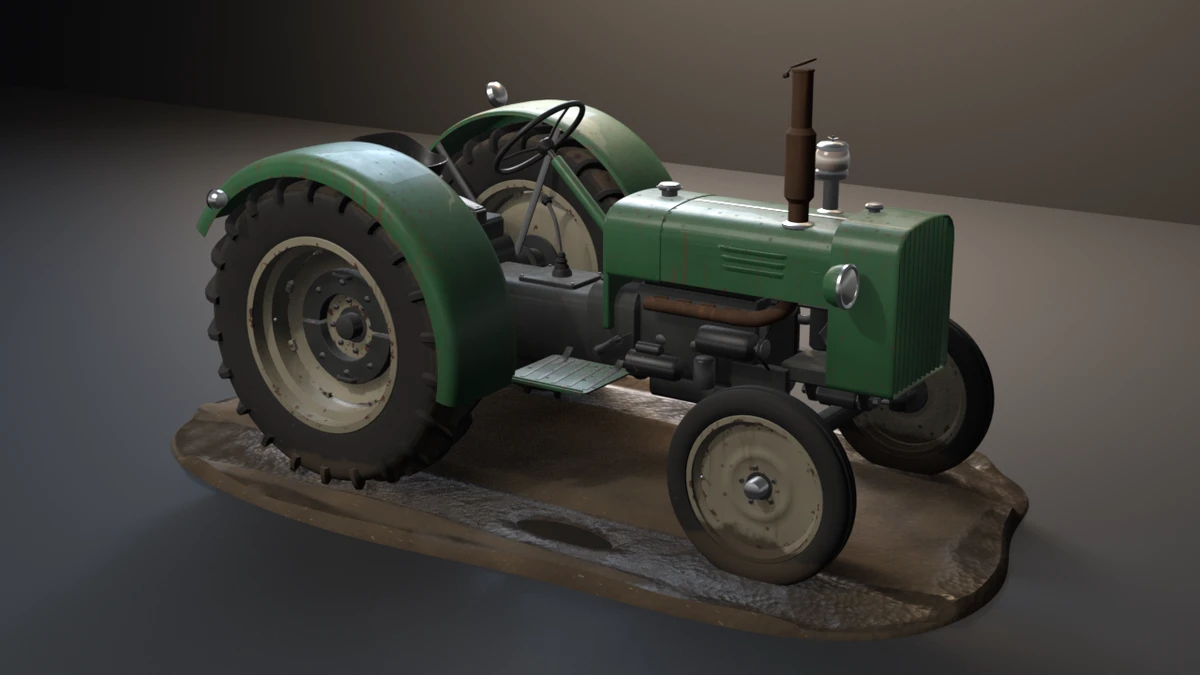
69 examples in examples/ are runnable, self-checking scripts: each asserts one API contract, carries a falsifier, and runs headless on Blender 5.2 LTS and 4.5 LTS in the blender-smoke workflow (5.1 on the weekly cron or by manual dispatch). Those whose contract is visible also render a still. 80 showcase pieces in showcase/ exist to show the skills working together at production scale: each is a single headless script that models a game prop, then runs it through the same cleanup, bake, LOD, collider and export steps the skills teach, and fails if a measured budget (triangle counts, colliders, materials, real-world size) is missed. They are not API examples. Conventions: showcase/README.md.
Browse both, with filters, full-size renders and each script's README, in the gallery.






skills/<name>/SKILL.md   - 26 skill files, YAML frontmatter, one canonical pattern each
rules/<name>.mdc         - 16 rule files, anti-pattern + correction
templates/<name>/        - 3 template directories (extension-addon-template, headless-batch-script-template, ai-asset-pipeline-template)
snippets/<name>.py       - 31 standalone Python snippets, 5 to 75 lines each
examples/<name>/         - 69 example directories: script, README with exit codes and falsifier
showcase/<name>/         - 80 showcase pieces: budget-gated game props, script and README
claude/                  - generated Claude Code copies of the rules (blender-rules skill + import file)
With the Cursor plugin installed, the .mdc files in rules/ apply automatically when Cursor opens a Blender Python project, scoped by the globs in each rule's frontmatter. The 16 rules are:
prefer-data-over-ops-in-loops: flags bpy.ops.* calls inside object iterationalways-free-bmesh: flags bmesh.new() without paired bm.free() in try/finallytarget-extensions-platform-format: flags add-ons missing blender_manifest.tomltype-annotate-props-and-defend-context: flags bpy.props assignment form and unguarded context.active_objectprefer-temp-override-over-context-copy: flags bpy.context.copy() passed to operators (deprecated 3.2, removed 4.0)use-foreach-set-for-bulk-data: flags Python loops over mesh.vertices setting co, normals, or other per-element bulk datavalidate-imported-mesh-scale: flags glTF/FBX import then mesh work with no transform_apply and no unit-scale checkno-unapplied-modifiers-on-export: flags export of objects with live modifiers when the export does not request evaluated geometryuse-correct-axis-rna-per-exporter: flags export_scene.gltf calls that pass FBX axis_forward / axis_up, and export_scene.fbx calls that pass glTF export_yupno-bgl: flags import bgl or any bgl. call (removed in 5.x; the add-on fails to register)no-removed-normals-api: flags use_auto_smooth, auto_smooth_angle, calc_normals_split() and the other normals calls removed in 4.1no-legacy-vse-sequences: flags sequence_editor.sequences / .sequences_all (removed in 5.x; .strips / .strips_all exist on 4.5 too)no-legacy-action-fcurves: flags action.fcurves, action.groups and action.id_root (removed in 5.0; reach F-curves through the slot's channelbag)principled-v2-socket-names: flags Principled BSDF inputs by 3.x name (Emission, Specular, Clearcoat, ...) or by index (renamed in 4.0)no-nodes-modifier-idprop-inputs: flags mod["Socket_N"] = value on a Geometry Nodes modifier without a 5.2 version branch (the dict write raises on 5.2)branch-eevee-engine-id: flags a literal 'BLENDER_EEVEE_NEXT' / 'BLENDER_EEVEE' engine id without a 5.0 version branchCursor: the plugin covers the rules (see Quick start); copying rules/*.mdc into a project's .cursor/rules/ is only the per-project alternative without the plugin. Claude Code: the plugin ships the rules as the blender-rules skill.
tools/bpy_lint.py (stdlib only, shipped in the plugin) flags the pattern each rule names, with the owning skill:
python tools/bpy_lint.py my_addon/            # path:line: rule: message [skill: ...]
python tools/bpy_lint.py my_addon/ --json     # for agents and CI
Exit 0 means no findings, 1 findings, 2 usage. Silence a reviewed hit with # bpy-lint: ignore[rule-name] <why> on the line or the line above. The detectors are deliberately narrow: a clean run is not proof the code is right, so still run it on 4.5 LTS and 5.2 LTS.
templates/extension-addon-template/ is a working Blender extension. Copy the directory, edit blender_manifest.toml (id, version, name, maintainer, and copyright, which ships as the template author's), and install via Edit > Preferences > Get Extensions > Install From Disk. The template registers an Operator, a Panel, and a PropertyGroup, and demonstrates the register_classes_factory pattern with symmetric register() and unregister().
templates/headless-batch-script-template/ is a working starter for unattended Blender batch jobs. It opens a .blend, optionally adds and applies a modifier to every mesh, and exports to glTF, with explicit exit codes for CI integration. Run with blender --background <input.blend> --python script.py -- --output ....
templates/ai-asset-pipeline-template/ is a working starter for a headless GLB-in / engine-ready-out job. It imports a GLB, runs the ai-mesh-cleanup order, emits an LOD chain and optional collider, and exports under a Unity, Godot, or Unreal glTF preset. Run with blender --background --python pipeline.py -- --input ... --outdir ... --preset unity.
Each snippet is a standalone Python file under snippets/. They are not loaded as a package. Open one, copy the relevant lines into your script, and adapt the names. Each file's header comment cites the Blender doc URL or research section the pattern came from.
| Resource | Use it for |
|---|---|
| Blender 5.2 LTS Python API | Authoritative reference for current stable APIs |
| Blender 5.1 Python API | Prior stable |
| Blender 4.5 LTS Python API | LTS reference when targeting 4.5 |
| Extensions Platform manual | blender_manifest.toml schema, hosting, install flow |
| developer.blender.org | Release notes, breaking change tracking, design docs |
When community content (Stack Overflow, older add-on source) conflicts with the official docs, prefer the docs. The 2.x to 4.x to 5.x churn around Actions, Extensions, and property handling has invalidated a lot of older material.
See ROADMAP.md for the candidate pool and what ships next. Releases are cut automatically from conventional commits; the full history lives in CHANGELOG.md.
Issues and pull requests are welcome — see CONTRIBUTING.md for the
workflow, SECURITY.md for reporting vulnerabilities, and
CODE_OF_CONDUCT.md for community standards. New examples must
follow the anatomy of examples/bmesh-gear/ and the render
look in docs/VISUAL-STYLE.md.
Copyright (c) 2026 TM Hospitality Strategies.
snippets/ and templates/. Copy lines or whole files into your own projects, modify them, and ship the result commercially; keep the copyright notice with substantial copies.A LICENSE file inside a directory governs that directory.
The site's webfonts are third-party and not covered by either license: Inter, Barlow Condensed and JetBrains Mono ship under the SIL Open Font License 1.1, with each family's text beside the font files in scripts/site/fonts/ and on the published site.
Yes. Using the skills and rules while you (or your AI agent) write your own add-on, script or pipeline, including paid and client work, is the intended use. The code you write with their guidance is yours, under whatever license you choose. Blender extensions must be GPL-compatible, and that is fine too: the add-on template ships with license = ["SPDX:GPL-3.0-or-later"] in its manifest, and its MIT license lets you relicense your copy under the GPL.
What the NC-ND terms restrict is redistributing this pack: republishing modified copies of the skills, rules, examples or showcase pieces, or selling them (for example, bundling them into a paid course or a paid skill pack). Code copied out of snippets/ and templates/ is MIT and carries no such limit; keep the copyright notice with substantial copies.
TMHSDigital/Blender-Developer-Tools is a public repo on GitHub by TMHSDigital. Correct bpy for AI agents: Blender Python skills, rules and smoke-tested examples for Blender 5.2 LTS and 4.5 LTS, installable as a Claude Code and Cursor plugin.
It declares no license on GitHub. Public does not mean open source: without a license, nobody is granted the right to reuse it.
Its maker has not tagged a system, so it is unknown here. Its README says what it needs.
Open "Take it" on its page: Take My Repo writes an install plan for your machine and hands it to your AI agent (Claude Code, Codex or Cursor), which asks you before each step. Take My Repo has not tested it on any machine.
Local-first macOS app to browse, search, analyze, and resume supported AI coding-agent session history across Codex, Claude Code, OpenCode, Cursor Agent, Antigravity, Hermes, OpenClaw, Copilot CLI, and more.
Its last change on GitHub was on 2026-11-03. Take My Repo does not judge from that whether it is maintained.
Nobody has reviewed it on Take My Repo yet, which says nothing about its quality.
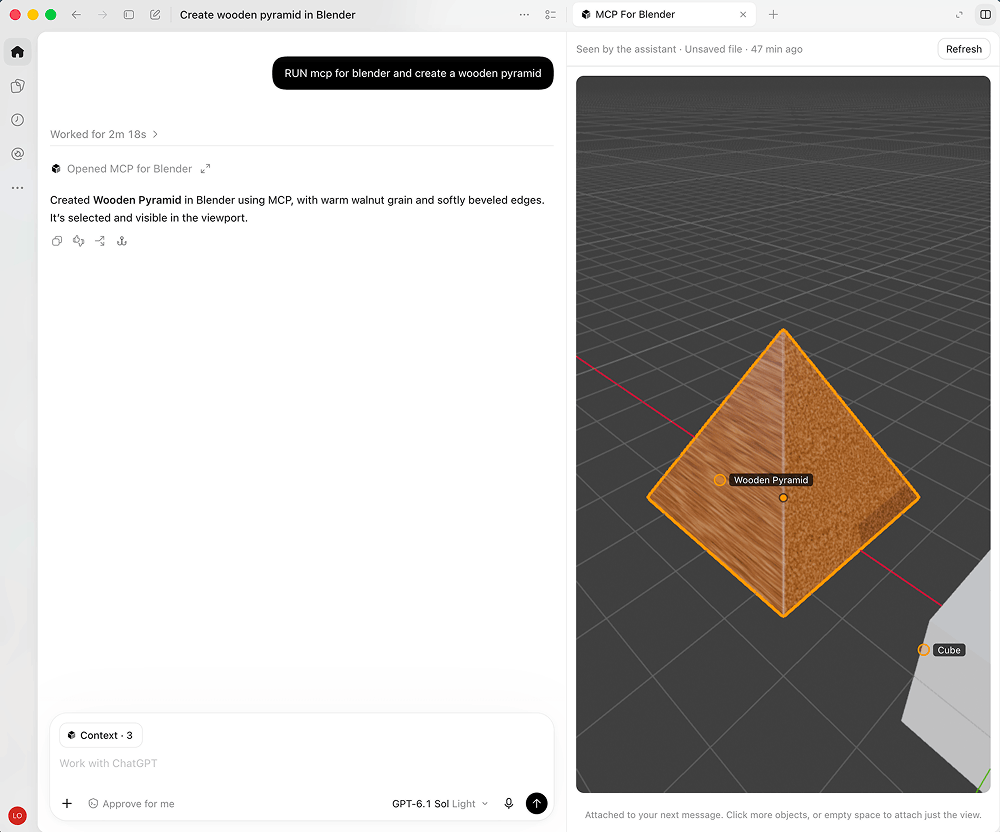
Community plugin to control Blender 3D with any LLM of your choice. Not affiliated with the official Blender Foundation.
The agent harness performance optimization system. Skills, instincts, memory, security, and research-first development for Claude Code, Codex, Opencode, Cursor and beyond.
Reverse engineer anything with agents, from app behavior down to native binaries.
More than a skill manager — manage skills, MCP servers, plugins, hooks, CLIs, configs, memory & rules across every AI coding agent. 🌟 Star if you like it!
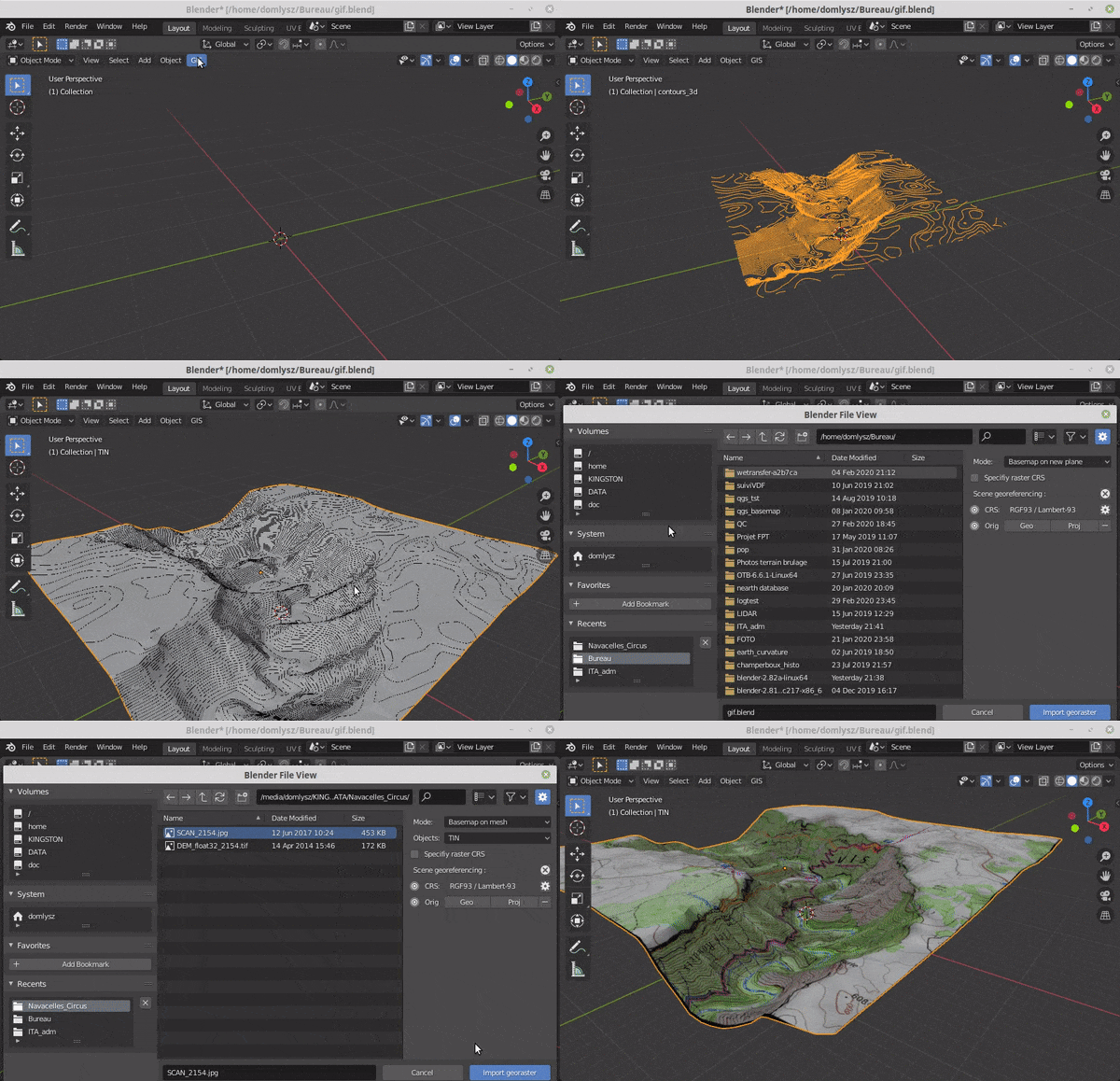
Blender addons to make the bridge between Blender and geographic data
Curated catalog of free, commercially usable game assets, libraries and tools. Each licence recorded from its source with the date it was read. Links only, nothing rehosted. JSON/CSV dataset and feeds.
A lightweight chess game implemented with pure vanilla HTML, CSS, and JavaScript. Features standard chess rules, special moves (castling, en passant, pawn promotion), move validation, check/checkmate detection, and game state persistence using localStorage. No frameworks, no libraries – just clean, efficient code designed for static web hosting.
AI-powered Cursor IDE plugin for FiveM and RedM resource development. 9 skills, 6 rules, 6 MCP tools, 12,000+ natives, 101 events, 24 snippets, 11 templates.
MCP server for Steam & Steamworks APIs - 25 tools (18 read + 7 write) for store data, player stats, reviews, pricing, achievements, workshop, leaderboards, inventory, and lobbies.
AI-powered development toolkit for Unity game development in Cursor IDE. 18 skills, 8 rules, 4 MCP tools, 20 snippets, 5 templates covering the full Unity lifecycle.
A neon arcade of free, open-source browser games built with Phaser 3, TypeScript and Vite. Keyboard, touch or gamepad, and it plays offline.