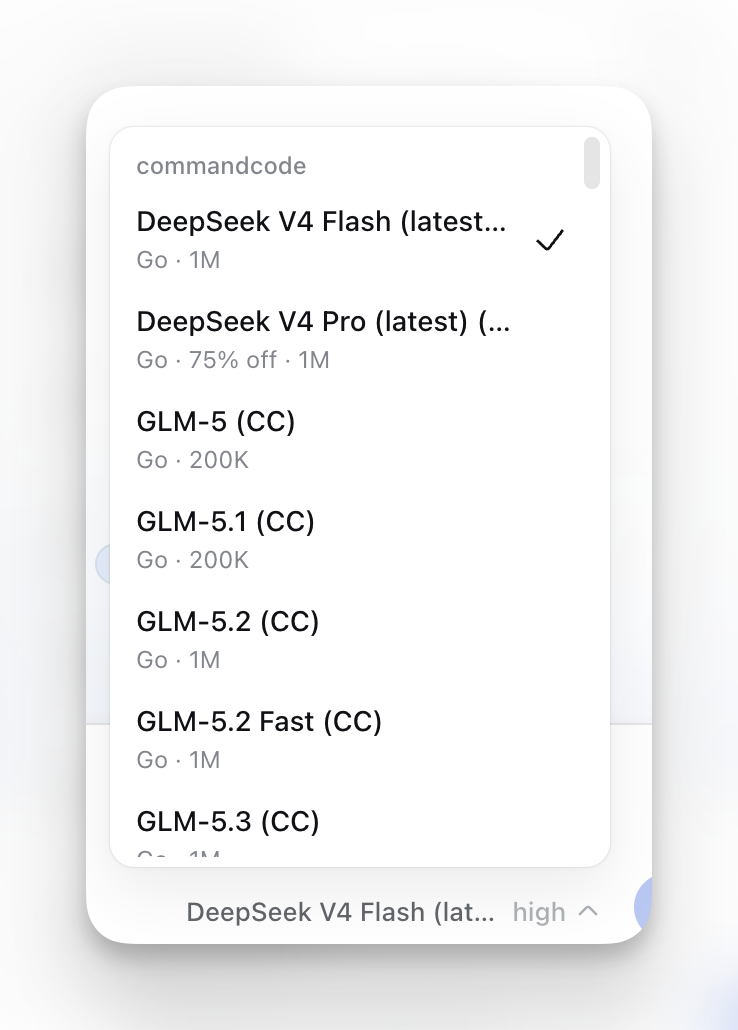
Command Code → Herdr Integration
Makes Command Code (cmd) a first-class agent inside
Herdr, the terminal multiplexer for coding agents.
- Lifecycle state —
idle on start (green checkmark), working during
processing, blocked when asking for input, confirming edits, or approving
a shell command, idle when finished. Status is reported from inside the
live cmd process — cmd does not need to exit for the state to update.
- Session restore — reports the Command Code session id so Herdr can resume
the agent after a server restart.
- Sidebar detection — seeds an agent-detection override so Herdr recognizes
the
cmd process.
- Launch panes — new task, resume last session, or resume a named session.
- Notifications — a
notify action sends a Herdr toast.
Requirements
- Herdr >= 0.7.0
cmd on your PATH (npm i -g command-code)
Install
herdr plugin link /path/to/commandcode-herdr-integration
herdr plugin action invoke commandcode.integration.setup
From GitHub (after publishing with the herdr-plugin topic):
herdr plugin install <you>/commandcode-herdr
herdr plugin action invoke commandcode.integration.setup
The setup action writes the hook into ~/.commandcode/settings.json,
fingerprints it in ~/.commandcode/trusted-hooks.json, and seeds the
agent-detection override. To remove: node cmd-hooks/install-hooks.mjs --uninstall.
Use
herdr plugin pane open --plugin commandcode.integration --entrypoint task
herdr plugin pane open --plugin commandcode.integration --entrypoint resume-last
herdr plugin pane open --plugin commandcode.integration --entrypoint resume-named
Send a notification:
herdr plugin action invoke commandcode.integration.notify "Build done" "api workspace"
Keybinding:
[[keys.command]]
key = "prefix+c"
type = "plugin_pane"
command = "commandcode.integration.task"
description = "Command Code: new task"
Notifications (blocked → toast + sound)
By default Herdr suppresses toasts for the active tab and has notifications off.
Enable in ~/.config/herdr/config.toml:
[ui.toast]
delivery = "herdr"
delay_seconds = 1

[ui.toast.herdr]
position = "bottom-right"

[ui.sound]
enabled = true
Herdr does not have a built-in cmd sound agent key, so set a shared path:
[ui.sound]
request_path = "sounds/request.mp3"
How status reporting works
This plugin mirrors Herdr's OpenCode integration: status is reported from
inside the live cmd process via Command Code hooks, not from the launcher.
| Hook event |
State |
When |
SessionStart |
idle |
Agent launches (green checkmark) |
PreToolUse |
blocked |
AskUserQuestion, Question, edit_file, write_file |
PreToolUse |
working |
Any other tool |
| Visible pane prompt |
blocked |
Shell-command permission, plan mode, act mode, review prompts (below) |
PostToolUse |
working |
After any tool completes |
Stop |
idle |
Turn finished |
The hook watches the current visible pane (not terminal history) for these
blocking signals:
Execute Shell Command
Command Code needs to execute

Enter plan mode for read-only exploration and planning?

Enter act mode for

REVIEW
Approve ctrl+a
The first is a two-line shell-command permission request. The second is the
plan-mode entry prompt. The third is the act-mode entry prompt (prefix match —
any wording starting with "Enter act mode for" is recognized). The fourth is the
plan review / approval card: it requires both REVIEW and Approve ctrl+a in
one live pane snapshot. The hook checks the visible pane first, then Herdr's
live plain-text detection snapshot if the card sits outside the viewport. It
never uses scrollback for this state, so an approved review cannot leave the
pane incorrectly blocked.
It reports blocked once while any of these signals is visible. After the user
approves/rejects the request or answers the question, normal PostToolUse or
Stop lifecycle events report the next working or idle state.
Command Code has no Exit hook event. On force-quit, the persistent agent
claim + Herdr's process detection handle the transition.
Files
| File |
Role |
herdr-plugin.toml |
Manifest: panes, setup action, notify action |
cmd-hooks/herdr-status.sh |
Lifecycle hook reporting to Herdr socket |
cmd-hooks/install-hooks.mjs |
Installs/removes the hook in Command Code config |
scripts/launch.sh |
Pane entrypoint; runs cmd |
scripts/common.sh |
Shared helpers (agent-detection seeding) |
scripts/notify.sh |
Sends a Herdr notification |
config/agent-detection/cmd.toml |
Agent-detection override for cmd process |
tests/ |
Test suite |
Notes
- Launching uses plugin panes (real PTYs); actions run detached without a
TTY and
cmd requires one.
- Windows is supported via Git Bash (scripts are POSIX
sh).
- Verify agent-detection schema with
herdr api schema --json; adjust
config/agent-detection/cmd.toml if field names differ on your version.