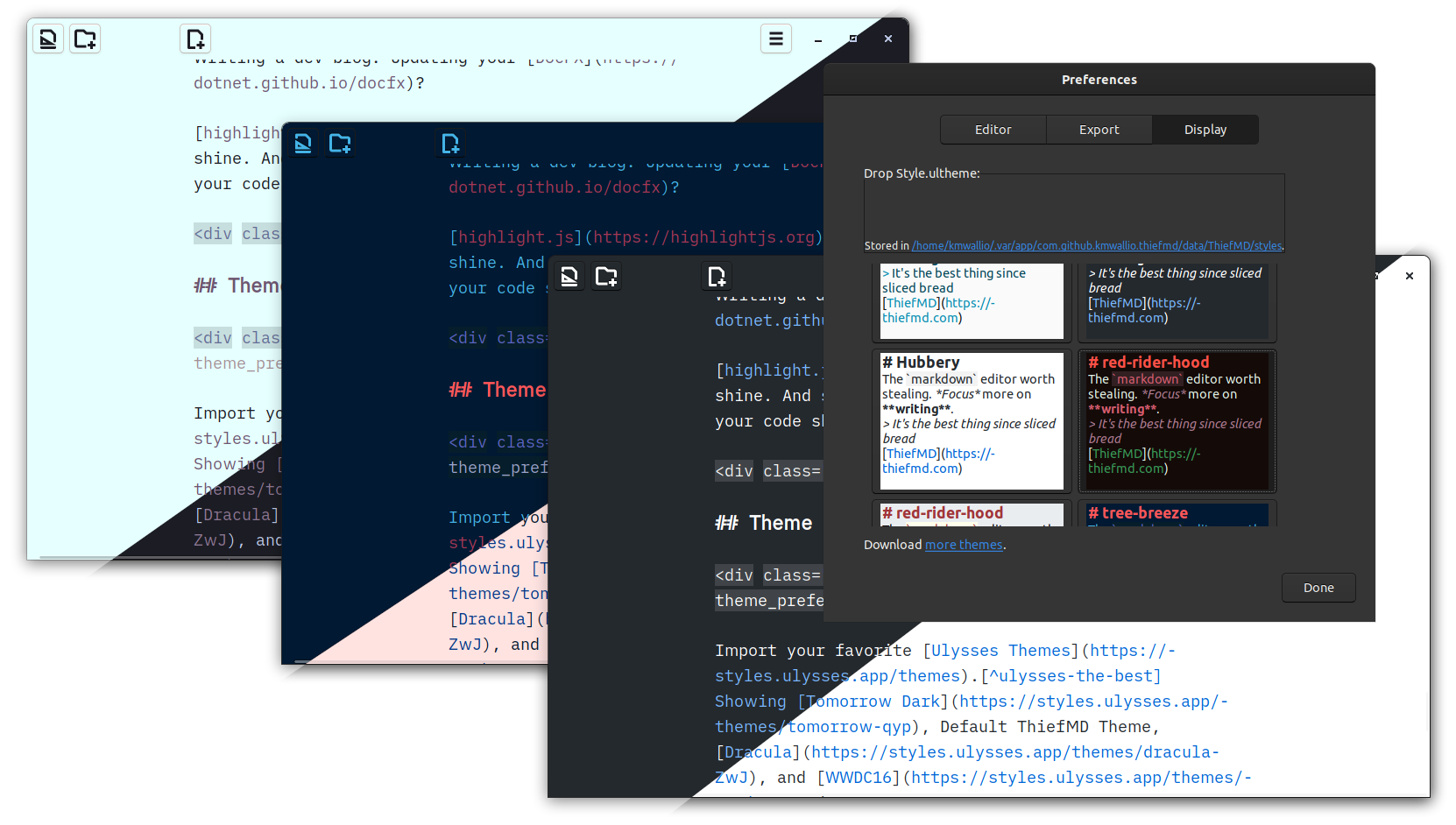
egui
egui: an easy-to-use immediate mode GUI in Rust that runs on both web and native
- 32k
- Rust
- Apache-2.0
- 13 h ago
ScriptCraft: screenwriting; an open-source, clean-room screenplay editor in pure Rust. Part of the ArtCraft Crafting Apps.
Repo XmYx/scriptcraft, read from GitHub 1 d ago. XmYx has not joined Take My Repo.
XmYx/scriptcraft is a public repo on GitHub by XmYx. ScriptCraft: screenwriting; an open-source, clean-room screenplay editor in pure Rust. Part of the ArtCraft Crafting Apps. It declares the Apache-2.0 license on GitHub. It is written mainly in Rust, has 1 stars and last changed on 2026-11-18. Nobody has reviewed it on Take My Repo yet, which says nothing about its quality. Read from GitHub on 2026-11-22.

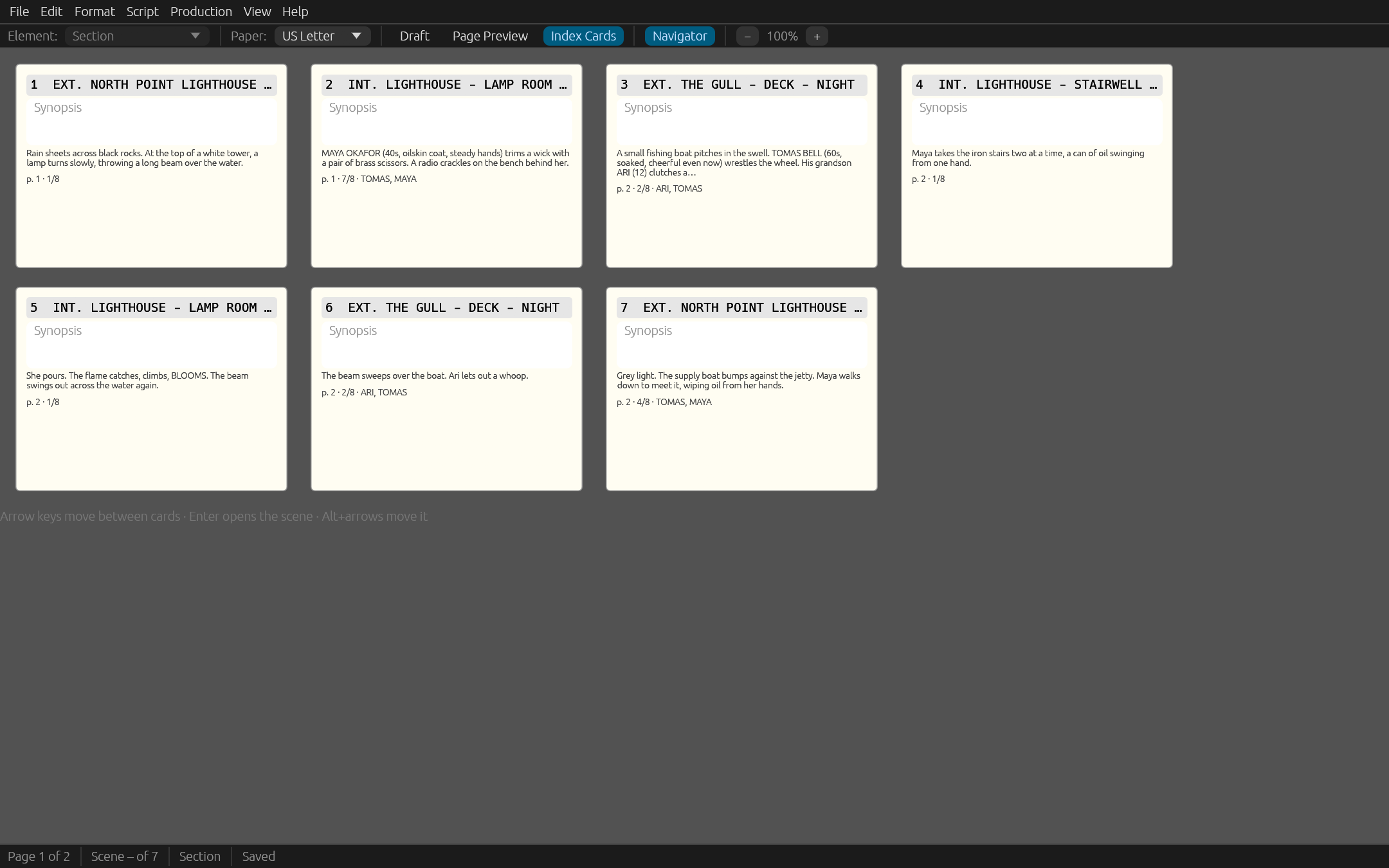
Screenwriting; an open-source screenplay editor, built in pure Rust.
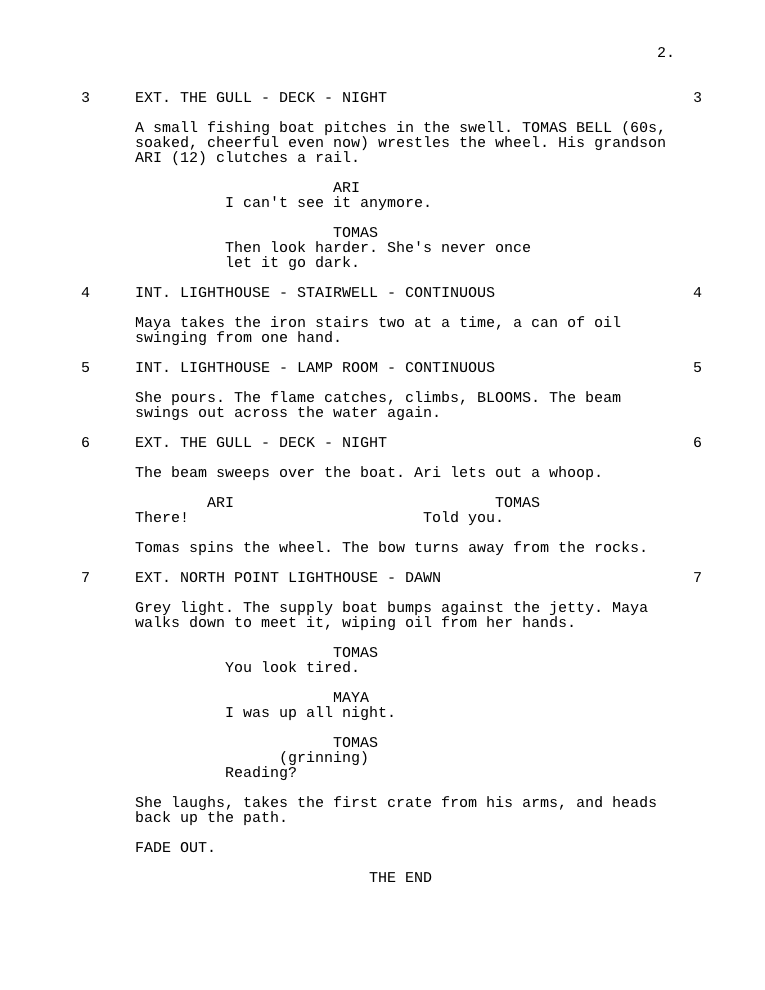
Write screenplays with industry-standard formatting and pagination: scene headings, action,
characters, parentheticals, dialogue, transitions and shots, laid out on US Letter or A4 in 12 pt
fixed-pitch type. Opens and saves Fountain (.fountain), opens FDX files, and hands
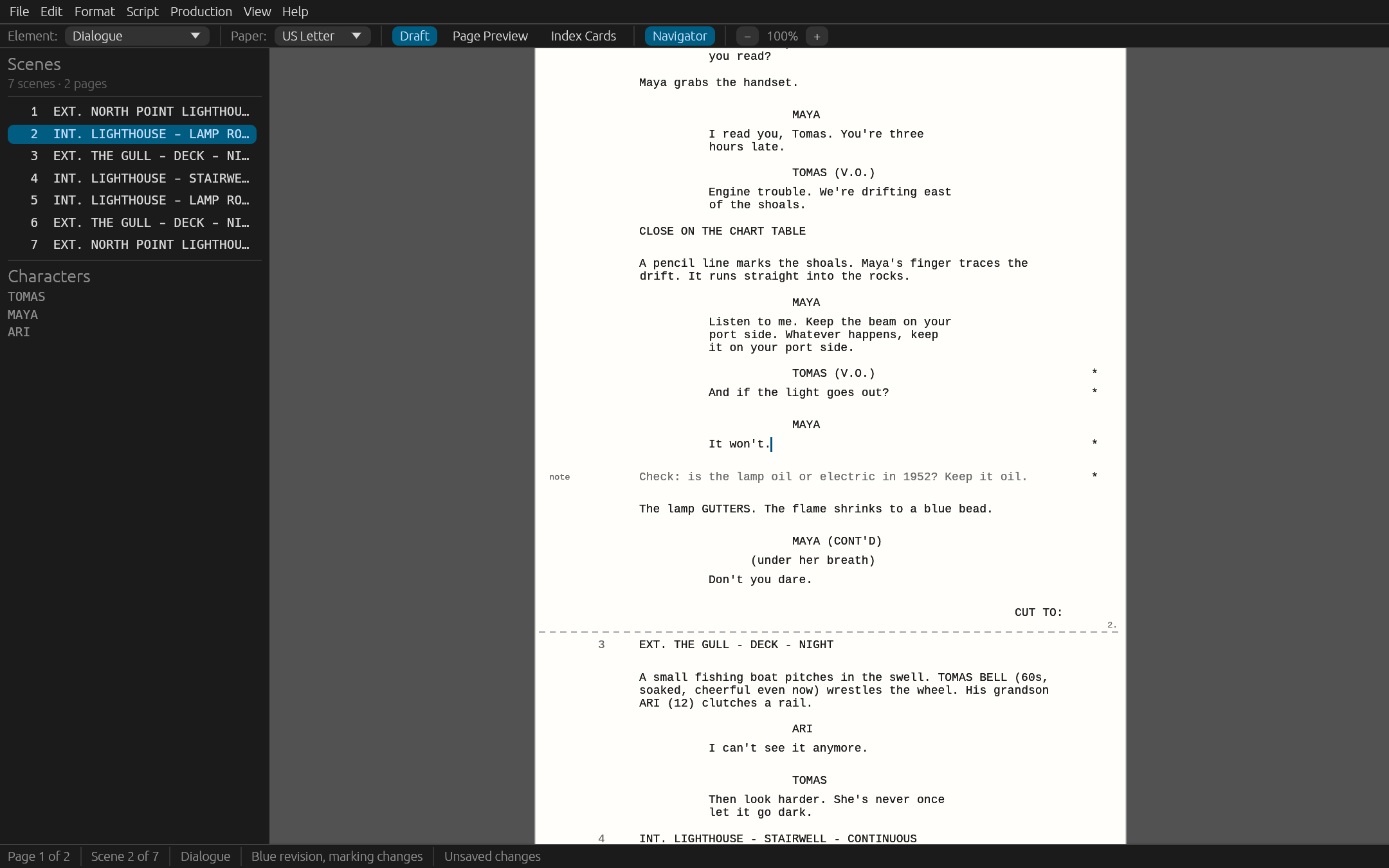
scenes to BoardCraft for storyboarding. Part of the Crafting Apps film pipeline:
ScriptCraft → BoardCraft → FilmCraft.
What works · Getting started · Command line · Roadmap · Contributing
Measured against the industry's screenwriting apps: 82% weighted parity (details). Built to avoid what their users complain about most: no activation or account, no cloud lock-in, plain local files with autosave and backups, and no crashes on bad files (user research).
Not yet: anchored comments, selection from mid-element, styled text, locked pages, translated catalogs. See the roadmap.
Requires Rust 1.95 or newer.
git clone https://github.com/storytold/scriptcraft
cd scriptcraft
cargo run -p scriptcraft -- --sample          # open the bundled sample script
cargo test                                    # all tests; no display needed
Translations come from craft-i18n the same way
(CRAFT_I18N_DIR=$PWD/../craft-i18n); without it the interface is English.
Scripts are set in Liberation Mono (SIL OFL 1.1) from craft-fonts when you build with a checkout of it; without one, egui's built-in monospace face is used and pagination is unchanged:
git clone https://github.com/storytold/craft-fonts ../craft-fonts
CRAFT_FONTS_DIR="$PWD/../craft-fonts" cargo run -p scriptcraft -- --sample
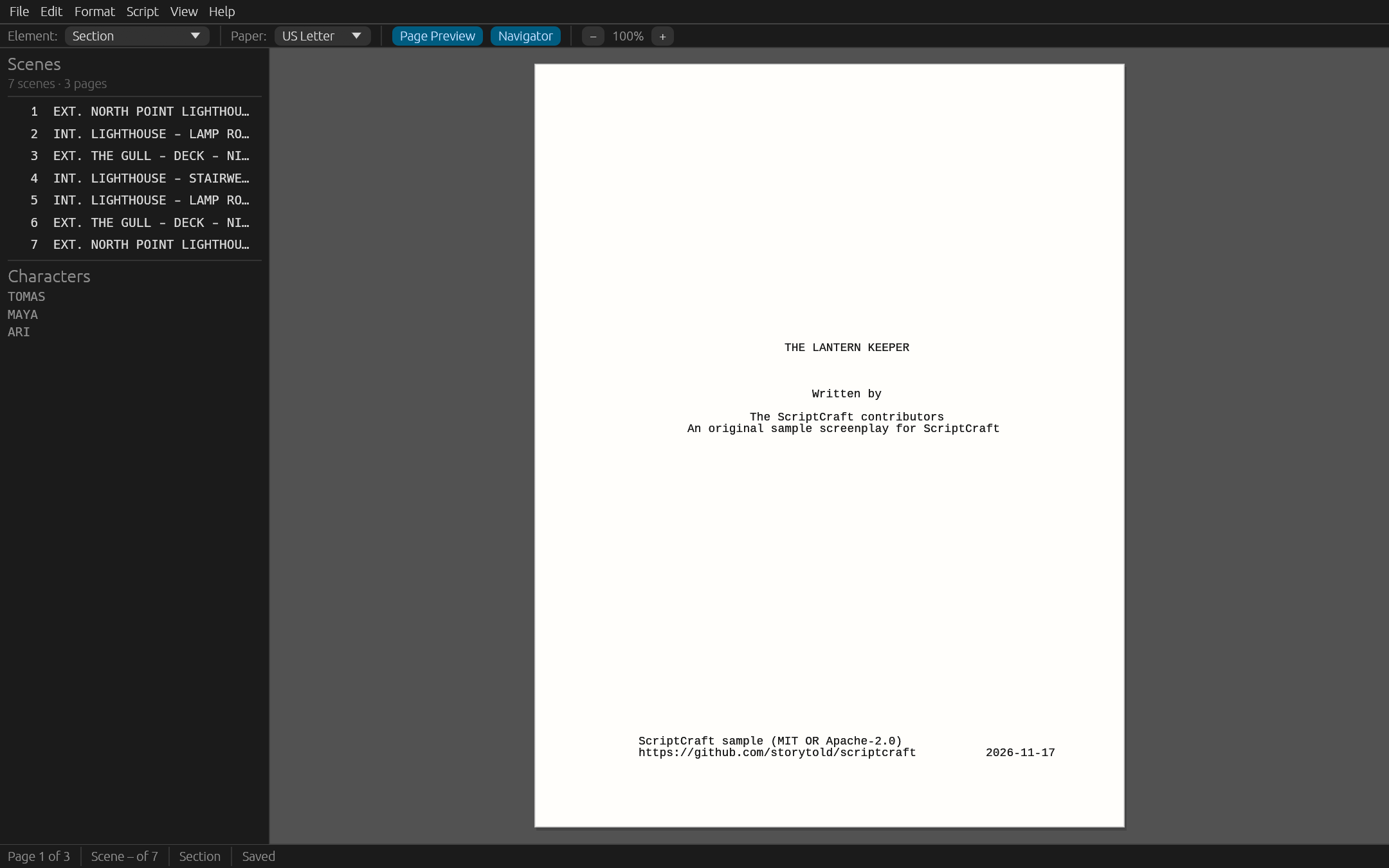
scriptcraft --help lists the options (--preview, --paper a4, --screenshot <file.png>…).
Every menu action is a command with a stable id (file.save, element.character,
file.export_scene_list…). scriptcraft-cli works without a window:
scriptcraft-cli scenes script.fountain --out script.scenes.json   # scene list for BoardCraft
scriptcraft-cli convert draft.fdx draft.fountain                  # FDX → Fountain
scriptcraft-cli pages script.fountain --paper a4 --scene-numbers  # paginated plain text
scriptcraft-cli pdf script.fountain script.pdf --scene-numbers   # PDF
scriptcraft-cli fdx script.fountain script.fdx                    # FDX
scriptcraft-cli stats script.fountain                             # pages, scenes, words
scriptcraft-cli report script.fountain                            # characters and locations
scriptcraft-cli commands                                          # command ids and labels
| Crate | What it does | UI? |
|---|---|---|
scriptcraft-model |
Screenplay, elements, title page | no |
scriptcraft-fountain |
Fountain reader and writer | no |
scriptcraft-fdx |
FDX import and export (via craft-libs craft-xml) |
no |
scriptcraft-layout |
Formatting, word wrap, pagination, plain-text pages | no |
scriptcraft-interchange |
Scene list for BoardCraft (JSON) | no |
scriptcraft-pdf |
PDF export (via craft-libs craft-pdf) |
no |
scriptcraft-engine |
Document, undo, Enter/Tab rules, auto-complete, find, spelling, numbering, revisions, reports, autosave, commands, file I/O | no |
scriptcraft-fonts |
Liberation Mono from craft-fonts (CRAFT_FONTS_DIR) |
no |
scriptcraft-ui-egui |
Editor, page preview, navigator, dialogs | egui |
apps/scriptcraft, apps/scriptcraft-cli |
Desktop app and command-line tool |
More in docs/architecture.md.
ScriptCraft is heading for alpha: the core and the main writing, revising and delivery flows work and are tested. ROADMAP.md has the stage and next steps; docs/gaps.md the ranked work list.
Read AGENTS.md first: the Craft house rules, never crash, clean room, layering,
assets. Run cargo xtask ci before every pull request.
Code: MIT OR Apache-2.0, at your option. Third-party material is listed in NOTICE and ATTRIBUTION.md.
XmYx/scriptcraft is a public repo on GitHub by XmYx. ScriptCraft: screenwriting; an open-source, clean-room screenplay editor in pure Rust. Part of the ArtCraft Crafting Apps.
It declares the Apache-2.0 license on GitHub.
Its maker has not tagged a system, so it is unknown here. Its README says what it needs.
Open "Take it" on its page: Take My Repo writes an install plan for your machine and hands it to your AI agent (Claude Code, Codex or Cursor), which asks you before each step. Take My Repo has not tested it on any machine.
simple web-based, free and open-source visual novel editor that can be used in a web browser. It is written in JavaScript without using any third party libraries and thus does not require additional software installation. The engine uses standard HTML document elements such as div and img.
SolidCraft: an open-source parametric 3D CAD application built in pure Rust. Desktop, web, and automation through MCP.
Open Draft - Free, open-source screenwriting software — a modern alternative to Final Draft. Professional screenplay formatting, real-time collaboration, beat boards, and version control. Desktop (macOS/Windows/Linux) & browser.
Sync screenplays with video. Evaluate AI-generated footage. Analyze script-to-screen fidelity.
Its last change on GitHub was on 2026-11-18. GitHub counts 0 open issues and pull requests. Take My Repo does not judge from that whether it is maintained.
Nobody has reviewed it on Take My Repo yet, which says nothing about its quality.
Take My Repo cannot say: it does not audit code and has not run scriptcraft. What is known comes from GitHub. It declares the Apache-2.0 license on GitHub. Its last change was on 2026-11-18. It has 1 stars, which measure popularity, not safety. Nobody has reviewed it on Take My Repo yet, which says nothing about its quality. Read the source before you run it. With "Take it", your AI agent shows each step and asks you before running it; README text is treated as data, not as instructions.