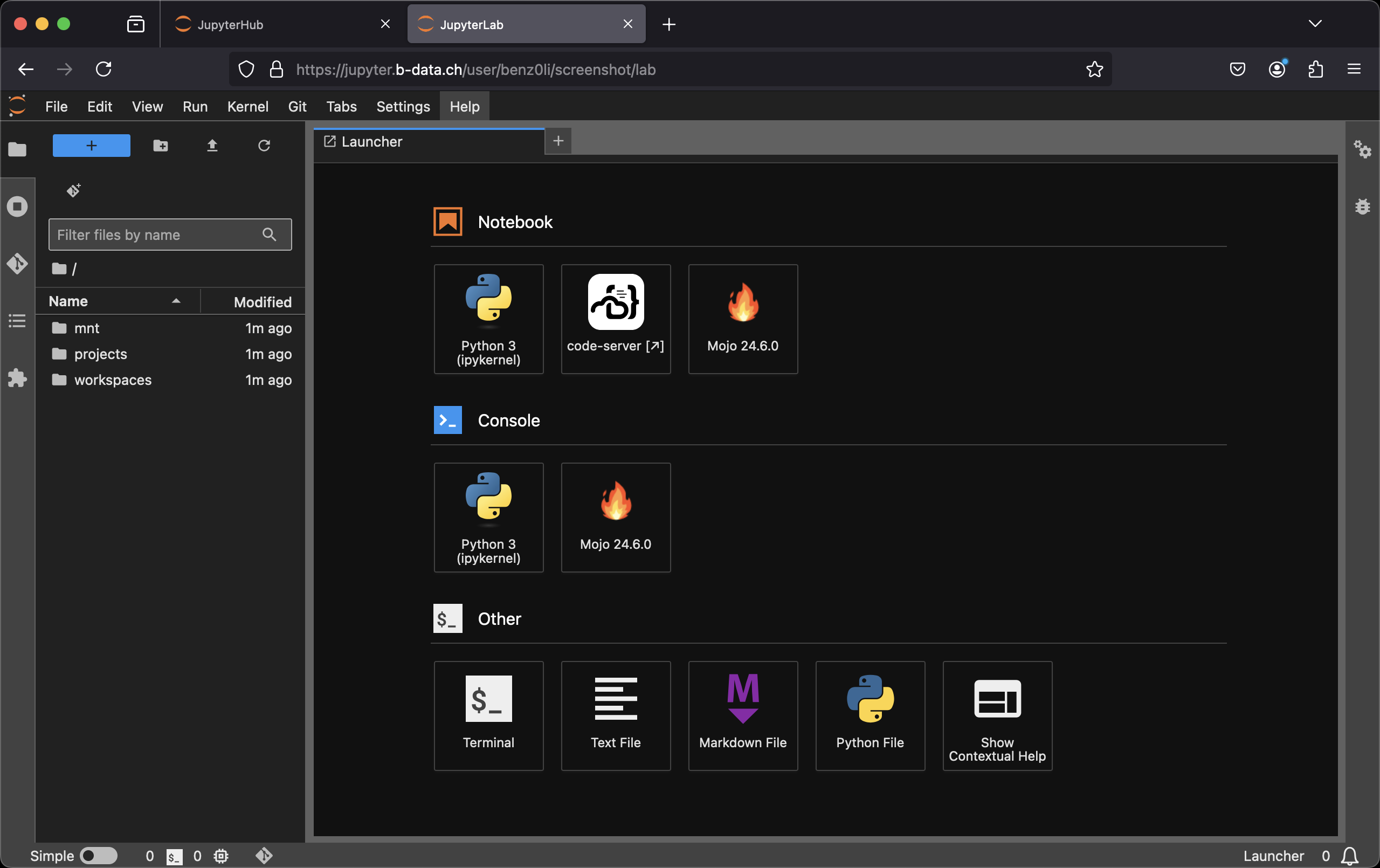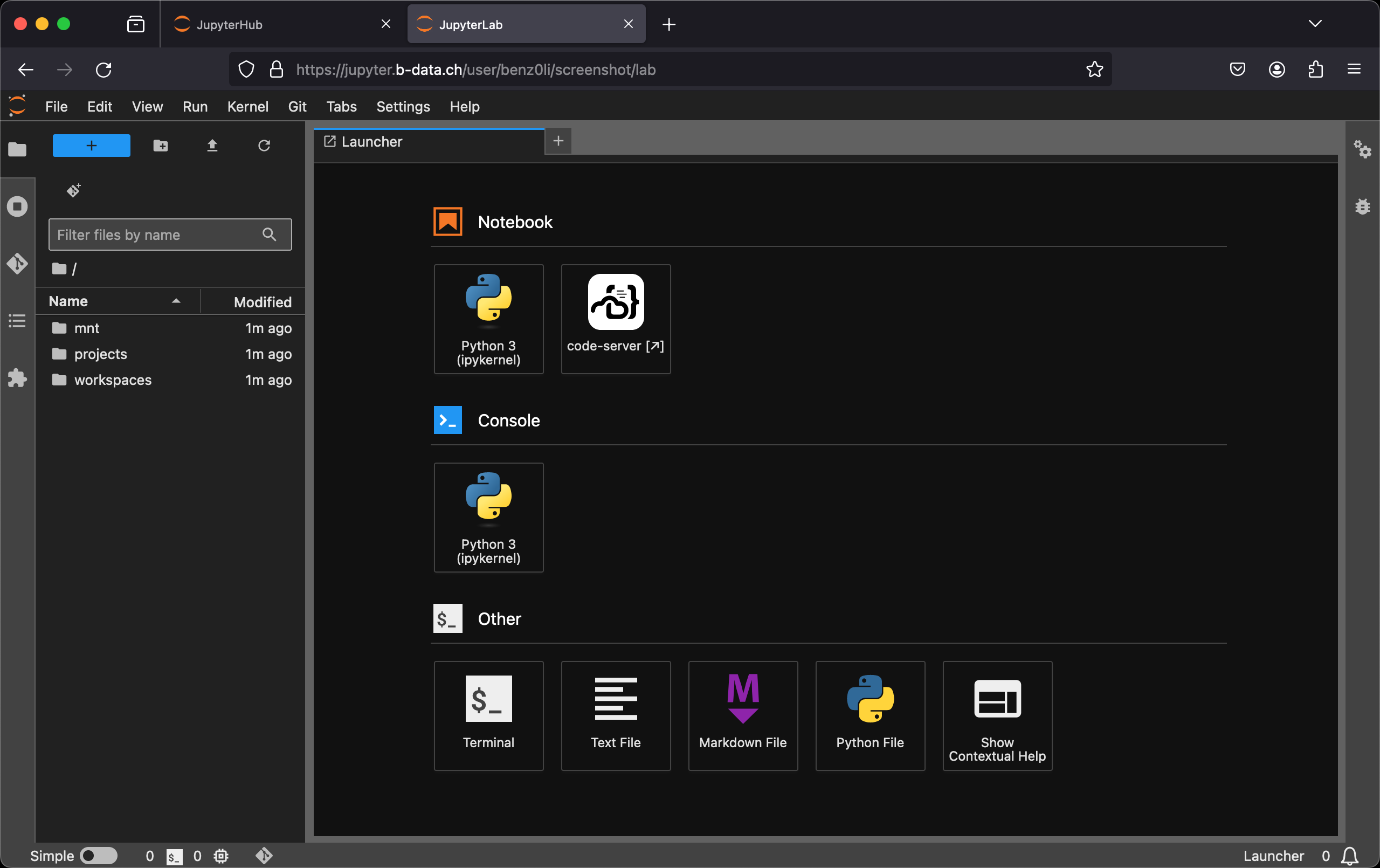

jupyterlab-python-docker-stack
(GPU accelerated) Multi-arch (linux/amd64, linux/arm64/v8) JupyterLab Python docker images. Please submit Pull Requests to the GitLab repository. Mirror of
- 41
- 9 d ago
Repo b-data/jupyterlab-python-docker-stack, read from GitHub 1 min ago. b-data has not joined Take My Repo.
In short
b-data/jupyterlab-python-docker-stack is a public repo on GitHub by b-data. (GPU accelerated) Multi-arch (linux/amd64, linux/arm64/v8) JupyterLab Python docker images. Please submit Pull Requests to the GitLab repository. Mirror of. It declares no license on GitHub. Public does not mean open source: without a license, nobody is granted the right to reuse it. It is written mainly in Dockerfile, has 41 stars and last changed on 2026-11-13. Nobody has reviewed it on Take My Repo yet, which says nothing about its quality. Read from GitHub on 2026-11-22.
| See the CUDA-based JupyterLab Python docker stack for GPU accelerated docker images. |
|---|
JupyterLab Python docker stack
Multi-arch (linux/amd64, linux/arm64/v8) docker images:
Images considered stable for Python versions ≥ 3.10.5.
🔬 Check out jupyterlab/python/scipy at
https://demo.jupyter.b-data.ch.

Build chain
base → scipy
Features
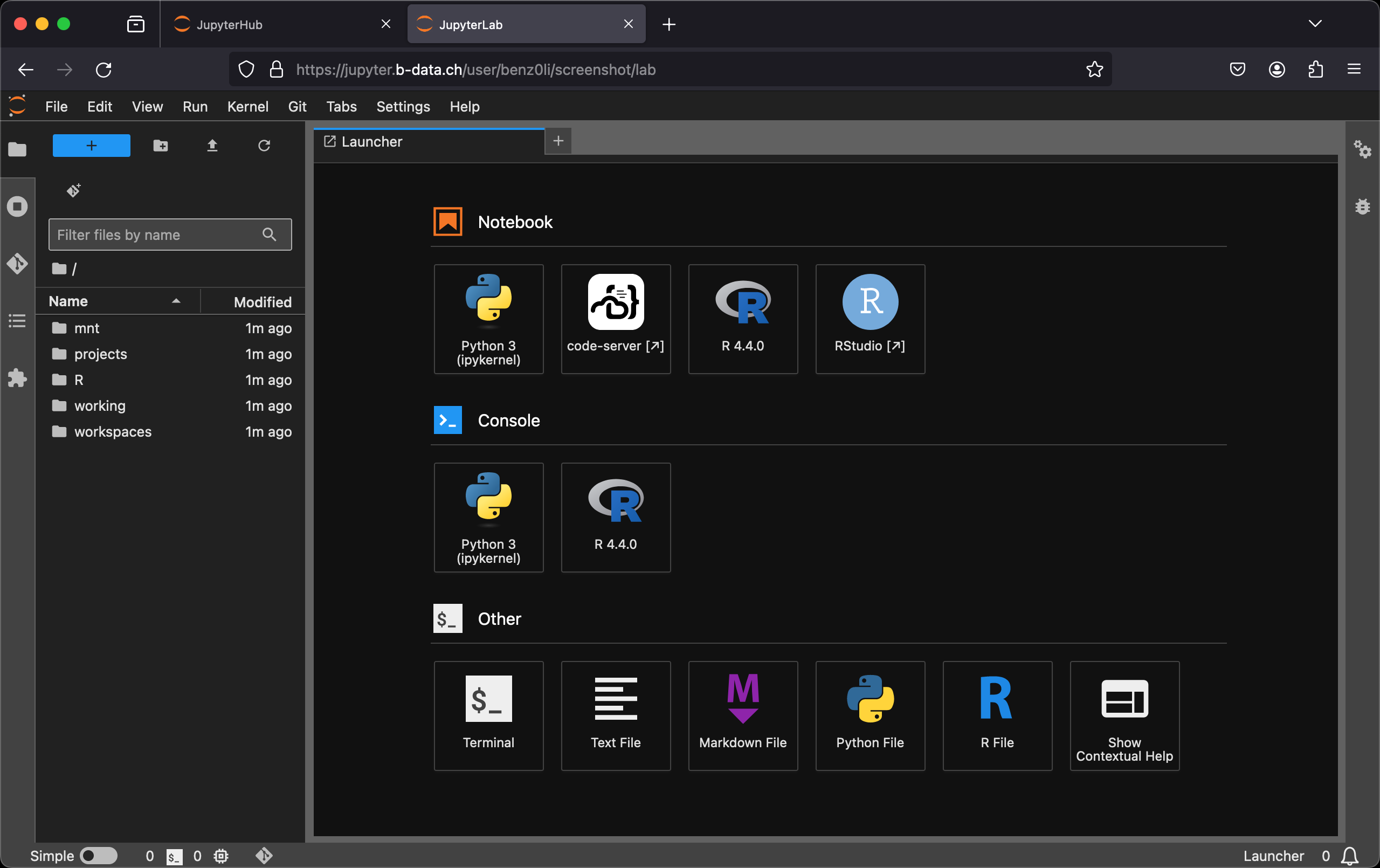
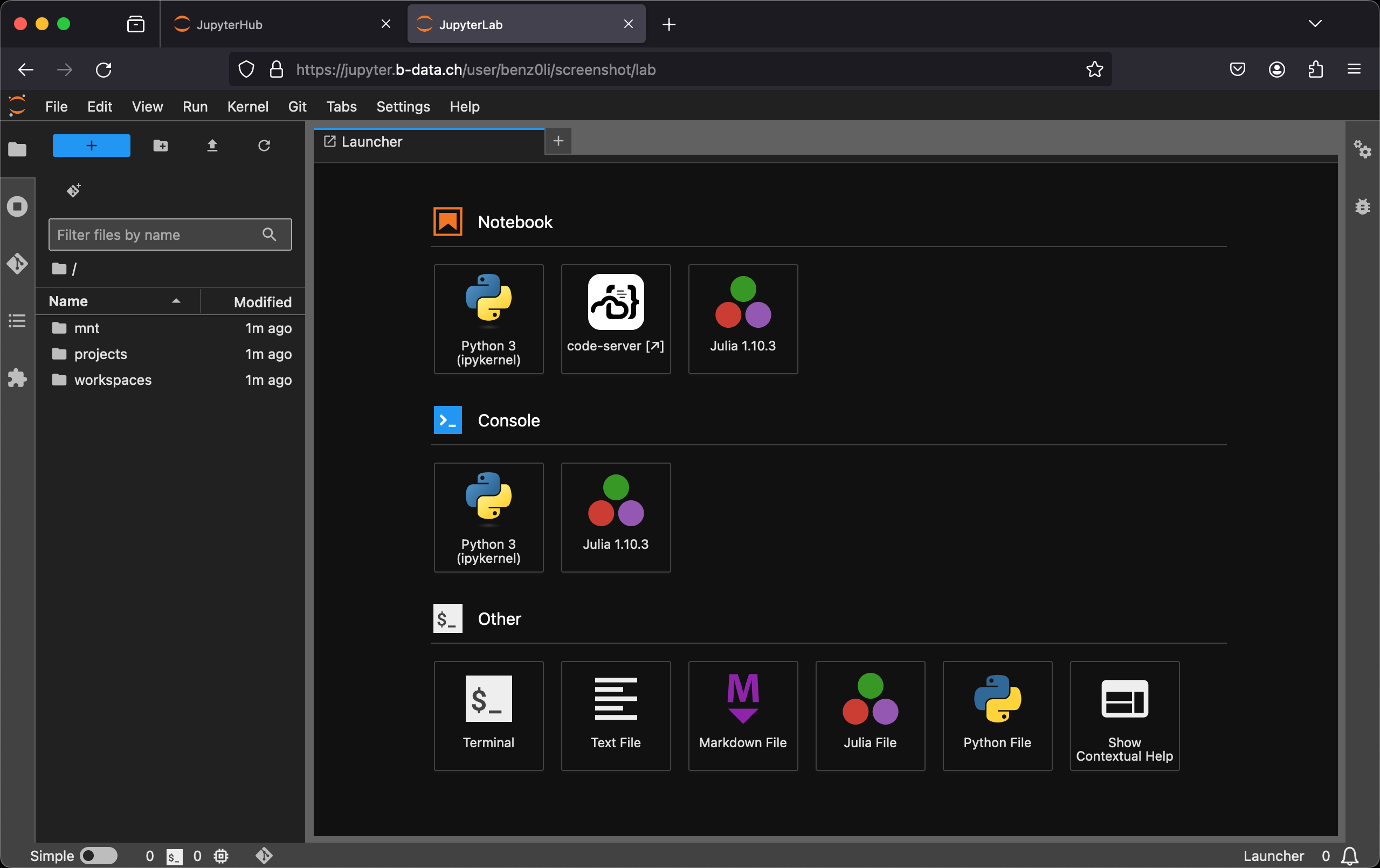
- JupyterLab: A web-based interactive development environment for Jupyter
notebooks, code, and data. The images include
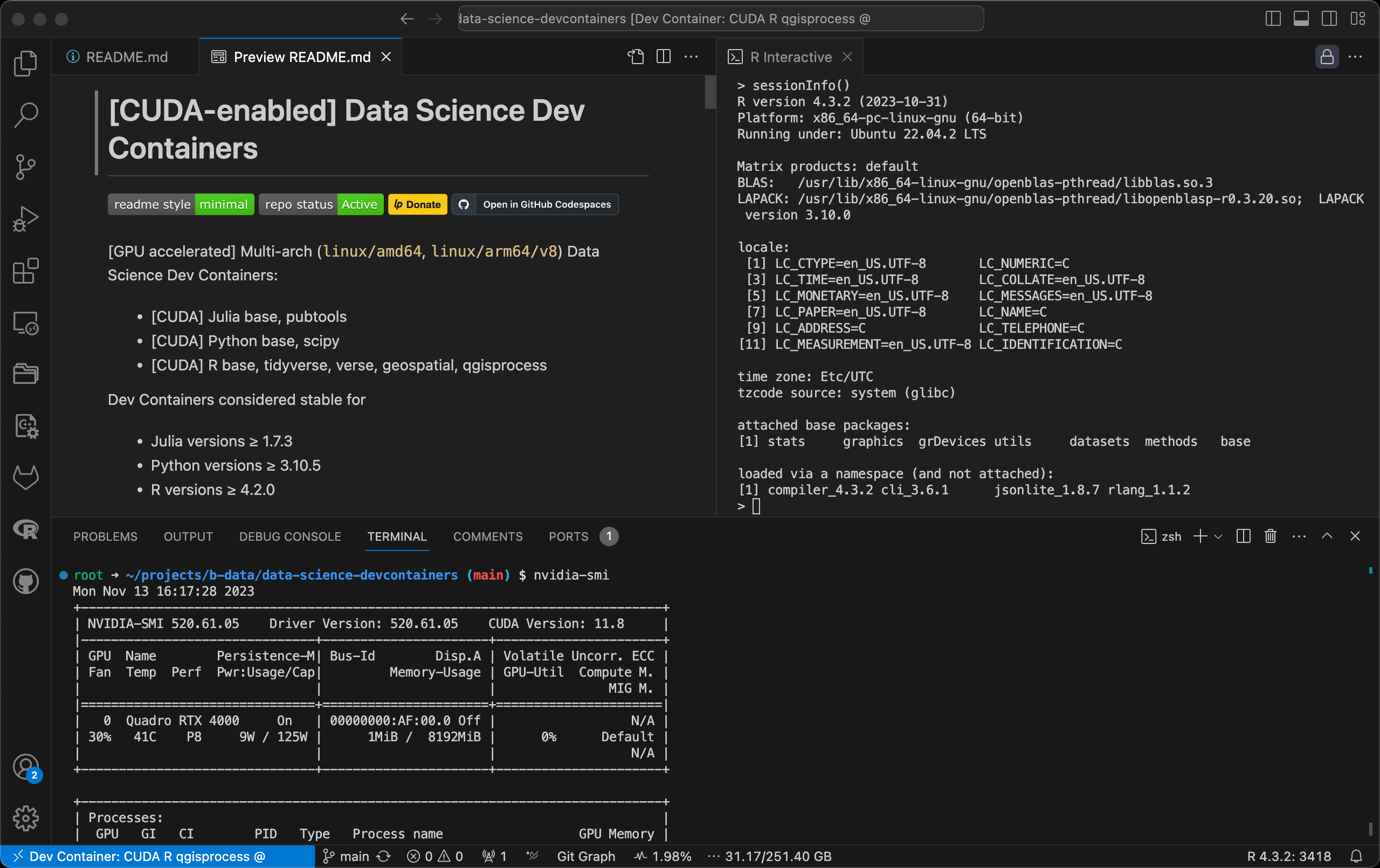
- code-server:
Code - OSSin the browser. - Git: A distributed version-control system for tracking changes in source code.
- Git LFS: A Git extension for versioning large files.
- Neovim: Vim-fork focused on extensibility and usability. (3.12.5+)
- Pandoc: A universal markup converter.
- Python: An interpreted, object-oriented, high-level programming language with dynamic semantics.
- Quarto: A scientific and technical publishing system built on Pandoc.
ℹ️ scipy image - TinyTeX: A lightweight, cross-platform, portable, and easy-to-maintain
LaTeX distribution based on TeX Live.
ℹ️ scipy image - Zsh: A shell designed for interactive use, although it is also a powerful scripting language.
- code-server:
👉 See the Version Matrix for detailed information.
The following extensions are pre-installed for code-server:
- .gitignore Generator
- Black Formatter
ℹ️ devtools subtags - Container Tools
ℹ️ docker subtags - EditorConfig (3.11.3+)
- ESLint
ℹ️ devtools subtags - Git Graph
- GitHub Pull Requests and Issues (3.11.5+)
- GitLab Workflow
- GitLens — Git supercharged
ℹ️ Pinned to version 11.7.0 due to unsolicited AI content (3.11.4+) - Excel Viewer
- hadolint
ℹ️ docker subtags (3.11.4+) - Jupyter
- LaTeX Workshop
ℹ️ scipy image - markdownlint (3.11.6+)
- Path Intellisense
- Prettier - Code formatter
ℹ️ devtools subtags - Project Manager
- Python
- Quarto
ℹ️ scipy image - Resource Monitor (3.11.4+)
- ShellCheck
ℹ️ devtools and docker subtags (3.11.4+) - YAML
Subtags
{PYTHON_VERSION,latest}-root(versions ≥ 3.10.5): Container runs asroot{PYTHON_VERSION,latest}-devtools(versions ≥ 3.10.5): Includes the requirements according to{PYTHON_VERSION,latest}-devtools-root: The combination of both{PYTHON_VERSION,latest}-docker(versions ≥ 3.10.11, versions ≥ 3.11.2): Includesdocker-ce-clidocker-buildx-plugindocker-compose-plugindocker-scan-plugin(amd64 only)
{PYTHON_VERSION,latest}-docker-root: The combination of both{PYTHON_VERSION,latest}-devtools-docker: The combination of both{PYTHON_VERSION,latest}-devtools-docker-root: The combination of all three
See also Notes on subtag devtools.
Table of Contents
Prerequisites
This projects requires an installation of docker.
Install
To install docker, follow the instructions for your platform:
- Install Docker Engine | Docker Documentation > Supported platforms
- Post-installation steps for Linux
Usage
Build image (base)
latest:
cd base && docker build \
  --build-arg PYTHON_VERSION=3.15.2 \
  -t jupyterlab/python/base \
  -f latest.Dockerfile .
version:
cd base && docker build \
  -t jupyterlab/python/base:MAJOR.MINOR.PATCH \
  -f MAJOR.MINOR.PATCH.Dockerfile .
For MAJOR.MINOR.PATCH ≥ 3.10.5.
Create home directory
Create an empty directory using docker:
docker run --rm \
  -v "${PWD}/jupyterlab-jovyan":/dummy \
  alpine chown 1000:100 /dummy
It will be bind mounted as the JupyterLab user's home directory and
automatically populated.
❗ Bind mounting a subfolder of the home directory is only possible
for images with Python version ≥ 3.12.2.
Run container
self built:
docker run -it --rm \
  -p 8888:8888 \
  -u root \
  -v "${PWD}/jupyterlab-jovyan":/home/jovyan \
  -e NB_UID=$(id -u) \
  -e NB_GID=$(id -g) \
  -e CHOWN_HOME=yes \
  -e CHOWN_HOME_OPTS='-R' \
  jupyterlab/python/base[:MAJOR.MINOR.PATCH]
from the project's GitLab Container Registries:
docker run -it --rm \
  -p 8888:8888 \
  -u root \
  -v "${PWD}/jupyterlab-jovyan":/home/jovyan \
  -e NB_UID=$(id -u) \
  -e NB_GID=$(id -g) \
  -e CHOWN_HOME=yes \
  -e CHOWN_HOME_OPTS='-R' \
  IMAGE[:MAJOR[.MINOR[.PATCH]]]
IMAGE being one of
The use of the -v flag in the command mounts the empty directory on the host
(${PWD}/jupyterlab-jovyan in the command) as /home/jovyan in the container.
-e NB_UID=$(id -u) -e NB_GID=$(id -g) instructs the startup script to switch
the user ID and the primary group ID of ${NB_USER} to the user and group ID of
the one executing the command.
-e CHOWN_HOME=yes -e CHOWN_HOME_OPTS='-R' instructs the startup script to
recursively change the ${NB_USER} home directory owner and group to the
current value of ${NB_UID} and ${NB_GID}.
ℹ️ This is only required for the first run.
The server logs appear in the terminal.
Using Podman (rootless mode, 3.11.6+)
Create an empty home directory:
mkdir "${PWD}/jupyterlab-root"Use the following command to run the container as root:
podman run -it --rm \
  -p 8888:8888 \
  -u root \
  -v "${PWD}/jupyterlab-root":/home/root \
  -e NB_USER=root \
  -e NB_UID=0 \
  -e NB_GID=0 \
  -e NOTEBOOK_ARGS="--allow-root" \
  IMAGE[:MAJOR[.MINOR[.PATCH]]]
Using Docker Desktop
Creating a home directory might not be required. Also
docker run -it --rm \
  -p 8888:8888 \
  -v "${PWD}/jupyterlab-jovyan":/home/jovyan \
  IMAGE[:MAJOR[.MINOR[.PATCH]]]
might be sufficient.
code-server settings
Some extension features enabled by default are intentionally disabled, i.e.
set to false.
To enable one of these features, explicitly set it to true under
'Command Palette...' > 'Preferences: Open User Settings (JSON)'.
Enabling these via the GUI is not sufficient. Such default settings are
overwritten upon restart by the
Juypter startup hook 30-code-server.sh.
Misc
marimo
To add a JupyterLab Launcher icon for marimo:
-
Terminal: Install marimo and click
pip install marimo click
-
Terminal: Install jupyter-marimo-proxy
pip install git+https://github.com/b-data/jupyter-marimo-proxy.git@jupyterlab-docker-stack
-
Restart the container
Similar projects
What makes this project different:
- Multi-arch:
linux/amd64,linux/arm64/v8
ℹ️ Runs on Apple M series using Docker Desktop. - Base image: Debian instead of
Ubuntu
ℹ️ CUDA-based images use Ubuntu. - IDE: code-server next to
JupyterLab
ℹ️ code-server =Code - OSSin the browser. - Just Python – no Conda / Mamba
See Notes for tweaks, settings, etc.
Contributing
PRs accepted. Please submit to the GitLab repository.
This project follows the Contributor Covenant Code of Conduct.
Support
Community support: Open a new discussion here. Commercial support: Contact b-data by email.
b-data tailors the JupyterLab images to your needs, e.g.
- Integration of self-signed CA certificates to enable communication with web services on the intranet.
- Setting up the necessary environment variables so that everything works behind a corporate proxy server.
- If supported by the NVIDIA GPU(s): Correctly handle CUDA forward compatibility for GPU accelerated images.
Additionally, the JupyterHub setup can be customised to allow
- authentication with AD/LDAP
- mounting CIFS/SMB file shares
and much more.
License
Copyright © 2022 b-data GmbH
Distributed under the terms of the MIT License, with exceptions.
Questions
What is jupyterlab-python-docker-stack?
b-data/jupyterlab-python-docker-stack is a public repo on GitHub by b-data. (GPU accelerated) Multi-arch (linux/amd64, linux/arm64/v8) JupyterLab Python docker images. Please submit Pull Requests to the GitLab repository. Mirror of.
Is jupyterlab-python-docker-stack open source?
It declares no license on GitHub. Public does not mean open source: without a license, nobody is granted the right to reuse it.
Does jupyterlab-python-docker-stack run on macOS, Windows or Linux?
Its maker tagged it for macOS, Windows and Linux, or as Docker or cross-platform. That is declared by the maker; Take My Repo has not tested it.
How do I install jupyterlab-python-docker-stack?
Open "Take it" on its page: Take My Repo writes an install plan for your machine and hands it to your AI agent (Claude Code, Codex or Cursor), which asks you before each step. Take My Repo has not tested it on any machine.