slide-generator
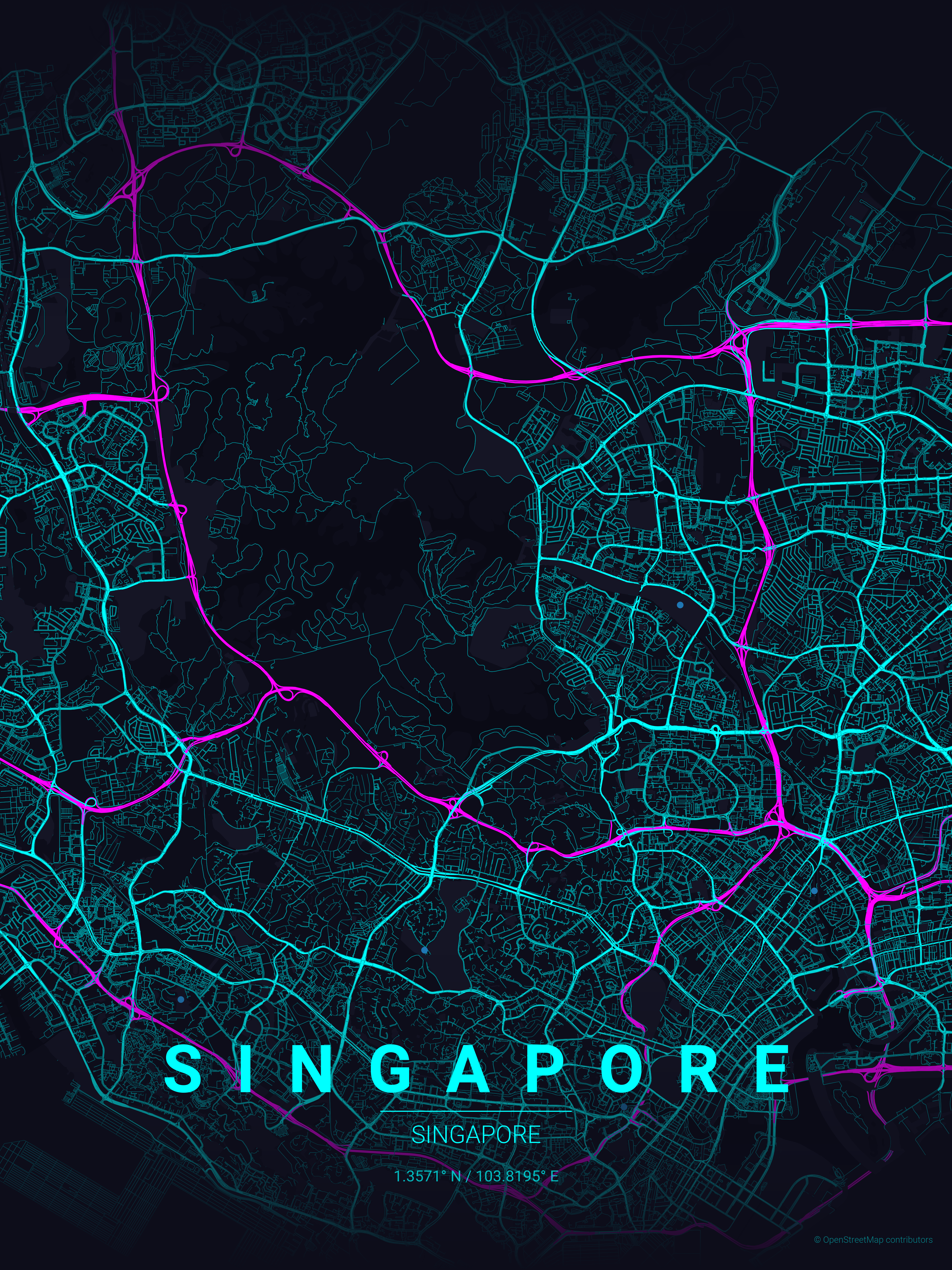
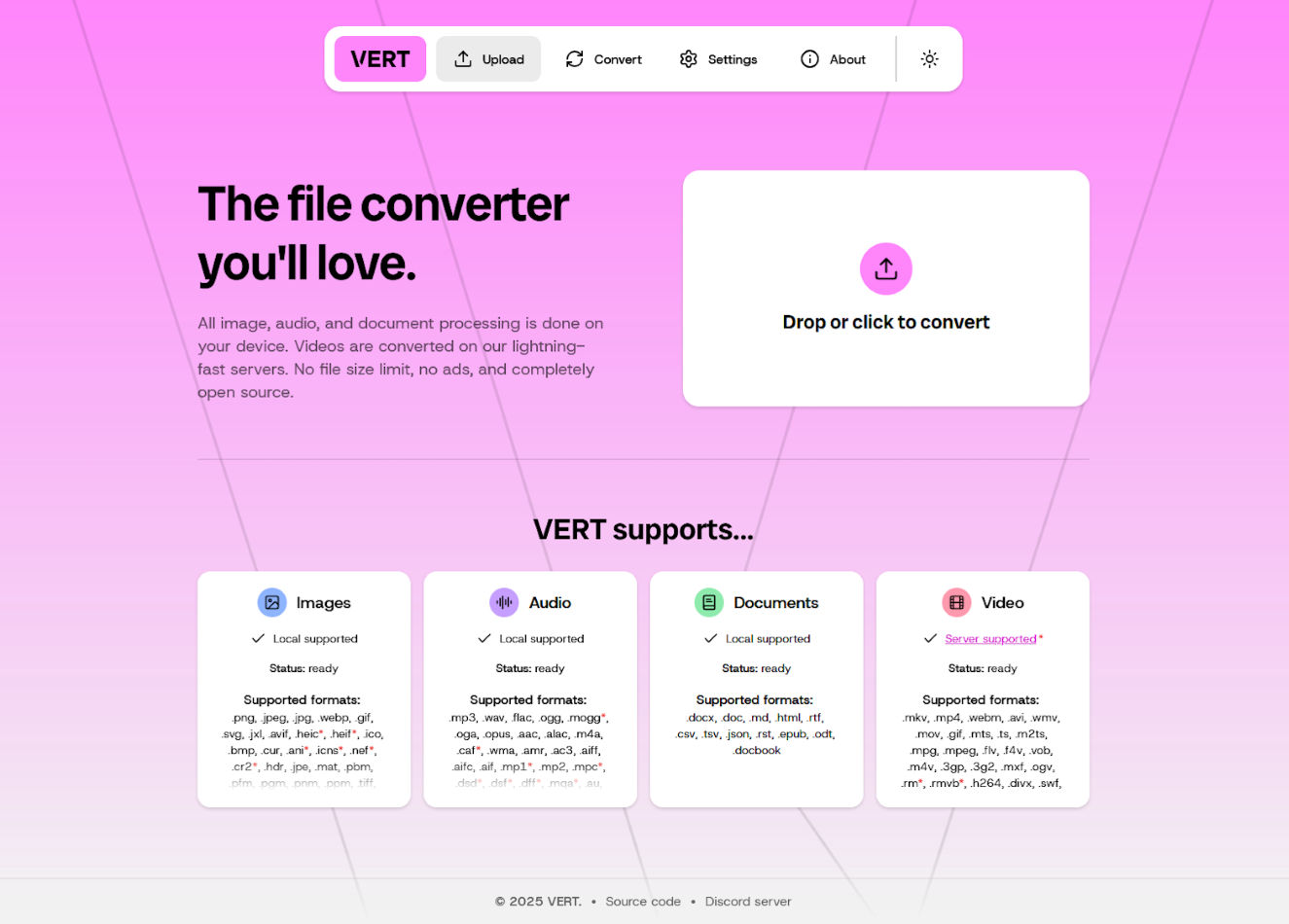
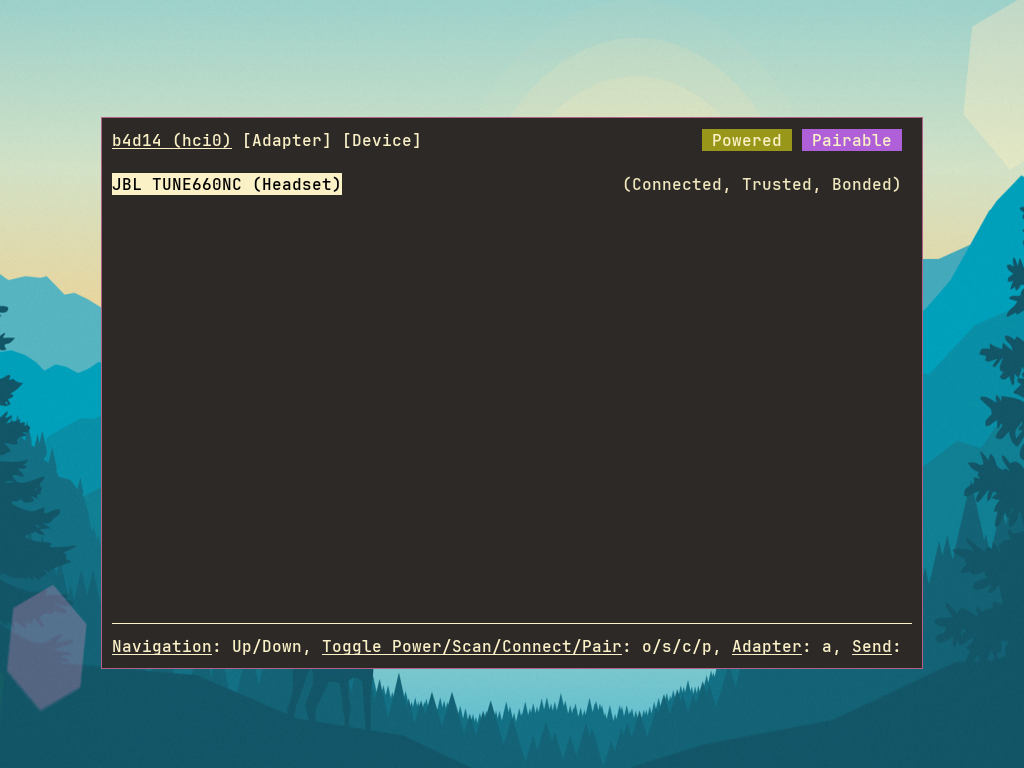
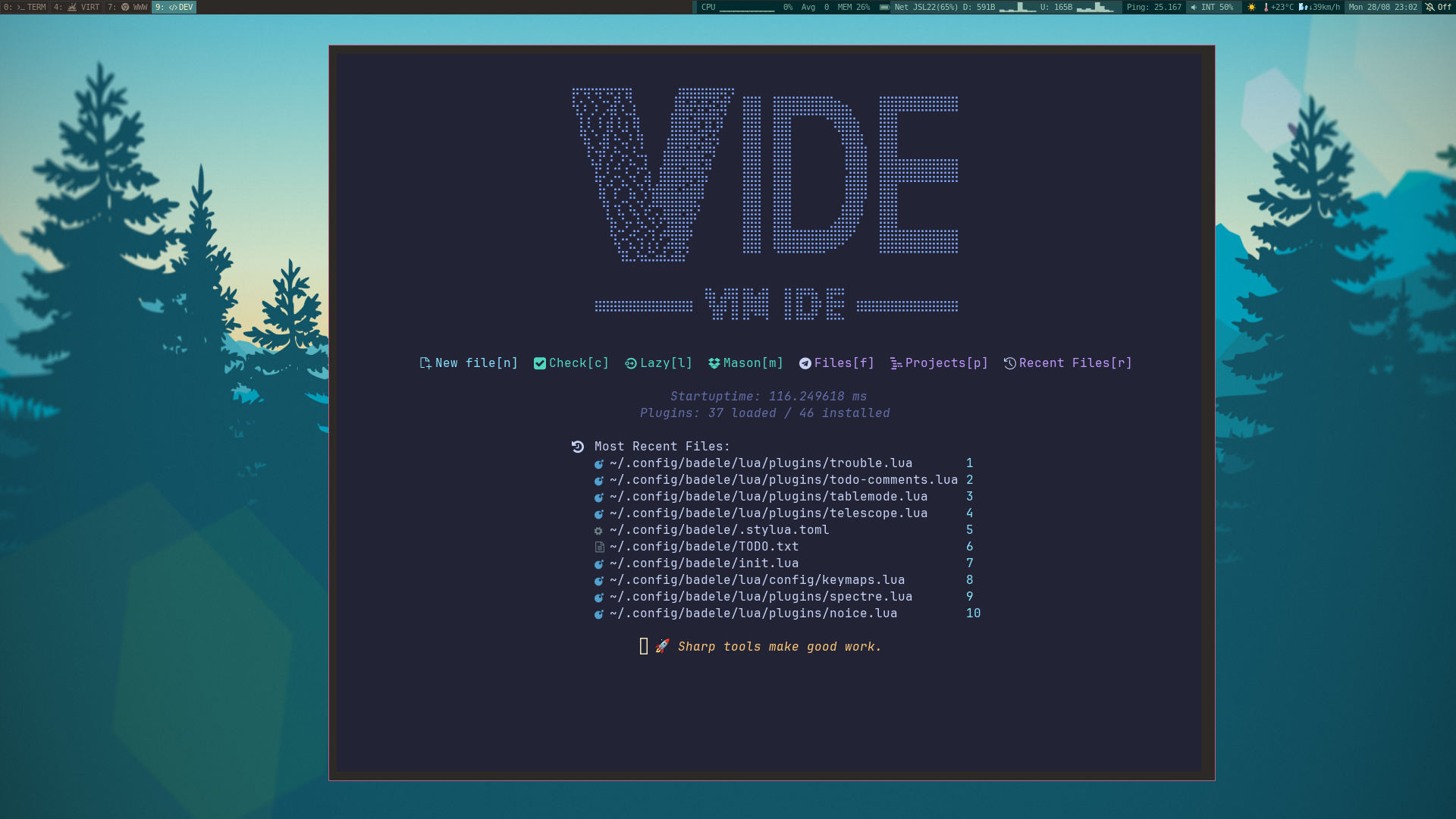
Generate clean, impactful slides for social media and Open Graph in seconds — from a browser Playground or a REST API.
v2 — complete rewrite in TypeScript / Next.js / Satori. Templates are now defined in YAML, rendered server-side as PNG via the Satori layout engine (no ImageMagick).
Quick start
Docker (recommended)
just start
Opens on http://localhost:3000
Playground  →  http://localhost:3000
API         →  http://localhost:3000/api/generate?template=news&title=Hello
Templates   →  http://localhost:3000/api/templates
Stop with just stop, rebuild with just rebuild.
Development
just install     # npm install
just dev         # download missing fonts then start next dev
API
GET /api/generate — render a template
GET /api/generate?template=TEMPLATE_NAME[¶m=value...]
Returns a PNG image. All parameters are optional (each template provides defaults).
# Default render
curl "http://localhost:3000/api/generate?template=news" -o news.png

# With custom parameters
curl "http://localhost:3000/api/generate?template=news&title=Big+News&category=TECH" -o news.png
POST /api/preview — render a custom YAML template
For templates too large for a GET URL (e.g. base64 images) or for free-mode YAML:
curl -X POST http://localhost:3000/api/preview \
  -H "Content-Type: application/json" \
  -d '{"yaml": "<template yaml>", "params": {"title": "Hello"}}' \
  -o preview.png
Other endpoints
| Endpoint |
Description |
GET /api/templates |
JSON list of all available templates with their params |
GET /api/templates/:name |
Raw YAML source of a template |
POST /api/validate |
Validate a YAML template (returns {valid, error}) |
GET /api/img-convert?url=… |
Fetch a remote image and return it as a data: URI |
Available templates
| Template |
Format |
Description |
aquaponey |
1200×675 |
Aujourd'hui c'est aquaponey pour… — Caveat manuscrite |
book |
1080×1080 |
Book cover — auteur, illustration, titre, éditeur |
book_oreilly |
1080×1080 |
O'Reilly-style book cover — barre, bloc rouge, illustration |
build_with_ai |
1200×675 |
AI project card — icône robot, titre teal, pipeline build |
citation |
1080×1080 |
Citation avec attribution auteur et section réponse |
clan |
1200×675 |
Clan.lol — fond teal, titre, sous-titre, logo top-right |
email_retro |
1080×1080 |
Email brut années 90 — esthétique Usenet, pixel font VT323 |
github |
1200×675 |
GitHub repository Open Graph card |
manifesto |
1200×675 |
Carte manifesto — marque, gros titre, tagline |
news |
1200×675 |
Carte article de presse — catégorie, titre, résumé, auteur |
polaroid |
1080×1080 |
Photo polaroid avec légende manuscrite et date |
post_bottom |
1200×675 |
Post social — titre et description en bas |
post_top |
1200×675 |
Post social — titre, description et footer auteur |
quiafuite |
1200×675 |
Tracker de fuites de données — terminal rétro VT323 |
Template format
Templates are YAML files in profiles/<name>/template.yaml.
version: "1"
name: my_template
description: "Short description"
output:
  width: 1200
  height: 675

fonts:
  - family: BarlowCondensed
    path: "resources/fonts/BarlowCondensed-900.ttf"
    weight: 900

palette:
  - "#18181B"  # 1 — background
  - "#00D4B4"  # 2 — accent
  - "#FFFFFF"  # 3 — white

defaults:
  fg: 3              # default text color (palette index)
  font:
    name: BarlowCondensed
    size: 36
    weight: 700

params:
  background:
    description: Background color
    default: 1         # palette index → resolved to hex
    type: color        # color | textarea | url | number | boolean
  title:
    description: Main title
    required: true
    default: "My Title"
    style:             # overrides defaults for this param
      fg: 2
      align: center    # default line alignment: left | center | right ([ALIGN=x] in text wins)
      font:
        name: BarlowCondensed
        size: 96
        weight: 900

element:
  type: div
  props:
    style:
      display: flex
      width: 1200
      height: 675
      position: relative
    children:
      - type: background       # special: lifts color to parent backgroundColor
        props:
          color: "{{ background }}"
          width: 1200
          height: 675
      - type: span
        props:
          param: title         # applies param style automatically
          children: "{{ title }}"
Special element types
| Type |
Description |
background |
Sets parent backgroundColor; adds absolutely-positioned <img> if src provided |
lines |
Splits text on \n, renders each line in a flex column. Inner blank lines become spacers |
image |
Positions an image within a flex container with x/y alignment (0–100) |
Inline markup (inside lines and span children)
[SPAN FG=2]colored text[/]          → inline span, text in palette color 2
[SPAN BG=1]highlighted[/]           → inline span, background behind text only
[SPAN FS=48 FW=900]big bold[/]      → inline span, font-size 48, font-weight 900
[SPAN FN=Caveat]handwriting[/]      → inline span, font-family override
[SPAN ROT=45]rotated[/]             → inline span, rotate transform
[DIV BG=1]full-width band[/]        → block div, background spans full line width
[DIV FG=2 BG=1 ALIGN=right]text[/] → block div, full-width, text right-aligned
[ALIGN=center]centered line         → line-level alignment prefix (lines only, no [/])
Grouping sub-params
params:
  logo:
    description: Logo image URL
    default: ""
    type: url
  logo_height:
    description: Logo height in px
    default: "54"
    type: number
    group: logo    # shown as sub-field of "logo" in the Playground
Adding fonts
Edit fonts.yaml then run just load-fonts to download from Google Fonts:
- family: Barlow Condensed
  weights: [700, 900]
  styles: [normal]
Font files are saved to resources/fonts/ as FamilyName-weight.ttf.
Playground
The web UI at http://localhost:3000 provides:
- Template mode — select a template, edit parameters live, preview in real time
- Free mode — paste or write raw YAML, preview with full Satori rendering
- OG Inspect — enter any URL to extract and preview its Open Graph tags
- Image tool — convert a URL or uploaded file to a
data: URI for use in templates
- Edit YAML button — copies the current template (with all modifications) to Free mode
- Copy URL button — generates a shareable GET URL with all current parameters
Modération (admin)
L'endpoint /api/admin/shares permet de lister et supprimer les affiches publiées. Il est protégé par un token secret défini dans .env.local.
Configuration
Ajoutez ces variables dans .env.local et dans les variables d'environnement Vercel :
ADMIN_SECRET="votre-token-secret"   # token d'authentification (requis)
APP_URL="https://votre-domaine.com" # optionnel — déduit automatiquement du host de la requête
Pour générer un token sécurisé :
just admin-gen-token
Commandes
just admin-list                    # Lister toutes les affiches avec leurs liens
just admin-delete 0cfe97acc8ecb728 # Supprimer une affiche par son ID (16 hex)
API directe
# Lister
curl -H "Authorization: Bearer <ADMIN_SECRET>" https://votre-domaine.com/api/admin/shares

# Supprimer
curl -X DELETE \
  -H "Authorization: Bearer <ADMIN_SECRET>" \
  -H "Content-Type: application/json" \
  -d '{"id": "0cfe97acc8ecb728"}' \
  https://votre-domaine.com/api/admin/shares
Réponses d'erreur : 401 si token invalide, 503 si ADMIN_SECRET absent, 400 si ID invalide.
Development commands
just install        # Install npm dependencies
just load-fonts     # Download missing fonts from Google Fonts
just dev            # Start dev server (port 3000)
just build          # Production build
just test           # Run unit tests

# Docker
just start          # Build and start in background
just stop           # Stop containers
just restart        # Stop + start
just rebuild        # Force rebuild image
just logs           # Follow container logs
just status         # Container status

# Admin
just admin-gen-token               # Générer un token ADMIN_SECRET
just admin-list                    # Lister toutes les affiches publiées
just admin-delete 0cfe97acc8ecb728 # Supprimer une affiche par son ID