n8n
Fair-code workflow automation platform with native AI capabilities. Combine visual building with custom code, self-host or cloud, 400+ integrations.
- 212k
- TypeScript
- 3 h ago
Hosted privacy browser fleet with consistent fingerprints for authorized research
Repo botswin/BotCloud, read from GitHub 1 min ago. botswin has not joined Take My Repo.
botswin/BotCloud is a public repo on GitHub by botswin. Hosted privacy browser fleet with consistent fingerprints for authorized research. It declares the MIT license on GitHub. It has 6 stars and last changed on 2026-02-02. Nobody has reviewed it on Take My Repo yet, which says nothing about its quality. Read from GitHub on 2026-11-21.
 BotCloud
🛡️ Fingerprint Defense - Validated against 31+ detection systems
⚡ Zero Config - Auto-detects timezone, locale, language from proxy IP
🔍 DevTools - Remote browser debugging via Chrome DevTools
Connect to cloud Chrome with your familiar Puppeteer or Playwright code — no deployment, no maintenance, fingerprint-level isolation. BotCloud isolates your real device fingerprint from third-party tracking while helping teams validate their fingerprint defense mechanisms.
Why privacy teams pick BotCloud:
💡 Pricing: Usage-based billing at $0.6/hour (1 quota = 1 minute). Dynamic multiplier based on concurrent sessions, Cloak Tier, and premium features. View pricing details → ⚖️ Review the Legal Disclaimer and Responsible Use Guidelines before onboarding.
🌐 Learn more: Visit bots.win for documentation, pricing, and support.
import puppeteer from "puppeteer-core";

const params = new URLSearchParams({
  token: process.env.BOTCLOUD_TOKEN,
  "--proxy-server": process.env.BOTCLOUD_PROXY,
  device_type: "mac",
});

const browser = await puppeteer.connect({
  browserWSEndpoint: `wss://cloud.bots.win?${params.toString()}`,
});
const page = await browser.newPage();
await page.goto("https://example.com");
await browser.close();
username:password@host:port| Detection System | Status |
|---|---|
| CreepJS | ✅ Verified |
| Cloudflare Turnstile | ✅ Verified |
| DataDome | ✅ Verified |
| FingerprintJS Pro | ✅ Verified |
| PerimeterX | ✅ Verified |
| Kasada | ✅ Verified |
Our fingerprint engine maintains consistency across 31+ detection vectors including canvas, WebGL, audio context, font enumeration, and hardware concurrency.
View Fingerprint Management Guide →
BotCloud auto-detects timezone, language, and locale from your proxy IP:
// Just provide your proxy - we handle the rest
const params = new URLSearchParams({
  token: process.env.BOTCLOUD_TOKEN,
  "--proxy-server": "user:pass@tokyo-proxy.example.com:8080"
});
// Browser automatically uses Asia/Tokyo timezone, ja-JP locale
navigator.webdriver flag| Parameter | Example | Required |
|---|---|---|
token |
user-token-abc123 |
✅ |
--proxy-server |
user:pass@proxy.example.com:4600 |
✅ |
device_type |
mac / win / android |
Optional (default: mac) |
user_data_id |
udd_xxxxxxxxxxxx |
Optional |
super_stealth |
true / false |
Optional (requires Super Stealth access) |
| Feature | Parameter | Description | Premium |
|---|---|---|---|
| Super Stealth Mode | super_stealth=true |
Maximum anti-detection capability | +0.40x |
| DevTools | See DevTools docs | Remote browser debugging via Chrome DevTools | +0.35x |
| Multi-Context | CDP: Target.createBrowserContext |
Up to 10 independent contexts per session, each with isolated fingerprint | 1.5x (ENT3 required) |
BotCloud supports 50+ CLI parameters for timezone, locale, fingerprint variation, and more.
📖 View full CLI parameter reference →
DevTools provides remote access to Chrome DevTools for debugging automated workflows.
const cdp = await page.createCDPSession();
cdp.on("devtoolsComplete", () => console.log("Session complete"));

const { devtoolsURL } = await cdp.send("devtools", { timeout: 120000 });
console.log(`Open: ${devtoolsURL}`);

await new Promise(resolve => cdp.on("devtoolsComplete", resolve));
📖 View full DevTools documentation →
Multi-Context enables up to 10 independent browser contexts within a single session, each with its own fingerprint configuration. Ideal for multi-account management and parallel identity isolation.
// Create context with independent fingerprint
const { browserContextId } = await cdp.send('Target.createBrowserContext', {
  botCloudFlags: [
    '--new-profile=mac',           // Fresh fingerprint (mac/win/android)
    '--bot-config-timezone=Asia/Tokyo',
    '--proxy-ip=103.x.x.x'
  ]
});

// Create target in the new context
const { targetId } = await cdp.send('Target.createTarget', {
  url: 'about:blank',
  browserContextId
});
Key Features:
--new-profile parameter📖 View full Multi-Context documentation →
| Endpoint | Method | Description |
|---|---|---|
/api/quota |
GET | Check remaining quota |
/api/usage |
GET | Get usage statistics |
/api/history |
GET | Retrieve session history |
/api/user-data |
POST | Create persistent User Data |
/api/user-data |
GET | List User Data entries |
/api/user-data/:id |
DELETE | Delete User Data |
| Framework | Language | Example |
|---|---|---|
| Puppeteer | Node.js | examples/puppeteer/node/quickstart.mjs |
| Playwright | Node.js | examples/playwright/node/quickstart.mjs |
| Playwright | Python | examples/playwright/python/quickstart.py |
| CLI Config | Node.js | examples/cli/node/custom-config.mjs |
| DevTools | Node.js | examples/devtools/node/puppeteer-devtools.mjs |
| User Data | Node.js | examples/user-data/node/user-data.mjs |
| CDP | Go | examples/cdp/go/chromedp-quickstart.go |
| CDP | Java | examples/cdp/java/CdpQuickstart.java |
| CDP | Ruby | examples/cdp/ruby/ferrum-quickstart.rb |
BotCloud supports direct CDP connections from any language with WebSocket support:
| Language | Library | Example |
|---|---|---|
| Go | chromedp (recommended) | examples/cdp/go/chromedp-quickstart.go |
| Go | rod (low-level API) | examples/cdp/go/rod-quickstart.go |
| Java | Native WebSocket (Java 11+) | examples/cdp/java/CdpQuickstart.java |
| Ruby | Ferrum | examples/cdp/ruby/ferrum-quickstart.rb |
Each example includes detailed comments explaining library-specific considerations and compatibility notes.
BotCloud enforces one active connection per token. For parallel sessions, request multiple tokens from your service provider.
Always wrap browser operations in try/finally:
let browser;
try {
  browser = await puppeteer.connect({ browserWSEndpoint });
  // Your automation here
} finally {
  if (browser) await browser.close();
}
Track these metrics:
/api/history| Error | Cause | Fix |
|---|---|---|
400 Bad Request |
Malformed proxy | Check user:pass@host:port format |
401 Unauthorized |
Invalid token | Verify token or request new one |
403 Forbidden |
No quota or limit reached | Check quota, close idle sessions |
500 / 503 |
Server issue | Retry, contact support if persistent |
examples/docs/fingerprint.mddocs/cli-parameters.mddocs/devtools.mddocs/api-reference.mdDISCLAIMER.md | RESPONSIBLE_USE.mdbotswin/BotCloud is a public repo on GitHub by botswin. Hosted privacy browser fleet with consistent fingerprints for authorized research.
It declares the MIT license on GitHub.
Its maker has not tagged a system, so it is unknown here. Its README says what it needs.
Open "Take it" on its page: Take My Repo writes an install plan for your machine and hands it to your AI agent (Claude Code, Codex or Cursor), which asks you before each step. Take My Repo has not tested it on any machine.
Its last change on GitHub was on 2026-02-02. Take My Repo does not judge from that whether it is maintained.
Nobody has reviewed it on Take My Repo yet, which says nothing about its quality.
Fair-code workflow automation platform with native AI capabilities. Combine visual building with custom code, self-host or cloud, 400+ integrations.
Open-source Python library for AI browser agents, plus Browser Use Cloud: stealth browsers and a hosted agent API.
AI video you can actually edit. HyperFrames is a free, open-source AI video editor. Describe any video and get a real project you can change down to the frame.
Build Agentic workflows, RAG pipelines, with rich AI model and tool support on one collaborative workspace. Deploy on cloud, VPC, or self-hosted, so teams move from prototype to production without rebuilding the stack.
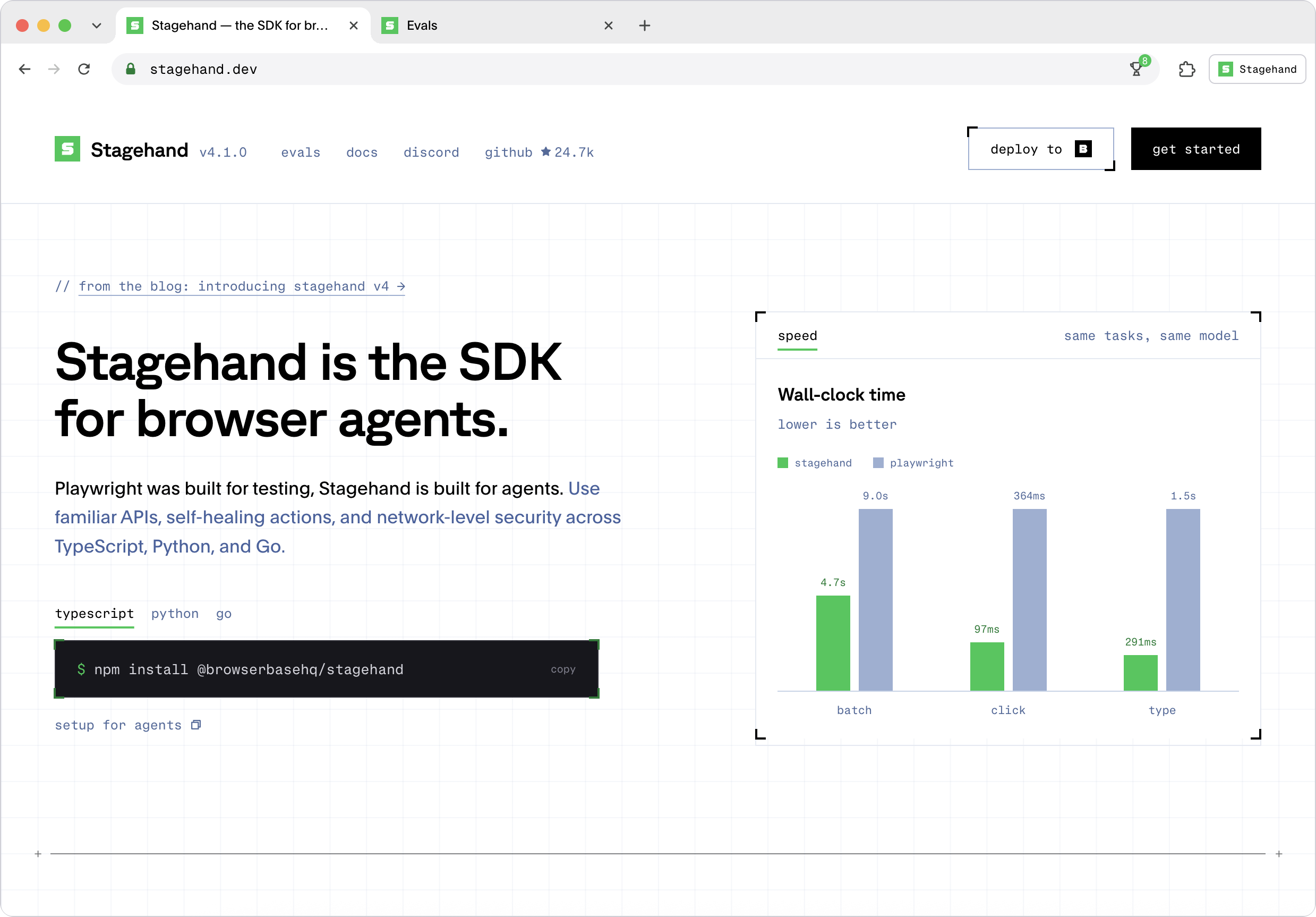
The SDK to extract data and interact with any site on the web. Get started with Claude Code, Codex, Eve, Mastra, and more.
🕷️ The BEST Web Scraping framework that handles everything from a single request to a full-scale crawl! Don't be shy, join here: https://discord.gg/EMgGbDceNQ and follow here for daily tips and tricks: https://x.com/Scrapling_dev
Advanced Privacy Browser Core with Unified Fingerprint Defense: Cloudflare, Akamai, Kasada, Shape, DataDome, PerimeterX, hCaptcha, FunCaptcha, Imperva, reCAPTCHA, ThreatMetrix, Adscore