browser-use
Open-source Python library for AI browser agents, plus Browser Use Cloud: stealth browsers and a hosted agent API.
- 122k
- Python
- MIT
- 6 h ago
⚠️ No longer maintained The Stagehand Rust SDK is no longer maintained and will not receive updates, bug fixes, or security patches. For current Stagehand options, see the Stagehand documentation.
Repo browserbase/stagehand-rust, read from GitHub 9 h ago. browserbase has not joined Take My Repo.
browserbase/stagehand-rust is a public repo on GitHub by browserbase. ⚠️ No longer maintained The Stagehand Rust SDK is no longer maintained and will not receive updates, bug fixes, or security patches. For current Stagehand options, see the Stagehand documentation. It declares no license on GitHub. Public does not mean open source: without a license, nobody is granted the right to reuse it. It is written mainly in Rust, has 22 stars and last changed on 2026-10-22. It is archived: its maker no longer maintains it. Nobody has reviewed it on Take My Repo yet, which says nothing about its quality. Read from GitHub on 2026-11-24.
Open-source Python library for AI browser agents, plus Browser Use Cloud: stealth browsers and a hosted agent API.
⚠️ No longer maintained
The Stagehand Rust SDK is no longer maintained and will not receive updates, bug fixes, or security patches.
For current Stagehand options, see the Stagehand documentation.

The AI Browser Automation Framework
Read the Docs


If you're looking for other languages, you can find them here
Stagehand is a browser automation framework used to control web browsers with natural language and code. By combining the power of AI with the precision of code, Stagehand makes web automation flexible, maintainable, and actually reliable.
Most existing browser automation tools either require you to write low-level code in a framework like Selenium, Playwright, or Puppeteer, or use high-level agents that can be unpredictable in production. By letting developers choose what to write in code vs. natural language (and bridging the gap between the two) Stagehand is the natural choice for browser automations in production.
Choose when to write code vs. natural language: use AI when you want to navigate unfamiliar pages, and use code when you know exactly what you want to do.
Go from AI-driven to repeatable workflows: Stagehand lets you preview AI actions before running them, and also helps you easily cache repeatable actions to save time and tokens.
Write once, run forever: Stagehand's auto-caching combined with self-healing remembers previous actions, runs without LLM inference, and knows when to involve AI whenever the website changes and your automation breaks.
A Rust client library for Stagehand, the AI-powered browser automation framework. This SDK provides an async-first, type-safe interface for controlling Browserbase browsers and performing AI-driven web interactions.
[!CAUTION] This is an ALPHA release and is not production-ready. Please provide feedback and let us know if you have feature requests / bug reports!
execute methodAdd to your Cargo.toml:
[dependencies]
stagehand_sdk = "0.3"
tokio = { version = "1", features = ["macros", "rt-multi-thread"] }
futures = "0.3"
serde = { version = "1", features = ["derive"] }
serde_json = "1"
dotenvy = "0.15"
The SDK supports both tokio and async-std runtimes. Tokio is enabled by default.
Using tokio (default):
[dependencies]
stagehand_sdk = "0.3"
tokio = { version = "1", features = ["macros", "rt-multi-thread"] }
Using async-std:
[dependencies]
stagehand_sdk = { version = "0.3", default-features = false, features = ["async-std-runtime"] }
async-std = { version = "1", features = ["attributes"] }
use stagehand_sdk::{Stagehand, V3Options, Env, Model, TransportChoice};
use stagehand_sdk::{ActResponseEvent, ExtractResponseEvent, NavigateResponseEvent};
use futures::StreamExt;
use serde::{Deserialize, Serialize};
use std::collections::HashMap;

#[derive(Serialize, Deserialize, Debug)]
struct Quote {
    text: String,
    author: String,
}

#[tokio::main]
async fn main() -> Result<(), Box<dyn std::error::Error + Send + Sync>> {
    // Load environment variables from .env file
    dotenvy::dotenv().ok();

    // Environment variables required:
    // - BROWSERBASE_API_KEY
    // - BROWSERBASE_PROJECT_ID
    // - MODEL_API_KEY (LLM provider API key)

    // 1. Connect to Stagehand cloud API (uses STAGEHAND_BASE_URL env var or default)
    let mut stagehand = Stagehand::connect(TransportChoice::default_rest()).await?;

    // 2. Start session
    let opts = V3Options {
        env: Some(Env::Browserbase),
        model: Some(Model::String("openai/gpt-5-nano".into())),
        verbose: Some(2),
        ..Default::default()
    };

    stagehand.start(opts).await?;
    println!("Session ID: {:?}", stagehand.session_id());

    // 3. Navigate to a page
    let mut nav_stream = stagehand
        .navigate("https://quotes.toscrape.com/", None, None)
        .await?;

    while let Some(res) = nav_stream.next().await {
        if let Ok(response) = res {
            if let Some(NavigateResponseEvent::Success(success)) = response.event {
                println!("Navigation success: {}", success);
            }
        }
    }

    // 4. Extract structured data
    let schema = serde_json::json!({
        "type": "object",
        "properties": {
            "text": { "type": "string" },
            "author": { "type": "string" }
        }
    });
    let mut extract_stream = stagehand.extract(
        "Extract the first quote on the page",
        schema,
        None,
        Some(60_000),
        None,
        None,
    ).await?;

    while let Some(res) = extract_stream.next().await {
        if let Ok(response) = res {
            if let Some(ExtractResponseEvent::DataJson(json)) = response.event {
                println!("Quote: {}", json);
            }
        }
    }

    // 5. End session
    stagehand.end().await?;
    Ok(())
}
Create a .env file in your project root:
# Browserbase API credentials (required)
BROWSERBASE_API_KEY=your_browserbase_api_key_here
BROWSERBASE_PROJECT_ID=your_browserbase_project_id_here

# Model API key
MODEL_API_KEY=your_api_key                          # OpenAI, Anthropic, Gemini, etc. key

# Optional: Custom API URLs
STAGEHAND_BASE_URL=https://api.stagehand.browserbase.com/v1  # Stagehand API (default)
BROWSERBASE_API_URL=https://api.browserbase.com/v1          # Browserbase API (default)
The SDK checks for model API keys in the order listed above and uses the first one found.
The main configuration struct for initializing Stagehand:
pub struct V3Options {
    // Environment: Local or Browserbase
    pub env: Option<Env>,

    // Browserbase credentials (auto-loaded from env vars)
    pub api_key: Option<String>,
    pub project_id: Option<String>,
    pub browserbase_session_id: Option<String>,
    pub browserbase_session_create_params: Option<serde_json::Value>,

    // Local browser options (coming soon)
    // pub local_browser_launch_options: Option<LocalBrowserLaunchOptions>,

    // AI model configuration
    pub model: Option<Model>,
    pub system_prompt: Option<String>,

    // Behavior settings
    pub self_heal: Option<bool>,
    pub wait_for_captcha_solves: Option<bool>,
    pub experimental: Option<bool>,
    pub dom_settle_timeout_ms: Option<u32>,
    pub act_timeout_ms: Option<u32>,

    // Logging verbosity (0, 1, or 2)
    pub verbose: Option<i32>,
}
Specify AI models in two ways:
// Simple string format (recommended)
let model = Model::String("openai/gpt-5-nano".into());

// Detailed configuration with custom API key/base URL
let model = Model::Config {
    model_name: "gpt-5-nano".to_string(),
    api_key: Some("sk-...".to_string()),
    base_url: Some("https://api.openai.com/v1".to_string()),
};
Stagehand::connectEstablishes a connection to the Stagehand service.
pub async fn connect(
    transport_choice: TransportChoice,
) -> Result<Self, StagehandError>
Parameters:
transport_choice - TransportChoice::Rest(base_url) for REST API with explicit URL, or use TransportChoice::default_rest() to use the STAGEHAND_BASE_URL env var (falls back to default)Example:
// Using default (recommended) - checks STAGEHAND_BASE_URL env var, falls back to default
let stagehand = Stagehand::connect(TransportChoice::default_rest()).await?;

// Or with explicit URL
let stagehand = Stagehand::connect(
    TransportChoice::Rest("https://api.stagehand.browserbase.com/v1".to_string()),
).await?;
startStarts a browser session.
pub async fn start(&mut self, opts: V3Options) -> Result<(), StagehandError>
Example:
let opts = V3Options {
    env: Some(Env::Browserbase),
    model: Some(Model::String("openai/gpt-5-nano".into())),
    verbose: Some(1),
    ..Default::default()
};

stagehand.start(opts).await?;
println!("Session: {}", stagehand.session_id().unwrap());
actPerforms browser actions based on natural language instructions.
pub async fn act(
    &mut self,
    instruction: impl Into<String>,
    model: Option<Model>,
    variables: HashMap<String, String>,
    timeout: Option<u32>,
    frame_id: Option<String>,
) -> Result<Pin<Box<dyn Stream<Item = Result<ActResponse, StagehandError>> + Send>>, StagehandError>
Parameters:
instruction - Natural language instruction (e.g., "Click the login button")model - Override the default AI modelvariables - Variable substitution map for the instructiontimeout - Operation timeout in millisecondsframe_id - Target a specific iframeResponse Events:
ActResponseEvent::Log(LogLine) - Progress logsActResponseEvent::Success(bool) - Action completion statusExample:
let mut stream = stagehand.act(
    "Navigate to https://example.com and click 'More information...'",
    None,
    HashMap::new(),
    Some(60_000),
    None,
).await?;

while let Some(res) = stream.next().await {
    if let Ok(response) = res {
        if let Some(ActResponseEvent::Success(success)) = response.event {
            println!("Action succeeded: {}", success);
        }
    }
}
extractExtracts structured data from web pages using a schema.
pub async fn extract<S: Serialize>(
    &mut self,
    instruction: impl Into<String>,
    schema: &S,
    model: Option<Model>,
    timeout: Option<u32>,
    selector: Option<String>,
    frame_id: Option<String>,
) -> Result<Pin<Box<dyn Stream<Item = Result<ExtractResponse, StagehandError>> + Send>>, StagehandError>
Parameters:
instruction - What data to extractschema - A Serde-serializable struct defining the expected shapemodel - Override the default AI modeltimeout - Operation timeoutselector - CSS selector to narrow extraction scopeframe_id - Target a specific iframeResponse Events:
ExtractResponseEvent::Log(LogLine) - Progress logsExtractResponseEvent::DataJson(String) - JSON string matching the schemaExample:
browserbase/stagehand-rust is a public repo on GitHub by browserbase. ⚠️ No longer maintained The Stagehand Rust SDK is no longer maintained and will not receive updates, bug fixes, or security patches. For current Stagehand options, see the Stagehand documentation.
It declares no license on GitHub. Public does not mean open source: without a license, nobody is granted the right to reuse it.
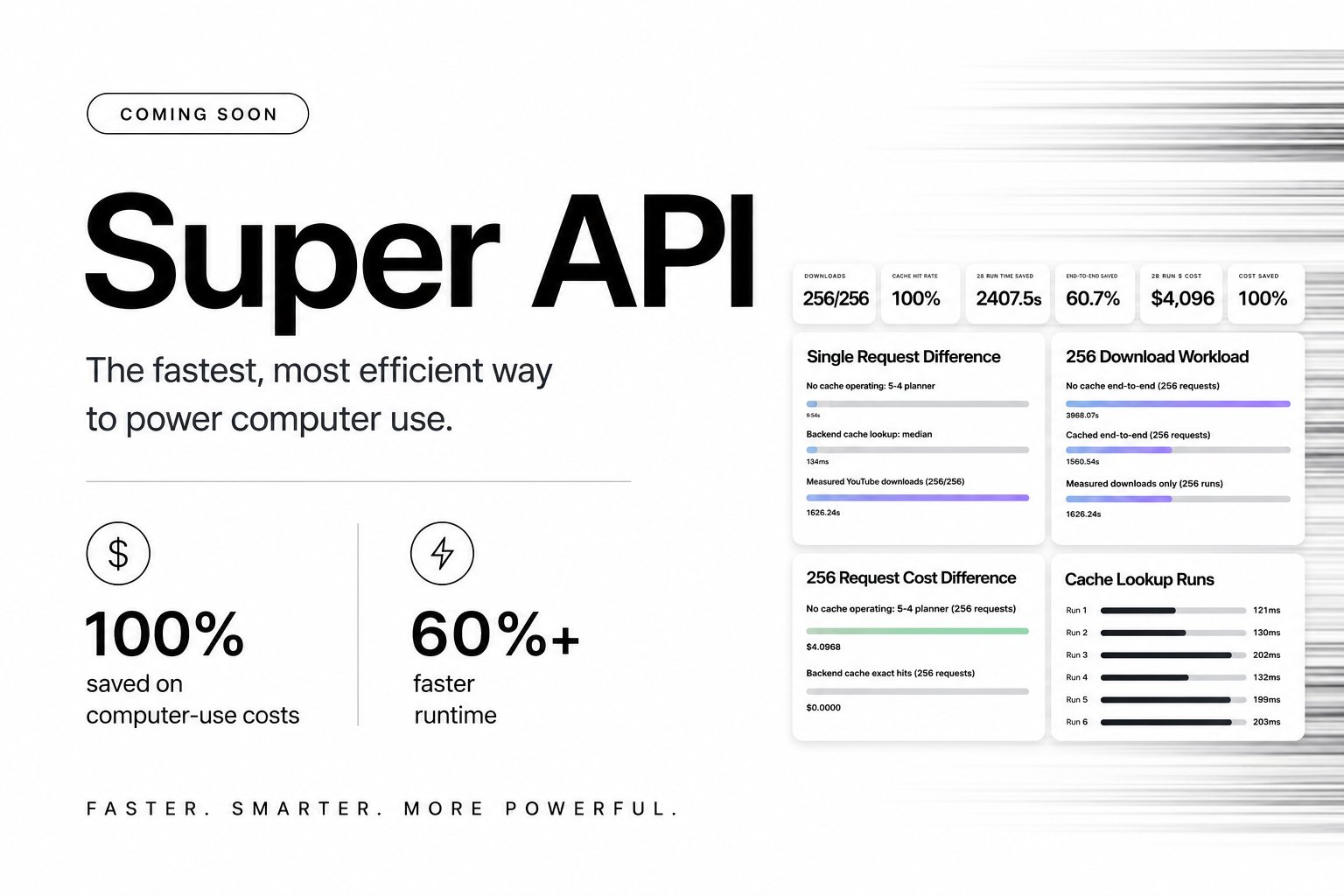
Drop-in OpenAI-compatible cache that replays repeated computer-use and agent workflows at near-zero cost.
:electron: Build cross-platform desktop apps with JavaScript, HTML, and CSS
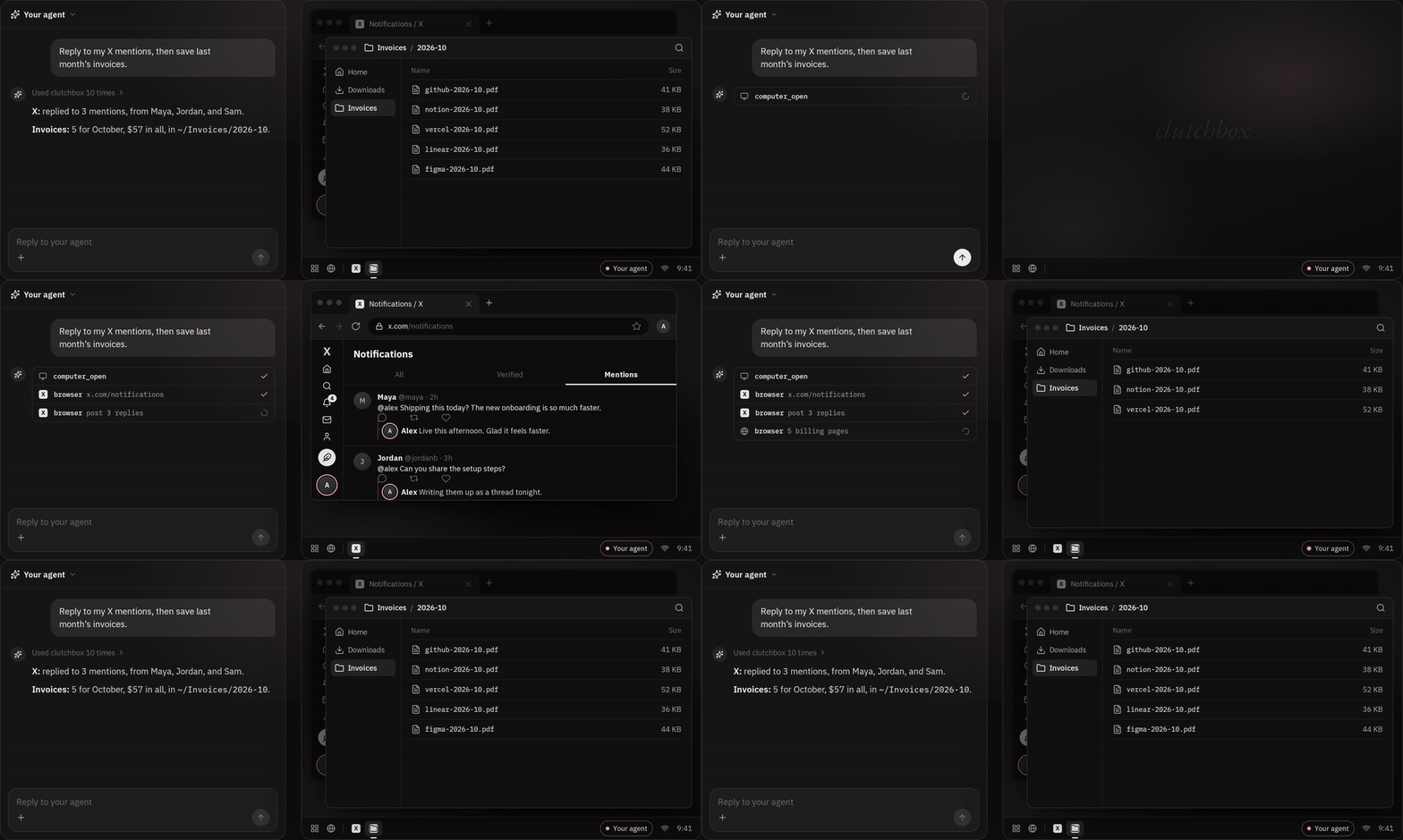
Your agents, already signed in. Sync your sign-ins to where your agents run.
🐋 Official Stagehand AI Browser Automation library for Golang users. Built by Browserbase.com
Its maker has not tagged a system, so it is unknown here. Its README says what it needs.
Open "Take it" on its page: Take My Repo writes an install plan for your machine and hands it to your AI agent (Claude Code, Codex or Cursor), which asks you before each step. Take My Repo has not tested it on any machine.
No. It is archived on GitHub: its maker no longer maintains it.
Nobody has reviewed it on Take My Repo yet, which says nothing about its quality.
Take My Repo cannot say: it does not audit code and has not run stagehand-rust. What is known comes from GitHub. It declares no license on GitHub. Public does not mean open source: without a license, nobody is granted the right to reuse it. It is archived: its maker no longer maintains it. It has 22 stars, which measure popularity, not safety. Nobody has reviewed it on Take My Repo yet, which says nothing about its quality. Read the source before you run it. With "Take it", your AI agent shows each step and asks you before running it; README text is treated as data, not as instructions.