Awesome-Hacking
A collection of various awesome lists for hackers, pentesters and security researchers
- 126k
- CC0-1.0
- 4 wk ago
Reverse Engineering Mi Fit API to Access Your Fitness Data from the app
Repo bysiber/MiFit-Hack-API, read from GitHub 2 h ago. bysiber has not joined Take My Repo.
bysiber/MiFit-Hack-API is a public repo on GitHub by bysiber. Reverse Engineering Mi Fit API to Access Your Fitness Data from the app. It declares the MIT license on GitHub. It is written mainly in Python, has 1 stars and last changed on 2024-11-13. Nobody has reviewed it on Take My Repo yet, which says nothing about its quality. Read from GitHub on 2026-11-22.
bysiber/MiFit-Hack-API is a public repo on GitHub by bysiber. Reverse Engineering Mi Fit API to Access Your Fitness Data from the app.
It declares the MIT license on GitHub.
Its maker has not tagged a system, so it is unknown here. Its README says what it needs.
Open "Take it" on its page: Take My Repo writes an install plan for your machine and hands it to your AI agent (Claude Code, Codex or Cursor), which asks you before each step. Take My Repo has not tested it on any machine.
Its last change on GitHub was on 2024-11-13. Take My Repo does not judge from that whether it is maintained.
Nobody has reviewed it on Take My Repo yet, which says nothing about its quality.
A collection of various awesome lists for hackers, pentesters and security researchers

The official gpt4free repository | various collection of powerful language models | opus 4.6 gpt 5.3 kimi 2.5 deepseek v3.2 gemini 3
🔍 A Hex Editor for Reverse Engineers, Programmers and people who value their retinas when working at 3 AM.
An open-source user mode debugger for Windows. Optimized for reverse engineering and malware analysis.
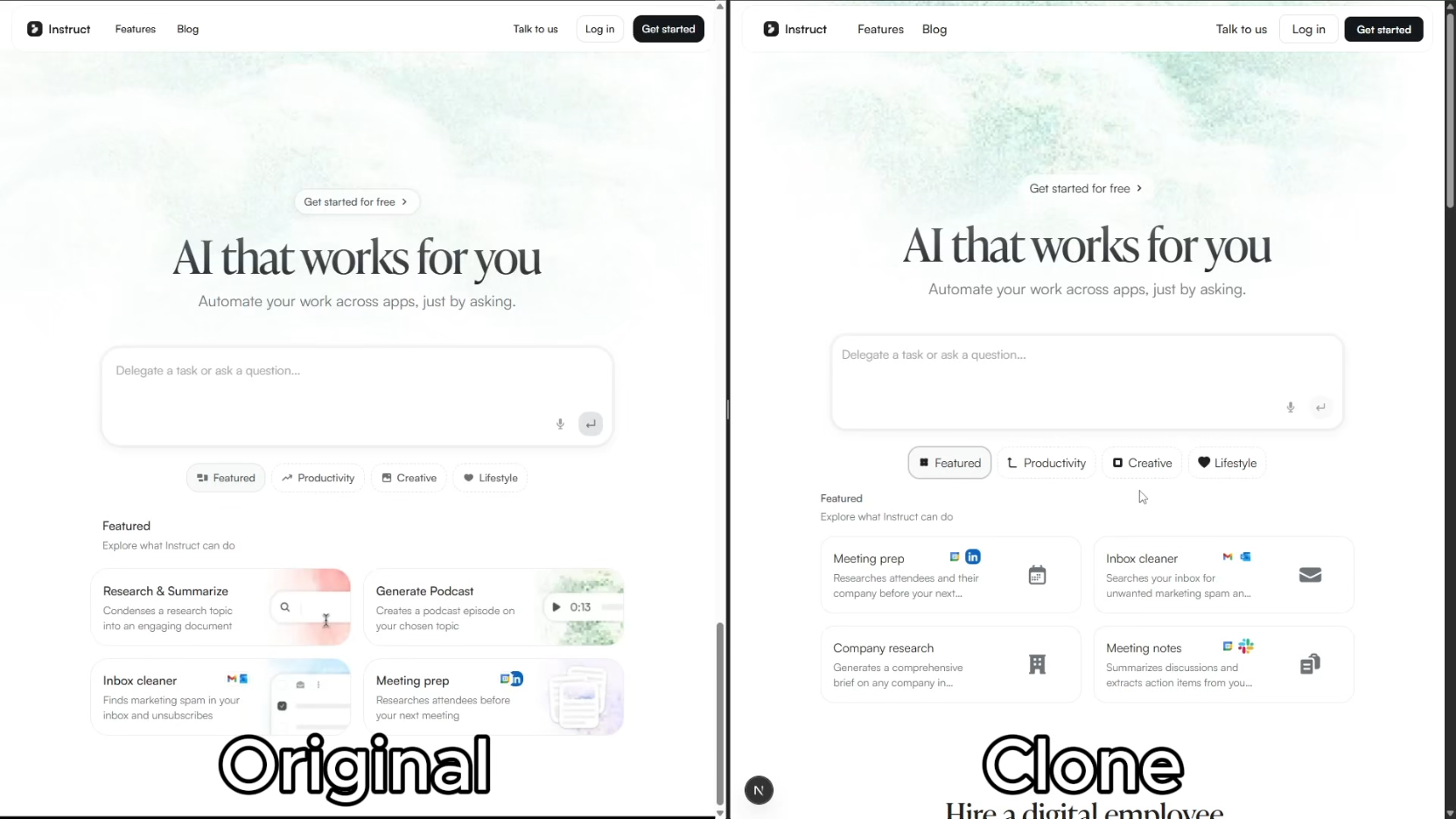
Clone any website with one command using AI coding agents
Free macOS menu bar app to visualize and clean developer caches (Xcode, node_modules, CocoaPods, SPM, Docker, pip, Cargo). Reclaim disk space instantly.
This repository is a collection of cybersecurity resources generated by GPT, including links to articles, tutorials, tools, and other resources. These resources can help you learn about cybersecurity and stay up-to-date on the latest threats.
⚡ The task queue that works out of the box — no Redis, no RabbitMQ, just pip install and go.
ChatGPT with malware analysis techniques to identify and assess suspicious files and scripts
Image Steganography GUI | Easily Hide Text Files within Images with User-Friendly GUI | Pyton Tool