
VoiceStudio
VoiceStudio is the open-source, fully-local ElevenLabs alternative — voice cloning, voice design, video dubbing, dictation, transcription & audiobook creation in 646 languages.
- 116k
- Python
- AGPL-3.0
- 4 h ago
Voice Agent and Transcription React Component
Repo deepgram/dg_react_agent, read from GitHub 1 min ago. deepgram has not joined Take My Repo.
deepgram/dg_react_agent is a public repo on GitHub by deepgram. Voice Agent and Transcription React Component. It declares no license on GitHub. Public does not mean open source: without a license, nobody is granted the right to reuse it. It is written mainly in TypeScript, has 11 stars and last changed on 2025-11-27. Nobody has reviewed it on Take My Repo yet, which says nothing about its quality. Read from GitHub on 2026-11-21.
In the maintainer's words. Shown from GitHub; Take My Repo does not keep a copy.
A headless React component designed to drastically simplify the integration of Deepgram's real-time transcription and voice agent capabilities into web applications. It handles the low-level complexities of WebSocket connections, browser microphone access, and agent audio playback, allowing you to focus on building your application's UI and logic.
props) to deliver transcription updates, agent state changes, agent utterances, user messages, connection status, errors, and more.This component is highly flexible and can operate in three distinct modes:
Transcription + Agent (Dual Mode):
transcriptionOptions and agentOptions propsTranscription Only:
transcriptionOptions prop, completely omit the agentOptions propAgent Only:
agentOptions prop, completely omit the transcriptionOptions proplistenModel option)IMPORTANT: For proper initialization, you must completely omit (not pass) the options prop for any service you don't want to use. Passing an empty object (
{}) will still activate that service.
Choose your mode based on these criteria:
| Callback | Transcription Only | Agent Only | Dual Mode |
|---|---|---|---|
onReady |
✅ | ✅ | ✅ |
onConnectionStateChange |
✅ | ✅ | ✅ |
onError |
✅ | ✅ | ✅ |
onTranscriptUpdate |
✅ | ❌ | ✅ |
onUserStartedSpeaking |
✅ | ❌ | ✅ |
onUserStoppedSpeaking |
✅ | ❌ | ✅ |
onAgentStateChange |
❌ | ✅ | ✅ |
onAgentUtterance |
❌ | ✅ | ✅ |
onUserMessage |
❌ | ✅ | ✅ |
onPlaybackStateChange |
❌ | ✅ | ✅ |
npm install deepgram-react
# or
yarn add deepgram-react
(Note: For local development, adjust the path as needed.)
This component simplifies complex interactions. Here's how to get started with common use cases:
This example focuses solely on getting live transcripts from microphone input.
import React, { useRef, useState, useCallback, useMemo } from 'react';
// Adjust import path based on your setup (package vs local)
import { DeepgramVoiceInteraction } from 'deepgram-react';
import type {
  DeepgramVoiceInteractionHandle,
  TranscriptResponse,
  TranscriptionOptions,
  DeepgramError
} from 'deepgram-react';

function SimpleTranscriber() {
  const deepgramRef = useRef<DeepgramVoiceInteractionHandle>(null);
  const [isReady, setIsReady] = useState(false);
  const [lastTranscript, setLastTranscript] = useState('');

  // Define transcription options (use useMemo to prevent unnecessary re-renders)
  const transcriptionOptions = useMemo<TranscriptionOptions>(() => ({
    model: 'nova-2', // Or your preferred model
    language: 'en-US',
    interim_results: true,
    smart_format: true,
  }), []);

  // --- Callbacks ---
  const handleReady = useCallback((ready: boolean) => {
    console.log(`Transcription component ready: ${ready}`);
    setIsReady(ready);
  }, []);

  const handleTranscriptUpdate = useCallback((transcript: TranscriptResponse) => {
    if (transcript.is_final && transcript.channel?.alternatives?.[0]) {
      const text = transcript.channel.alternatives[0].transcript;
      console.log('Final transcript:', text);
      setLastTranscript(text);
    } else if (transcript.channel?.alternatives?.[0]) {
      // Handle interim results if needed
      // console.log('Interim transcript:', transcript.channel.alternatives[0].transcript);
    }
  }, []);

  const handleError = useCallback((error: DeepgramError) => {
    console.error('Deepgram Error:', error);
  }, []);

  // --- Control Functions ---
  const startTranscription = () => deepgramRef.current?.start();
  const stopTranscription = () => deepgramRef.current?.stop();

  return (
    <div>
      <h1>Live Transcription</h1>

      <DeepgramVoiceInteraction
        ref={deepgramRef}
        apiKey={process.env.REACT_APP_DEEPGRAM_API_KEY || "YOUR_DEEPGRAM_API_KEY"}
        transcriptionOptions={transcriptionOptions}
        // IMPORTANT: agentOptions prop is completely omitted, not just empty
        onReady={handleReady}
        onTranscriptUpdate={handleTranscriptUpdate}
        onError={handleError}
        debug={true} // Enable console logs from the component
      />

      <div>
        <button onClick={startTranscription} disabled={!isReady}>Start Transcribing</button>
        <button onClick={stopTranscription} disabled={!isReady}>Stop Transcribing</button>
      </div>

      <h2>Last Transcript:</h2>
      <p>{lastTranscript || '(Waiting...)'}</p>
    </div>
  );
}

export default SimpleTranscriber;
This example focuses on interacting with a voice agent, using its responses.
import React, { useRef, useState, useCallback, useMemo } from 'react';
// Adjust import path based on your setup (package vs local)
import { DeepgramVoiceInteraction } from 'deepgram-react';
import type {
  DeepgramVoiceInteractionHandle,
  AgentState,
  LLMResponse,
  AgentOptions,
  DeepgramError,
  UserMessageResponse // Added for the new callback
} from 'deepgram-react';

function SimpleAgent() {
  const deepgramRef = useRef<DeepgramVoiceInteractionHandle>(null);
  const [isReady, setIsReady] = useState(false);
  const [agentState, setAgentState] = useState<AgentState>('idle');
  const [lastAgentResponse, setLastAgentResponse] = useState('');
  const [lastUserMessage, setLastUserMessage] = useState(''); // Added for user messages

  // Define agent options (use useMemo to prevent unnecessary re-renders)
  const agentOptions = useMemo<AgentOptions>(() => ({
    instructions: 'You are a friendly chatbot.',
    // Specify Deepgram listen provider if you want agent to handle STT
    listenModel: 'nova-2',
    // Specify voice, think model, etc.
    voice: 'aura-asteria-en',
    thinkModel: 'gpt-4o-mini',
  }), []);

  // --- Callbacks ---
  const handleReady = useCallback((ready: boolean) => {
    console.log(`Agent component ready: ${ready}`);
    setIsReady(ready);
  }, []);

  const handleAgentStateChange = useCallback((state: AgentState) => {
    console.log(`Agent state: ${state}`);
    setAgentState(state);
  }, []);

  const handleAgentUtterance = useCallback((utterance: LLMResponse) => {
    console.log('Agent said:', utterance.text);
    setLastAgentResponse(utterance.text);
  }, []);

  // Handle user messages from the server
  const handleUserMessage = useCallback((message: UserMessageResponse) => {
    console.log('User message from server:', message.text);
    setLastUserMessage(message.text);
  }, []);

  const handleError = useCallback((error: DeepgramError) => {
    console.error('Deepgram Error:', error);
  }, []);

  // --- Control Functions ---
  const startInteraction = () => deepgramRef.current?.start();
  const stopInteraction = () => deepgramRef.current?.stop();
  const interruptAgent = () => deepgramRef.current?.interruptAgent();
  const injectTestMessage = () => deepgramRef.current?.injectAgentMessage("Hello from the client!");

  return (
    <div>
      <h1>Voice Agent Interaction</h1>

      <DeepgramVoiceInteraction
        ref={deepgramRef}
        apiKey={process.env.REACT_APP_DEEPGRAM_API_KEY || "YOUR_DEEPGRAM_API_KEY"}
        // Pass agentOptions, completely omit transcriptionOptions
        agentOptions={agentOptions}
        onReady={handleReady}
        onAgentStateChange={handleAgentStateChange}
        onAgentUtterance={handleAgentUtterance}
        onUserMessage={handleUserMessage} // Added new callback
        onError={handleError}
        debug={true} // Enable console logs from the component
      />

      <div>
        <button onClick={startInteraction} disabled={!isReady}>Start Interaction</button>
        <button onClick={stopInteraction} disabled={!isReady}>Stop Interaction</button>
        <button onClick={interruptAgent} disabled={!isReady}>Interrupt Agent</button>
        <button onClick={injectTestMessage} disabled={!isReady}>Inject Message</button> {/* Added inject button */}
      </div>

      <h2>Agent State: {agentState}</h2>
      <h2>Last Agent Response:</h2>
      <p>{lastAgentResponse || '(Waiting...)'}</p>
      <h2>Last User Message (from Server):</h2> {/* Added display for user message */}
      <p>{lastUserMessage || '(Waiting...)'}</p>
    </div>
  );
}

export default SimpleAgent;
Leverage both services simultaneously. Get live transcripts while interacting with the agent.
// (Combine imports, state, callbacks, and controls from examples 1 & 2)
import { DeepgramVoiceInteraction } from 'deepgram-react';
import type {
  // ... include UserMessageResponse ...
} from 'deepgram-react';
// ...

function CombinedInteraction() {
  // ... Add state for user messages ...
  // ... Add handleUserMessage callback ...

  return (
    <div>
      <h1>Combined Interaction</h1>

      <DeepgramVoiceInteraction
        ref={deepgramRef}
        apiKey={process.env.REACT_APP_DEEPGRAM_API_KEY || "YOUR_DEEPGRAM_API_KEY"}
        // Include BOTH options for dual mode
        transcriptionOptions={transcriptionOptions}
        agentOptions={agentOptions}
        // Pass all relevant callbacks
        onReady={/*...*/}
        onTranscriptUpdate={/*...*/}
        onAgentStateChange={/*...*/}
        onAgentUtterance={/*...*/}
        onUserMessage={/* handleUserMessage */}
        onError={/*...*/}
        onPlaybackStateChange={(playing) => console.log('Agent playing:', playing)}
        debug={true}
      />

      <div>
        {/* Add buttons for Start, Stop, Interrupt, Inject Message, Toggle Sleep, Update Context etc. */}
      </div>

      {/* Display relevant state */}
      <h2>Agent State: {agentState}</h2>
      <h2>Live Transcript:</h2>
      <p>{lastTranscript || '(Waiting...)'}</p>
      <h2>Last Agent Response:</h2>
      <p>{lastAgentResponse || '(Waiting...)'}</p>
      <h2>Last User Message (from Server):</h2> {/* Added display for user message */}
      <p>{/* Display user message state */}</p>
    </div>
  );
}

export default CombinedInteraction;
ref and callback props.transcriptionOptions and/or agentOptions).React.useRef to create a reference to the component instance. This ref.current provides access to control methods:
start(): Initializes connections and starts microphone capture.stop(): Stops microphone capture and closes connections.interruptAgent(): Immediately stops any agent audio playback and clears the queue.sleep(): Puts the agent into a state where it ignores audio input.wake(): Wakes the agent from the sleep state.toggleSleep(): Switches between active and sleep states.updateAgentInstructions(payload): Sends new context or instructions to the agent mid-conversation.injectAgentMessage(message: string): Sends a message directly into the agent conversation programmatically.apiKey: Your Deepgram API key (required).transcriptionOptions: An object matching Deepgram's /v1/listen query parameters. Omit completely (not just {}) when not using transcription.agentOptions: An object defining the agent's configuration. Omit completely (not just {}) when not using agent.endpointConfig: Optionally override the default Deepgram WebSocket URLs (useful for dedicated deployments).debug: Set to true to enable verbose logging in the browser console.onReady(isReady: boolean): Indicates if the component is initialized and ready to start.onConnectionStateChange(service: ServiceType, state: ConnectionState): Reports status changes ('connecting', 'connected', 'error', 'closed') for 'transcription' and 'agent' services.onTranscriptUpdate(transcriptData: TranscriptResponse): Delivers live transcription results (both interim and final). Check transcriptData.is_final.onAgentStateChange(state: AgentState): Reports the agent's current state ('idle', 'listening', 'thinking', 'speaking', 'entering_sleep', 'sleeping').onAgentUtterance(utterance: LLMResponse): Provides the text content generated by the agent.onUserMessage(message: UserMessageResponse): Provides user messages received from the server (from ConversationText events with role:user).onUserStartedSpeaking() / onUserStoppedSpeaking(): Triggered based on voice activity detection (if vad_events is enabled in transcriptionOptions or implicitly by the agent endpoint).onPlaybackStateChange(isPlaying: boolean): Indicates if the agent audio is currently playing.onError(error: DeepgramError): Reports errors from microphone access, WebSockets, or the Deepgram APIs.start() is called, it uses the Web Audio API (getUserMedia, AudioContext, AudioWorklet) to capture audio. It automatically processes and streams this audio in the required format (Linear16 PCM, 16kHz default) to Deepgram's WebSocket endpoints.interruptAgent() method provides immediate cessation of playback./v1/listen) and Agent (/v1/agent) endpoints. Connection state is reported via onConnectionStateChange. Keepalives are handled automatically by the underlying manager.useReducer. Relevant changes are communicated externally via the callback props.sleep(), wake(), and toggleSleep() methods control the agent's active state. When sleeping, the component actively ignores VAD/transcription events and stops sending audio data to the agent service. An intermediate entering_sleep state handles potential race conditions during the transition.DeepgramVoiceInteractionProps)| Prop | Type | Required | Description |
|---|---|---|---|
apiKey |
string |
Yes | Your Deepgram API key. |
transcriptionOptions |
TranscriptionOptions |
* | Options for the transcription service. See TranscriptionOptions type & [Deepgram STT Docs][stt-docs]. Omit completely (not just {}) when not using transcription. |
agentOptions |
AgentOptions |
* | Options for the agent service. See AgentOptions type & [Deepgram Agent Docs][agent-docs]. Omit completely (not just {}) when not using agent. |
endpointConfig |
EndpointConfig ({ transcriptionUrl?, agentUrl? }) |
No | Override default Deepgram WebSocket URLs. |
onReady |
(isReady: boolean) => void |
No | Called when the component is initialized and ready to start. |
onConnectionStateChange |
(service: ServiceType, state: ConnectionState) => void |
No | Called when WebSocket connection state changes for 'transcription' or 'agent'. |
onTranscriptUpdate |
(transcriptData: TranscriptResponse) => void |
No | Called with live transcription results (interim & final). |
onAgentStateChange |
(state: AgentState) => void |
No | Called when the agent's state changes. |
onAgentUtterance |
(utterance: LLMResponse) => void |
No | Called when the agent produces a text response. |
onUserMessage |
(message: UserMessageResponse) => void |
No | Called when a user message is received from the server (role:user). |
onUserStartedSpeaking |
() => void |
No | Called when user speech starts (VAD). |
onUserStoppedSpeaking |
() => void |
No | Called when user speech stops (VAD). |
onPlaybackStateChange |
(isPlaying: boolean) => void |
No | Called when agent audio playback starts or stops. |
onError |
(error: DeepgramError) => void |
No | Called when an error occurs (mic, WebSocket, API, etc.). |
debug |
boolean |
No | Enable verbose logging to the browser console. |
* At least one of transcriptionOptions or agentOptions must be provided, otherwise the component will throw an error.
*[stt-docs]: https://developers.deepgram.com/docs/streaming-audio-overview *[agent-docs]: https://developers.deepgram.com/docs/voice-agent-overview
DeepgramVoiceInteractionHandle)These methods are accessed via the ref attached to the component (e.g., deepgramRef.current?.start()).
| Method | Parameters | Return Type | Description |
|---|---|---|---|
start |
none |
Promise<void> |
Initializes connections, requests mic access, and starts recording/streaming. |
stop |
none |
Promise<void> |
Stops recording/streaming and closes WebSocket connections. |
updateAgentInstructions |
payload: UpdateInstructionsPayload |
void |
Sends new instructions or context to the agent mid-session. Only works in agent or dual mode. |
interruptAgent |
none |
void |
Immediately stops agent audio playback and clears the audio queue. Only works in agent or dual mode. |
sleep |
none |
void |
Puts the agent into sleep mode (ignores audio input). Only works in agent or dual mode. |
wake |
none |
void |
Wakes the agent from sleep mode. Only works in agent or dual mode. |
toggleSleep |
none |
void |
Toggles the agent between active and sleep states. Only works in agent or dual mode. |
injectAgentMessage |
message: string |
void |
Sends a message directly to the agent. Only works in agent or dual mode. |
If you are using Deepgram's self-hosted solution or have dedicated endpoints, provide them via endpointConfig:
<DeepgramVoiceInteraction
  // ...
  endpointConfig={{
    transcriptionUrl: 'wss://your-dg-instance.com/v1/listen',
    agentUrl: 'wss://your-dg-agent-instance.com/v1/agent'
  }}
  // ...
/>
To improve recognition of specific words or phrases, use the keyterm option within transcriptionOptions. Note: This currently only works with model: 'nova-3' and for English.
<DeepgramVoiceInteraction
  // ...
  transcriptionOptions={{
    model: 'nova-3', // Required for keyterm
    language: 'en',  // Required for keyterm
    keyterm: ["Deepgram", "Casella", "Symbiosis", "Board Meeting AI"]
  }}
  // ...
/>
The component handles appending each keyterm correctly to the WebSocket URL. Phrases with spaces are automatically encoded.
The agentOptions prop allows detailed configuration of the voice agent. Refer to the AgentOptions type definition and the [Deepgram Agent Documentation][agent-docs] for available settings like:
instructions: Base prompt for the agent.voice: The Aura voice model to use (e.g., aura-asteria-en).thinkModel: The underlying LLM for thinking (e.g., gpt-4o-mini, claude-3-haiku).thinkProviderType: The LLM provider (e.g., open_ai, anthropic).listenModel: The STT model the agent uses internally (e.g., nova-2).greeting: An optional initial greeting spoken by the agent.This component relies heavily on the Web Audio API (specifically getUserMedia and AudioWorklet) and the WebSocket API. It is primarily tested and optimized for modern Chromium-based browsers (Chrome, Edge). While it may work in other modern browsers like Firefox and Safari, full compatibility, especially concerning AudioWorklet, is not guaranteed.
debug={true} prop to the component. This will print detailed logs from the component's internal operations, state changes, WebSocket messages, and audio processing steps to the browser's developer console. Look for messages prefixed with [DeepgramVoiceInteraction] and [SLEEP_CYCLE].onTranscriptUpdate, onError, etc.) are correctly defined and handle the data/errors appropriately.transcriptionOptions and agentOptions props based on your needs.MIT
deepgram/dg_react_agent is a public repo on GitHub by deepgram. Voice Agent and Transcription React Component.
It declares no license on GitHub. Public does not mean open source: without a license, nobody is granted the right to reuse it.
Its maker has not tagged a system, so it is unknown here. Its README says what it needs.
Open "Take it" on its page: Take My Repo writes an install plan for your machine and hands it to your AI agent (Claude Code, Codex or Cursor), which asks you before each step. Take My Repo has not tested it on any machine.
Its last change on GitHub was on 2025-11-27. Take My Repo does not judge from that whether it is maintained.
Nobody has reviewed it on Take My Repo yet, which says nothing about its quality.
VoiceStudio is the open-source, fully-local ElevenLabs alternative — voice cloning, voice design, video dubbing, dictation, transcription & audiobook creation in 646 languages.
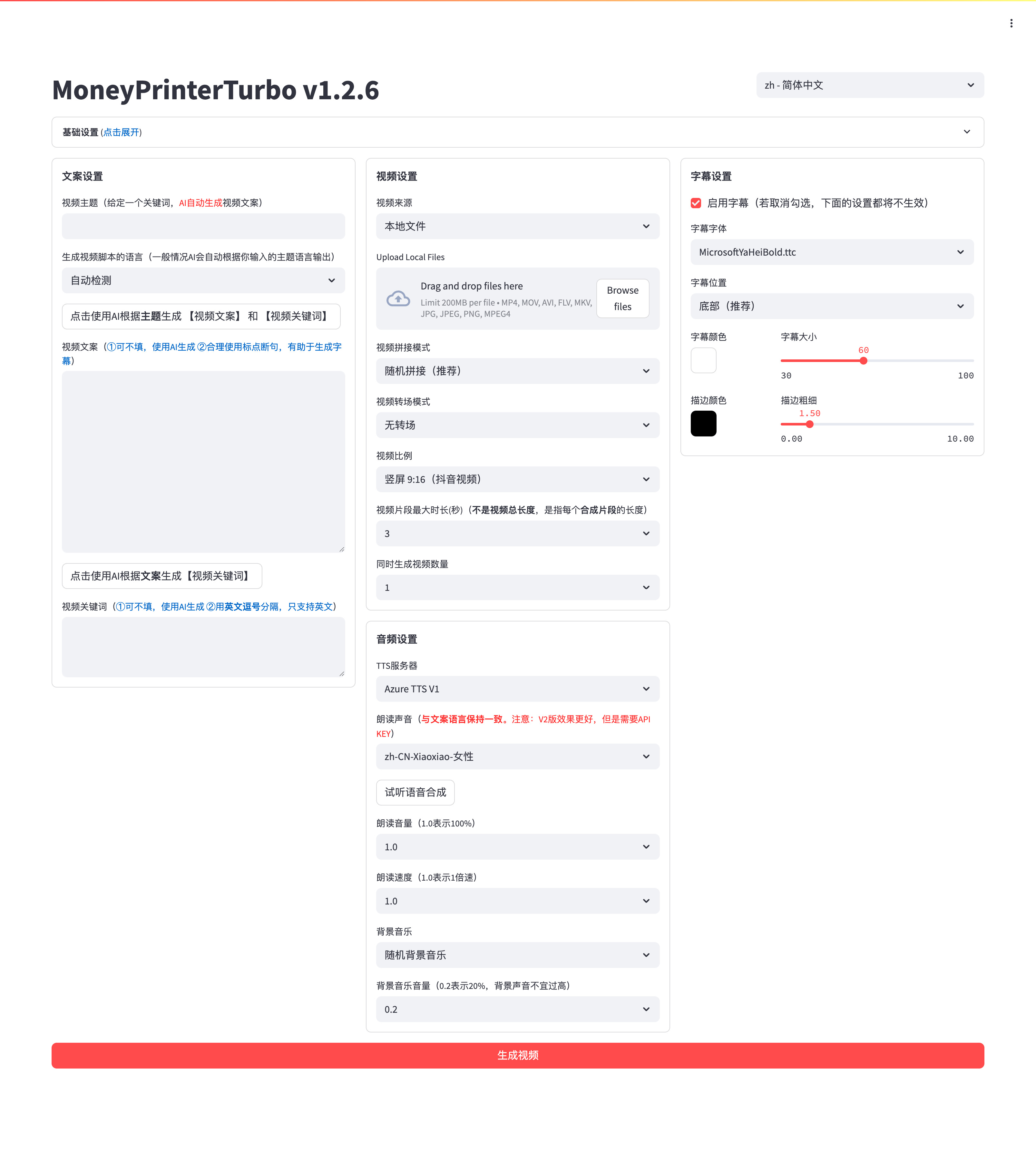
利用 AI 大模型和自动化工作流,根据主题或关键词一键生成高清短视频。Generate HD short videos from a topic or keyword with an automated AI workflow.
A free, open source, and extensible speech-to-text application that works completely offline.
World's first open-source, agentic video production system. 12 production pipelines, 100+ tools, 700+ agent skill and production-knowledge files. Turn your AI coding assistant into a full video production studio.
Privacy-first AI meeting note taker for Windows, macOS and Linux. Free, open source (MIT). On-device Whisper/Parakeet transcription and speaker diarization, no meeting bot. Open-source alternative to Granola, Otter and Fireflies. https://meetily.ai


