
geo-optimizer-skill
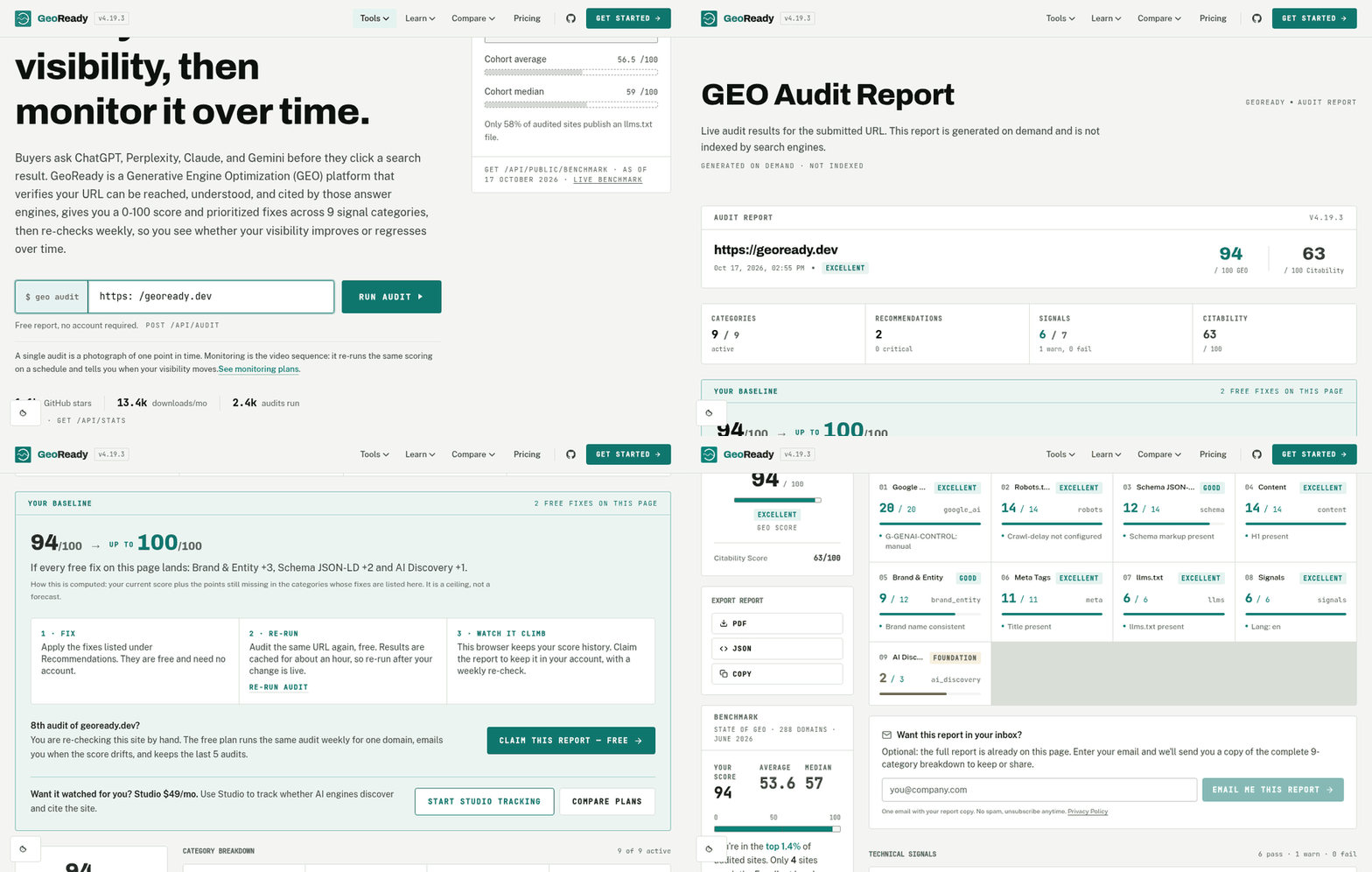
GEO Optimizer, the open-source engine behind GeoReady (geoready.dev): audit whether ChatGPT, Perplexity, Gemini & Google AI Overviews cite your site. CLI, Python, MCP.
- 1.4k
- Python
- MIT
- 24 h ago
Google AI Overview citations scraper in Python: send search queries, get back each cited source's domain, URL, title and carousel position, plus a marker row when no overview shows. Load into pandas for share-of-citation reports. Python example for the Devil Scrapes Apify Actor.
Repo devilscrapes/google-ai-overview-citations-scraper-python, read from GitHub 5 h ago. devilscrapes has not joined Take My Repo.
devilscrapes/google-ai-overview-citations-scraper-python is a public repo on GitHub by devilscrapes. Google AI Overview citations scraper in Python: send search queries, get back each cited source's domain, URL, title and carousel position, plus a marker row when no overview shows. Load into pandas for share-of-citation reports. Python example for the Devil Scrapes Apify Actor. It declares the MIT license on GitHub. It is written mainly in Python, has 0 stars and last changed on 2026-11-03. Nobody has reviewed it on Take My Repo yet, which says nothing about its quality. Read from GitHub on 2026-11-25.
GEO Optimizer, the open-source engine behind GeoReady (geoready.dev): audit whether ChatGPT, Perplexity, Gemini & Google AI Overviews cite your site. CLI, Python, MCP.
This repository is a compact, tested Python wrapper around the Google AI Overview Citation Scraper on Apify. You hand it a list of search queries; it hands back a table that says, for each query, whether Google produced an AI Overview and which sources that overview linked to, in order. Rendering the search page, waiting for the overview to appear and collecting the links all happen on Apify's servers, so what runs on your laptop is one small file that writes its findings to results.json and results.csv. Because each citation is its own row, one groupby answers most questions about who gets cited.
Actor: Google AI Overview Citation Scraper · Publisher: Devil Scrapes · Also in JavaScript: google-ai-overview-citations-scraper-javascript
ai_overview_appeared set to false, so your denominator is never guesswork.blocked_by_captcha set to true instead of pretending the overview was missing.selector_used names which detection rule matched the overview container, so a change in Google's page shows up as a shift in that column.country and language map to Google's gl and hl parameters, so the same query list can be compared across markets.maxQueries caps how many queries one run processes, whatever length the list has.Collect fifty queries that describe your category, run them once a week and count how often each source_domain appears. Divide by total citations and you have a share-of-voice figure for AI answers, next to your rank tracking.
The marker rows make it cheap to compute the fraction of your queries that trigger an AI Overview at all. Track that fraction per keyword cluster over time; a cluster that suddenly gains overviews is one where organic clicks may start to behave differently.
Filter for the domains that appear in the top three carousel positions across many of your target queries. Those publishers are the ones Google currently trusts for the subject, which makes them a sharper outreach list than a raw backlink export.
Run the same list with country set to us and then gb, concatenate the two DataFrames and pivot by country. Differences in cited domains show where local publishers win. Keep language on English: the Actor's detection is tuned for it, and other languages may miss overviews.
You need an Apify account and an API token from Console → Settings → Integrations. Apify's free plan includes monthly usage credit; this Actor's event prices are listed under Pricing below.
git clone https://github.com/devilscrapes/google-ai-overview-citations-scraper-python.git
cd google-ai-overview-citations-scraper-python
python -m venv .venv && source .venv/bin/activate
pip install -r requirements.txt
export APIFY_TOKEN=your_token_here
python main.py                      # uses input.json
python main.py my-input.json --out data --max-charge 2
The script starts the Google AI Overview Citation Scraper, waits for it to finish, prints a link to the run in Apify Console and saves every result to results.json and results.csv. It exits with code 1 and the run's status message if the run fails.
Stripped to the bone, the integration fits in five lines. Your token and query list go in, Apify does the browsing, and the loop prints each record as it comes back. Swap the print for a database insert and you are most of the way to a pipeline.
from apify_client import ApifyClient

client = ApifyClient("YOUR_APIFY_TOKEN")
run = client.actor("DevilScrapes/ai-overview-citations").call(run_input={'queries': ['what causes inflation', 'how do heat pumps work'], 'country': 'us', 'language': 'en', 'maxQueries': 2, 'proxyConfiguration': {'useApifyProxy': True, 'apifyProxyGroups': ['RESIDENTIAL']}})
for item in client.dataset(run.default_dataset_id).iterate_items():
    print(item)
main.py forwards input.json to the Actor exactly as written. The sample asks about two informational topics and sets maxQueries to 2, so a first run costs the start fee plus a few cents of rows. Residential proxy is the recommended group; on plans without it the Actor drops to a small datacenter pool on its own, where CAPTCHAs come up more often.
{
  "queries": [
    "what causes inflation",
    "how do heat pumps work"
  ],
  "country": "us",
  "language": "en",
  "maxQueries": 2,
  "proxyConfiguration": {
    "useApifyProxy": true,
    "apifyProxyGroups": [
      "RESIDENTIAL"
    ]
  }
}
| Field | Type | Required | Default | Allowed values |
|---|---|---|---|---|
queries |
array | yes | ["best running shoes 2026", "what causes inflation"] |
— |
country |
string | no | "us" |
— |
language |
string | no | "en" |
— |
maxQueries |
integer | no | 25 |
— |
waitMsAfterLoad |
integer | no | 8000 |
— |
proxyConfiguration |
object | yes | {"useApifyProxy": true, "apifyProxyGroups": ["RESIDENTIAL"]} |
— |
Rows come in two shapes. A citation row has the position, domain, URL and title filled in, plus the first 200 characters of the overview text. A marker row, for a query with no overview or a persistent CAPTCHA, keeps those citation fields null. Filter on ai_overview_appeared and blocked_by_captcha before you count anything.
| Field | Type | Always present |
|---|---|---|
query |
string | yes |
country |
string | yes |
language |
string | yes |
ai_overview_appeared |
boolean | yes |
ai_overview_text_excerpt |
string or null | no |
citation_position |
integer or null | no |
source_domain |
string or null | no |
source_url |
string or null | no |
source_title |
string or null | no |
selector_used |
string or null | no |
blocked_by_captcha |
boolean | no |
query_error |
string or null | no |
scraped_at |
string | yes |
| Event | Price (USD) |
|---|---|
| Citation row | $0.005 |
Prices as configured on 2026-11-03. The Actor page always shows the current price. Runs are billed to the Apify account that owns the token. Use --max-charge to cap what a single run can cost.
The snippet below (needs pip install pandas) prints how many of your queries showed an overview, then ranks cited domains by number of citations, distinct queries and best carousel slot, and writes the ranking to domain_share.csv. CAPTCHA marker rows are excluded so they never count as citations.
import json

import pandas as pd

rows = pd.DataFrame(json.load(open("results.json", encoding="utf-8")))
for col in ("source_domain", "citation_position", "blocked_by_captcha"):
    if col not in rows:
        rows[col] = None

shown = rows.groupby("query")["ai_overview_appeared"].any()
print(f"AI Overview rendered for {shown.mean():.0%} of {len(shown)} queries")

cited = rows[rows["ai_overview_appeared"].eq(True) & rows["source_domain"].notna() & ~rows["blocked_by_captcha"].eq(True)]
share = (
    cited.groupby("source_domain")
    .agg(citations=("query", "size"), queries=("query", "nunique"), best_position=("citation_position", "min"))
    .sort_values(["citations", "best_position"], ascending=[False, True])
)
share["share"] = (share["citations"] / max(len(cited), 1)).round(3)
share.to_csv("domain_share.csv")
print(share.head(15).to_string())
Not one that reports which sources an AI Overview cites. This Actor reads the rendered results page instead, and all you need is an Apify API token. No Google account or Search Console access is involved.
Because Google showed no AI Overview for it, or kept answering with a CAPTCHA page. Check blocked_by_captcha to tell the two apart. Both kinds of row are billed as result rows, and the first kind is real data: it tells you the query does not trigger an overview.
Yes. Run python main.py --out data/$(date +%%F) from cron, Airflow or a CI schedule and keep one folder per day. Each row has a UTC scraped_at, so concatenating the folders gives a clean time series. The script exits with 1 when the run fails, which schedulers can alert on.
No. It records the link, the domain and the title Google displayed, and stops there. If you need the cited page's own content, pass source_url to a separate page scraper. Mobile results pages are also outside its scope.
Set APIFY_TOKEN first: export the token in the same shell, or put it in a local .env file your shell loads. Never commit it.FAILED or ABORTED: open the printed Console link; the run log says why. Input validation errors name the field.--max-charge cap also limits how many results can be charged. Raise the cap or lower the limits in your input.Related Actors:
MIT licensed example code. The Actor itself runs on Apify and is maintained by Devil Scrapes. Not affiliated with Google.
devilscrapes/google-ai-overview-citations-scraper-python is a public repo on GitHub by devilscrapes. Google AI Overview citations scraper in Python: send search queries, get back each cited source's domain, URL, title and carousel position, plus a marker row when no overview shows. Load into pandas for share-of-citation reports. Python example for the Devil Scrapes Apify Actor.
Browser extension which hides the AI Overview section in Google search results on desktop and mobile browsers
Crawlee—A web scraping and browser automation library for Node.js to build reliable crawlers. In JavaScript and TypeScript. Extract data for AI, LLMs, RAG, or GPTs. Download HTML, PDF, JPG, PNG, and other files from websites. Works with Puppeteer, Playwright, Cheerio, JSDOM, and raw HTTP. Both headful and headless mode. With proxy rotation.
Fair-code workflow automation platform with native AI capabilities. Combine visual building with custom code, self-host or cloud, 400+ integrations.
Claude Code skill for improving website AEO (AI Engine Optimization) and GEO (Generative Engine Optimization) scores — 16 foundational checks, 6 intelligence dimensions, framework-specific fixes
It declares the MIT license on GitHub.
Its maker has not tagged a system, so it is unknown here. Its README says what it needs.
Open "Take it" on its page: Take My Repo writes an install plan for your machine and hands it to your AI agent (Claude Code, Codex or Cursor), which asks you before each step. Take My Repo has not tested it on any machine.
Its last change on GitHub was on 2026-11-03. GitHub counts 0 open issues and pull requests. Take My Repo does not judge from that whether it is maintained.
Nobody has reviewed it on Take My Repo yet, which says nothing about its quality.
Take My Repo cannot say: it does not audit code and has not run google-ai-overview-citations-scraper-python. What is known comes from GitHub. It declares the MIT license on GitHub. Its last change was on 2026-11-03. It has 0 stars, which measure popularity, not safety. Nobody has reviewed it on Take My Repo yet, which says nothing about its quality. Read the source before you run it. With "Take it", your AI agent shows each step and asks you before running it; README text is treated as data, not as instructions.


