
array-explorer
⚡️ A resource to help figure out what JavaScript array method would be best to use at any given time
- 2.6k
- JavaScript
- MIT
- 2 y ago
A JavaScript tutorials for beginners, An introduction to JavaScript programming languages building blocks, step-by-step guide to JavaScript
Repo dinanathsj29/javascript-beginners-tutorial, read from GitHub 1 min ago. dinanathsj29 has not joined Take My Repo.
dinanathsj29/javascript-beginners-tutorial is a public repo on GitHub by dinanathsj29. A JavaScript tutorials for beginners, An introduction to JavaScript programming languages building blocks, step-by-step guide to JavaScript. It declares no license on GitHub. Public does not mean open source: without a license, nobody is granted the right to reuse it. It is written mainly in HTML, has 179 stars and last changed on 2020-05-25. Nobody has reviewed it on Take My Repo yet, which says nothing about its quality. Read from GitHub on 2026-11-19.

JavaScript is a scripting language of the web that allows you to do/add Interactivity with User-Events, implement Conditions and Validations, Dynamic updates in a Web Page, etc.. In this practical course will learn JavaScript basics-programming fundamentals from scratch. We Will start with what is JavaScript? its uses, history, how to write JavaScript, etc. It will also cover various programming building blocks like variable, functions, array, conditionals, objects, and many more.
Add topics to categorize your repository and make it more discoverable:
To move forward with JavaScript you just need basic knowledge of XHTML/HTML. Here, you will learn how easy it is to add interactivity to a web page using JavaScript. But, before we begin, make sure that you have some working knowledge and/or general understanding of:
Hi All, I'm Dinanath Jayaswal, Senior UI/Web Developer and Adobe Certified Expert Professional, I wanna welcome you to JavaScript for Beginners. In this course, I will take you through with the ins and outs of learning JavaScript. This course will help you to learn the fundamentals of programming with JavaScript scripting language, from the basics to advanced topics step-by-step.
This course is for any Web Designer, Developer who is interested in dynamic Web Design and Development / Web Programming with JavaScript. Anyone who wants to make a career in Web Development or planning on being a front-end developer must learn JavaScript.
HTML (HyperText Markup Language) - Markup language, Essential Page Structure/Content, Readable and convey structure to a user, Text Layout Model, page Mark-up, Text, Tags, Data, details for pages, Images, Tables, Anchor Links, Forms
HyperText Markup Language which is used for creating web pages and web applicationsCSS (Cascading Style Sheet) - Style Sheet language, Page Design / Presentation / Layouts / Styling / Formattings, look and feel, Creative part of Web Pages
JavaScript (JS) - Scripting language, Dynamic Page Behaviour, Logics, Conditions and Validations, Events (mouse click, hover), Interactivity with User, Dynamic updates in a Web Page
scripting language of the web that allows you to do Interactivity with User-Events, implement Conditions and Validations, Dynamic updates in a Web Page, etc.Syntax & Example:
02.01.js.intro.html
<!DOCTYPE html>
<html lang="en">

  <head>

    <meta charset="UTF-8">
    <meta name="viewport" content="width=device-width, initial-scale=1.0">
    <meta http-equiv="X-UA-Compatible" content="ie=edge">
    <title>02.01.js.intro.html</title>

    <!-- internal style -->
    <style>
    /* css selector: { property:value; } */
      body {
          font-family: arial;
      }
    </style>

    <!-- internal JavaScript - head section -->
    <script>
      // Write all JavaScript code here
      alert('welcome to JavaScript');

    </script>

  </head>

  <body>

    Content

    <!-- internal JavaScript - body section -->
    <script>
        /* Write all JavaScript code here */
        console.log('welcome to JavaScript');

    </script>

  </body>

</html>
1 of the 3 core language/layers of web...(HTML, CSS & JavaScript)Open Source, Cross-Platform, and Browser-based Client-Side (user computer) programming language of the webinterpreted (translated) programming language with object-oriented capabilitiesECMA (European Computer Manufacturers Association) as ECMAScriptES6 or ECMAScript 2015) is the latest major version of the ECMAScript standardNote:
Now-a-days with the help ofNode (Node.js)JavaScript is used forBack-end (Server-side)API development. JavaScript is not compiled language, but it is a translated language (JavaScript Translator (embedded in the browser engine) is responsible for translating the JavaScript code for the web browser.


JavaScript, VBScript, PHP, Perl, Python, Ruby, ASPHTML, Java or C++C program needs to be compiled before running whereas normally, a scripting language like JavaScript or PHP need not be compiledFor a long time, JavaScript is used only as a Client Side Front End Development language to build browser-based interactive web pages. But currently due to huge community support (Node or Nide.js) JavaScript is multi-purpose language and used to develop:
programming toolevents (mouse click, hover (rollover, rollout), focus, blur)validate data (Client-side validation)HTML content and CSS stylesdrop-down menus, HTML contents at run time/on the flydate and time (clocks)pop-up windows and dialog boxes (an alert, confirm and prompt dialog box)behavior and make it more dynamic with advanced web designscontrol transitions and animationsJavaScript was originally designed and developed to run only in browsers. But now with the help of the Node/Node.js (C++ program, that includes Google's V8 JavaScript engine) we can build the back-end(server-side) for our web and mobile applications.
| Browser | Engine |
|---|---|
| Browser, Headless Browser, or Runtime | JavaScript Engine |
| Mozilla | Spidermonkey |
| Safari** | JavaScriptCore* |
| IE and Edge | Chakra |
| Chrome | V8 |
| TrifleJS | V8 |
| Node.js*** | V8 |
| Io.js*** | V8 |
| PhantomJS | JavaScriptCore |
| HTMLUnit | Rhino |
JavaScript is used by:
Big companies and brands build entire applications:
“Brandan Eich” at Netscape in 1995 originally named as "LiveScript"Netscape & Sun Java agreements to rename "LiveScript" to "JavaScript" (As java is already popular in the market)JAVA (completely different in concept and design)Microsoft has developed new version of "JavaScript" as "JScript" for IE-3 in 1996ECMAScript in 1997| JavaScript | ECMAScript |
|---|---|
JavaScript is scripting programming language |
ECMAScript is a specification/standard |
JavaScript is invented by Brandan Eich at Netscape |
ECMAScript standards defined by ECMA (European Computer Manufacturers Association) |
| JavaScript is released in 1995 | First ECMAScript standard published in 1997 |
| JavaScript uses/follows ECMAScript specifications/standards | ECMAScript specification defines many new features for JavaScript |
| Client-Side Scripting | Server-Side Scripting |
|---|---|
| Instruction for web Browser | Instruction for web Server |
| Client-side scripting is used when the user's browser already has all the code and the page is altered based on the user's input | Server-side scripting is used to create dynamic pages based several conditions when the user's browser requests the server |
| Response from a client-side script is faster as compared to a server-side script because the scripts are processed on the local computer | Response from a server-side script is slower as compared to a client-side script because the scripts are processed on the remote computer (server) |
| Client-side scripting languages such as JavaScript, VBScript, etc. are interpreted and executed by the web browser | Server-side scripting languages such as ASP, PHP, Java, Python, Ruby, etc. run on the webserver and the output sent back to the web browser in HTML format |
| Example: Javascript, VB script, ActionScript, HTML, XHTML etc. | Example: ASP, JSP, PHP, ASP#.Net, Perl, Ruby, Python, CGI etc. |
Text Editor/HTML Editor/Code Editor/Visual Code Editor - NotePad, NotePad++, SublimeText, Atom, Brackets, Coda, Visual Studio Code, DreamWeaver etc.
Browsers - To view output of .html pages with .js files - Google Chrome, Mozilla Firefox, Internet Explorer, Safari etc.
JavaScript Output / Debugging Tool (Developer console) -
Developer Tools Inspect / Inpsect element (in browser -> Right Click on page -> choose Inspect / Inspect Element -> Console TabFirebugNote:
UseF12key on the keyboard to open thedeveloper toolsthen click on theConsole Tab, OR on empty area in browser pageRight Click -> Inspect (Developer Tool) -> Console Tab. Here You can write basic JavaScript statements and/or valid JavaScript code directly in browser console panel/tab and get the output


<script>.....</script> tag is used to embed/insert/implement a JavaScript programs/code into any part of an HTML document/page<script>.....</script> tag specifies that we are using JavaScript<script>.....</script> element can be placed in the <head>, or <body> section of an HTML document<script>.....</script> tag blocks the page rendering process until it has fully downloaded and executed the JavaScript code
<script>.....</script> at the bottom/end of body tag/section ie. just before the closing </body> tagNote:
JavaScript is the default scripting language in HTML. The old HTML standard attributes liketype="text/javascript"andlanguage="javascript"no longer required in modern browser
Syntax & Example:
03.01.js.script.tag.html
<head>

    <meta charset="UTF-8">
    <meta name="viewport" content="width=device-width, initial-scale=1.0">
    <meta http-equiv="X-UA-Compatible" content="ie=edge">
    <title>03.01.js.script.tag.html</title>

    <!-- internal style -->
    <style>
      /* css selector: { property:value; } */
      body {
        font-family: arial;
      }
    </style>

    <!-- internal JavaScript - head section -->
    <script>
      // Write all JavaScript code here
      alert('welcome to JavaScript');

    </script>

</head>

<body>

    Content

    <!-- internal JavaScript - body section -->
    <script>
      /* Write all JavaScript code here */
      console.log('welcome to JavaScript');
      document.write('This is dyanamic content. Hello All, Lets write something on web page');

    </script>

</body>
<head> section of an HTML page<script>.....</script> tag blocks the page rendering process until it has fully downloaded and executed the JavaScript code so placing them in the head section (<head> element of the document without any valid reason will significantly impact your website performanceSyntax & Example:
03.02.01.js.head.html
<head>

    <!-- internal JavaScript - head section -->
    <script>
        // Write all JavaScript code here
        alert('welcome to JavaScript written in head section');

    </script>

</head>
<body> section of an HTML page<script>.....</script> tag ideally, scripts should be placed at the end of the body section, just before the closing </body> tag, it will make your web pages load faster since it prevents obstruction of initial page renderingSyntax & Example:
03.02.02.js.body.html
<body>

    page content

    <!-- internal JavaScript - body section -->
    <script>
        // Write all JavaScript code here
        alert('welcome to JavaScript written in body section');
        console.log('welcome to JavaScript written in body section');
        document.write('<h2>welcome to JavaScript written in body section</h2>');

    </script>

</body>
script element. In a real-world application, we have 100+ maybe even 1000+ lines of code, we don't want to write all that code inline hereextract and separate our JavaScript behavior code from our HTML markup code<script> tag with src (source) attribute:
<script src="path/scriptfile.js"></script>full URL (absolute path) or relative path from the current pagecode re-usabilityNote:
Usually, when an external JavaScript file is downloaded for the first time, it is stored in the browser's cache (like images and style sheets), so it won't need to be get downloaded multiple times from the web server that makes the web pages load faster/quickly.
Syntax & Example -
.html file:03.02.03.js.external.html
<body>

    page content

    <!-- include external JavaScript - body section -->
    <script src="./03.script.js"></script>

</body>
Syntax & Example -
.js file:03.02.03.script.js
// external js file
// Write all JavaScript code here

alert('welcome to JavaScript written in external file');
console.log('welcome to JavaScript written in external file');
document.write('<h2>welcome to JavaScript written in external file</h2>');
The syntax of JavaScript is the set of rules that define a correctly structured JavaScript program. Let's study some of the building blocks of JavaScript code:
<script>.....</script> tagSemicolon; so we may write many statements in a line (optional)Semicolon;Note:
JavaScript statements are composed of:Values, Operators, Expressions, Keywords, and Comments
spaces, tabs, and newlines that appear in JavaScript programssemicolon; charactermost cases when a line break existsimplicit semicolon, called an automatic semicolon insertionNote:
It is a good programming practice to use semicolons; after every statement
var firstName='Dinanath'; and var FirstName='Dinanath'; here firstName & FirstName are different ie. two different variableNote:
Take care/precautions while writing variable and function names in JavaScript
inside curly brackets {...}functionSyntax & Example:
03.03.05.script.js
// external js file
// Write all JavaScript code here

// define function - block of code to show welcome message
function sayHello() {
  alert('Hello All! Welcome to JavaScript!!');
}

// define function - block of code to show total of two numbers
function showTotal() {
  var num1 = 10;
  var num2 = 20;
  var total = num1 + num2;
  alert('Total is : ' + total);
}

// invoke / run  / call a function
sayHello();
showTotal();
Usually, JavaScript commands/statements start with a specific keyword which defines what action/function should the browser will perform/do:
| Keyword | Keyword | Keyword | Keyword | Keyword |
|---|---|---|---|---|
| break | do ... while | if ... else | try ... catch | const |
| continue | for | return | var | class |
| debugger | function | switch | let | import |
JavaScript has several reserved keywords. These are the words that you cannot use as identifiers (variable names, function names, and loop labels) in your JavaScript programs. The following list shows the keywords that are reserved in ECMAScript 6. It also includes keywords that are reserved for future as well as keywords that are disallowed in strict mode.
deliver the message (description to code) for others/for future reference and to understand/follow the code statements/linesWhy and How of code/program/logic)make code easy to understand and it avoids the unnecessary codeThere are two types of comments in JavaScript:
two forward slash: // is single comment// till the end of the line will be ignored by JavaScript (not be executed)Syntax & Example:
03.05.script.js
// external js file
// Write all JavaScript code here

// show alert box
alert('Welcome to JavaScript!');

var firstName = 'Dinanath'; // variable to store firstName
var lastName = 'Jayaswal'; // variable to store lastName
forward slash and an asterisk, /* and also end with an asterisk and a forward slash */: /* multi-line comment */formal documentationSyntax & Example:
03.05.script.js
/* show alert box */
alert('Welcome to JavaScript!');

/* This is a multiline comment.
A code block can be commented on. */

/* var firstName = 'Dinanath'; // variable to store firstName
var lastName = 'Jayaswal'; // variable to store lastName */
display or built-in print functionssee the value of a variable, or write a message to browser console to help you debug an issue in your running JavaScript code, and so on(browser window or browser console dialog boxes, writing output into an HTML element, etc.)alert() or window.alert()console.log()document.write()innerHTMLalert dialog boxes to display the message or output data to the useralert() or window.alert() methodSyntax & Example:
04.01.01.script.js
// external js file
// Write all JavaScript code here

alert('I am Dinanath Jayaswal');
window.alert('We are learning JavaScript');
console.log() methodconsole.log() function is mainly/widely used for debugging code as it makes the JavaScript output print to consoleSyntax & Example:
04.01.02.script.js
// external js file
// Write all JavaScript code here

console.log('I am Dinanath Jayaswal');
console.log('We are learning JavaScript');
Note:
UseF12key on the keyboard to open thedeveloper toolsthen click on theconsole tab. You can write basic JavaScript statements directly in the browser console panel/tab and get the output.
document.write() method is used to write the content to the current document while document is being parsedtesting purposesSyntax & Example:
04.01.03.script.js
// external js file
// Write all JavaScript code here

document.write('I am Dinanath Jayaswal');
document.write('We are learning JavaScript');
innerHTML propertydocument.getElementById(id)Note:
HTML element manipulating is fully dependent on JavaScript DOM manipulation concepts
Syntax & Example:
04.01.04.script.js
/// external js file
// Write all JavaScript code here

// Writing text string inside an element
document.getElementById('mainHeadingText').innerHTML = 'Heading Text change dynamically on run-time';

var paraText = document.getElementById('mainParaText');
paraText.innerHTML = '<strong>This Paragraphic text inserted dynamically through innerHTML method.</strong>';
With JavaScript, we can do many cool and dynamic pieces of stuff (Image Gallery, Games, Forms) but for that one should be familiar with core essentials/building blocks of JavaScript programming language like Variables, Functions, Operators, Loops, Conditional Statements, Array, Objects, Events, DOM (Document Object Model), etc. which will cover in coming lessons.
Variables are one of the most fundamental concepts in JavaScript and other all programming languages of the world.
container to store/hold the data/informationstore/hold the data/information temporarily in computer memoryname of the storage location (named containers/named storage) for datavar keywordassignment operator (=) is used to assign value to a variable, like this: var varName = value; or var firstName = 'JavaScript';undefined (variable is defined but value not assigned: var firstName; or let lastName; console.log(firstName, lastName); // undefined)box or an envelope which we use to organize various kinds of stuff and put a label on each box or an envelopelike Maths & Algebra: x = 10; and in JavaScript we write var x = 10;Note:
In ES6'let'and'const'keywords are used to defined variables
Note:
As a best practice of ES6, from now onwards variables must be define withletkeyword:let techName = 'JavaScript' ;
Syntax & Example:
05.01.script.js
// variables defined to hold different types of data
var techName = 'JavaScript'; // String literal
var version = 6; // Number literal
var isDone = true; // Boolean literal

console.log('Learning '+techName+version);
Variables can also be declared without having any initial values assigned to them. This is useful for variables that are supposed to hold values like user inputs, calculations, status updates, etc.
Syntax & Example:
05.01.script.js
// Declaring Variables
var techName;
var version;
var isDone;

// Assigning value
techName = 'JavaScript';
version = 6;
isDone = true;

console.log('Learning '+techName+version);

// ------------------------------

// Declaring Variable
var userName;

// Assigning value
userName = 'Dinanath';

console.log('Welcome '+userName);
We can also declare multiple variables and set their initial values in a single statement, each variable is separated by comma.
Syntax & Example:
05.01.script.js
// Declaring multiple variables
var techName = 'JavaScript', version = 6, isDone = true;

// Declaring multiple variables in multiple lines for readability
var techName = 'JavaScript',
version = 6,
isDone = true;

console.log('Learning '+techName+version);

// ------------------------------

// Declaring multiple variables
var firstName = 'Dinanath', lastName = 'Jayaswal', age = 35, isMarried = 'true';

// Declaring multiple variables in multiple lines for readability
/* var firstName = 'Dinanath',
lastName = 'Jayaswal',
age = 35,
isMarried = 'true'; */

console.log('I am ' + firstName + ' ' + lastName);
All JavaScript variables must be identified/referred/defined/named with unique names, called as identifiers. The naming rules in JavaScript are not much different from any other programming language.
identifiers)
simply names in JavaScriptshort names/nick names (like name, age, num1, isDone, sum) or more descriptive names (firstName, totalDashboards, isSeniorCitizen)The basic rules for defining/assigning names for variables (unique identifiers) are:
start with a letter, underscore (_), or dollar sign ($)
cannot start with a number or special characters
cannot contain spaces
case sensitive
firstName & FirstName are different ie. two different variableJavaScript keyword or a JavaScript reserved word
meaningful/descriptive names to variablescamelCase method is commonly used (camelCase is the default method for identifier naming)Note:
In the programming world, there have been two most popular methods/mechanism of writing multiple words identifiers: (Underscore, Camel Case)
Syntax & Example:
05.04.script.js
// variables defined to hold different types of data
var _firstName = 'JavaScript';
var $version = 6;
var $num_total1 = 10;

window.alert('variables details: ' +  _firstName + ' ' + $version + ' ' + $num_total1);

// wrong identifiers
// var #name;
The scope of a variable is the region/coverage of your program in which it is defined and exist/available. JavaScript variables have two scopes:
inside block or functionfunction or blocks onlyvisible only within a function where it is definedFunction parameters are always local to that functionNote:
In the function body, alocal variable takes precedenceover a global variable with the same name.
Syntax & Example:
05.05.01.script.js
// global variable
var globalName = 'Global';

window.alert(globalName);

function showName() {
  // local variable
  var localName = 'Local';

  window.alert(localName);
  window.alert(globalName); // recall global variable
}

// invoke/call/run function
showName();

// error - as local variable not exist/available outside of block { }
window.alert(localName);
declared outside the function/at the root or declared with window object is known as a global variableSyntax & Example:
05.05.02.script.js
// global variable
var globalName = 'Global';

window.alert(globalName);

function showName() {
  // local variable
  var globalName = 'Local';

  window.alert(globalName);

  // define global variable with window
  window.globalVersion = 29;
  window.alert('global variable from inside function: ' + window.globalVersion);
}

// invoke/call/run function
showName();

// access global variable defined inside function
window.alert('global variable from outside function: ' + window.globalVersion);
ES6 introduces two new keywords let and const for declaring variables. The var, let and const keywords are almost the same, just a few differences with the scope.
var is used a lot which declares a variable (function-scoped variables), but in a slightly different old way, with scope issueslet and const keywords declare variables, scoped at block-level ({})between a pair of curly brackets {}ES6 introduces the new let keyword for declaring variables. Prior to ES6, the only way to declare a variable in JavaScript was the var keyword. Let's see what's the difference:
var keyword are function-scoped and can be hoisted at the top within its scopelet keyword are block-scoped ({}) and they are not hoistedSyntax & Example:
05.06.01.script.js
// traditional var syntax
var techName1 = 'JavaScript';

for(var i = 1; i <= 5; i++) {
  console.log('i : ' + i); // 1,2,3,4,5
  console.log('inside block:' + techName1);
  var version1 = 100;
}
console.log('outside: ' + i);
console.log('outside: ' + version1);

// ------------------------------

// ES6 syntax
let techName2 = 'LiveScript';

for(let n = 1; n <= 5; n++) {
  console.log('n : ' + n); // 1,2,3,4,5
  console.log('inside block:' + techName2);
  let version2 = 100;
}

console.log(n); // undefined
console.log('outside: ' + version2);  // undefined
ES6 introduces the new const keyword for declaring variables.
const to declare a constant (read-only / unchanging) variableread-only, you cannot reassign new values to themconstconst are also block-scoped like letobject properties or array elementsSyntax & Example:
05.06.02.script.js
// traditional var syntax
var PI1 = 3.14;
console.log(PI1); // 3.14

PI1 = 100;
console.log(PI1); // 100

// ------------------------------

// ES6 syntax
const PI2 = 6.28;
console.log('ES6 syntax const: ' + PI2); // 6.28

PI2 = 100; // error
A variable in JavaScript can contain any type of data. Data types specify what kind of data can be stored and manipulated within the variable in a program. In JavaScript, different data types are available to hold different types of values/data. There are two main categories/types of data types in JavaScript:
Primitive data types can hold only one value at a time. Primitives are compared by value. Two values are strictly equal if they have the same value.
There are different types of primitive data types in JavaScript. They are as follows:
| Data Type | Description |
|---|---|
| String | represent textual data. e.g. "welcome" or 'to javascript' |
| Number | represents numeric values e.g. 10, 100.29 |
| Boolean | represents boolean value either false or true |
| Undefined | represents an undefined value (a variable declared but value not assigned) |
| Null | represents null i.e. no value at all |
represent textual data (i.e. sequences of characters)words/text"double" or 'single' quotes06.02.script.jsvar firstName = "Java"; var lastName = 'Script';
multiplication *, division /, addition +, subtraction, and so onvar age = 25; var id = 1;
true or falseconditional testing of codevar isDone = true; var isMarried = false;
“value is not assigned”not assigned a valuewithout a value, The type is also undefinedvar firstName; var country;
“ nothing”, “empty” or “value unknown”var firstName = null; var id = null;
collections of values and more complex entitiesreference instead of valueThere are different types of non-primitive data types in JavaScript. They are as follows:
| Data Type | Description |
|---|---|
| Array | represents a group of similar value (multiple values in one variable) |
| Object | represents an instance through which we can access members (property & value) |
| Function | represents function (bunch/block of line to execute once) |
We have two types of programming languages:
variable can contain/hold any data ie. any type of data, A variable at one moment can be a number and at another moment be a string, booleansame variable can be used to hold different data typesSyntax & Example:
06.04.script.js
let name = 'JavaScript';
name = false;
name = 100;

alert(name);
alert(typeof(name));
type of the argumenttype of data a variable or operand contains(typeof(x) or typeof xSyntax & Example:
06.05.script.js
// use typeof to find data type of variables
// Strings
alert(typeof "Hello"); // "string"
alert(typeof '12'); // "string"

// Numbers
console.log(typeof(100)); // "number"
console.log(typeof(100.29)); // "number"

// Booleans
alert(typeof true); // "boolean"
alert(typeof(1 == 2)); // "boolean"

// Undefined
console.log(typeof undefined); // "undefined"

var init;
console.log('type of init: ' + typeof init); // "undefined"

// Null
console.log(typeof null); // "object"
var initObject = null;
console.log('type of initObject: ' + typeof initObject);  // "object"

// Objects
alert(typeof {name: 'Dinanath', age: 35}); // "object"
alert(typeof document); // "object"
alert(typeof window); // "object"

// Arrays
var techArray = [];
console.log('type of techArray: ' + typeof techArray);  // "object"
console.log(typeof ['JavaScript', 'jQuery', 'Angular']);  // "object"
console.log(typeof ['Dinanath', 35, 'India']);  // "object"

// Functions
console.log(typeof function(){}); // "function"
console.log(typeof alert); // "function"
console.log(typeof window.alert); // "function"

// Symbol
alert(typeof Symbol("dob")); // "symbol"
input in the form, its data type is a string by default, so do any calculations we need to parse to integer/int or the numberSyntax & Example:
// Number to String conversion
let num1 = 100;

console.log(num1);
console.log(typeof num1);
console.log(num1.length); //error as number type variables does not have length

num1 = String(num1);

console.log(num1);
console.log(typeof num1);
console.log(num1.length);

// Boolean to String conversion
let boolValue1 = String(false);

console.log(boolValue1);
console.log(typeof boolValue1);

// Date to String conversion
let curDate = String(new Date());

console.log(curDate);
console.log(typeof curDate);

// Array to String conversion
let numArray = String([1,2,3,4,5]);

console.log(numArray);
console.log(typeof numArray);

// toString() method
let curString = (1000).toString
let curString = (true).toString

//  String to Number conversion

let num2 = '100';

console.log(num2);
console.log(typeof num2);
console.log(num2.toFixed(2)); //helps to fix decimals - error as string type variables does not have any properties or methods related to number

num2 = Number(num2);

console.log(num2);
console.log(typeof num2);
console.log(num2.toFixed(2));

// Boolean to Number conversion
let boolValue2 = Number(false);

// parseInt() method

let curNumber = parseInt('100');
let curNumber = parseFloat('100.41');
Syntax & Example:
const num1 = '20';
const num1 = 10;

const sum = (num1) + (num2);
console.log(sum);
console.log(typeof sum);
perform some sort of actionsNote:
Let us take a simple expressionvar sum = 1 + 2;
operands and= & + are called the operator= is the assignment operator, + is the arithmetic operatorSyntax & Example:
07.01.script.js
// Lets take a look on simple expression
var sum = 1 + 2;

// Here 1 and 2 are called `operands` and
// `=` & `+` are called the `operator`
// `= is the assignment` operator, `+ is the arithmetic` operator
JavaScript supports the following types of operators:
JavaScript supports the following Arithmetic operators (List of Arithmetic operators):
| Operators | Description | Example / Result |
|---|---|---|
| + | Addition | 10 + 20 = 30 (Sum of num1 and num2) |
| - | Subtraction | 20 - 10 = 10 (Difference of num1 and num2) |
| * | Multiplication | 10 * 20 = 200 (Product of num1 and num2) |
| / | Division | 20 / 10 = 2 (Quotient of num1 and num2) |
| % | Modulus (Division Remainder) | 20 % 10 = 0 (Remainder of num1 divided by num2) |
| ++ | Increment | var num1 = 100; num1++; Now num1 = 11 |
| -- | Decrement | var num1 = 100; num1--; Now num1 = 9 |
| ** | Exponentiation (ES2016 / ES6) | 2 ** 2 = 4 ; 2 ** 3 = 8 (Multiply num1 for num2 times) |
Syntax & Example:
07.02.script.js
dinanathsj29/javascript-beginners-tutorial is a public repo on GitHub by dinanathsj29. A JavaScript tutorials for beginners, An introduction to JavaScript programming languages building blocks, step-by-step guide to JavaScript.
It declares no license on GitHub. Public does not mean open source: without a license, nobody is granted the right to reuse it.
Its maker has not tagged a system, so it is unknown here. Its README says what it needs.
Open "Take it" on its page: Take My Repo writes an install plan for your machine and hands it to your AI agent (Claude Code, Codex or Cursor), which asks you before each step. Take My Repo has not tested it on any machine.
⚡️ A resource to help figure out what JavaScript array method would be best to use at any given time
Its last change on GitHub was on 2020-05-25. Take My Repo does not judge from that whether it is maintained.
Nobody has reviewed it on Take My Repo yet, which says nothing about its quality.
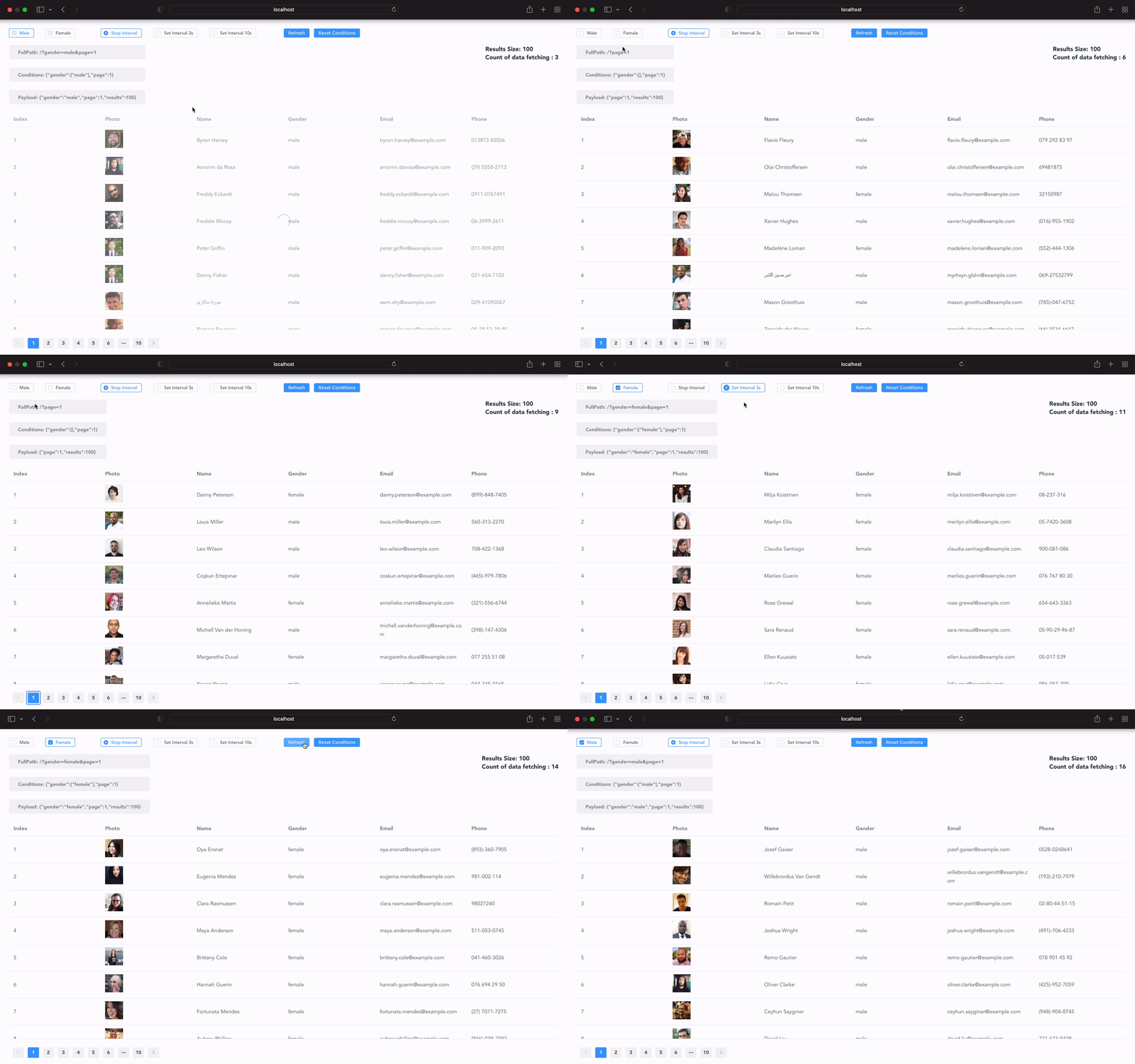
🕶 Data fetching with Vue Composition API. Power of conditions to easily control and sync to the URL query string.
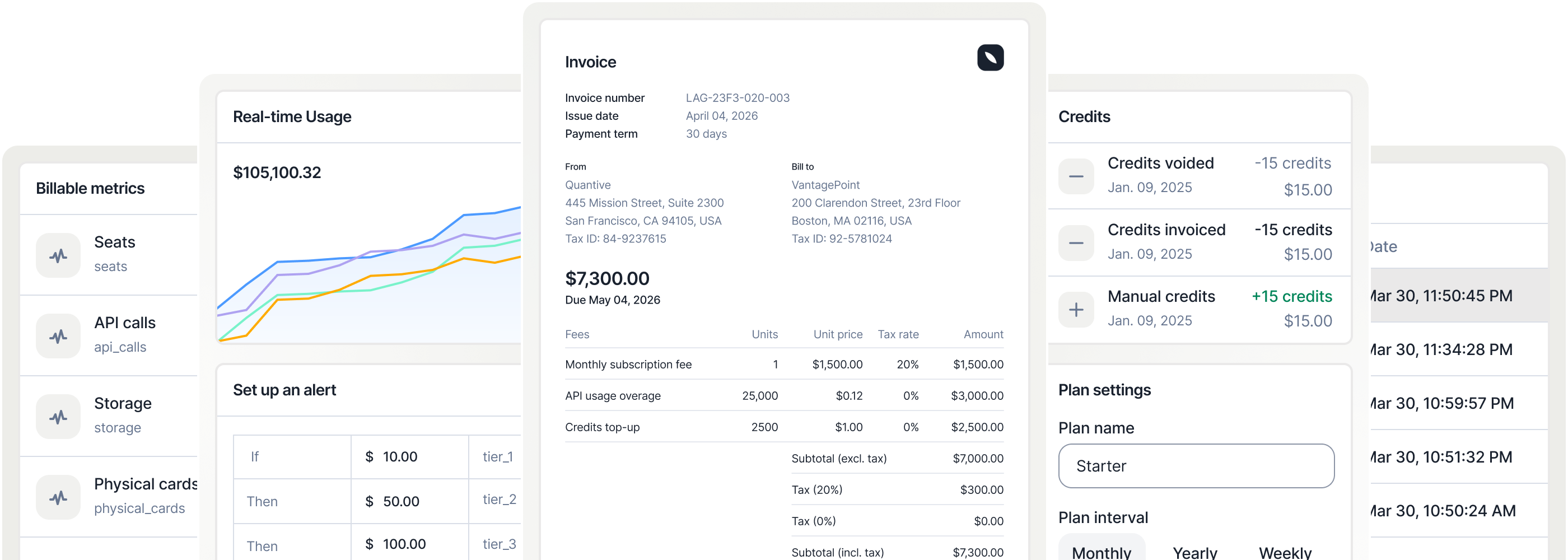
Open Source Metering and Usage Based Billing API ⭐️ Consumption tracking, Subscription management, Pricing iterations, Payment orchestration & Revenue analytics
Query processing and transformation of array-backed data tables.
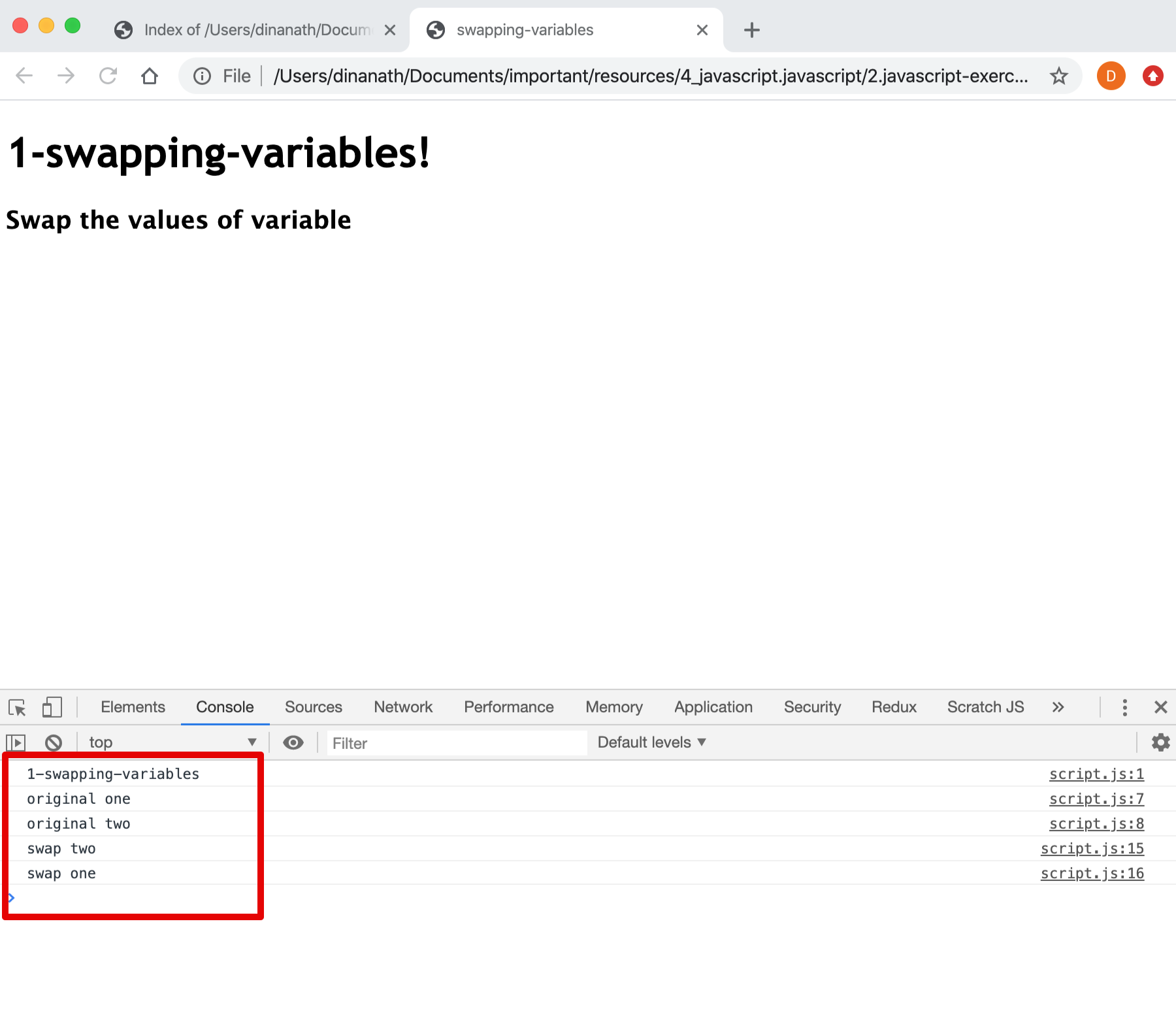
Lets go-through, learn and understand different logical Javascript exercises and algorithms for beginners.
A HTML5 tutorials for beginners, An introduction to HTML5 building blocks, step-by-step guide to HTML5
A Web concepts tutorials for beginners, An introduction to Web Design Development core terminologies and fundamentals
A Typescript fundamentals tutorials for beginners, An introduction & step-by-step guide to Typescript language latest features in combination with ECMAScript 5,6,7
Learn to write Unit Testing and Integration Testing of Angular application for multiple types of components, directives, dependencies, routers and services.
A CSS3 design tutorials for beginners, An introduction to core CSS concepts, terminology and tools