shadPS4
PlayStation 4 emulator for Windows, Linux, macOS and FreeBSD written in C++
- 34k
- C++
- GPL-2.0
- 2 d ago
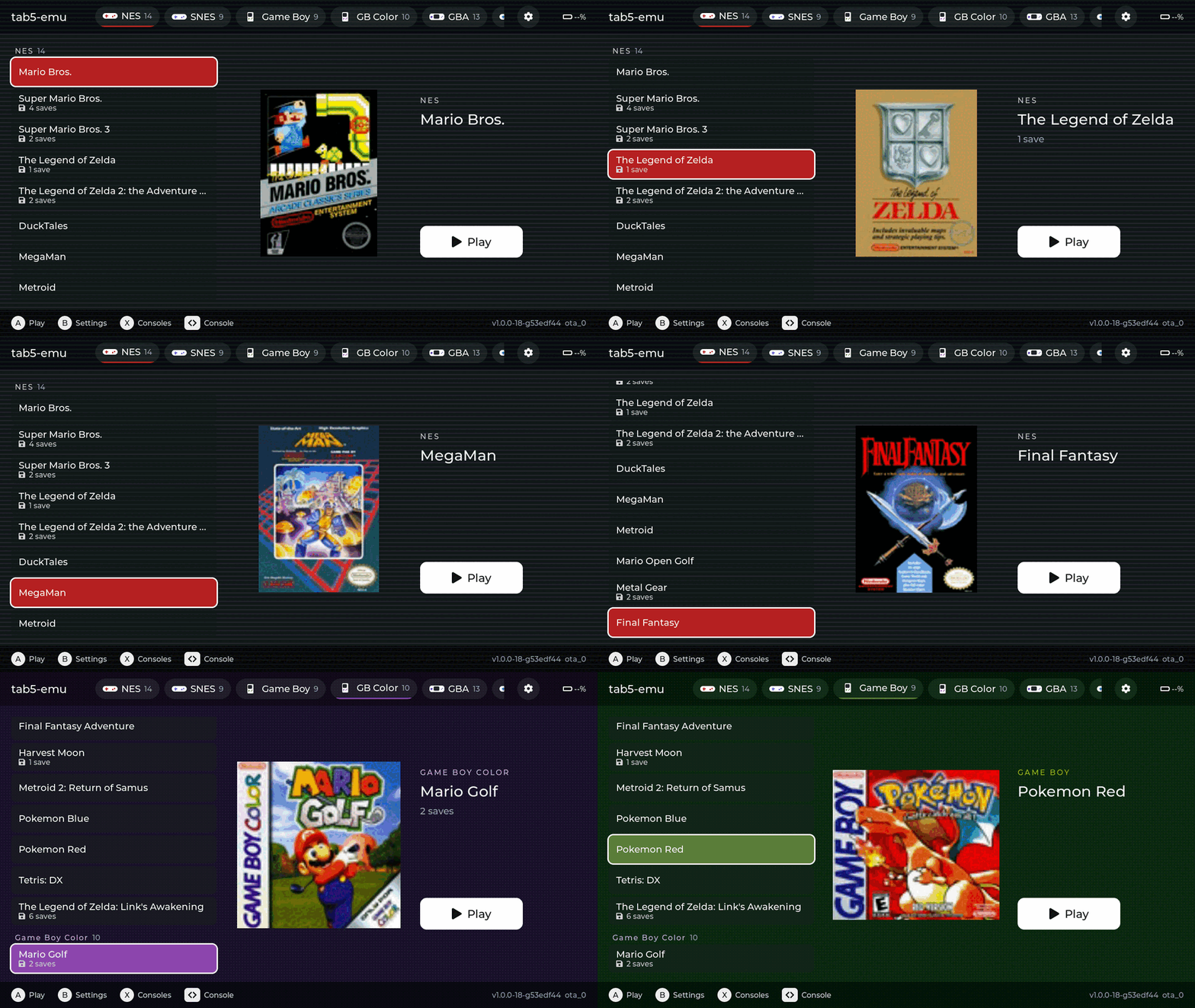
Emulation and games on the M5Stack Tab5 / ESP32-P4, built with ESPP. Supports: Metal Gear Solid, Jedi Knight via OpenJKDF2, Star Wars Episode I: The Phantom Menace (PSX recompiled), SNES, GBA, Genesis, with more coming!
Repo esp-cpp/tab5-emu, read from GitHub 11 min ago. esp-cpp has not joined Take My Repo.
esp-cpp/tab5-emu is a public repo on GitHub by esp-cpp. Emulation and games on the M5Stack Tab5 / ESP32-P4, built with ESPP. Supports: Metal Gear Solid, Jedi Knight via OpenJKDF2, Star Wars Episode I: The Phantom Menace (PSX recompiled), SNES, GBA, Genesis, with more coming! It declares the MIT license on GitHub. It is written mainly in C, has 3 stars and last changed on 2026-11-22. Nobody has reviewed it on Take My Repo yet, which says nothing about its quality. Read from GitHub on 2026-11-22.
Retro games and native PC / PlayStation ports on the M5Stack Tab5, an ESP32-P4 handheld with a 5" 1280x720 touch screen. Emulators from the NES to the Game Boy Advance, plus Metal Gear Solid, The Phantom Menace and Jedi Knight running natively, all from one launcher on a microSD card.
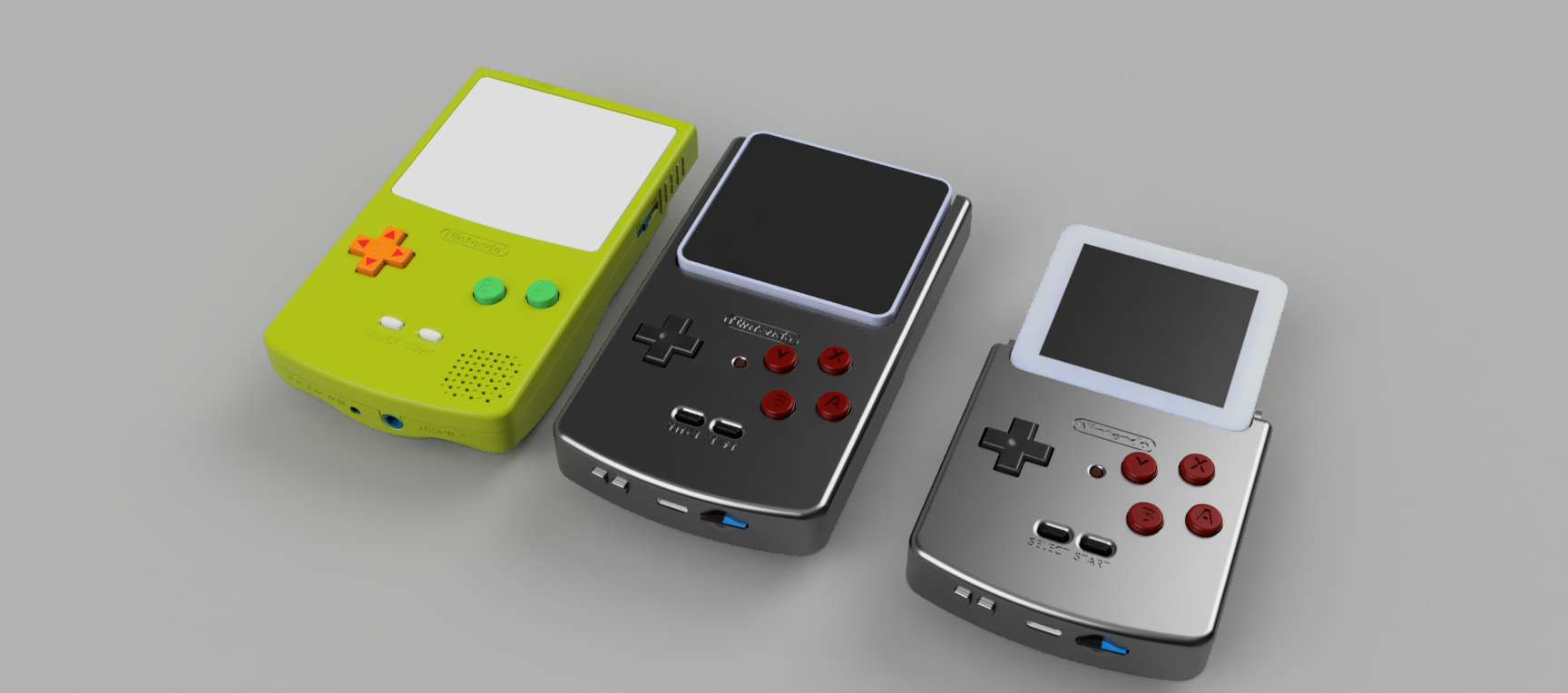
[!TIP] Sister project: esp-box-emu, the same launcher, cores and web console on a 3D-printed Game Boy Color style handheld built around the ESP32-S3-BOX. The two share their emulator cores, web console and USB link as submodules, so a fix in one reaches the other. See The esp-cpp handhelds.
Contents
emulink ota or the web console, with an
updater app to roll back to.| System | Core | Status |
|---|---|---|
| Metal Gear Solid (PlayStation) | mgs_reversing + psyz, native | ~28 fps against the game's 30 fps cap |
| Star Wars Episode I: The Phantom Menace (PlayStation) | tpm-decomp, statically recompiled | ~27 fps in game, movies at their full 15 fps |
| Star Wars: Jedi Knight – Dark Forces II (PC) | OpenJKDF2, native | playable with sound, music and cutscenes |
| Super Nintendo | snes9x2005 | full speed |
| Game Boy Advance | gpSP | close to full speed; heavy scenes drop a few frames |
| Genesis / Mega Drive | gwenesis ¹ | full speed |
| NES | nofrendo ¹ | full speed (~3 ms a frame) |
| Game Boy / Color | gnuboy ¹ | full speed |
| Master System / Game Gear | SMS Plus ¹ | full speed |
| MSX | fMSX ¹ | runs (Metal Gear) |
| PICO-8 | femto8 ¹ | .p8 and .p8.png carts |
| Doom | PrBoom ¹ | ~35 fps (shareware demo) |
| Dark Forces | The Force Engine ¹ | ~50 fps in the first level |
| Star Trek: 25th Anniversary | ScummVM (startrek engine) | intro, bridge, briefings, saves |
¹ Shared with esp-box-emu: each
core is a submodule holding the core plus its port/ glue, written against
BoxEmu, which the Tab5 aliases to Tab5Emu.
Three of the carts are not emulators. They are native ports of PC and PlayStation games, running the games' own code as C on the two 360 MHz RISC-V cores with a software rasterizer: Jedi Knight and Metal Gear Solid from decompiled source, The Phantom Menace from a static recompilation of your own copy of the game.
https://github.com/user-attachments/assets/24d01f38-ea30-4a68-a6e2-731dbd7e1fb0
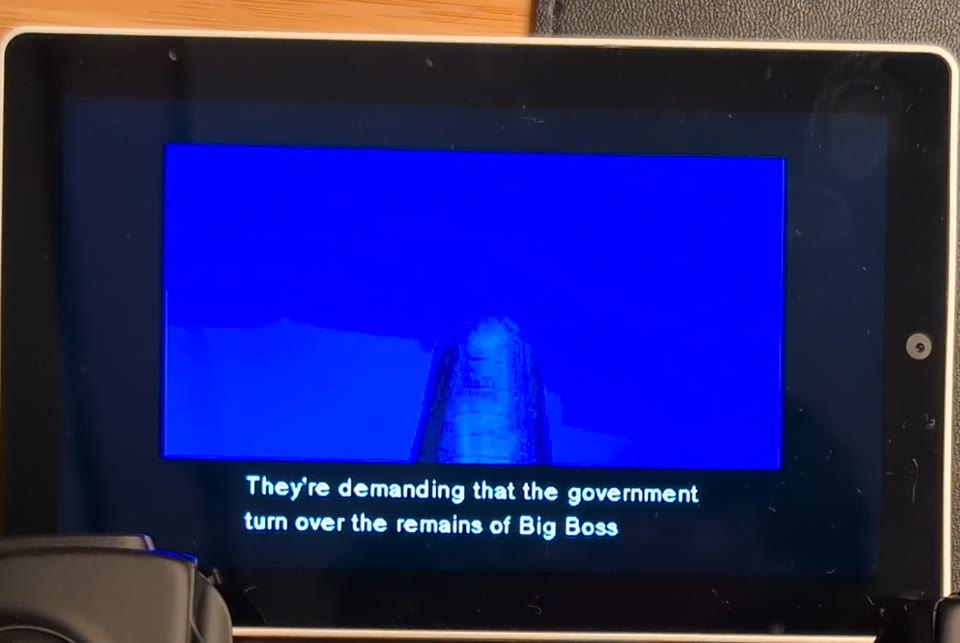
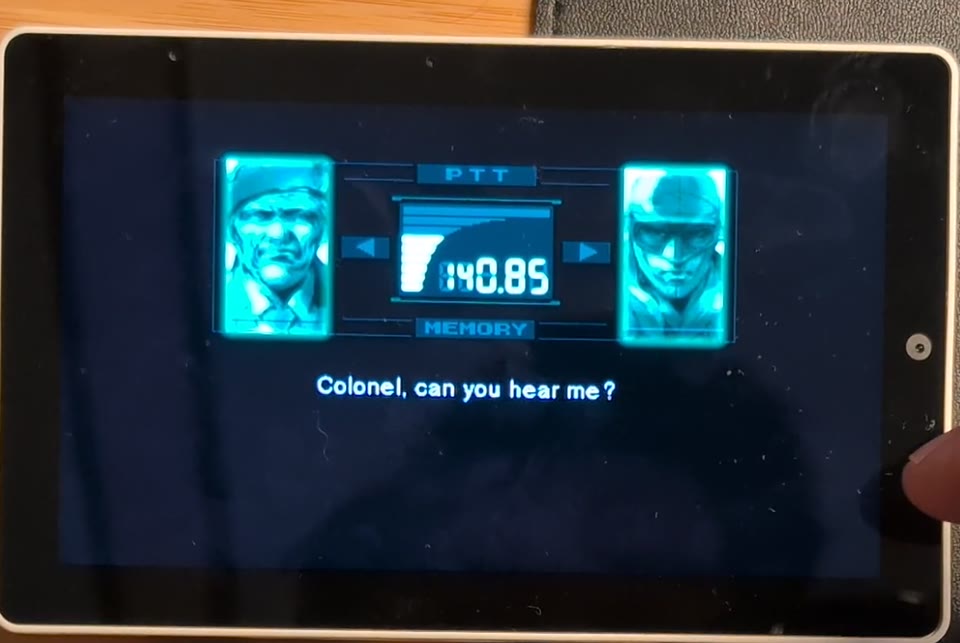
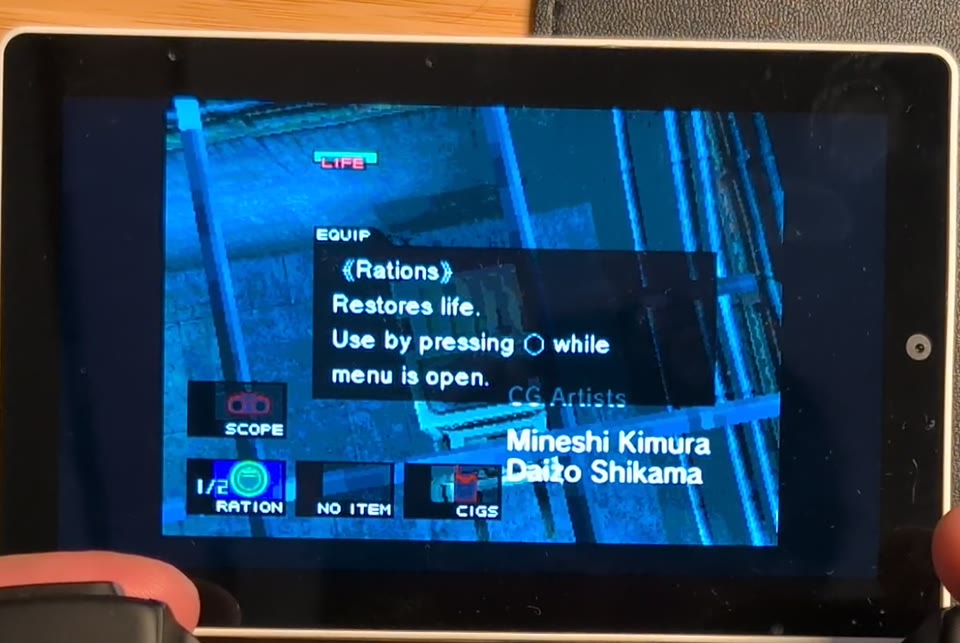
The FoxdieTeam decompilation of the PlayStation game
(mgs_reversing) compiled for
the ESP32-P4, with psyz standing in for
the PSY-Q SDK, the GPU, the GTE and the SPU. Both on esp32p4 branches of
esp-cpp forks. It boots the retail chain from the extracted US disc on the
card: the title, the opening, the dock, the elevator, topside; cutscenes
with the frame-buffer effects, codec calls, sound effects, music and
speech. Gameplay runs at about 28 fps against the game's own 30 fps cap,
drawn by two rasterizer workers, one per core, each taking a band of rows.
Save and load states from the pause menu. See
components/mgs/README.md.
https://github.com/user-attachments/assets/a1001e13-553d-4048-aa23-dba5409316e3
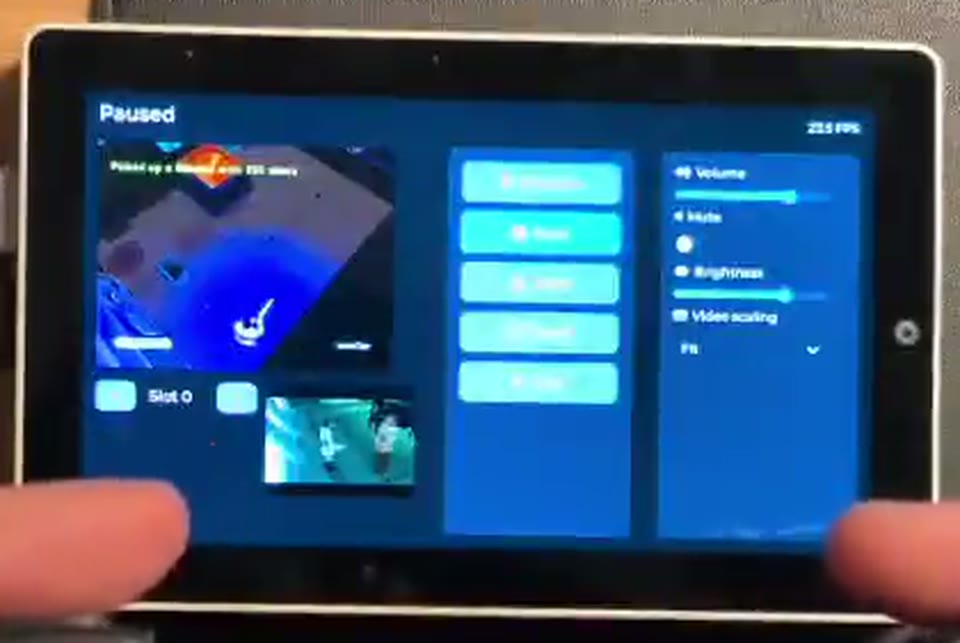
The 1999 PlayStation game, USA Rev 1, through tpm-decomp: its static recompiler turns the game's executable into C at build time, and its runtime is the PlayStation around that C (BIOS, interrupts, DMA, CD-ROM, MDEC, GPU ports) on the same psyz rasterizer, GTE and SPU as the Metal Gear Solid port. It boots from the disc image on the card through the title, the full-motion movies (MDEC video with XA audio at the movies' full 15 fps) and the levels, at about 27 fps in game with sound effects, music and speech. Save and load states from the pause menu.
Recompiled, not (yet) decompiled. Unlike the other two ports, TPM does not
run from decompiled source. tpm-decomp/tools/recomp.py translates every
MIPS instruction of the executable into C, mechanically. That C is
effectively Sony's executable in another form, so it is never committed or
distributed. It is generated in the build directory from your own copy
of the game (CONFIG_TPM_DISC_PATH, see Build), so a playable TPM
needs a local build. The firmware from CI, built without the executable,
carries only the cart's load-screen viewer.
The goal is a real, matching decompilation: hand-written C that compiles back to the byte-identical executable, as mgs_reversing is for Metal Gear Solid. tpm-decomp has started one (the executable is split and rebuilds byte-identical, and the first functions are in C), and decompiled functions can replace recompiled ones one at a time. Once the decompilation is complete, TPM would build from source like the MGS port, with only the game data on the card. Contributions are very welcome. See components/tpm/README.md.
https://github.com/user-attachments/assets/2e6b5173-f53a-4591-8347-96aa53e222f2
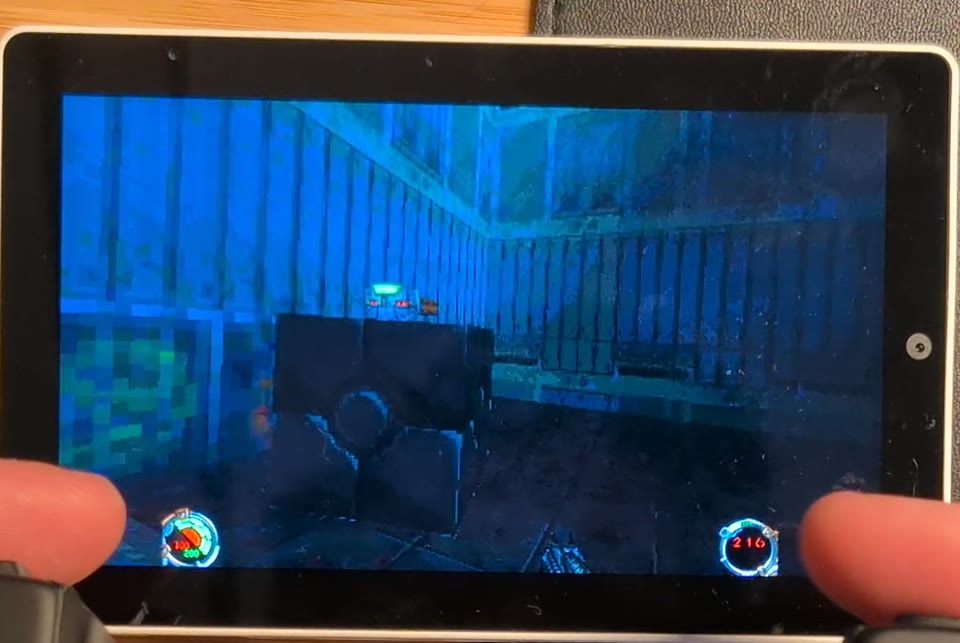
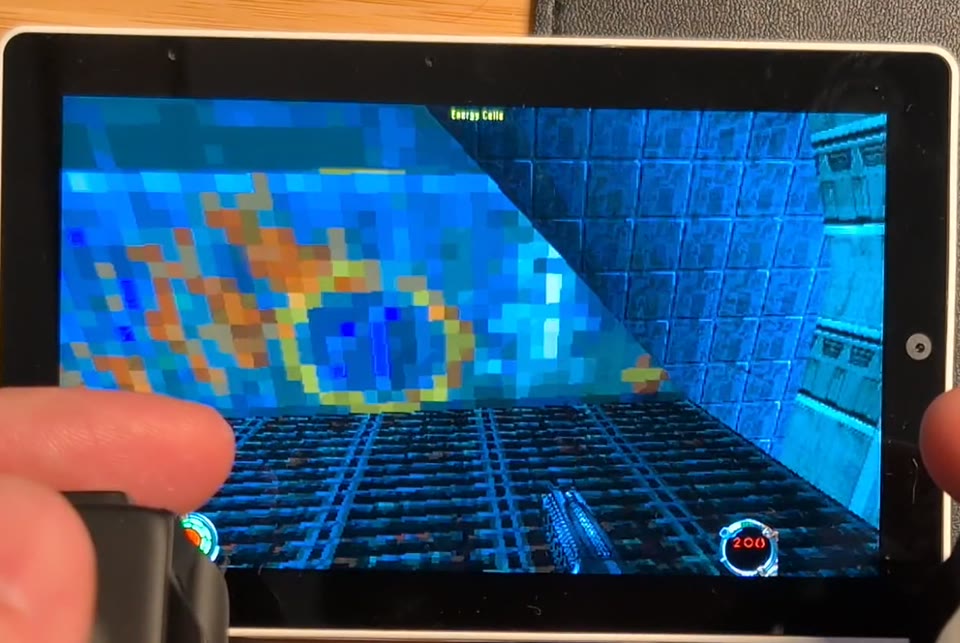
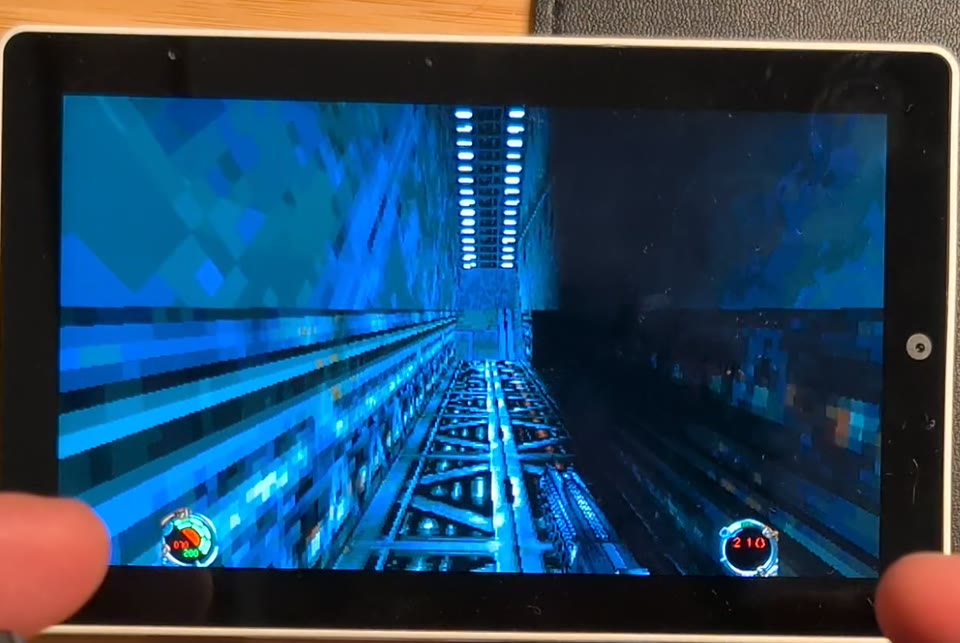
The 1997 PC game through OpenJKDF2
(our fork: esp-cpp/OpenJKDF2,
branch esp32p4): the engine's software rasterizer draws the world at a
low internal resolution and the P4's 2D accelerator scales it to the panel,
with the HUD composited at full resolution. Playable on hardware with
sound, music, the full-motion cutscenes (Smacker video and audio at the
movies' full 15 fps; Start skips), saves, and a USB keyboard and mouse or a
gamepad. The port plan and its history are in docs/PLAN.md.
Captured on the Tab5 over the USB link (emulink screenshot), at the
games' own resolution, scaled up.
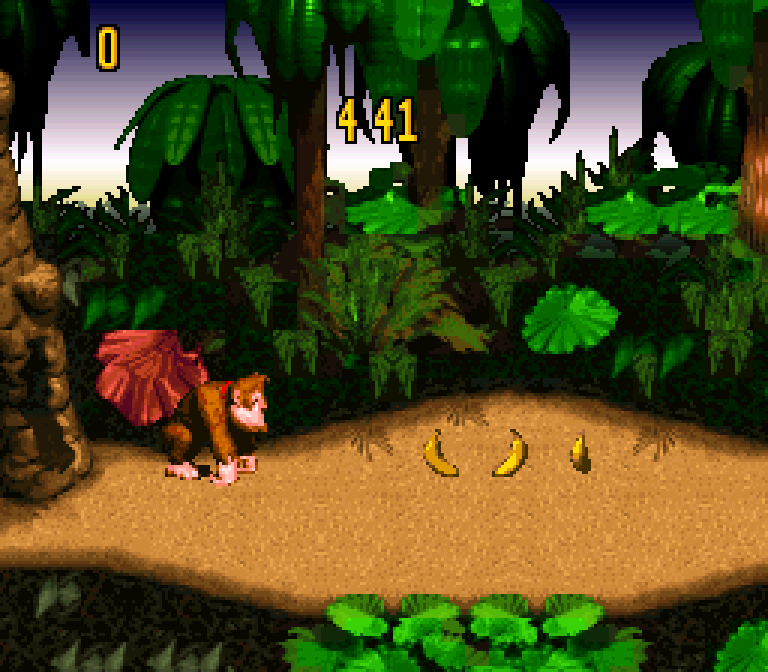 Super Nintendo: Donkey Kong Country |
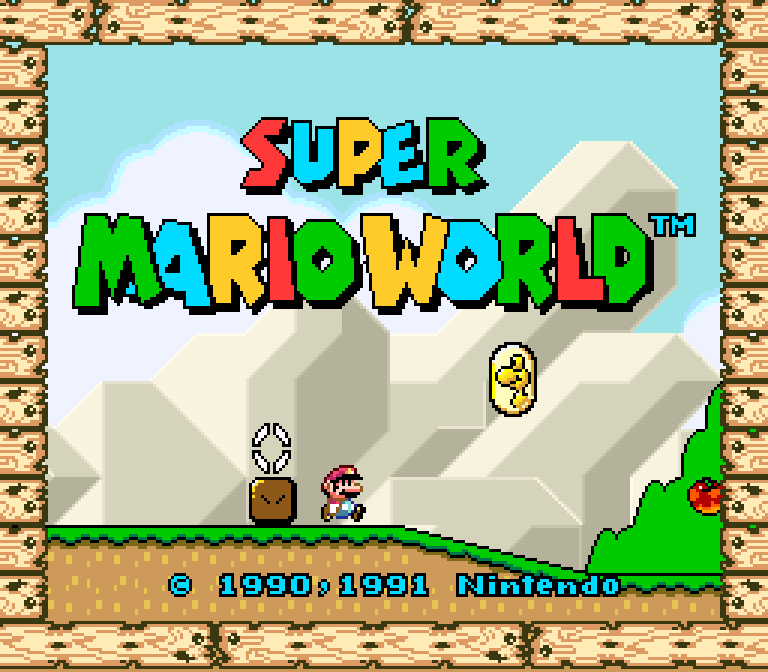 Super Nintendo: Super Mario World |
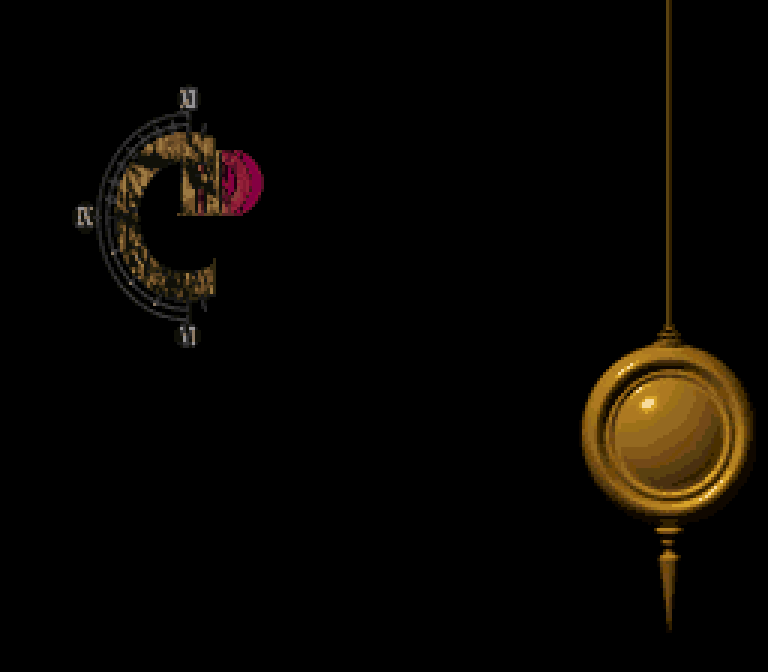 Super Nintendo: Chrono Trigger |
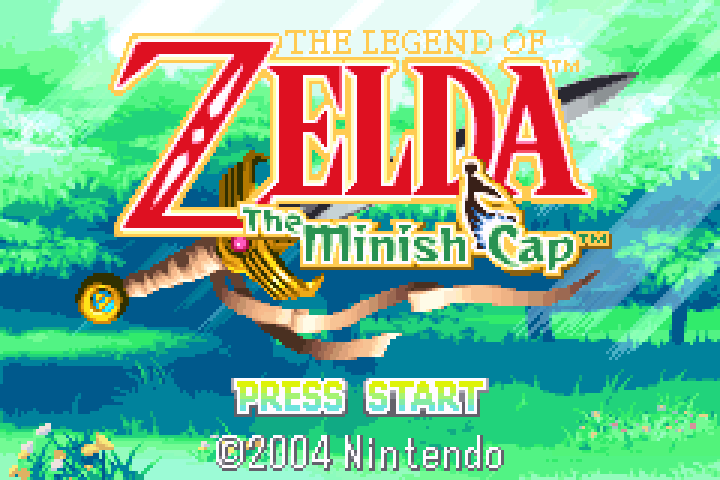 Game Boy Advance: The Minish Cap |
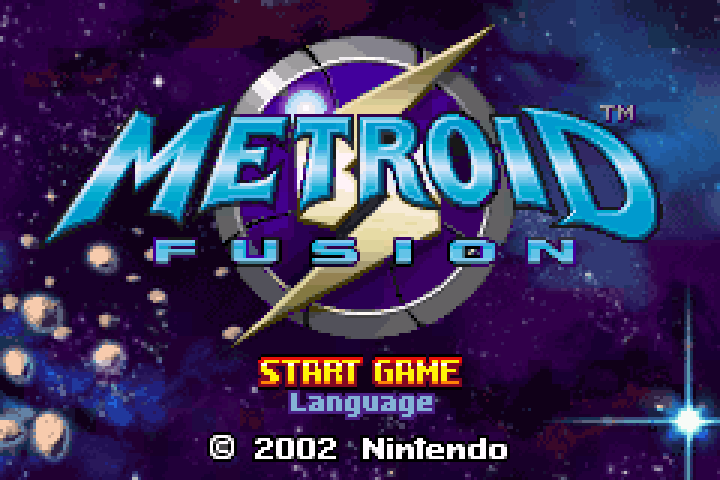 Game Boy Advance: Metroid Fusion |
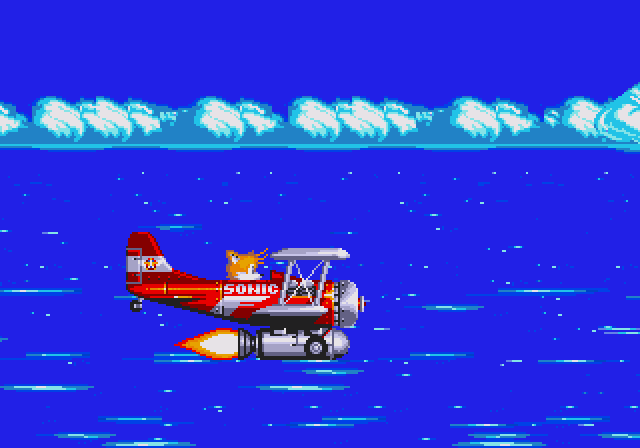 Genesis: Sonic the Hedgehog 3 |
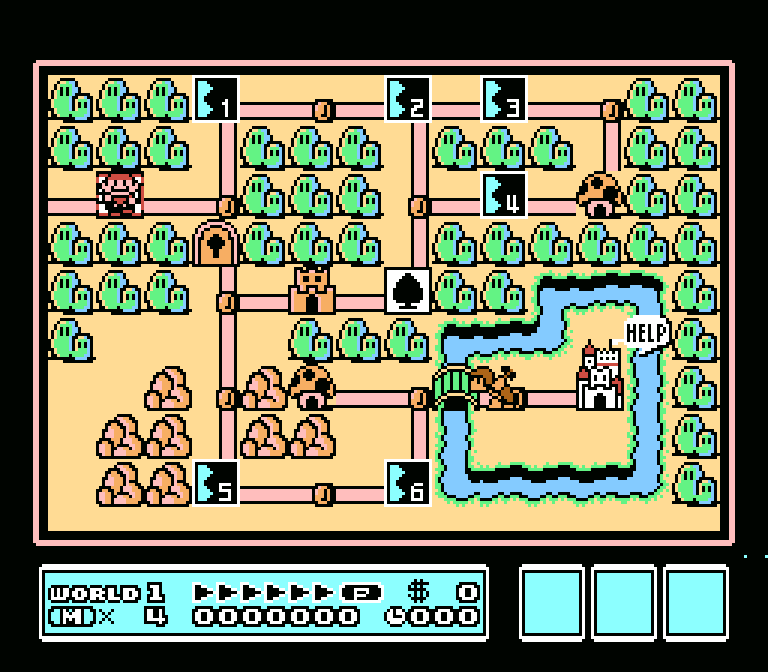 NES: Super Mario Bros. 3 |
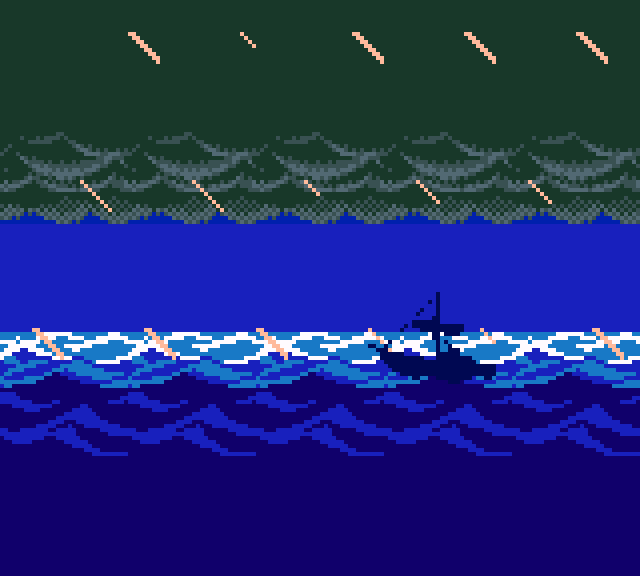 Game Boy Color: Link's Awakening DX |
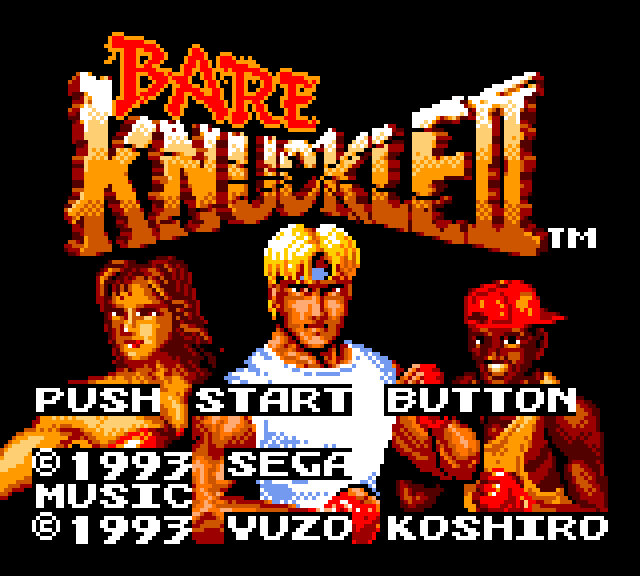 Game Gear: Streets of Rage II |
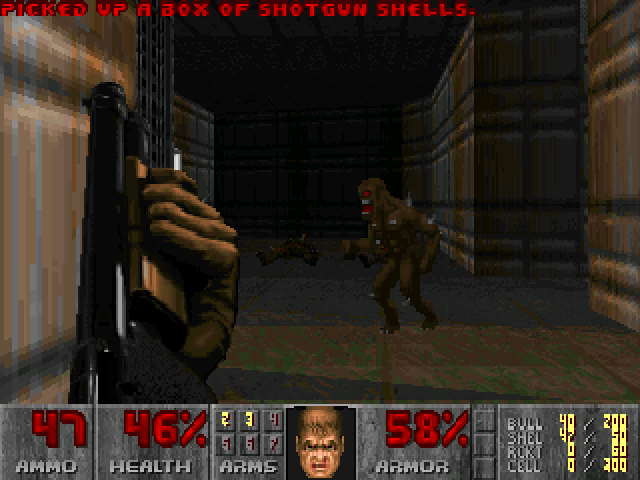 Doom (PrBoom) |
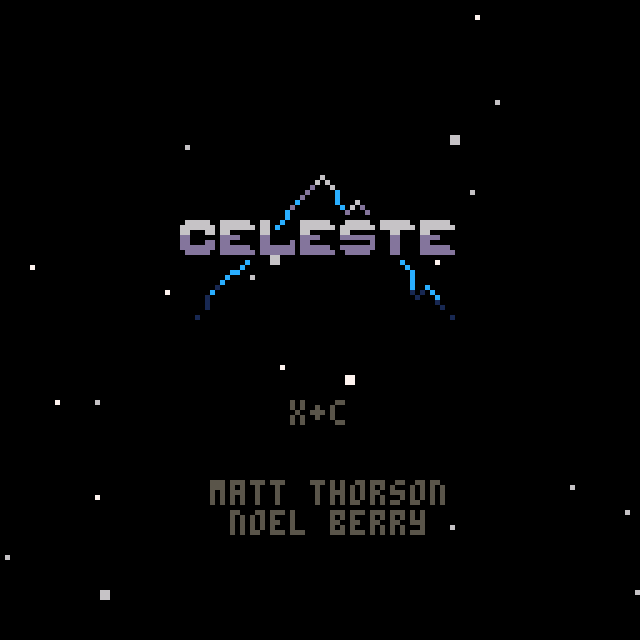 PICO-8: Celeste |
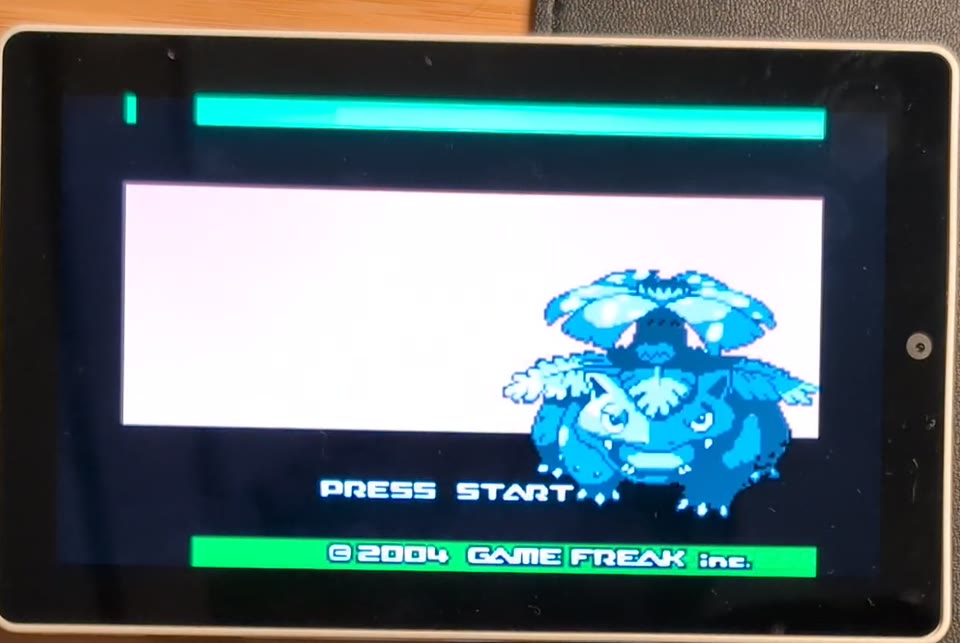 Game Boy Advance on the panel |
https://github.com/user-attachments/assets/641a64b0-b3af-429b-8582-a38fc9a5cdad
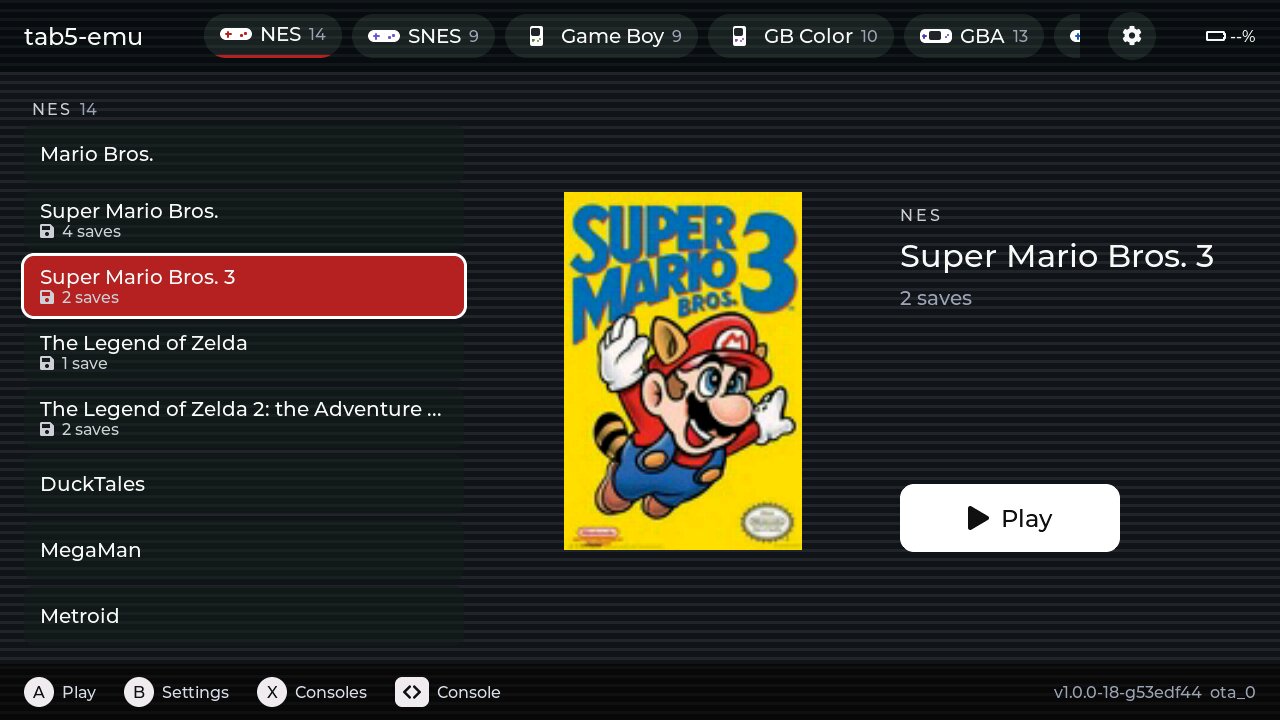
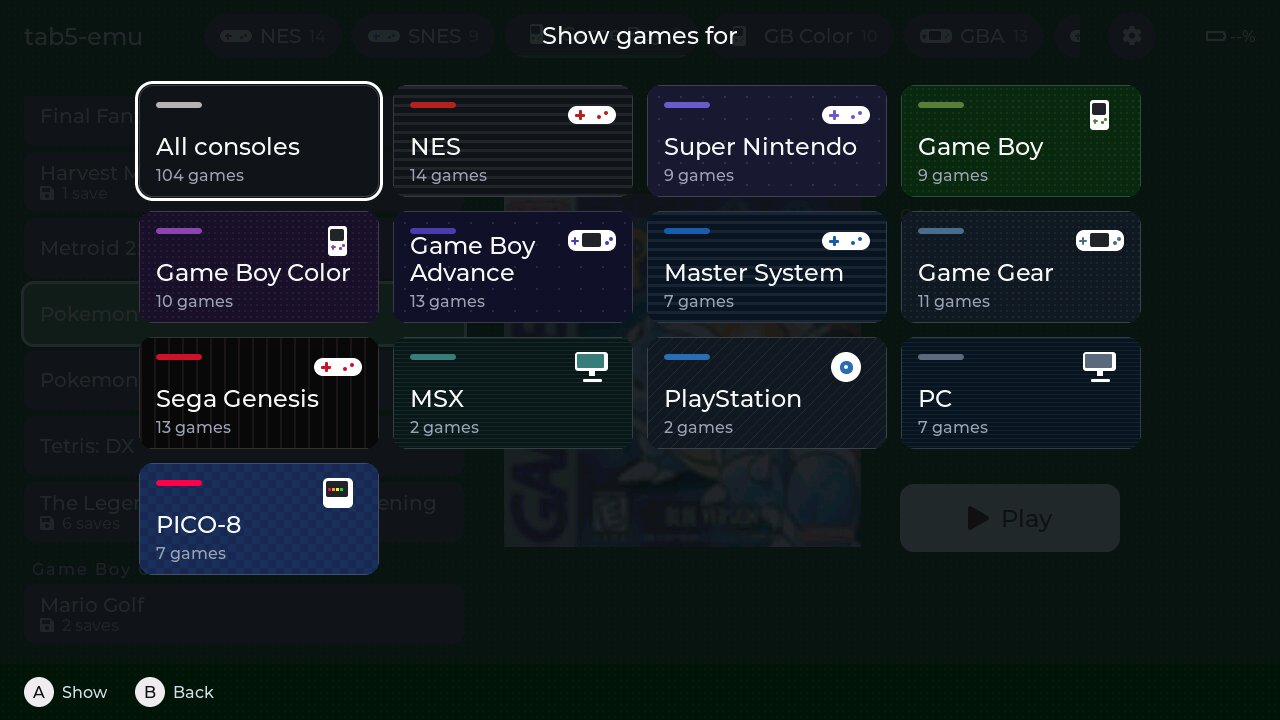
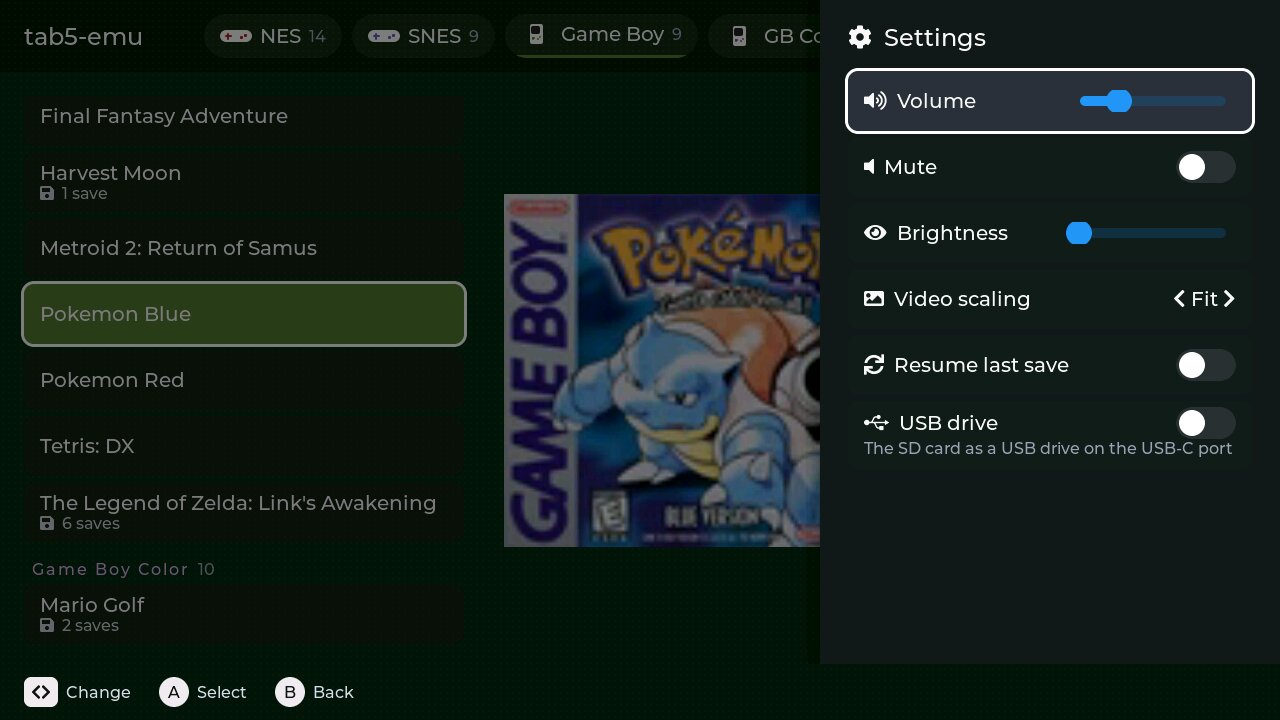
emulink filter <console> does the same over USB.metadata.csv on the card (see
SD card layout). Per-console art can go in
boxart/consoles/<key>.jpg.Plug the Tab5 into a computer and it brings its own control panel. Chrome or Edge pops up a notification for esp-cpp.github.io/tab5-emu, the firmware's WebUSB landing page: click it, pick the Tab5, and the page talks to the device straight from the browser. There's nothing to install and no server in between.
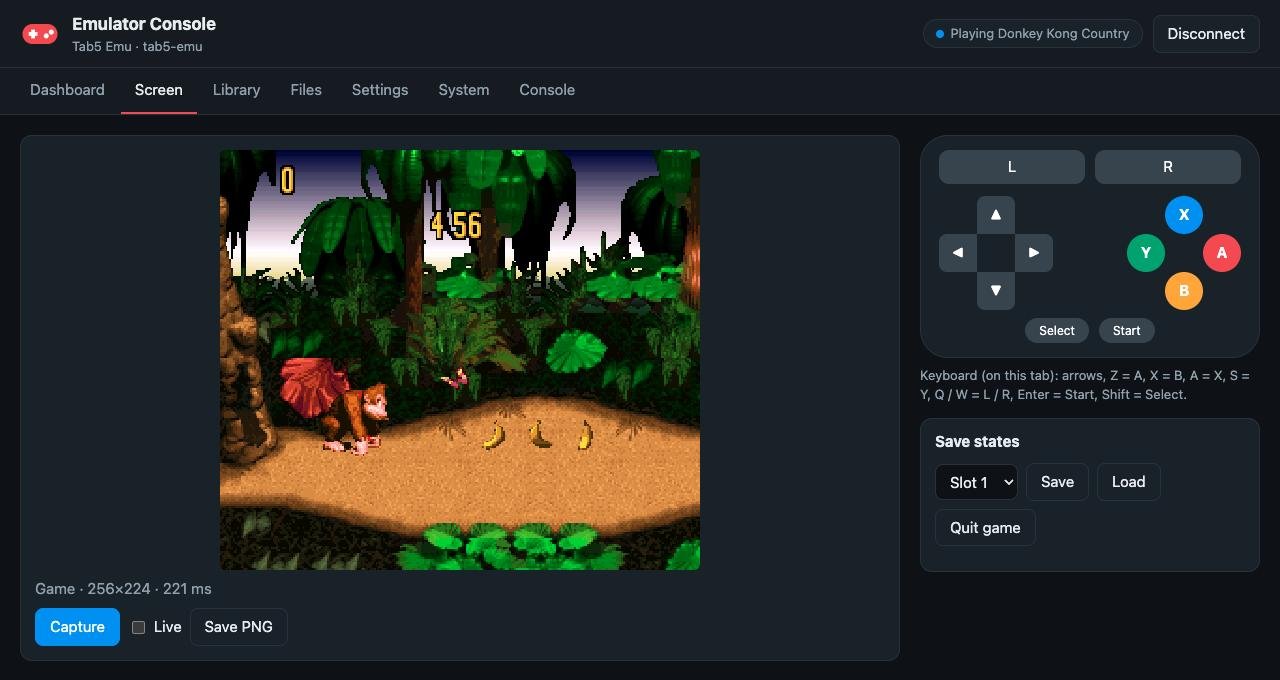
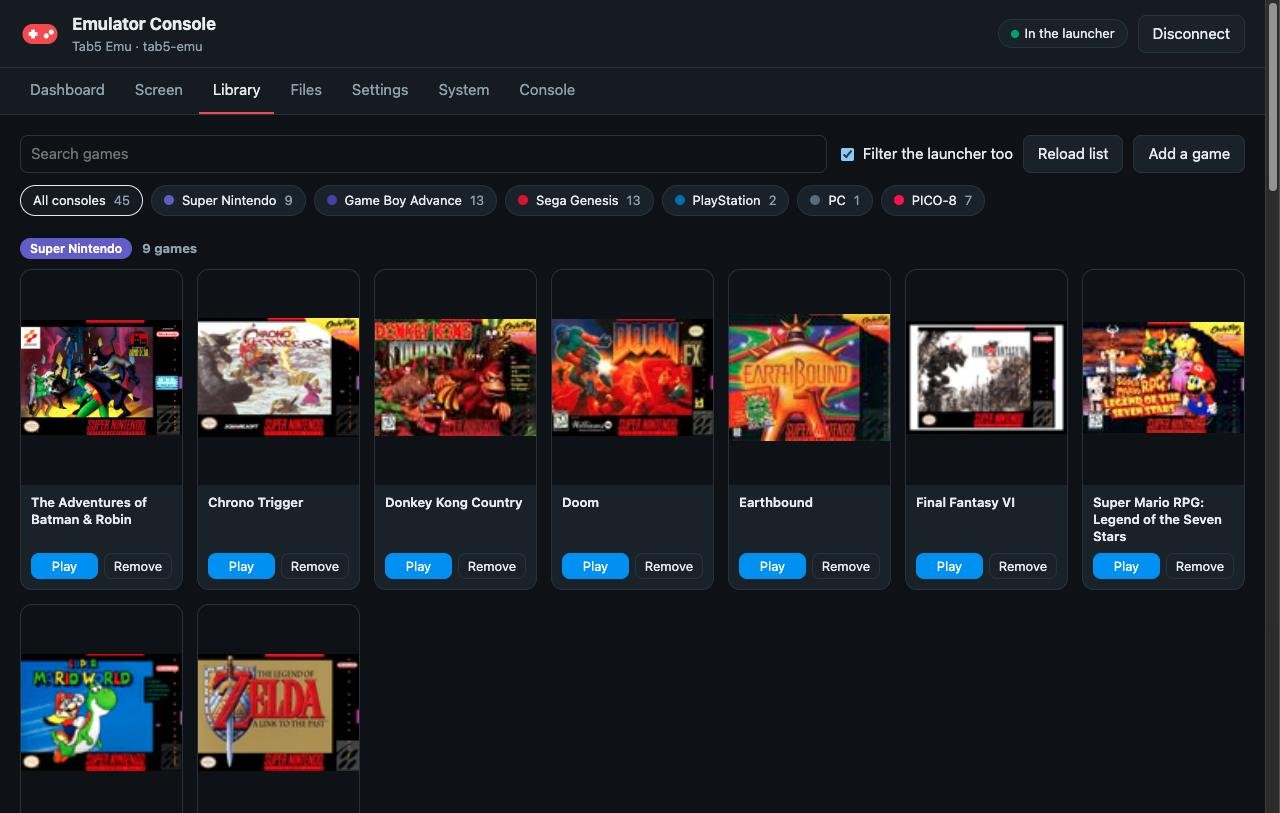
metadata.csv line. Remove undoes it.build/tab5-emu.bin.
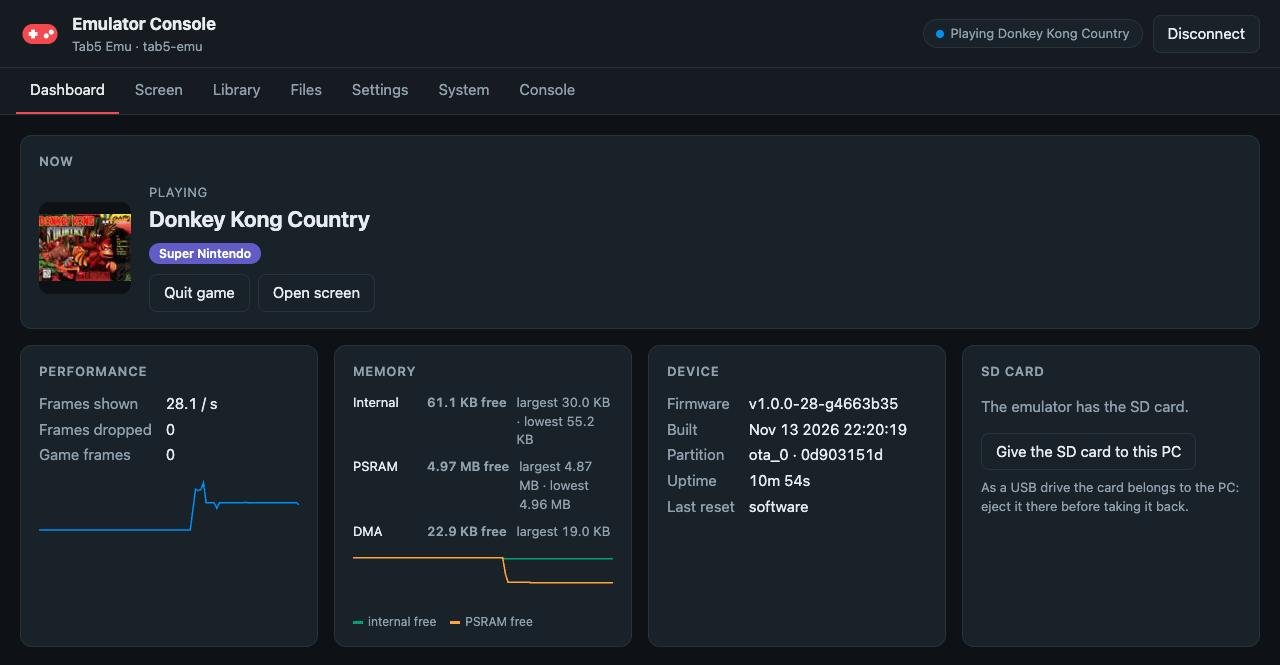
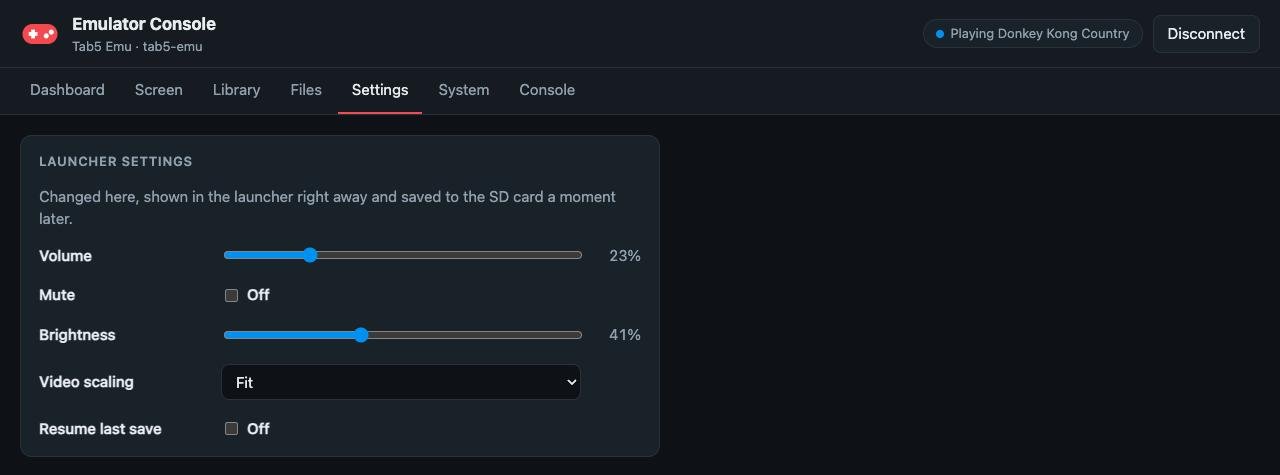
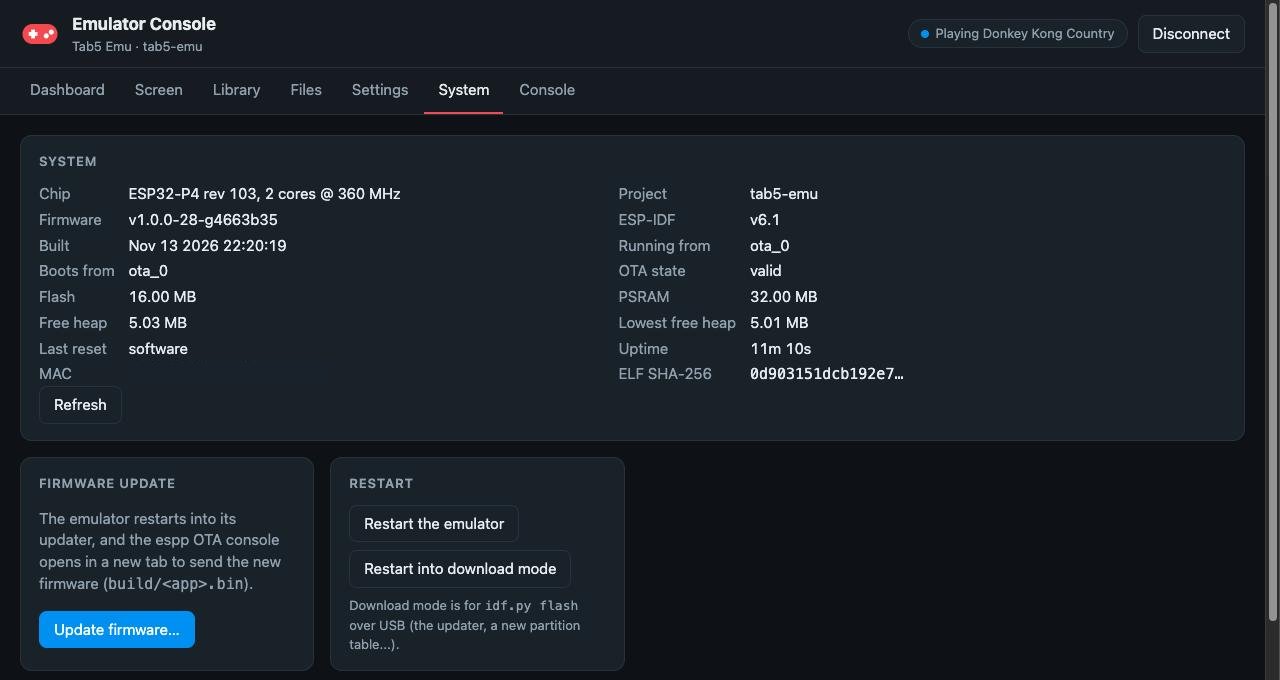
How it works: the composite USB device has a vendor (WebUSB) interface
that carries the same link as tools/emulink, and its descriptor names the
landing page, which is how the browser knows where to go. The page is plain
HTML, CSS and ES modules in web/ (shared with esp-box-emu, no
build step), published to GitHub Pages from main. One program owns the
link at a time, so close emulink before opening the page and the other way
round. To work on the page, python3 -m http.server -d web 8000 and open
http://localhost:8000 (WebUSB needs https or localhost);
web/README.md has the details.
No hardware to build: the M5Stack Tab5 runs the firmware as it comes.
| SoC | ESP32-P4 (dual RISC-V @ 360 MHz, FPU, PPA 2D accelerator, 32 MB PSRAM) |
| Display | 5" 1280x720 MIPI-DSI (portrait-native, rotated to landscape) |
| Touch | GT911 capacitive |
| Audio | ES8388 codec + NS4150B amp, dual mics |
| Storage | microSD (SDMMC 4-bit) |
| Input | touch (virtual gamepad), BOOT button (pause menu), USB keyboard / mouse / gamepad on the USB-A port (hubs supported) |
| USB-C | serial console, the USB link (web console, emulink), and the SD card as a USB drive |
emulink ota.metadata.csv on a microSD card
(SD card layout). The web console's Library tab can
add games one at a time over USB./sdcard/
metadata.csv # rom_path, boxart_path, name
boxart/*.jpg # baseline JPEG, ~400x400
boxart/consoles/<key>.jpg # optional per-console art for the launcher
jk/ # your Jedi Knight install (copy from CD / GOG)
jk.cd # (any marker file; metadata points here)
episode/JK1.gob JK1CTF.gob JK1MP.gob
resource/Res1hi.gob Res2.gob jk_.cd
resource/video/*.SMK # optional, cutscenes
MUSIC/Track12.wav ... # optional, the soundtrack: run
# tools/convert_music.py <game dir> on the GOG / Steam
# MUSIC folder (IMA ADPCM; the .ogg originals also
# play, but Vorbis decoding costs ~75% of a core)
player/ # saves / settings (created)
mgs/ # Metal Gear Solid, extracted from your own US disc
STAGE.DIR RADIO.DAT FACE.DAT ZMOVIE.STR VOX.DAT DEMO.DAT BRF.DAT
# (components/mgs/mgs_reversing/port/extract_disc.py)
tpm/ # The Phantom Menace, USA Rev 1: the .bin of a bin/cue rip
Star Wars - Episode I - The Phantom Menace (USA) (Rev 1).bin
startrek/ # Star Trek: 25th Anniversary data, plus a marker
startrek.scummvm # file *.scummvm (ScummVM detects the game)
doom/ # doom1.wad, doom.wad, doom2.wad, ... (the IWADs)
darkforces/ # your Dark Forces install: DARK.GOB, SOUNDS.GOB, TEXTURES.GOB, SPRITES.GOB, LFDs
nes/ snes/ gbc/ gba/ sms/ gg/ genesis/ msx/ pico8/
# cartridge ROMs (any folder: metadata.csv has the paths)
saves/ # save states and their screenshots; the PlayStation
# games' memory cards (tpm_card1.mcd, mgs_card1.mcd:
# raw 128 KB images, as PC emulators use)
metadata.csv has one line per game: rom path, boxart, name. The platform
comes from the path: .nes NES, .sfc/.smc SNES, .gb/.gbc Game Boy /
Color, .gba Game Boy Advance, .sms Master System, .gg Game Gear,
.md/.gen Genesis, .rom MSX, .p8/.p8.png PICO-8, .wad Doom,
DARK.GOB Dark Forces, *.scummvm ScummVM, jk.cd Jedi Knight,
STAGE.DIR Metal Gear Solid, SLUS_008.84 The Phantom Menace.
jk/jk.cd, boxart/jk.jpg, Star Wars: Jedi Knight - Dark Forces II
mgs/STAGE.DIR, boxart/mgs.jpg, Metal Gear Solid
tpm/SLUS_008.84, boxart/tpm.jpg, Star Wars Episode I: The Phantom Menace
startrek/startrek.scummvm, boxart/startrek.jpg, Star Trek: 25th Anniversary
genesis/sonic.md, boxart/sonic.jpg, Sonic the Hedgehog
snes/smw.sfc, boxart/smw.jpg, Super Mario World
gba/mk.gba, boxart/mk.jpg, Mario Kart: Super Circuit
No game data is included. A real gba_bios.bin next to a GBA ROM is used
when present; otherwise the open-source BIOS built into gpSP is used.
Requires ESP-IDF v6.x.
git clone https://github.com/esp-cpp/tab5-emu
cd tab5-emu
git submodule update --init components/emulink \
    components/jk/OpenJKDF2 components/mgs/mgs_reversing components/mgs/psyz \
    components/tpm/tpm-decomp components/genesis/gwenesis components/pico8/femto8 \
    components/nes/nofrendo components/gbc/gnuboy components/msx/fmsx \
    components/sms/smsplus components/doom/prboom components/darkforces/TheForceEngine
git submodule update --init --depth 1 components/scummvm/scummvm
idf.py set-target esp32p4
idf.py -C updater build   # once: the updater app, which goes in ota_1
idf.py build flash monitor
The updater (updater/) is what over-USB updates (tools/emulink) reboot
into, and what a bad update rolls back to; with it built first, idf.py flash writes it along with the emulator. After that, updates can go over
USB with emulink ota or the web console.
The flash runs at 120 MHz, which needs this project's bootloader: over-USB
updates only replace the app, so a board whose bootloader came from an older
build (80 MHz) is flashed once with idf.py flash. Without a BOOT button press,
emulink reboot --bootloader puts the Tab5 in its download mode for that.
Don't use --recursive: the engines' own submodules are desktop-only
dependencies (this is the list CI checks out).
The Phantom Menace is recompiled from your own disc at build time: set
CONFIG_TPM_DISC_PATH to your USA Rev 1 disc image (the .bin of a bin/cue
rip) in idf.py menuconfig, under "Star Wars Episode I: The Phantom
Menace", before building. Without it the build succeeds with a warning and
the TPM cart only shows the game's load screens. See
components/tpm/README.md.
Touch (virtual gamepad):
USB keyboard / mouse / gamepad on the USB-A port, directly or through a
hub (the host runs at full speed, so hubs work). Devices are decoded from
their HID report descriptors (espp hid-rp report map), so any standard HID
gamepad works:
Jedi Knight gets the full keyboard and mouse look. On a gamepad the left stick strafes, the right stick looks, R = fire, L = secondary fire, A = activate, B = jump, X = crouch, Y = use item.
Metal Gear Solid uses the PlayStation layout by position: face buttons as Cross / Circle / Square / Triangle, L1 / R1 on the shoulders, L2 / R2 on the triggers for the item and weapon menus, so a pad with triggers (or the keyboard's E / R) is needed for those.
Star Trek: 25th Anniversary: touch is the mouse (two fingers = right click), as are a USB mouse and the gamepad (A / B = left / right click).
MSX: A / B are the joystick's two fire buttons, start is the MSX's F1 key (pause in Konami's games), select shows the on-screen keyboard and Y opens fMSX's own menu.
New controllers: the console prints each device's decoded buttons on change
(debug level in usb_hid.cpp); a wrong mapping is a quirk-table entry in
espp's hid-rp-report-map.hpp.
main/               app_main, Cart base class, per-game carts
components/
  tab5-emu/         HAL (Tab5Emu): display / PPA video path, audio, SD, input, USB
  emu-ui/           the launcher and pause menu screens (shared with esp-box-emu)
  gui/              the launcher's Tab5 side: games, boxart, settings
  menu/             the in-game pause menu (resume/reset/save/load/quit) on emu-ui
  rom_info/         metadata.csv parsing, consoles
  statistics/       frame timing
  emulink/          the USB link (shared with esp-box-emu; tools/emulink is its CLI)
  jk/               OpenJKDF2 port: engine submodule + ESP32 platform layer + glue
  mgs/              Metal Gear Solid: mgs_reversing + psyz submodules + the Tab5 platform layer
  tpm/              The Phantom Menace: tpm-decomp submodule (static recompiler + runtime) + glue
  scummvm/          ScummVM (startrek engine) with its ESP32 backend
  gba/ snes/        the Tab5-only emulator cores and their glue
  nes/ gbc/ sms/ msx/ genesis/ doom/ darkforces/ pico8/
                    the cores shared with esp-box-emu (submodules: core + port/ glue)
  pool_allocator/   the allocator MSX, Doom and Dark Forces run in their 4 MB block
web/                the web console (shared with esp-box-emu)
updater/            the updater app (ota_1)
docs/PLAN.md        the Jedi Knight plan and history
tools/emulink drives the Tab5 over the USB link from a script: status,
roms, launch, press, tap, screenshot, save / load, ls /
push / pull, add-rom, settings, filter, drive on|off, ota,
coredump. It needs pyusb (in the ESP-IDF Python environment). The
screenshots in this README were taken with it.
Settings > "USB drive" exposes the SD card as a USB mass storage device on
the USB-C port, so ROMs, boxart and game data can be copied without pulling
the card. The console and the USB link stay up meanwhile (all three are
functions of one composite USB device), but nothing on the Tab5 can use the
card, so the launcher cannot start games. Ejecting the drive on the PC does
not hand it back by itself: eject it there, then switch "USB drive" off to
get the card and the updated ROM list back. emulink drive on / emulink drive off do the same from a script (drive off ejects it first on macOS).
Core dumps go to flash (coredump partition) and are printed base64 on the
console at the next boot, so a crash while the console is unavailable (the
USB drive hand-over) can still be read; emulink coredump fetches the last
one over USB. Decode with:
base64 -d < dump.b64 > core.bin
python -m esp_coredump --chip esp32p4 info_corefile -t raw -c core.bin build/tab5-emu.elf
A terminal which opens the console port with DTR low and RTS high resets
the chip (rst:0x17 CHIP_USB_UART_RESET); keep both asserted, or expect a
reboot whenever the console re-enumerates (after the USB drive).
tab5-emu and esp-box-emu are one
project on two devices. Both are built on ESPP
and share the emulator cores, the USB link, emulink and the web console.
| tab5-emu | esp-box-emu | |
|---|---|---|
| Device | M5Stack Tab5, off the shelf | ESP32-S3-BOX / BOX-3 in a 3D-printed Game Boy Color style shell with a custom PCB |
| Chip | ESP32-P4, 2× RISC-V @ 360 MHz, 32 MB PSRAM | ESP32-S3, 2× Xtensa LX7 @ 240 MHz, PSRAM |
| Screen | 5" 1280x720 touch | 2.4" 320x240 touch |
| Controls | touch gamepad, USB gamepads / keyboards / mice | d-pad, A / B / X / Y, Start / Select, haptics |
| Systems | everything on the right, plus SNES, GBA, ScummVM and native MGS, TPM and Jedi Knight | NES, Game Boy / Color, Master System / Game Gear, Genesis, MSX, PICO-8, Doom, Dark Forces |
| Web console | esp-cpp.github.io/tab5-emu | esp-cpp.github.io/esp-box-emu |
MIT (this project). The cores, OpenJKDF2, mgs_reversing, psyz, tpm-decomp and ScummVM are under their own licenses. No game data is included; it must come from your own copies of the games.
esp-cpp/tab5-emu is a public repo on GitHub by esp-cpp. Emulation and games on the M5Stack Tab5 / ESP32-P4, built with ESPP. Supports: Metal Gear Solid, Jedi Knight via OpenJKDF2, Star Wars Episode I: The Phantom Menace (PSX recompiled), SNES, GBA, Genesis, with more coming!
It declares the MIT license on GitHub.
Its maker has not tagged a system, so it is unknown here. Its README says what it needs.
Open "Take it" on its page: Take My Repo writes an install plan for your machine and hands it to your AI agent (Claude Code, Codex or Cursor), which asks you before each step. Take My Repo has not tested it on any machine.
Its last change on GitHub was on 2026-11-22. Take My Repo does not judge from that whether it is maintained.
Nobody has reviewed it on Take My Repo yet, which says nothing about its quality.
PlayStation 4 emulator for Windows, Linux, macOS and FreeBSD written in C++
📡 Stream Raspberry Pi games to a GBA via Link Cable.
iOS & tvOS multi-emulator frontend, supporting various Atari, Bandai, NEC, Nintendo, Sega, SNK and Sony console systems… Get Started: https://wiki.provenance-emu.com |
🔗 A set of Game Boy Advance (GBA) C++ libraries to interact with the Serial Port. Its main purpose is to provide multiplayer support to homebrew games.
Star Wars: Dark Forces, Doom, NES, Gameboy/Color, Sega Master System / GameGear, Sega Genesis / MegaDrive, and MSX I/II Emulators running on ESP BOX and ESP BOX-3 with a custom gamepad
Example for ESP32-S3-BOX which receives an MJPEG stream from the camera-streamer app over WiFi and displays it on the screen.
Example for ESP32 TimerCam rebuilt using ESPP to stream MJPEG video over the network using RTSP.
Template repository for building an ESP app with ESP++ (espp) components and ESP-IDF components.
Use an ESP32 + Display to show debug graphs and text logs from another system via UDP