brightbean-studio
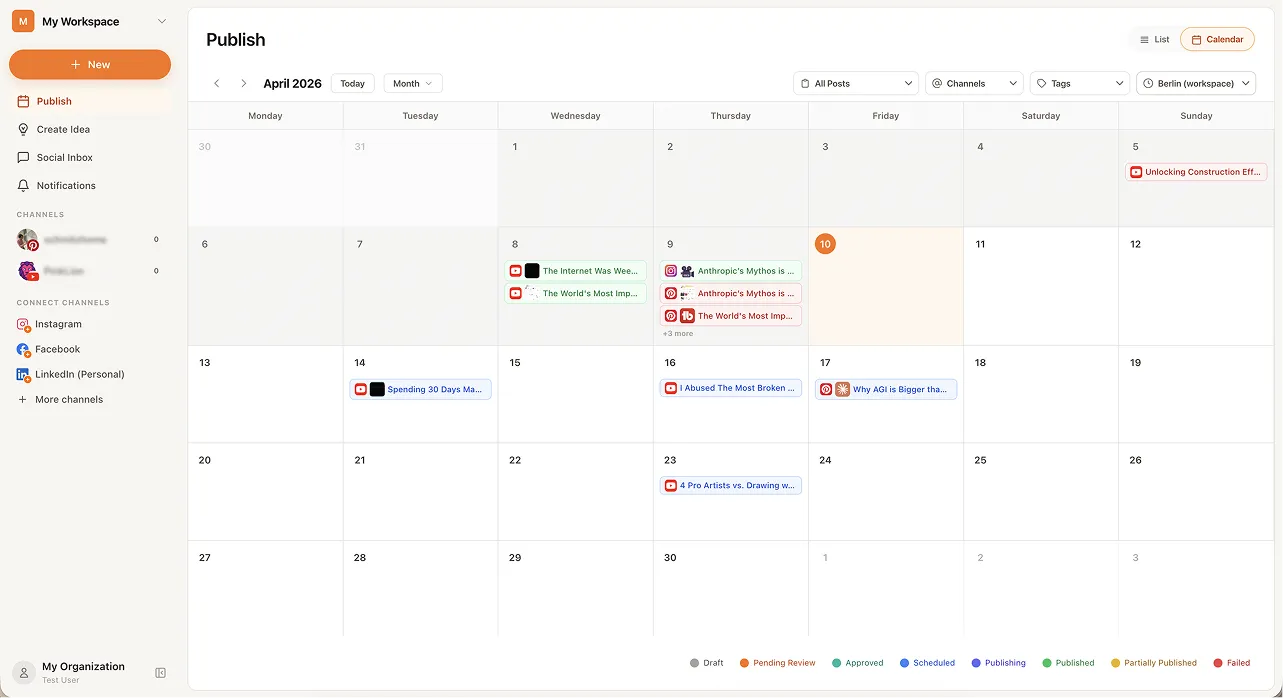
Open-source, self-hostable social media management platform. Schedule, publish, and manage content across 10+ platforms from a single dashboard. Free alternative to Buffer, Sendible, and SocialPilot.
- 2.7k
- Python
- AGPL-3.0
- 6 d ago
A small, privacy-friendly multi-site dashboard for GoatCounter. Vanilla JS, no build, no backend.
Repo gnacho/goatdash, read from GitHub 15 h ago. gnacho has not joined Take My Repo.
gnacho/goatdash is a public repo on GitHub by gnacho. A small, privacy-friendly multi-site dashboard for GoatCounter. Vanilla JS, no build, no backend. It declares the AGPL-3.0 license on GitHub. It is written mainly in TypeScript, has 1 stars and last changed on 2026-11-17. Nobody has reviewed it on Take My Repo yet, which says nothing about its quality. Read from GitHub on 2026-11-22.
Try the live demo → · Landing page · Run it locally
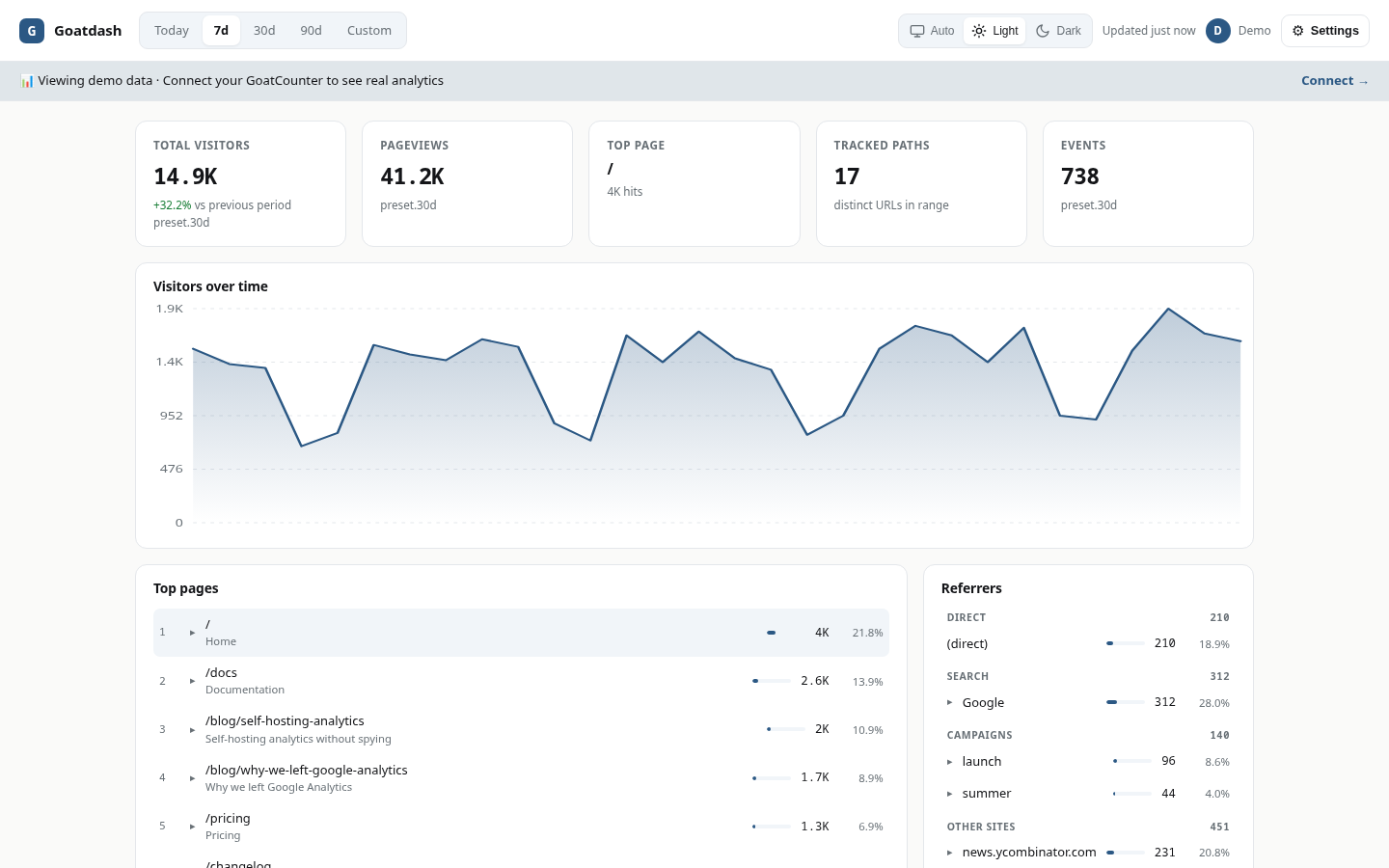
goatdash is a privacy-friendly dashboard for GoatCounter analytics. It runs entirely in the browser: no framework, no CDN, just a few static files that talk to the GoatCounter v0 API. The sources are TypeScript under src/, compiled with Vite to the same plain files that get shipped.
src/ compiled by Vite into a handful of static files: nothing to break when a CDN bumps a version./api/v0/sites. Each card shows unique visitors in the last 24h, an hourly sparkline and the trend vs the previous 24h. Sort by visitors or name, ascending or descending, and filter with a search box. Clicking a card opens that site's full dashboard; the house button in the topbar goes back home.token.sites from /api/v0/me), so each key can be restricted to a subset of sites.PATCH /api/v0/sites/{id}; read-only when the API key lacks the SiteUpdate permission.include_paths and path_by_name.theme.js script that works with a strict default-src 'self' CSP./api/v0/me.X-Rate-Limit-Remaining and Retry-After and adapts so it never exceeds the server limit, per-card retry and an "updated Xs ago" freshness indicator.Home: site cards with 24h visitors, sparkline and trend
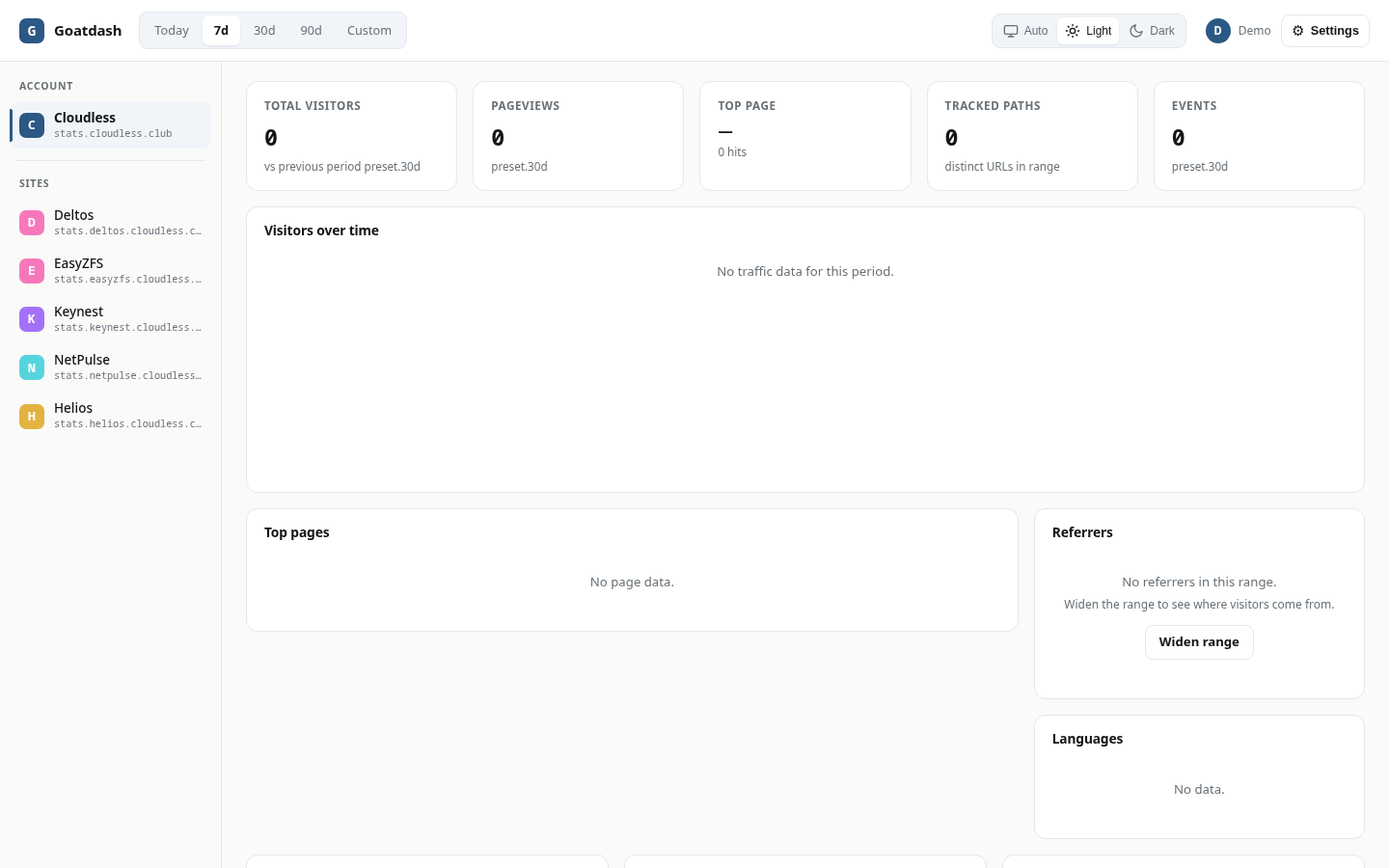
Referrers: top referrers grouped by channel with a drill-down
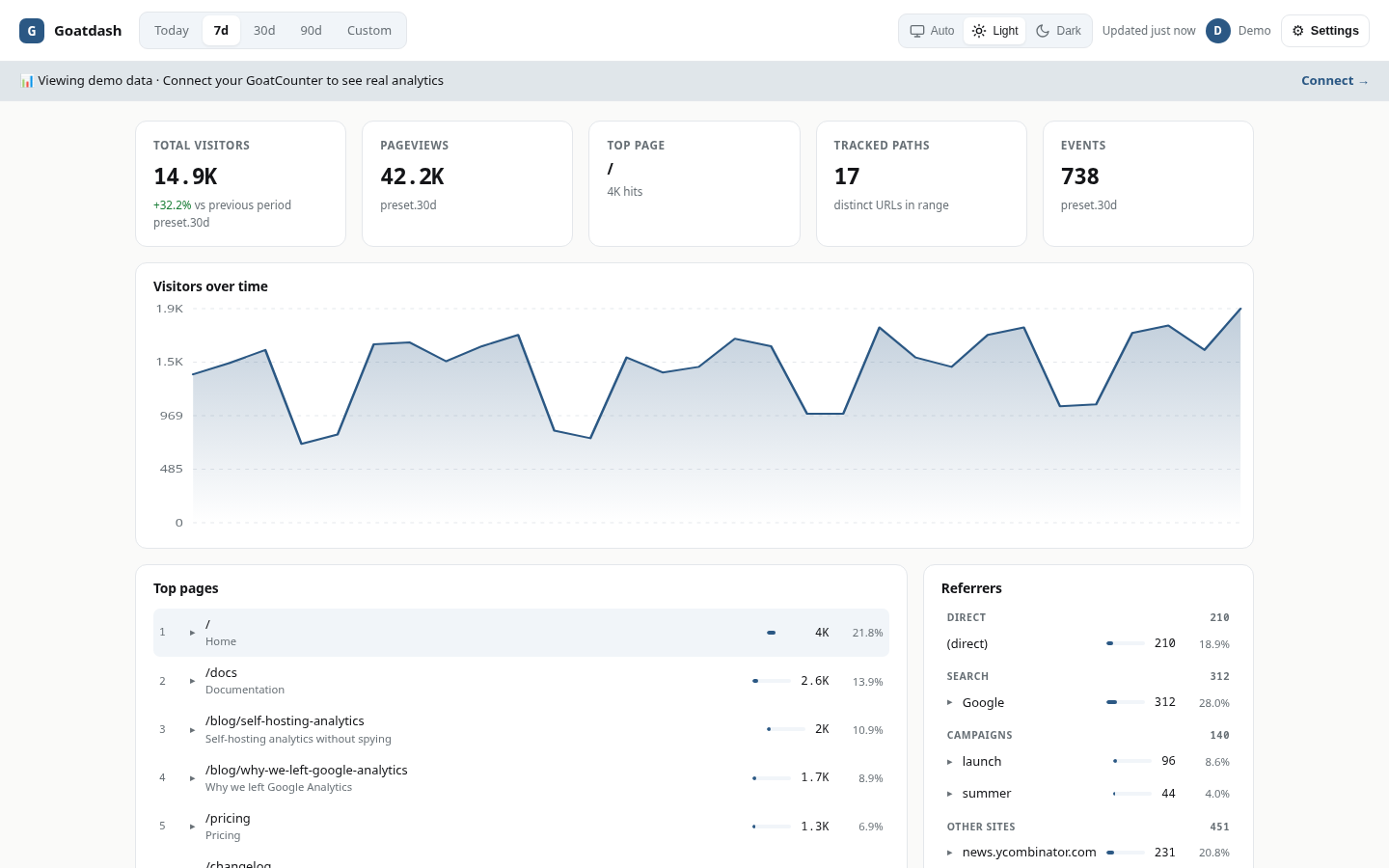
Countries: world map and top country list
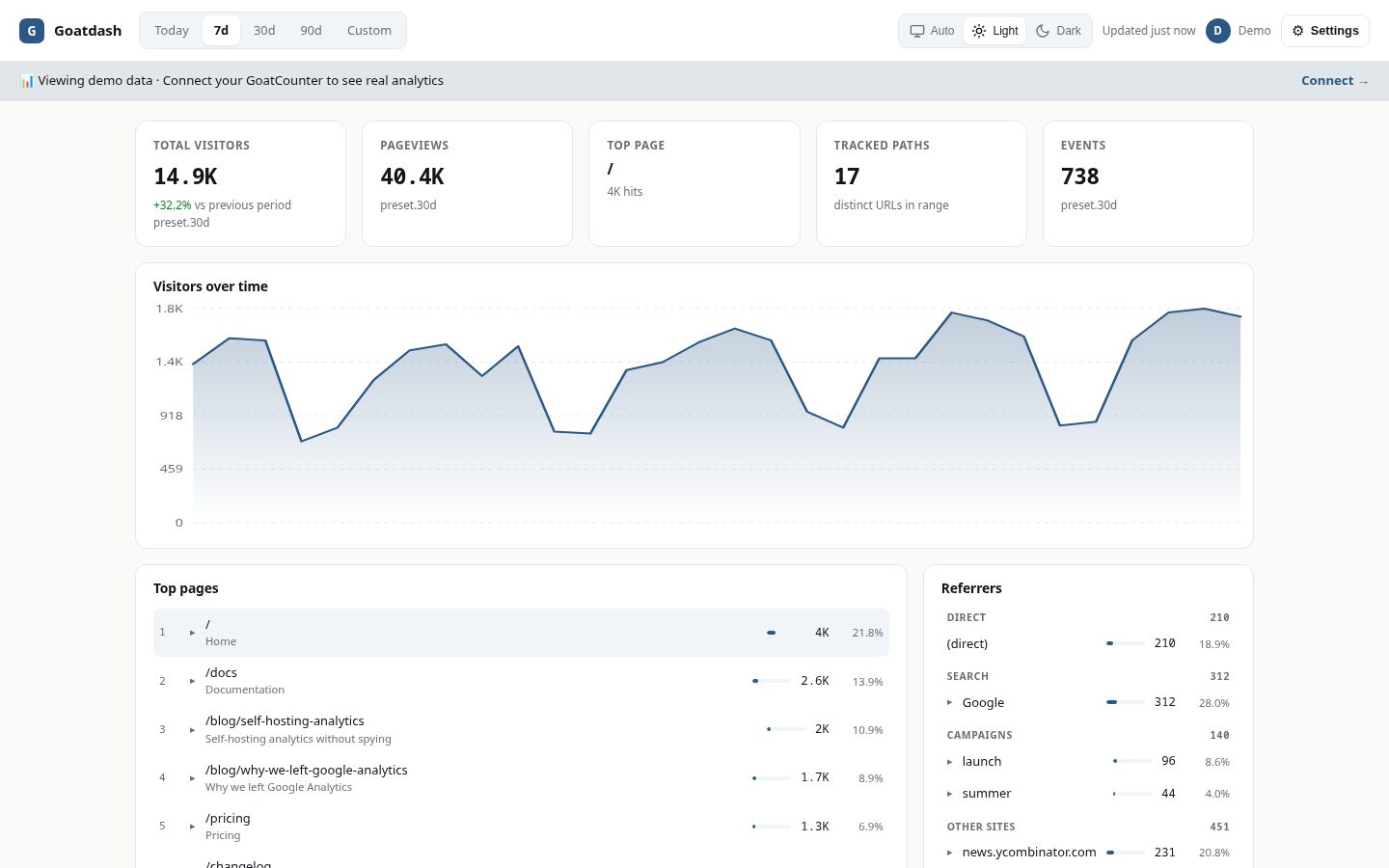
Top pages: the expanded content panel with every tracked path
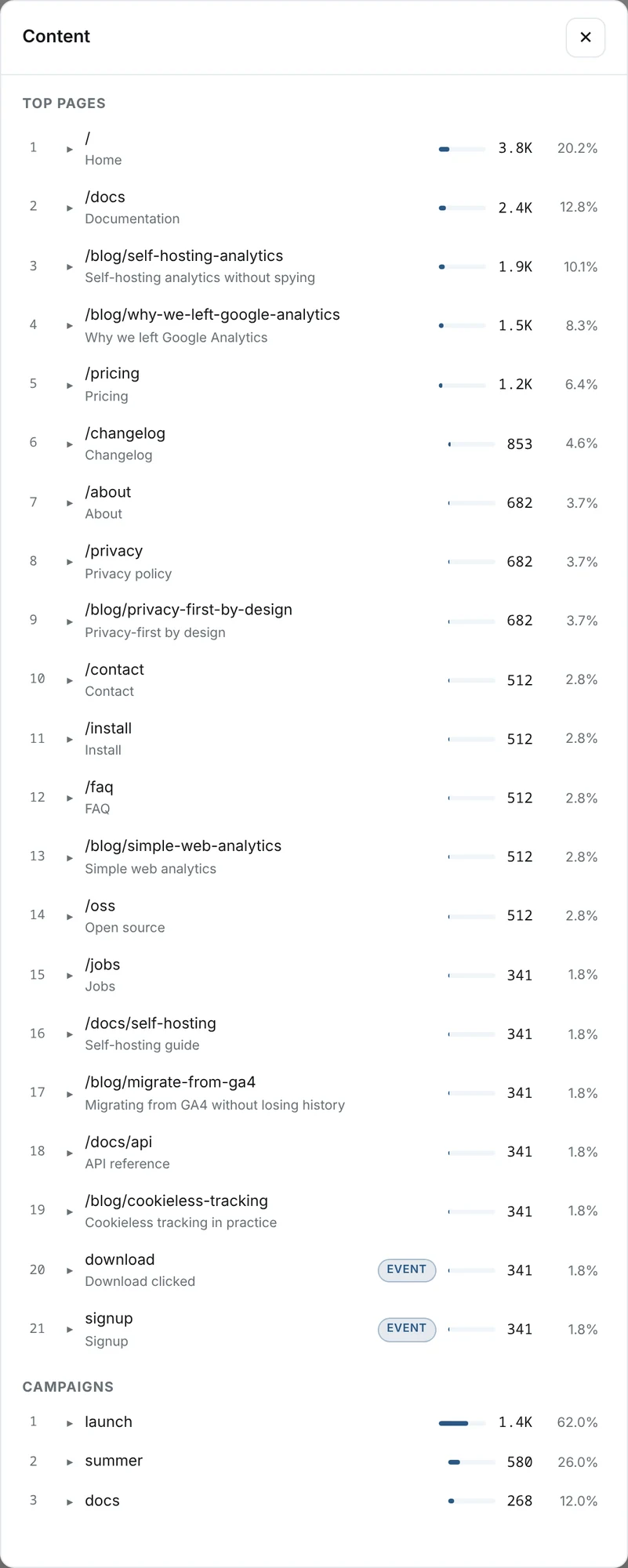
This is a personal project that I use every day, not a product. It is AGPL-3.0, and I answer issues and PRs at my own pace, with no SLA. With contributions or support it might grow faster, but I cannot promise anything.
There is no install script and nothing to compile on the server: the release tarball is a handful of ready-to-serve static files. Put them on any static host and open the page. The manifest and the service worker are included, so the browser can install it as an app that runs without the address bar.
# Try it locally
python3 -m http.server 8000
# open http://localhost:8000
For multi-site, each site lives at its own domain, all pointing at the same GoatCounter, and GoatCounter resolves the site from the Host header. The dashboard is just static files served from its own domain and queries each site cross-origin. A minimal server block for the dashboard:
server {
  listen 80;
  server_name stats.example.com;

  root /var/www/goatdash;
  index index.html;

  # The index changes rarely; assets are versioned with ?v=N (see below).
  add_header Cache-Control "no-store";
}
Requirements: any static web server and a GoatCounter instance whose v0 API is reachable over HTTPS from the browser. No Docker, no Node and no build tools on the server: the release tarball contains plain static files.
index.html loads its assets with a version query, for example app.js?v=3. On every deploy you must bump that number, or the browser keeps serving the previous JavaScript from its one hour cache and the dashboard breaks. If you serve the index with Cache-Control: no-store, the index itself is always fresh and only the versioned assets stay cached.
If you host goatdash on a Linux server with systemd, you can enable the weekly self-updater:
# Copy the updater files from the release to a location outside the web root
cp deploy/goatdash-update.sh /opt/goatcounter-dashboard/deploy/
cp deploy/goatdash-update.service /etc/systemd/system/
cp deploy/goatdash-update.timer /etc/systemd/system/

systemctl daemon-reload
systemctl enable --now goatdash-update.timer
The timer runs once a week, downloads the latest stable GitHub release (v*), verifies the SHA256 checksum against checksums.txt, backs up the current public folder and swaps it. The frontend also checks GitHub releases once a week and shows a small banner when a newer version is available.
goatdash loads no inline scripts, so a strict default-src 'self' covers its own files. The one addition is connect-src: it must include every site domain the dashboard queries, because each site is its own origin.
goatdash has no config file. On first load the connect screen asks for two things:
https://stats.cloudless.club),Both are kept in the browser's localStorage and only travel to your GoatCounter instance over HTTPS. Theme, language, selected site and date range are persisted the same way.
For several sites on one GoatCounter account, each site needs its own domain, and every domain points at the same GoatCounter. GoatCounter resolves the site from the Host header, which is core behavior, so the official binary is enough. The dashboard reads the site list from /api/v0/sites and queries each site at https://<its-domain>/api/....
GoatCounter sends Access-Control-Allow-Origin: *, so the cross-origin requests work without a proxy. One honest detail: every cross-origin request that carries the Authorization header first triggers an OPTIONS preflight, so each API call is two round trips.
I proposed an X-Goatcounter-Site header upstream in PR #915. It would let a single origin serve every site, but goatdash does not need it. Until that lands, one domain per site is all it takes.
Open the page and click Try Demo to explore with sample data, or enter your GoatCounter URL and API key to connect. With more than one site you land on the home: a card per site with its last-24h visitors, sparkline and trend; clicking a card opens the dashboard, and the house button goes back. The segmented control switches between today/7d/30d/90d/custom, and the gear menu holds refresh, theme, language and disconnect.
Click almost anything to drill down: a page shows its referrers, a referrer shows the pages it brought, a browser shows versions, a country shows regions, a campaign shows the referrer URLs. The refresh menu clears the cache and fetches everything again.
goatdash ships index.html, styles.css and a handful of JavaScript files compiled from the TypeScript sources in src/. The build (npm run build, Vite) keeps the historical filenames so the cache-bust query, the service worker and the server-side updater work unchanged; the compiled files are not committed. npm run typecheck runs tsc --noEmit in strict mode. Layout: the shared core (types, state, api, settings, i18n, utils) at the top level, src/render/ (panels and chart), src/bridge/ (entry points shared by several views) and the views themselves (home, sites, params, dashboard, ...). src/main.ts imports the whole graph and calls boot(). The demo data lives in src/fixtures.ts and mirrors the real API response shape.
npm install          # dev dependencies (TypeScript and Vite)
npm run typecheck    # tsc --noEmit, strict mode
npm run build        # writes app.js, theme.js, sw.js, fixtures.js and update-check.js
npm run check        # typecheck + build

# Serve the repo and open http://localhost:8000
python3 -m http.server 8000
The world map data in assets/world-map.js is a generated asset kept from the original project; the generator lives upstream in the scripts/ folder of abhishekhsingh/goatcounter-dashboard and only needs to run when the country dataset changes.
goatdash would not look the way it does without Abhishekh Singh's goatcounter-dashboard (MIT): the layout, the drill-down pattern and the demo mode idea all come from there. The world map asset (assets/world-map.js) is kept verbatim from that project. The rest is a clean rewrite, but the reference deserves the credit.
AGPL-3.0, see LICENSE. The world map asset (assets/world-map.js) is kept verbatim from Abhishekh Singh's MIT project and remains MIT; its notice lives in LICENSE.world-map.
Built by gnacho as a personal self-hosted project; issues and PRs are welcome.
gnacho/goatdash is a public repo on GitHub by gnacho. A small, privacy-friendly multi-site dashboard for GoatCounter. Vanilla JS, no build, no backend.
It declares the AGPL-3.0 license on GitHub.
Its maker has not tagged a system, so it is unknown here. Its README says what it needs.
Open "Take it" on its page: Take My Repo writes an install plan for your machine and hands it to your AI agent (Claude Code, Codex or Cursor), which asks you before each step. Take My Repo has not tested it on any machine.
Its last change on GitHub was on 2026-11-17. Take My Repo does not judge from that whether it is maintained.
Nobody has reviewed it on Take My Repo yet, which says nothing about its quality.
Open-source, self-hostable social media management platform. Schedule, publish, and manage content across 10+ platforms from a single dashboard. Free alternative to Buffer, Sendible, and SocialPilot.
The open and composable observability and data visualization platform. Visualize metrics, logs, and traces from multiple sources like Prometheus, Loki, Elasticsearch, InfluxDB, Postgres and many more.
Real-time global intelligence dashboard. AI-powered news aggregation, geopolitical monitoring, and infrastructure tracking in a unified situational awareness interface
Personal self-hosted infrastructure setup for N100-based mini PC
A list of Free Software network services and web applications which can be hosted on your own servers
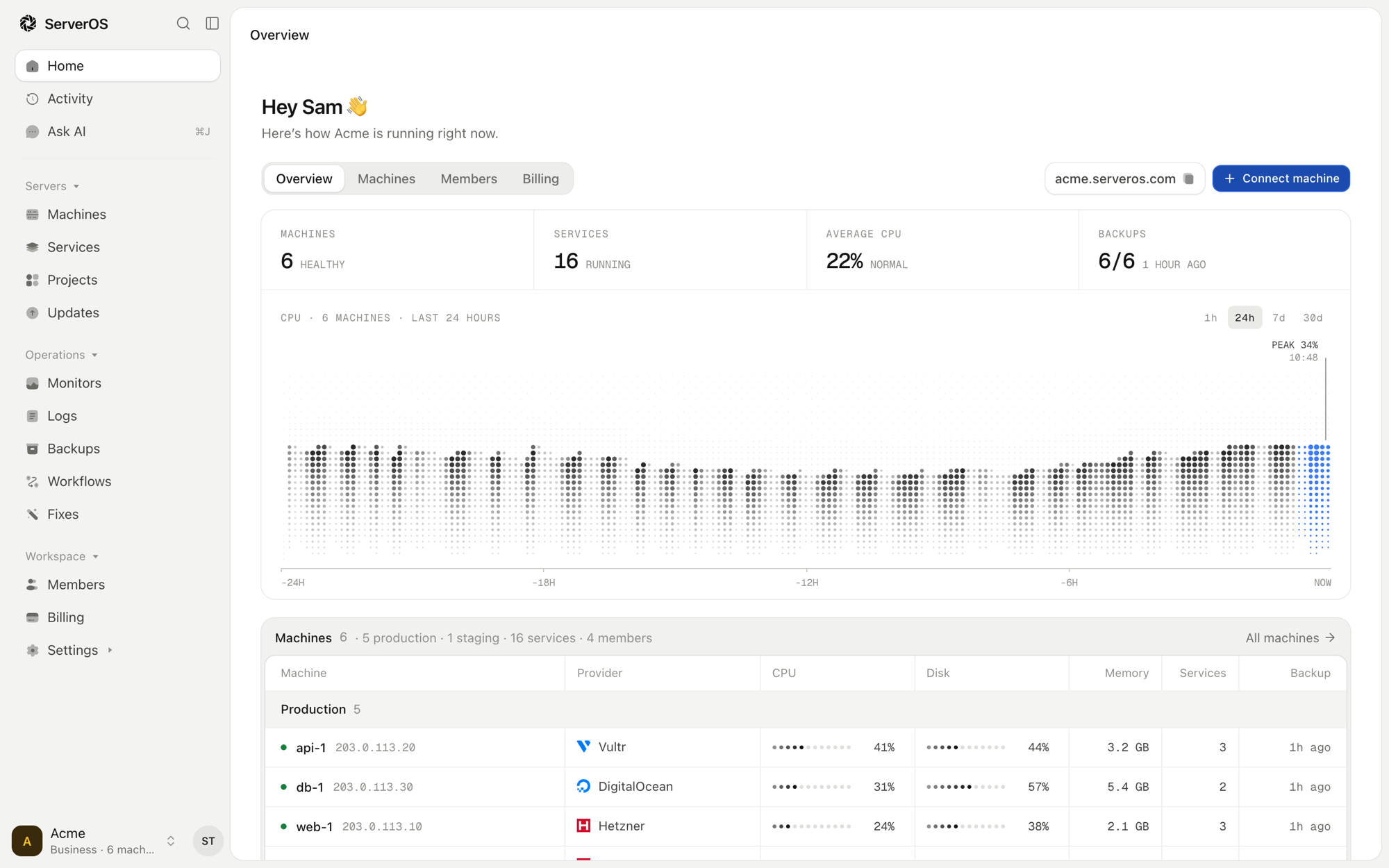
The open source ServerOS panel: one place to run the Linux servers you already own.
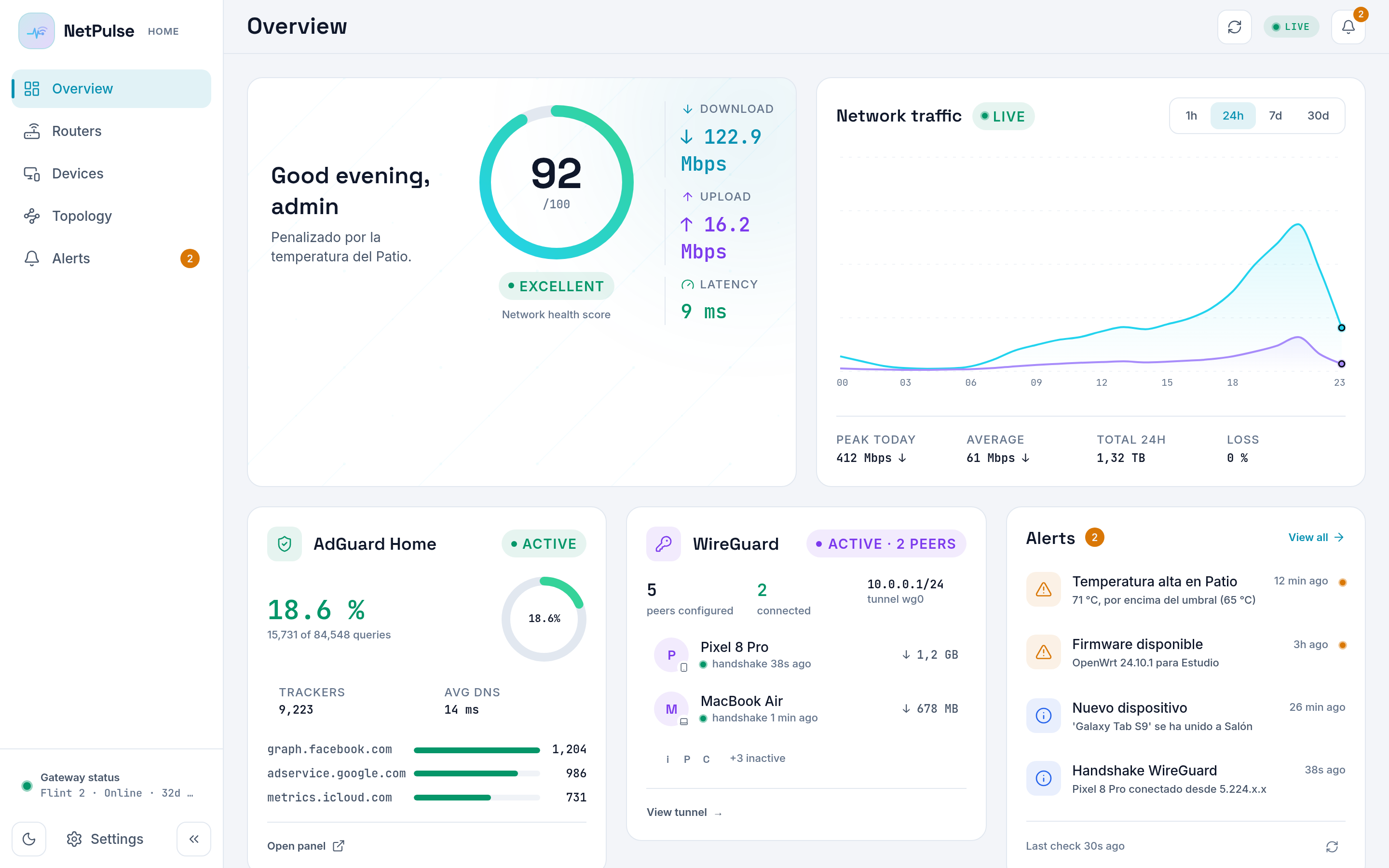
PWA dashboard for monitoring OpenWrt/GL.iNet home networks: fleet status, per-router health, devices, WireGuard peers, AdGuard Home stats and alerts in real time (SSE). Go backend + React 19 frontend, SQLite, multi-user, i18n
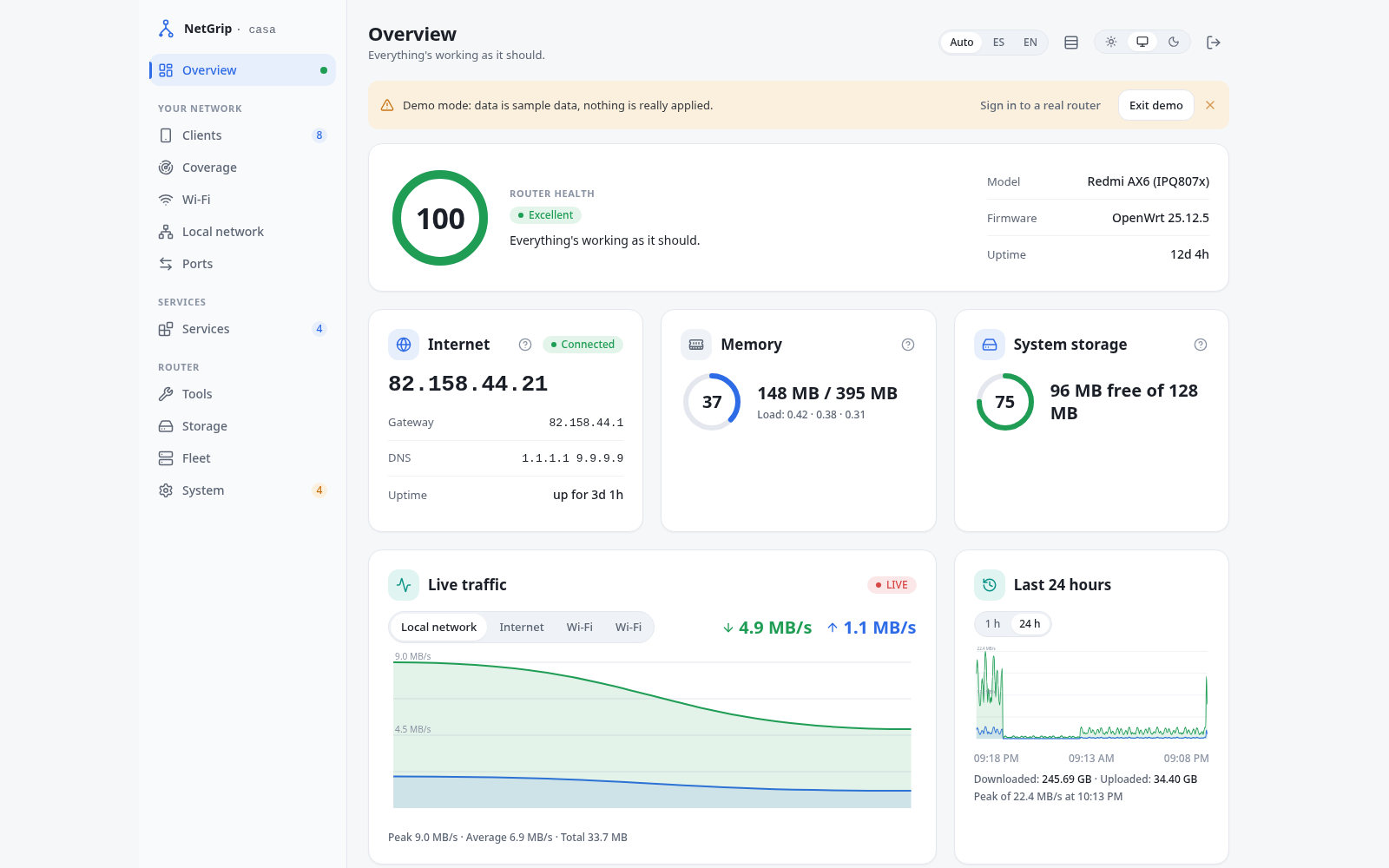
Lightweight companion panel for OpenWrt routers: a clean dashboard that complements LuCI, not a replacement. Service toggles, WiFi, VPN, VLANs, live traffic and diagnostics. Go + React, self-hosted.
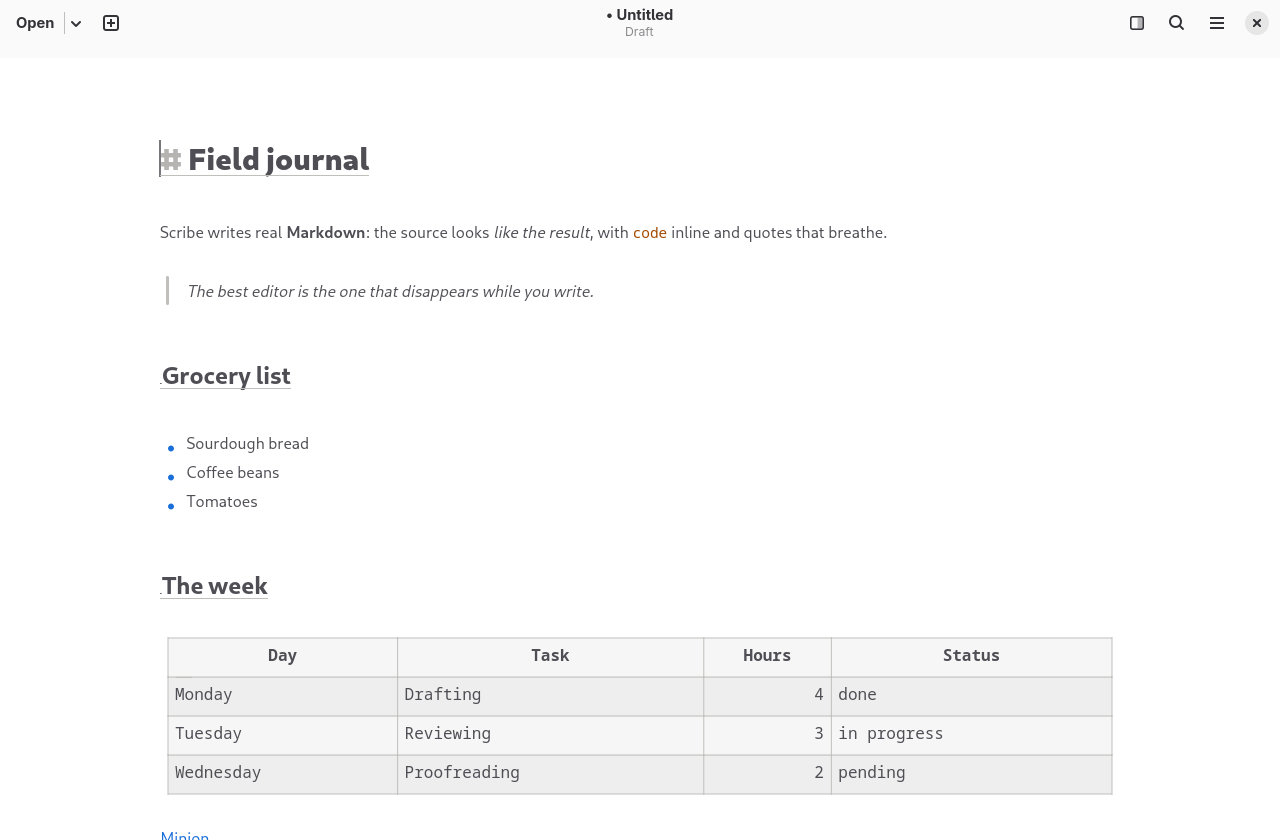
A lightweight, native GNOME Markdown editor with live preview, built with Rust, GTK4 and libadwaita
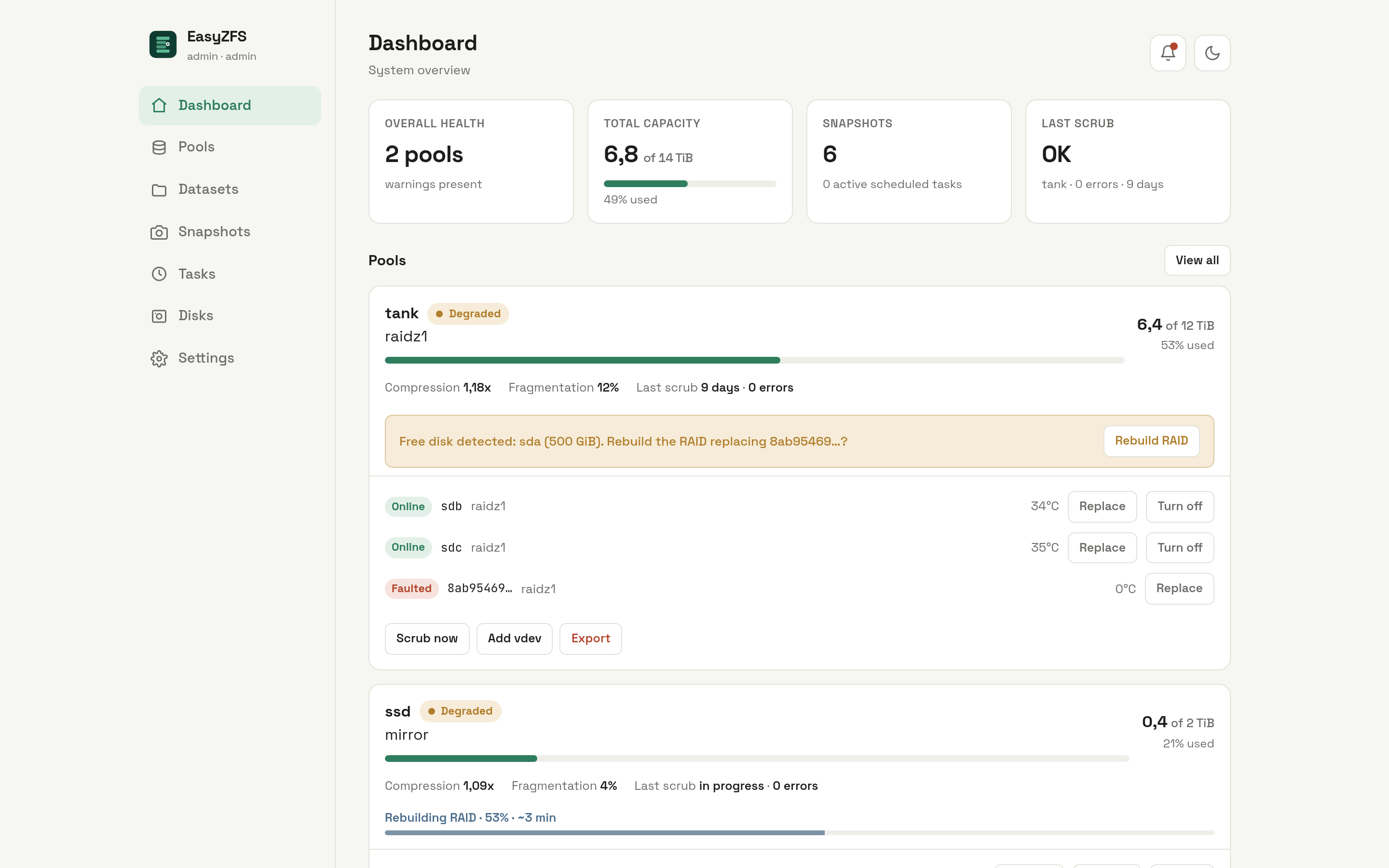
EasyZFS — ZFS management appliance: single static Go binary (REST+SSE API) with embedded PWA — pools, datasets, snapshots, SMART, jobs, multi-user
External router integrations for NetPulse: MikroTik RouterOS, Asuswrt and Asuswrt-Merlin agents that push signed snapshots to a self-hosted network dashboard.
Native Jellyfin client for LG webOS TVs: Rust, GPU-drawn UI at 60 fps, hardware video. Fork of plx-native.