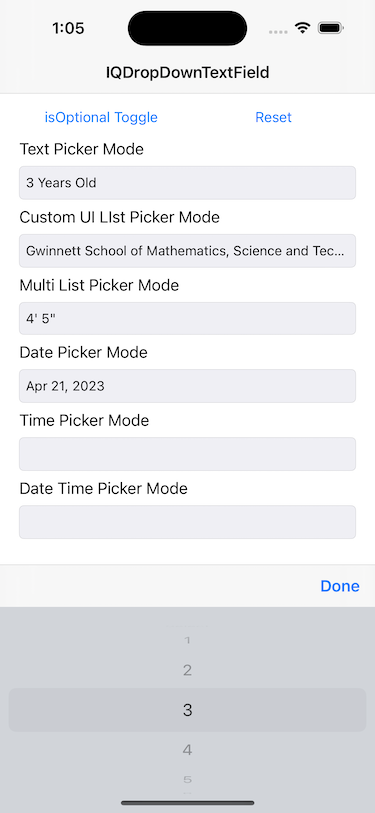
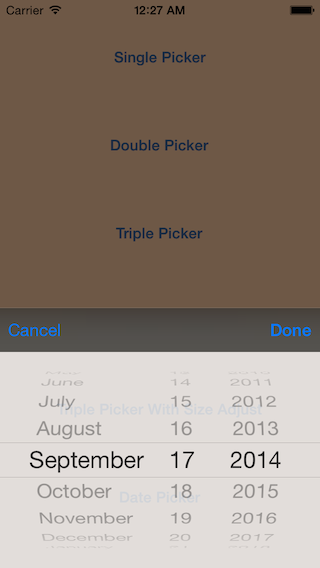
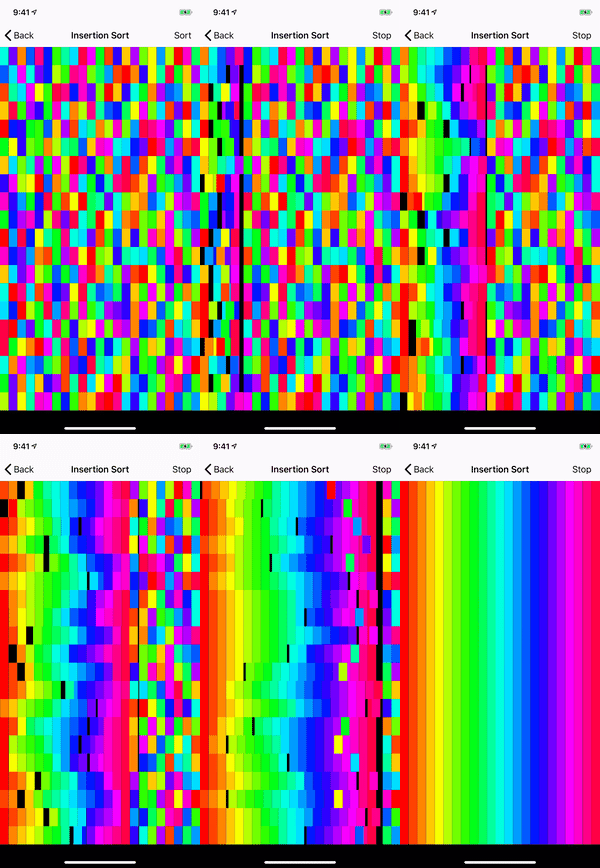
IQKeyboardManager
Codeless drop-in universal library allows to prevent issues of keyboard sliding up and cover UITextField/UITextView. Neither need to write any code nor any setup required and much more.
- 17k
- Swift
- MIT
- 8 wk ago
The maintainer has not written a description at the source.
Repo hackiftekhar/IQPurchaseKit, read from GitHub 1 min ago. hackiftekhar has not joined Take My Repo.
hackiftekhar/IQPurchaseKit is a public repo on GitHub by hackiftekhar. It declares the MIT license on GitHub. It is written mainly in Swift, has 0 stars and last changed on 2026-09-12. Nobody has reviewed it on Take My Repo yet, which says nothing about its quality. Read from GitHub on 2026-11-22.
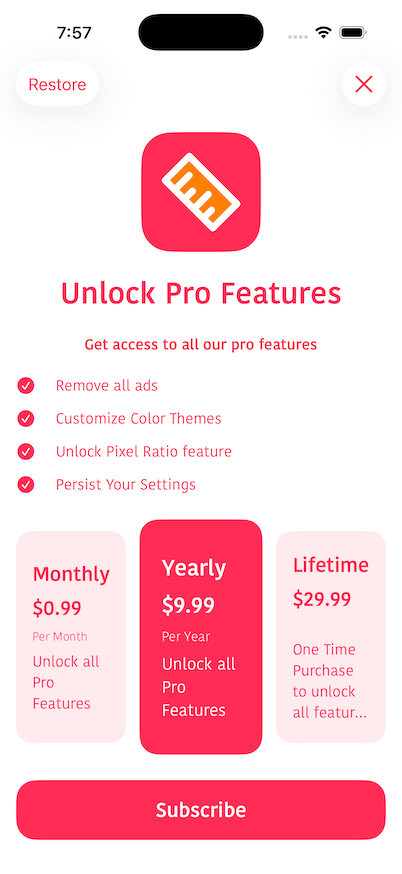
A StoreKit 2 wrapper for iOS that handles product loading, purchases, transaction observation, purchase-status tracking, and optional server-side delivery through a delegate.
IQPurchaseKitDelegateIQPurchaseKit is available through CocoaPods. Add the following to your Podfile:
pod 'IQPurchaseKit'
Then run pod install.
Configure IQPurchaseKit at launch with your product identifiers. Optionally provide a delegate to handle product delivery and promotional offer signatures.
import IQPurchaseKit

@main
class AppDelegate: UIResponder, UIApplicationDelegate {

    func application(
        _ application: UIApplication,
        didFinishLaunchingWithOptions launchOptions: [UIApplication.LaunchOptionsKey: Any]?
    ) -> Bool {

        IQPurchaseKit.shared.configure(
            productIDs: [
                "com.example.monthly",
                "com.example.yearly",
                "com.example.lifetime",
                "com.example.coins"
            ],
            delegate: self
        )

        return true
    }
}
Optionally link purchases to a user account:
IQPurchaseKit.shared.setAppAccountToken(userUUID)
Look up a loaded product and purchase it asynchronously. The result is a PurchaseState enum.
import StoreKit
import IQPurchaseKit

func purchaseMonthly() async {
    guard let product = IQPurchaseKit.shared.product(withID: "com.example.monthly") else {
        return
    }

    let result = await IQPurchaseKit.shared.purchase(product: product)

    switch result {
    case .success(let transaction):
        print("Purchased: \(transaction.productID)")
    case .restored:
        print("Restored")
    case .pending:
        print("Purchase pending approval")
    case .userCancelled:
        print("User cancelled")
    case .failure(let error):
        print("Purchase failed: \(error)")
    }
}
Purchase with a quantity (consumables) or a subscription offer:
// Consumable with quantity
let result = await IQPurchaseKit.shared.purchase(product: coinsProduct, quantity: 2)

// Subscription with an introductory or promotional offer
let offers = IQPurchaseKit.shared.availableSubscriptionOffers(for: subscriptionProduct)
if let offer = offers.first {
    let result = await IQPurchaseKit.shared.purchase(product: subscriptionProduct, offer: offer)
}
Restore previously purchased products:
let result = await IQPurchaseKit.shared.restorePurchases()
Implement IQPurchaseKitDelegate when you need server-side validation or promotional offer support.
After a purchase is verified, the manager calls deliver with the transaction, renewal info, and base64 App Store receipt. Call completion(.success(())) only after your app (or server) has granted the entitlement. Call completion(.failure(error)) to keep the transaction unfinished.
extension AppDelegate: IQPurchaseKitDelegate {

    func deliver(
        product: Product,
        transaction: Transaction,
        renewalInfo: Product.SubscriptionInfo.RenewalInfo?,
        receiptData: Data,
        appAccountToken: UUID?,
        completion: @escaping (Result<Void, Error>) -> Void
    ) {
        // Server-less apps can complete immediately
        completion(.success(()))

        // Server-backed apps can validate the receipt first:
        // YourAPI.validate(receipt: receiptData.base64EncodedString(), productID: transaction.productID) { result in
        //     completion(result)
        // }
    }
}
The default protocol extension completes delivery with .success(()) if you do not implement this method.
If you purchase with a promotional offer, implement generateSignature and return an OfferSignature from your server:
func generateSignature(
    product: Product,
    offerID: String,
    appAccountToken: UUID?,
    completion: @escaping (Result<OfferSignature, Error>) -> Void
) {
    YourAPI.generateOfferSignature(productID: product.id, offerID: offerID) { result in
        switch result {
        case .success(let data):
            do {
                // OfferSignature is Codable — decode the JSON payload from your server
                let signature = try JSONDecoder().decode(OfferSignature.self, from: data)
                completion(.success(signature))
            } catch {
                completion(.failure(error))
            }
        case .failure(let error):
            completion(.failure(error))
        }
    }
}
PurchaseStatusManager maintains a cached snapshot for each configured product. Snapshots are persisted in the keychain and updated when purchases complete, transactions change, or the app returns to the foreground.
NotificationCenter.default.addObserver(
    forName: PurchaseStatusManager.purchaseStatusDidChangedNotification,
    object: nil,
    queue: .main
) { _ in
    // Refresh your UI
}
let manager = PurchaseStatusManager.shared

// Check if a specific product is active
let isMonthlyActive = manager.isActive(productID: "com.example.monthly")

// Get detailed status for a product
let snapshot: ProductStatus? = manager.snapshot(for: "com.example.monthly")

// Get all currently active plans
let activePlans: [ProductStatus] = manager.activePlans

// Get the coarse-grained status
let status: ActiveStatus = manager.status(productID: "com.example.monthly")
| Property | Description |
|---|---|
id |
Product identifier |
displayName |
Localized product name |
type |
.consumable, .nonConsumable, .autoRenewable, or .nonRenewable |
status |
.inactive, .active, .gracePeriod, .billingRetryPeriod, .upcoming, or .unlocked |
isActive |
Whether the entitlement is currently active |
isEligibleForIntroOffer |
Introductory offer eligibility |
isFamilyShareable |
Family Sharing support |
renewalInfo |
Subscription renewal details (RenewalStatus) when applicable |
RenewalStatus exposes willAutoRenew, nextRenewalDate, expirationDate, gracePeriodExpirationDate, autoRenewPreference, ownershipType, and state.
// Reload products from the App Store
let products = try await IQPurchaseKit.shared.loadProducts(productIDs: ["com.example.monthly"])

// Manually refresh purchase statuses
await IQPurchaseKit.shared.refreshStatuses()

// Show Apple's subscription management sheet
if let scene = windowScene {
    _ = await IQPurchaseKit.shared.showManageSubscriptions(in: scene)
}

// Present offer code redemption
IQPurchaseKit.shared.presentCodeRedemptionSheet()

// Begin a refund request for a product
if let scene = windowScene {
    _ = await IQPurchaseKit.shared.beginRefundRequest(for: "com.example.monthly", in: scene)
}
To run the example app, clone the repository and install dependencies from the Example directory:
cd Example
pod install
open PurchaseKitExample.xcworkspace
The example demonstrates IQPurchaseKit together with IQPaywallUI for a ready-made paywall UI. See Example/PurchaseKitExample/PaywallManager.swift for a full integration with consumable delivery, subscription checks, and delegate implementation.
Iftekhar Qurashi — hack.iftekhar@gmail.com
IQPurchaseKit is available under the MIT license. See the LICENSE file for more information.
hackiftekhar/IQPurchaseKit is a public repo on GitHub by hackiftekhar. Its maker has not written a description.
It declares the MIT license on GitHub.
Its maker has not tagged a system, so it is unknown here. Its README says what it needs.
Open "Take it" on its page: Take My Repo writes an install plan for your machine and hands it to your AI agent (Claude Code, Codex or Cursor), which asks you before each step. Take My Repo has not tested it on any machine.
Its last change on GitHub was on 2026-09-12. GitHub counts 0 open issues and pull requests. Take My Repo does not judge from that whether it is maintained.
Nobody has reviewed it on Take My Repo yet, which says nothing about its quality.
Codeless drop-in universal library allows to prevent issues of keyboard sliding up and cover UITextField/UITextView. Neither need to write any code nor any setup required and much more.
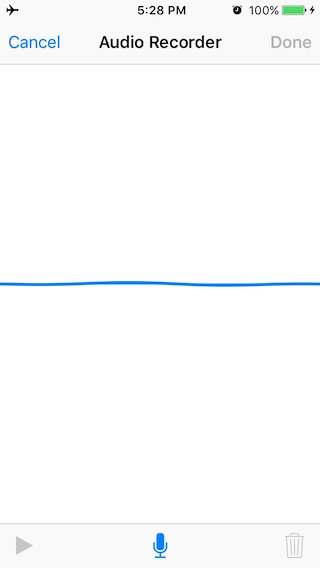
A drop-in universal library allows to record audio within the app with a nice User Interface.