FreeCAD
Official source code of FreeCAD, a free and opensource multiplatform 3D parametric modeler.
- 36k
- C++
- LGPL-2.1
- 14 h ago
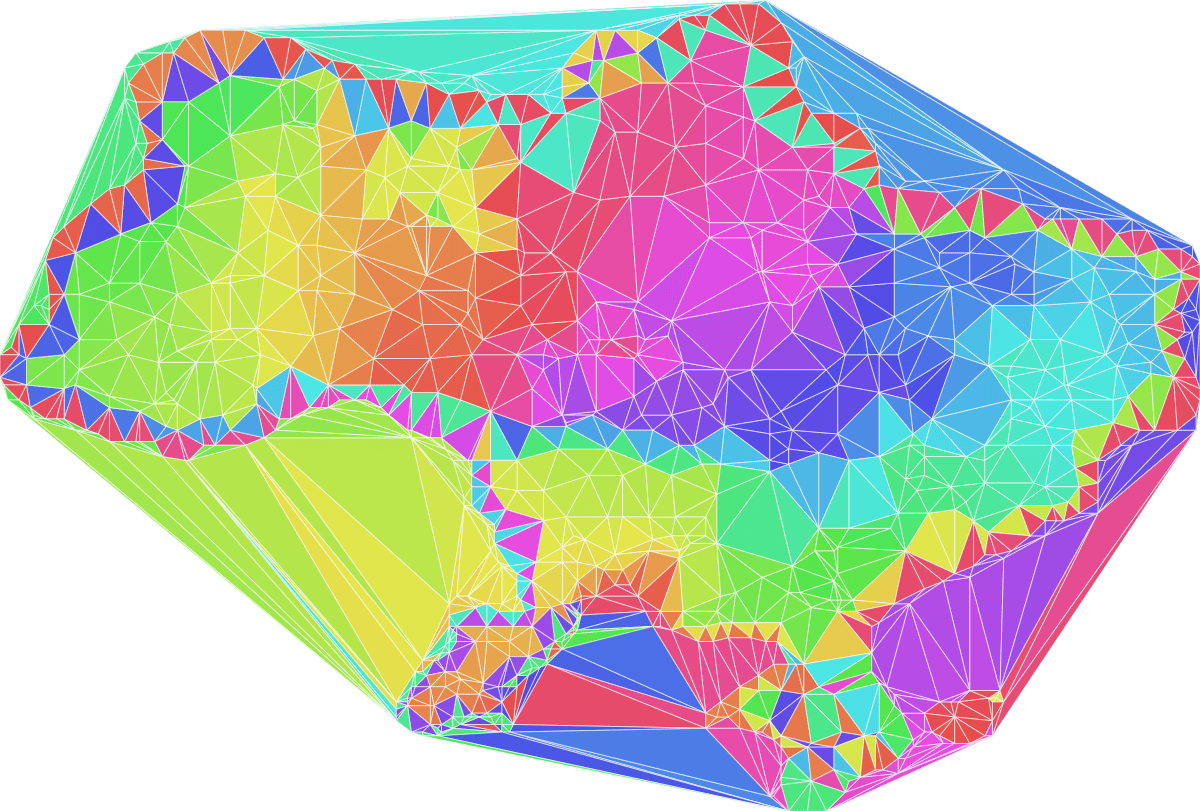
A fast, efficient and extremely stable 2d triangulation library for rust.
Repo iShape-Rust/iTriangle, read from GitHub 13 h ago. iShape-Rust has not joined Take My Repo.
iShape-Rust/iTriangle is a public repo on GitHub by iShape-Rust. A fast, efficient and extremely stable 2d triangulation library for rust. It declares the Apache-2.0 license on GitHub. It is written mainly in Rust, has 160 stars and last changed on 2026-11-18. Nobody has reviewed it on Take My Repo yet, which says nothing about its quality. Read from GitHub on 2026-11-19.
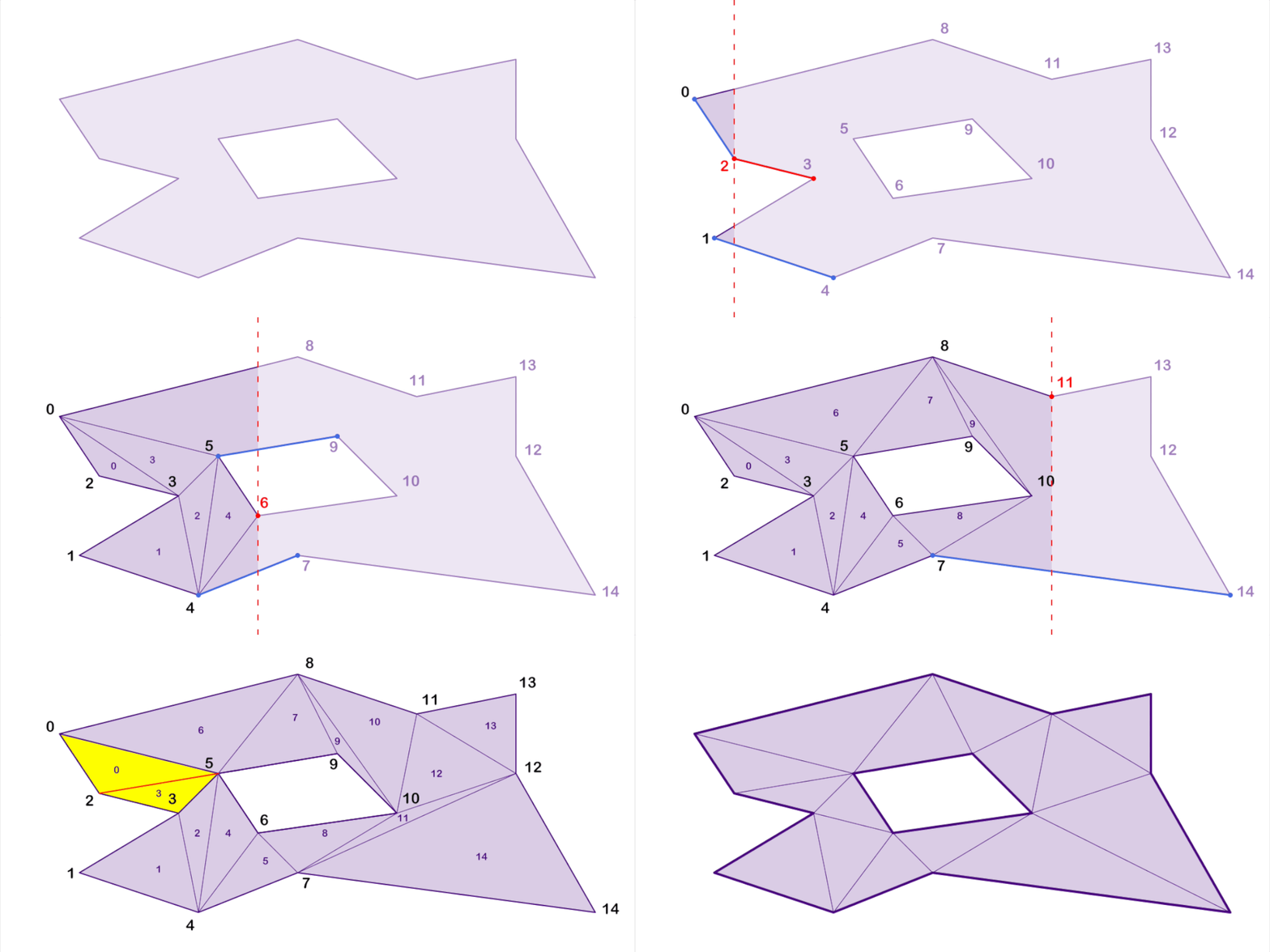
iTriangle provides reliable, deterministic 2D polygon triangulation for complex shapes with holes and self-intersections.
For detailed performance benchmarks, check out the Performance Comparison

f32/f64 input or work directly with i16/i32/i64 integer coordinates.O(n log n) complexity.iTriangle is designed around a deterministic integer core:
f32 and f64 compatible point types, then map them into integer coordinates before triangulation.i16, i32, or i64 coordinates when your geometry is already quantized.i32 is the default integer coordinate type for floating-point input.i64 is useful for larger coordinate ranges or finer fixed precision.i16 can be useful for compact, bounded datasets where memory and cache behavior matter.
Add to your Cargo.toml:
[dependencies]
i_triangle = "0.47"
Minimal example:
use i_triangle::float::triangulatable::Triangulatable;

let contour = vec![
    [0.0, 0.0],
    [10.0, 0.0],
    [10.0, 10.0],
    [0.0, 10.0],
];

let triangulation = vec![contour].triangulate().to_triangulation::<u16>();
println!("triangles: {}", triangulation.indices.len() / 3);
By default, float input is converted to the robust integer core using i32
coordinates. If your geometry needs a different integer precision, choose it
explicitly:
use i_triangle::float::triangulatable::Triangulatable;
use i_triangle::float::triangulator::Triangulator;

let shape = vec![vec![
    [0.0, 0.0],
    [10.0, 0.0],
    [10.0, 10.0],
    [0.0, 10.0],
]];

// One-shot triangulation with i64 integer coordinates.
let mesh = shape.triangulate_as::<i64>().to_triangulation::<u32>();

// Reusable triangulator: first generic is index type, second is coordinate type.
let mut triangulator = Triangulator::<u32, i64>::default();
let mesh = triangulator.triangulate(&shape);

use i_triangle::float::triangulatable::Triangulatable;
use i_triangle::float::triangulation::Triangulation;

let shape = vec![
    vec![
        // body
        [0.0, 20.0],    // 0
        [-10.0, 8.0],   // 1
        [-7.0, 6.0],    // 2
        [-6.0, 2.0],    // 3
        [-8.0, -2.0],   // 4
        [-13.0, -4.0],  // 5
        [-16.0, -3.0],  // 6
        [-18.0, 0.0],   // 7
        [-25.0, -7.0],  // 8
        [-14.0, -15.0], // 9
        [0.0, -18.0],   // 10
        [14.0, -15.0],  // 11
        [26.0, -7.0],   // 12
        [17.0, 1.0],    // 13
        [13.0, -1.0],   // 14
        [9.0, 1.0],     // 15
        [7.0, 6.0],     // 16
        [8.0, 10.0],    // 17
    ],
    vec![
        // hole
        [2.0, 0.0],   // 0
        [5.0, -2.0],  // 1
        [7.0, -5.0],  // 2
        [5.0, -9.0],  // 3
        [2.0, -11.0], // 4
        [-2.0, -9.0], // 5
        [-4.0, -5.0], // 6
        [-2.0, -2.0], // 7
    ],
];

let triangulation = shape.triangulate().to_triangulation::<u16>();

println!("points: {:?}", triangulation.points);
println!("indices: {:?}", triangulation.indices);

let delaunay_triangulation: Triangulation<[f64; 2], u16> =
    shape.triangulate().into_delaunay().to_triangulation();

println!("points: {:?}", delaunay_triangulation.points);
println!("indices: {:?}", delaunay_triangulation.indices);

let convex_polygons = shape.triangulate().into_delaunay().to_convex_polygons();

println!("convex polygons: {:?}", convex_polygons);

// Limit each convex polygon to at most 6 vertices (limits below 3 are treated as 3).
// EarClipping (default) and Fan use existing vertices; Centroid adds the area centroid.
// Only oversized regions are split; new edges may cross mesh triangles.
use i_triangle::float::convex::ConvexSplitStrategy;
let bounded_convex_polygons = shape
    .triangulate()
    .into_delaunay()
    .to_convex_polygons_with_max_vertices(6, ConvexSplitStrategy::default());

let tessellation: Triangulation<[f64; 2], u16> = shape
    .triangulate()
    .into_delaunay()
    .refine_with_circumcenters_by_obtuse_angle(0.0)
    .to_triangulation();

println!("points: {:?}", tessellation.points);
println!("indices: {:?}", tessellation.indices);

let centroids = shape
    .triangulate()
    .into_delaunay()
    .refine_with_circumcenters_by_obtuse_angle(0.0)
    .to_centroid_net(0.0);

println!("centroids: {:?}", centroids);
💡 Output: Triangle indices and vertices, where all triangles oriented in a counter-clockwise direction.
Use uniform triangulation when you need triangles with a predictable target edge length. Relaxation moves only interior vertices toward their centroid-net cell centers; boundary vertices stay fixed, and Delaunay edges are restored after each iteration.
use i_triangle::float::relax::RelaxationOptions;
use i_triangle::float::uniform::UniformTriangulatable;
use i_triangle::i_overlay::core::fill_rule::FillRule;
use i_triangle::i_overlay::core::overlay_rule::OverlayRule;
use i_triangle::i_overlay::float::single::SingleFloatOverlay;

let contours = vec![
    vec![[0.0, 0.0], [12.0, 0.0], [12.0, 8.0], [0.0, 8.0]],
    vec![[4.0, 2.0], [8.0, 2.0], [8.0, 6.0], [4.0, 6.0]],
];
let empty: Vec<Vec<[f64; 2]>> = Vec::new();
let shapes = contours.overlay(&empty, OverlayRule::Union, FillRule::EvenOdd);
let shape = &shapes[0];

let mut delaunay = shape.uniform_triangulate(1.0);
let relaxation = delaunay.relax_mut(RelaxationOptions::new(24));

let triangles = delaunay.to_triangulation::<u32>();
let centroid_net = delaunay.to_centroid_net(0.0);

println!("triangles: {}", triangles.indices.len() / 3);
println!("centroid cells: {}", centroid_net.len());
println!("relaxation: {relaxation:?}");
| Relaxed Uniform Delaunay Mesh | Centroid Net |
|---|---|
 |
 |
The complete reproducible renderer, including the eagle contours, is available in
examples/eagle_svg.rs.
If you need to triangulate many shapes, it is more efficient to use Triangulator.
use i_triangle::float::triangulation::Triangulation;
use i_triangle::float::triangulator::Triangulator;

let contours = vec![
    vec![[0.0, 0.0], [4.0, 0.0], [4.0, 4.0], [0.0, 4.0]],
    vec![[5.0, 0.0], [9.0, 0.0], [9.0, 4.0], [5.0, 4.0]],
];

// Uses u32 triangle indices and the default i32 integer coordinate solver.
let mut triangulator = Triangulator::<u32>::default();

// Enable Delaunay refinement
triangulator.delaunay(true);

// Use fast Earcut solver for contours with ≤ 64 points
triangulator.earcut(true);

let mut triangulation = Triangulation::with_capacity(100);

for contour in contours.iter() {
    // Triangulate using self-intersection resolver
    triangulator.triangulate_into(contour, &mut triangulation);

    println!("points: {:?}", triangulation.points);
    println!("indices: {:?}", triangulation.indices);
}
The integer API is useful when your coordinates are already quantized or when you want direct control over the robust integer core. It avoids float-to-int adapter setup and returns integer points unchanged.
Use IntPoint with IntContour, IntShape, or IntShapes-compatible containers:
use i_triangle::int::triangulatable::IntTriangulatable;
use i_triangle::i_overlay::i_float::int::point::IntPoint;

let contour = vec![
    IntPoint::new(0, 0),
    IntPoint::new(10, 0),
    IntPoint::new(10, 10),
    IntPoint::new(0, 10),
];

let triangulation = contour.triangulate().into_triangulation::<u16>();

assert_eq!(triangulation.points.len(), 4);
assert_eq!(triangulation.indices.len(), 6);
For repeated triangulation, use IntTriangulator and reuse its internal buffers:
use i_triangle::int::triangulation::IntTriangulation;
use i_triangle::int::triangulator::IntTriangulator;
use i_triangle::i_overlay::i_float::int::point::IntPoint;

let contours = vec![
    vec![
        IntPoint::new(0, 0),
        IntPoint::new(10, 0),
        IntPoint::new(10, 10),
        IntPoint::new(0, 10),
    ],
    vec![
        IntPoint::new(20, 0),
        IntPoint::new(30, 0),
        IntPoint::new(30, 10),
        IntPoint::new(20, 10),
    ],
];

let mut triangulator = IntTriangulator::<i32, u32>::default();
let mut output = IntTriangulation::<i32, u32>::default();

for contour in &contours {
    triangulator.triangulate_contour_into(contour.clone(), &mut output);
    assert!(!output.indices.is_empty());
}
If your integer contours are already valid and correctly oriented, the unchecked API skips validation:
use i_triangle::int::unchecked::IntUncheckedTriangulatable;
use i_triangle::i_overlay::i_float::int::point::IntPoint;

let contour = vec![
    IntPoint::new(0, 0),
    IntPoint::new(10, 0),
    IntPoint::new(10, 10),
    IntPoint::new(0, 10),
];

let triangulation = contour.uncheck_triangulate().into_triangulation::<u16>();
assert_eq!(triangulation.indices.len(), 6);
The Minkowski sum is A + B = {a + b}. Minkowski difference here means
A + (-B) = {a - b}: it reflects the second region through the origin. It is
not erosion or Boolean subtraction, and it does not undo a sum.
For a single operation, the convenience functions use i32 and automatically
choose a common domain containing both sources and the result. Both sources use
the same fill rule:
use i_triangle::float::minkowski::{minkowski_difference, minkowski_sum};
use i_triangle::i_overlay::core::fill_rule::FillRule;

let square = [[0.0, 0.0], [2.0, 0.0], [2.0, 2.0], [0.0, 2.0]];
let sum = minkowski_sum(&square, &square, FillRule::NonZero).unwrap();
let difference = minkowski_difference(&square, &square, FillRule::NonZero).unwrap();
assert!(sum[0][0].contains(&[4.0, 4.0]));
assert!(difference[0][0].contains(&[-2.0, -2.0]));

let empty: Vec<[f64; 2]> = Vec::new();
assert!(minkowski_sum(&square, &empty, FillRule::NonZero).unwrap().is_empty());
For repeated operations, select a fixed domain that contains the original sources and every requested result. Each source is converted, normalized with its fill rule, triangulated, and decomposed only during preparation:
use i_triangle::float::minkowski::MinkowskiSolver;
use i_triangle::i_overlay::core::fill_rule::FillRule;
use i_triangle::i_overlay::i_float::float::rect::FloatRect;

let domain = FloatRect::new(-16.0, 16.0, -16.0, 16.0).unwrap();
let mut solver = MinkowskiSolver::<[f64; 2]>::new(domain);
let source = [[0.0, 0.0], [4.0, 0.0], [4.0, 4.0], [0.0, 4.0]];
let kernel = [[0.0, 0.0], [1.0, 0.0], [1.0, 1.0], [0.0, 1.0]];
let a = solver.prepare(&source, FillRule::NonZero).unwrap().unwrap();
let b = solver.prepare(&kernel, FillRule::NonZero).unwrap().unwrap();
let sum = solver.sum(&a, &b).unwrap();
solver.clear();
let difference = solver.difference(&a, &b).unwrap();
assert!(sum[0][0].contains(&[5.0, 5.0]));
assert!(difference[0][0].contains(&[-1.0, -1.0]));
prepare returns Ok(None) for empty or unfilled regions, points, segments,
and geometry collapsed by the integer grid. A prepared float operand belongs
to its creating solver; another solver returns MinkowskiError::ForeignOperand
even with identical bounds. Moving or clearing the original solver preserves
its operands. Original source and result bounds outside the domain return
OutsideDomain; invalid coordinates or unsupported numeric result bounds return
CoordinateOutOfRange. Invalid constructor bounds panic.
The adapter's grid stays fixed for the solver's lifetime. A larger domain can
reduce precision; MinkowskiSolver::<[f64; 2], i64> provides a larger integer
budget. Inspect solver.adapter().inv_scale() for the grid step. Rounding can
alter small features, and snapped output can lie slightly outside the domain.
with_options(domain, capacity, true) retains collinear vertices in the final
union; pairwise collinear edges are always merged, so original source vertices
are not all preserved.
For already quantized geometry, use
i_triangle::int::minkowski::{IntMinkowskiOperand, IntMinkowskiSolver}. Integer
operands can be reused across integer solvers of the same coordinate type.
Input must satisfy the overlay integer coordinate range; conservative result
bounds are checked before pairwise operations. See the module rustdoc for
executable examples and the full range and precision contracts.
Benchmarks and interactive demos are available here:
| Delaunay | Convex Polygons | Steiner Points |
|---|---|---|
 |
 |
 |
See CONTRIBUTING.md for development setup, tests, and PR guidelines.
Licensed under either of:
iShape-Rust/iTriangle is a public repo on GitHub by iShape-Rust. A fast, efficient and extremely stable 2d triangulation library for rust.
It declares the Apache-2.0 license on GitHub.
Its maker has not tagged a system, so it is unknown here. Its README says what it needs.
Open "Take it" on its page: Take My Repo writes an install plan for your machine and hands it to your AI agent (Claude Code, Codex or Cursor), which asks you before each step. Take My Repo has not tested it on any machine.
Its last change on GitHub was on 2026-11-18. Take My Repo does not judge from that whether it is maintained.
Nobody has reviewed it on Take My Repo yet, which says nothing about its quality.
Official source code of FreeCAD, a free and opensource multiplatform 3D parametric modeler.
A modular geospatial engine written in JavaScript and TypeScript
An incredibly fast JavaScript library for Delaunay triangulation of 2D points
Boolean Operations for 2D Polygons: Supports intersection, union, difference, xor, and self-intersections for all polygon varieties.
A fast 2D geometry library in WebAssembly for JavaScript and TypeScript. Supports polygon boolean operations, buffering, and triangulation.
This fixed float math library provides an efficient and deterministic solution for arithmetic and geometric operations.
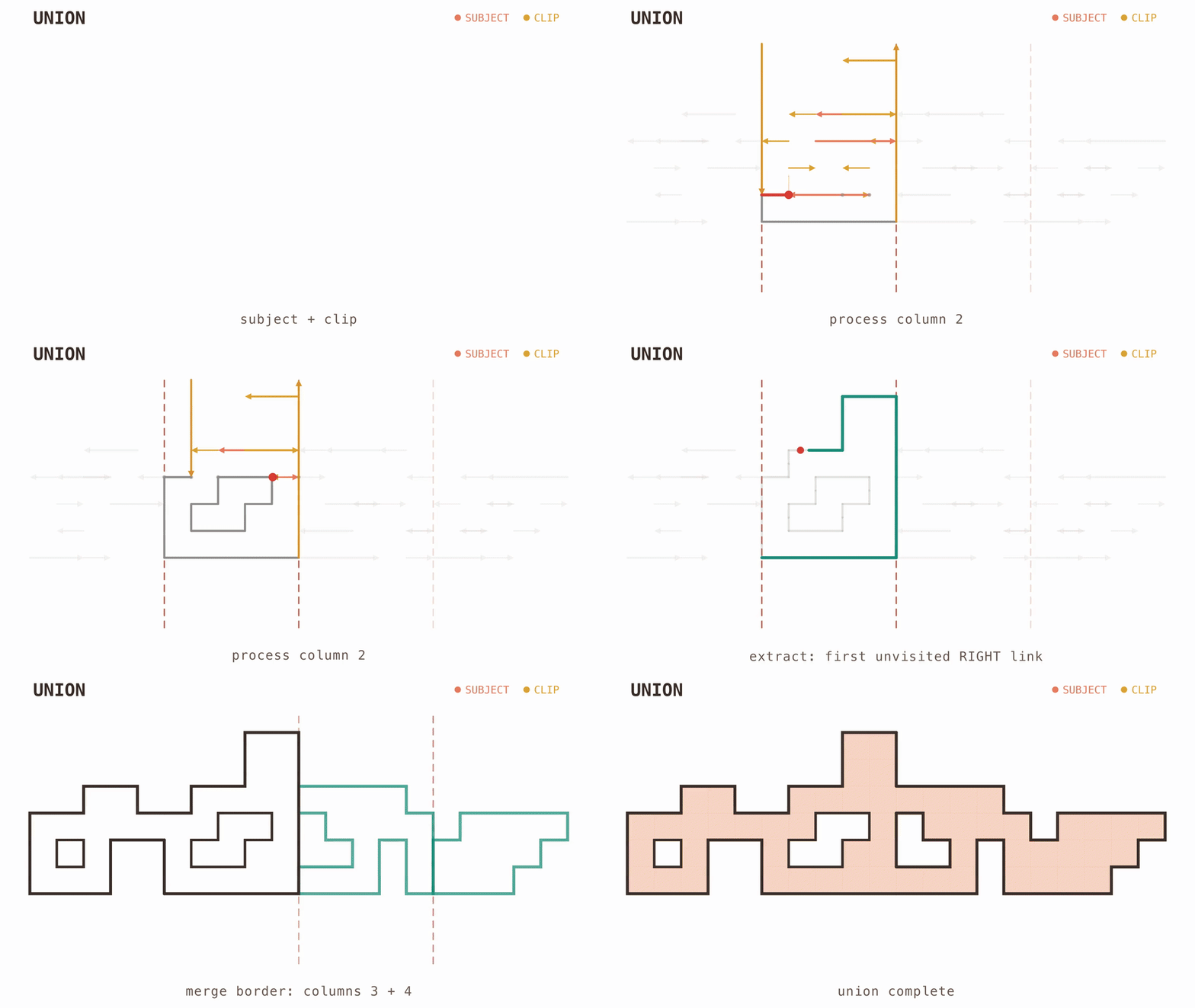
High-performance Boolean operations for orthogonal (Manhattan) polygons in Rust.
iShape is a compact and efficient library specifically designed for representing 2D data structures using FixVec.