every-programmer-should-know
A collection of (mostly) technical things every software developer should know about
- 101k
- CC-BY-4.0
- 11 mo ago
a simple page view counter service that generates SVG badges to display view counts on websites, inspired by gjbae1212/hit-counter, but built with the MERN stack — using Redis instead of MongoDB
Repo jfullstackdev/page-view-counter, read from GitHub 20 h ago. jfullstackdev has not joined Take My Repo.
jfullstackdev/page-view-counter is a public repo on GitHub by jfullstackdev. a simple page view counter service that generates SVG badges to display view counts on websites, inspired by gjbae1212/hit-counter, but built with the MERN stack — using Redis instead of MongoDB. It declares the MIT license on GitHub. It is written mainly in JavaScript, has 13 stars and last changed on 2025-06-08. Nobody has reviewed it on Take My Repo yet, which says nothing about its quality. Read from GitHub on 2026-11-21.
A simple page view counter service that generates SVG badges to display view counts on websites.
Inspired by gjbae1212/hit-counter, but built with the MERN stack
— using Redis instead of MongoDB for fast, in-memory data storage.
but since I prepared the GitHub Codespaces, all are setup.
there are 2 options for the Codespaces :
Install all dependencies (backend and frontend):
Using npm scripts:
npm run install-all
Or manually:
# Install server dependencies
cd server && npm install && cd ..

# Install client dependencies
cd client && npm install && cd ..
Using npm scripts:
# Run both backend and frontend concurrently
npm run dev

# Run only the backend
npm run server

# Run only the frontend
npm run client
Or manually:
# Run both backend and frontend concurrently
npx concurrently "cd server && npm run dev" "cd client && npm start"
PORT: The port for the server to listen on (default: 3001)REDIS_URI: Redis connection URI (default: redis://localhost:6379)REDIS_HOST: Redis host (used if REDIS_URI is not provided)There is a known issue with port visibility in GitHub Codespaces during a fresh start or after a rebuild or other situations. If you encounter errors, simply toggle the port from Private to Public again and the problem will be solved.
The application is configured to maintain counter data between Codespace restarts and rebuilds:
redis-data)This ensures your page view statistics remain intact through development cycles and environment changes. Note that each new codespace instance maintains its own isolated Redis database and is not connected to other instances. Every codespace will track and count page views independently.
USE CASE - Tested this on GitHub Repos and GitHub Pages, data is persistent after every Codespaces restart and rebuild.
Currently, I'm not able to deploy this for others to use it publicly, but those interested in this project can deploy it themselves. The application can be deployed to any platform that supports:
Suitable hosting options include:
Both the frontend (client) and backend (server) are equipped with robust linting, formatting, and security tooling:
npm run lint in either the client or server directory to check for code style and quality issues.npm run lint:fix to automatically fix many linting issues.npm run format in either the client or server directory to automatically format code using Prettier.npm audit in either the client or server directory to check for security vulnerabilities in dependencies.npm audit fix to attempt to automatically fix any found vulnerabilities.These scripts help maintain code quality, consistency, and security across the project. It is recommended to run these checks regularly, especially before committing or deploying code.
eslint.config.js):eslint-plugin-react for
React-specific rules (including hooks and JSX best practices),
eslint-plugin-react-refresh for Vite integration, and globals
for browser environment. Prettier violations are treated as errors.eslint-plugin-n for Node.js
specific rules and globals for the Node.js environment. Prettier
violations are treated as warnings.@eslint/js recommended rules as a base.eslint-plugin-prettier and
eslint-config-prettier to handle all code formatting, ensuring a
consistent style across the codebase. Formatting can be applied using
npm run format in both client and server directories.MIT
jfullstackdev/page-view-counter is a public repo on GitHub by jfullstackdev. a simple page view counter service that generates SVG badges to display view counts on websites, inspired by gjbae1212/hit-counter, but built with the MERN stack — using Redis instead of MongoDB.
It declares the MIT license on GitHub.
Its maker has not tagged a system, so it is unknown here. Its README says what it needs.
Open "Take it" on its page: Take My Repo writes an install plan for your machine and hands it to your AI agent (Claude Code, Codex or Cursor), which asks you before each step. Take My Repo has not tested it on any machine.
Its last change on GitHub was on 2025-06-08. Take My Repo does not judge from that whether it is maintained.
A collection of (mostly) technical things every software developer should know about
Nobody has reviewed it on Take My Repo yet, which says nothing about its quality.

🎓 Because Education should be free. Contributions welcome! 🕵️
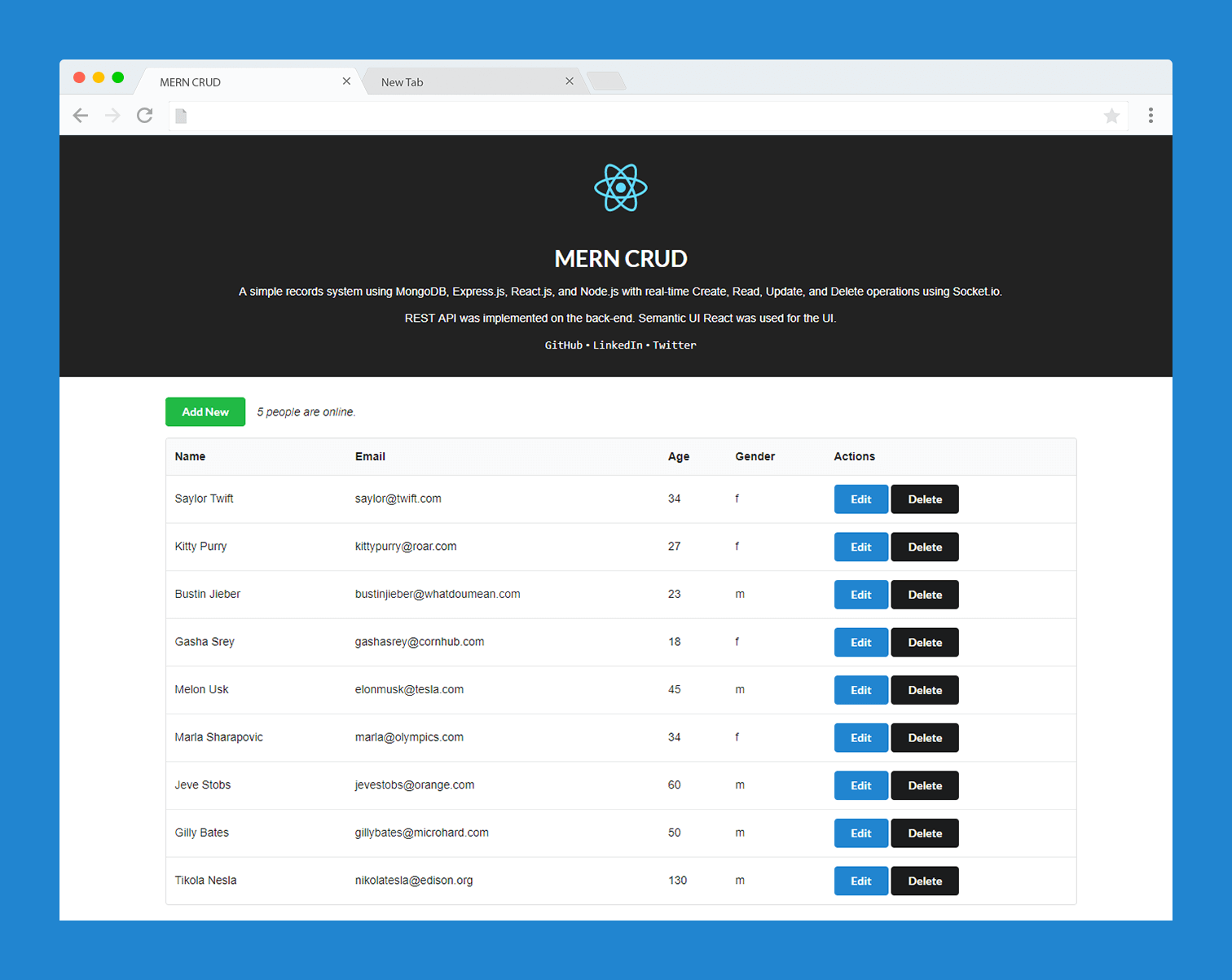
A simple records system using MongoDB, Express.js, React.js, and Node.js with real-time CRUD operations using Socket.io
Bash is all you need - A nano claude code–like 「agent harness」, built from 0 to 1
Free educational courses in cybersecurity, reverse engineering, malware analysis, and programming designed to expand access, build practical skills, and support the next generation of cyber defenders.
if you are new or you don't know this and if you just really want to get the A+ rank or higher, read this
GitHub Pages will enable you to simply turn your GitHub repo into a website