rea
Reverse engineer anything with agents, from app behavior down to native binaries.
- 474k
- TypeScript
- MIT
- 1 h ago
Proof Of Concept - OpenEnclave in Java using JNI
Repo lucadibello/oe-java, read from GitHub 44 min ago. lucadibello has not joined Take My Repo.
lucadibello/oe-java is a public repo on GitHub by lucadibello. Proof Of Concept - OpenEnclave in Java using JNI. It declares no license on GitHub. Public does not mean open source: without a license, nobody is granted the right to reuse it. It is written mainly in CMake, has 0 stars and last changed on 2025-10-10. Nobody has reviewed it on Take My Repo yet, which says nothing about its quality. Read from GitHub on 2026-11-22.
lucadibello/oe-java is a public repo on GitHub by lucadibello. Proof Of Concept - OpenEnclave in Java using JNI.
It declares no license on GitHub. Public does not mean open source: without a license, nobody is granted the right to reuse it.
Its maker has not tagged a system, so it is unknown here. Its README says what it needs.
Open "Take it" on its page: Take My Repo writes an install plan for your machine and hands it to your AI agent (Claude Code, Codex or Cursor), which asks you before each step. Take My Repo has not tested it on any machine.
Its last change on GitHub was on 2025-10-10. Take My Repo does not judge from that whether it is maintained.
Nobody has reviewed it on Take My Repo yet, which says nothing about its quality.
Reverse engineer anything with agents, from app behavior down to native binaries.
⚡️ The fastest key/value storage for React Native. ~30x faster than AsyncStorage!
Secure TLS server with integrated remote attestation (RA-TLS) using Open Enclave (Intel SGX & ARM TrustZone)
A curated list of public TEE resources for learning how to reverse-engineer and achieve trusted code execution on ARM devices
🔐 Securing Your Digital Sanctuary, Trust None, Protect Everything.
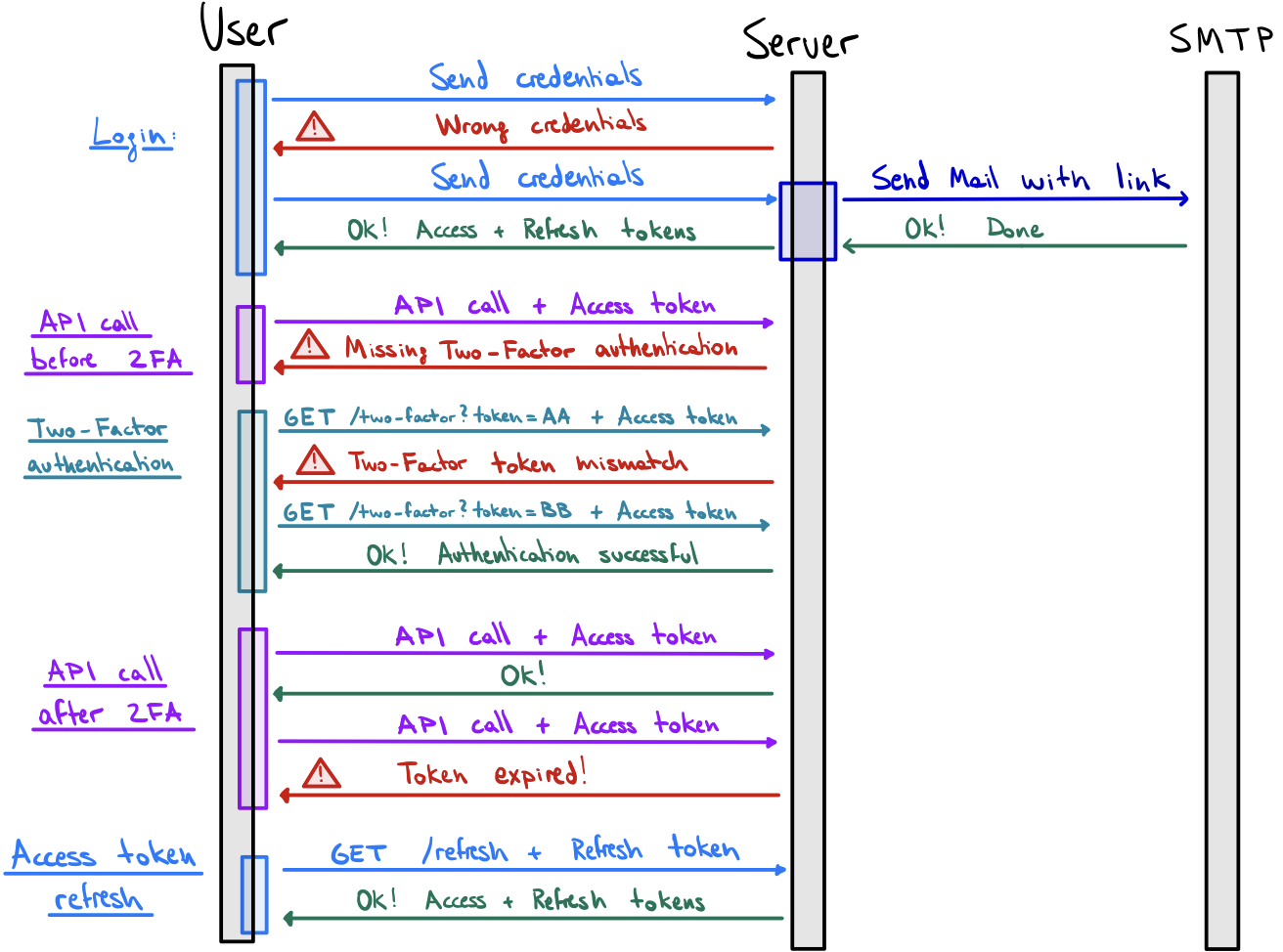
NextJS + ChakraUI + Prisma + JWT-based Authentication + Two-Factor Authentication + Sentry
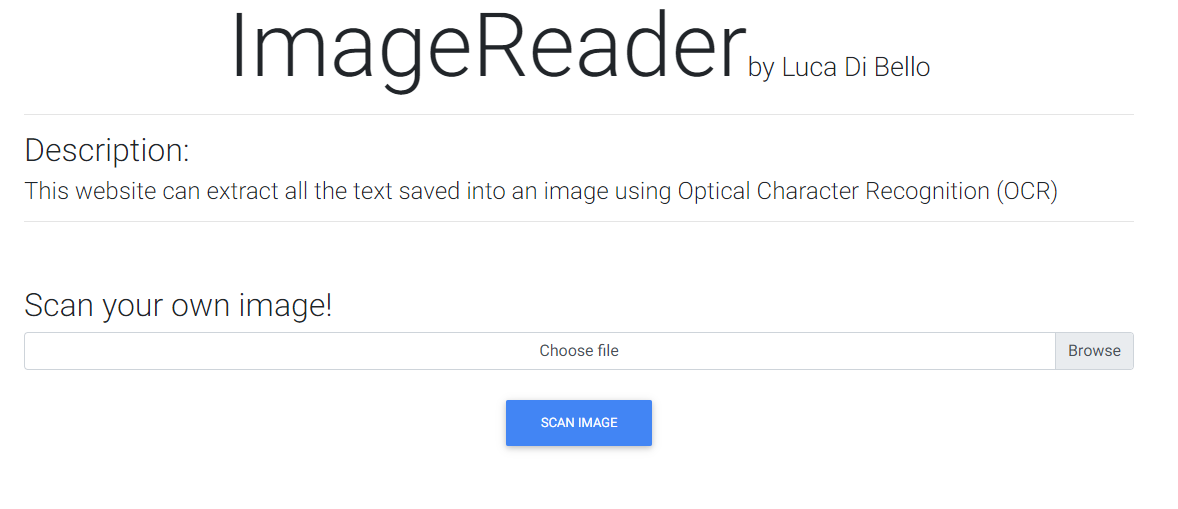
Using Flask and Tesseract this website is able to read all the text written in an image using OCR (Optical Character Recognition).
🛜 Create and manage virtual networks through simple YAML configuration files
Advanced detection of port scanning, DoS and malware attacks using Machine Learning techniques