
eufy-mega-security
Event-first Eufy camera gateway and Home Assistant integration
- 53
- TypeScript
- MIT
- 2 h ago
A voice interface to Overseerr, Jellyseerr and Ombi. Use Alexa, Google or Siri to download stuff!
Repo mscodemonkey/overtalkerr, read from GitHub 1 min ago. mscodemonkey has not joined Take My Repo.
mscodemonkey/overtalkerr is a public repo on GitHub by mscodemonkey. A voice interface to Overseerr, Jellyseerr and Ombi. Use Alexa, Google or Siri to download stuff! It declares no license on GitHub. Public does not mean open source: without a license, nobody is granted the right to reuse it. It is written mainly in Python, has 27 stars and last changed on 2025-11-27. Nobody has reviewed it on Take My Repo yet, which says nothing about its quality. Read from GitHub on 2026-11-22.
In the maintainer's words. Shown from GitHub; Take My Repo does not keep a copy.
Request movies and TV shows using Alexa, Siri, or Home Assistant! 🎙️
⚠️ Google Assistant Note: Google deprecated Conversational Actions in June 2023, ending support for third-party voice apps. "Hey Google" conversational routing through Home Assistant does NOT work reliably. For voice control, use Alexa, Siri, or Home Assistant's local voice assistant (Wyoming/Piper/Whisper).
💡 Setup Required: Overtalkerr requires some effort to set up (configuring voice assistants, API keys, and your media backend) - but it's definitely worth it! Once configured, you'll have a powerful hands-free way to request media across all your devices. Follow our step-by-step guides to get started.
📖 About the Name: Overtalkerr started life as a voice companion specifically for Overseerr. As it grew to support Jellyseerr, Ombi, and multiple voice platforms, we outgrew the name - but it stuck! Consider it a nod to our roots while we serve the entire self-hosted media community. 🎬
⚠️ BETA SOFTWARE: Overtalkerr is currently in beta testing. While we've worked hard to make it stable and feature-complete, please use at your own risk and report any issues you encounter on GitHub Issues. Your feedback helps make it better!
🚀 Proxmox Users: Install in seconds with our LXC helper script! See install_on_proxmox.md
A self-hostable multi-platform voice assistant backend that works with Overseerr, Jellyseerr, and Ombi:
🔵 Alexa:
⚪ Siri:
🏠 Home Assistant:
The backend automatically detects your media request service (Overseerr, Jellyseerr, or Ombi) and uses the appropriate API to search titles and create requests. It confirms the best match, lets you say Yes/No to iterate through results (filtered by media type, year, season, and prioritizing upcoming releases), and submits the request.
Automatic Backend Detection: Overtalkerr automatically detects which backend you're using by probing the API endpoints - no manual configuration needed! Just provide your base URL and API key.
💡 Using Radarr/Sonarr? These tools are excellent for managing downloads, but they lack the unified search experience that makes voice requests intuitive. We recommend pairing them with one of the supported backends above - they're specifically designed to provide a better search and request interface while still managing your Radarr/Sonarr instances behind the scenes. This gives you the best of both worlds: powerful automation and user-friendly requests!
Overtalkerr supports the three most widely-used media request managers in the self-hosting community. If you're using a different request platform, we'd love to hear about it! Open an issue on GitHub to discuss potential support.
📚 See Backend Configuration Guide for setup details and compatibility notes.
📚 See Enhanced Search Features Guide for examples and advanced usage!
If Overtalkerr makes your self-hosted media setup better, consider supporting development! Your contribution helps fund:
Ko-fi (No Fees!)
Every contribution, no matter how small, is deeply appreciated and motivates continued development! 🙏
Choose your installation method:
Perfect for homelab users! One-command LXC container installation:
bash -c "$(wget -qLO - https://raw.githubusercontent.com/mscodemonkey/overtalkerr/main/ct/overtalkerr-standalone.sh)"This creates a lightweight LXC container with everything pre-configured (Python, dependencies, systemd service, and more!). The script will prompt you for a container ID and then automatically install everything. After installation, just configure your backend settings via the web UI at http://YOUR-LXC-IP:5000/config.
See install_on_proxmox.md for full details.
First, clone the repository:
git clone https://github.com/mscodemonkey/overtalkerr.git
cd overtalkerr

# Copy and edit environment template
cp .env.example .env
nano .env  # Configure MEDIA_BACKEND_URL and MEDIA_BACKEND_API_KEY
Then build and run:
# Build the image
docker build -t overtalkerr .

# Run the container
docker run -d \
  --name overtalkerr \
  -p 5000:5000 \
  -v $(pwd)/data:/app/data \
  --env-file .env \
  overtalkerr

# Check logs
docker logs -f overtalkerr
# Create virtual environment
python3 -m venv venv
source venv/bin/activate  # Windows: venv\Scripts\activate

# Install dependencies
pip install -r requirements.txt

# Run database migration (if upgrading)
python migrate_db.py

# Start application
python app.py
Configuration UI (recommended): Open http://localhost:5000/config to:
Test UI: Open http://localhost:5000/test to try searching for a movie without a voice device!
Overtalkerr includes one-click auto-update right from the dashboard! No need to SSH into your server.
The auto-update feature works for git-based installations (Proxmox LXC, Manual Install). See docs/auto_update.md for details.
⚠️ Existing Installations: If the auto-update button shows "Git command failed", your systemd service needs a quick fix. Run this on your server:
cd /opt/overtalkerr
curl -fsSL https://raw.githubusercontent.com/mscodemonkey/overtalkerr/main/fix-systemd-path.sh | bash
This adds git and systemctl to the service PATH. New installations include this fix automatically.
The dashboard automatically checks for new releases from GitHub and displays a notification when an update is available. Checks happen:
Choose the update method based on how you installed Overtalkerr:
cd /path/to/overtalkerr
./update-docker.sh
This script will:
# SSH into your LXC container
ssh root@your-lxc-ip

# Run update script
cd /opt/overtalkerr
./update-proxmox.sh
This script will:
cd /path/to/overtalkerr
./update.sh
This script will:
For fully automated updates, use Watchtower:
# Add to your docker-compose.yml
services:
  watchtower:
    image: containrrr/watchtower
    container_name: watchtower
    volumes:
      - /var/run/docker.sock:/var/run/docker.sock
    environment:
      - WATCHTOWER_CLEANUP=true
      - WATCHTOWER_INCLUDE_STOPPED=true
      - WATCHTOWER_SCHEDULE=0 0 4 * * *  # 4 AM daily
    restart: unless-stopped
Note: All update scripts create automatic backups in the backups/ directory before making changes, so you can safely roll back if needed.
Overtalkerr supports three major voice platforms. Choose the one(s) you want to use:
Powered by: ask-sdk-python (modern SDK)
Endpoint: https://your-domain.com/alexa (POST)
Quick Setup:
overtalkerralexa/interactionModel.jsonFeatures Supported:
📚 Complete Alexa Setup Guide - Step-by-step instructions with troubleshooting
Powered by: iOS/macOS Shortcuts app
Endpoint: https://your-domain.com/voice (POST)
https://your-domain.com/voice
Features Supported:
📚 Complete Siri Setup Guide - Easy step-by-step tutorial for iOS users
Powered by: Webhook-Conversation Integration
Endpoint: http://your-server:5000/homeassistant (POST)
https://github.com/EuleMitKeule/webhook-conversationOvertalkerrhttp://your-overtalkerr:5000/homeassistant📚 Complete Home Assistant Setup Guide - Full walkthrough with authentication and troubleshooting
| Feature | Alexa | Siri | Home Assistant |
|---|---|---|---|
| Setup Difficulty | Medium | Easy | Easy |
| Conversational Flow | Excellent | Manual | Excellent |
| Season Selection | ✅ | ✅ | ✅ |
| Year Filtering | ✅ | ✅ | ✅ |
| Upcoming Releases | ✅ | ✅ | ✅ |
| Visual Cards | ✅ | ❌ | ❌ |
| Multi-turn Dialog | ✅ | ⚠️ (requires setup) | ✅ |
| Review Process | Required | None | None |
| Works with "Hey Google" | ❌ | ❌ | ❌ (Google limitation) |
| Works Offline | ❌ | ❌ | ⚠️ (with local STT/TTS) |
Recommendation: Set them all up! They use the same backend, so once you've got Overtalkerr configured with your media backend, adding additional voice platforms is straightforward.
For "Hey Google" users: Unfortunately, Google's deprecation of Conversational Actions means "Hey Google" voice control does not work with Overtalkerr. Consider using Alexa, Siri, or Home Assistant's local voice assistant instead.
GET /api/v1/search is called with your spoken title. Results are enriched with _releaseDate, _date, _title, and _mediaType.releaseDate.startswith(year)._date are ranked first.POST /api/v1/request is sent with mediaId and mediaType.Notes:
overseerr.request_media to include seasons if you prefer.All configuration is managed through environment variables in .env:
💡 Database Note: Overtalkerr uses a SQLite database to remember conversation context between voice requests (e.g., when you say "No" to iterate through search results). The database is created automatically - no setup required! It's a single file that persists across restarts and is automatically cleaned up (old conversations are deleted after 24 hours).
# Your media request backend (Overseerr, Jellyseerr, or Ombi)
MEDIA_BACKEND_URL=https://your-backend-instance.com
MEDIA_BACKEND_API_KEY=your-api-key-here
SECRET_KEY=your-random-secret-key# Development FLASK_ENV=development LOG_FORMAT=text LOG_LEVEL=DEBUG MOCK_BACKEND=true # Production FLASK_ENV=production LOG_FORMAT=json LOG_LEVEL=INFO MOCK_BACKEND=false # Database (stores conversation state - required for multi-turn dialogs) # DEFAULT: SQLite - zero setup, just works! No need to change this. DATABASE_URL=sqlite:///./overtalkerr.db SESSION_TTL_HOURS=24 # Auto-cleanup old conversations # Note: Advanced users can use PostgreSQL/MySQL, but SQLite is recommended # for typical deployments. See .env.example for alternative database URLs. # Security (for test endpoints) BASIC_AUTH_USER=admin BASIC_AUTH_PASS=secure-password # Alexa (required for skill) PUBLIC_BASE_URL=https://your-domain.com
See .env.example for complete documentation.
Caddyfile example:
your.domain {
    reverse_proxy localhost:5000
}
docker logs -f overtalkerr.curl -H "X-Api-Key: $MEDIA_BACKEND_API_KEY" "${MEDIA_BACKEND_URL}/api/v1/search?query=jurassic"curl -H "ApiKey: $MEDIA_BACKEND_API_KEY" "${MEDIA_BACKEND_URL}/api/v1/Search/movie/jurassic"Open your browser to http://localhost:5000/test.
Start to simulate the DownloadIntent.No to iterate candidates (the UI will display the spoken prompt).Yes to confirm and create a request (or simulate if mock mode is on).Reset to clear the current conversation state, or Purge to remove all saved states.REST endpoints (for curl/Postman):
POST /test/start with JSON: { "userId": "tester-1", "conversationId": "conv-123", "title": "Jurassic World", "year": "2015", "mediaType": "movie", "upcoming": false }POST /test/yes with JSON: { "userId": "tester-1", "conversationId": "conv-123" }POST /test/no with JSON: { "userId": "tester-1", "conversationId": "conv-123" }GET /test/state?userId=tester-1&conversationId=conv-123POST /test/reset with JSON: { "userId": "tester-1", "conversationId": "conv-123" }POST /test/purge with JSON: {} or { "userId": "tester-1" }Enable mocked backend behavior (no outbound API calls):
MOCK_BACKEND=true
The UI banner at /test shows whether mock mode is ON or OFF.
For /test and /test/* endpoints, Basic Auth is enforced only for non-local requests and only when credentials are configured.
Set credentials in .env (optional):
BASIC_AUTH_USER=someuser
BASIC_AUTH_PASS=somepass
/test without auth.X-Forwarded-For is passed so origin IPs are correctly detected.mscodemonkey/overtalkerr is a public repo on GitHub by mscodemonkey. A voice interface to Overseerr, Jellyseerr and Ombi. Use Alexa, Google or Siri to download stuff!
It declares no license on GitHub. Public does not mean open source: without a license, nobody is granted the right to reuse it.
Its maker tagged it for macOS, Windows and Linux, or as Docker or cross-platform. That is declared by the maker; Take My Repo has not tested it.
Open "Take it" on its page: Take My Repo writes an install plan for your machine and hands it to your AI agent (Claude Code, Codex or Cursor), which asks you before each step. Take My Repo has not tested it on any machine.
Its last change on GitHub was on 2025-11-27. GitHub counts 1 open issue and pull requests. Take My Repo does not judge from that whether it is maintained.
Event-first Eufy camera gateway and Home Assistant integration
Nobody has reviewed it on Take My Repo yet, which says nothing about its quality.
A tool to help upload sets of posters from ThePosterDB and MediUX to your Plex server in seconds!
Local-first and cloud fallback Gree air conditioner integration for Home Assistant
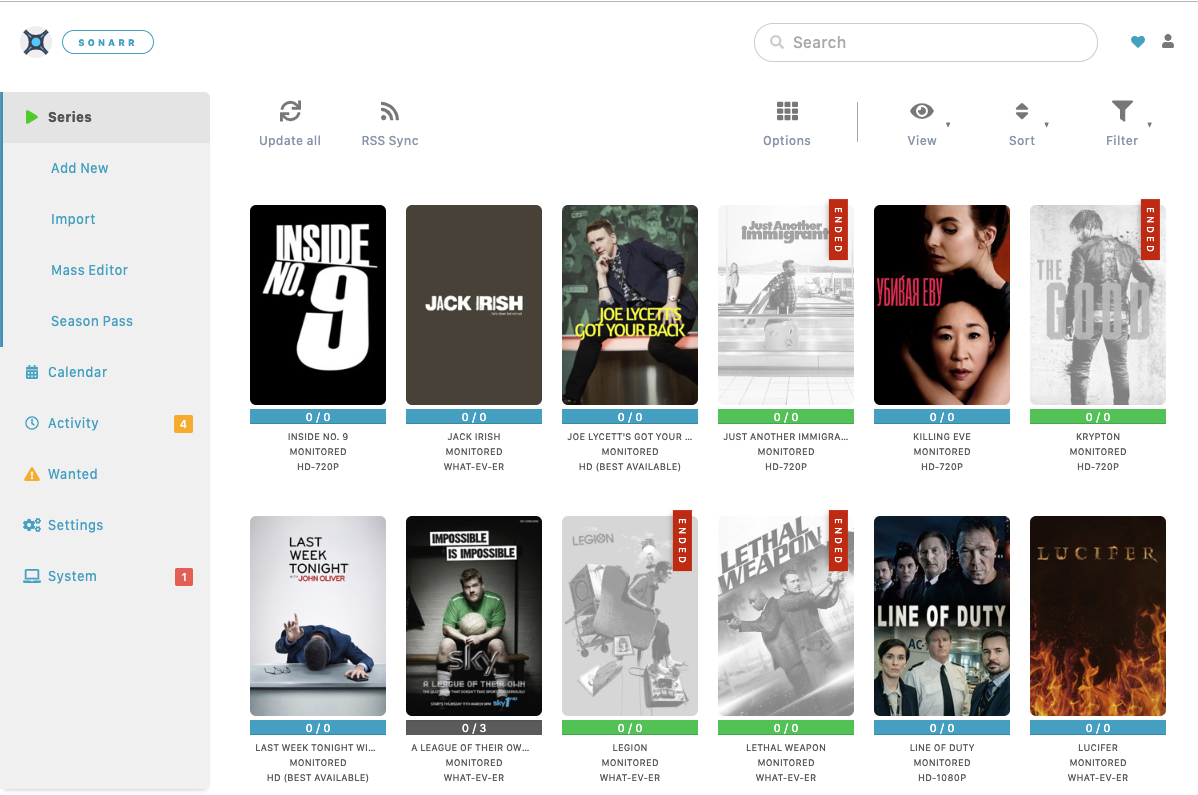
A community-driven distributed self-hosted poster art network.
This page is also available as structured data, with the same sources and dates.
/api/v1/resources/gh/mscodemonkey/overtalkerrTake My Repo has not tested this on your machine. Requirements come from the project's own documentation.
