objectstack
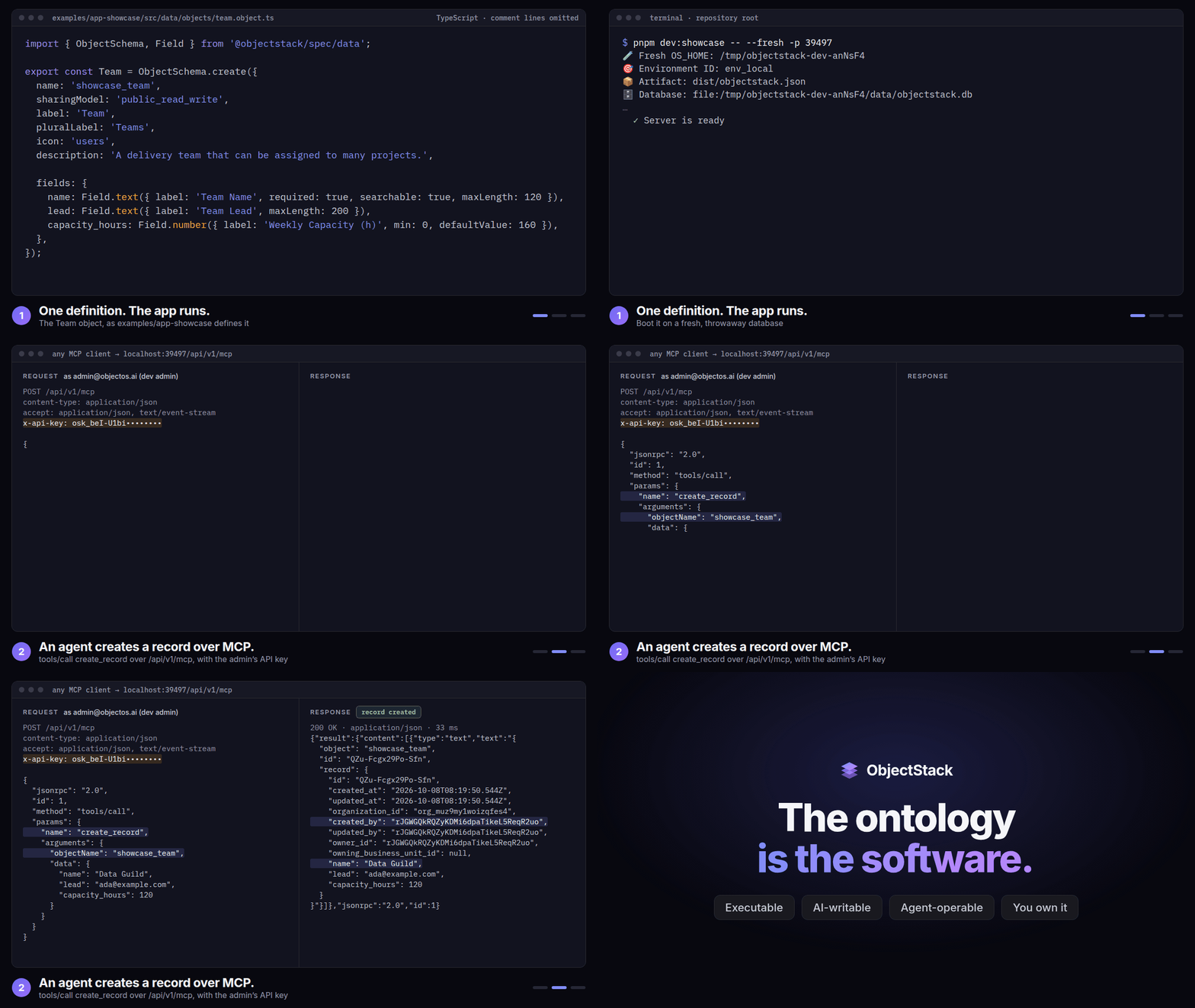
The ontology is the software. One executable business ontology: AI writes it, the runtime runs it, agents operate it, you own it. Open protocol & runtime, Apache-2.0.
- 101
- TypeScript
- Apache-2.0
- 13 min ago
Next-Gen Documentation Engine for Low-Code Era.
Repo objectstack-ai/objectdocs, read from GitHub 19 h ago. objectstack-ai has not joined Take My Repo.
objectstack-ai/objectdocs is a public repo on GitHub by objectstack-ai. Next-Gen Documentation Engine for Low-Code Era. It declares no license on GitHub. Public does not mean open source: without a license, nobody is granted the right to reuse it. It is written mainly in MDX, has 2 stars and last changed on 2026-05-02. Nobody has reviewed it on Take My Repo yet, which says nothing about its quality. Read from GitHub on 2026-11-22.
Configuration as Code. Interactive Components. Enterprise Ready.
ObjectDocs is a modern, metadata-driven documentation engine architected for the ObjectStack ecosystem. Built on top of Next.js 14 (App Router) and Fumadocs, it redefines how enterprise documentation is maintained.
Unlike traditional static site generators, ObjectDocs adopts a strict Separation of Concerns philosophy:
@objectdocs/site.docs.site.json, meta.json).This architecture allows developers and technical writers to manage complex, multi-product documentation sites without touching a single line of UI code.
🚀 Metadata-Driven Architecture
Control navigation, sidebars, SEO, and branding entirely via docs.site.json and local meta.json files. Zero React knowledge required for content maintainers.
🧩 Low-Code Native Seamlessly embed live, interactive components directly within your Markdown.
🤖 AI Translation Built-in CLI command to automatically translate documentation using OpenAI.
🎨 Enterprise-Grade UI Polished interface built on Radix UI and Tailwind CSS, featuring automatic dark mode, spotlight effects, and accessible primitives out of the box.
Initialize ObjectDocs in any existing GitHub project without polluting the root directory:
cd your-existing-project
npx @objectdocs/cli init
This will:
@objectdocs/site to content/.fumadocscontent/package.json with scripts (dev, build, start)content/.fumadocscontent/.fumadocs and content/node_modules to .gitignoreThen add content and start the server:
mkdir -p content/docs

cat > content/docs/index.mdx << 'EOF'
---
title: Welcome
description: My new docs site
---

# Hello World

Welcome to ObjectDocs!
EOF

cat > content/docs/meta.json << 'EOF'
{
  "pages": ["index"]
}
EOF

# Start the development server
cd content && npm run dev
Visit http://localhost:7777 to see your site.
For a quick start with automatic initialization:
mkdir my-docs
cd my-docs
npm init @objectdocs
This runs the init command automatically. Then follow the same steps as Option 1 to add content.
ObjectDocs enforces a clear directory structure to ensure maintainability at scale:
.
├── content/               # [Data Layer] All documentation files
│   ├── package.json       # Scripts: dev, build, start (created by init)
│   ├── .fumadocs/       # Site engine (copied from @objectdocs/site, gitignored)
│   │   ├── node_modules/  # Dependencies (installed during init)
│   │   ├── .next/         # Next.js build cache (development)
│   │   └── out/           # Static build output (production)
│   ├── docs.site.json     # Global config (Nav, Logo, Branding, i18n)
│   └── docs/
│       ├── meta.json      # Directory structure & page order
│       └── index.mdx      # Documentation content
├── out/                   # Final build output (copied from content/.fumadocs/out)
├── package.json           # (Optional) Root project package.json
└── ...
Key Points:
content/content/.fumadocs/ contains the complete Next.js site engine (auto-generated, gitignored)content/.fumadocs/out → copied to root out/ directoryObjectDocs is designed to be "Configuration as Code".
content/docs.site.json)Manage global navigation, branding, i18n, and feature flags:
{
  "branding": {
    "name": "ObjectStack",
    "logo": {
       "light": "/logo.svg",
       "dark": "/logo-dark.svg"
    }
  },
  "links": [
    { "text": "Guide", "url": "/docs" },
    { "text": "GitHub", "url": "https://github.com/objectstack-ai", "icon": "github" }
  ],
  "i18n": {
    "defaultLanguage": "en",
    "languages": ["en", "zh-CN", "ja", "es", "fr", "de", "ko", "ru", "pt", "ar", "hi", "it", "tr", "vi"]
  }
}
Supported Features:
content/.fumadocs before each build/dev commandcontent/**/meta.json)Control the sidebar order and structure using local metadata files in each directory:
{
  "title": "Getting Started",
  "pages": [
    "introduction",
    "---Installation---",
    "quick-start",
    "configuration"
  ]
}
This repository is a monorepo managed by pnpm workspaces:
ObjectDocs includes comprehensive test scripts to validate the complete lifecycle:
# Quick build test (recommended for CI)
pnpm test:quick

# Full lifecycle test (includes server startup tests)
pnpm test:site
See TESTING.md for detailed testing documentation.
Contributions are welcome! Please read our Contributing Guide for details on our code of conduct and the process for submitting pull requests.
This project is licensed under the MIT License - see the LICENSE file for details.
objectstack-ai/objectdocs is a public repo on GitHub by objectstack-ai. Next-Gen Documentation Engine for Low-Code Era.
It declares no license on GitHub. Public does not mean open source: without a license, nobody is granted the right to reuse it.
Its maker has not tagged a system, so it is unknown here. Its README says what it needs.
Open "Take it" on its page: Take My Repo writes an install plan for your machine and hands it to your AI agent (Claude Code, Codex or Cursor), which asks you before each step. Take My Repo has not tested it on any machine.
Its last change on GitHub was on 2026-05-02. Take My Repo does not judge from that whether it is maintained.
Nobody has reviewed it on Take My Repo yet, which says nothing about its quality.
The ontology is the software. One executable business ontology: AI writes it, the runtime runs it, agents operate it, you own it. Open protocol & runtime, Apache-2.0.
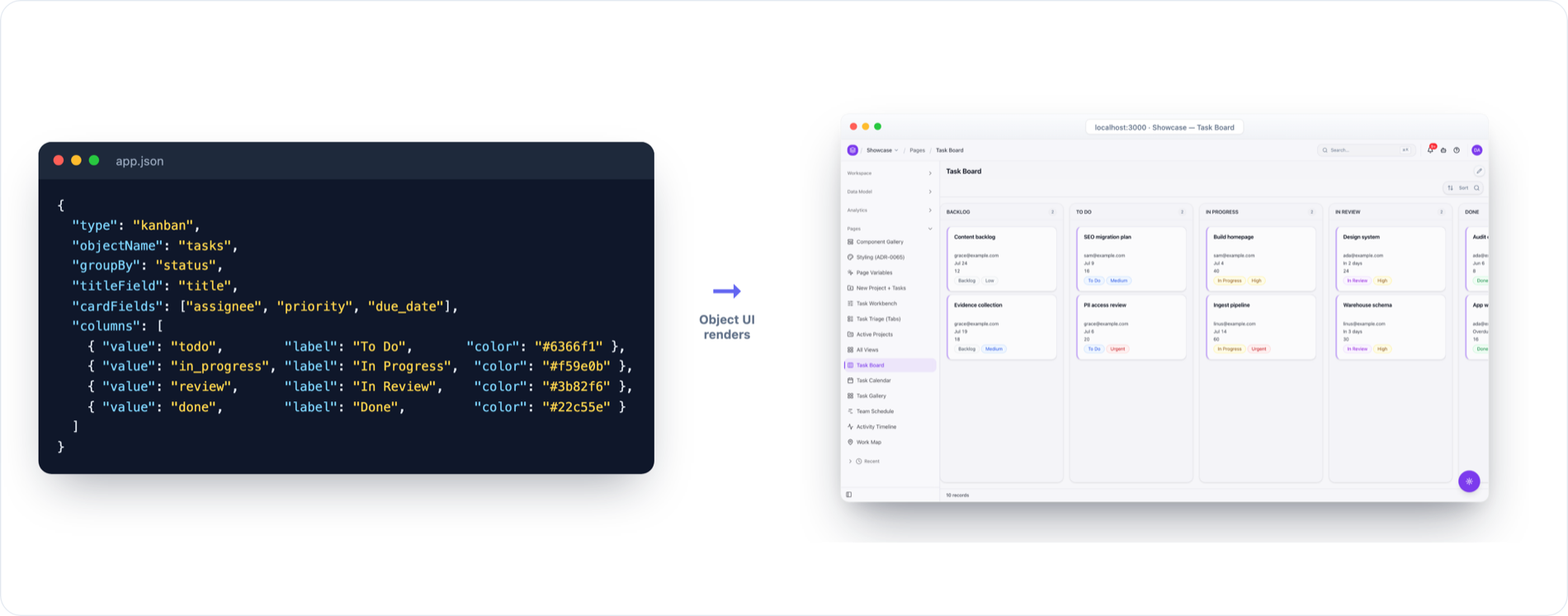
The schema-driven UI engine for the AI era: agents write compact JSON; Object UI renders production React — grids, kanban, dashboards, Gantt, visual designers.
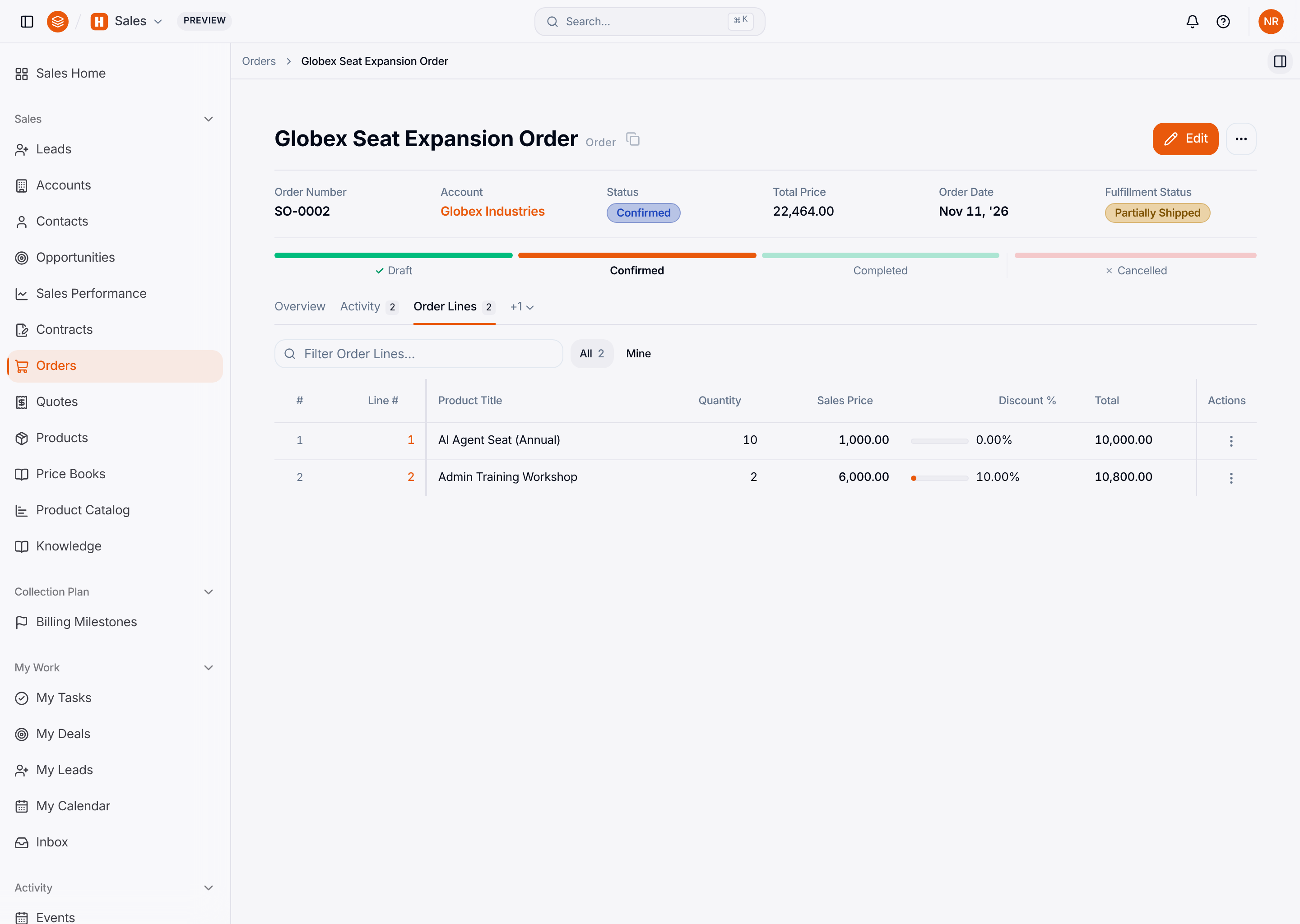
Open-source business suite: CRM (sales, service, marketing), order-to-cash, project delivery and expenses, with built-in approvals and AI agents. Built on ObjectStack.
Build & ask online: describe the app; ObjectOS builds and runs it in the browser — in our cloud or yours. Built on the open ObjectStack format.
ObjectStack is a database-agnostic, protocol-driven full-stack application development platform.