whisperX
WhisperX: Automatic Speech Recognition with Word-level Timestamps (& Diarization)
- 26k
- Python
- BSD-2-Clause
- 3 d ago
Open benchmark for phone & word timestamp accuracy on human-labeled TIMIT and Buckeye across clean and degraded speech (reverb, noise, music, babble). Evaluates 32 forced aligners & ASR models in two tracks: MFA, WhisperX, Charsiu, Qwen3, Parakeet-TDT, Deepgram, Olign & more. Reproducible CLI, monthly leaderboards & arXiv paper.
Repo olewave/fa-bench, read from GitHub 1 min ago. olewave has not joined Take My Repo.
olewave/fa-bench is a public repo on GitHub by olewave. Open benchmark for phone & word timestamp accuracy on human-labeled TIMIT and Buckeye across clean and degraded speech (reverb, noise, music, babble). Evaluates 32 forced aligners & ASR models in two tracks: MFA, WhisperX, Charsiu, Qwen3, Parakeet-TDT, Deepgram, Olign & more. Reproducible CLI, monthly leaderboards & arXiv paper. It declares the Apache-2.0 license on GitHub. It is written mainly in Python, has 31 stars and last changed on 2026-11-23. Nobody has reviewed it on Take My Repo yet, which says nothing about its quality. Read from GitHub on 2026-11-24.

 FA-Bench: A Benchmark for Evaluating Phone- and Word-Level Timestamp Accuracy in Forced Aligners
Click ⭐ at the top right to save FA-Bench into your speech toolbox. Save it now! ↗️
点击右上角⭐,将FA-Bench收藏进您的语音工具箱,现在就收藏! ↗️
오른쪽 상단의 ⭐를 클릭해 FA-Bench를 음성 툴박스에 저장하세요. 지금 바로! ↗️
右上の⭐をクリックして、FA-Bench を音声ツールボックスに保存しましょう。今すぐ!↗️
انقر على ⭐ في أعلى اليمين لحفظ FA-Bench في صندوق أدوات الكلام لديك. احفظه الآن! ↗️
FA-Bench measures how well a system places word and phone boundaries in speech, and how much of that accuracy survives noise. The reference is the boundaries that human linguists marked by hand in two English corpora, read speech in TIMIT and conversation in Buckeye. We add no new annotation. Times are used as annotated and labels are folded into the shared TIMIT-39 phone set. The FA-Bench paper describes the protocol and what the results show.
Every system runs on clean audio and on
four degradations
(reverb, noise, music, babble). Systems are scored in two tracks
that never share a leaderboard. A forced aligner is given the reference
transcript, so only its timing is tested. A timestamped ASR decodes its own
words, so its timing error carries its recognition error too. Every run is
seeded and reproducible from a single command.
33 systems scored, 24 open models and 9 commercial APIs.
We also score 17 cascades, in which one of the aligners re-times the words an ASR produced. A cascade holds the recognizer constant, which an ASR cannot, so it is not ranked among the ASRs. It is reported beside the aligner on Track 1 instead, as what recognition errors cost that aligner.
Latest results are on the
leaderboard.
records/ lists the snapshots and describes the corpora
and the four conditions.
Licensed under the Apache License 2.0 from release 2.0.0. Copyright 2026 Olewave, LLC. The name FA-Bench stays with Olewave, as the name policy explains. Contributions are welcome under
CONTRIBUTING.md, and vendored third-party code keeps its own licence (NOTICE).
uv venv --python 3.12 .venv && . .venv/bin/activate
uv pip install -e ".[test]"         # the core library and pytest
The scorer is also published on PyPI as fa-bench, and pip install fa-bench gives the library and the fabench command. The commands that build
and run the benchmark read the dataset definitions and system recipes from a
checkout of this repository, so clone it, or unpack the sdist, to reproduce
the published numbers.
That is enough to run the self-test and the sanity gates. Each system
installs itself from its own recipe,
evals/<kind>/<tool>/download_and_install.sh, into its own environment. See
evals/README.md.
fabench selftest      # prove the whole chain with NO licensed data
fabench gates         # sanity gates that need no data
fabench init          # say where your corpora are (interactive)
fabench config        # inspect the fully resolved run
If you see fabench: command not found, the venv is not active. Run
. .venv/bin/activate, or call ./bin/fabench, which always uses this
checkout.
gates is the known-answer check on the measurement chain. Run it on a fresh
clone. Every gate has one answer fixed in advance, so a broken chain fails
loudly instead of reporting plausible numbers. Gate #2 needs licensed audio
and runs inside fabench ingest. selftest builds the synthetic corpus the
other gates use.
fabench ingest        # staged corpora -> canonical gold, plus the plausibility gate
fabench noise fetch   # MUSAN (about 11 GB, once), only when needed
fabench run           # mix -> align -> score -> report
fabench run mixes its own noise on the fly, white, pink, ambient and babble
noise at set SNRs (fabench/noise/config.yaml). It is a quick check that the
chain works. The published noisy numbers use a different set. They come
from the four Kaldi conditions, reverb, noise, music and babble.
fabench prepare builds them from your staged corpora, together with the
shadow roots every noisy cell reads and a sha256 manifest of both
(datasets/prep/README.md).
fabench prepare --corpus timit --subset core_test --out /data/fabench/noisy
Reproducing a published number takes three commands. prepare builds the
degraded audio, run runs one system on one cell through its adapter, and
score turns the saved outputs into the headline metrics. A cell config names
one system and one cell, <corpus>/<subset>/<condition>, and
evals/gen_config.py writes one for any cell.
fabench prepare --corpus timit,buckeye --out /data/fabench/noisy   # the four degraded conditions
fabench run --config <cell>.yaml      # one system on one cell
fabench score --config <cell>.yaml    # saved outputs -> the published metrics
For sweeps across systems and cells, use the staged driver. It takes the tools
to run by name. With no names it runs mfa charsiu maps bfa.
evals/run_evals.sh mfa                       # align clean, then score
evals/run_evals.sh --use-noisy-dataset mfa   # the same cells on the Kaldi conditions
evals/run_evals.sh --stage 3 mfa             # rescore from saved output, no GPU
Alignments are kept on disk, so a change to a metric or a grouping is a
rescore (evals/run_evals.sh --stage 3), which takes seconds per cell
instead of GPU hours.
TIMIT and Buckeye are licensed, and you stage them yourself. FA-Bench never
downloads them. fabench init asks where they are and writes .fabench.env.
A corpus it cannot find is left unset rather than guessed, and fabench run
skips it and prints how to obtain it.
fabench/     the library, one folder per subsystem, each with its own README
evals/       how each system was run, with recipes, environments and raw output
datasets/    split lists and per-corpus config, with prep/ recording how gold was built
summary/     leaderboards and reports, SCRIPT OUTPUT, gitignored
records/     what each published snapshot covers, numbers on the leaderboard
Every path below evals/ and summary/ shares one cell key,
<lang>/<corpus>/<subset>/<condition>, with origin for un-augmented audio.
| Path | Holds | Tracked? |
|---|---|---|
evals/<kind>/<tool>/<cell>/ |
one tool's run, with its config, hyp.jsonl and scores together |
no |
summary/<kind>/<cell>/ |
the cross-tool leaderboard for that track | no, regenerated |
summary/local/<cell>/ |
your own fabench run |
no |
Nothing you run is tracked, so reproducing the benchmark leaves git status
clean. Publishing is a separate, deliberate act. Olewave posts the
numbers of a snapshot on the
leaderboard and names the
public release that produced them.
Further reading. evals/README.md explains how the systems
were run, datasets/README.md covers staging, splits and
licensing, and datasets/prep/README.md has the
exact data-prep and augmentation commands.
There is no run config to write.
olewave/fa-bench is a public repo on GitHub by olewave. Open benchmark for phone & word timestamp accuracy on human-labeled TIMIT and Buckeye across clean and degraded speech (reverb, noise, music, babble). Evaluates 32 forced aligners & ASR models in two tracks: MFA, WhisperX, Charsiu, Qwen3, Parakeet-TDT, Deepgram, Olign & more. Reproducible CLI, monthly leaderboards & arXiv paper.
It declares the Apache-2.0 license on GitHub.
Fully local, private and cross platform Speech-to-Text with LLM Post-processing
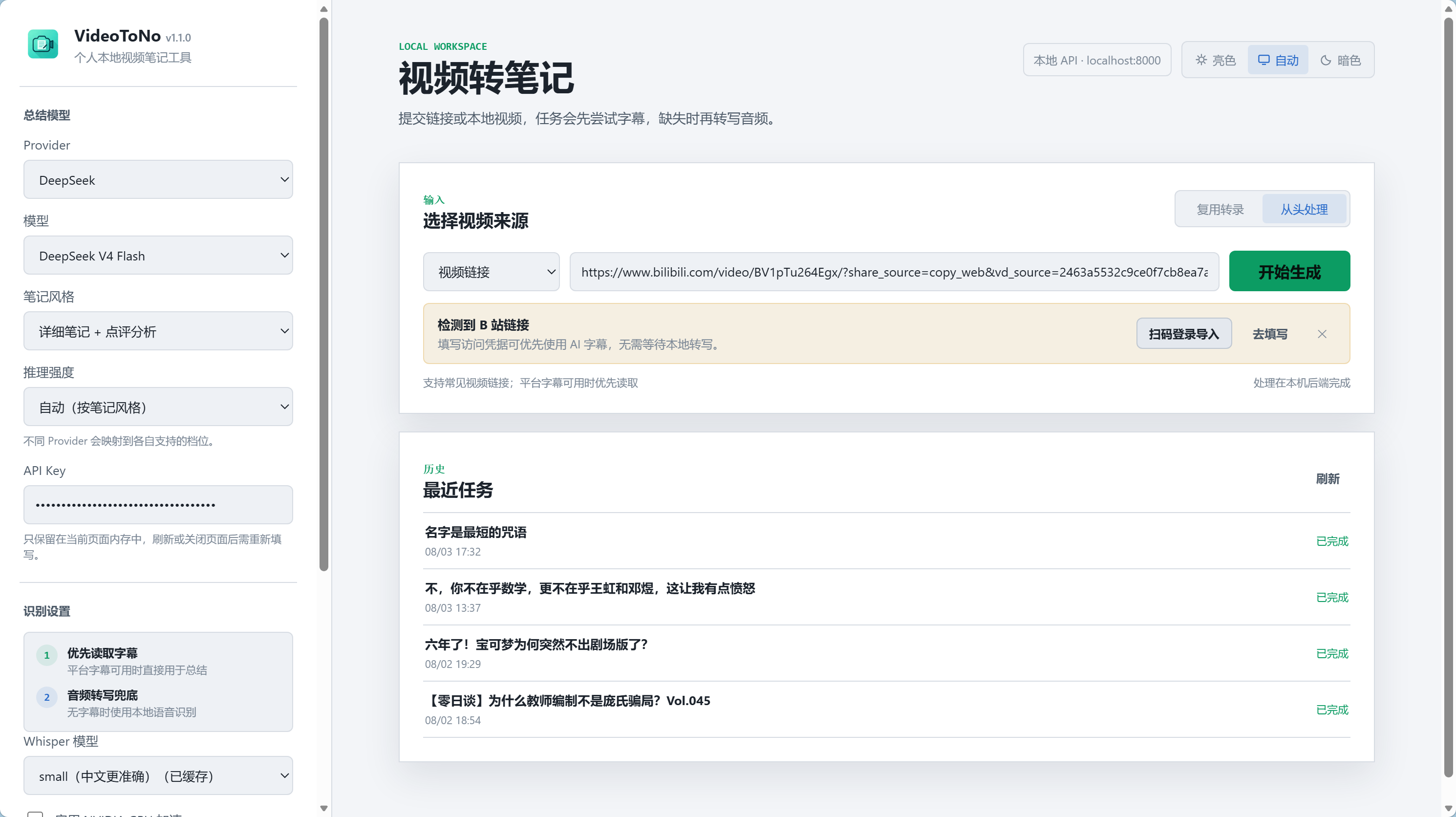
本地优先的视频→结构化笔记服务:B站/抖音/本地视频,平台字幕+本地离线转写,LLM 生成带时间轴笔记;桌面应用 / MCP / Agent Skill 三种接入。
VoiceStudio is the open-source, fully-local ElevenLabs alternative — voice cloning, voice design, video dubbing, dictation, transcription & audiobook creation in 646 languages.
利用 AI 大模型和自动化工作流,根据主题或关键词一键生成高清短视频。Generate HD short videos from a topic or keyword with an automated AI workflow.
Its maker has not tagged a system, so it is unknown here. Its README says what it needs.
Open "Take it" on its page: Take My Repo writes an install plan for your machine and hands it to your AI agent (Claude Code, Codex or Cursor), which asks you before each step. Take My Repo has not tested it on any machine.
Its last change on GitHub was on 2026-11-23. GitHub counts 0 open issues and pull requests. Take My Repo does not judge from that whether it is maintained.
Nobody has reviewed it on Take My Repo yet, which says nothing about its quality.
Take My Repo cannot say: it does not audit code and has not run fa-bench. What is known comes from GitHub. It declares the Apache-2.0 license on GitHub. Its last change was on 2026-11-23. It has 31 stars, which measure popularity, not safety. Nobody has reviewed it on Take My Repo yet, which says nothing about its quality. Read the source before you run it. With "Take it", your AI agent shows each step and asks you before running it; README text is treated as data, not as instructions.