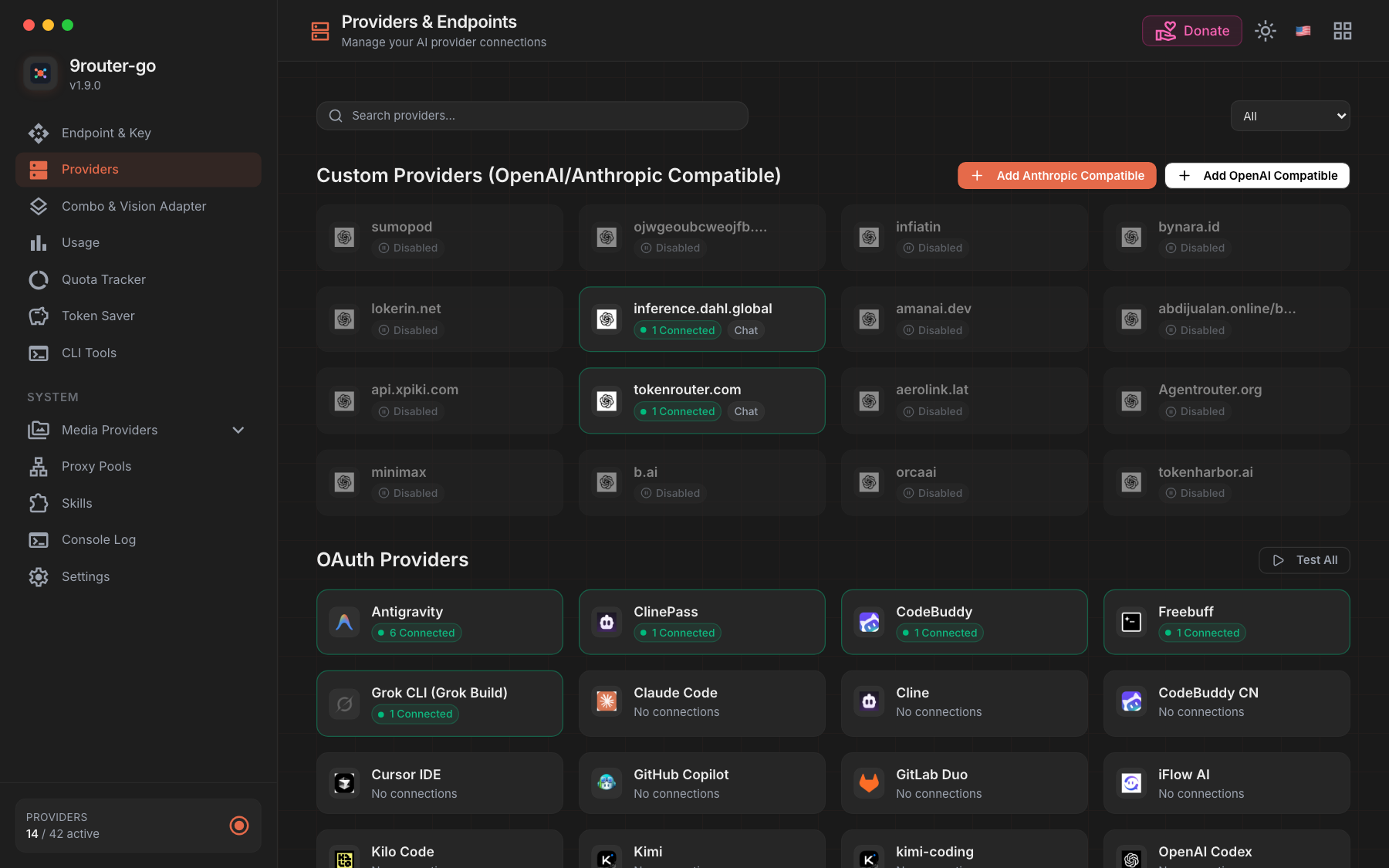
9router-go
High-performance Go proxy gateway for 9Router LLM routing — 32K RPS, 42MB RAM, CGO-free
- 306
- Go
- 2 h ago
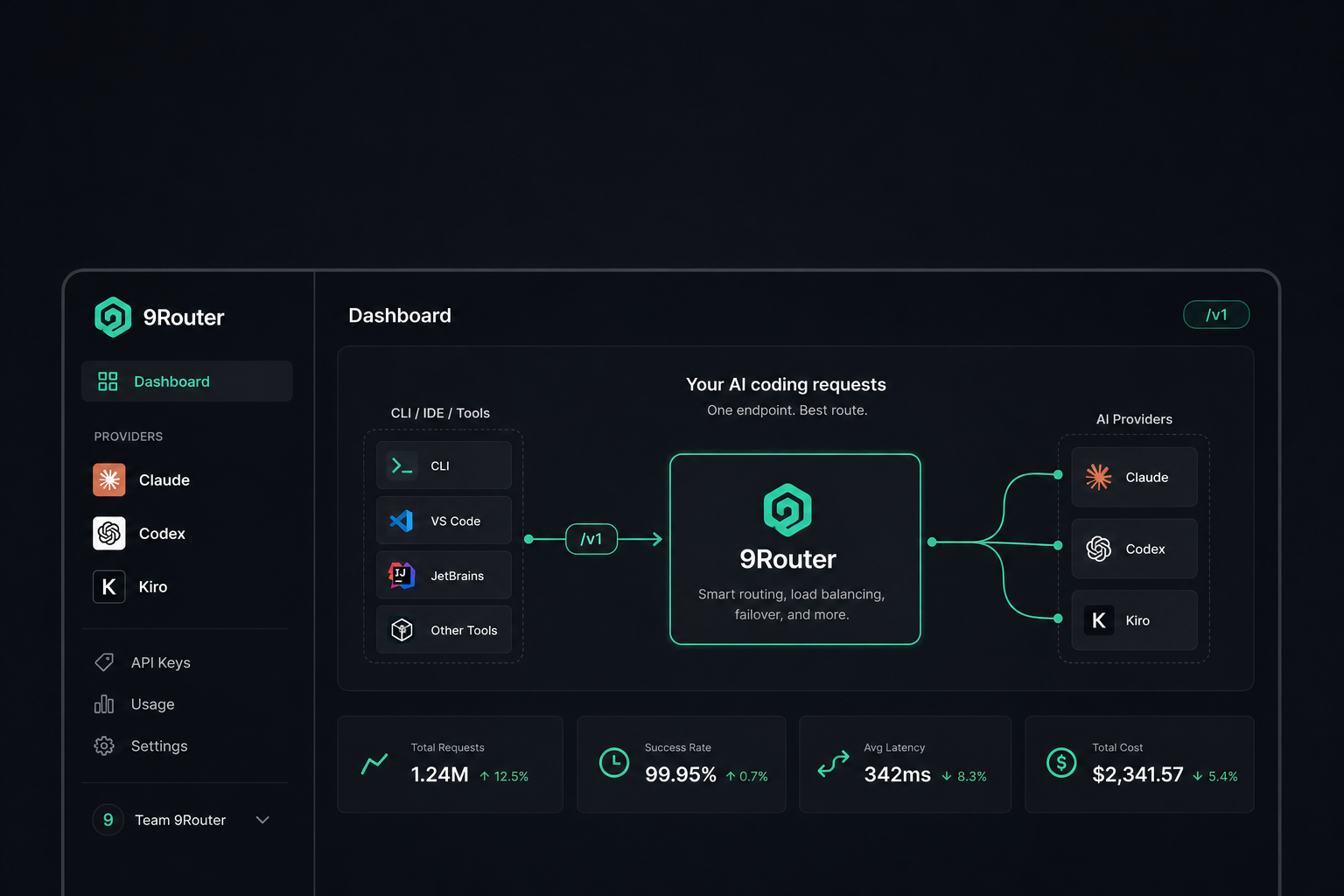
Deploy 9Router on Render: free AI coding router with official Docker image and persistent SQLite.
Repo render-examples/9router-render-template, read from GitHub 3 h ago. render-examples has not joined Take My Repo.
render-examples/9router-render-template is a public repo on GitHub by render-examples. Deploy 9Router on Render: free AI coding router with official Docker image and persistent SQLite. It declares the MIT license on GitHub. It has 0 stars and last changed on 2026-08-07. Nobody has reviewed it on Take My Repo yet, which says nothing about its quality. Read from GitHub on 2026-11-24.
High-performance Go proxy gateway for 9Router LLM routing — 32K RPS, 42MB RAM, CGO-free
CLI proxy that reduces LLM token consumption by 60-90% on common dev commands. Single Rust binary, zero dependencies
Deploy 9Router, the free AI coding router with RTK token savings and multi-provider fallback, on Render with the official Docker image and a persistent disk for SQLite.

This repo packages the official decolua/9router image as a one-click Render Blueprint:
| Piece | Role |
|---|---|
| 9Router | OpenAI-compatible /v1 proxy + dashboard for Claude Code, Cursor, Codex, Cline, and other CLI tools |
| decolua/9router | Official multi-arch image (linux/amd64 + arm64) |
| Render Web Service | Runs the image on a Standard instance |
| Render Disk | Persists SQLite, provider config, keys, and usage history at /app/data |
No source build on Render. Provider OAuth and API keys are configured in the 9Router UI after first login.
flowchart LR
  cli["CLI tools / IDEs"] --> web["9router<br/>decolua/9router"]
  browser["Browser dashboard"] --> web
  web --> disk[("/app/data<br/>SQLite + config")]
  web -.->|"after setup"| providers["Subscription / cheap / free providers"]
render.yaml.INITIAL_PASSWORD. BASE_URL / NEXT_PUBLIC_BASE_URL are wired automatically from Render’s public URL.decolua/9router:0.5.45, mounts a 5 GB disk at /app/data, and starts on port 20128.*.onrender.com URL, sign in, connect a provider, and copy a dashboard API key.https://<your-service>.onrender.com/v1.| Resource | Type | Plan | Notes |
|---|---|---|---|
9router |
Web (runtime: image) |
standard | Pinned 0.5.45; health check /api/health |
9router-data |
Disk (5 GB) | — | Mounted at /app/data (DATA_DIR) |
Default region: oregon. Storage is SQLite on disk, matching upstream Docker. This is not a managed Postgres stack. Disks pin the service to a single instance.
INITIAL_PASSWORD (do not use the upstream local default 123456 on a public URL)9router service and 9router-data disk. Set INITIAL_PASSWORD.Base URL: https://<your-service>.onrender.com/v1
API Key: <from 9Router dashboard>
Model: kr/claude-sonnet-4.5
Health check:
curl -sS https://<your-service>.onrender.com/api/health
Smoke the OpenAI-compatible API:
curl -sS https://<your-service>.onrender.com/v1/models \
  -H "Authorization: Bearer <your-9router-api-key>"
| Feature | Description |
|---|---|
| Official image | Uses maintained decolua/9router tags; no source build |
| One-click Blueprint | Web service + disk via projects / environments |
| Persistent SQLite | Providers, combos, keys, and usage history on disk |
| Internet-safe defaults | REQUIRE_API_KEY=true and AUTH_COOKIE_SECURE=true |
| Generated secrets | JWT_SECRET, API_KEY_SECRET, and MACHINE_ID_SALT |
| Pinned by default | Image set to 0.5.45; bump deliberately |
| Variable | Source | Description |
|---|---|---|
PORT |
Wired | 20128 (image listen port) |
HOSTNAME |
Wired | 0.0.0.0 |
DATA_DIR |
Wired | /app/data (must match the disk mount) |
JWT_SECRET |
Auto-generated | Dashboard auth cookie signing |
API_KEY_SECRET |
Auto-generated | HMAC secret for generated API keys |
MACHINE_ID_SALT |
Auto-generated | Salt for stable machine ID hashing |
INITIAL_PASSWORD |
Required (sync: false) |
First-login password when no hash exists yet |
REQUIRE_API_KEY |
Wired | true: Bearer key required on /v1/* |
AUTH_COOKIE_SECURE |
Wired | true: Secure cookie behind Render HTTPS |
BASE_URL |
Auto (RENDER_EXTERNAL_URL) |
Public HTTPS origin for sync / OAuth callbacks |
NEXT_PUBLIC_BASE_URL |
Auto (RENDER_EXTERNAL_URL) |
Same value as BASE_URL |
Provider keys live in the dashboard SQLite DB on the disk. See .env.example and DOCKER.md.
# render.yaml
image:
  url: docker.io/decolua/9router:0.5.45
  # floating:
  # url: docker.io/decolua/9router:latest
autoDeployTrigger: off so tag edits do not redeploy until you choose Manual Deploy.
Optional Headroom token compression is supported upstream but is not deployed here. Point the dashboard at your own Headroom URL if you want it.
| Resource | Approx. monthly |
|---|---|
| Web service (Standard) | ~$25 |
| Disk (5 GB) | ~$1.25 |
| Total | ~$26-30 |
Provider subscriptions and API usage are billed by those providers. Standard is the floor. Starter (512 MB) often OOMs on this Next.js image and shows up as "No open ports detected."
| Problem | Solution |
|---|---|
| Health check fails / no open ports | Keep Standard. Confirm PORT=20128, HOSTNAME=0.0.0.0, and disk at /app/data. |
Reached heap limit |
Undersized instance. Stay on Standard+. |
| Image pull failures | Confirm decolua/9router:0.5.45 on Docker Hub. Retry deploy. |
| Cannot log in on first visit | Set a non-empty INITIAL_PASSWORD at Apply time. |
/v1 returns 401 |
Create an API key in the dashboard. REQUIRE_API_KEY=true is intentional for public URLs. |
| Cloud sync / OAuth callback issues | Confirm BASE_URL / NEXT_PUBLIC_BASE_URL mirror RENDER_EXTERNAL_URL (Blueprint self-wires these). Custom domains: update those keys to the custom origin. |
| Data lost after redeploy | Disk must remain attached at /app/data. Snapshot before destructive changes. |
render.yaml       Render Blueprint (image + disk)
README.md         This file
LICENSE           MIT (template wrapper)
.env.example      Upstream env contract
assets/           Hero / logo
Render:
9Router:
MIT for this template wrapper.
Upstream 9Router is MIT. Star that repo if this helped.
render-examples/9router-render-template is a public repo on GitHub by render-examples. Deploy 9Router on Render: free AI coding router with official Docker image and persistent SQLite.
It declares the MIT license on GitHub.
Its maker tagged it for macOS, Windows and Linux, or as Docker or cross-platform. That is declared by the maker; Take My Repo has not tested it.
The agent harness performance optimization system. Skills, instincts, memory, security, and research-first development for Claude Code, Codex, Opencode, Cursor and beyond.
Universal provider proxy for OpenAI Codex & Claude Code — use any LLM (Claude, Gemini, Grok, DeepSeek, Ollama…) with Codex CLI, App, SDK, and Claude Code
A list of Free Software network services and web applications which can be hosted on your own servers
App Desktop integration Zalo, Facebook & Telegram personal for Multi-Account management, CRM, Marketing, POS, ERP, Workflow and AI Assistant integration. Built on top of zca-js, fbchat-v2, telegram-api.
Open "Take it" on its page: Take My Repo writes an install plan for your machine and hands it to your AI agent (Claude Code, Codex or Cursor), which asks you before each step. Take My Repo has not tested it on any machine.
Its last change on GitHub was on 2026-08-07. GitHub counts 0 open issues and pull requests. Take My Repo does not judge from that whether it is maintained.
Nobody has reviewed it on Take My Repo yet, which says nothing about its quality.
Take My Repo cannot say: it does not audit code and has not run 9router-render-template. What is known comes from GitHub. It declares the MIT license on GitHub. Its last change was on 2026-08-07. It has 0 stars, which measure popularity, not safety. Nobody has reviewed it on Take My Repo yet, which says nothing about its quality. Read the source before you run it. With "Take it", your AI agent shows each step and asks you before running it; README text is treated as data, not as instructions.