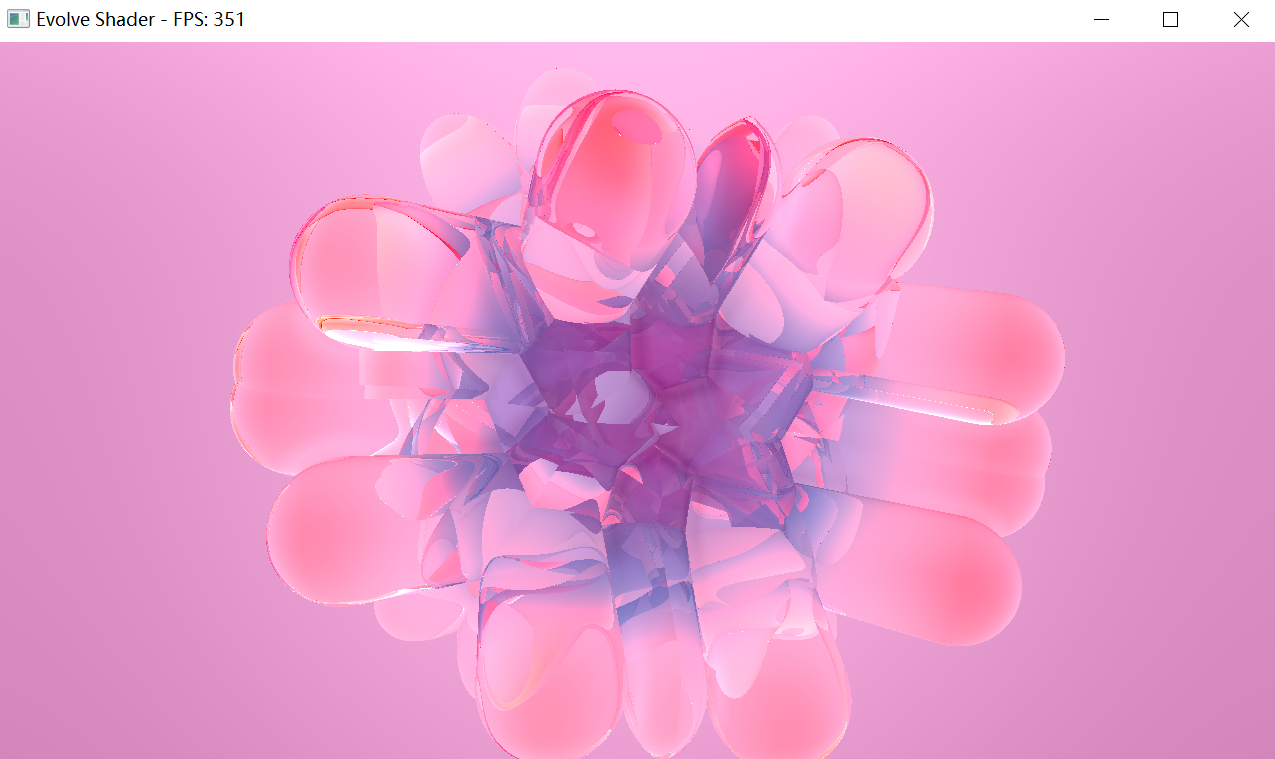
EUI-NEO
EUI-NEO is a cross-platform, high-performance, low-overhead C++17 GPUI framework
- 2.1k
- C++
- Apache-2.0
- 3 h ago
Modular and customizable Material Design UI components for qml
Repo sudoevolve/material-components-qml, read from GitHub 28 min ago. sudoevolve has not joined Take My Repo.
sudoevolve/material-components-qml is a public repo on GitHub by sudoevolve. Modular and customizable Material Design UI components for qml. It declares no license on GitHub. Public does not mean open source: without a license, nobody is granted the right to reuse it. It is written mainly in QML, has 222 stars and last changed on 2026-11-14. Nobody has reviewed it on Take My Repo yet, which says nothing about its quality. Read from GitHub on 2026-11-23.

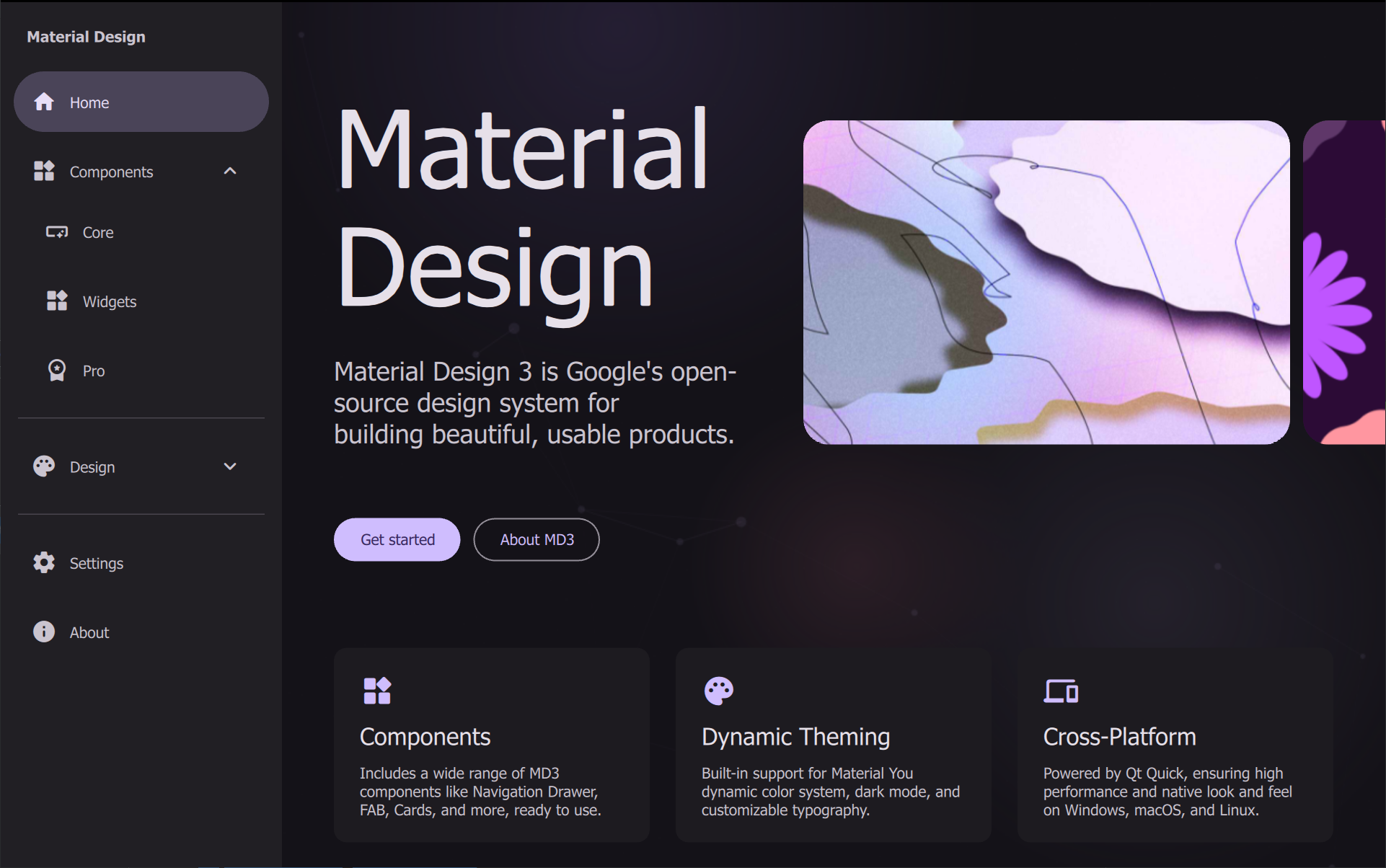
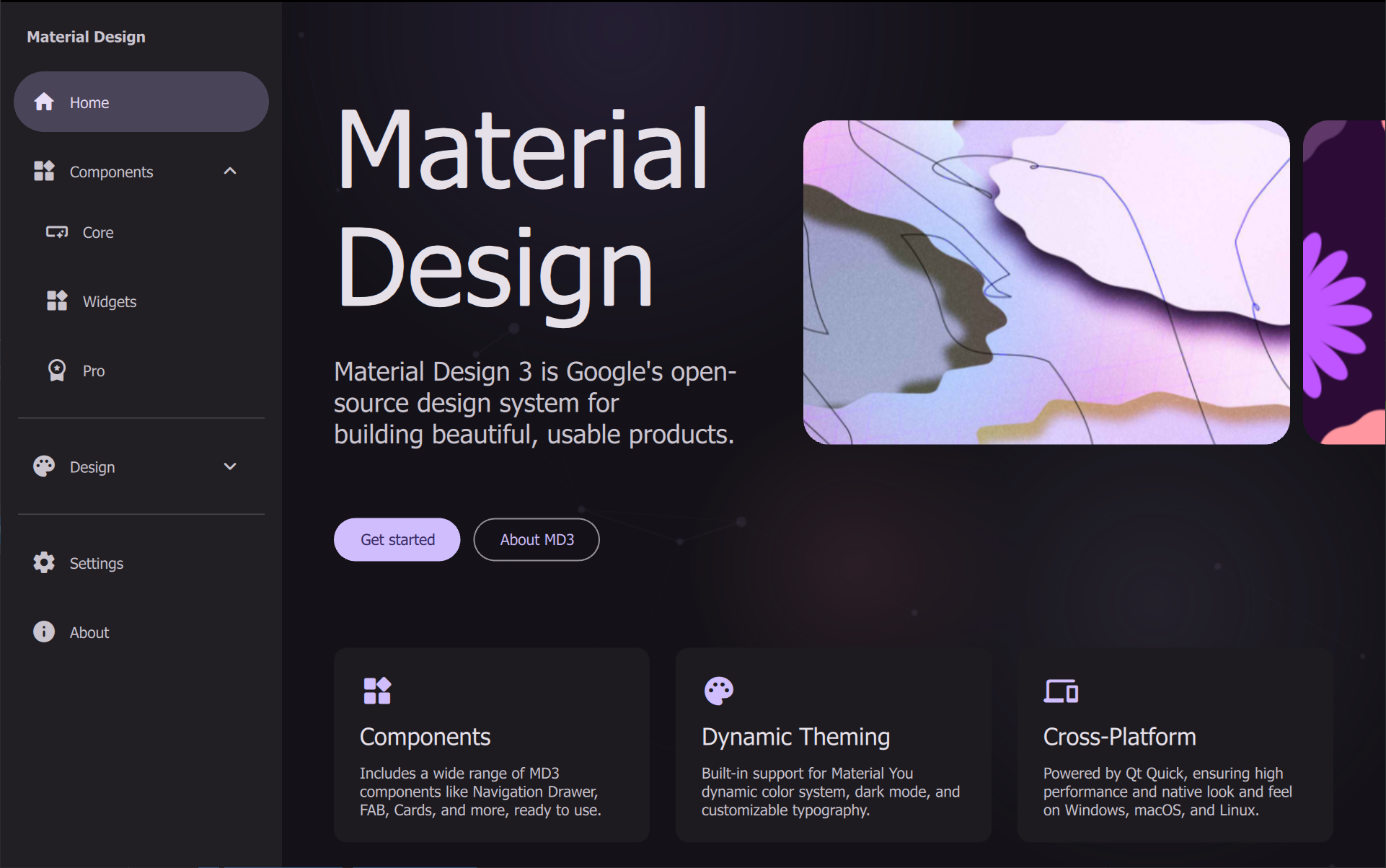
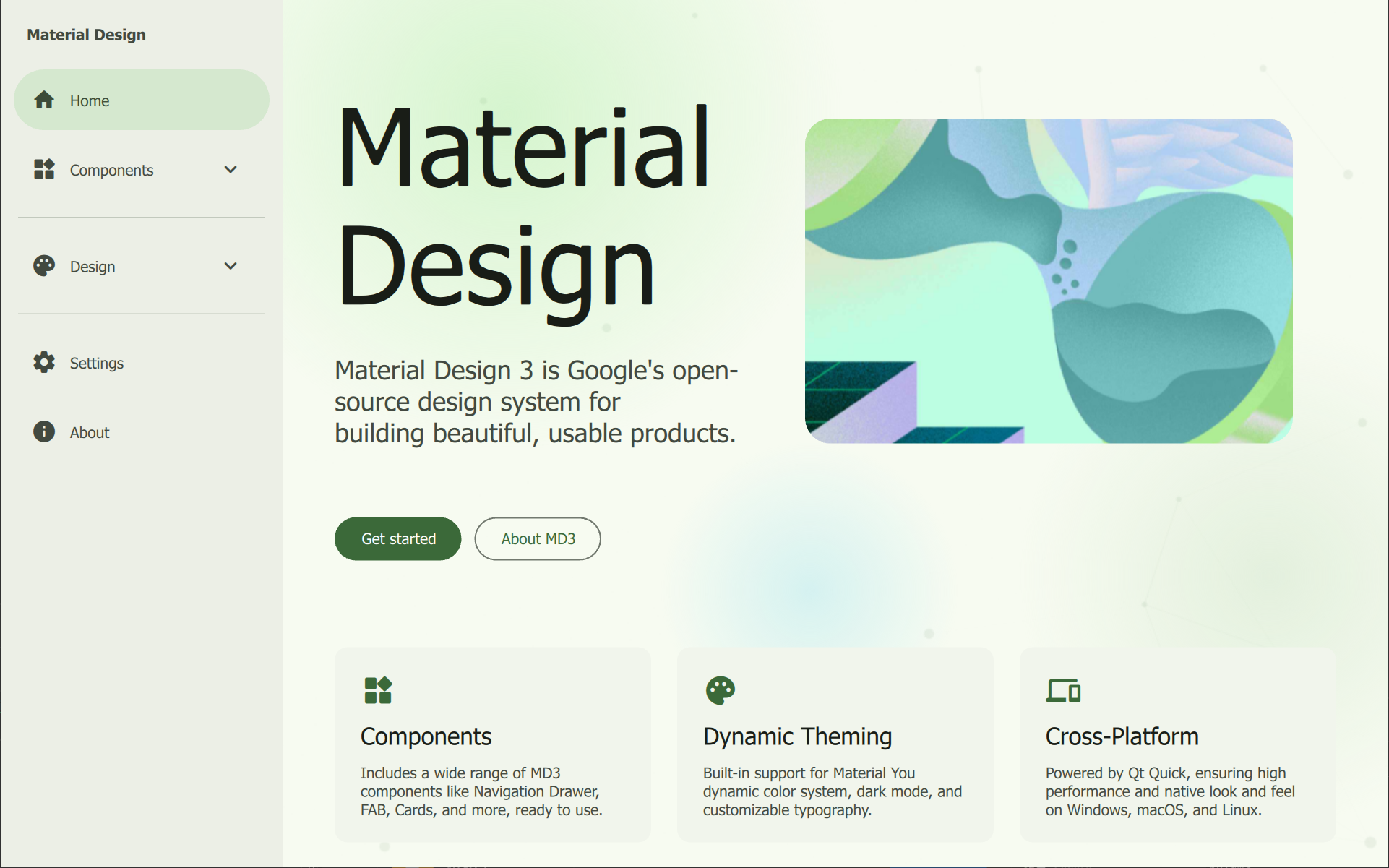
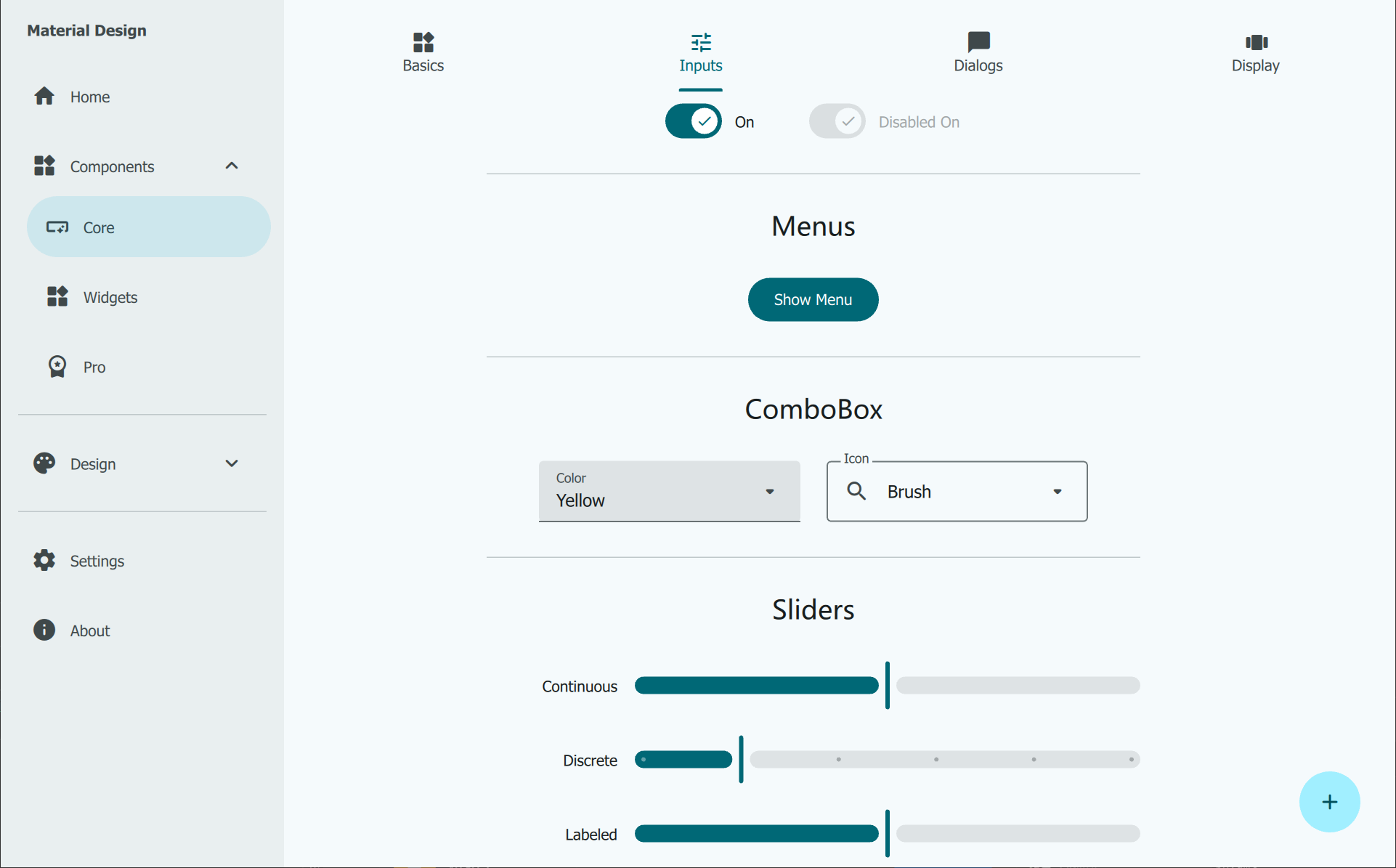
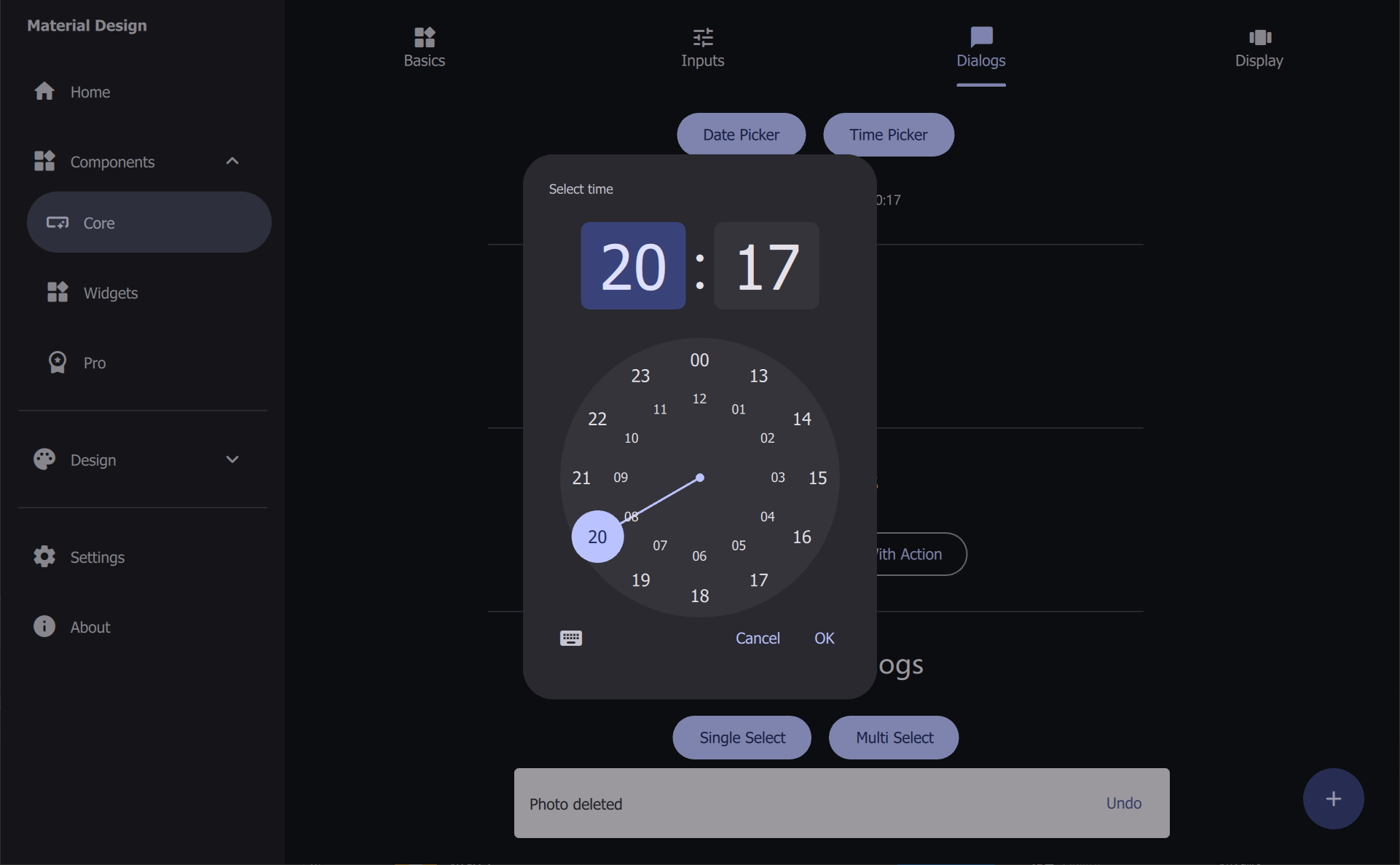
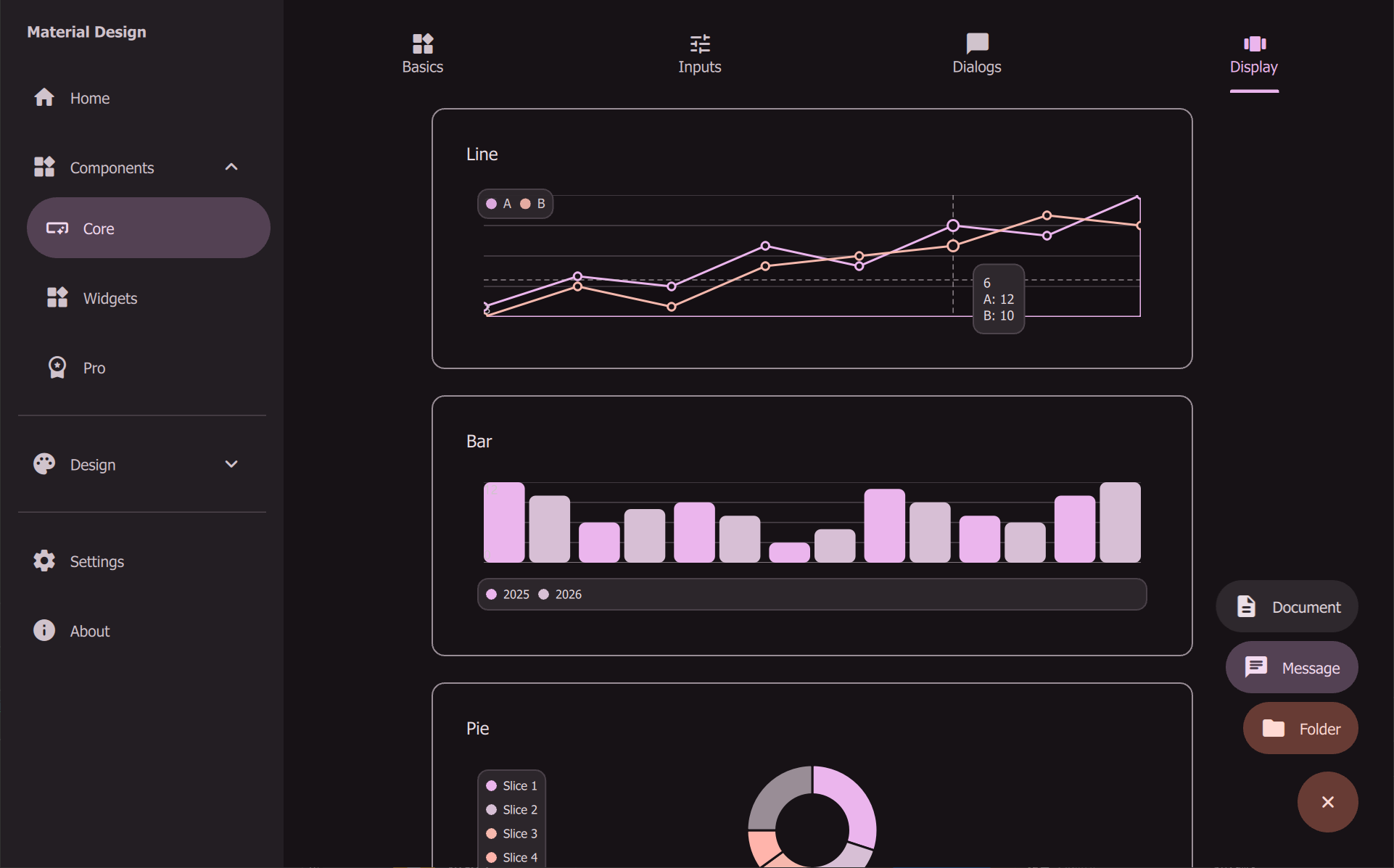
This project implements Material Design 3 (Material You) components using Qt Quick (QML) and C++. It aims to provide a comprehensive set of UI components that follow the latest Google Material Design guidelines, complete with dynamic color support, adaptive layouts, and a desktop widget system.
MD3 Pro is built for enterprise-grade desktop apps where performance and developer efficiency matter.
Buy / Learn more:
 |
 |
 |
 |
 |
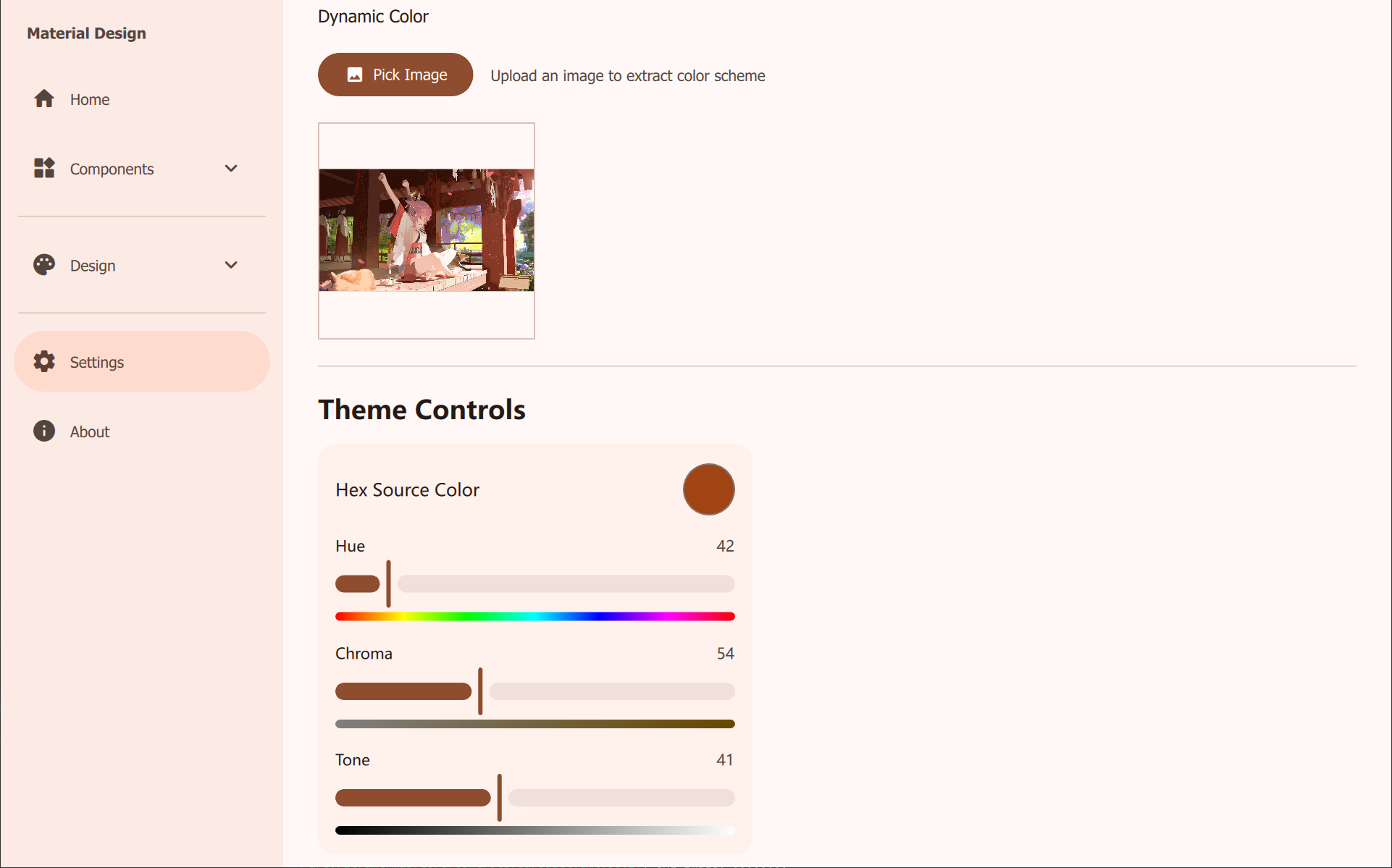 |
material-color-utilities (C++) to support dynamic color generation from seed colors (Wallpaper-based theming simulation).Theme singleton for easy customization of typography, colors, and shapes.Button, IconButton, FAB, SegmentedButtonCheckbox, RadioButton, Switch, Slider, ComboBoxTextFieldDatePicker, TimePicker, ColorPickerNavigationDrawer, NavigationBar, TopAppBar, SideSheetTabs, BreadcrumbMenuCard, Carousel, Dialog, ChipCircularProgress, LinearProgress, LoadingIndicator, ToolTipRippleScrollBar, DataTablesrc/Core/: QML module md3.Core (components + Theme system) + C++ backend (md3Core).src/App/: Gallery app md3.App (demo pages + desktop widgets) + executable appmd3.scaffold/: Python project scaffold (create_project.py + templates).Clone the repository:
git clone https://github.com/sudoevolve/material-components-qml.git md3
cd md3
Configure with CMake:
cmake -S . -B build -DCMAKE_BUILD_TYPE=Release
Build:
cmake --build build
Run Example:
build/bin/appmd3 (Windows: build/bin/appmd3.exe)build/bin/Debug/appmd3.exe or build/bin/Release/appmd3.exeThe recommended way is to vendor MD3 as source and build md3Core together with your app.
Add MD3 Core to your project. Because md3Core is a static QML module, keep the archive loaded into your final executable so the embedded QML resources and singleton registrations are retained:
set(MD3_SOURCE_DIR "path/to/md3")

add_subdirectory("${MD3_SOURCE_DIR}/src/Core" md3Core_build)

if(MSVC)
    target_link_libraries(your_app PRIVATE Qt6::Quick md3Core)
    target_link_options(your_app PRIVATE /WHOLEARCHIVE:md3Core)
elseif(MINGW OR (UNIX AND NOT APPLE))
    target_link_libraries(your_app
        PRIVATE
            Qt6::Quick
            -Wl,--whole-archive
            md3Core
            -Wl,--no-whole-archive
    )
elseif(APPLE)
    target_link_libraries(your_app PRIVATE Qt6::Quick md3Core)
    target_link_options(your_app PRIVATE "LINKER:SHELL:-force_load $<TARGET_FILE:md3Core>")
else()
    target_link_libraries(your_app PRIVATE Qt6::Quick md3Core)
endif()

qt_import_qml_plugins(your_app)
qt_finalize_executable(your_app)
When loading QML from C++, include Qt's resource import path before loadFromModule():
QQmlApplicationEngine engine;
engine.addImportPath("qrc:/qt/qml");
engine.loadFromModule("your.module", "Main");
In your QML files, import md3.Core:
import QtQuick
import QtQuick.Window
import md3.Core

Window {
    visible: true
    width: 800
    height: 600
    color: Theme.color.background

    Button {
        text: "Hello MD3"
        anchors.centerIn: parent
    }
}
The gallery app includes a desktop widget manager that can run QML widgets as standalone frameless windows.
sudoevolve/material-components-qml is a public repo on GitHub by sudoevolve. Modular and customizable Material Design UI components for qml.
It declares no license on GitHub. Public does not mean open source: without a license, nobody is granted the right to reuse it.
Its maker has not tagged a system, so it is unknown here. Its README says what it needs.
Open "Take it" on its page: Take My Repo writes an install plan for your machine and hands it to your AI agent (Claude Code, Codex or Cursor), which asks you before each step. Take My Repo has not tested it on any machine.
Its last change on GitHub was on 2026-11-14. Take My Repo does not judge from that whether it is maintained.
EUI-NEO is a cross-platform, high-performance, low-overhead C++17 GPUI framework
Nobody has reviewed it on Take My Repo yet, which says nothing about its quality.
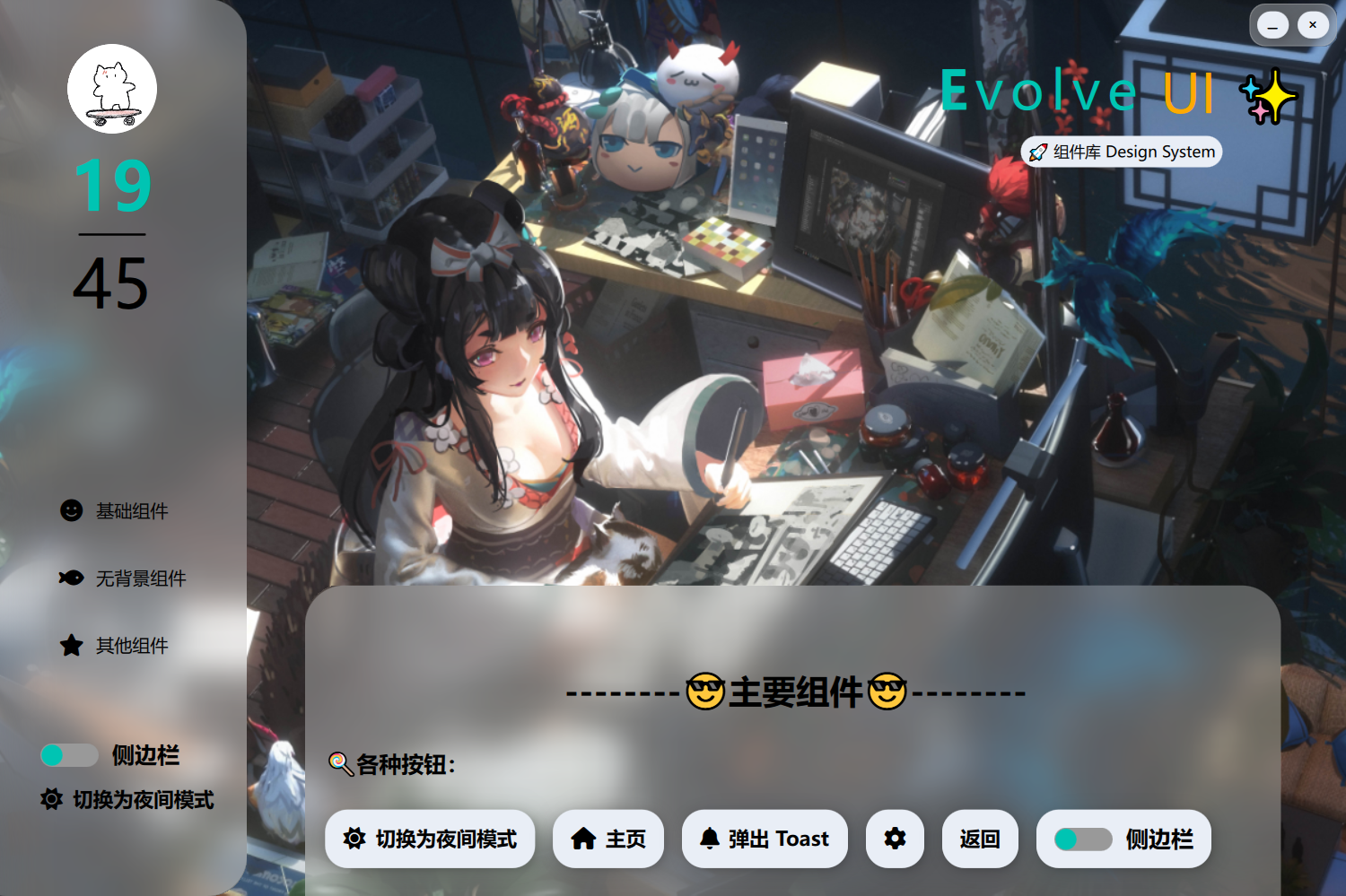
EvolveUI is a modern, highly styled Qt6 QML front-end component library dedicated to providing a consistent, elegant, and responsive UI experience for cross-platform applications. Inspired by Telegram's animations and Material Design specifications, it takes into full consideration the interaction habits of desktop and mobile devices.
Modular and customizable Material Design UI components for Pyside
A minimal Shadertoy-like shader viewer written in C++ with OpenGL 3.3 and GLFW. Supports both shaders with textures (iChannel0) and shaders without textures. Provides realtime rendering with mouse interaction and FPS display.