calculator
Windows Calculator: A simple yet powerful calculator that ships with Windows
- 31k
- C#
- MIT
- 5 wk ago
Convert image and pdf to text using Window OCR
Repo ttop32/ImageScanOCR, read from GitHub 18 h ago. ttop32 has not joined Take My Repo.
ttop32/ImageScanOCR is a public repo on GitHub by ttop32. Convert image and pdf to text using Window OCR. It declares the MIT license on GitHub. It is written mainly in C#, has 68 stars and last changed on 2023-01-03. Nobody has reviewed it on Take My Repo yet, which says nothing about its quality. Read from GitHub on 2026-11-24.
Windows Calculator: A simple yet powerful calculator that ships with Windows
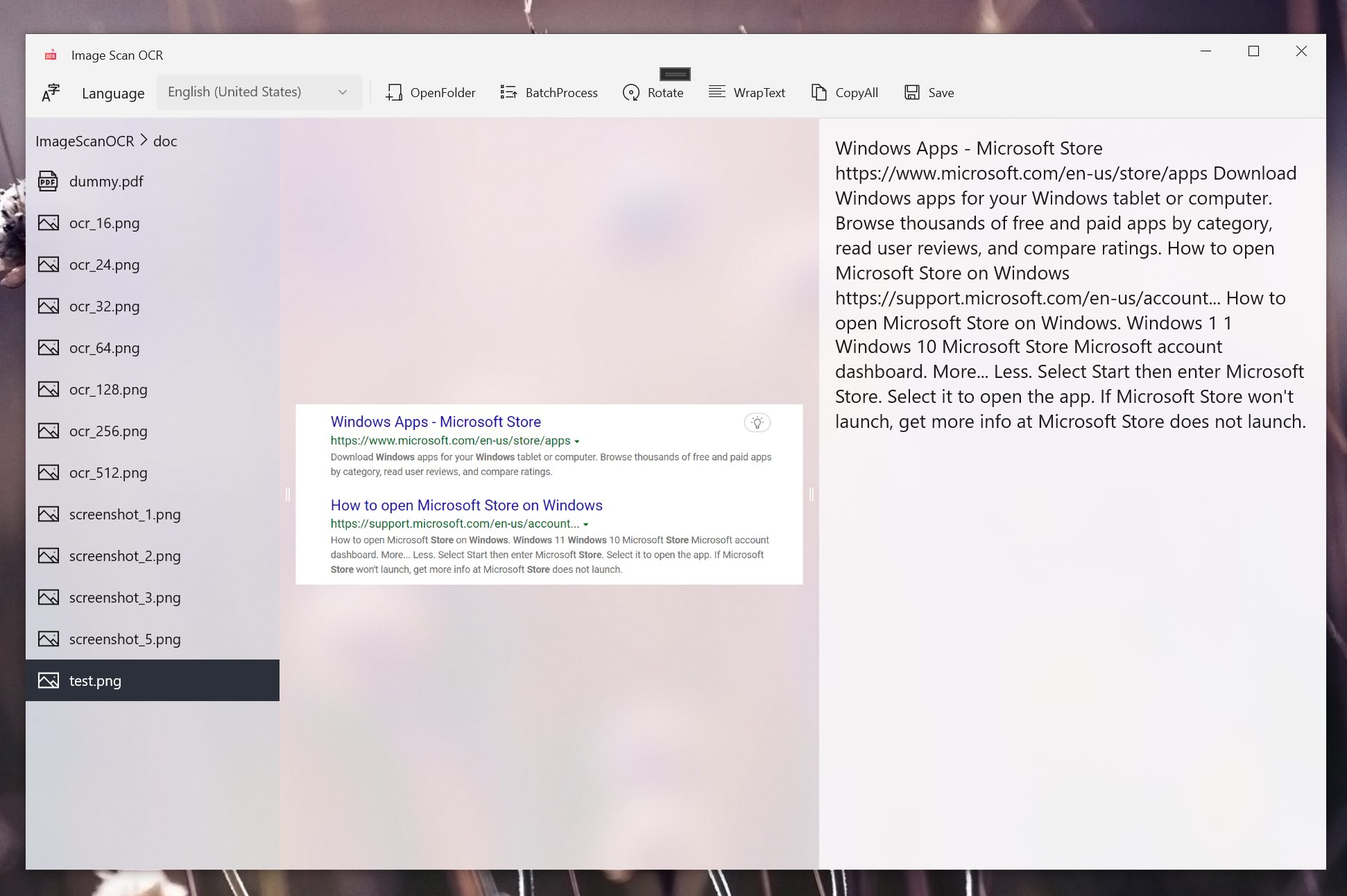
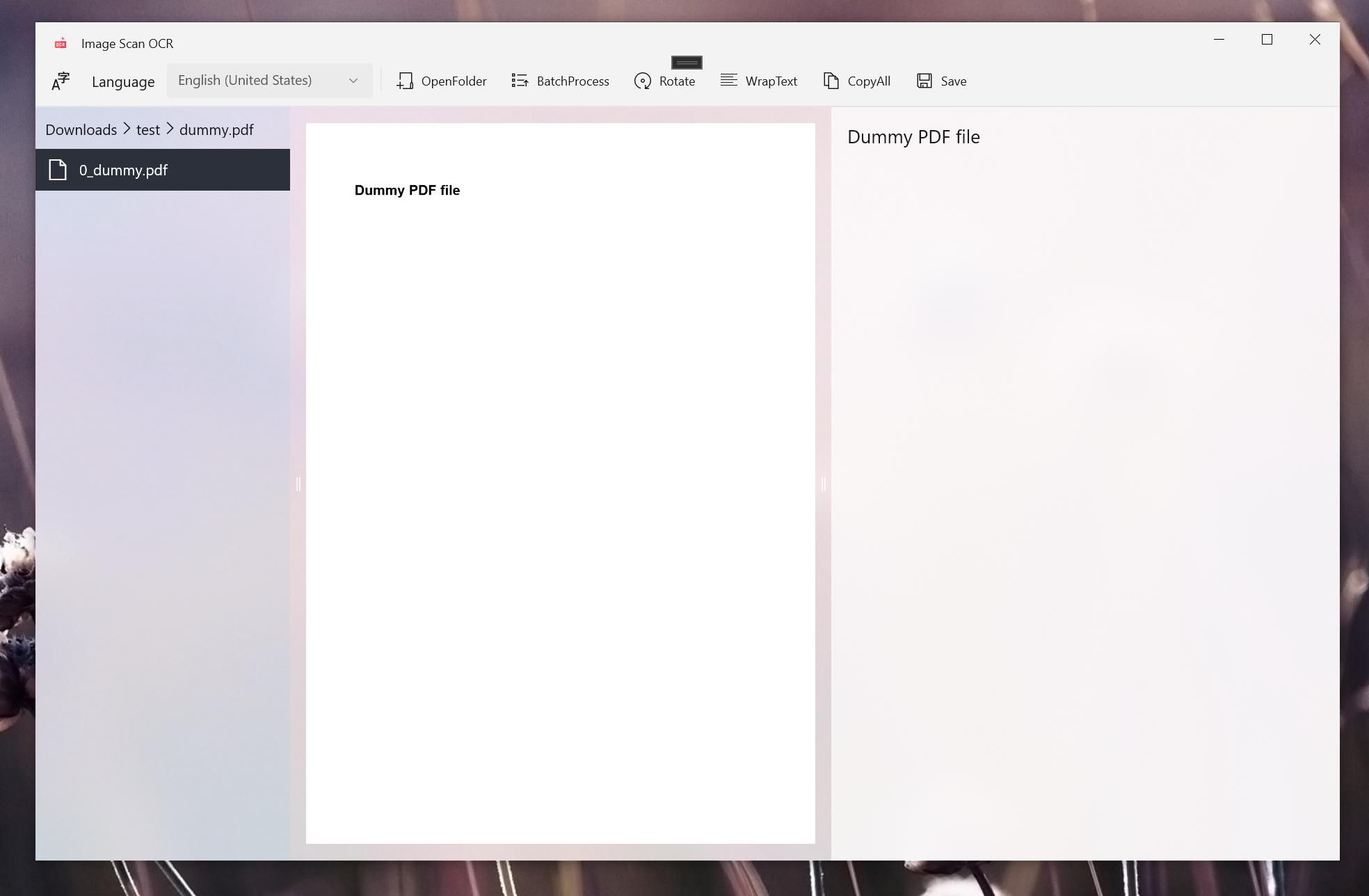
Image Scan OCR recognize text from image and PDF using Window OCR.
This OCR app convert given text image to editable plain text.
User can handle its plain text and can save OCR result text as plain text file.
download from microsoft store

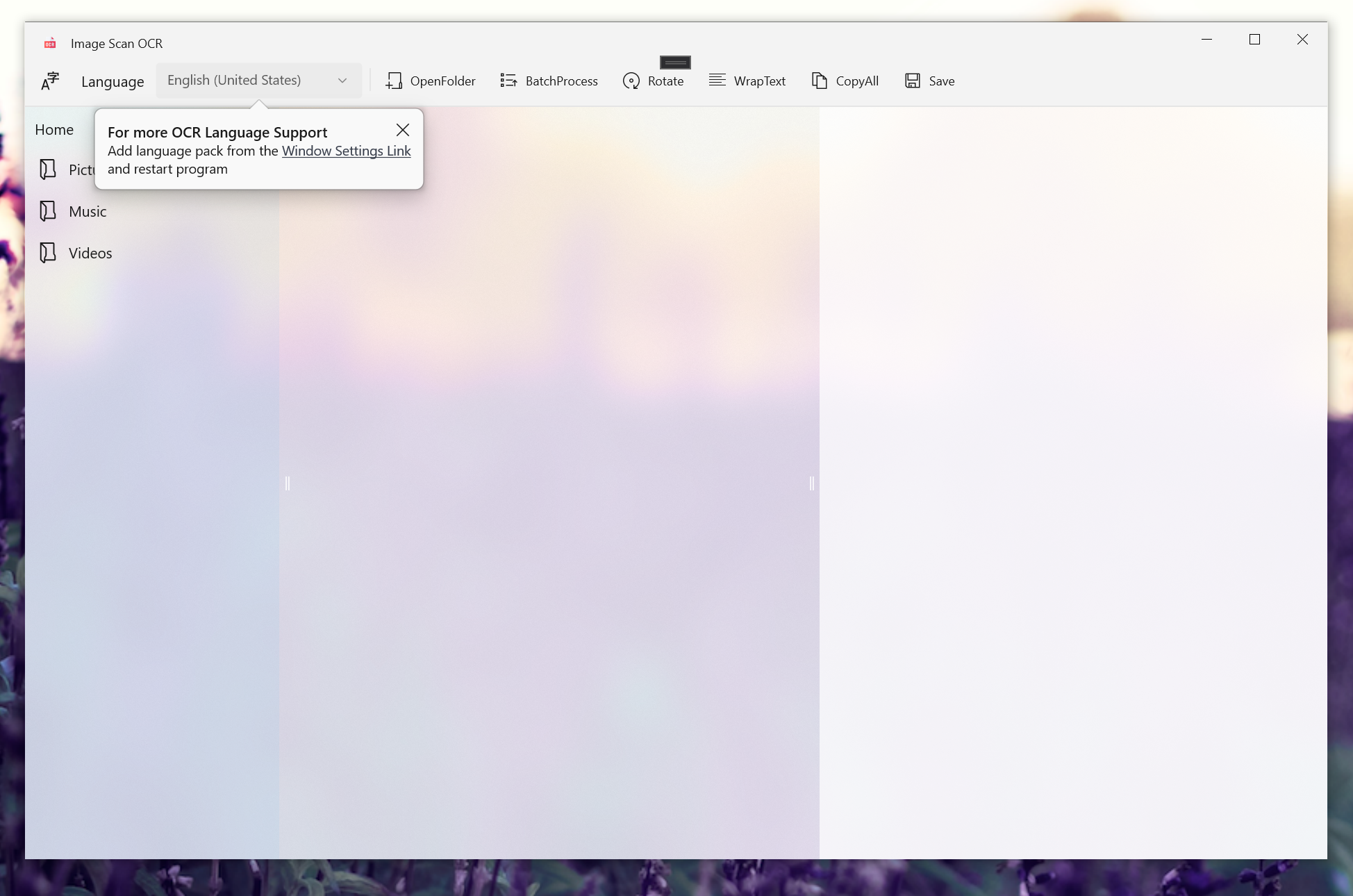
ttop32/ImageScanOCR is a public repo on GitHub by ttop32. Convert image and pdf to text using Window OCR.
It declares the MIT license on GitHub.
Its maker tagged it for Windows. That is declared by the maker; Take My Repo has not tested it.
Open "Take it" on its page: Take My Repo writes an install plan for your machine and hands it to your AI agent (Claude Code, Codex or Cursor), which asks you before each step. Take My Repo has not tested it on any machine.
Turn any PDF or image document into structured data for your AI. A powerful, lightweight OCR toolkit that bridges the gap between images/PDFs and LLMs. Supports 100+ languages.
Open-source Windows and Office activator featuring HWID, Ohook, TSforge, and Online KMS activation methods, along with advanced troubleshooting.
🤗 Transformers: the model-definition framework for state-of-the-art machine learning models in text, vision, audio, and multimodal models, for both inference and training.
Its last change on GitHub was on 2023-01-03. Take My Repo does not judge from that whether it is maintained.
Nobody has reviewed it on Take My Repo yet, which says nothing about its quality.
Take My Repo cannot say: it does not audit code and has not run ImageScanOCR. What is known comes from GitHub. It declares the MIT license on GitHub. Its last change was on 2023-01-03. It has 68 stars, which measure popularity, not safety. Nobody has reviewed it on Take My Repo yet, which says nothing about its quality. Read the source before you run it. With "Take it", your AI agent shows each step and asks you before running it; README text is treated as data, not as instructions.