

ECC
The agent harness performance optimization system. Skills, instincts, memory, security, and research-first development for Claude Code, Codex, Opencode, Cursor and beyond.
- 310k
- JavaScript
- MIT
- 1 d ago
Edit AI's memory · 记忆操控 / Local session manager for Claude Code, Codex & OpenCode - 改写AI记忆
Repo voidcraft-dev/memory-forge, read from GitHub 1 min ago. voidcraft-dev has not joined Take My Repo.
voidcraft-dev/memory-forge is a public repo on GitHub by voidcraft-dev. Edit AI's memory · 记忆操控 / Local session manager for Claude Code, Codex & OpenCode - 改写AI记忆. It declares the MIT license on GitHub. It is written mainly in TypeScript, has 19 stars and last changed on 2026-04-13. It is archived: its maker no longer maintains it. Nobody has reviewed it on Take My Repo yet, which says nothing about its quality. Read from GitHub on 2026-11-24.
The agent harness performance optimization system. Skills, instincts, memory, security, and research-first development for Claude Code, Codex, Opencode, Cursor and beyond.
Note
🚀 A new version is available: memory-forge-rs v3 is a full rewrite in Rust — no Python, no server, just open and use. This repo (v2, Python backend) is kept for reference. New users should use memory-forge-rs.
🚀 新版本已发布:memory-forge-rs v3 用 Rust 完全重写,无需 Python,无需服务器,打开即用。 本仓库(v2,Python 后端)保留作参考,新用户请使用 memory-forge-rs。
Stop resetting. Start editing.
AI went off track? Don't restart — edit the history directly.
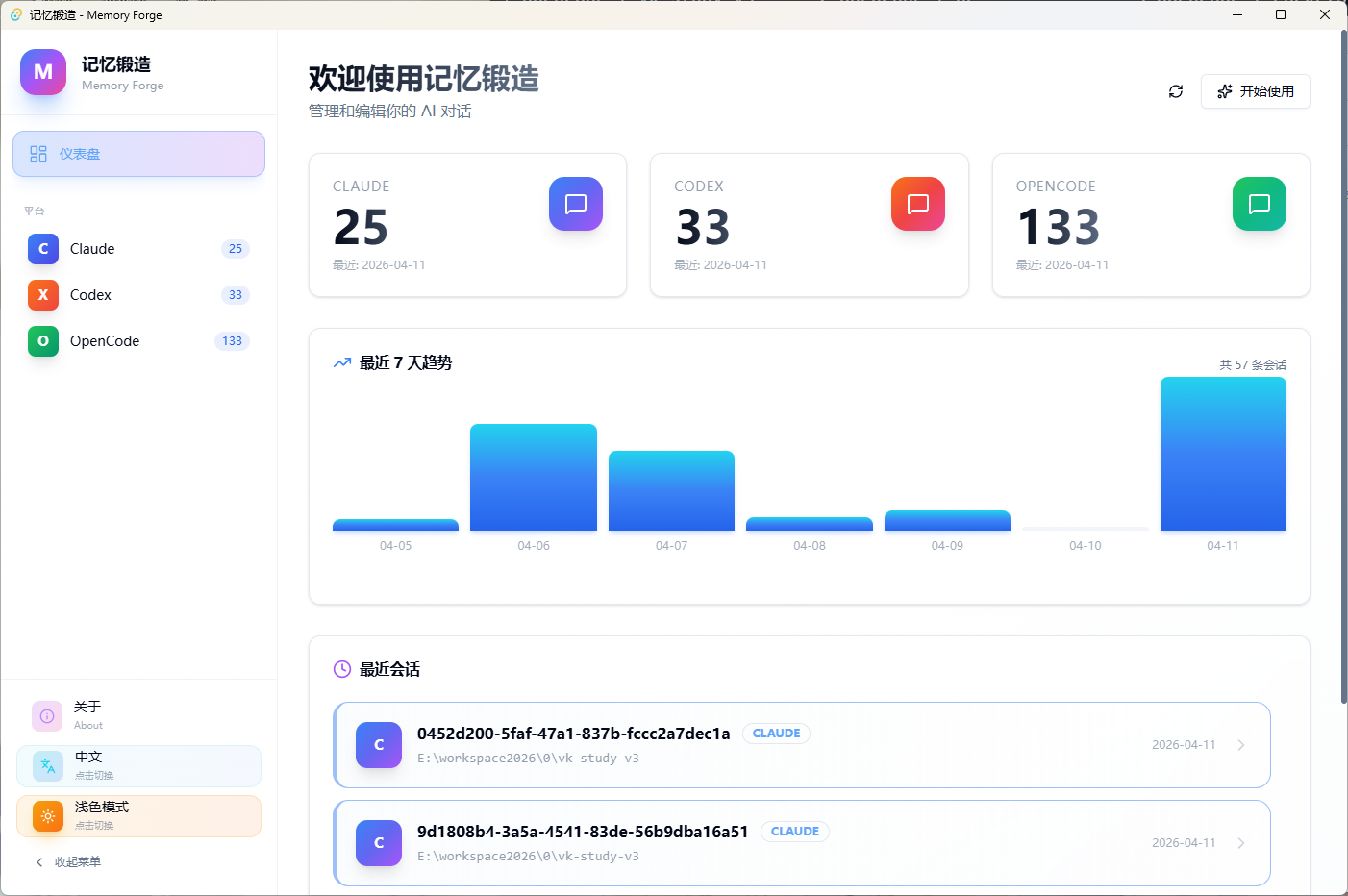
Memory Forge lets you modify AI's "memory" in Claude Code / Codex / OpenCode: inject context, fix errors, remove noise, then seamlessly continue the conversation.
100% local, zero cloud dependency. Your data never leaves your machine.


| Platform | Resume Command | Fork Command | Data Path |
|---|---|---|---|
| Claude Code | claude --resume <id> |
claude --resume <id> --fork-session |
~/.claude |
| Codex CLI | codex resume <id> |
— | ~/.codex |
| OpenCode | opencode -s <id> |
opencode -s <id> --fork |
~/.local/share/opencode/opencode.db |
Download the latest release for your platform:
| Platform | Format | Notes |
|---|---|---|
| Windows | .exe installer / .zip portable |
NSIS installer or unzip & run |
| macOS | .dmg |
Drag to Applications |
| Linux | .AppImage / .deb |
AppImage is portable, no install needed |
Check the Releases page for downloads.
Double-click start.bat — it will automatically:
http://localhost:8000# Terminal 1 — Backend cd backend python -m venv .venv .venv\Scripts\activate # Windows | source .venv/bin/activate # macOS/Linux pip install -r requirements.txt uvicorn app.main:app --reload --port 8000 # Terminal 2 — Frontend npm install npm run dev # Open http://localhost:5173 (Vite proxies /api to backend)
# Full build (backend + frontend + Tauri app + portable)
python build.py

# Or step by step
python build.py --backend    # Build Python backend with PyInstaller
python build.py --frontend   # Build frontend with Vite
python build.py --tauri      # Build Tauri desktop app (installer)
python build.py --portable   # Build portable ZIP (no install needed)
memory-forge/
├── backend/              # Python FastAPI backend
│   ├── app/
│   │   ├── main.py       # Entry point, serves frontend + API
│   │   ├── config.py     # Configuration & path resolution
│   │   ├── db.py         # Database setup (SQLite + SQLModel)
│   │   ├── models.py     # Data models
│   │   ├── routes/
│   │   │   └── api.py    # REST API endpoints
│   │   └── services/
│   │       ├── commands.py      # CLI command builder
│   │       ├── edit_log.py      # Audit logging
│   │       ├── aliases.py       # Session aliases
│   │       └── platforms/       # Platform adapters
│   │           ├── claude.py
│   │           ├── codex.py
│   │           └── opencode.py
│   ├── memoryforge-backend.spec # PyInstaller spec
│   └── requirements.txt
├── src/                  # React frontend
│   ├── components/       # UI components
│   ├── pages/            # Page views (Dashboard, About)
│   ├── stores/           # Zustand state management
│   └── lib/              # Utilities & API client
├── src-tauri/            # Tauri v2 desktop shell
├── build.py              # Build script (backend + frontend + desktop)
├── start.bat             # One-click launcher (Windows)
└── package.json
| Layer | Technologies |
|---|---|
| Backend | Python · FastAPI · SQLModel · SQLite |
| Frontend | React 19 · TypeScript · Vite · Tailwind CSS · Zustand |
| Desktop | Tauri v2 · Rust |
Contributions are welcome! Feel free to:
git checkout -b feature/amazing-feature)git commit -m 'Add amazing feature')git push origin feature/amazing-feature)This project is licensed under the MIT License.
Thank you to the LINUX DO community for your support! 感谢 LINUX DO 社区的支持!
Tech discussions, AI frontiers, AI experience sharing — all at LINUX DO!
VoidCraft — GitHub
Full-stack developer | AI tools & automation | Building things from the void ✦
停止重开,直接编辑。
AI 对话走偏了?别重新开始 — 直接改掉历史记录。
记忆锻造让你在 Claude Code / Codex / OpenCode 中直接编辑 AI 的"记忆":注入上下文、纠正错误、删除废话,然后无缝继续对话。
100% 本地运行,零云端依赖。 你的数据不会离开你的电脑。
| 平台 | 恢复命令 | 分支命令 | 数据路径 |
|---|---|---|---|
| Claude Code | claude --resume <id> |
claude --resume <id> --fork-session |
~/.claude |
| Codex CLI | codex resume <id> |
— | ~/.codex |
| OpenCode | opencode -s <id> |
opencode -s <id> --fork |
~/.local/share/opencode/opencode.db |
下载对应平台的最新版本:
| 平台 | 格式 | 说明 |
|---|---|---|
| Windows | .exe 安装包 / .zip 便携版 |
NSIS 安装包或解压即用 |
| macOS | .dmg |
拖入 Applications 即可 |
| Linux | .AppImage / .deb |
AppImage 免安装,双击运行 |
前往 Releases 页面下载。
双击 start.bat,自动完成:
voidcraft-dev/memory-forge is a public repo on GitHub by voidcraft-dev. Edit AI's memory · 记忆操控 / Local session manager for Claude Code, Codex & OpenCode - 改写AI记忆.
It declares the MIT license on GitHub.
Its maker tagged it for macOS, Windows and Linux, or as Docker or cross-platform. That is declared by the maker; Take My Repo has not tested it.
Open "Take it" on its page: Take My Repo writes an install plan for your machine and hands it to your AI agent (Claude Code, Codex or Cursor), which asks you before each step. Take My Repo has not tested it on any machine.
Reverse engineer anything with agents, from app behavior down to native binaries.
Fair-code workflow automation platform with native AI capabilities. Combine visual building with custom code, self-host or cloud, 400+ integrations.
Knowledge infrastructure to make your agents smarter. Search, scrape and access 550+ data providers through one API.
No. It is archived on GitHub: its maker no longer maintains it.
Nobody has reviewed it on Take My Repo yet, which says nothing about its quality.
Take My Repo cannot say: it does not audit code and has not run memory-forge. What is known comes from GitHub. It declares the MIT license on GitHub. It is archived: its maker no longer maintains it. It has 19 stars, which measure popularity, not safety. Nobody has reviewed it on Take My Repo yet, which says nothing about its quality. Read the source before you run it. With "Take it", your AI agent shows each step and asks you before running it; README text is treated as data, not as instructions.





