
node
TypeScript bot detection and AI agent verification for Node.js and edge runtimes. Local honeypot tripwires, rate limiting and AI crawler policies. Middleware for Express, Fastify, Next.js and Hono, with optional WebDecoy dashboard reporting.
- 4
- MIT
- 3 h ago
Repo WebDecoy/node, read from GitHub 11 min ago. WebDecoy has not joined Take My Repo.
In short
WebDecoy/node is a public repo on GitHub by WebDecoy. TypeScript bot detection and AI agent verification for Node.js and edge runtimes. Local honeypot tripwires, rate limiting and AI crawler policies. Middleware for Express, Fastify, Next.js and Hono, with optional WebDecoy dashboard reporting. It declares the MIT license on GitHub. It is written mainly in TypeScript, has 4 stars and last changed on 2026-11-23. Nobody has reviewed it on Take My Repo yet, which says nothing about its quality. Read from GitHub on 2026-11-23.

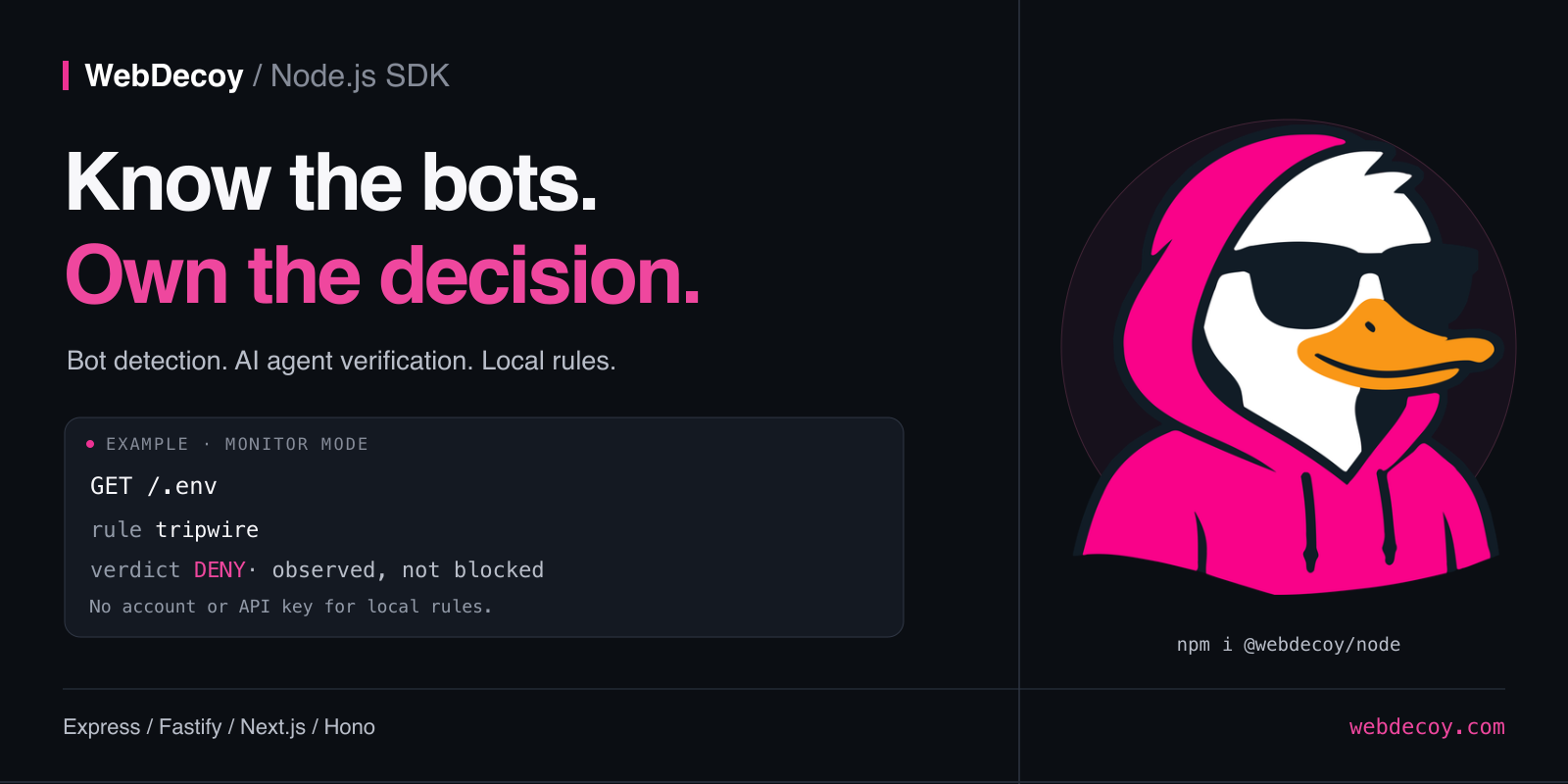
WebDecoy for Node.js — Bot Detection & AI Agent Verification
Know the bots. Own the decision. Add bot detection and protection to your Node.js app with honeypot tripwires, rate limiting, AI crawler policies and signed-agent verification. Use local rules without an account or API key; connect WebDecoy when you want hosted analysis and dashboard reporting.
Quick start · Choose your framework · Verify a detection · SDK documentation · Examples
See bot requests your browser analytics can miss
A request can reach your server without running your analytics tag. Try a controlled request first, inspect the result, then add detection to your app. WebDecoy complements the edge controls you already use; it only observes requests that reach its middleware.
| Try it | What you will see | What you need |
|---|---|---|
| Express browser playground | Send an ordinary request and a decoy request; compare the HTTP response with the local tripwire decision. | No account or API key. |
| Next.js 16 on Vercel | Run the downloadable diagnostic app, send a labeled test and match its record in your dashboard. | Your own server-side WebDecoy API key for reporting. |
The 25-second Vercel proof animates the verified HTTP response and matching Test → Logged, not blocked record. This is a controlled setup test, not real AI crawler traffic or an accuracy benchmark.
Try Express in your browser
Open the Express playground in StackBlitz · Watch the 30-second demo
Send an ordinary request, then a decoy request. Inspect the actual HTTP response and local tripwire verdict. Start in monitor mode; enable enforcement explicitly in the playground to compare the response. No WebDecoy account or API key required. StackBlitz runs the standalone Express example in a browser Node.js runtime. See the playground source and local alternative.
After you have tried an example, star WebDecoy/node if it is useful to you. To use it in your app, choose your framework below.
What you can do
| Need | Start here |
|---|---|
| Detect requests to hidden decoys and scanner-bait paths | Honeypot tripwires |
| Limit repeated requests to your app or API | Local rules and shared rate limits |
| Check supported signed AI-agent identities | Web Bot Auth verification |
| Publish and enforce an AI crawler policy | One bot policy |
| Add browser interaction evidence to server decisions | Client signals |
| See server-side analysis and detections in a dashboard | Optional WebDecoy platform |
WebDecoy works alongside Cloudflare and other CDN protections. Server middleware observes requests that reach your application; requests served or blocked before it runs are outside its view. A crawler name is a claim until supported identity checks establish more.
Choose your framework
| Your app | Package and setup |
|---|---|
| Express | Express middleware |
| Fastify | Fastify plugin |
| Next.js | Next.js middleware |
| Hono, Cloudflare Workers, Bun or Deno | Hono middleware |
| Astro, SvelteKit, Remix or another fetch handler | createFetchGuard() |
| A custom Node.js server | Core SDK |
The middleware starts in monitor mode: it records verdicts without blocking requests. A local rules setup needs no cloud connection; an API key is needed to send detections to the WebDecoy dashboard.
Quick start — no API key
npm install @webdecoy/node
import { WebDecoy, tripwire, honeytoken } from '@webdecoy/node';

// A hidden decoy link + the secret path it points at.
const trap = honeytoken();

const wd = new WebDecoy({
  rules: [
    // Block any request to the honeytoken path, plus built-in scanner-bait
    // paths (/.env, /.git/config, /wp-config.php, …). Runs locally — no key.
    tripwire({ paths: [trap.path] }),
  ],
});

// Inject the invisible, rel=nofollow decoy link into your HTML. Real users
// do not encounter it in the normal UI. Inspect requests to the decoy path.
html = html.replace('</body>', `${trap.linkHtml}</body>`);
This creates the detector and decoy link; use the framework middleware to inspect incoming requests. Local rules run on your server without an account or outbound calls. A tripwire hit is recorded in monitor mode and can return 403 in enforce mode.
Register your own paths, prefixes, or patterns too:
tripwire({
  paths: ['/admin-backup.zip'],
  prefixes: ['/.git/'],
  patterns: [/\/wp-admin\//],
  includeDefaults: true, // built-in scanner-bait paths (default: true)
  action: 'DENY',        // or 'THROTTLE'
  dryRun: false,         // log only, don't block (observe before enforcing)
});
Why add tripwires
Scraping frameworks can use real browsers and alter browser signals. Tripwires add evidence from requested paths alongside other detection methods.
A tripwire evaluates whether a request matches a decoy or scanner-bait path. A hit is a reason to investigate; legitimate crawlers, link scanners and accidental requests still need consideration.
- Deterministic. A hit isn't a probability; it's a request for a path that only exists to trap automation.
- Reviewable. See false positives before enforcing; hidden links and
rel=nofollowdo not guarantee that every requester is malicious. - Independent of browser appearance. A matching request still matches when the requester uses a real browser.
- Instant. Evaluated locally before any scoring, model, or network call.
Framework integration (still no API key)
The middleware evaluates tripwires and other local rules. The default monitor mode records verdicts without blocking; enable enforcement only after reviewing your traffic.
Express
npm install @webdecoy/express @webdecoy/node
Install @webdecoy/node alongside every adapter: tripwire(), rateLimit() and the other rules are imported from it.
The SDK and adapters do not read WEBDECOY_API_KEY from the environment. Without an apiKey option they run local rules only; to report to the dashboard, pass apiKey: process.env.WEBDECOY_API_KEY.
import express from 'express';
import { webdecoy } from '@webdecoy/express';
import { tripwire, rateLimit } from '@webdecoy/node';

const app = express();

app.use(
  webdecoy({
    // No apiKey → purely local rules (tripwires + rate limiting).
    rules: [
      tripwire({ paths: ['/.env', '/wp-config.php'] }),
      rateLimit({ max: 100, window: 60 }),
    ],
    skipPaths: ['/health', '/public'],
  })
);
Fastify (@webdecoy/fastify), Next.js (@webdecoy/nextjs) and Hono (@webdecoy/hono) expose the same rule-based middleware.
Verify your first detection
After mounting the Express middleware above, log req.webdecoyDecision from a route after the middleware, then send a controlled request to your local development app:
curl -i http://localhost:3000/.env
curl -i http://localhost:3000/
The first request should produce a tripwire verdict; inspect req.webdecoyDecision?.deniedBy('tripwire') and .results. Monitor mode leaves your route’s HTTP response unchanged, so a 200 or 404 alone does not tell you whether a rule matched. Compare the ordinary / request too. Review real traffic before choosing mode: 'enforce'.
Need the cloud dashboard? Create a WebDecoy account and configure your own API key. A keyless local verdict is not a cloud detection.
Hono — Workers, Bun, Deno
npm install @webdecoy/hono @webdecoy/node
import { Hono } from 'hono';
import { webdecoy } from '@webdecoy/hono';
import { tripwire } from '@webdecoy/node';

const app = new Hono();
app.use('*', webdecoy({ rules: [tripwire()], skipPaths: ['/health'] }));
c.get('webdecoy') carries the decision — in monitor mode, which is the default,
that is the only place the verdict surfaces.
Any other fetch runtime — no package needed
Bun, Deno, Astro, Nitro, SvelteKit and Remix all hand you a WHATWG Request and
want a Response. createFetchGuard() is the same implementation the Hono
adapter wraps:
import { createFetchGuard, tripwire } from '@webdecoy/node';

const guard = createFetchGuard({ mode: 'enforce', rules: [tripwire()] });

export default {
  async fetch(request: Request): Promise<Response> {
    const { response } = await guard.check(request);
    if (response) return response;              // denied
    return guard.decorate(await handle(request)); // injects the honeytoken link
  },
};
More local rules
Rules run locally (no API key) before any server verification; the first DENY/THROTTLE wins and short-circuits the request.
import { WebDecoy, rateLimit, tripwire, filter } from '@webdecoy/node';

const wd = new WebDecoy({
  rules: [
    rateLimit({ max: 100, window: 60 }),                        // 100 req / 60s per IP
    tripwire({ paths: ['/.env', '/wp-config.php'] }),           // honeypot paths
    filter({ expression: 'ip.tor or ip.vpn', action: 'DENY' }), // needs an API key (IP enrichment)
  ],
});
rateLimit({ max, window, algorithm?, action?, keyBy?, store? })— fixed or sliding window, keyed by IP (or a custom function). No key. See shared rate limits before you run two replicas.tripwire({ paths?, prefixes?, patterns?, includeDefaults? })— deterministic honeypot-path detection. No key.webBotAuth({ onImpersonation?, onClaimed?, allowCategories? })— verify AI-agent signatures (Web Bot Auth / RFC 9421) locally; deny impersonators of known agents. No key.filter({ expression, action? })— an expression language over IP reputation/geo (e.g.ip.tor,ip.country in ["CN", "RU"]). Requires an API key for enrichment.attackSignatures({ inspect?, exclude?, action? })— deny requests carrying unambiguous injection payloads. No key. See attack signatures.
Verify AI agents (Web Bot Auth)
Some AI agents support cryptographically signed requests (Web Bot Auth, RFC 9421). WebDecoy verifies those signatures locally — on Node and on the edge, with no API key and no network on the warm path — so you can tell a real verified agent from someone forging its identity.
import { WebDecoy } from '@webdecoy/node';

const wd = new WebDecoy({});

const verdict = await wd.detectBot(request); // a WHATWG Request, or { method, url, headers }
// verdict.status: 'verified' | 'impersonation' | 'claimed' | 'none'
if (verdict.status === 'impersonation') return new Response('Forbidden', { status: 403 });
if (verdict.status === 'verified') console.log('verified agent:', verdict.agentName, verdict.category);
Or drop it into the rules engine to deny impersonation automatically:
const wd = new WebDecoy({ rules: [webBotAuth()] }); // denies known-agent impersonation
Questions
What is node?
WebDecoy/node is a public repo on GitHub by WebDecoy. TypeScript bot detection and AI agent verification for Node.js and edge runtimes. Local honeypot tripwires, rate limiting and AI crawler policies. Middleware for Express, Fastify, Next.js and Hono, with optional WebDecoy dashboard reporting.
Is node open source?
It declares the MIT license on GitHub.
Does node run on macOS, Windows or Linux?
Its maker has not tagged a system, so it is unknown here. Its README says what it needs.
How do I install node?
Open "Take it" on its page: Take My Repo writes an install plan for your machine and hands it to your AI agent (Claude Code, Codex or Cursor), which asks you before each step. Take My Repo has not tested it on any machine.





