SuperFlux
Changelog
v0.7.0
🔐 SuperPassword — Password Manager (Pro)
An encrypted password vault built directly into SuperFlux.
- AES-256-GCM encryption with Argon2id key derivation (64 MB, 3 iterations) — the master password is never stored on
disk
- Full entry management: title, URL, username, password, notes, custom fields, and favorites
- Password generator with strength indicator, configurable options (length, uppercase, lowercase, digits, symbols,
exclude ambiguous characters)
- Built-in TOTP: add 2FA codes directly on each entry (supports otpauth:// URIs and raw base32 secrets), real-time
countdown refresh
- Auto-lock with configurable timeout (default: 5 min) — the master key is zeroized from memory on expiration
- Auto-clear clipboard after copying a password (default: 30 seconds)
- Folder organization with instant search
- Import/Export in CSV and JSON formats
- Optional cloud sync via Supabase — the encrypted vault is automatically uploaded/downloaded on login
- Security audit of stored passwords
📓 SuperMarkdown — Markdown Editor (Pro)
An Obsidian-style Markdown editor, fully integrated.
- CodeMirror 6 editor with Markdown syntax highlighting, keyboard shortcuts, and adaptive theme
- Live preview with faithful Markdown rendering
- Wikilinks [[...]] with auto-completion and cross-file navigation
- File tree with file and folder creation, renaming, and deletion
- Tabs to work on multiple files simultaneously
- Git panel: view status, stage changes, commit, and diff directly from the editor
- Side-by-side diff view to compare modifications
- Global search across the entire vault with result navigation
- Backlinks: see all pages linking to the active file
- Tags: extraction and navigation via #tag syntax
- Command palette (Ctrl+Shift+P) for quick access to all actions
- Status bar: line, column, word count, editing mode
🔔 Notifications
- Native notifications for new articles — toggleable per feed
- Uses the OS native notification system via the Tauri Notification plugin
🛠 Miscellaneous improvements
- AuthModal: redesigned authentication interface
- SourcePanel: added password vault sync panel (toggle cloud sync, last sync date)
- TitleBar: two new mode tabs (Passwords Ctrl+9, Markdown Ctrl+0), graceful handling of getCurrentWindow() outside
Tauri context
- SuperClipboard: UI improvements
- UpgradeModal: updated to reflect new Pro features
- GlassIconButton: additional prop support
- Added .playwright-mcp/ to .gitignore
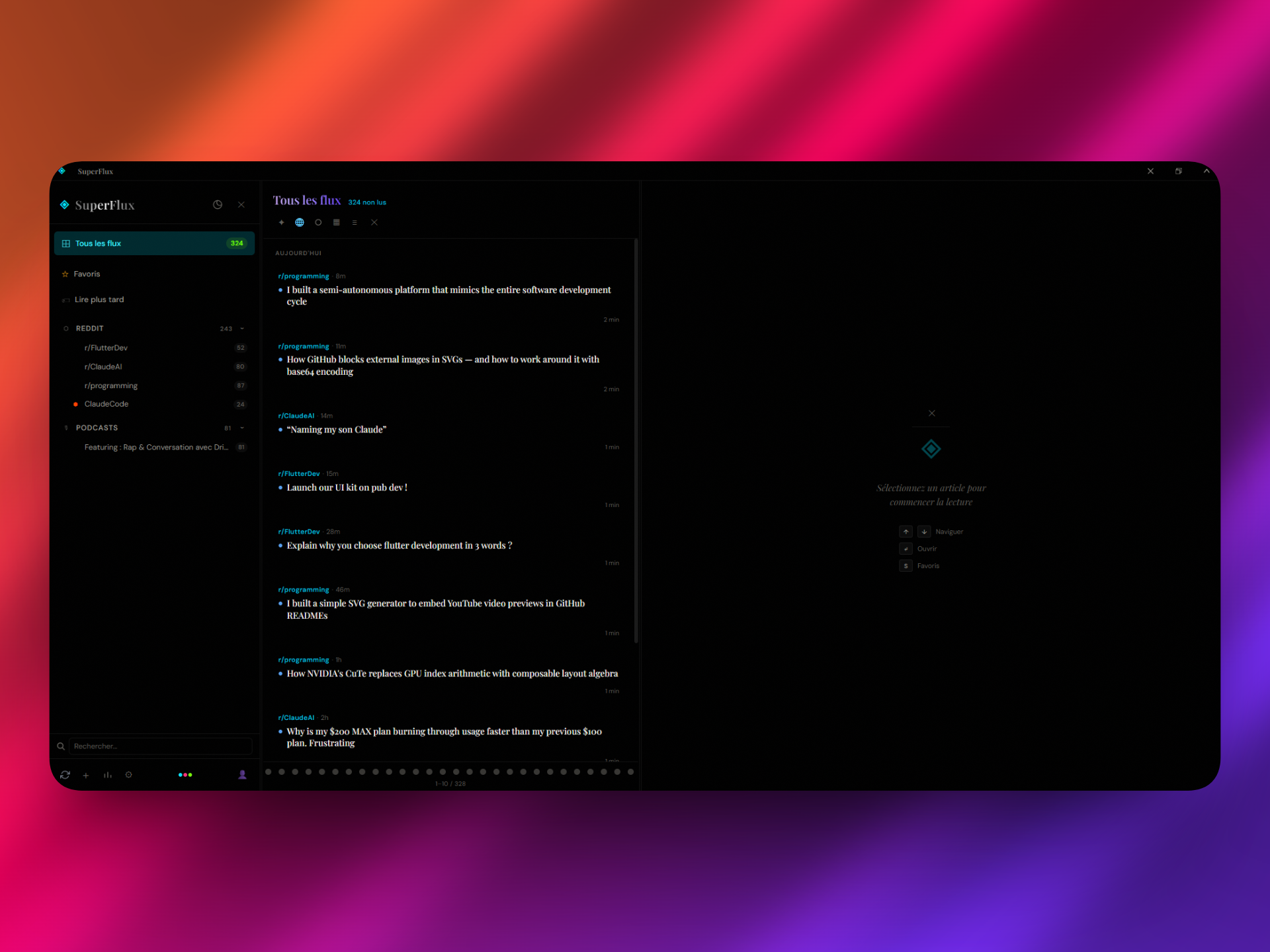
A fast, native desktop RSS reader and productivity suite with a resizable 3-panel layout, built-in Reddit comments, AI summaries, text-to-speech, bookmarks, notes, a document editor, a drawing canvas, and a collapsible bar mode. Built with Tauri 2 and React 19.

Features
3 Resizable Panels
The interface is split into three independently resizable columns with drag handles between them:
| Panel |
Default Width |
Content |
| Sources (left) |
18% |
Feed tree, folders, unread counts, favorites, read later, mode tabs |
| Feed (center) |
32% |
Article list with pagination, time grouping, 3 view modes (normal, compact, cards) |
| Reader (right) |
50% |
Full article reader, AI summary, TTS, highlights, web view, Reddit comments, or contextual module (notes editor, document editor, bookmark reader, drawing canvas) |
Each panel can be closed individually -- it collapses into a thin clickable strip. Toggle panels with keyboard shortcuts 1, 2, 3. Panels resize freely by dragging the handles between them.
Collapsible Bar Mode
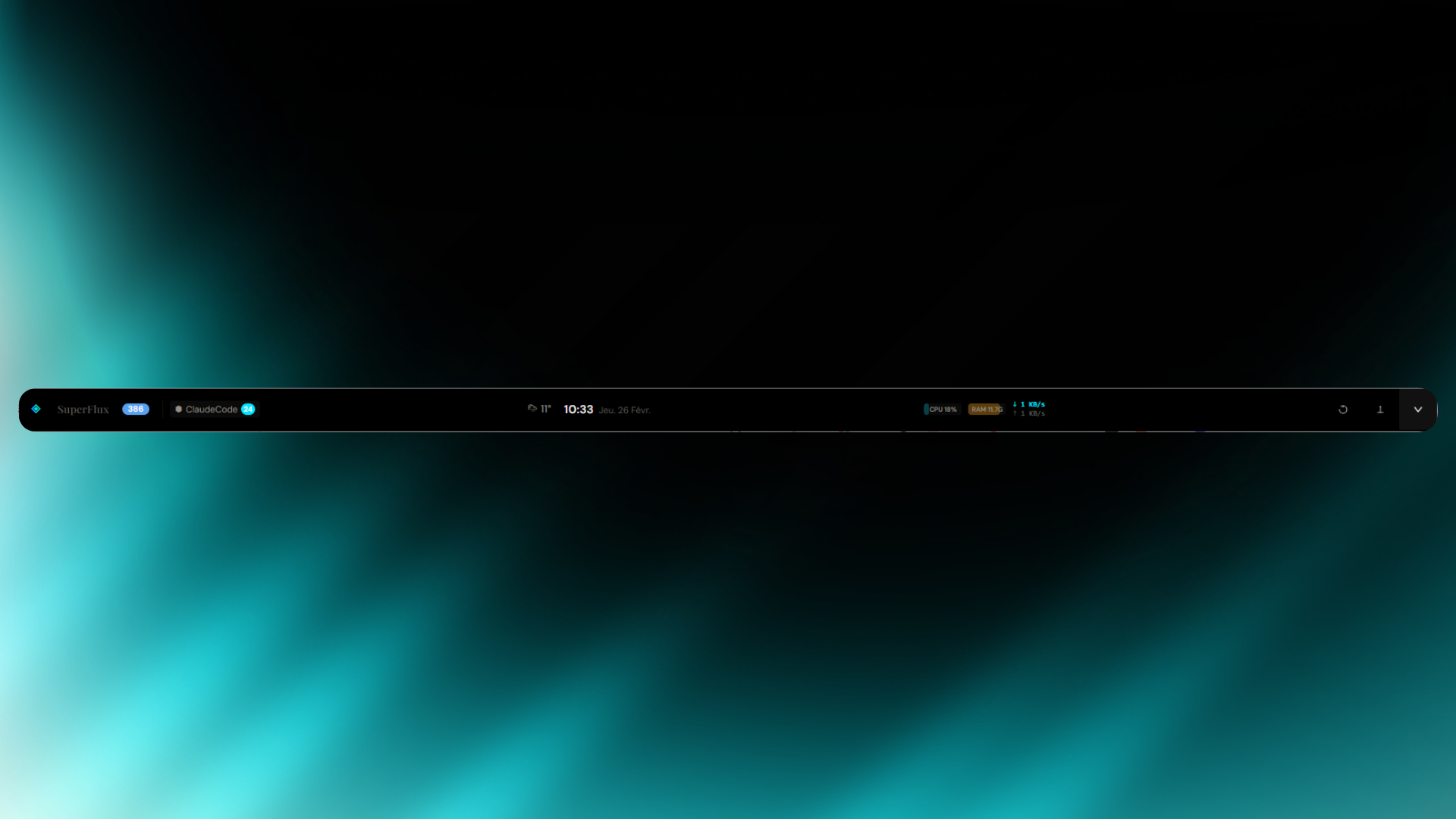 Click the collapse button in the title bar and the entire app shrinks into a slim floating bar that stays on your desktop. The bar displays:
- Unread count, favorites and read-later badges
- Live weather with auto-detected geolocation (temperature + weather icon)
- Live clock with date
- Pin button to keep the bar always on top of other windows
One click expands back to the full 3-panel layout.
Reddit Feeds with Live Comments
Add any subreddit by typing r/subredditname in the add feed dialog. SuperFlux:
- Shows comment count on each post in the feed list
- Fetches live comments from Reddit's API when reading a post (sorted by best, up to 30 comments)
- Displays author, score, and relative timestamp for each comment inline
- Falls back to cached comment data if the API is unavailable
6 Source Types
| Source |
Icon |
Auto-detection |
| Articles / Blogs |
◇ |
Any RSS/Atom feed |
| Reddit |
⬡ |
r/name shorthand or reddit.com URLs |
| YouTube |
▷ |
Channel URLs, @username handles |
| Twitter / X |
✦ |
@username, x.com, nitter instances |
| Mastodon |
🐘 |
Mastodon / Fosstodon / Hachyderm instances |
| Podcasts |
🎙 |
Auto-detected from audio/* enclosures |
AI Summaries (Pro)
Summarize articles or entire feed digests with one click. Two LLM providers:
- Ollama (local) -- runs offline with
llama3.2:3b, models can be pulled directly from Settings
- Groq (cloud) -- uses
llama-3.3-70b-versatile for higher quality
Summary format is configurable: bullet points or paragraph.
Text-to-Speech
Listen to articles with 3 TTS engine options:
- Browser -- Web Speech API, supports pause/resume, adjustable speed (0.5x-2x)
- Native -- OS-level TTS via Tauri, adjustable speed
- ElevenLabs -- cloud API with configurable voice and model
Text Highlighting & Notes (Pro)
Select text in any article to highlight it with 5 colors (yellow, green, blue, pink, orange). Add notes to highlights. The highlights menu lists all highlights for the current article with click-to-scroll navigation.
Podcast Player
Built-in audio player for podcast feeds with:
- Play/pause, skip -15s/+15s
- Speed toggle (0.5x, 1x, 1.25x, 1.5x, 2x)
- Seekable progress bar, volume slider
- Album artwork display
10 Integrated Modes
Switch between modes using the icon tab bar in the sources panel or keyboard shortcuts Ctrl+1 through Ctrl+0. A command palette (Ctrl+K) provides quick access to all commands and navigation.
| Mode |
Shortcut |
Description |
| SuperFlux |
Ctrl+1 |
RSS reader -- the default 3-panel feed experience |
| SuperBookmark |
Ctrl+2 |
Web bookmark manager with full-page reader and metadata extraction |
| SuperNote |
Ctrl+3 |
Sticky notes with folders, color-coded cards, and cloud sync |
| SuperEditor (Pro) |
Ctrl+4 |
Document editor with Pandoc export (PDF, DOCX, HTML, Markdown) |
| SuperDraw (Pro) |
Ctrl+5 |
Canvas drawing tool with shapes, freehand, text, arrows, dark/light mode, and PNG export |
| SuperTranslate |
Ctrl+6 |
Real-time text translation with auto-detection across 12 languages |
| SuperExpander |
Ctrl+7 |
Text snippet expander with keywords, dynamic placeholders, and global shortcuts |
| SuperClipboard |
Ctrl+8 |
Clipboard history manager with pinning, search, and keyboard shortcuts |
| SuperPassword (Pro) |
Ctrl+9 |
Encrypted password vault with TOTP, audit, generator, and import/export |
| SuperMarkdown (Pro) |
Ctrl+0 |
Markdown editor with vault, tabs, Git integration, backlinks, and live preview |
SuperFlux
SuperBookmark
SuperNote
SuperEditor
SuperDraw
SuperBookmark
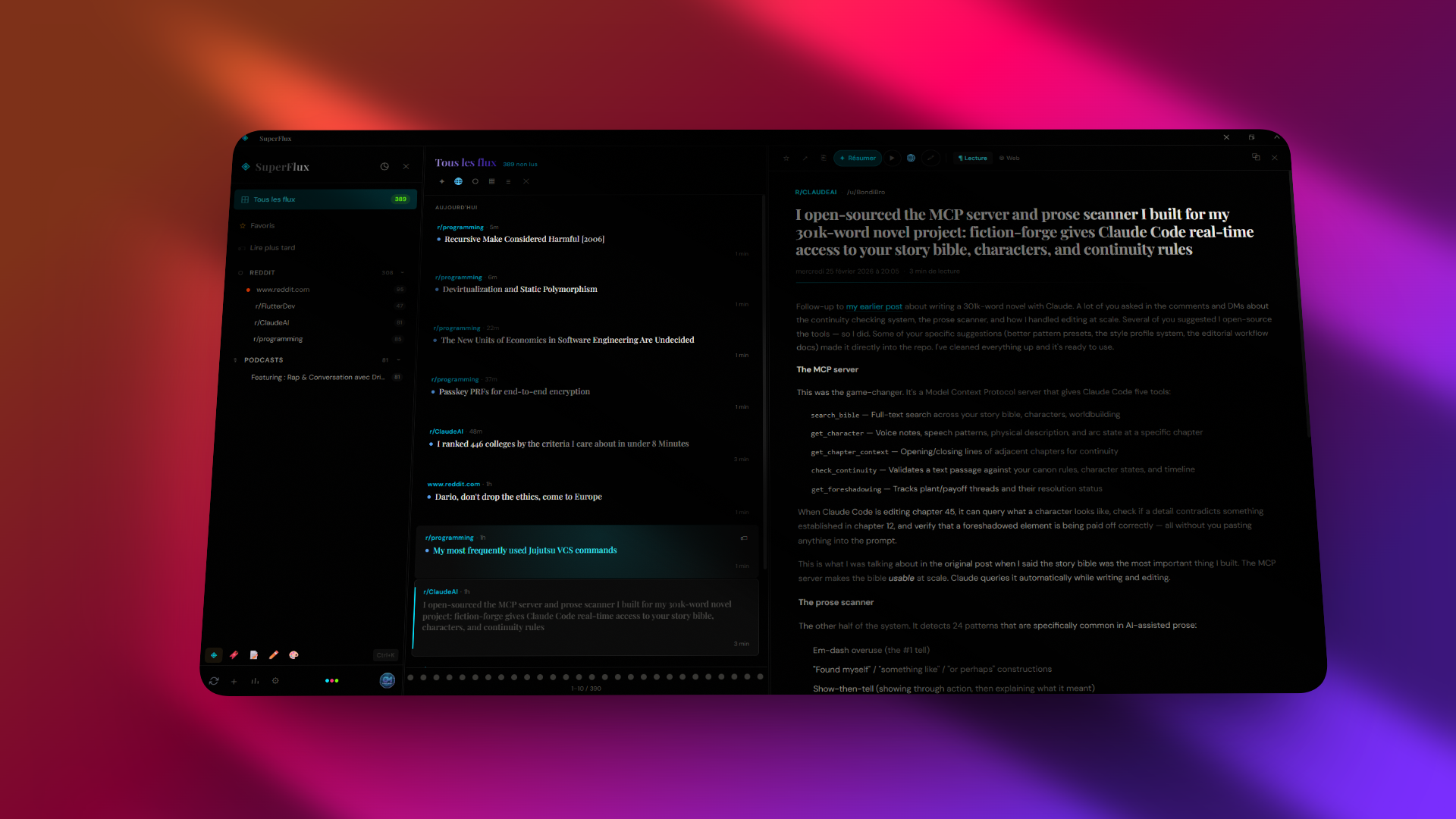
Save and organize web bookmarks with automatic metadata extraction (title, excerpt, favicon, author). Features a built-in reader view for saved pages.
SuperNote
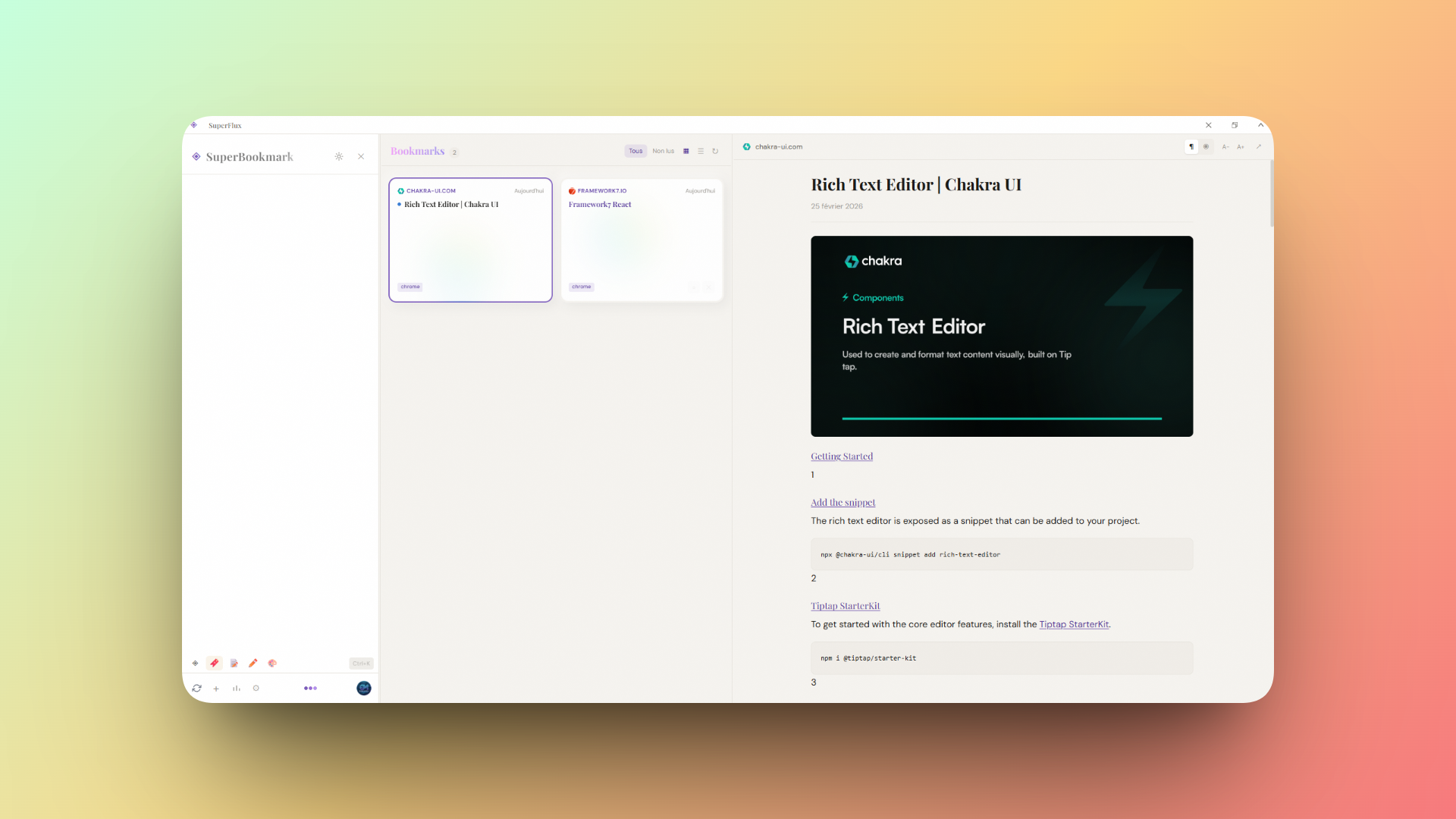
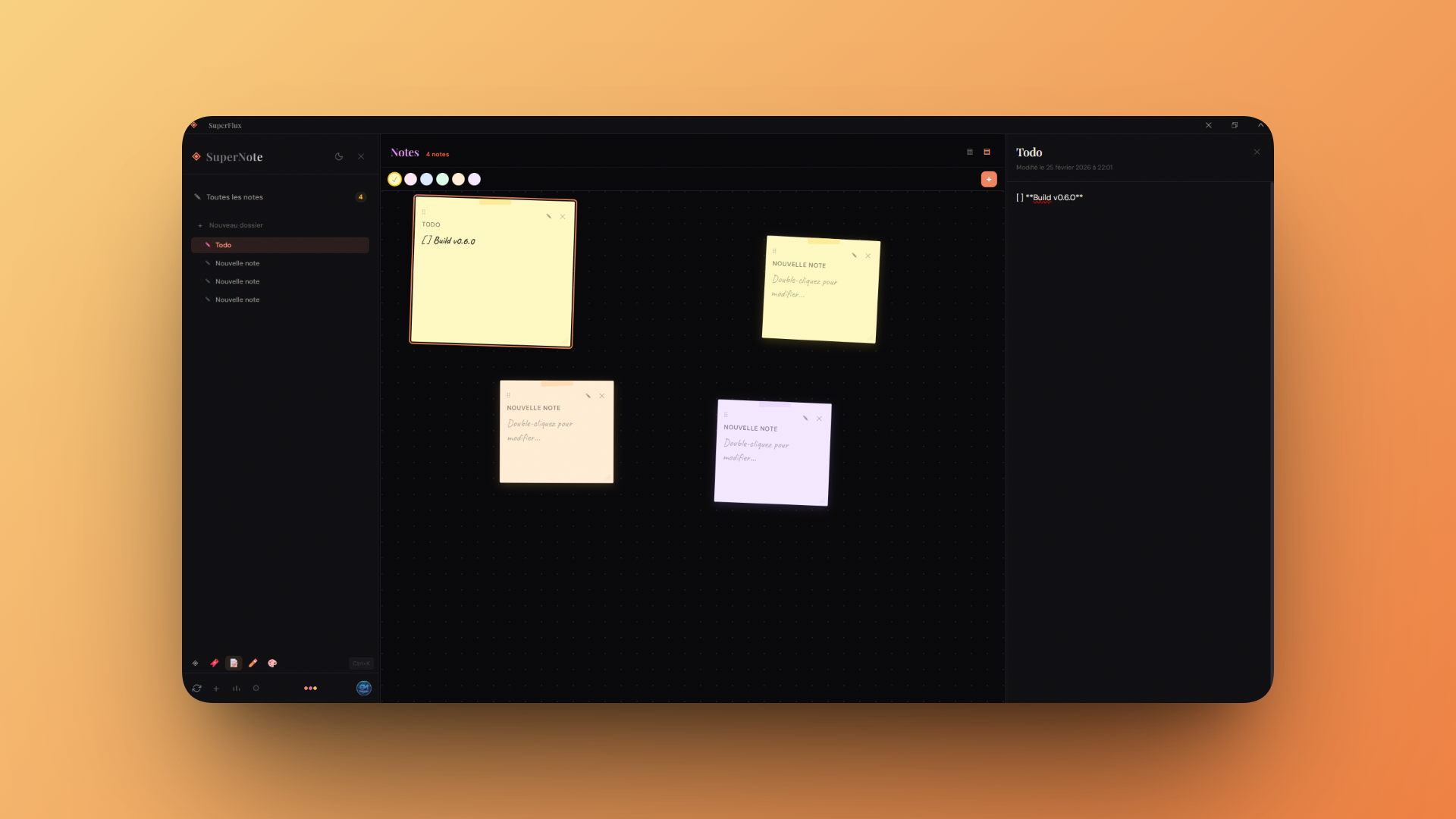
Quick note-taking with folder organization, sticky-note style cards, and Supabase cloud sync. Notes support positioning, colors, and resizing.
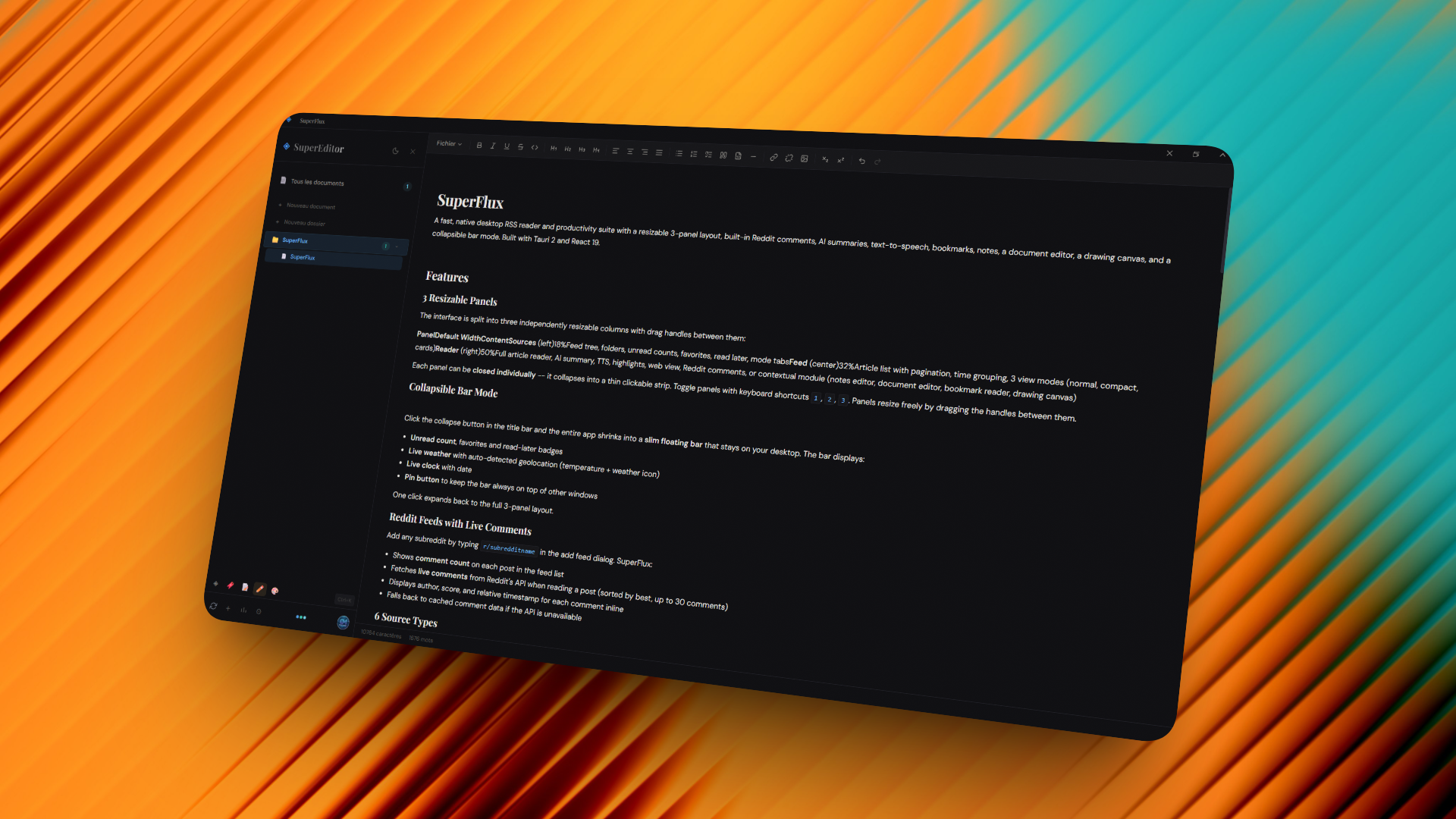
SuperEditor (Pro)
A full document editor with:
- Folder organization and document management
- Pandoc integration for exporting to PDF, DOCX, HTML, Markdown, and more
- Cloud sync via Supabase
SuperDraw (Pro)
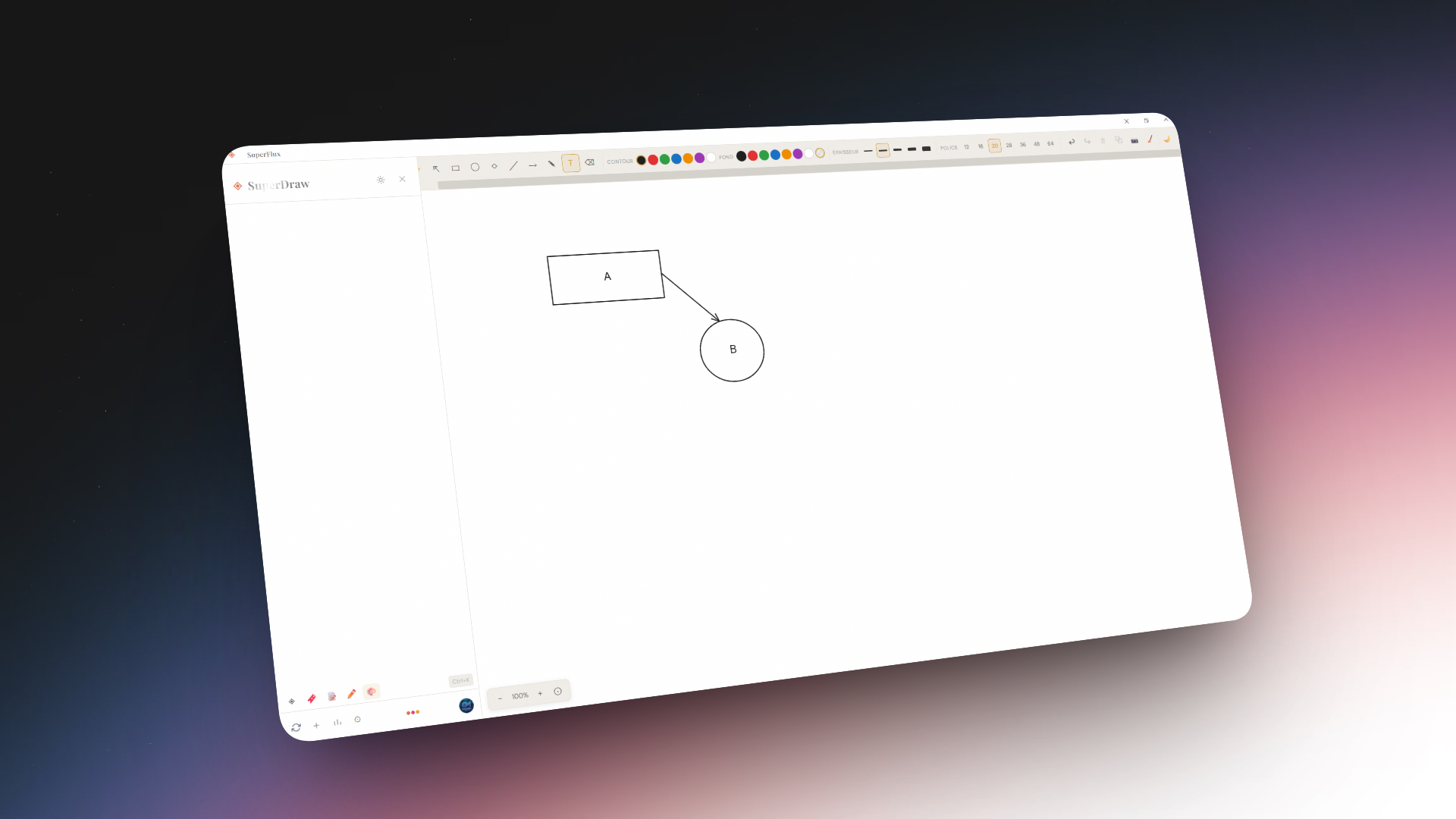
A custom canvas drawing tool inspired by Excalidraw:
- 10 tools: select, hand (pan), rectangle, ellipse, diamond, line, arrow, freehand, text, eraser
- Color picker for stroke and fill with 7 preset colors + transparent
- Stroke width selector (1--8px)
- Font size selector for text tool (12--64px)
- Dark / light mode toggle (independent of app theme, auto-adapts element colors)
- Zoom & pan with mouse wheel (Ctrl+wheel to zoom, wheel to pan)
- Selection with resize handles, multi-select box, duplicate (
Ctrl+D), delete
- Undo / redo history (
Ctrl+Z / Ctrl+Y)
- PNG export and persistent local storage
SuperTranslate
Instant text translation powered by Google Translate:
- 12 languages supported: French, English, Spanish, German, Italian, Portuguese, Dutch, Russian, Japanese, Chinese, Korean, Arabic
- Auto-detection of source language
- Swap languages with one click
- Auto-translate with debounce as you type
SuperExpander
A text snippet expander for quickly inserting reusable text blocks:
- Create snippets with trigger keywords that expand on demand
- Dynamic placeholders:
{date}, {time}, {datetime}, {day}, {uuid}, {clipboard}
- Assign global keyboard shortcuts to snippets
- Folder and time-based grouping
SuperClipboard
A clipboard history manager that tracks everything you copy:
- Automatic history with time-grouped entries (last hour, today, this week, older)
- Pin important entries to keep them at the top
- Global keyboard shortcuts for quick paste of frequent entries
- Search through clipboard history
- Convert clipboard entries to SuperNote notes
SuperPassword (Pro)
An encrypted local password vault:
- AES-encrypted vault with master password, auto-lock, and clipboard auto-clear
- Password generator with configurable length, character sets, and strength audit
- TOTP / 2FA support for time-based one-time passwords
- Folder organization, favorites, tags, and search
- Import / export passwords (CSV, JSON)
- Security audit to detect weak, reused, or compromised passwords
- Cloud sync via Supabase
SuperMarkdown (Pro)
A full-featured Markdown editor with vault-based file management:
- Vault directory with file tree navigation and folder support
- Multi-tab editing with unsaved change indicators
- 3 view modes: edit, split (side-by-side), and live preview
- Git integration with status, diffs, commit, push, and pull
- Backlinks and tags panels for knowledge-graph navigation
- Search across all vault files
- Command palette and status bar with cursor position and word count
Full Article Extraction
When RSS content is truncated, SuperFlux automatically fetches the full article from the original site using Readability. A manual "Fetch from original site" button is also available.
OPML Import
Drag-and-drop or browse to upload .opml / .xml files exported from any RSS reader. Auto-detects source type from URL patterns.
RSS Provider Sync
Connect an external RSS service to import subscriptions and sync read status bidirectionally:
- Miniflux -- API key authentication
- FreshRSS -- Google Reader API
- Feedbin -- email/password
- BazQux -- Google Reader API compatible
Cloud Sync



