
ajsf
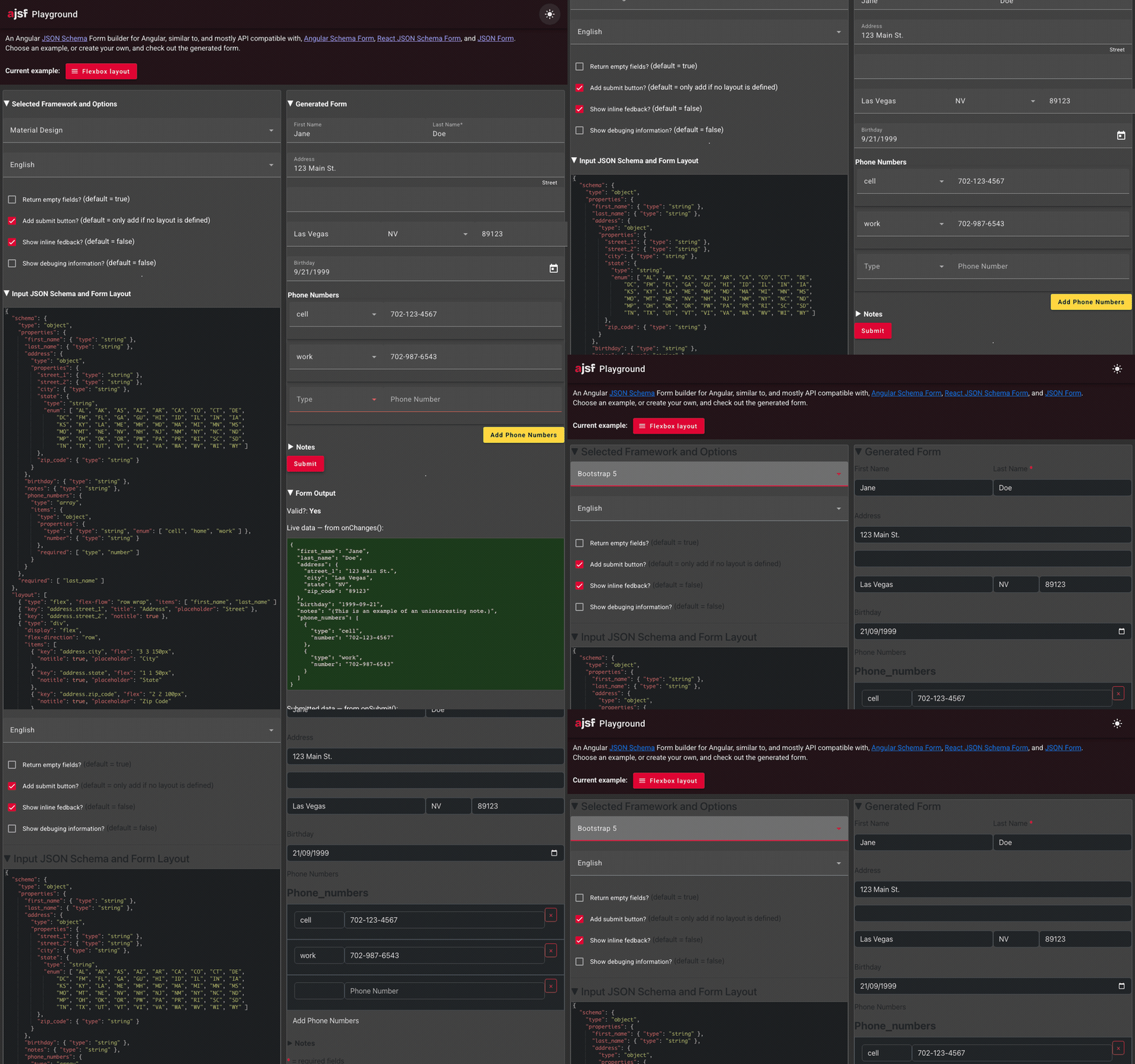
JSON Schema form builder for Angular, with Material, Bootstrap 3, Bootstrap 4, Bootstrap 5 and primeNG widgets
- 361
- TypeScript
- MIT
- 5 d ago
Lets have a quick overview of Angular's Reactive Model Driven Forms with live practical example.
Repo dinanathsj29/angular-forms-reactive-tutorial, read from GitHub 1 min ago. dinanathsj29 has not joined Take My Repo.
dinanathsj29/angular-forms-reactive-tutorial is a public repo on GitHub by dinanathsj29. Lets have a quick overview of Angular's Reactive Model Driven Forms with live practical example. It declares no license on GitHub. Public does not mean open source: without a license, nobody is granted the right to reuse it. It is written mainly in TypeScript, has 3 stars and last changed on 2023-01-01. Nobody has reviewed it on Take My Repo yet, which says nothing about its quality. Read from GitHub on 2026-11-20.

CTRL + BackTick OR COMMAND + J)cd _examples-angular-templateDrivenForm OR cd templateDrivenFormnpm install to install project/app dependencies (node_modules)ng serve / npm start OR ng serve -o OR ng serve --openng serve --port 5000localhost:4200 / 5000We know that:
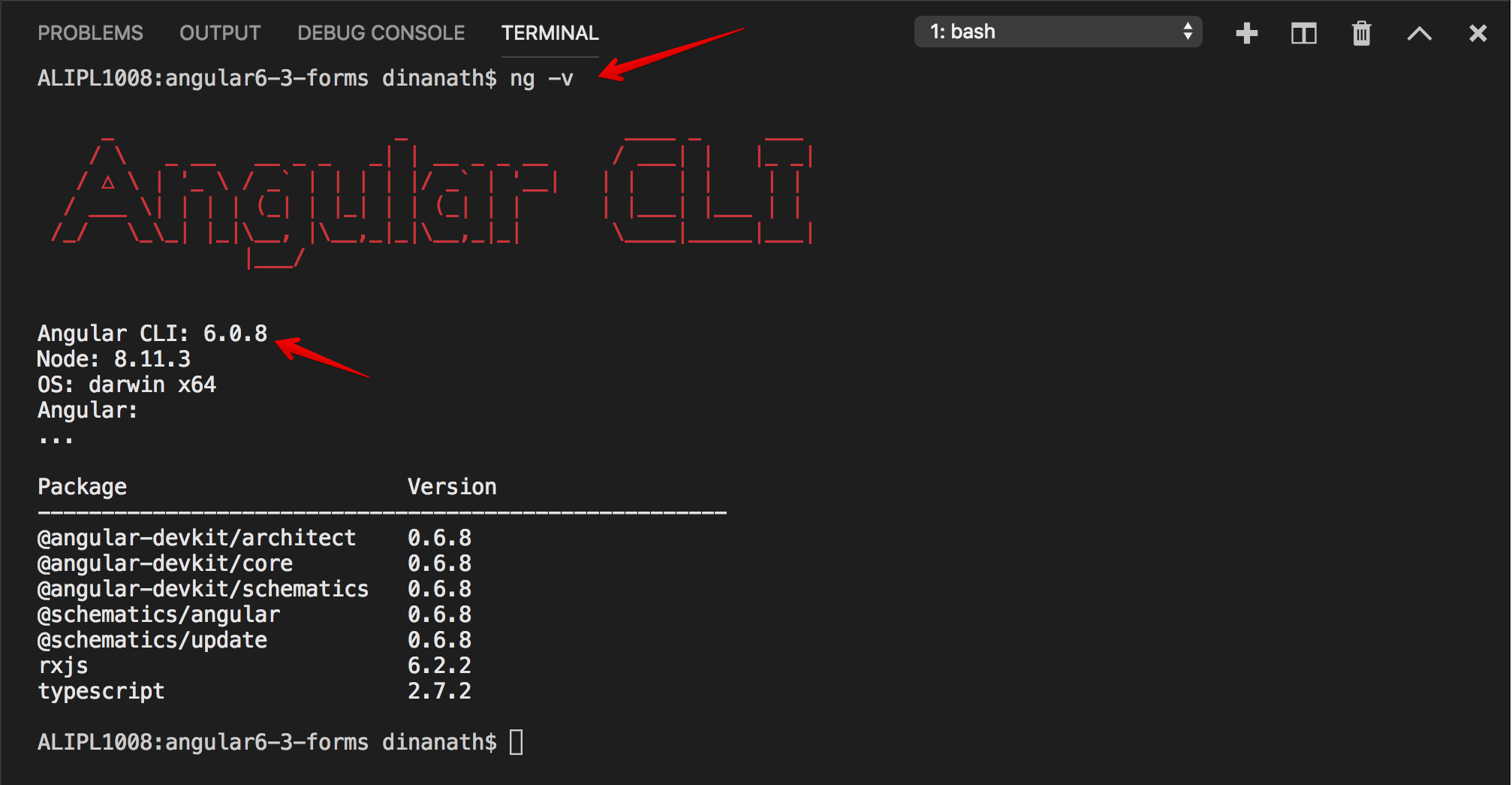
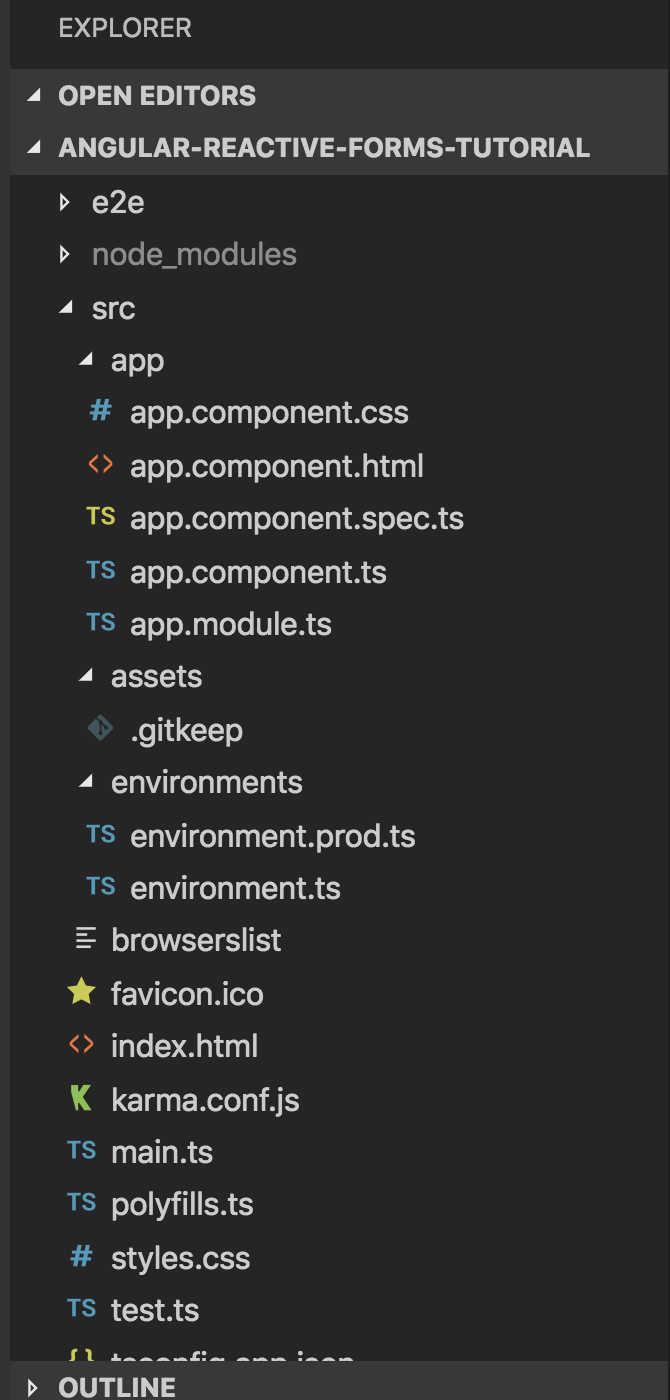
new Angular project with command at the console: ng new angular-reactive-forms-tutorialcd angular-reactive-forms-tutorial and check angular app folder structure
ng serve or ng serve -o or ng serve --open
-o or --open flag directly launch the application into default browser (default port is 4200)ng serve --port 5000 -ohttp://localhost:5000 to launch an angular application
Index.html file, in head element, link/import/include any front-end UI framework like Bootstrap or Zurb Foundation which helps to easily style our app/form layoutSyntax & Example: index.html
<link rel="stylesheet" href="https://cdnjs.cloudflare.com/ajax/libs/foundation/6.3.1/css/foundation.min.css">

or

<!-- link/import/include zurb foundation -->
<link rel="stylesheet" href="./assets/library/foundation.min.css">
check the angular app in browser fonts, etc changed?
inspect element the Zurb Foundation classes and properties applied to respective elements:
app.component.html delete all old code and add new markup to create form:Syntax & Example: app.component.html
<!-- show this template if name property not exist or form not submitted -->
<div *ngIf="!name; else formsubmitdata">

  <form>

    <div class="form-container">

      <div class="row columns">

        <h1>Beginners Simple Reactive Form</h1>

        <!-- name -->
        <label>Name
          <input type="text" placeholder="Enter Name">
        </label>

        <!-- description -->
        <label>Description
          <textarea placeholder="Enter Description"></textarea>
        </label>

        <!-- checkbox -->
        <label for="validate">Minimum of 5 Characters Name required</label>
        <input type="checkbox" name="validate" value="1"> ON

        <!-- submit button -->
        <input type="submit" class="button expanded" value="Submit Form">

      </div>

    </div>

  </form>

</div>

<!-- show this template if name property exists or form submitted -->
<ng-template #formsubmitdata>

  <div class="form-container">

    <div class="row columns">

      <h1>You Entered Name: {{ name }}</h1>

      <p>Your Description Details: {{ description }}</p>

    </div>

  </div>

</ng-template>

Zurb Foundation framework some styling applied, let us create some custom css style to make form/interface more attractive and intuativeSyntax & Example: styles.css
/* You can add global styles to this file, and also import other style files */

/* apply google font family */
@import url('https://fonts.googleapis.com/css?family=ZCOOL+XiaoWei');

body {
  background:rgba(148, 134, 93, 0.35);;
  /* font-family: 'ZCOOL XiaoWei', serif !important; */
}

* {
  font-family: 'ZCOOL XiaoWei', serif !important;
}

.form-container {
  display:block;
  width:90%;
  padding:2em;
  margin: 2em auto;
  background:#fff;
}

h1 {
  text-align: center;
  margin-bottom: 1rem;
  font-weight:bold;
}

.button {
  margin-top: 1rem;
  font-weight: bold;
}

/* error text message alert */
.alert {
  background: #f2dada;
  padding: 5px;
  font-size: .9em;
  margin-bottom: 15px;
  display: inline-block;
  animation: 2s alertAnim forwards;
}

/* animation effect for error text message alert */
@keyframes alertAnim {
  from {
    opacity:0;
    transform: translateY(-20px);
  }
  to {
    opacity:1;
    transform: translateY(0);
  }
}

'ReactiveFormsModule' which provides bunch of classes/directives/utilities necessary to build reactive/dynamic formsapp.module.ts: import { ReactiveFormsModule } from '@angular/forms';
Syntax & Example: app.module.ts
import { BrowserModule } from '@angular/platform-browser';
import { NgModule } from '@angular/core';
import { AppComponent } from './app.component';
import { ReactiveFormsModule } from '@angular/forms';

@NgModule({
  declarations: [
    AppComponent
  ],
  imports: [
    BrowserModule,
    ReactiveFormsModule
  ],
  providers: [],
  bootstrap: [AppComponent]
})
export class AppModule { }
FormGroup and FormControl are two important building blocks classes for reactive/dynamic forms
model in component class, FormGroup and FormControl classes used to make that modelFormGroup represents whole/entire form ( form is instance of FormGroup class )FormControl represents each form field ( form fields are instance of FormControl class )FormBuilder handle form control creation, dynamic/run time field/FormControl creationValidators helps to setup validation on each form controlapp.component.ts import { FormBuilder, FormGroup, Validators } from '@angular/forms'; and write following logical code to build reactive formSyntax & Example: app.component.ts
import { Component } from '@angular/core';
import { FormBuilder, FormGroup, Validators } from '@angular/forms';

@Component({
  selector: 'app-root',
  templateUrl: './app.component.html',
  styleUrls: ['./app.component.css']
})

export class AppComponent {

  simpleBegReactiveForm: FormGroup;     // form
  formSubmitPost: any;                  // A property for our submitted form
  name: string = '';                    // name text
  description: string = '';             // description text

  // create a FormBuilder dependecy injection
  constructor(private fb: FormBuilder) {

    // reference FormBuilder instance to control the validation of each form field
    this.simpleBegReactiveForm = fb.group({
      'name': ['', Validators.required],
      'description': ['', [Validators.required, Validators.minLength(30), Validators.maxLength(100)]],
      'validate': ''
    });

  }

  // handler to submit form
  submitFormData(formSubmitPost) {
    this.description = formSubmitPost.description;
    this.name = formSubmitPost.name;
  }

}
app.component.ts for specific field/controls and bind with form and input fields, ([formGroup]="simpleBegReactiveForm", formControlName="name" ...) Syntax & Example: app.component.html
<!-- show this template if name property not exist or form not submitted -->
<div *ngIf="!name; else formsubmitdata">

  <!-- associate the model with view -->
  <form [formGroup]="simpleBegReactiveForm" (ngSubmit)="submitFormData(simpleBegReactiveForm.value)">

    <div class="form-container">

      <div class="row columns">

        <h1>Beginners Simple Reactive Form</h1>

        <!-- name -->
        <label>Name
          <input type="text" placeholder="Enter Name" formControlName="name">
        </label>

        <!-- description -->
        <label>Description
          <textarea formControlName="description"></textarea>
        </label>

        <!-- checkbox -->
        <label for="validate">Minimum of 5 Characters Name required</label>
        <input type="checkbox" name="validate" value="1" formControlName="validate" > ON

        <!-- submit button -->
        <input type="submit" class="button expanded" value="Submit Form" [disabled]="!simpleBegReactiveForm.valid">

      </div>

    </div>

  </form>

</div>

Syntax & Example: app.component.html
<!-- show name alert text -->
<div class="alert" *ngIf="!simpleBegReactiveForm.controls['name'].valid && simpleBegReactiveForm.controls['name'].touched">{{ titleAlertText }}</div>

<!-- show name description text -->
<div class="alert" *ngIf="!simpleBegReactiveForm.controls['description'].valid && simpleBegReactiveForm.controls['description'].touched">{{ descriptionAlertText }}</div>
Syntax & Example: app.component.ts
titleAlertText = 'Name field is required';
descriptionAlertText = 'Specify Description between 30 to 100 characters';

ON than Name must required with 5 characters else any charactersvalueChanges property helps to track the current value of any controls as a observablessetValidators methods - set desired validators to formControl/fieldclearValidators methods - clears validators from formControl/fieldupdateValueAndValidity method to reflect latest statusSyntax & Example: app.component.ts
ngOnInit() {

  // subscribe checkbox
  this.simpleBegReactiveForm.get('validate').valueChanges.subscribe(

  (validate) => {

    if (validate == '1') {
      // name field set/unset `required` validators
      this.simpleBegReactiveForm.get('name').setValidators([Validators.required, Validators.minLength(5)]);
      this.titleAlertText = 'Specify Name with 5 characters';
    } else {
      this.simpleBegReactiveForm.get('name').setValidators(Validators.required);
      this.titleAlertText = 'Name field is required';
    }
    // to reflect latest correct status
    this.simpleBegReactiveForm.get('name').updateValueAndValidity();

  });
}


Syntax & Example: index.html
<!doctype html>
  <html lang="en">

    <head>
      <meta charset="utf-8">
      <title>AngularReactiveFormsTutorial</title>
      <base href="/">

      <meta name="viewport" content="width=device-width, initial-scale=1">
      <link rel="icon" type="image/x-icon" href="favicon.ico">

      <!-- link/import/include zurb foundation -->
      <link rel="stylesheet" href="./assets/library/foundation.min.css">

    </head>

    <body>
      <app-root></app-root>
    </body>

  </html>
Syntax & Example: app.component.html
<!-- show this template if name property not exist or form not submitted -->
<div *ngIf="!name; else formsubmitdata">

  <!-- associate the model with view -->
  <form [formGroup]="simpleBegReactiveForm" (ngSubmit)="submitFormData(simpleBegReactiveForm.value)">

    <div class="form-container">

      <div class="row columns">

        <h1>Beginners Simple Reactive Form</h1>

        <!-- name -->
        <label>Name
          <input type="text" placeholder="Enter Name" formControlName="name">
        </label>

        <!-- show name alert text -->
        <div class="alert" *ngIf="!simpleBegReactiveForm.controls['name'].valid && simpleBegReactiveForm.controls['name'].touched">{{ titleAlertText }}</div>

        <!-- description -->
        <label>Description
          <textarea formControlName="description"></textarea>
        </label>

        <!-- show name description text -->
        <div class="alert" *ngIf="!simpleBegReactiveForm.controls['description'].valid && simpleBegReactiveForm.controls['description'].touched">{{ descriptionAlertText }}</div>

        <!-- checkbox -->
        <label for="validate">Minimum of 5 Characters Name required</label>
        <input type="checkbox" name="validate" value="1" formControlName="validate" > ON

        <!-- submit button -->
        <input type="submit" class="button expanded" value="Submit Form" [disabled]="!simpleBegReactiveForm.valid">

      </div>

    </div>

  </form>

</div>

<!-- show this template if name property exists or form submitted -->
<ng-template #formsubmitdata>

  <div class="form-container">

    <div class="row columns">

      <h2>You Entered Name: {{ name }}</h2>

      <p>Your Description Details: {{ description }}</p>

    </div>

  </div>

</ng-template>
Syntax & Example: styles.css
/* You can add global styles to this file, and also import other style files */

/* apply google font family */
@import url('https://fonts.googleapis.com/css?family=ZCOOL+XiaoWei');

body {
  background:rgba(148, 134, 93, 0.35);;
  /* font-family: 'ZCOOL XiaoWei', serif !important; */
}

* {
  font-family: 'ZCOOL XiaoWei', serif !important;
}

.form-container {
  display:block;
  width:90%;
  padding:2em;
  margin: 2em auto;
  background:#fff;
}

h1 {
  text-align: center;
  margin-bottom: 1rem;
  font-weight:bold;
}

.button {
  margin-top: 1rem;
  font-weight: bold;
}

/* error text message alert */
.alert {
  background: #f2dada;
  padding: 5px;
  font-size: .9em;
  margin-bottom: 15px;
  display: inline-block;
  animation: 2s alertAnim forwards;
}

/* animation effect for error text message alert */
@keyframes alertAnim {
  from {
    opacity:0;
    transform: translateY(-20px);
  }
  to {
    opacity:1;
    transform: translateY(0);
  }
}
Syntax & Example: app.module.ts
import { BrowserModule } from '@angular/platform-browser';
import { NgModule } from '@angular/core';
import { AppComponent } from './app.component';
import { ReactiveFormsModule } from '@angular/forms';

@NgModule({
  declarations: [
    AppComponent
  ],
  imports: [
    BrowserModule,
    ReactiveFormsModule
  ],
  providers: [],
  bootstrap: [AppComponent]
})
export class AppModule { }
Syntax & Example: app.component.ts
import { Component } from '@angular/core';
import { FormBuilder, FormGroup, Validators } from '@angular/forms';

@Component({
  selector: 'app-root',
  templateUrl: './app.component.html',
  styleUrls: ['./app.component.css']
})

export class AppComponent {

  simpleBegReactiveForm: FormGroup;     // form
  formSubmitPost: any;                  // A property for our submitted form
  name: string = '';                    // name text
  description: string = '';             // description text

  titleAlertText = 'Name field is required';
  descriptionAlertText = 'Specify Description between 30 to 100 characters';

  // create a FormBuilder dependecy injection
  constructor(private fb: FormBuilder) {

    // reference FormBuilder instance to control the validation of each form field
    this.simpleBegReactiveForm = fb.group({
      'name': ['', Validators.required],
      'description': ['', [Validators.required, Validators.minLength(30), Validators.maxLength(100)]],
      'validate': ''
    });

  }

  // handler to submit form
  submitFormData(formSubmitPost) {
    this.description = formSubmitPost.description;
    this.name = formSubmitPost.name;
  }

  ngOnInit() {

    // subscribe checkbox
    this.simpleBegReactiveForm.get('validate').valueChanges.subscribe(

    (validate) => {

      if (validate == '1') {
        // name field set/unset `required` validators
        this.simpleBegReactiveForm.get('name').setValidators([Validators.required, Validators.minLength(5)]);
        this.titleAlertText = 'Specify Name with 5 characters';
      } else {
        this.simpleBegReactiveForm.get('name').setValidators(Validators.required);
        this.titleAlertText = 'Specify Name with 5 characters';
      }
      // to reflect latest correct status
      this.simpleBegReactiveForm.get('name').updateValueAndValidity();

    });
  }

}
dinanathsj29/angular-forms-reactive-tutorial is a public repo on GitHub by dinanathsj29. Lets have a quick overview of Angular's Reactive Model Driven Forms with live practical example.
It declares no license on GitHub. Public does not mean open source: without a license, nobody is granted the right to reuse it.
Its maker has not tagged a system, so it is unknown here. Its README says what it needs.
Open "Take it" on its page: Take My Repo writes an install plan for your machine and hands it to your AI agent (Claude Code, Codex or Cursor), which asks you before each step. Take My Repo has not tested it on any machine.
JSON Schema form builder for Angular, with Material, Bootstrap 3, Bootstrap 4, Bootstrap 5 and primeNG widgets
Its last change on GitHub was on 2023-01-01. Take My Repo does not judge from that whether it is maintained.
Nobody has reviewed it on Take My Repo yet, which says nothing about its quality.
Learn Angular's dynamic Reactive Forms (Model Driven) step-by-step with live example.
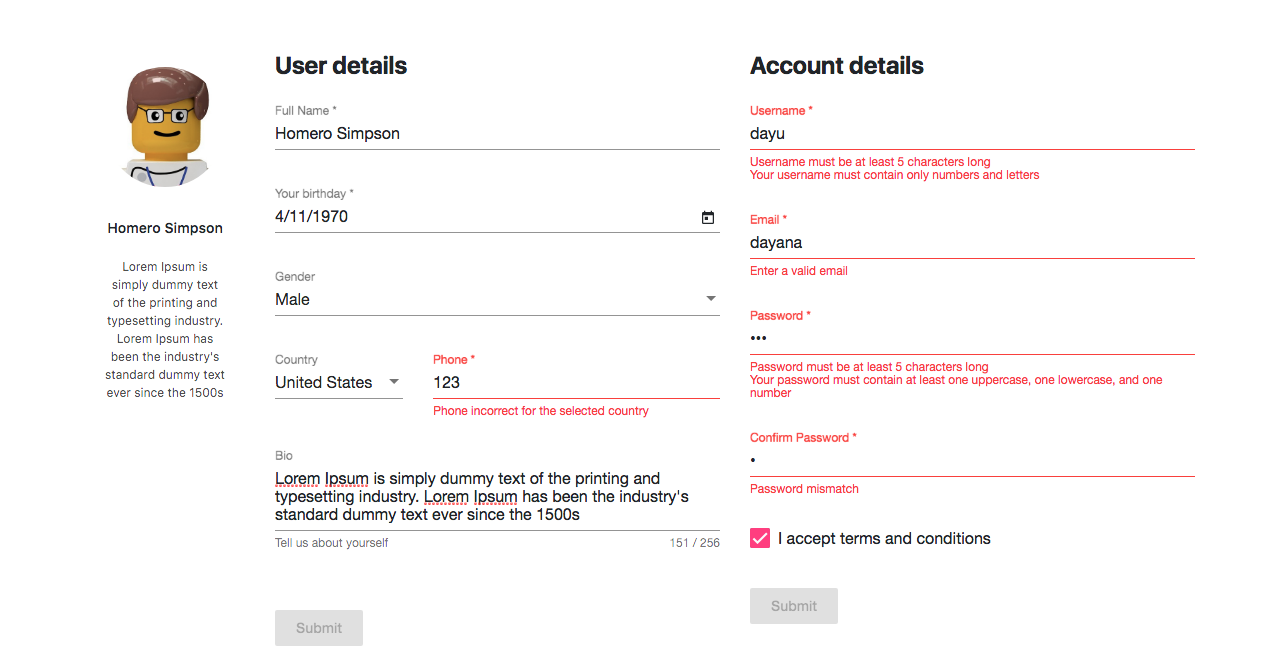
😺 We created this #angular forms tutorial to help you learn everything about Angular forms validations in angular apps. These angular forms examples are updated using the best coding practices to build Angular apps with Material Design.
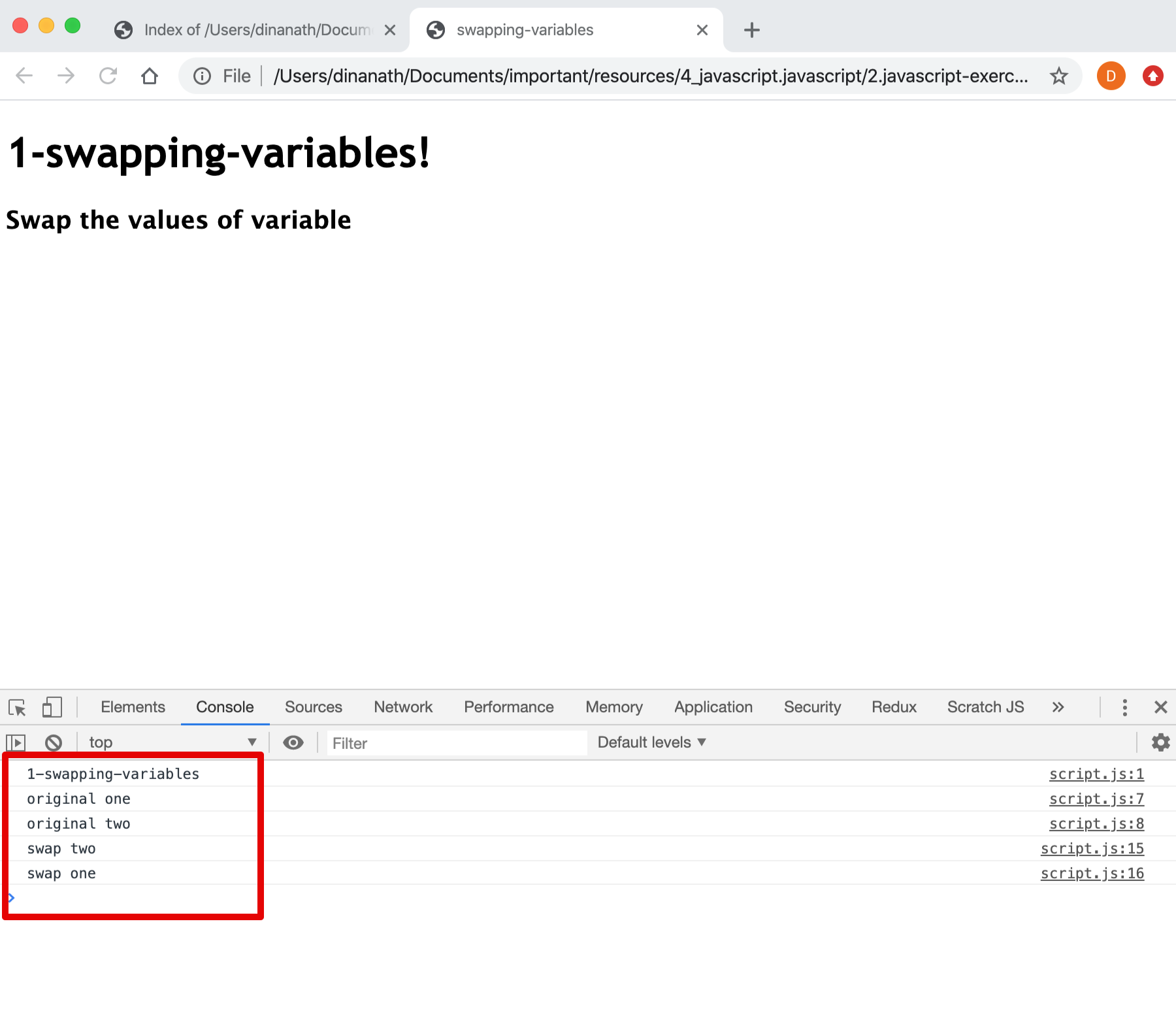
A JavaScript tutorials for beginners, An introduction to JavaScript programming languages building blocks, step-by-step guide to JavaScript
Lets go-through, learn and understand different logical Javascript exercises and algorithms for beginners.
A HTML5 tutorials for beginners, An introduction to HTML5 building blocks, step-by-step guide to HTML5
A Web concepts tutorials for beginners, An introduction to Web Design Development core terminologies and fundamentals
A Typescript fundamentals tutorials for beginners, An introduction & step-by-step guide to Typescript language latest features in combination with ECMAScript 5,6,7
Learn to write Unit Testing and Integration Testing of Angular application for multiple types of components, directives, dependencies, routers and services.