coolify
An open-source, self-hostable PaaS alternative to Vercel, Heroku & Netlify that lets you easily deploy static sites, databases, full-stack applications and 360+ one-click services on your own servers.
- 66k
- PHP
- Apache-2.0
- 1 d ago
Python-based RL deployment for TRON1 robots — ONNX runtime inference, MuJoCo simulation, and real-robot deployment
Repo limxdynamics/tron1-rl-deploy-python, read from GitHub 1 h ago. limxdynamics has not joined Take My Repo.
limxdynamics/tron1-rl-deploy-python is a public repo on GitHub by limxdynamics. Python-based RL deployment for TRON1 robots — ONNX runtime inference, MuJoCo simulation, and real-robot deployment. It declares the Apache-2.0 license on GitHub. It is written mainly in Python, has 32 stars and last changed on 2026-11-05. Nobody has reviewed it on Take My Repo yet, which says nothing about its quality. Read from GitHub on 2026-11-22.
English | 中文
For partnership and procurement inquiries, contact opensource@limxdynamics.com
Part of the TRON1 open-source ecosystem. Where to start and the other TRON1 repositories: TRON1 quick start.
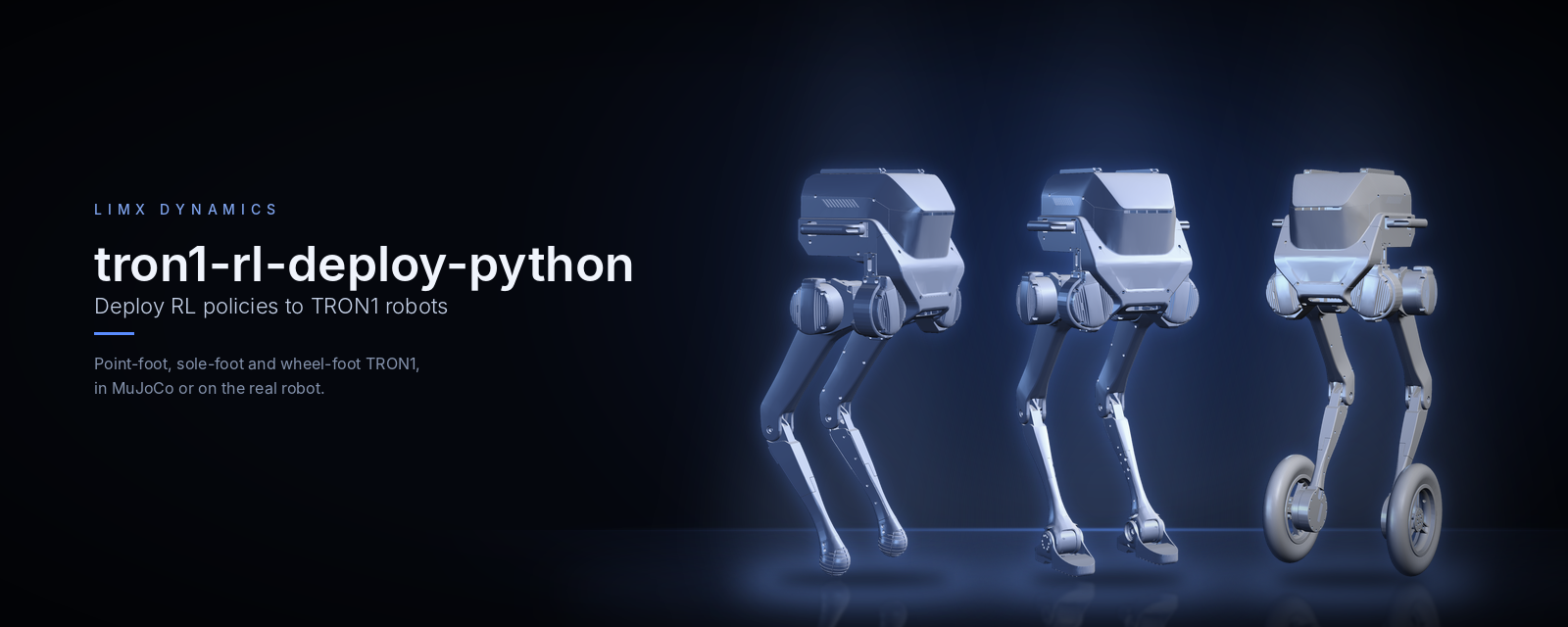
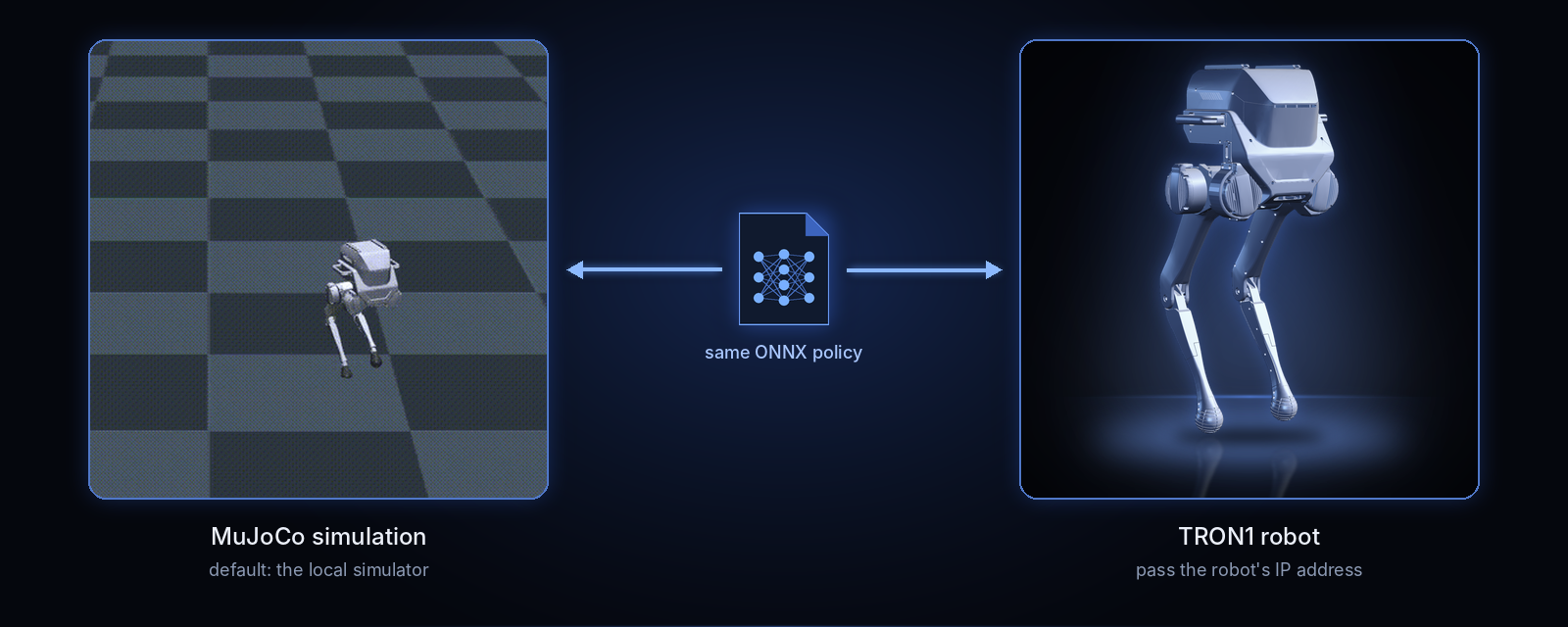
Python deployment of reinforcement-learning locomotion policies on the
TRON1 biped: point-foot (PF_*), sole-foot (SF_*) and wheel-foot
(WF_*). main.py loads an ONNX policy and history encoder with
onnxruntime and sends joint targets through the LimX low-level SDK, either
to the tron1-mujoco-sim
simulator or to a real robot.
ROBOT_TYPE selects the model; the
PF_ / SF_ / WF_ prefix picks the point-foot, sole-foot or wheel-foot
controller.RL_TYPE=isaacgym or RL_TYPE=isaaclab chooses one.python main.py <robot-ip> drives the robot.| Family | ROBOT_TYPE |
Joints / policy actions | |
|---|---|---|---|
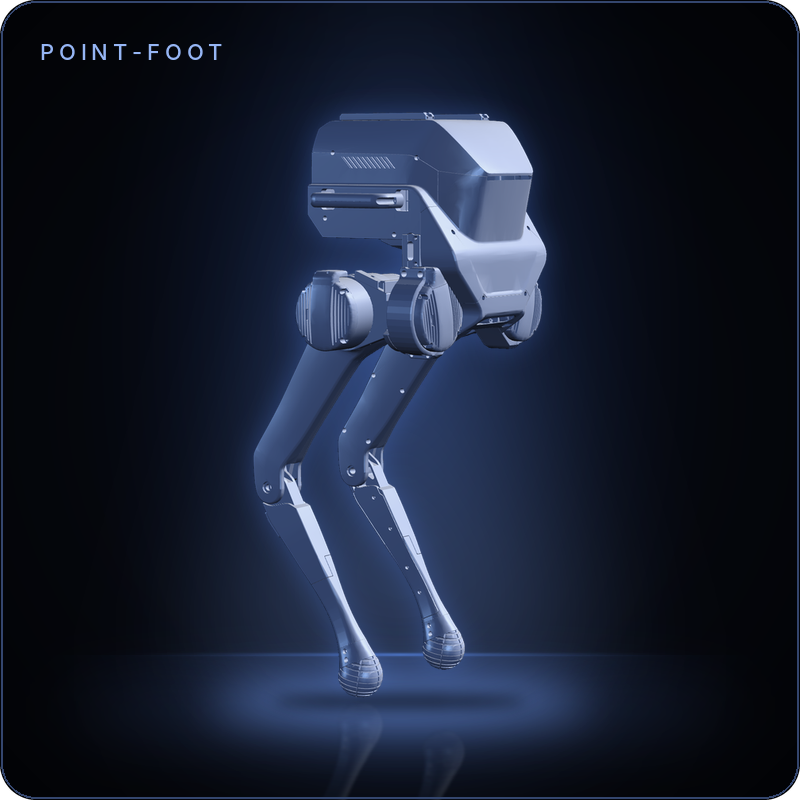 |
Point-foot | PF_TRON1A, PF_TRON1B, PF_P441A, PF_P441B, PF_P441C, PF_P441C2 |
6 / 6 |
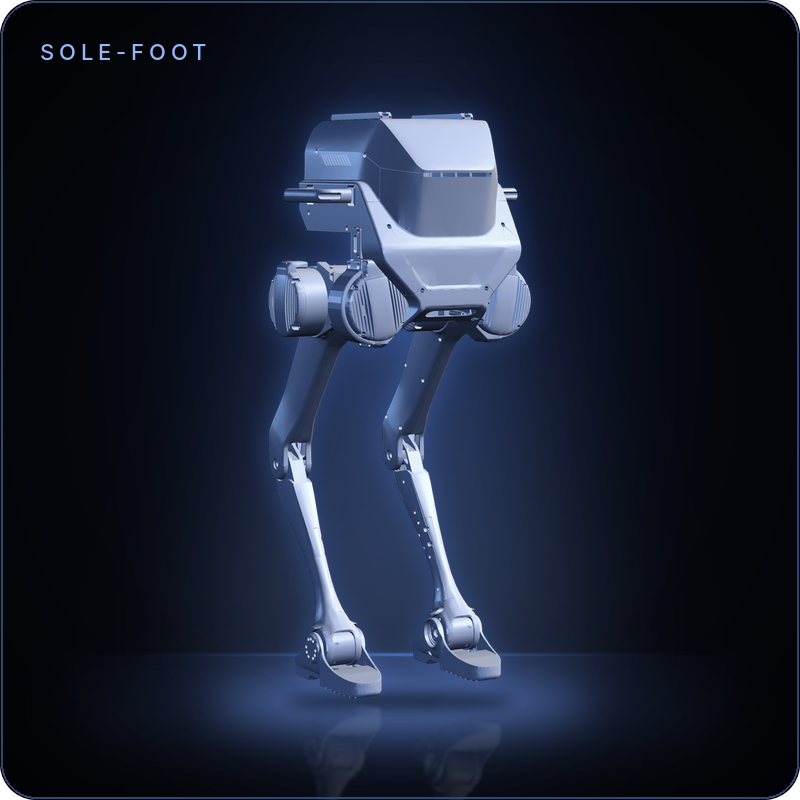 |
Sole-foot | SF_TRON1A, SF_TRON1B |
8 / 8 |
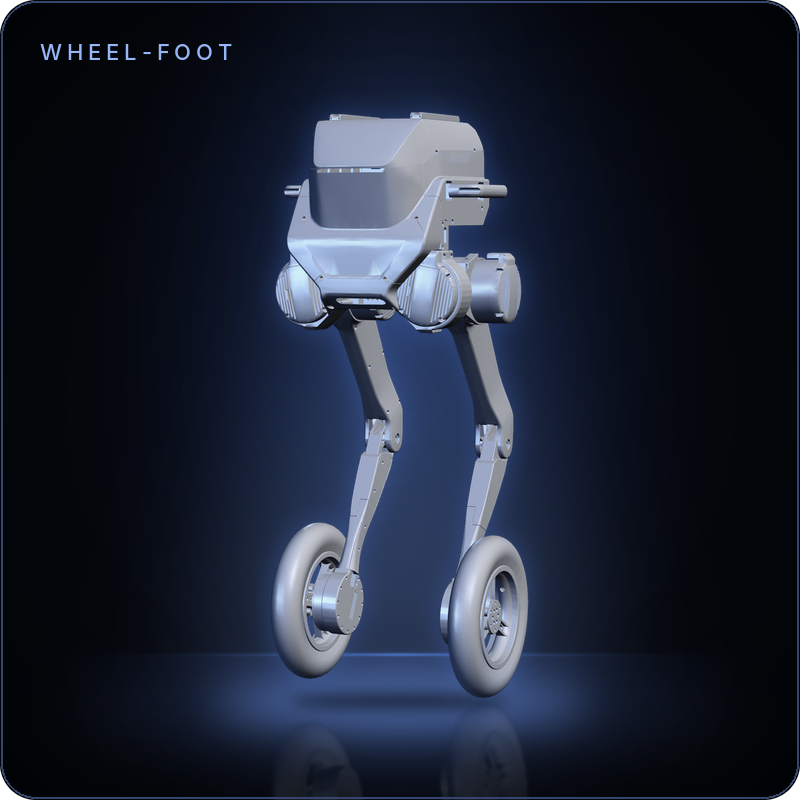 |
Wheel-foot | WF_TRON1A, WF_TRON1B |
8 / 8 |
Each model directory under controllers/model/ holds params.yaml and the
policy pair at policy/$RL_TYPE/policy.onnx and policy/$RL_TYPE/encoder.onnx.
The control loop runs at 500 Hz and the policy at 50 Hz (loop_frequency: 500,
decimation: 10).
Linux x86_64 or aarch64, Python 3, CPU only. Run the commands below from the directory that holds both clones.
1. Clone this repository and the simulator. Submodules carry the SDK, the robot descriptions and the virtual joystick.
git clone --recurse-submodules https://github.com/limxdynamics/tron1-rl-deploy-python.git
git clone --recurse-submodules https://github.com/limxdynamics/tron1-mujoco-sim.git
2. Install the low-level SDK — the wheel ships in the limxsdk-lowlevel
submodule, so initialise it first if you cloned without --recurse-submodules
(git submodule update --init):
# Linux x86_64
pip install tron1-rl-deploy-python/limxsdk-lowlevel/python3/amd64/limxsdk-*.whl
# Linux aarch64
pip install tron1-rl-deploy-python/limxsdk-lowlevel/python3/aarch64/limxsdk-*.whl
3. Install the controller dependencies:
pip install numpy pyyaml scipy onnxruntime mujoco
4. Select the model and the policy source. ROBOT_TYPE comes from the
table above, RL_TYPE is isaacgym or isaaclab. Both terminals need both
variables.
export ROBOT_TYPE=PF_TRON1A
export RL_TYPE=isaacgym
5. Start the simulator, then the controller — one terminal each:
python tron1-mujoco-sim/simulator.py      # terminal 1
python tron1-rl-deploy-python/main.py     # terminal 2
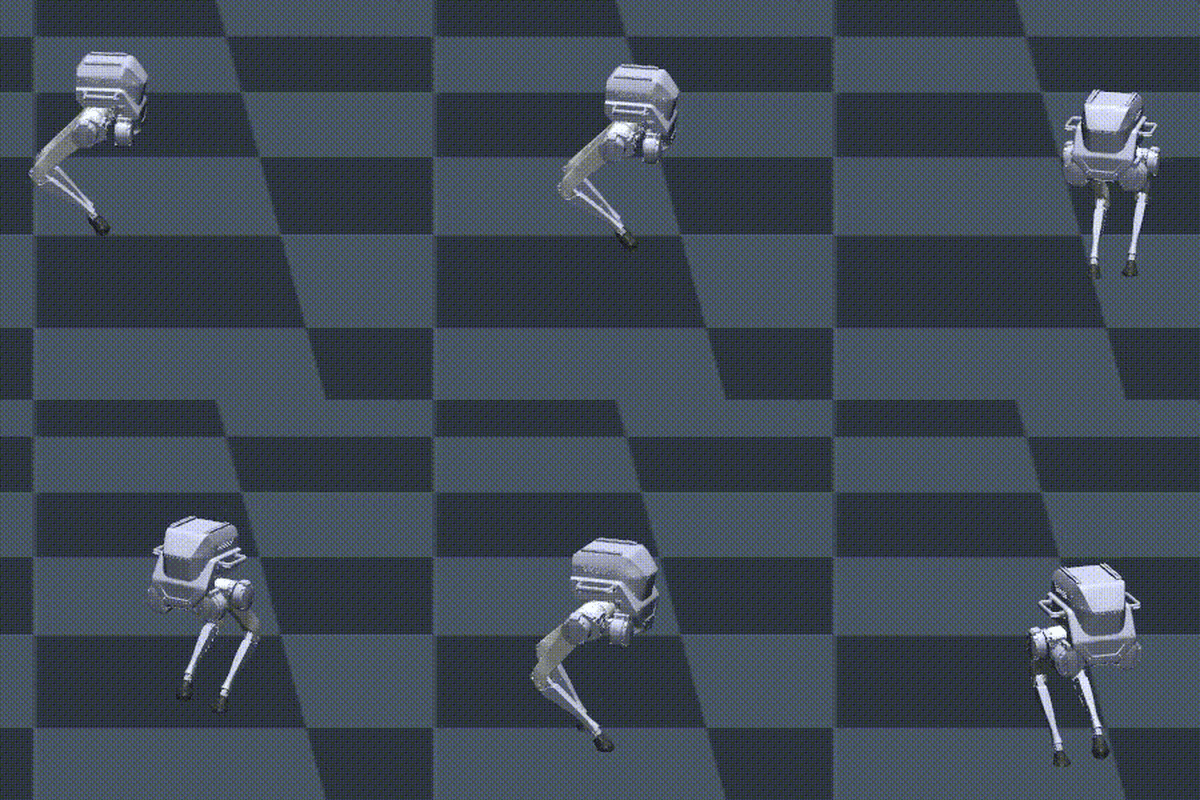
The robot falls in the simulator until the controller is running. Once
main.py is up, press Backspace in the MuJoCo window to reset the robot;
it stands up and starts walking in place. Drive it with the virtual joystick
below.
If pip refuses to install outside a virtual environment
(externally-managed-environment), or the simulator needs more setup, see the
tron1-mujoco-sim README.
./tron1-mujoco-sim/robot-joystick/robot-joystick
Axes, as read by the controllers:
| Axis | Command | Range |
|---|---|---|
axes[1] |
Forward / backward | ±0.5 m/s |
axes[0] |
Sideways | ±0.5 m/s |
axes[2] |
Turn (yaw) | ±0.5 rad/s |
Pass the robot's IP address to main.py, with ROBOT_TYPE and RL_TYPE set
as in step 4:
python main.py <robot-ip>
On the robot the controller does not start by itself. It waits until the
robot reports calibration state 0 (printed as Calibration state: 0), then
starts when you press L1 + Y on the remote. L1 + X stops the
controller: it sends zero stiffness with damping on every joint and exits.
| Buttons | Action |
|---|---|
| L1 + Y | Start the controller (after calibration state 0) |
| L1 + X | Stop: zero stiffness, damping only, then exit |
| Sticks | Velocity commands, see the joystick section |
Checked in the MuJoCo simulator with tron1-mujoco-sim, limxsdk 3.4.0 and
ONNX Runtime 1.31 on Linux x86_64. Every ROBOT_TYPE was run with both
RL_TYPE=isaacgym and RL_TYPE=isaaclab and zero joystick command. After the
reset, every combination stood up and held its base height for 10 s.
Point-foot models step in place and drift 0.7 to 1.7 m over those 10 s;
sole-foot and wheel-foot models drift 0.4 m or less. The real-robot path
(main.py <robot-ip>) was not tested on hardware.
limxdynamics/tron1-rl-deploy-python is a public repo on GitHub by limxdynamics. Python-based RL deployment for TRON1 robots — ONNX runtime inference, MuJoCo simulation, and real-robot deployment.
It declares the Apache-2.0 license on GitHub.
Its maker tagged it for Linux. That is declared by the maker; Take My Repo has not tested it.
Open "Take it" on its page: Take My Repo writes an install plan for your machine and hands it to your AI agent (Claude Code, Codex or Cursor), which asks you before each step. Take My Repo has not tested it on any machine.
Its last change on GitHub was on 2026-11-05. GitHub counts 2 open issues and pull requests. Take My Repo does not judge from that whether it is maintained.
An open-source, self-hostable PaaS alternative to Vercel, Heroku & Netlify that lets you easily deploy static sites, databases, full-stack applications and 360+ one-click services on your own servers.
Nobody has reviewed it on Take My Repo yet, which says nothing about its quality.

Multi-Joint dynamics with Contact. A general purpose physics simulator.
:house_with_garden: Open source home automation that puts local control and privacy first.
π RuView turns commodity WiFi signals into real-time spatial intelligence, vital sign monitoring, and presence detection — all without a single pixel of video.
Ray is an AI compute engine. Ray consists of a core distributed runtime and a set of AI Libraries for accelerating ML workloads.
MuJoCo simulation environment for TRON1 point-foot, sole-foot and wheel-foot robots — Sim-to-Real validation and RL policy evaluation
Deployment-focused fork of OpenPI for LimX TRON2 manipulation — pi0.5 policy serving, task fine-tuning, TRON2 transforms, and real-robot client examples.
Official home of the LimX Dynamics open-source ecosystem — humanoid robots, legged robots, locomotion & manipulation, and embodied AI.
ROS Noetic RL deployment workspace for TRON1 robots — ONNX runtime, real-robot control, and sim-to-real transfer
URDF/Xacro robot models for TRON1 — ROS 1/2, MuJoCo & simulation ready
Python RL deployment for LimX humanoid — ONNX runtime, MuJoCo sim & real-robot